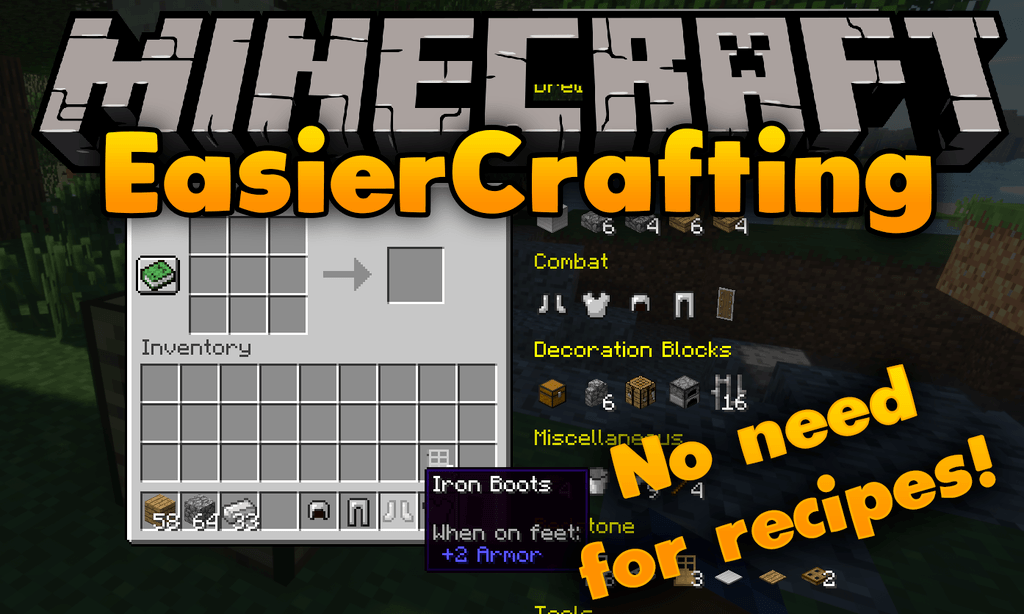
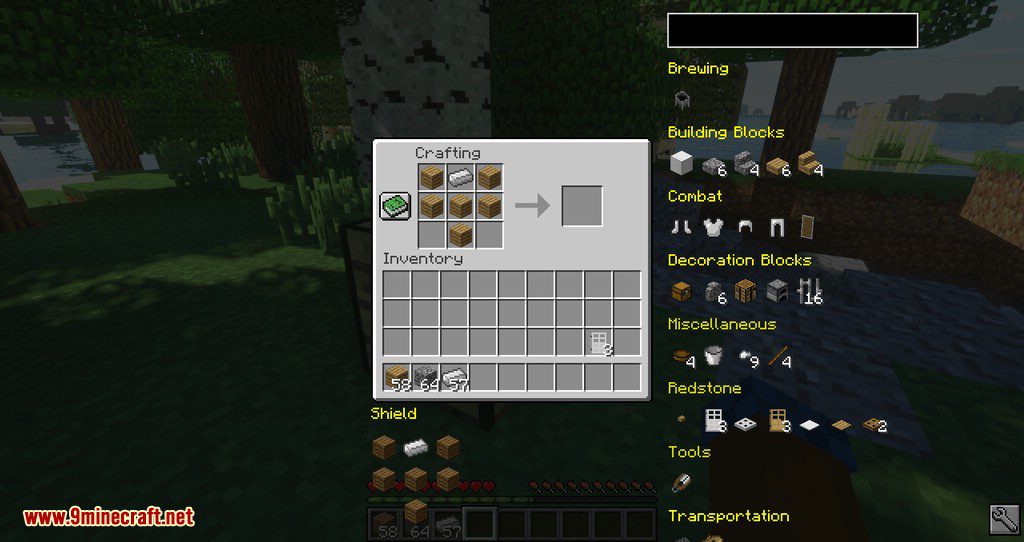
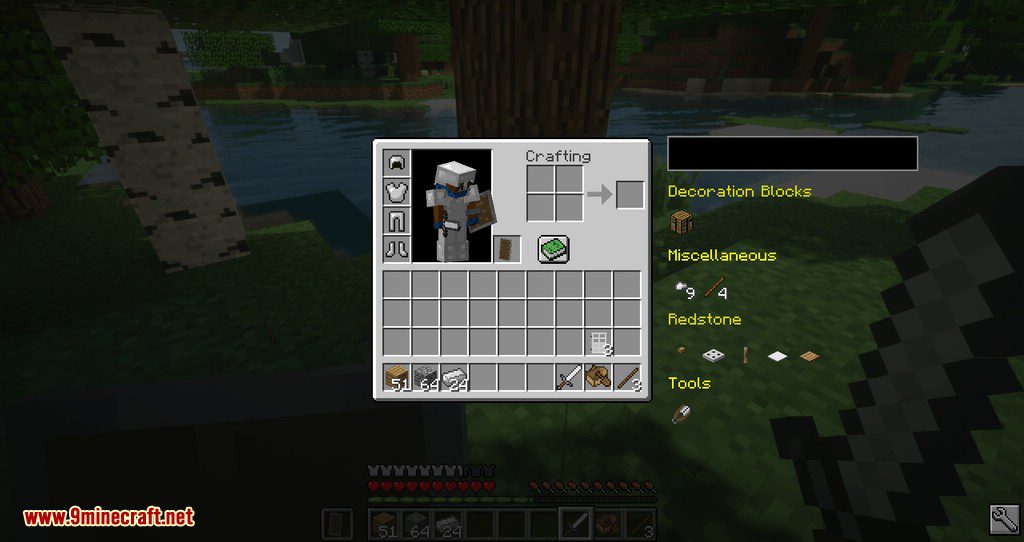
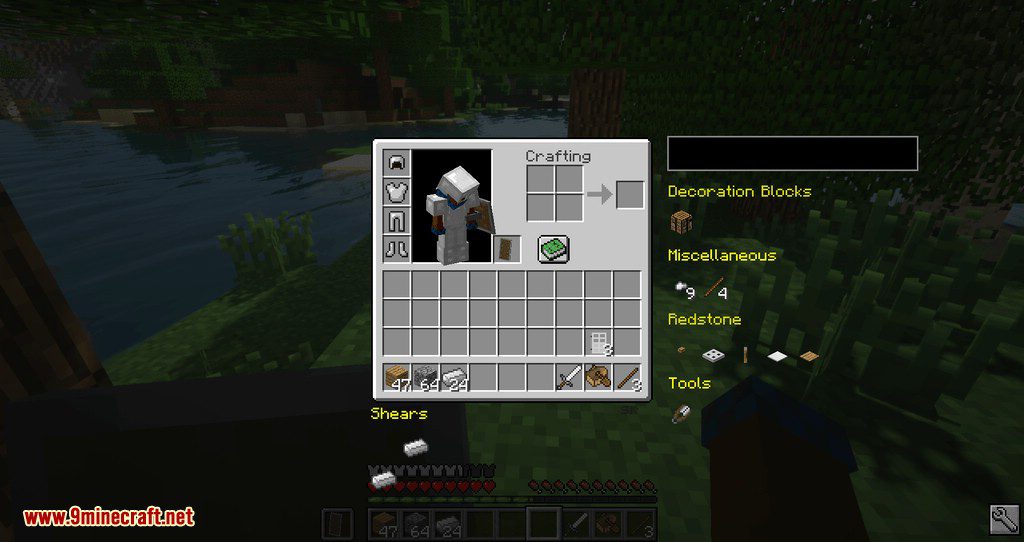
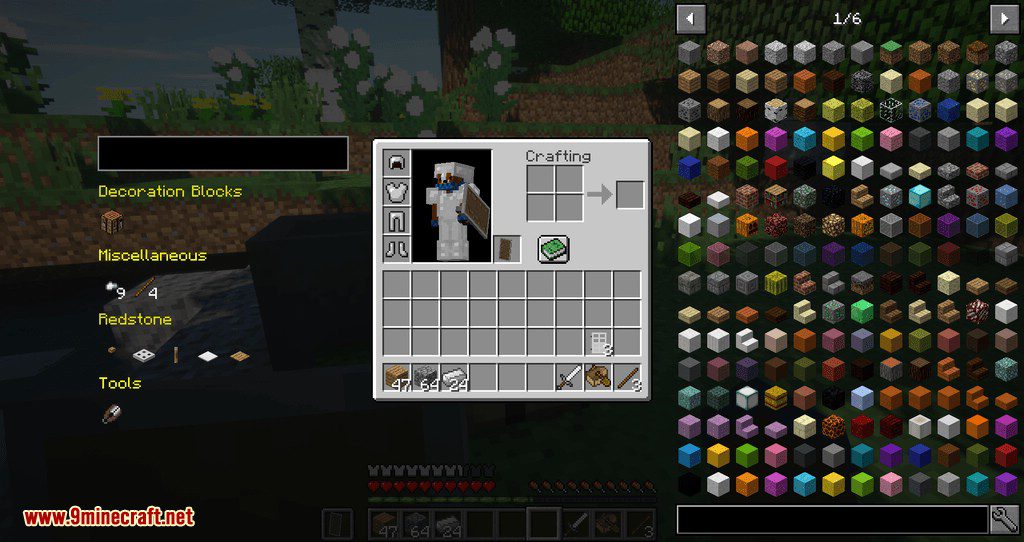
Easier Crafting Mod makes crafting easier by displaying a list of items you can craft using your current inventory. Clicking one of these items will craft this item once, while Shift-Clicking an item will fill the crafting grid once, and shift-click the output field to craft as many items as possible. Crafting stuff is only one mouse click away! This mod knows recipes and tells you what you can craft. Also, if you’re not sure about a specific recipe, you can enter the (partial) name of the output item in a text box above the recipe list; getting a list of all craftable items that match that name, no matter if you have the ingredients. Moving your mouse to one of these items will show you the recipe.
This mod will not fill the crafting grid more than once per click, so you can’t craft your whole inventory at once. This is for the benefit of servers that allow mods, but don’t want mods to be able to do “more” than vanilla Minecraft – if you want to convert your whole inventory of sugar cane to paper, you’ll have to keep shift-clicking the paper icon, converting one crafting grid (3 stacks) at a time.
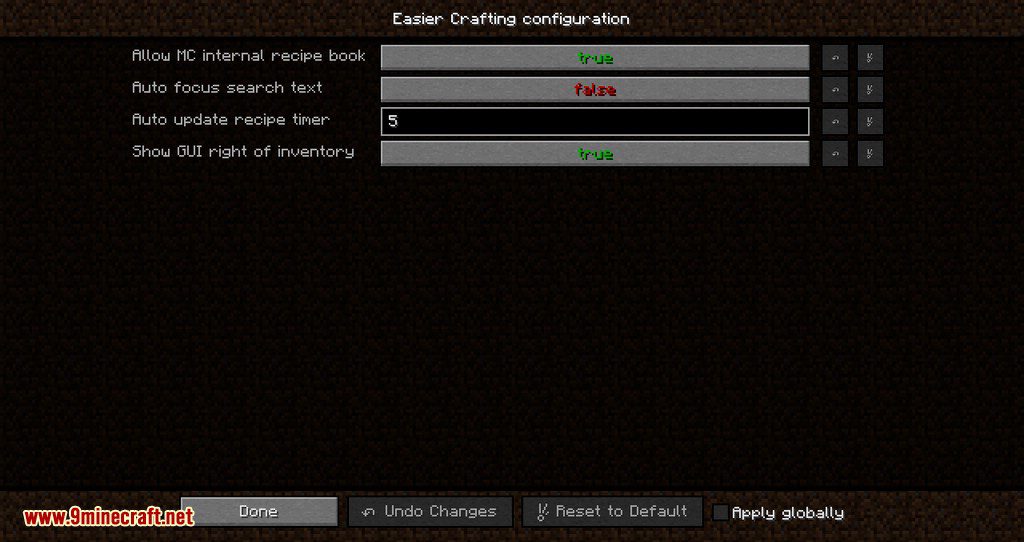
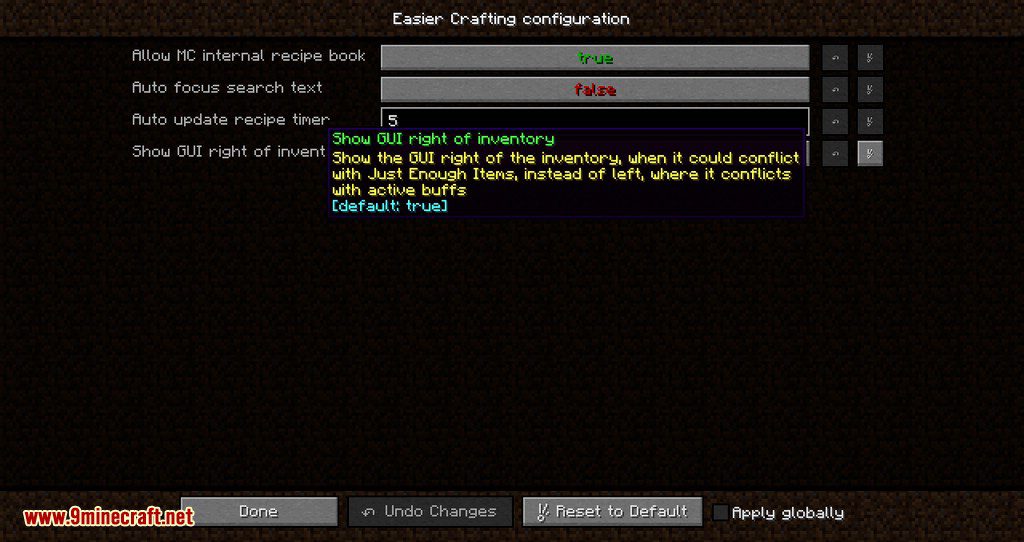
For Rift Users: you can configure settings now by going to Options/Resource Packs, hovering the mouse over the mod image, and clicking the book that appears.
Screenshots:
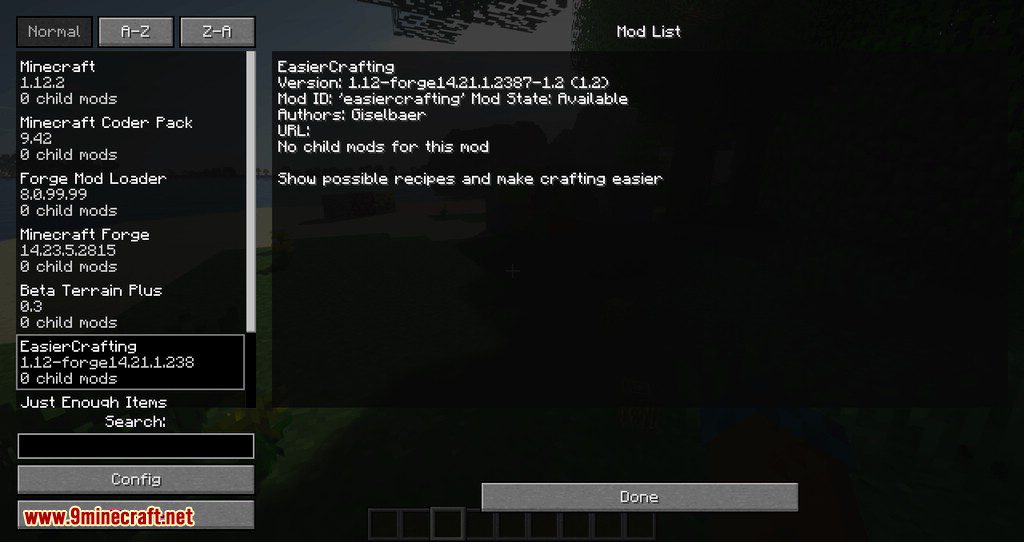
Show possible recipes and make crafting easier.
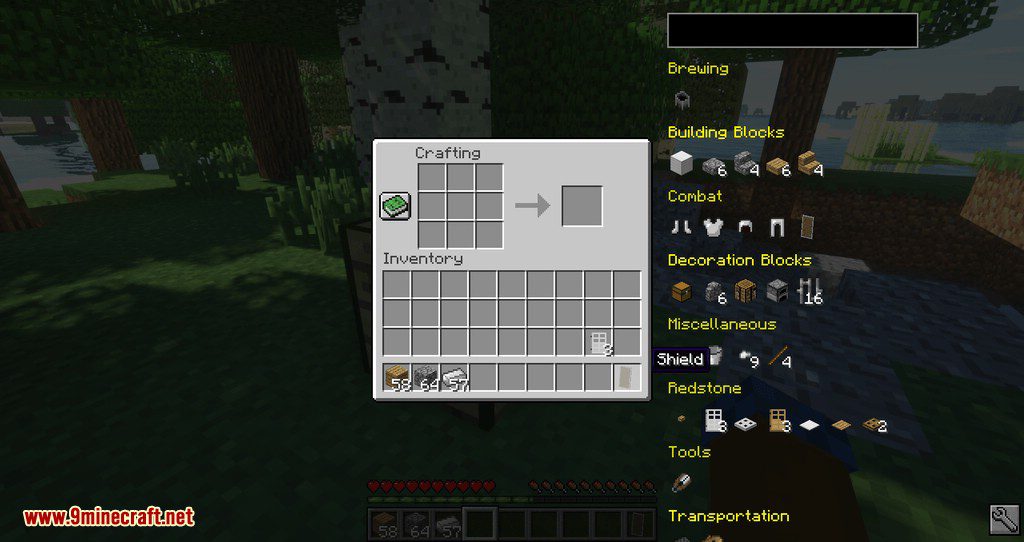
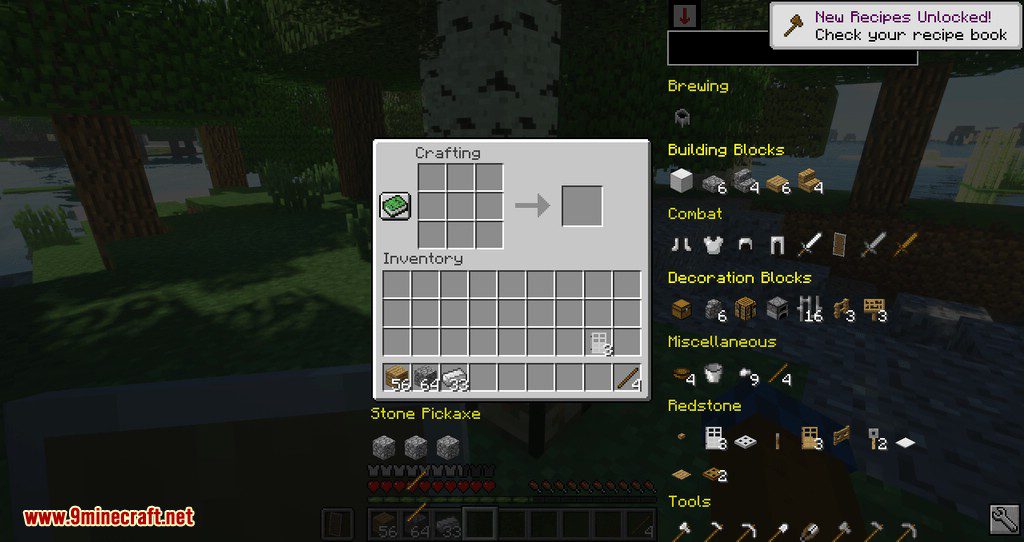
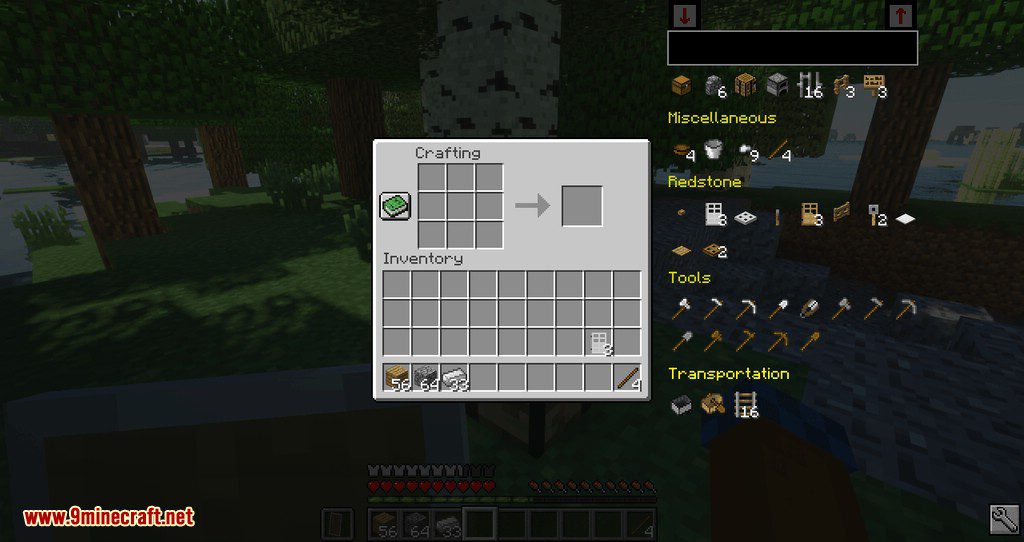
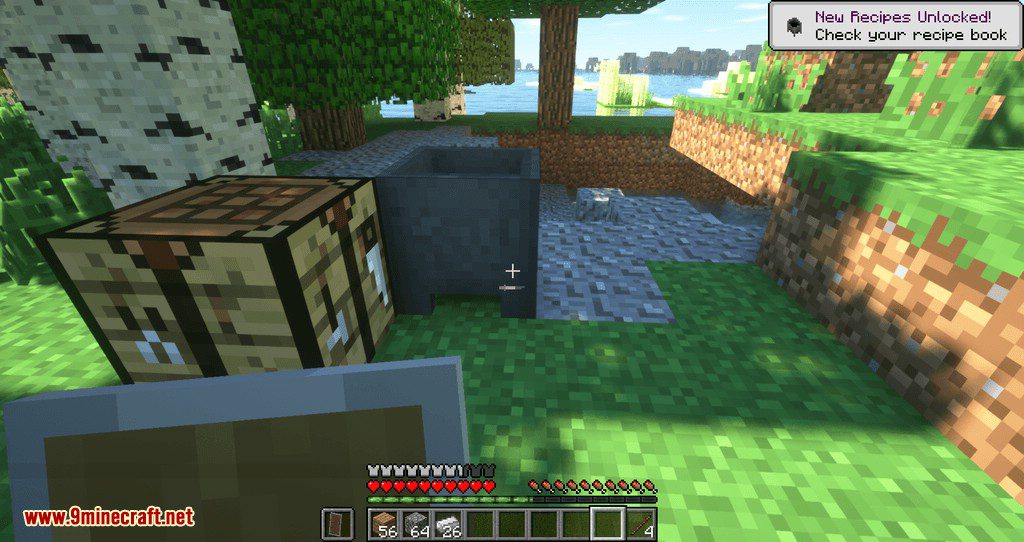
Easier Crafting Mod Download Links
For Minecraft 1.20.4
Fabric version: Download from Server 1 – Download from Server 2
For Minecraft 1.19.3
Fabric version: Download from Server 1 – Download from Server 2
For Minecraft 1.19.2
Fabric version: Download from Server 1
For Minecraft 1.18.2
Fabric version: Download from Server 1
For Minecraft 1.17.1
Fabric version: Download from Server 1
For Minecraft 1.16.5
Fabric version: Download from Server 1
For Minecraft 1.15.2, 1.15.1
Fabric version: Download from Server 1
For Minecraft 1.12.2
- Edition: Minecraft Java
- File type: .jar
- Minecraft versions listed: 1.20.4, 1.19.3
- How to install: Install the matching mod loader (Forge, Fabric or NeoForge) for your Minecraft version. → Download the .jar. → Put it in the .minecraft/mods folder and launch that loader profile.
- Where to get it: In MC Java Mods, or directly above on this page.
Install steps are the general flow for this file type — How to install Minecraft Java mods & modpacks walks through it step by step.
- Downloads as 203882.mcaddon
- Download size: 214 KB
- Download link checked 30 Jul 2026 — working
- Mirrored on our own servers — the download does not depend on the original host
These come from our own check of the pack file, not from the source page.