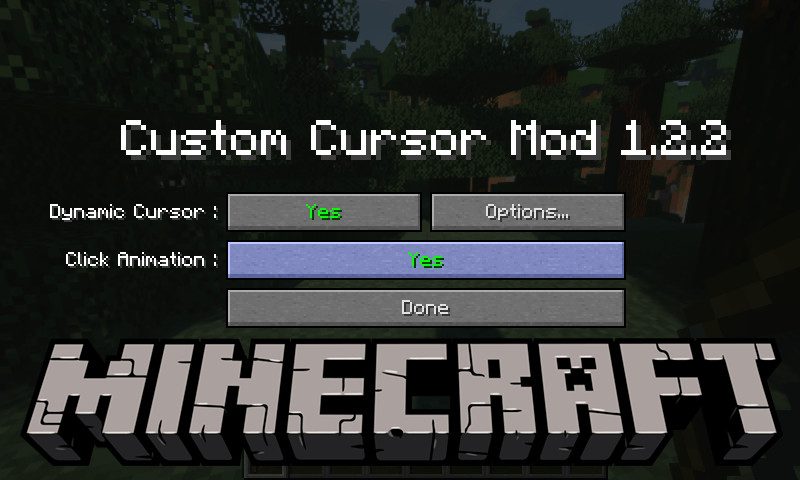
Cursor Mod (1.19.3, 1.18.2) – Change Your In-game Cursor
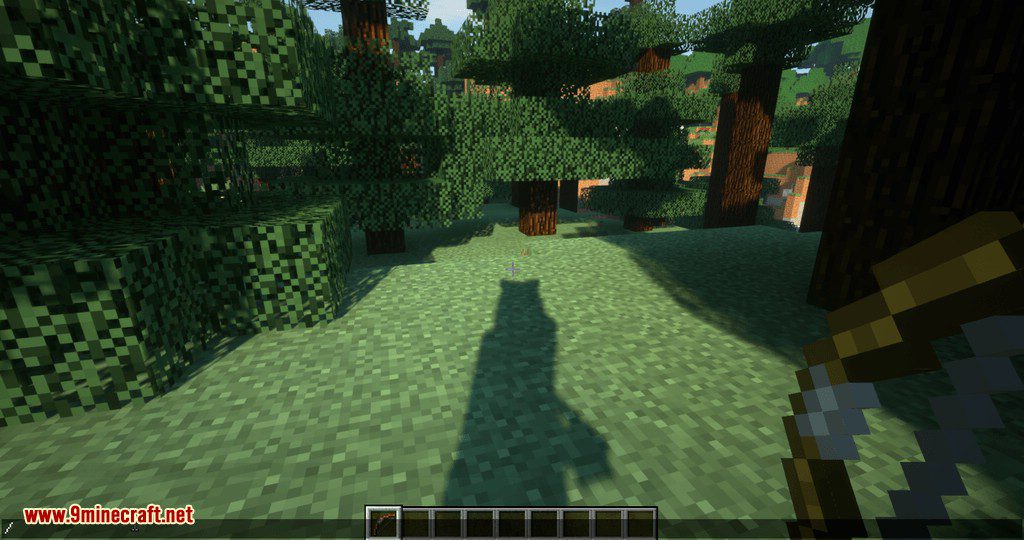
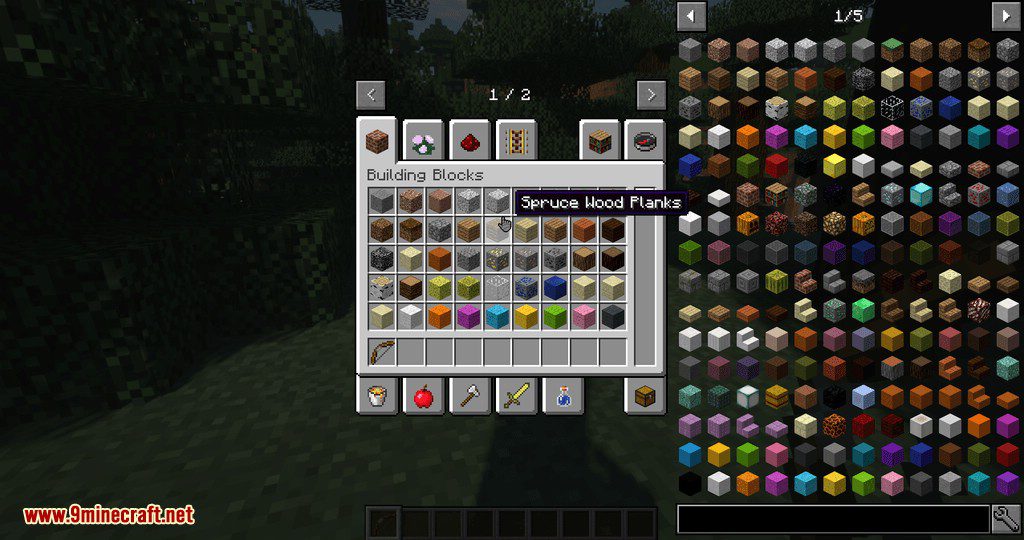
Cursor Mod will change your in-game cursor when game reload. To change your cursor add a resource pack with your cursor in a PNG format in…
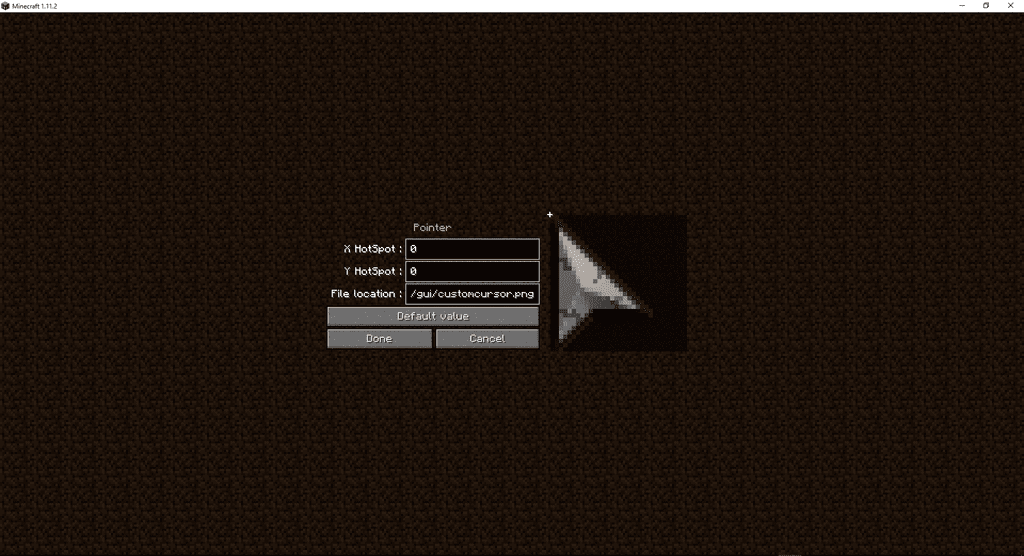
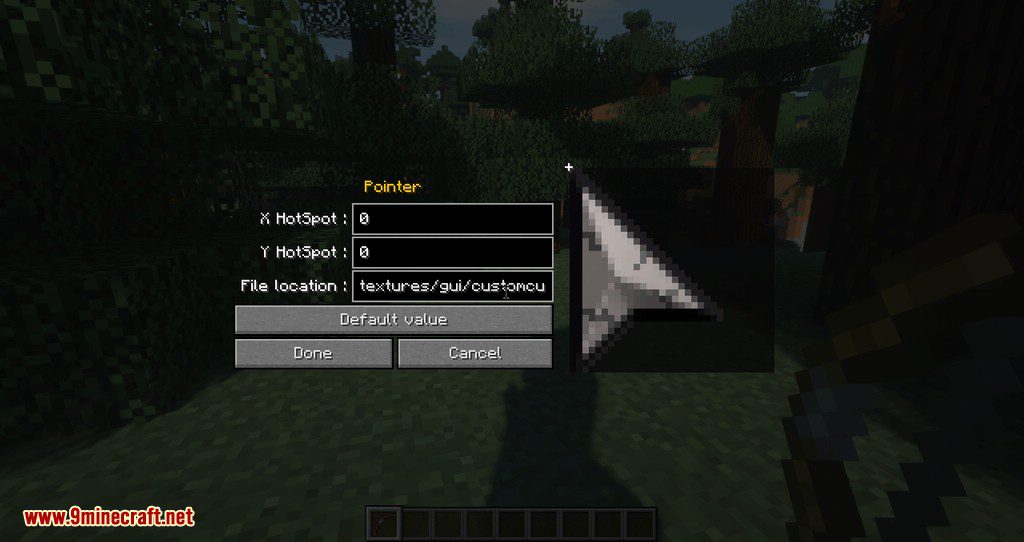
⬇ DownloadOpen in MCModsHubGet it on Google Play →Cursor Mod will change your in-game cursor when game reload. To change your cursor add a resource pack with your cursor in a PNG format in assets/minecraft/textures/gui/ (can be changed with the config “cursorLocation”) and add in config the hotspot location
Features:
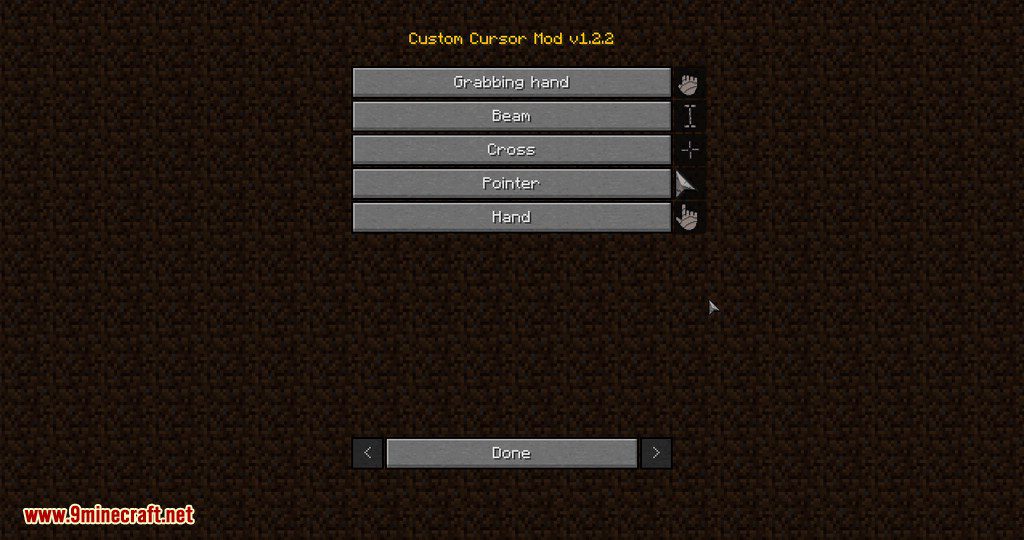
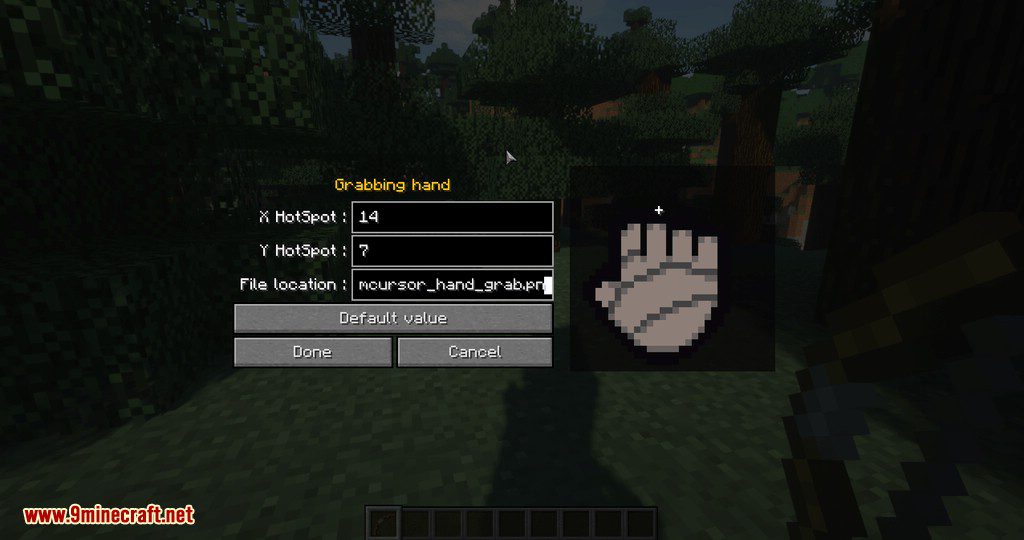
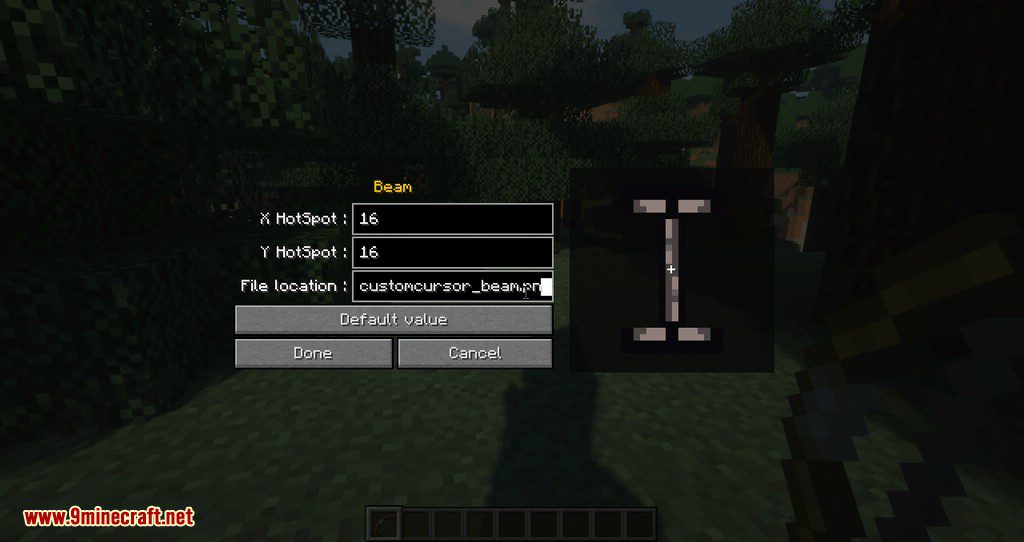
The Cursors Config Menu (mods/Custom Cursor Mod/Config/…)
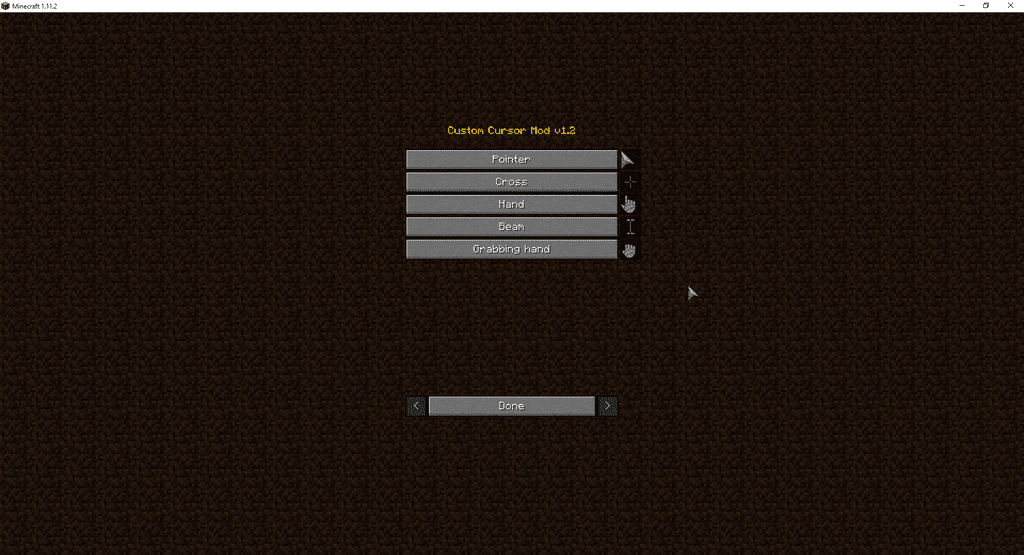
You can edit by clicking on the buttons every cursor:
Screenshots:
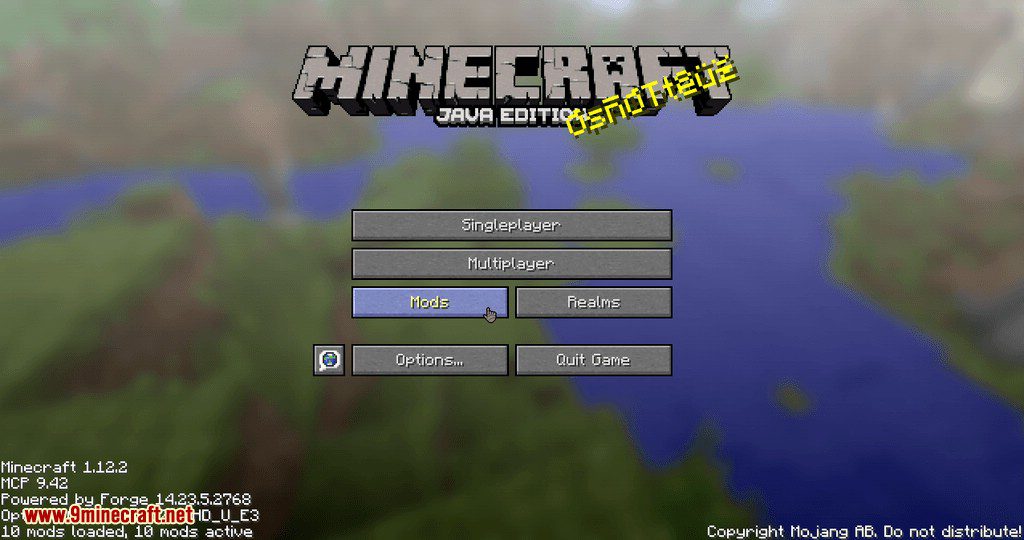
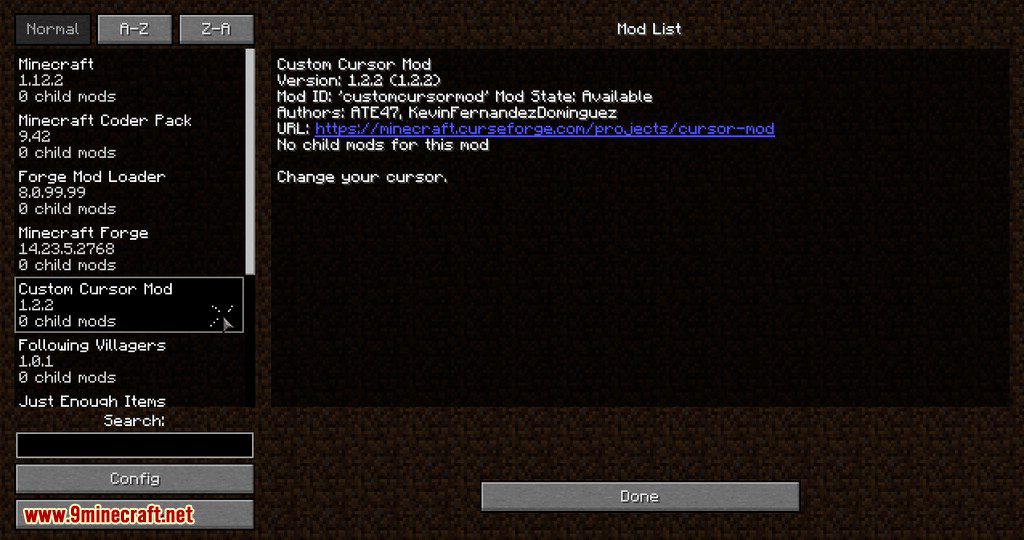
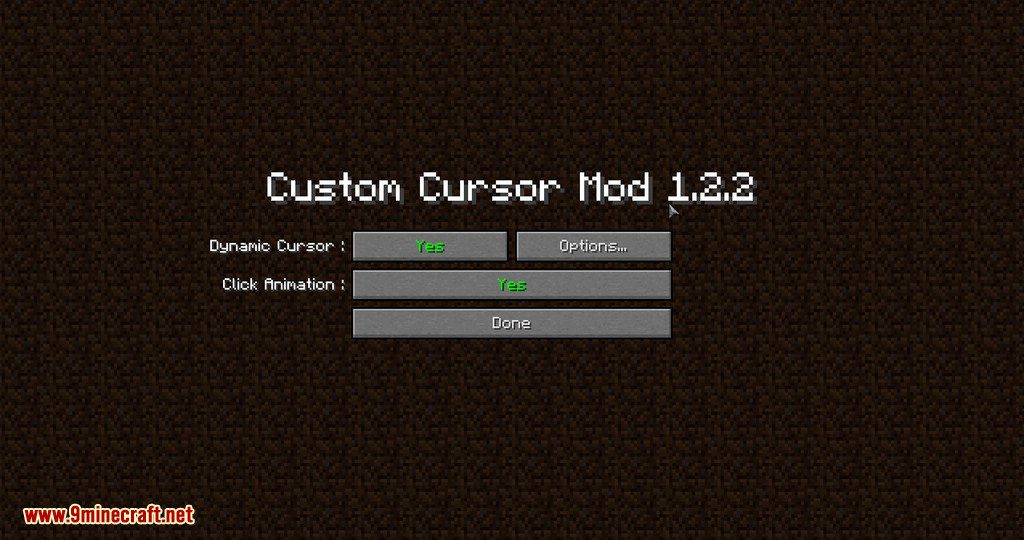
Cursor Mod Download Links
For Minecraft 1.19.3
Forge version: Download from Server 1 – Download from Server 2
For Minecraft 1.19.2
Forge version: Download from Server 1
Fabric version: Download from Server 1
For Minecraft 1.18.2
Forge version: Download from Server 1
Fabric version: Download from Server 1
For Minecraft 1.17.1
Forge version: Download from Server 1
Fabric version: Download from Server 1
For Minecraft 1.16.5
Forge version: Download from Server 1
Fabric version: Download from Server 1
For Minecraft 1.15.2
Forge version: Download from Server 1
For Minecraft 1.12.2
Forge version: Download from Server 1
For Minecraft 1.7.10
Forge version: Download from Server 1
Cursor Mod (1.19.3, 1.18.2) – Change Your In-game Cursor is a free Minecraft Java mod. Compatible with Minecraft 1.19.3, 1.18.2. Download it and open it directly in the game.