FPS Optimizer Mod (1.20.1, 1.19.4) – Elevate Your Minecraft Gameplay To New Heights!
Java mod listed for Minecraft 1.19–1.20. Downloads from the MC Java Mods app on Android.
⬇ DownloadFPS Optimizer Mod is a game-changing Minecraft mod engineered to elevate your gaming experience by significantly boosting FPS, accelerating chunk loading speed, and ensuring smoother gameplay. This mod is a formidable force on its own, delivering powerful performance enhancements to optimize your Minecraft adventures. The mod focuses on enhancing frame rates, making gameplay more fluid and responsive. Experience faster chunk loading, reducing lag and ensuring a seamless exploration experience in your Minecraft world. It is designed to be a standalone powerhouse, providing immediate improvements to performance. For those seeking an even more potent enhancement, the mod seamlessly integrates with OptiFine. When combined, the two create an overpowering synergy, delivering unparalleled optimization for a visually stunning and ultra-smooth Minecraft experience. Whether you’re exploring vast landscapes or engaged in intense battles, this mod ensures that your game runs at its absolute best.
Features:
- FPS Boost: Drastically improves frame rates for a smoother gaming experience.
- Chunk Loading Speed: Accelerates chunk loading, reducing lag and enhancing exploration.
- Standalone Powerhouse: Powerful optimizations even without additional mods.
- OptiFine Compatibility: Combine with OptiFine for an overpowered synergy of performance enhancements.
Screenshots:
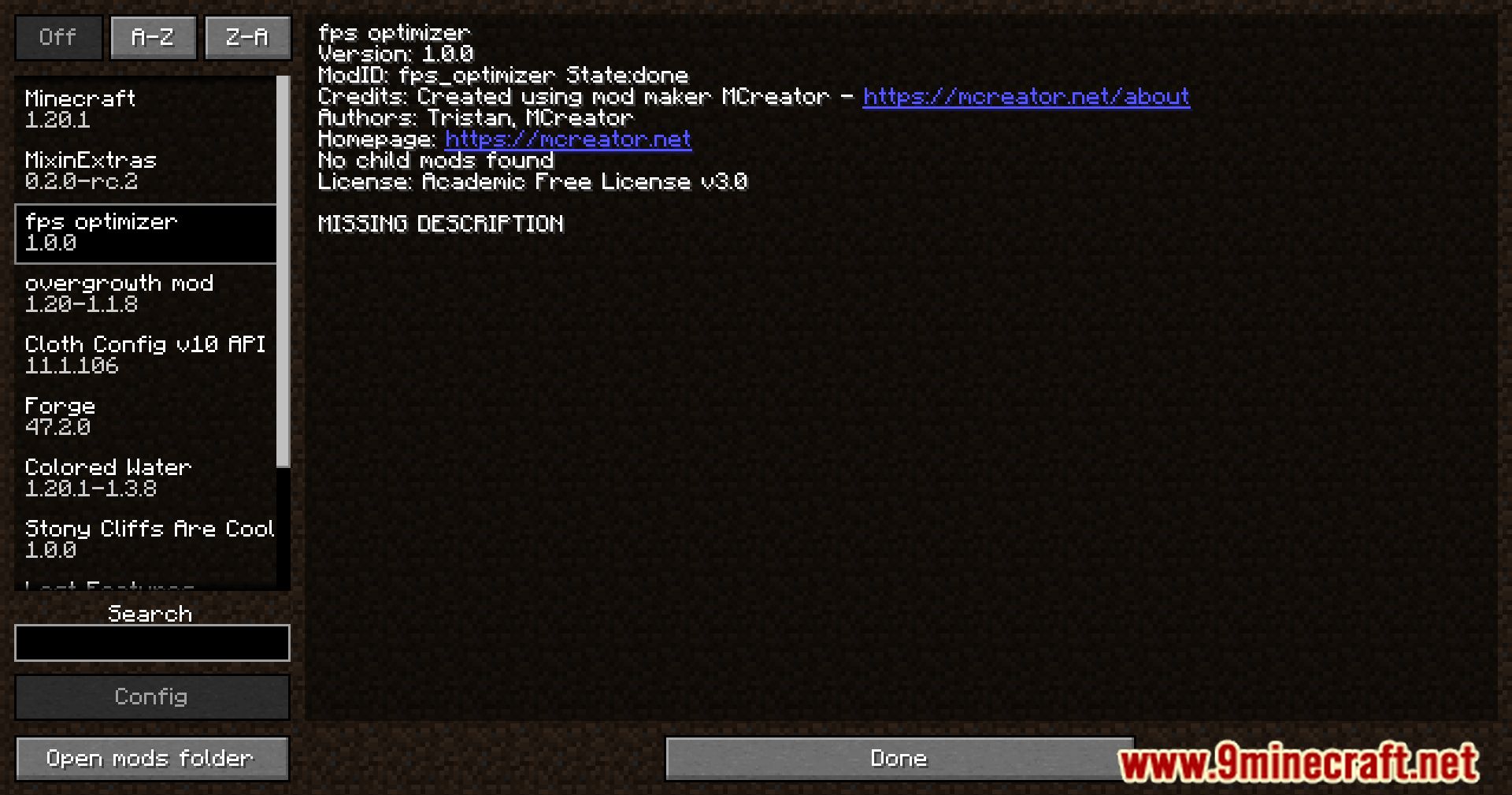
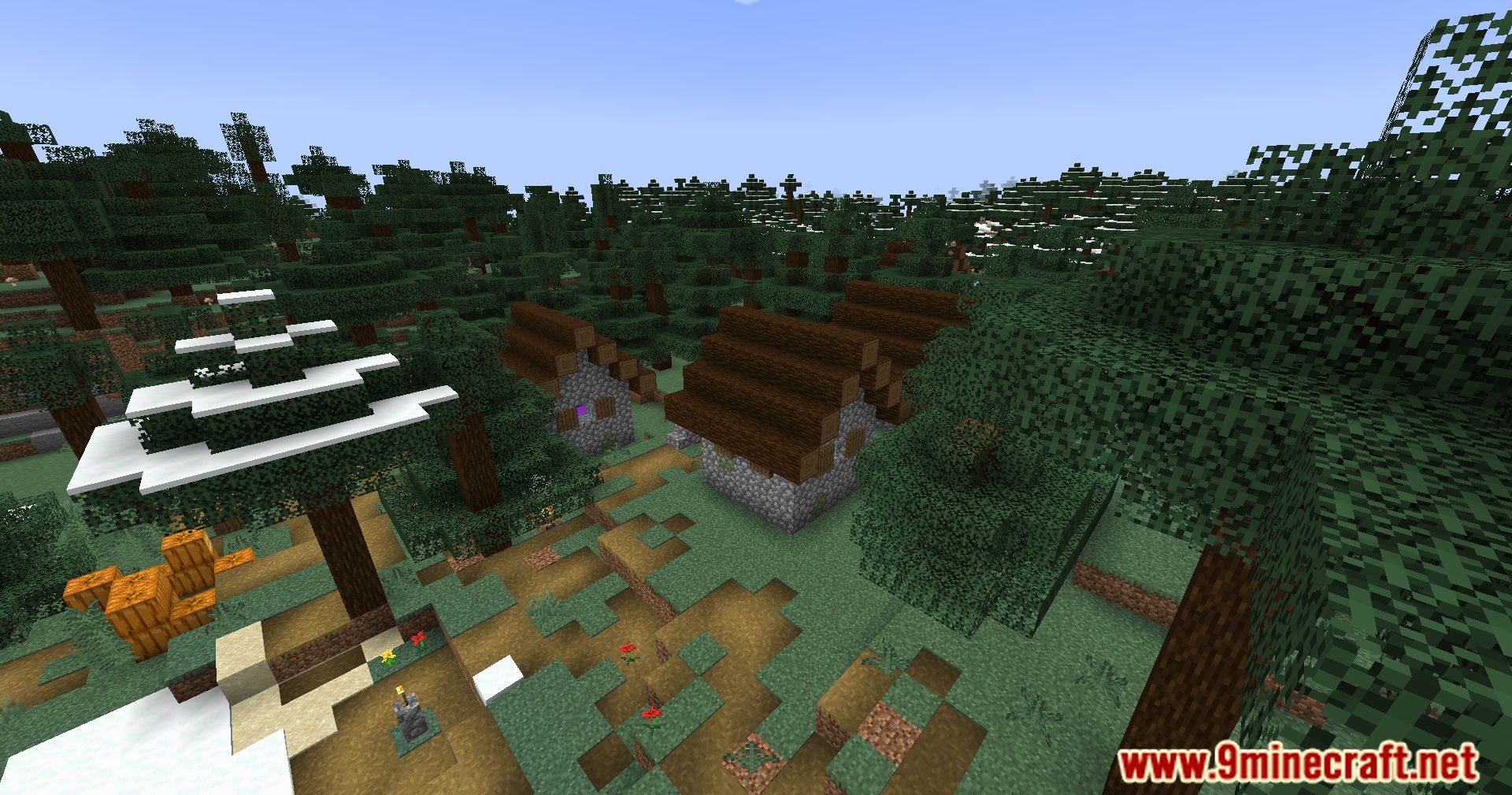
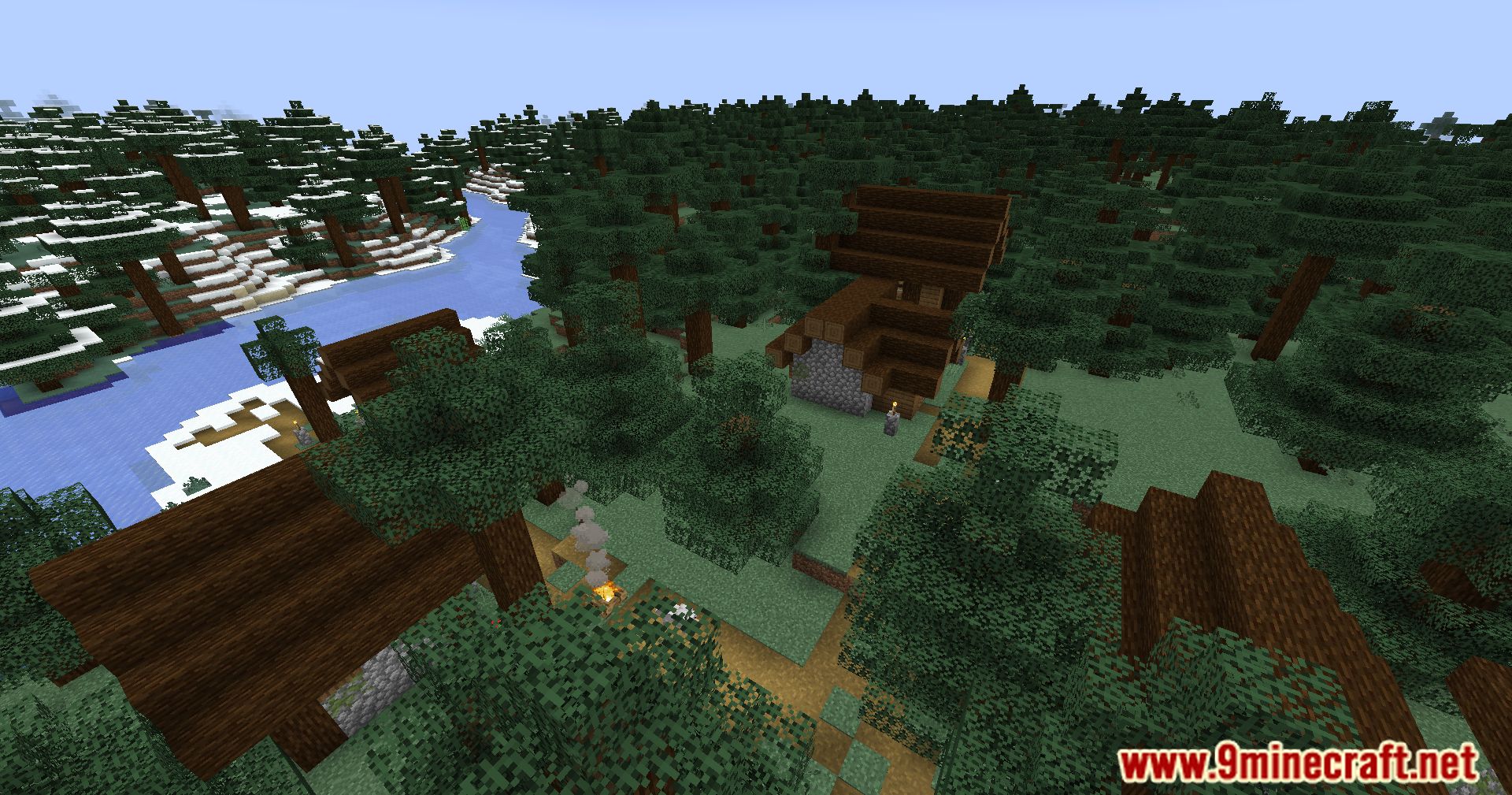
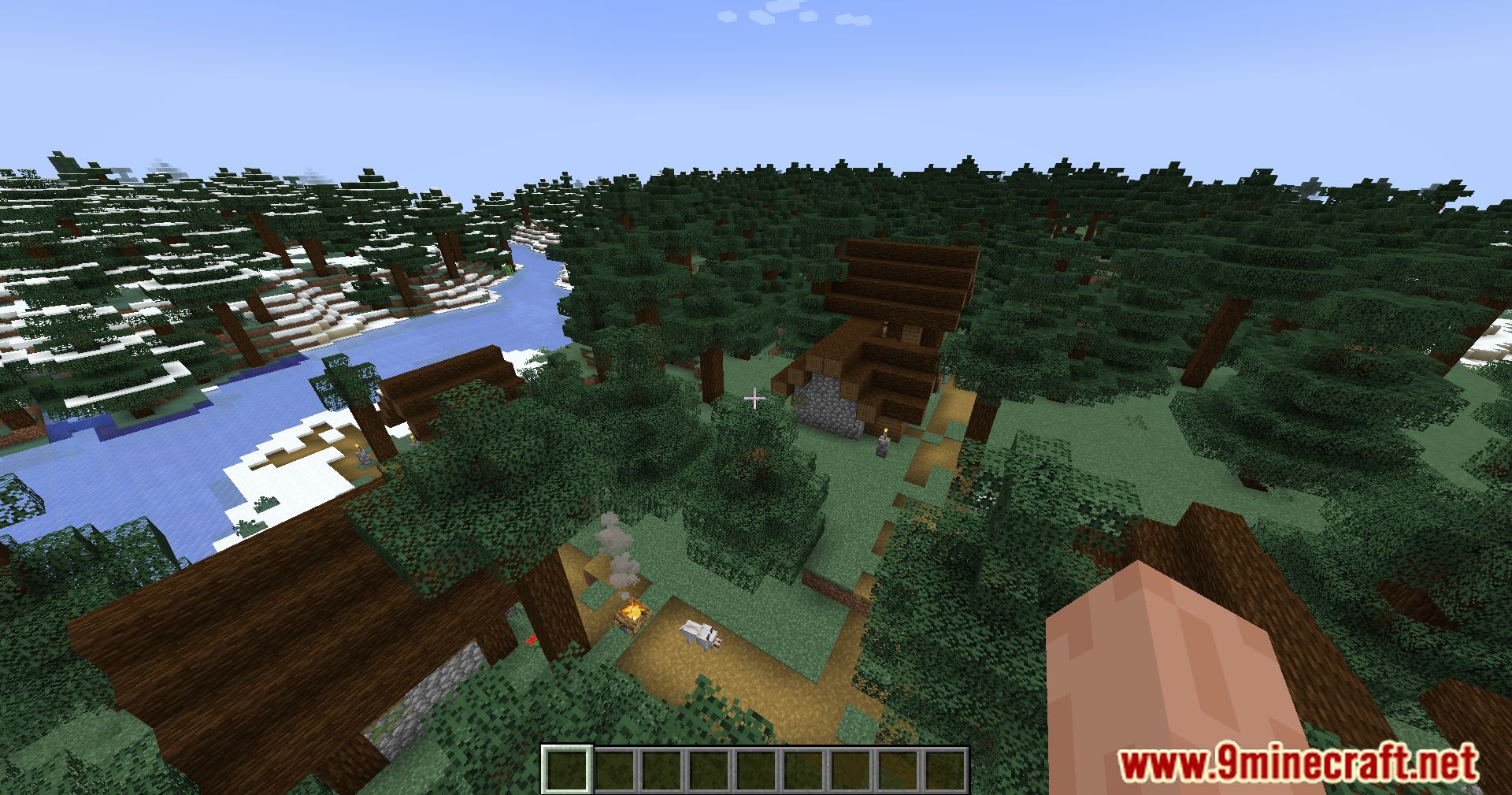
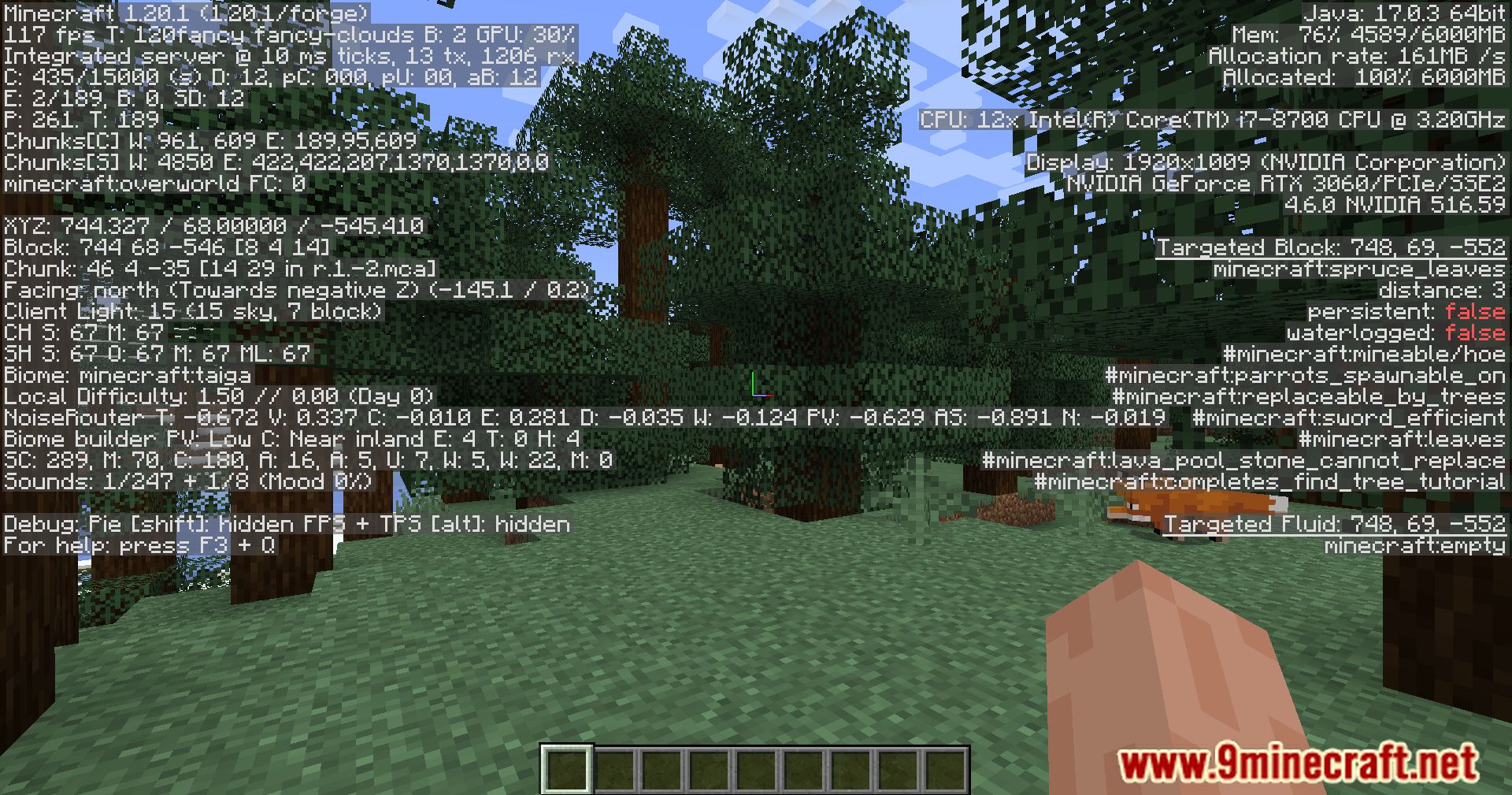
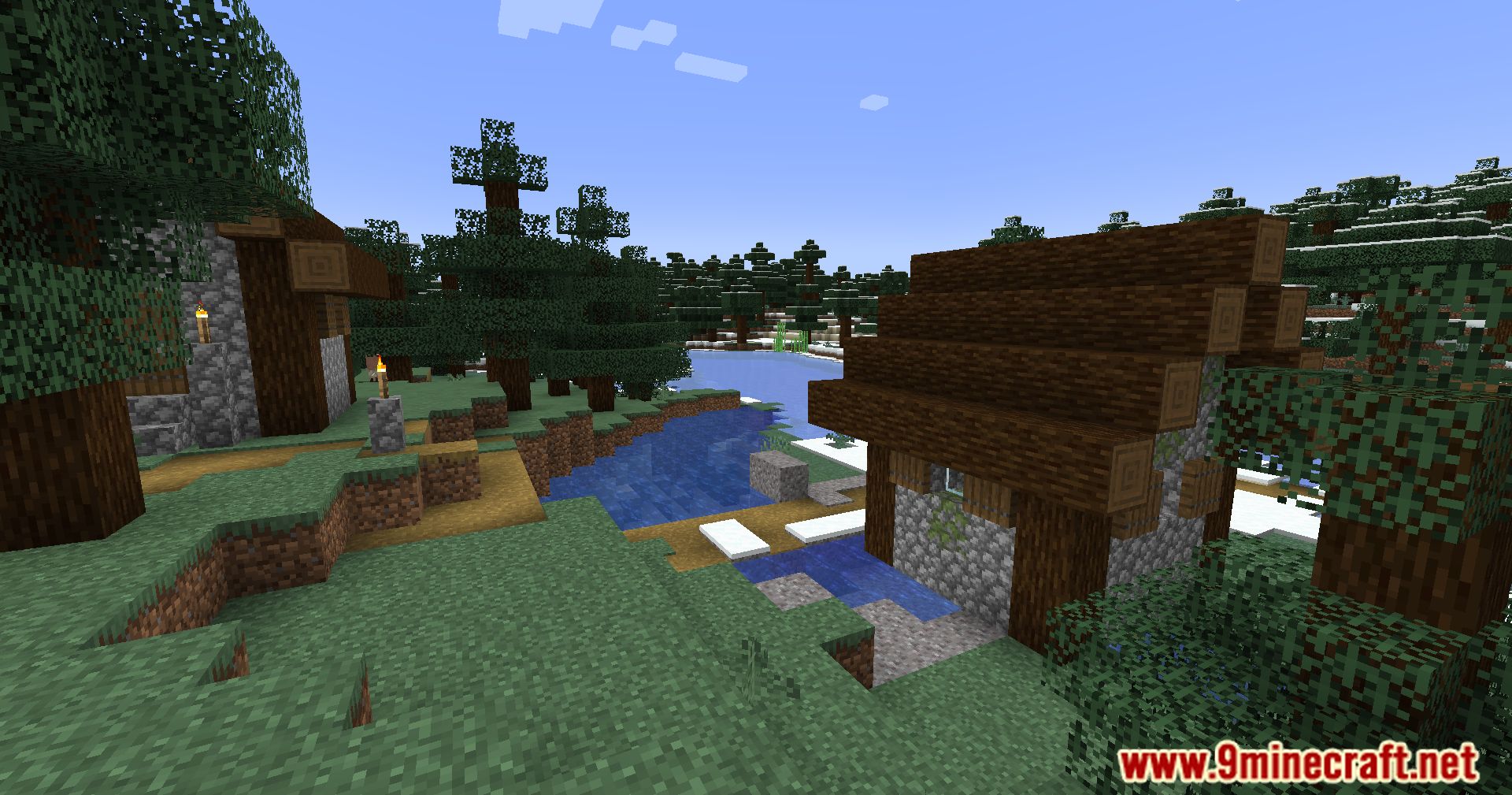
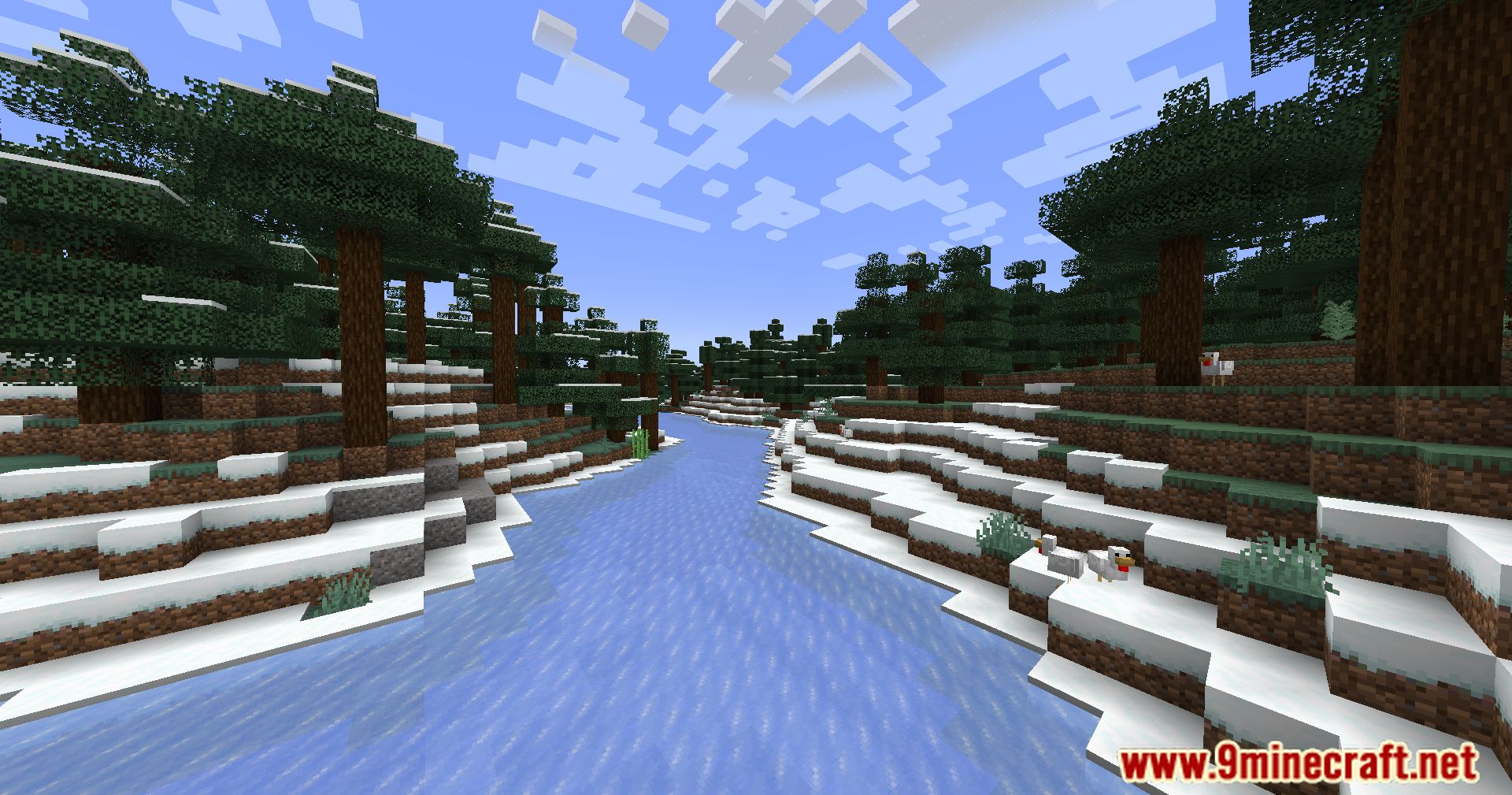
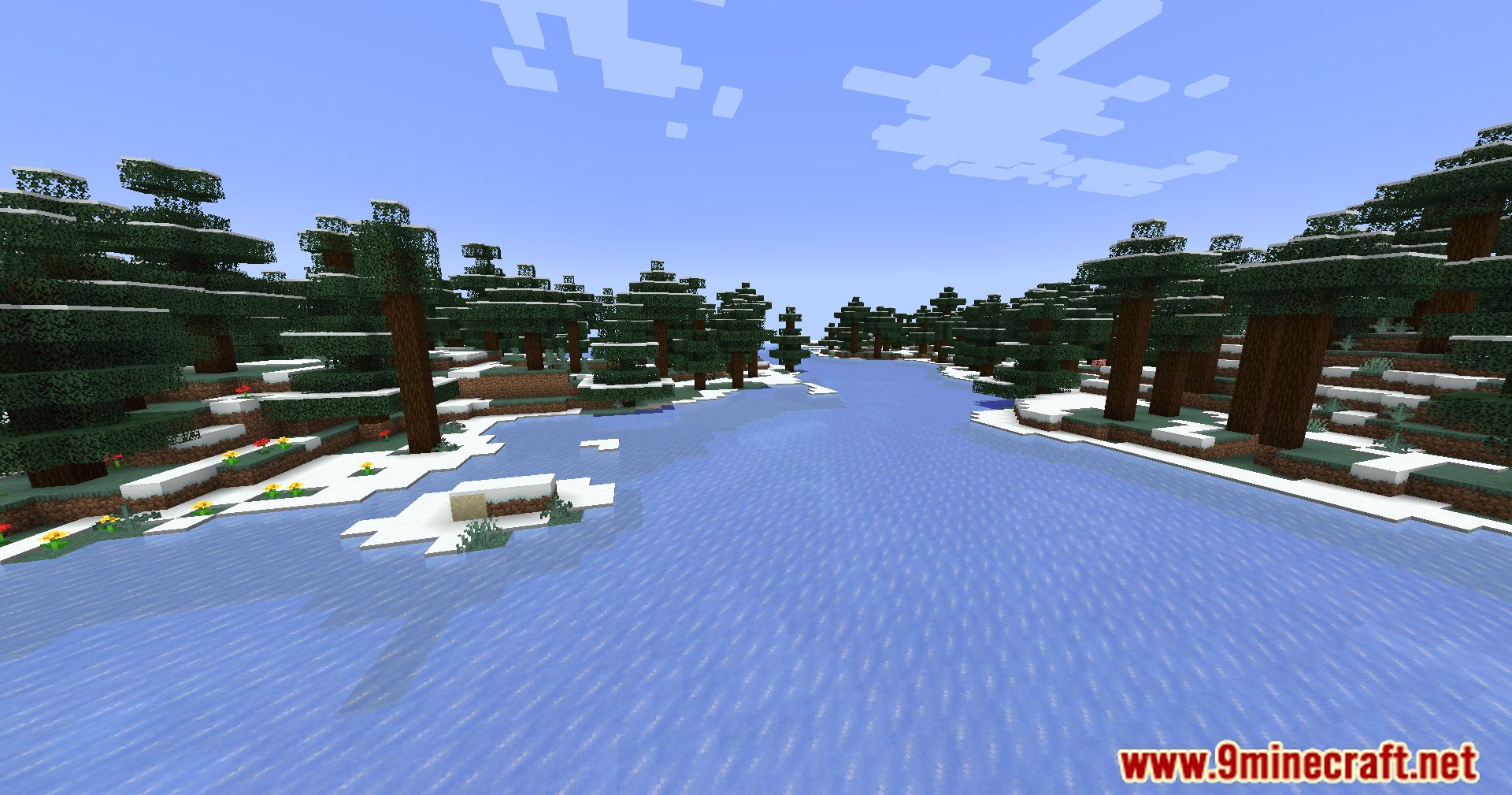
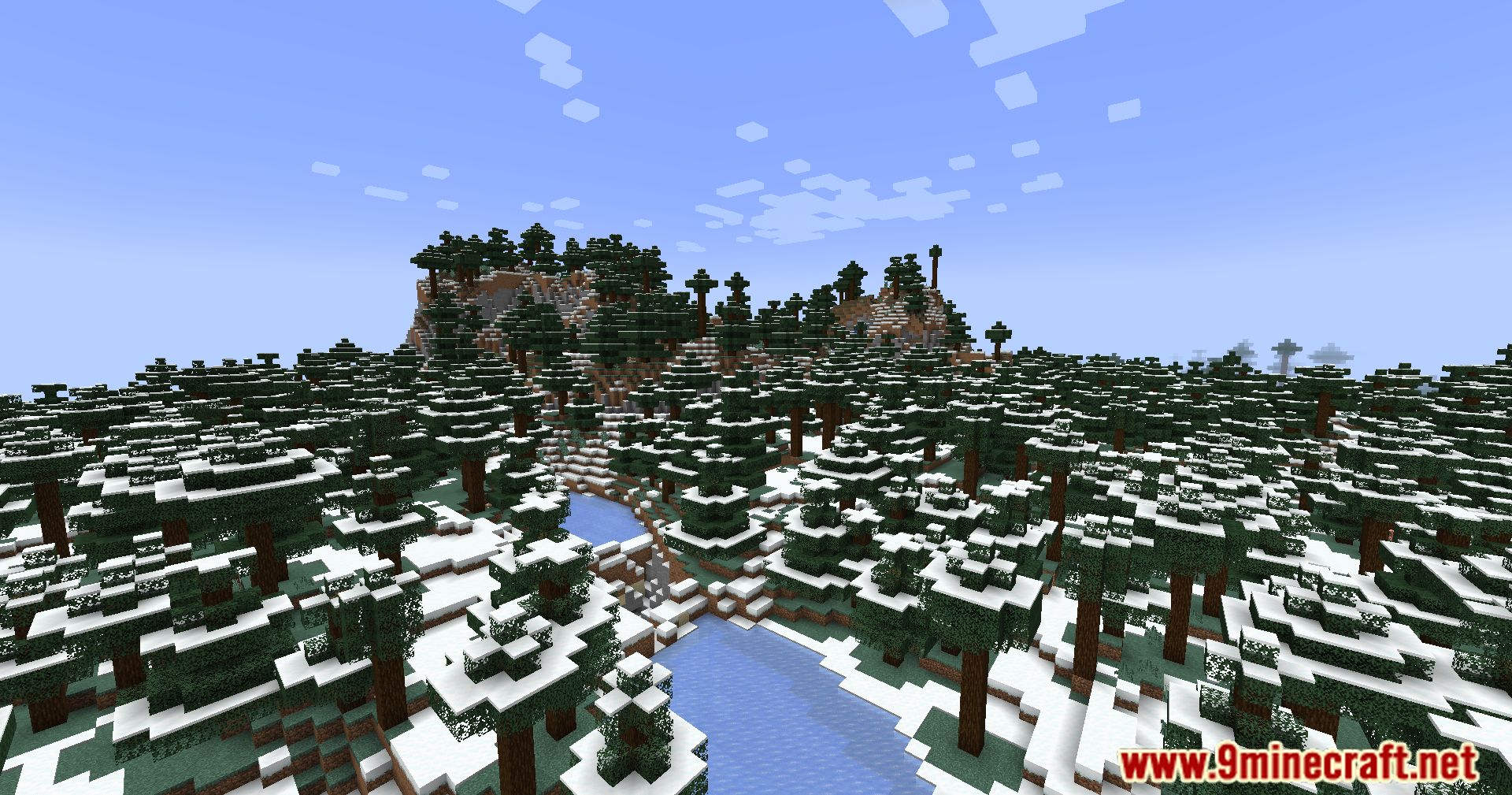
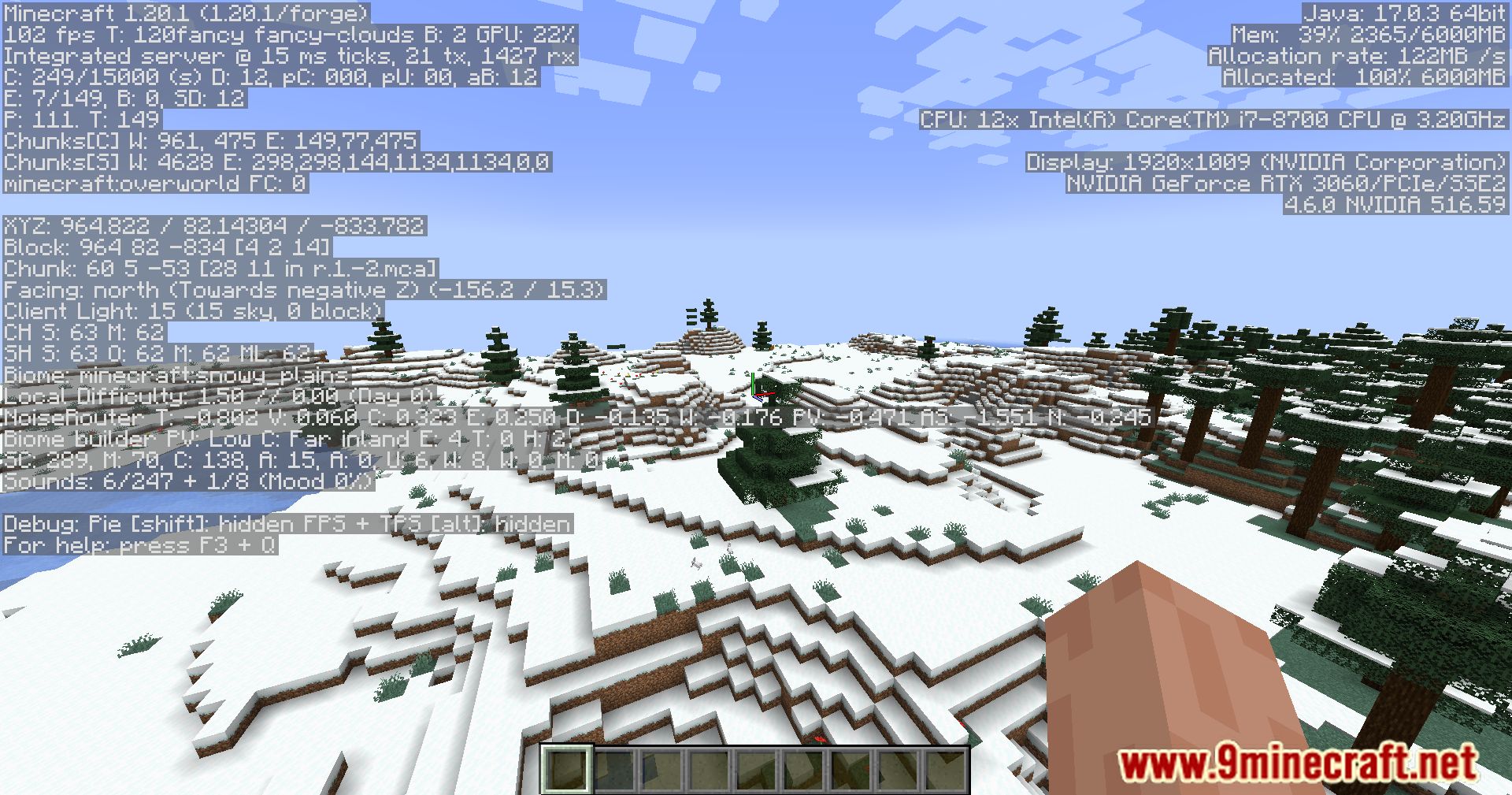
FPS Optimizer Mod Download Links
For Minecraft 1.20.1
Forge Version: Download from Server 1 – Download from Server 2
For Minecraft 1.19.4
Forge Version: Download from Server 1 – Download from Server 2
For Minecraft 1.19.2
Forge Version: Download from Server 1 – Download from Server 2
For Minecraft 1.18.2
Forge Version: Download from Server 1 – Download from Server 2
- Edition: Minecraft Java
- File type: .jar
- Minecraft versions listed: 1.20.1, 1.19.4
- How to install: Install the matching mod loader (Forge, Fabric or NeoForge) for your Minecraft version. → Download the .jar. → Put it in the .minecraft/mods folder and launch that loader profile.
- Where to get it: In MC Java Mods, or directly above on this page.
Install steps are the general flow for this file type — How to install Minecraft Java mods & modpacks walks through it step by step.
- Downloads as 203971.mcaddon
- Download size: 41 KB
- Download link checked 30 Jul 2026 — working
- Mirrored on our own servers — the download does not depend on the original host
These come from our own check of the pack file, not from the source page.