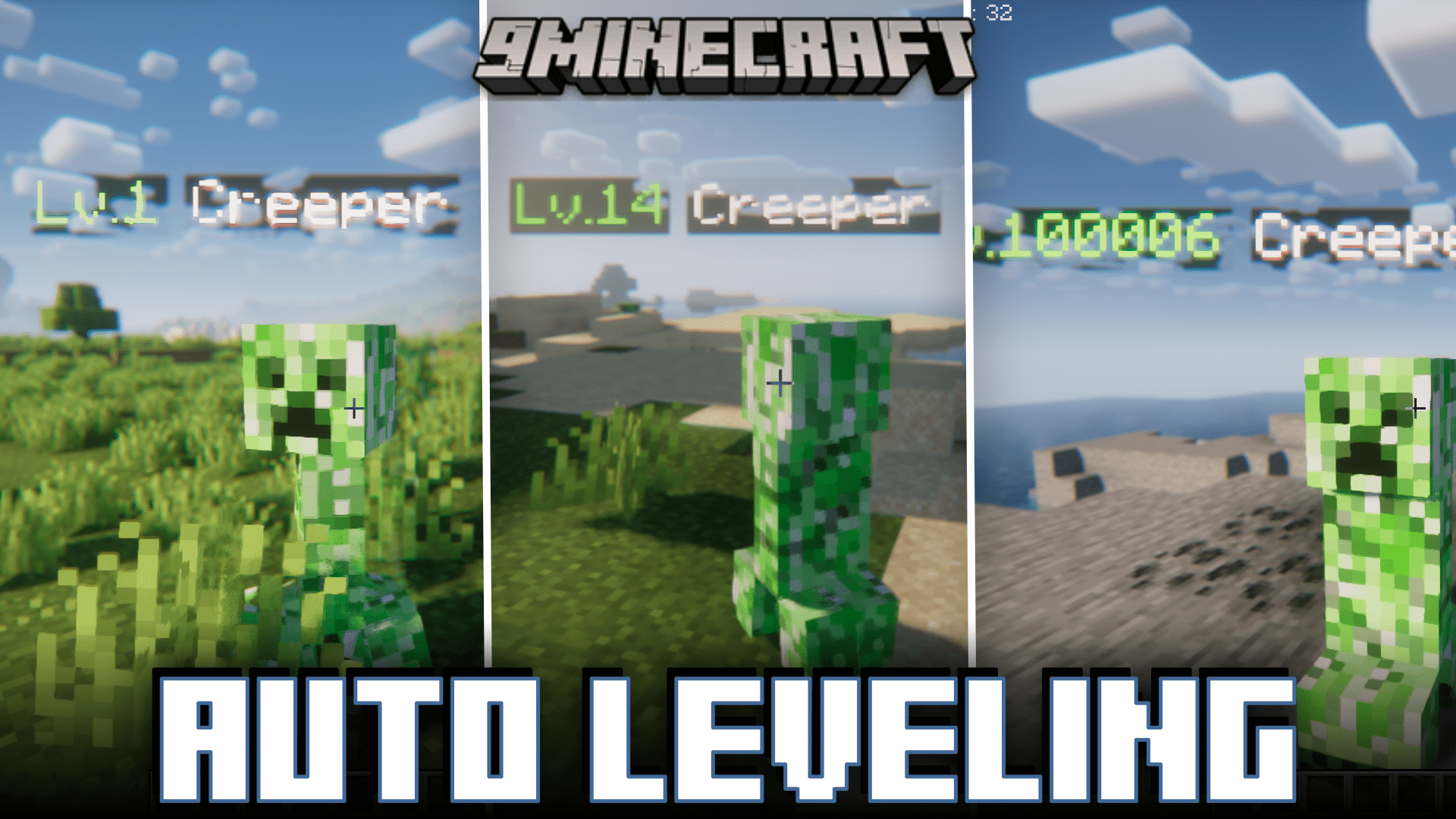
Auto Leveling Mod (1.20.1, 1.19.4) – Location Based Mob Difficulty
Java mod listed for Minecraft 1.19–1.20. Downloads from the MC Java Mods app on Android.
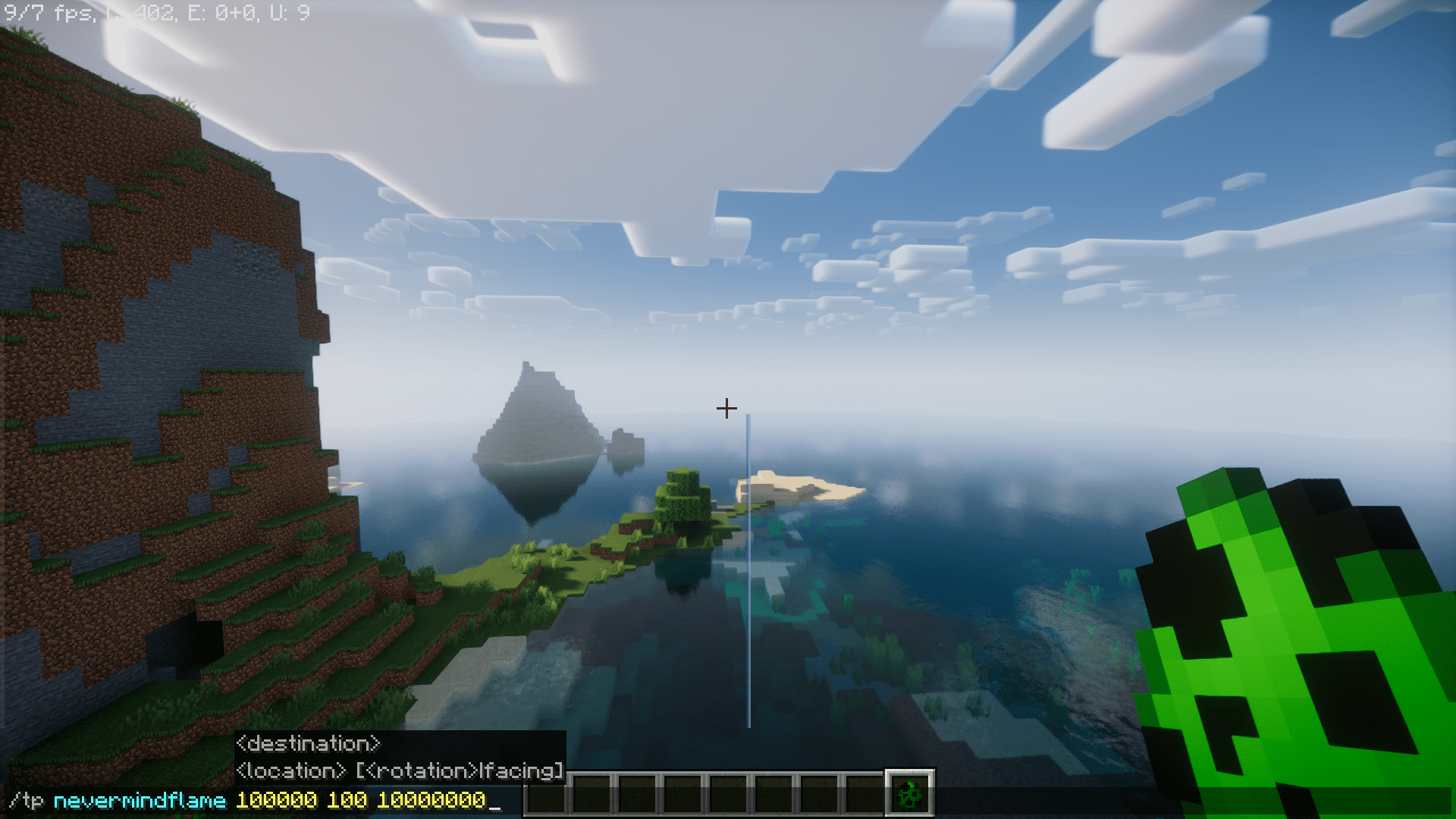
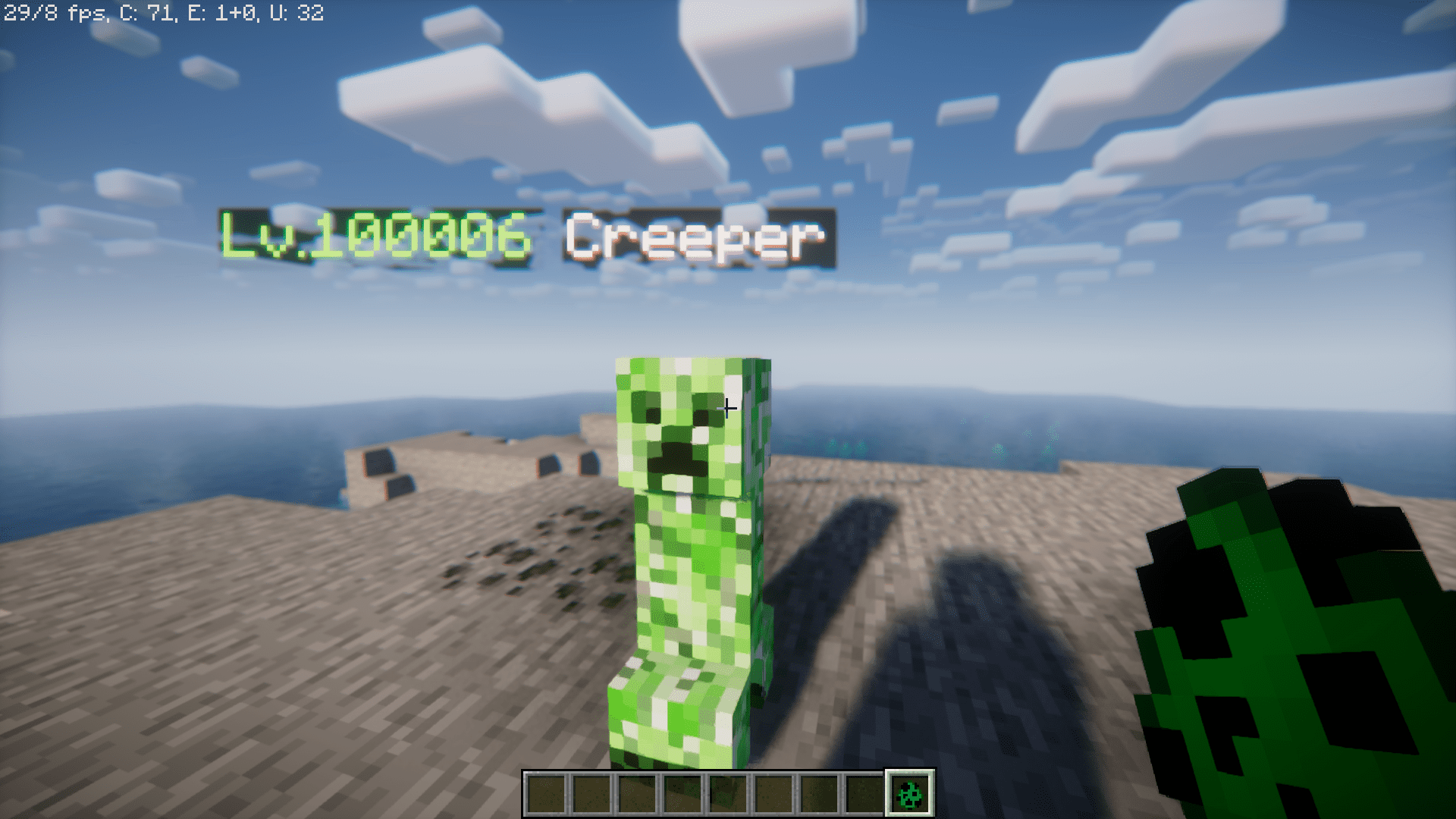
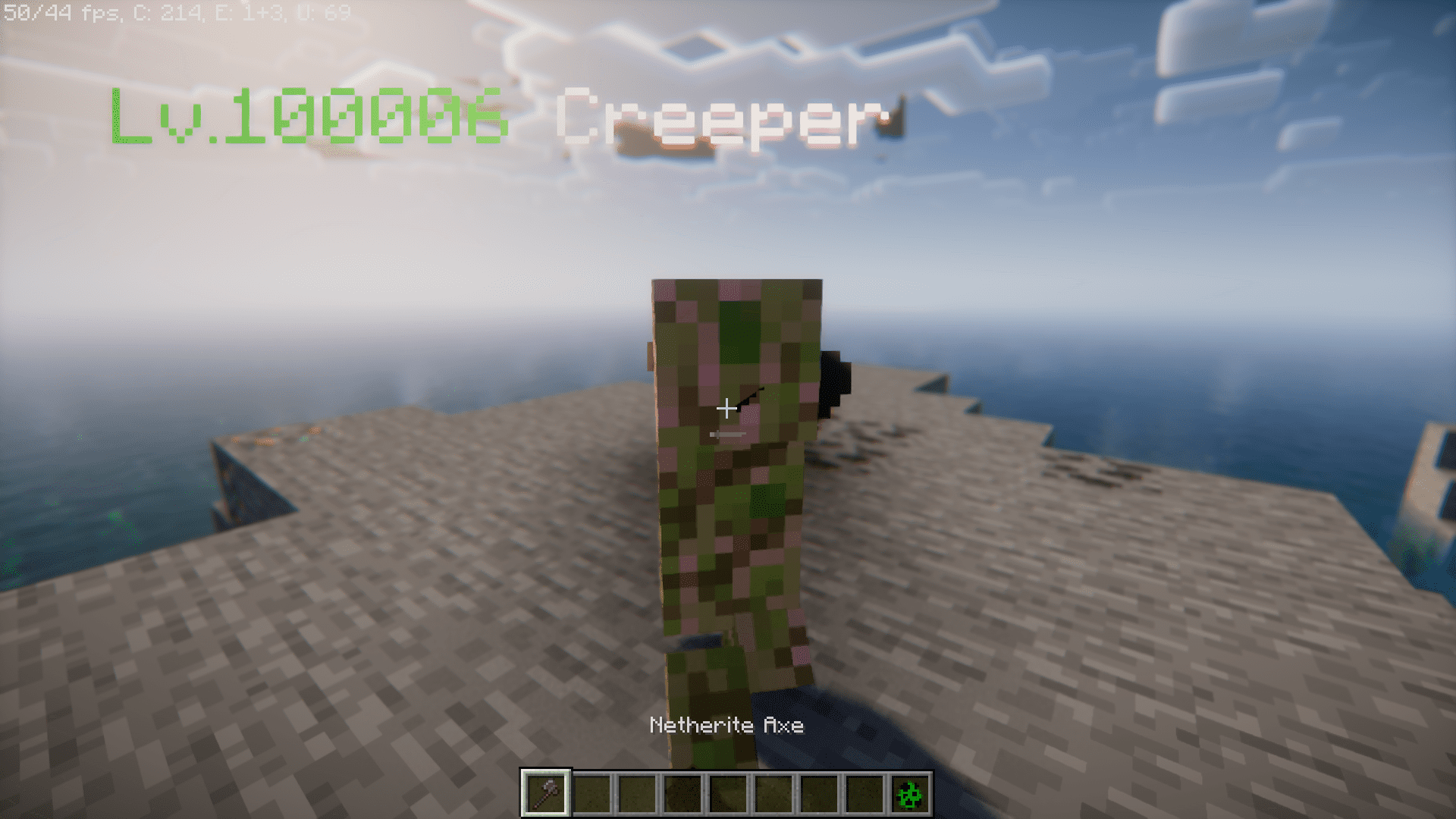
⬇ DownloadIf you have played survival Minecraft, you might be familiar with how hard it is to battle mobs at night. But once you reach a point in the game, where you have high tier armor and weapons, surviving the night is a piece of cake. If you feel like the hostile mobs that appear at night are no match in front of your high tier gear, Auto Leveling Mod is for you. This mod adds a very unique feature where the strength of a mob increases based on how far away from the spawn spawn they spawn. This means travelling long distances will give you an opportunity to battle much stronger and tougher mobs. The strength of a mob is shown as a floating text over their heads. This strength is calculated in levels. Near the world spawn, you will have to face enemies with a level of 1. As you move further away from the spawn, you will start facing enemies of higher levels.
Features:
Dynamic Enemy Scaling:
- Auto Leveling introduces a unique gameplay mechanic where the strength of mobs dynamically adjusts based on the player’s distance from the spawn point. This feature adds an extra layer of challenge, requiring players to face increasingly powerful enemies as they venture further away.
Customizable User Experience:
- The mod offers a highly customizable experience, allowing players to tailor the leveling system to their preferences. Users can fine-tune parameters such as the scaling rate and difficulty curve, giving them control over the intensity of the challenge. Additionally, the mod displays the level of monsters above their heads, providing players with valuable information to strategize and adapt to the evolving threat.
Screenshots:
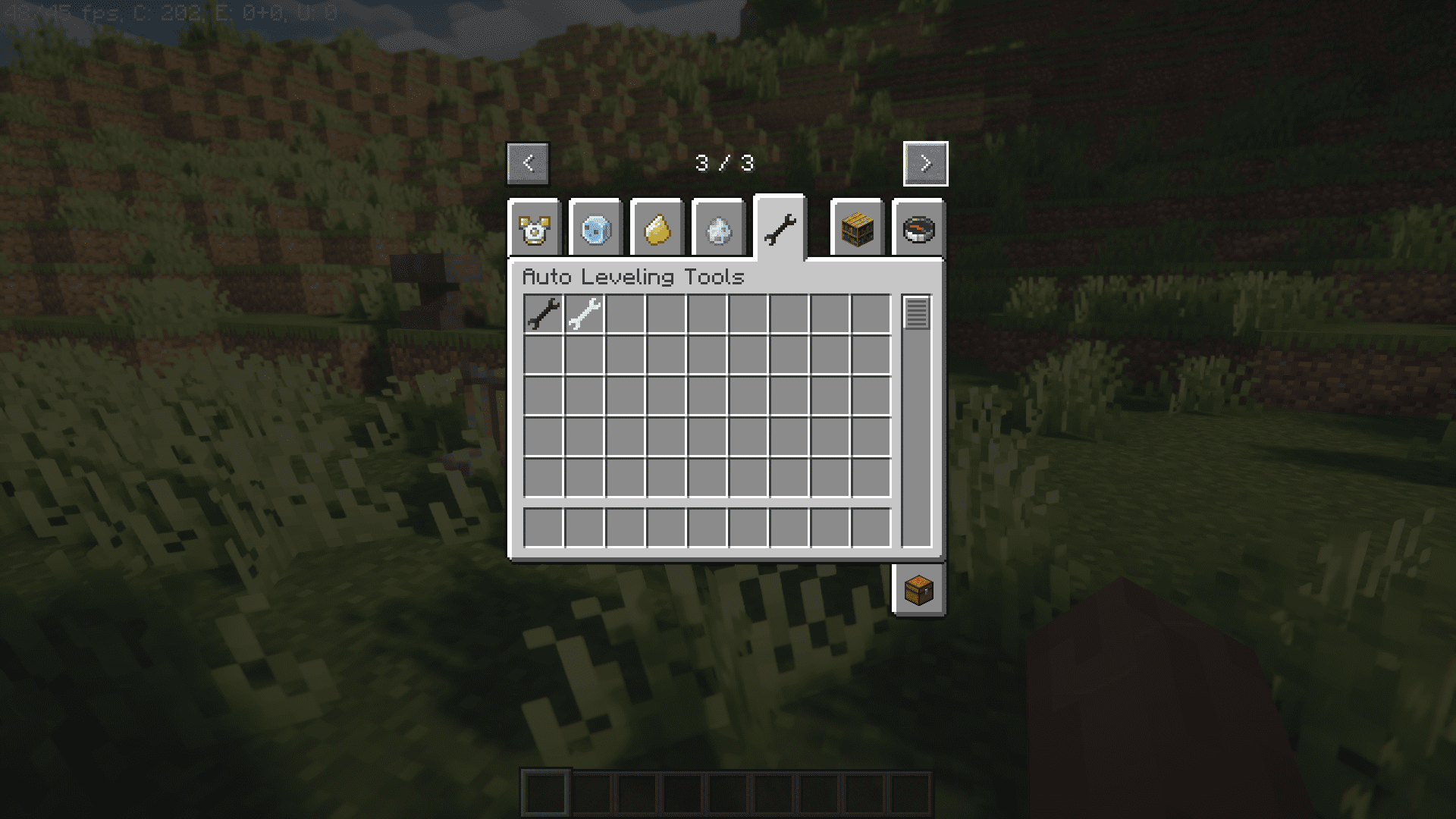
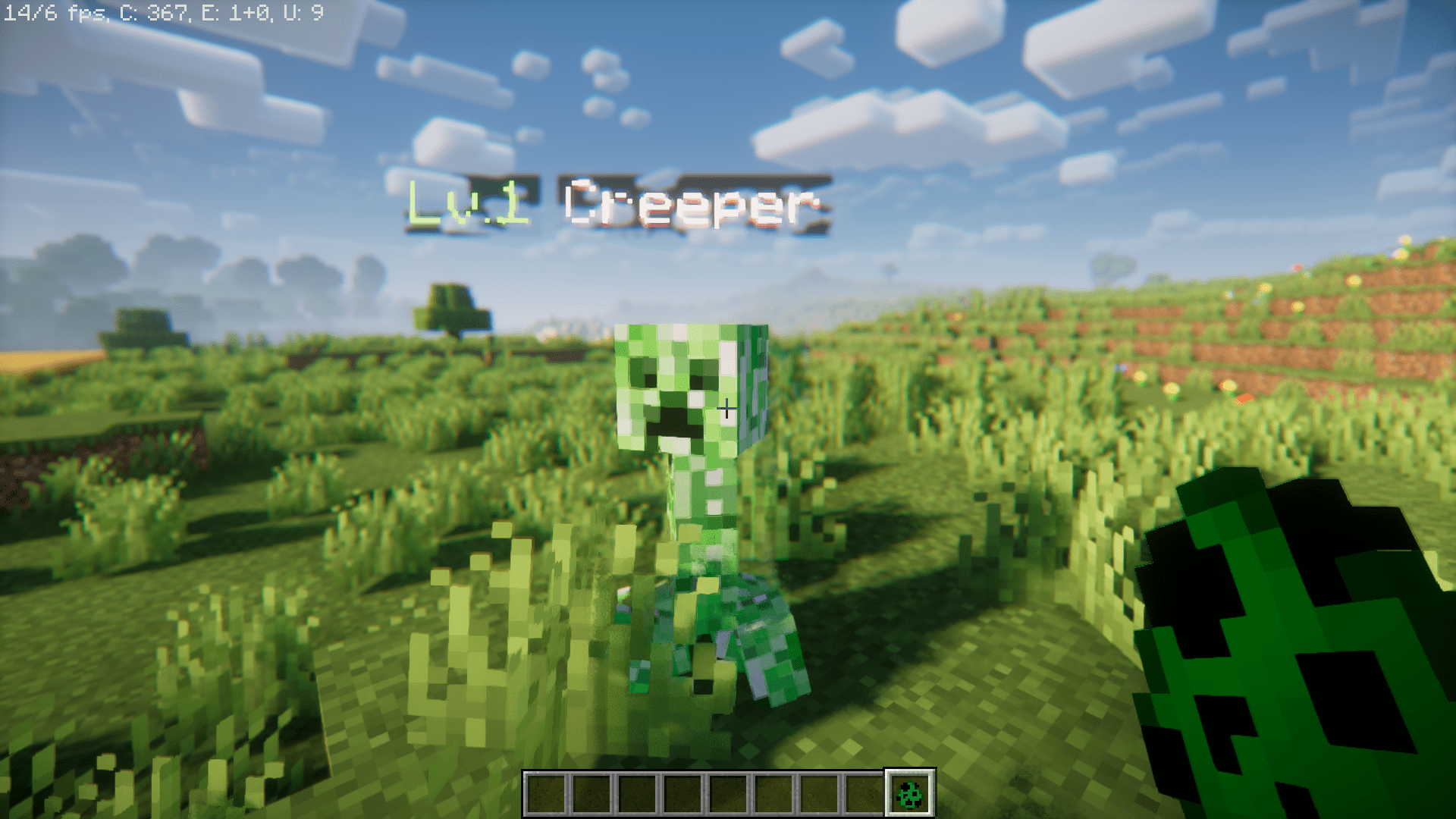
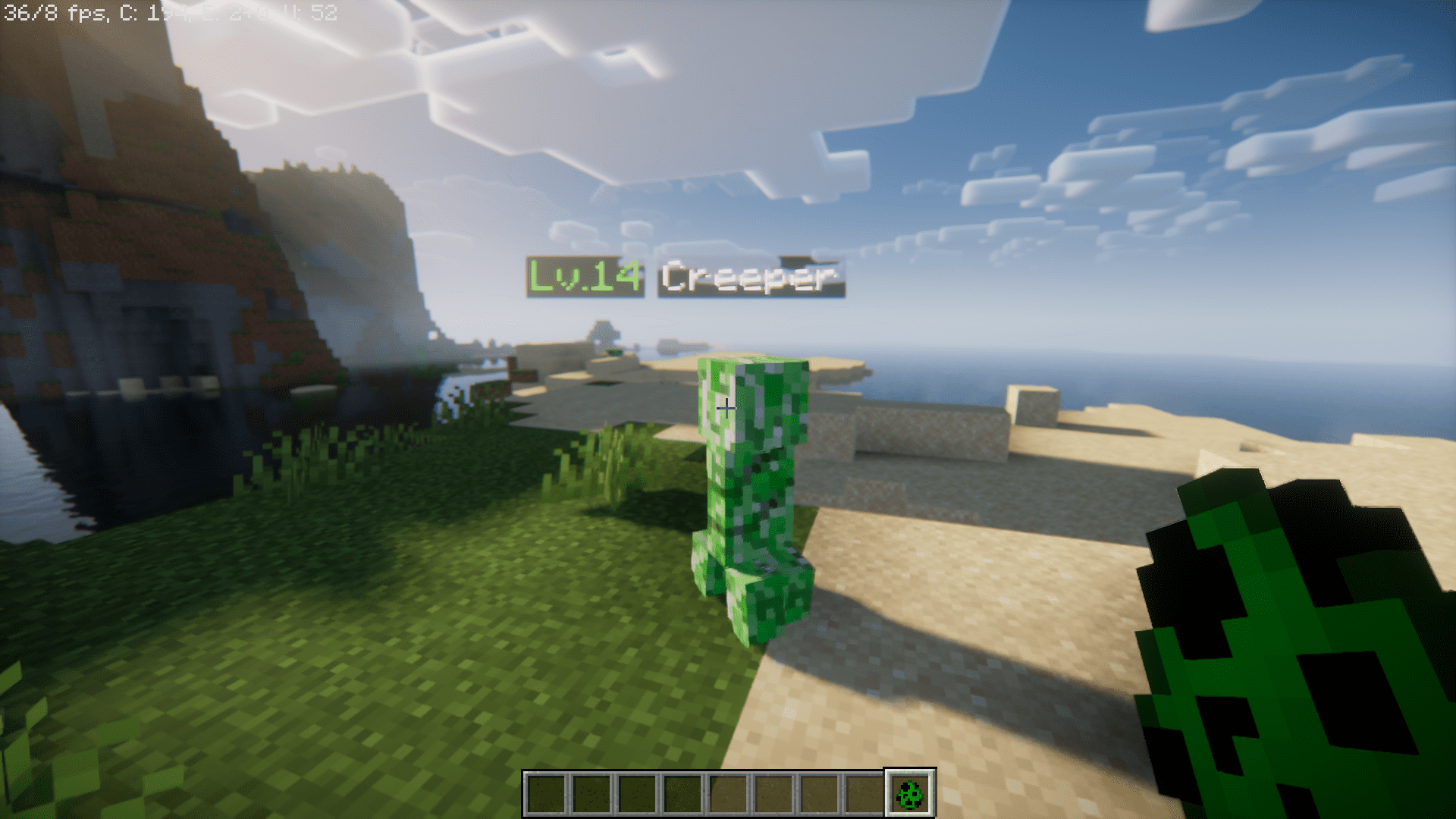
Auto Leveling Mod Download Links
For Minecraft 1.20.1
Forge version: Download from Server 1 – Download from Server 2
For Minecraft 1.19.4
Forge version: Download from Server 1 – Download from Server 2
For Minecraft 1.19.2
Forge version: Download from Server 1 – Download from Server 2
For Minecraft 1.18.2
Forge version: Download from Server 1 – Download from Server 2
For Minecraft 1.16.5
Forge version: Download from Server 1 – Download from Server 2
- Edition: Minecraft Java
- File type: .jar
- Minecraft versions listed: 1.20.1, 1.19.4
- How to install: Install the matching mod loader (Forge, Fabric or NeoForge) for your Minecraft version. → Download the .jar. → Put it in the .minecraft/mods folder and launch that loader profile.
- Where to get it: In MC Java Mods, or directly above on this page.
Install steps are the general flow for this file type — How to install Minecraft Java mods & modpacks walks through it step by step.
- Downloads as 203983.mcaddon
- Download size: 72 KB
- Download link checked 30 Jul 2026 — working
- Mirrored on our own servers — the download does not depend on the original host
These come from our own check of the pack file, not from the source page.