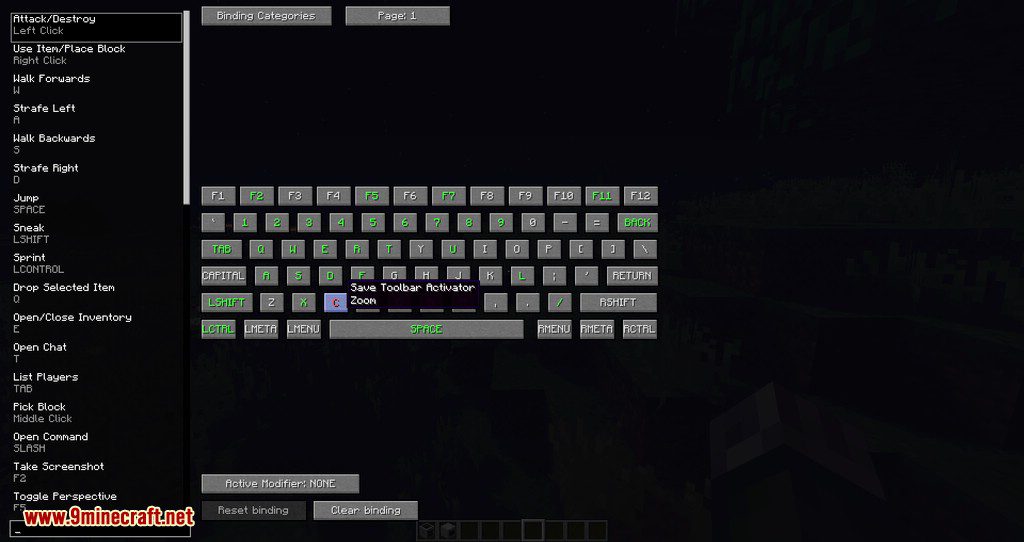
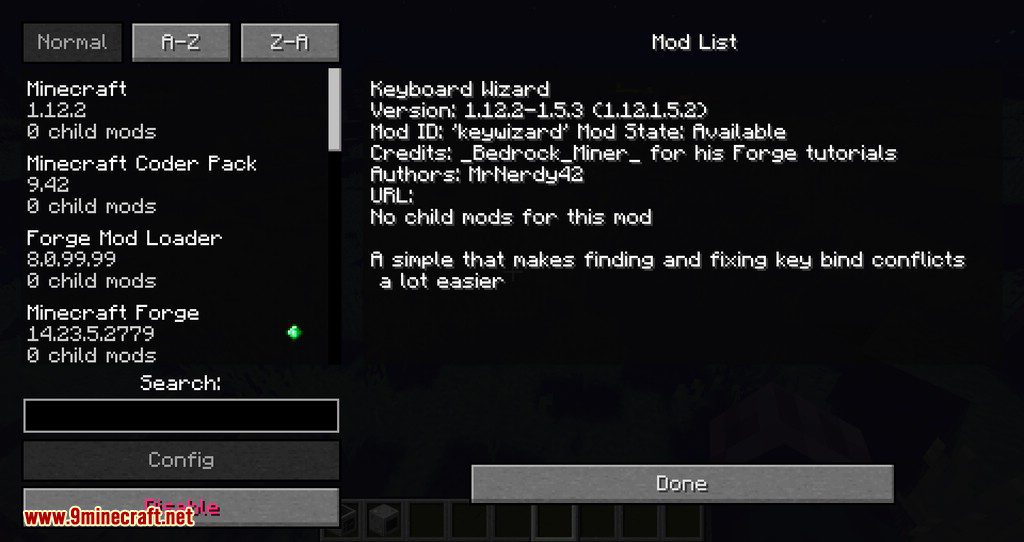
Keyboard Wizard Mod shows a visual representation of a standard QWERTY keyboard, allowing you to easily find keys that are unbound or conflicting. By default, the GUI is opened by pressing F7.
How to use:
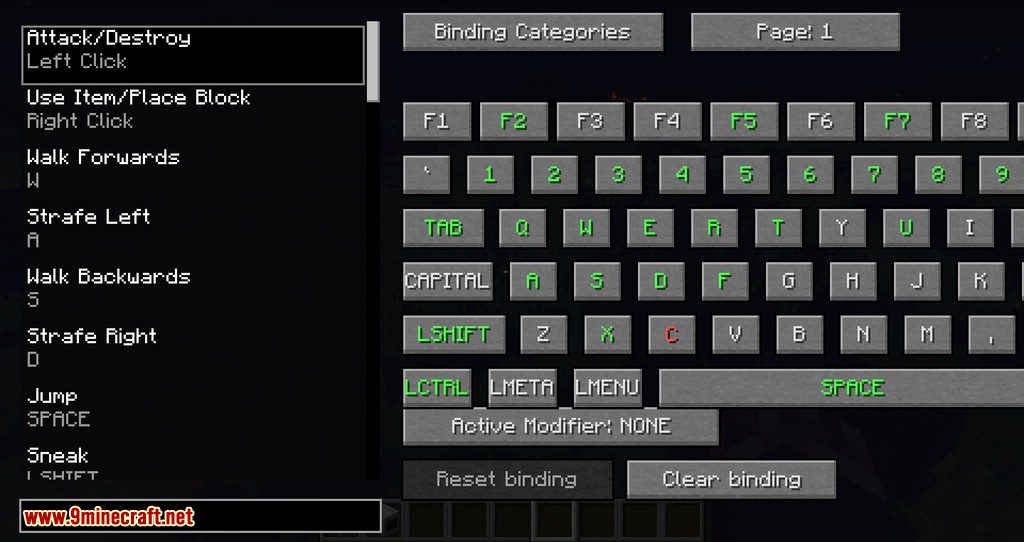
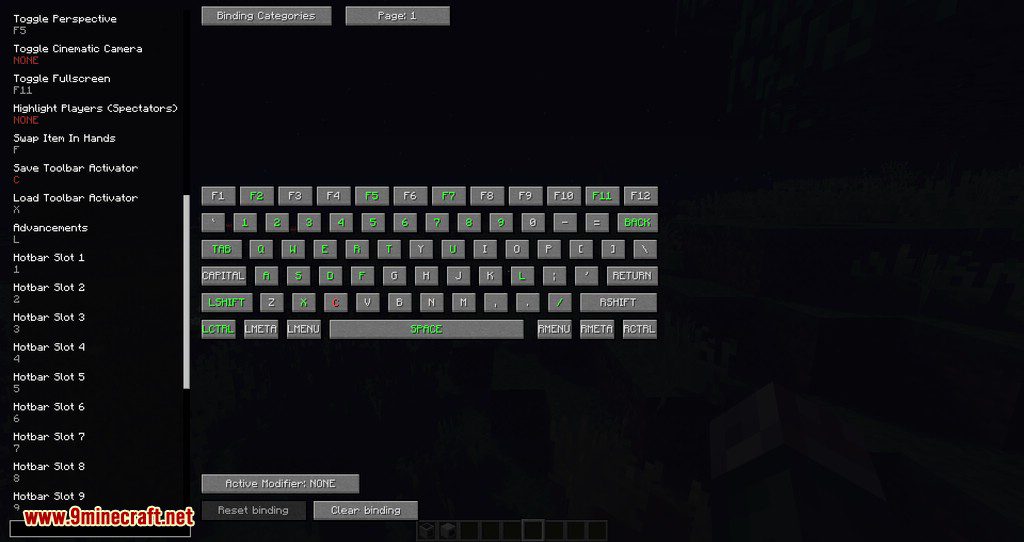
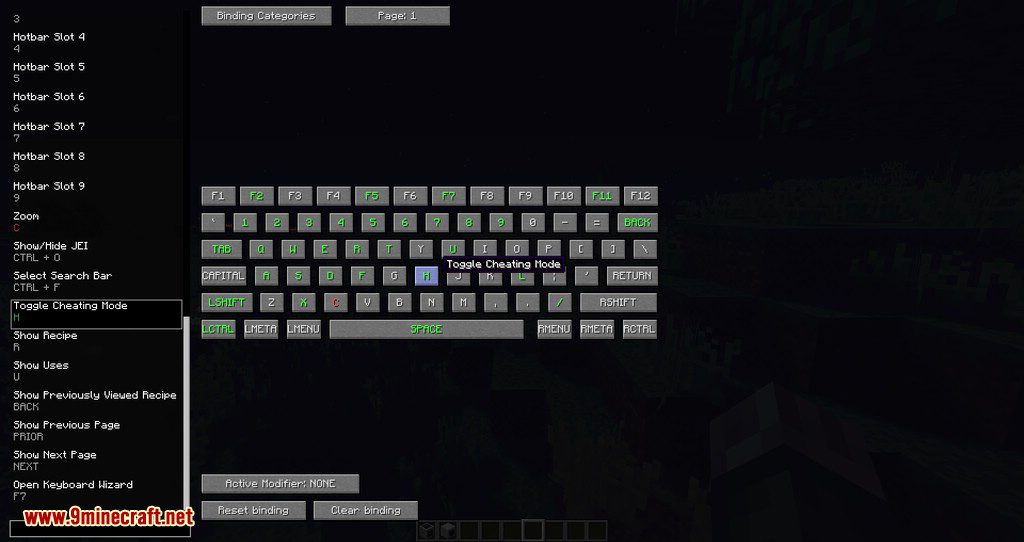
Keys that are bound to something will be green on the right. When there is a conflict, a key will turn red. Bindings that are not set to the default key will be green in the list.
To change a binding, select it in the list on the left, and then click a key on the right. The search bar at the bottom left can be used to find bindings by their display name.
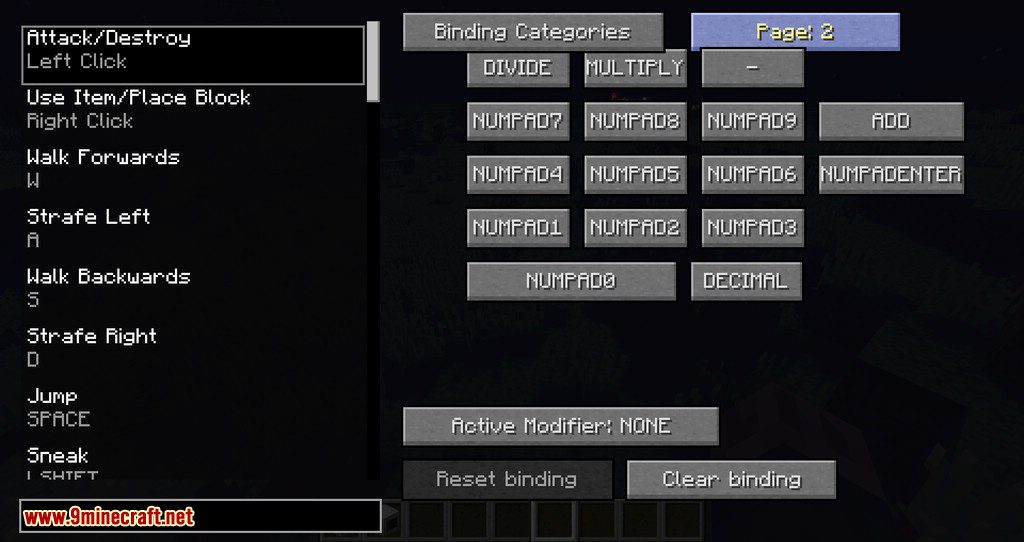
The “Active Modifier:” button allows bindings to have a modifier such as control or alt (menu). When the button is pressed it will toggle through the available modifiers. Only bindings with the modifier shown on the button will be colored on the keyboard. If a binding is set when the active modifier is anything but NONE, the binding will be set to the key + the active modifier.
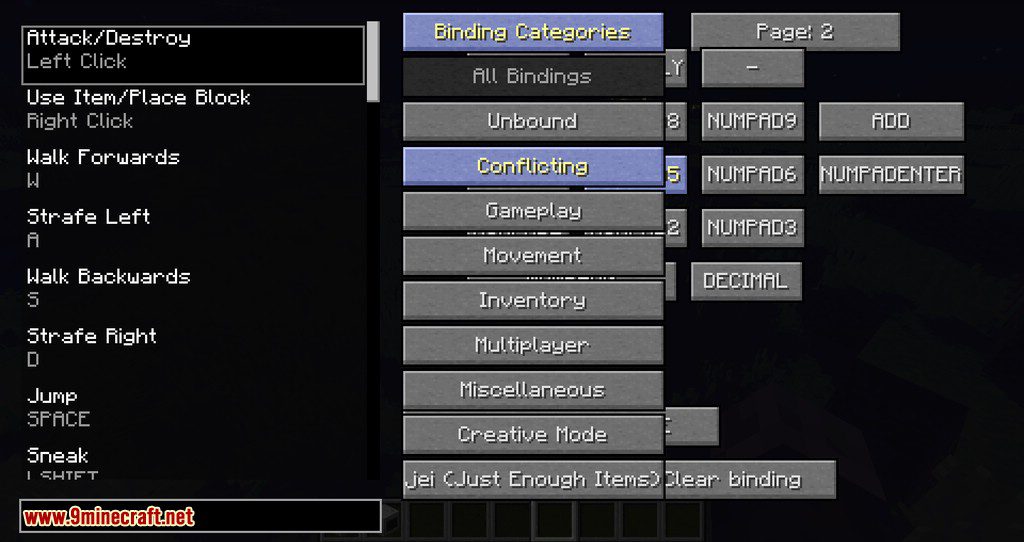
Press the “Binding Categories” button to show a dropdown list of categories.
Press the “Binding Categories” button to show a dropdown list of categories.
If you are unable to see the entire GUI, change your GUI scale in video settings to normal or small.
Screenshots:
Keyboard Wizard Mod Download Links
For Minecraft 1.19.2
Forge version: Download from Server 1 – Download from Server 2
Fabric version: Download from Server 1 – Download from Server 2
For Minecraft 1.18.2
Forge version: Download from Server 1
Fabric version: Download from Server 1
For Minecraft 1.17.1
Fabric version: Download from Server 1
For Minecraft 1.16.5
Forge version: Download from Server 1
Fabric version: Download from Server 1
For Minecraft 1.15.2
Fabric version: Download from Server 1
For Minecraft 1.14.4
Fabric version: Download from Server 1
For Minecraft 1.12.2
Forge version: Download from Server 1
For Minecraft 1.10.2
Forge version: Download from Server 1
- Edition: Minecraft Java
- File type: .jar
- Minecraft versions listed: 1.19.2, 1.18.2
- How to install: Install the matching mod loader (Forge, Fabric or NeoForge) for your Minecraft version. → Download the .jar. → Put it in the .minecraft/mods folder and launch that loader profile.
- Where to get it: In MC Java Mods, or directly above on this page.
Install steps are the general flow for this file type — How to install Minecraft Java mods & modpacks walks through it step by step.
- Downloads as 204076.mcaddon
- Download size: 44 KB
- Download link checked 30 Jul 2026 — working
- Mirrored on our own servers — the download does not depend on the original host
These come from our own check of the pack file, not from the source page.