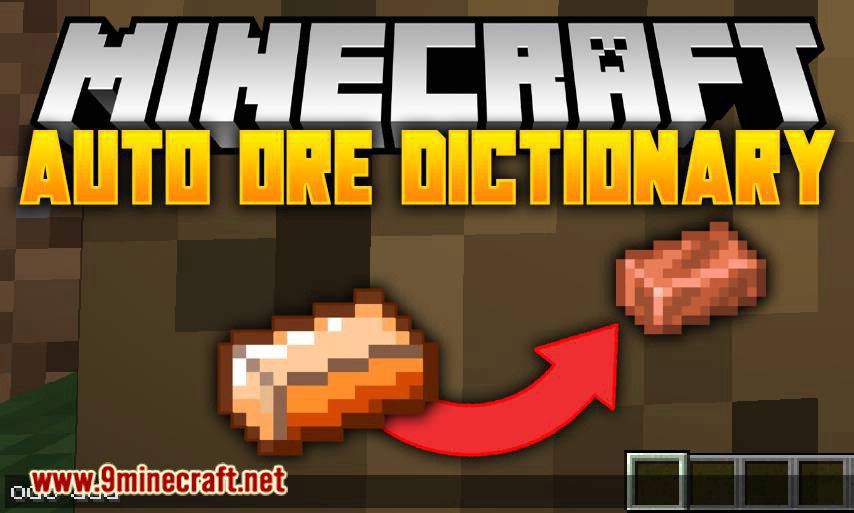
Auto Ore Dictionary Converter Mod automatically converts items to their configured ore dictionary counterparts.
Features:
- Simply install, boot, and run the /odc add command while holding the item you want other types of that item to convert to and you’ll shortly be converting items in no time.
- Example: hold a thermal expansion copper ingot and run /odc add. Now, all other types of copper (railcraft,ic2,etc) will be converted whenever you have them.
Conversion Config Format (for pack makers):
Show More
# to convert all items from a tag to a specific item (eg. forge:ores/iron=minecraft:iron_ore)
namespace:tag=modid:item
# to convert one specific item to another (eg. minecraft:diamond>minecraft:netherite_ingot)
modid:item>modid:item
Auto Ore Dictionary Converter Mod Download Links
For Minecraft 1.7.10
Forge version: Download from Server 1
For Minecraft 1.12.2
Forge version: Download from Server 1
For Minecraft 1.16.5
Forge version: Download from Server 1
For Minecraft 1.18.1
Forge version: Download from Server 1
For Minecraft 1.18.2
Forge version: Download from Server 1
For Minecraft 1.19.2
Forge version: Download from Server 1
Quick facts
- Edition: Minecraft Java
- File type: .jar
- Minecraft versions listed: 1.19.2, 1.18.2
- How to install: Install the matching mod loader (Forge, Fabric or NeoForge) for your Minecraft version. → Download the .jar. → Put it in the .minecraft/mods folder and launch that loader profile.
- Where to get it: In MC Java Mods, or directly above on this page.
Install steps are the general flow for this file type — How to install Minecraft Java mods & modpacks walks through it step by step.
Verified by MCModsHub
- Downloads as 204094.mcaddon
- Download size: 29 KB
- Download link checked 30 Jul 2026 — working
- Mirrored on our own servers — the download does not depend on the original host
These come from our own check of the pack file, not from the source page.