
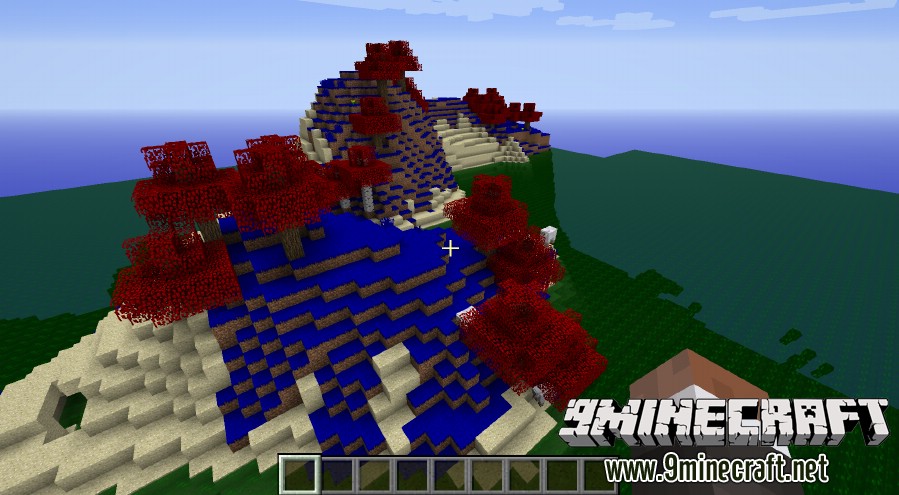
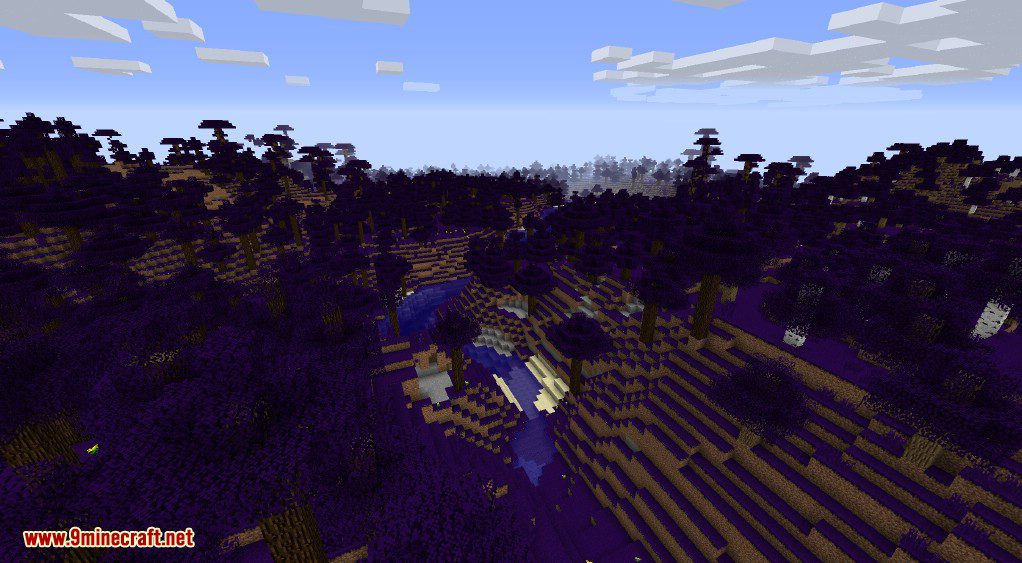
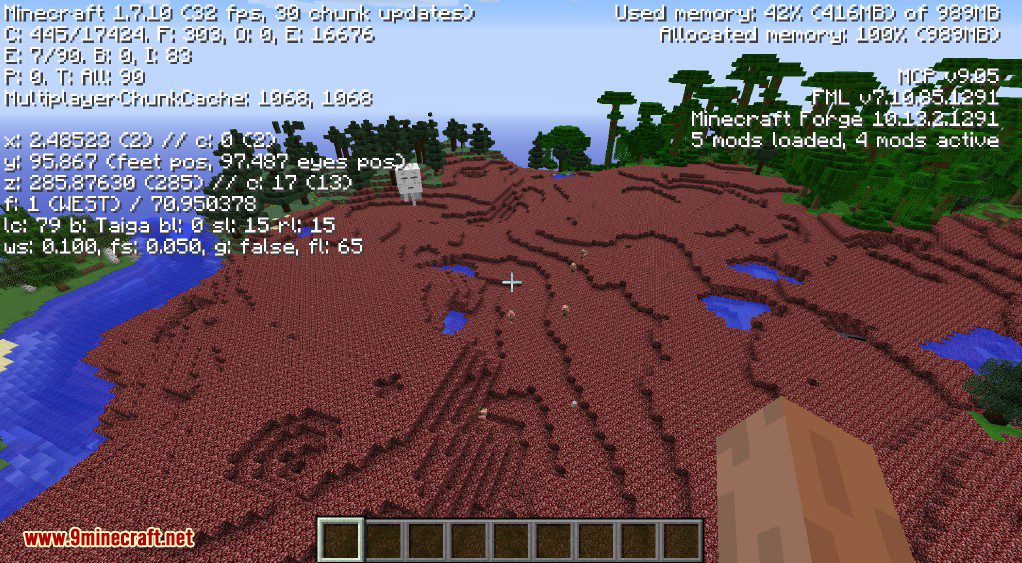
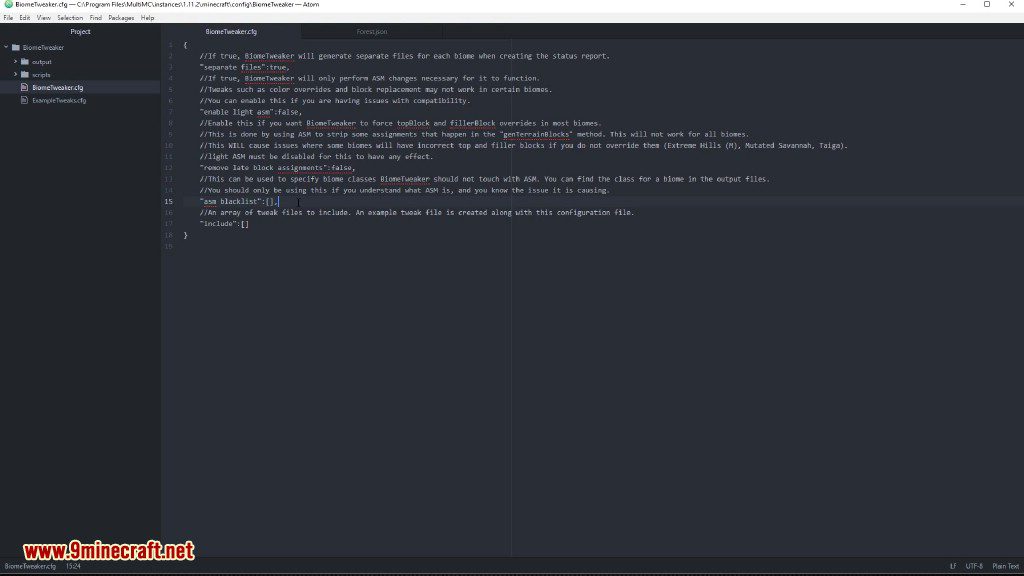
BiomeTweaker Mod lets you change almost every part of a biome in Minecraft. Using scripts, you can control things like temperature, colors, and the blocks that make up the ground. This mod also allows you to create completely new biomes from scratch, copy existing ones, or even remove biomes from your world entirely.
Features:
- Change basic biome properties like name, colors, and temperature.
- Create brand new biomes or make copies of existing ones.
- Remove unwanted biomes from world generation.
- Control or remove decorations such as grass, flowers, trees, and dungeons.
- Add your own custom decorations to any biome.
- Change which mobs can spawn in specific biomes.
- Replace almost any block placed during world generation.
- Apply potion effects to players and mobs when they are in certain biomes.
BiomeTweaker Mod Wiki Page:
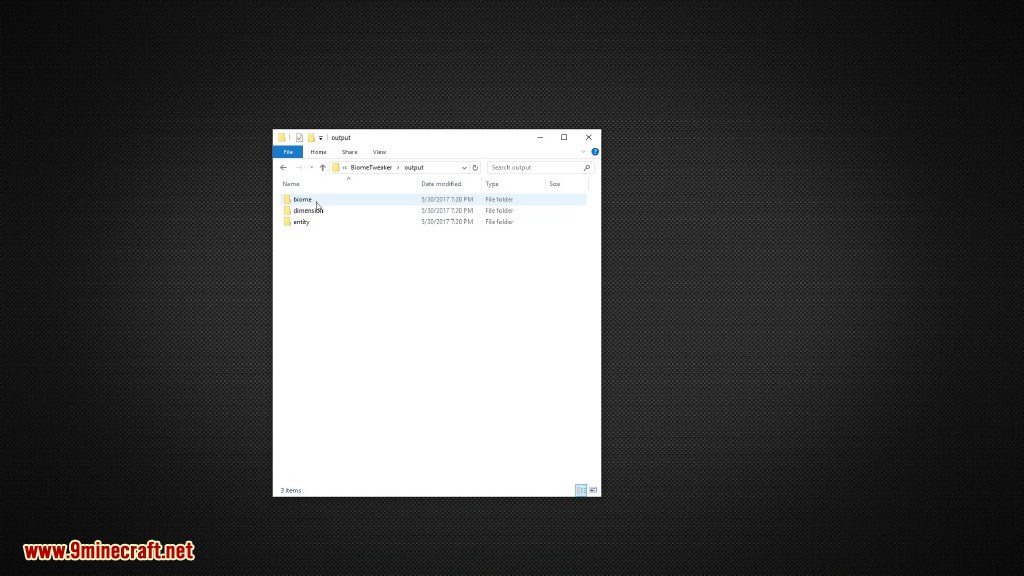
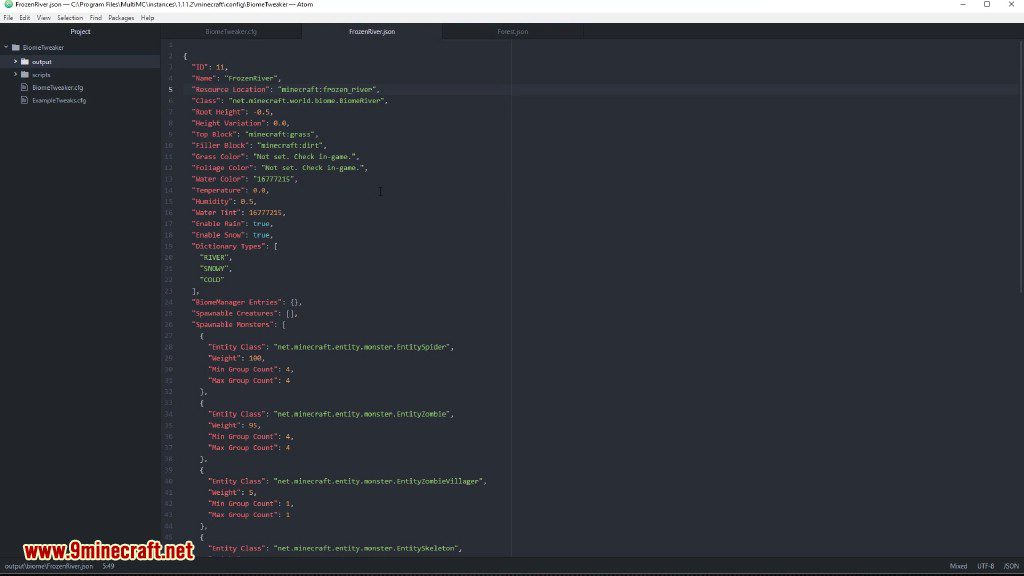
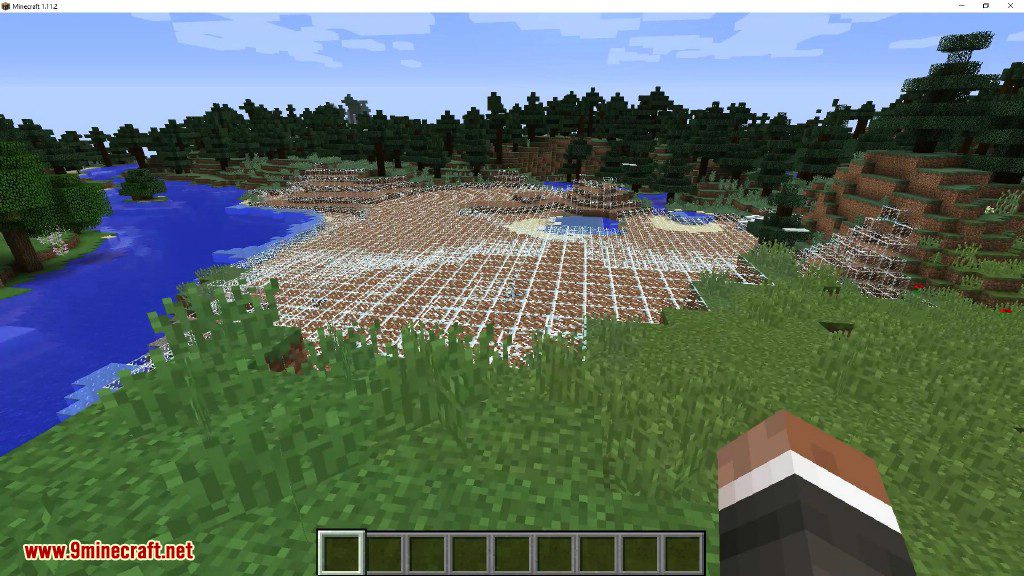
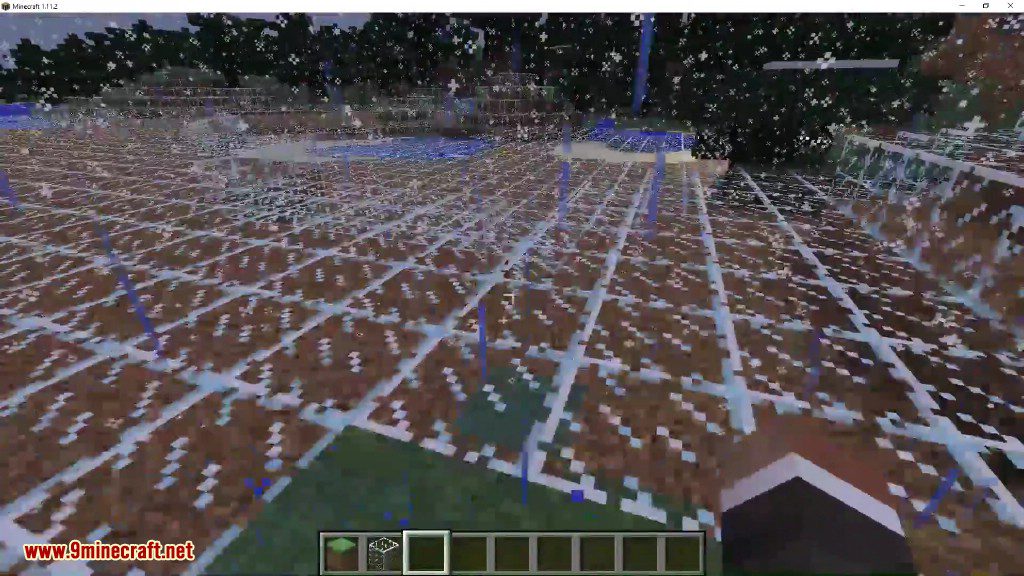
Screenshots:
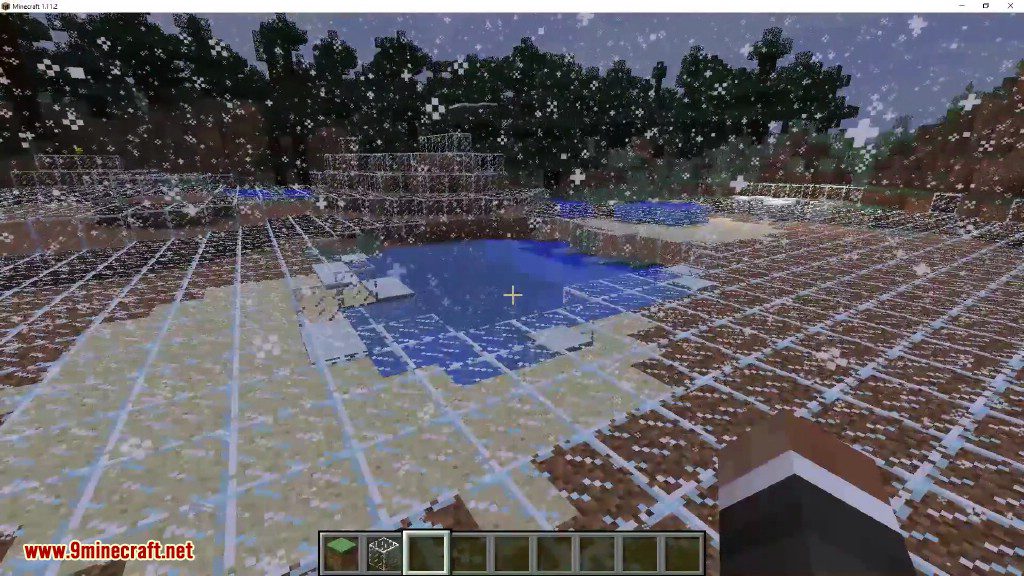
Rainbow
BiomeTweaker Mod Download Links
For Minecraft 1.19.2
BiomeTweaker Mod Forge version: Download from Server 1
For Minecraft 1.18.2
BiomeTweaker Mod Forge version: Download from Server 1
For Minecraft 1.12.2
BiomeTweaker Mod Forge version: Download from Server 1
BiomeTweakerCore Forge version: Download from Server 1
For Minecraft 1.7.10
Forge version: Download from Server 1
- Edition: Minecraft Java
- File type: .jar
- Minecraft versions listed: 1.19.2, 1.18.2
- How to install: Install the matching mod loader (Forge, Fabric or NeoForge) for your Minecraft version. → Download the .jar. → Put it in the .minecraft/mods folder and launch that loader profile.
- Where to get it: In MC Java Mods, or directly above on this page.
Install steps are the general flow for this file type — How to install Minecraft Java mods & modpacks walks through it step by step.
- Downloads as 204122.mcaddon
- Download size: 248 KB
- Download link checked 30 Jul 2026 — working
- Mirrored on our own servers — the download does not depend on the original host
These come from our own check of the pack file, not from the source page.