Bouncier Beds
Java mod listed for Minecraft 1.16–1.21. Downloads from the MC Java Mods app on Android.
⬇ Download on CurseForge


Bouncier Beds is a mod which makes beds a little more fun and useful. With the mod you'll be able to bounce 20 blocks up by default. Though you can change this in the config. Bounce around with your friends or have that hidden room high up which you can only reach with a bouncy bed. Have some fun!
Fall damage is by default on the bed block. This'll allow you to bounce as high as you want without having to worry... as long as you land on the bed again.


All available config options:
bedsPreventFallDamage default true
Whether beds should prevent fall damage when a player lands on them. It's recommended to keep this enabled if you have lots of bounciness.
bedBounciness default 1.5, min 0.0, max 100.0
The modifier of how much a bed bounces. A value of 2.0 makes the player jump around 30 blocks. A value of 100.0 makes the player jump around 4500 blocks.

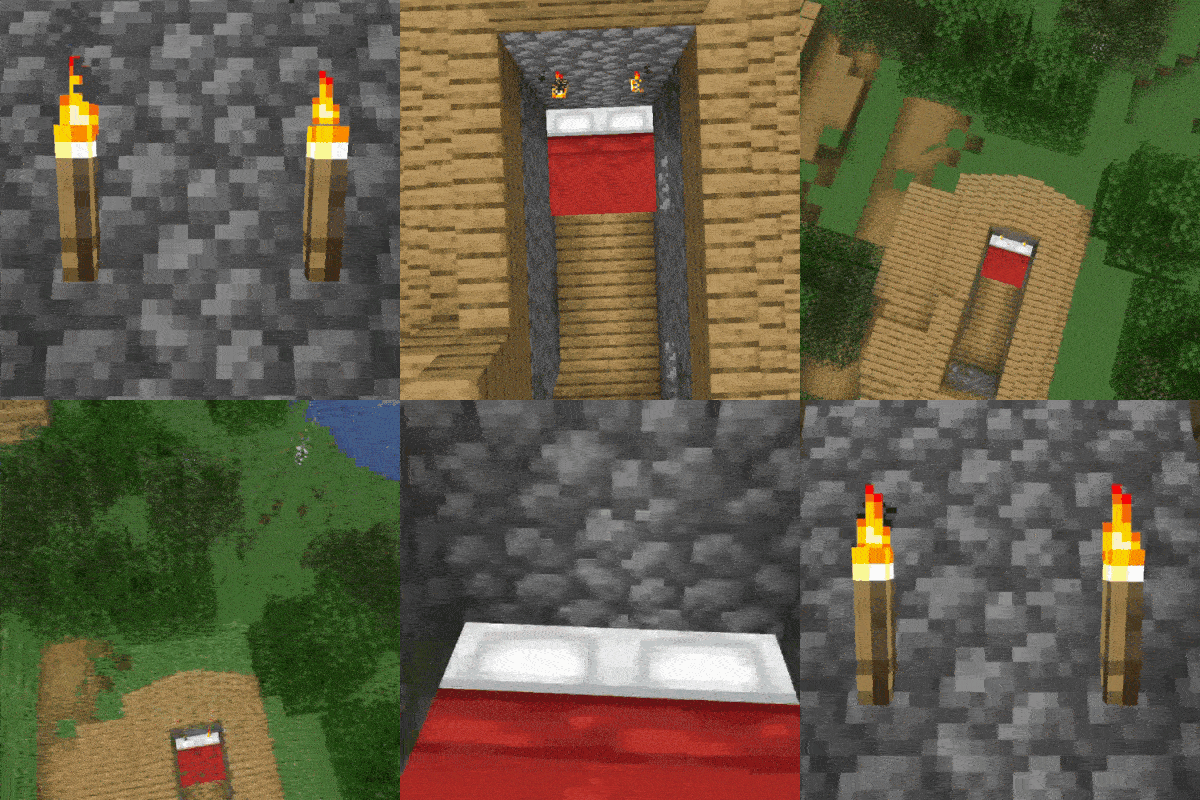
Bouncy!

More bounciness!


You may freely use this mod in any modpack, as long as the download remains hosted within the CurseForge or Modrinth ecosystem.
Serilum.com contains an overview and more information on all mods available.
Comments are disabled as I'm unable to keep track of them across so many separate mod pages.
For issues, ideas, suggestions or anything else there is the Github repo. Thanks!
- Edition: Minecraft Java
- File type: .jar
- Minecraft versions listed: 1.21.11, 1.21.10, 1.21.9
- How to install: Install the matching mod loader (Forge, Fabric or NeoForge) for your Minecraft version. → Download the .jar. → Put it in the .minecraft/mods folder and launch that loader profile.
- Where to get it: Opens on CurseForge — not every file is mirrored on our own servers.
Install steps are the general flow for this file type — How to install Minecraft Java mods & modpacks walks through it step by step.
Bouncier Beds is a free Minecraft Java mod. Compatible with Minecraft 1.21.11, 1.21.10, 1.21.9, 1.21.8 and newer. Downloaded 886,127 times (via CurseForge). Download it and open it directly in the game.