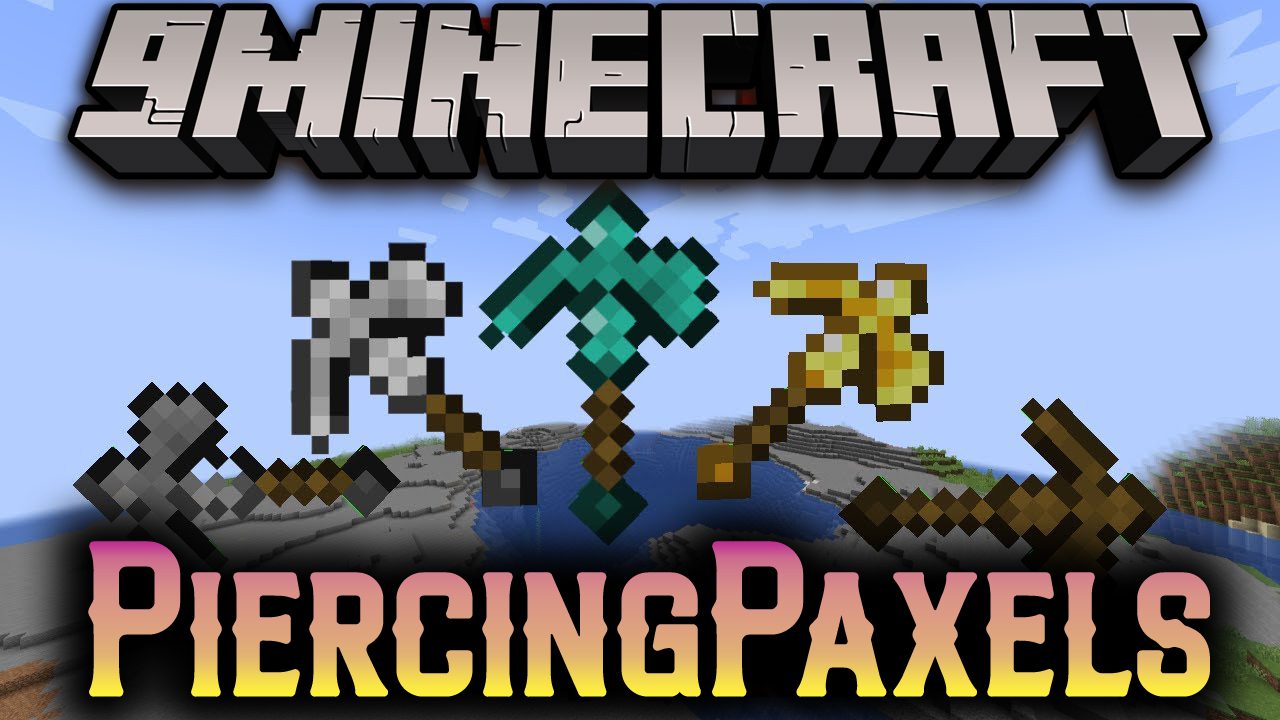
Piercing Paxels Mod (1.20.1, 1.19.2) – Dynamic Upgradable Multi-Tools
Piercing Paxels Mod adds a new selection of tools, Paxels, made with one of each normal tool. They can break any block and can be installed with a wide…
⬇ DownloadOpen in MCModsHubGet it on Google Play →Piercing Paxels Mod adds a new selection of tools, Paxels, made with one of each normal tool. They can break any block and can be installed with a wide number of custom upgrades.
Features:
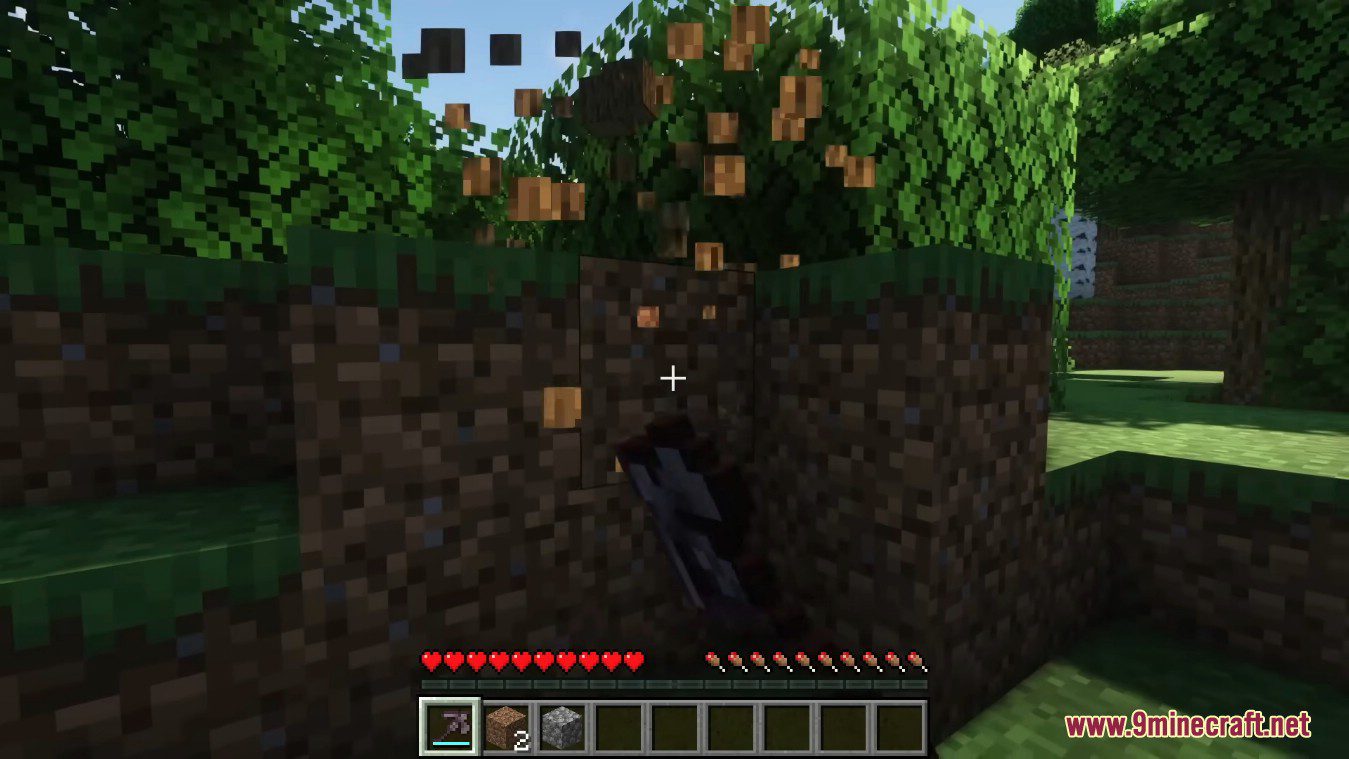
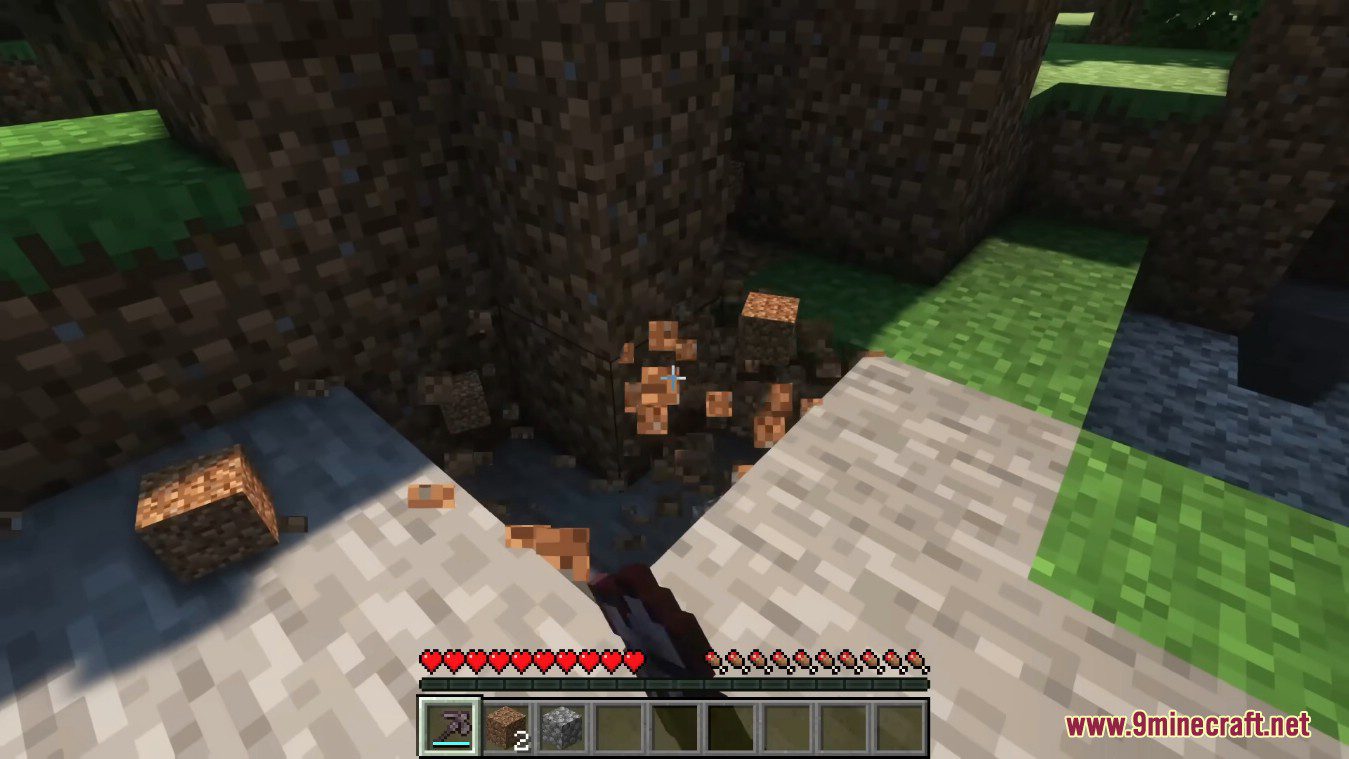
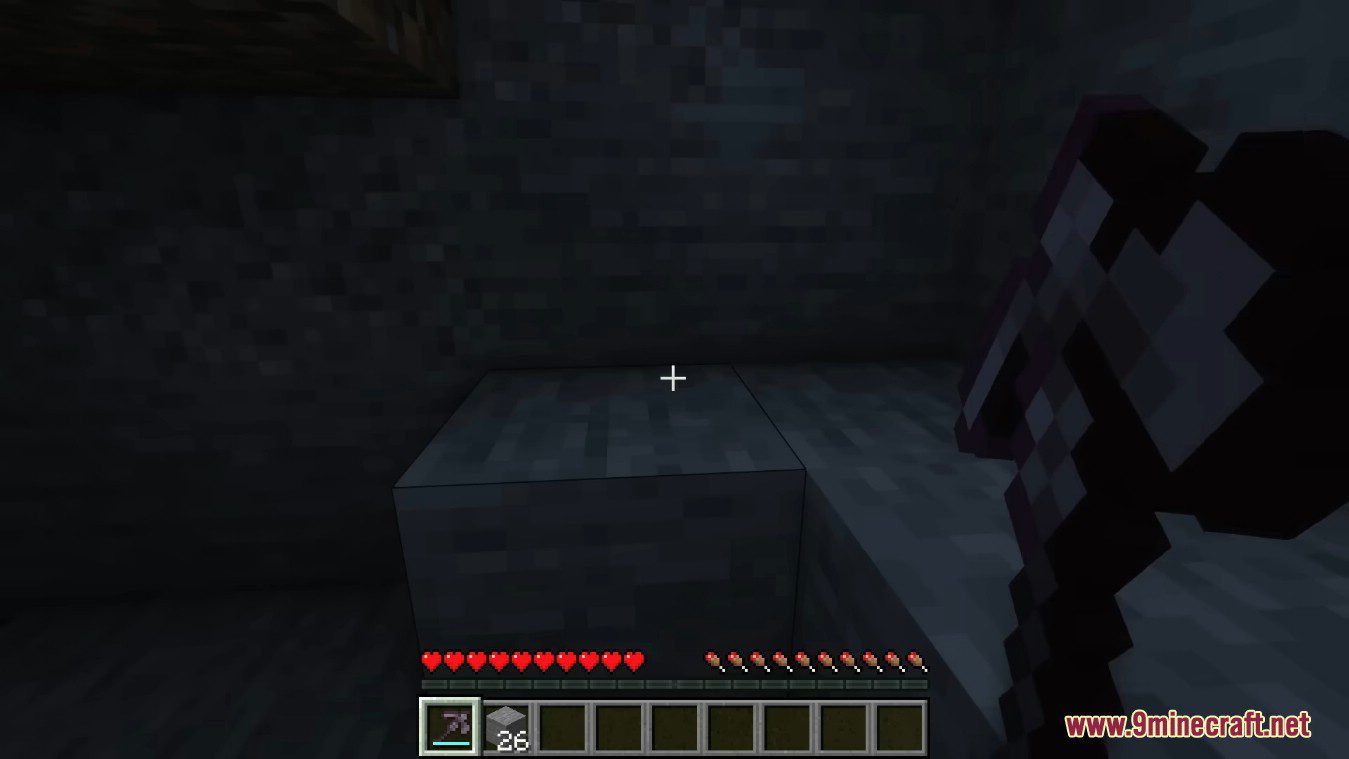
- They can mine any blocks.
- They have the durability of all the tools used to make them combined.
- When they reach zero durability they don’t break, instead they become unusable until repaired.
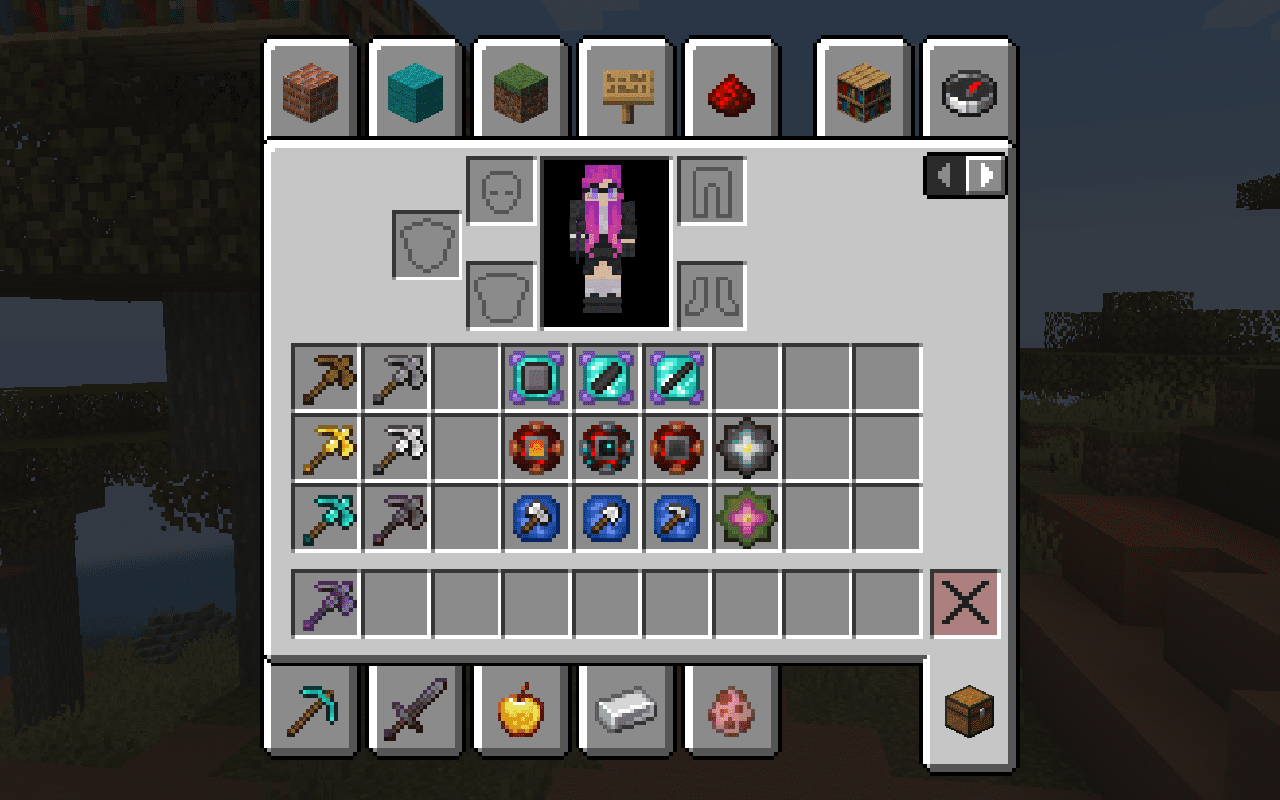
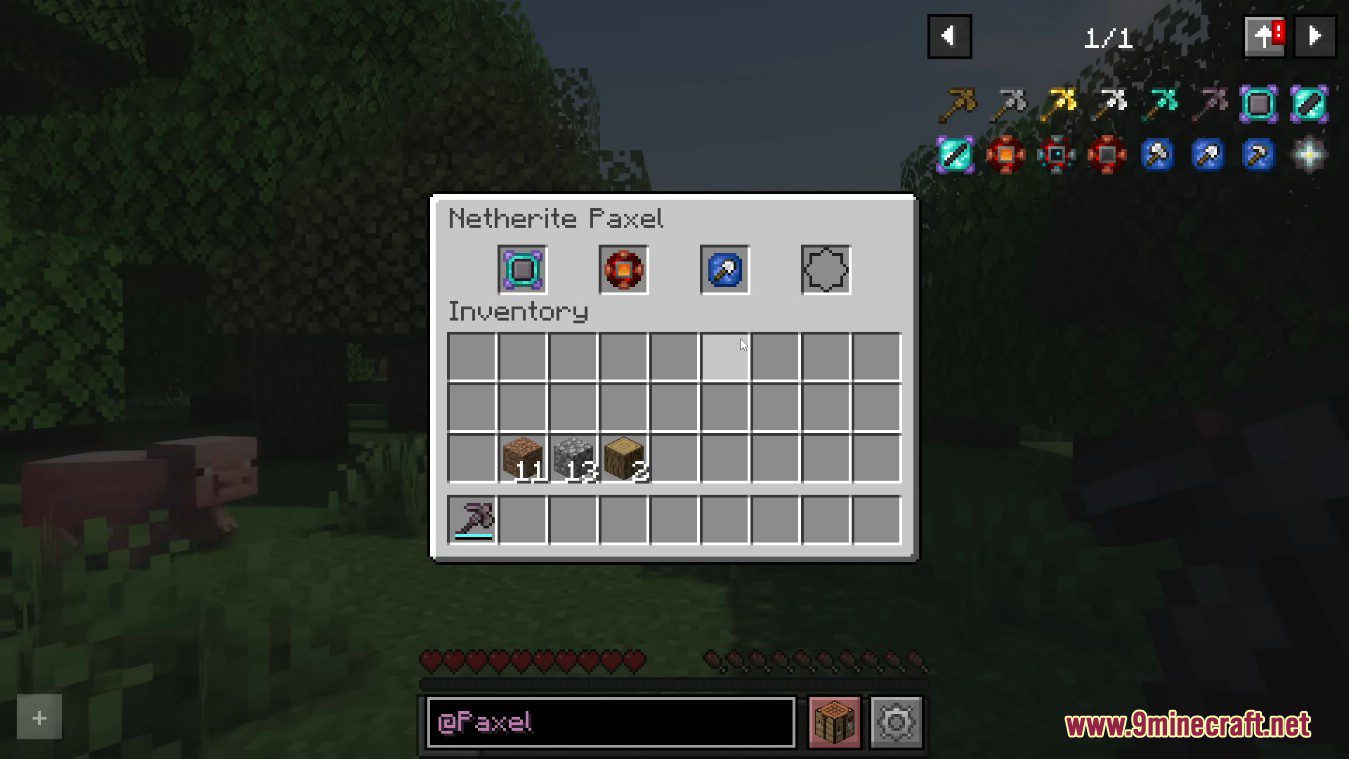
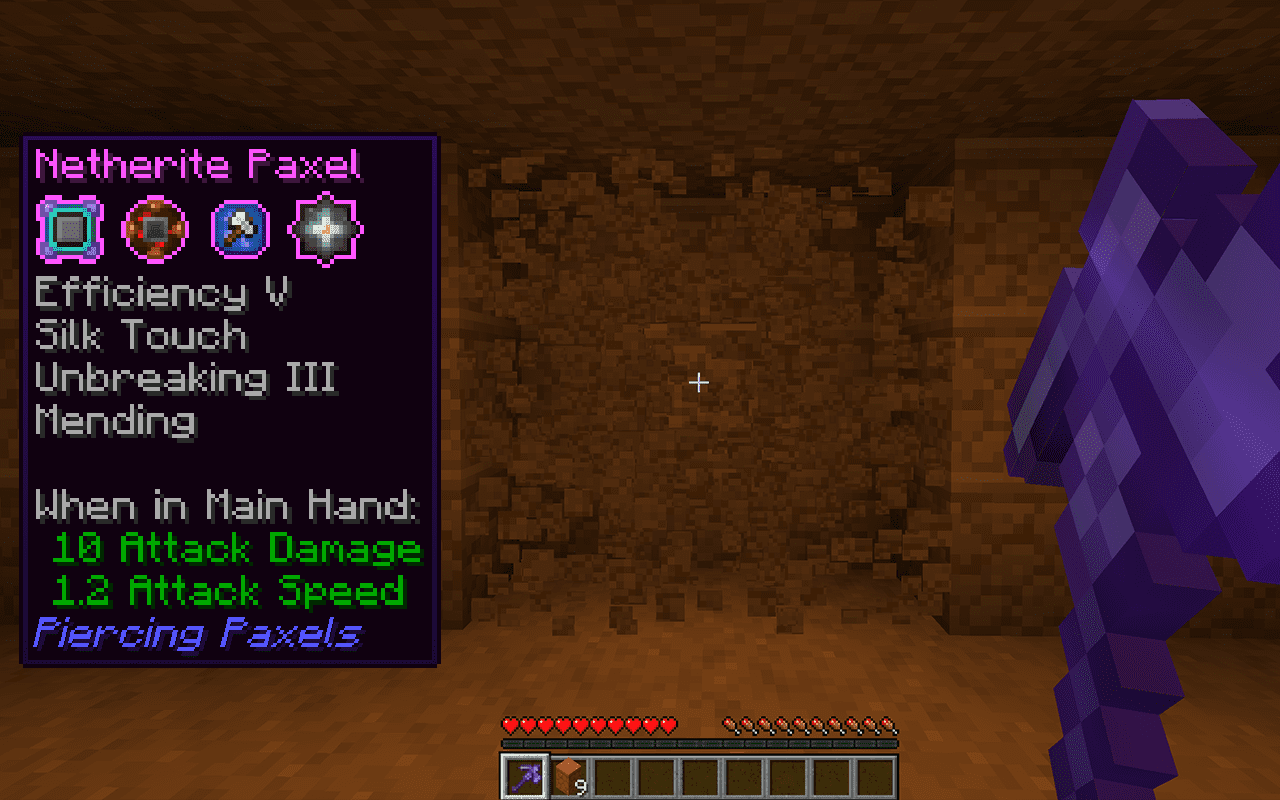
- They can have upgrades applied to enhance their abilities without needing enchantments:
- Ability Upgrades: Hold right click to break an area in front of you.
- Auto-Smelt (Smelt any block broken)
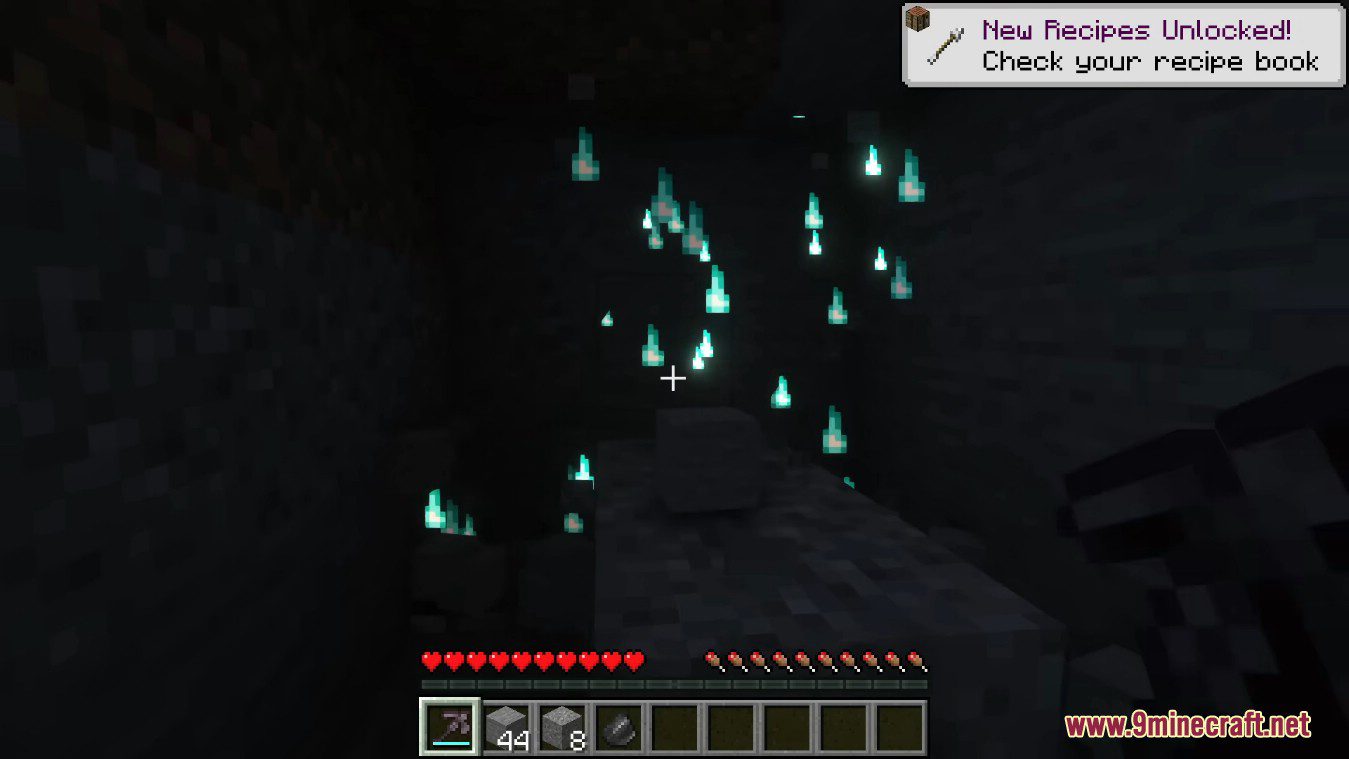
- Silence (Muffles sounds, including to Sculk creatures)
- Vacuum (Drops items directly into your inventory)
- Restoration (Repairs the paxel over time)
- Unbreakability (The paxel never takes durability damage)
- Usage Upgrade: Allows the paxel to act as a hoe, axe, or shovel.
Screenshots:
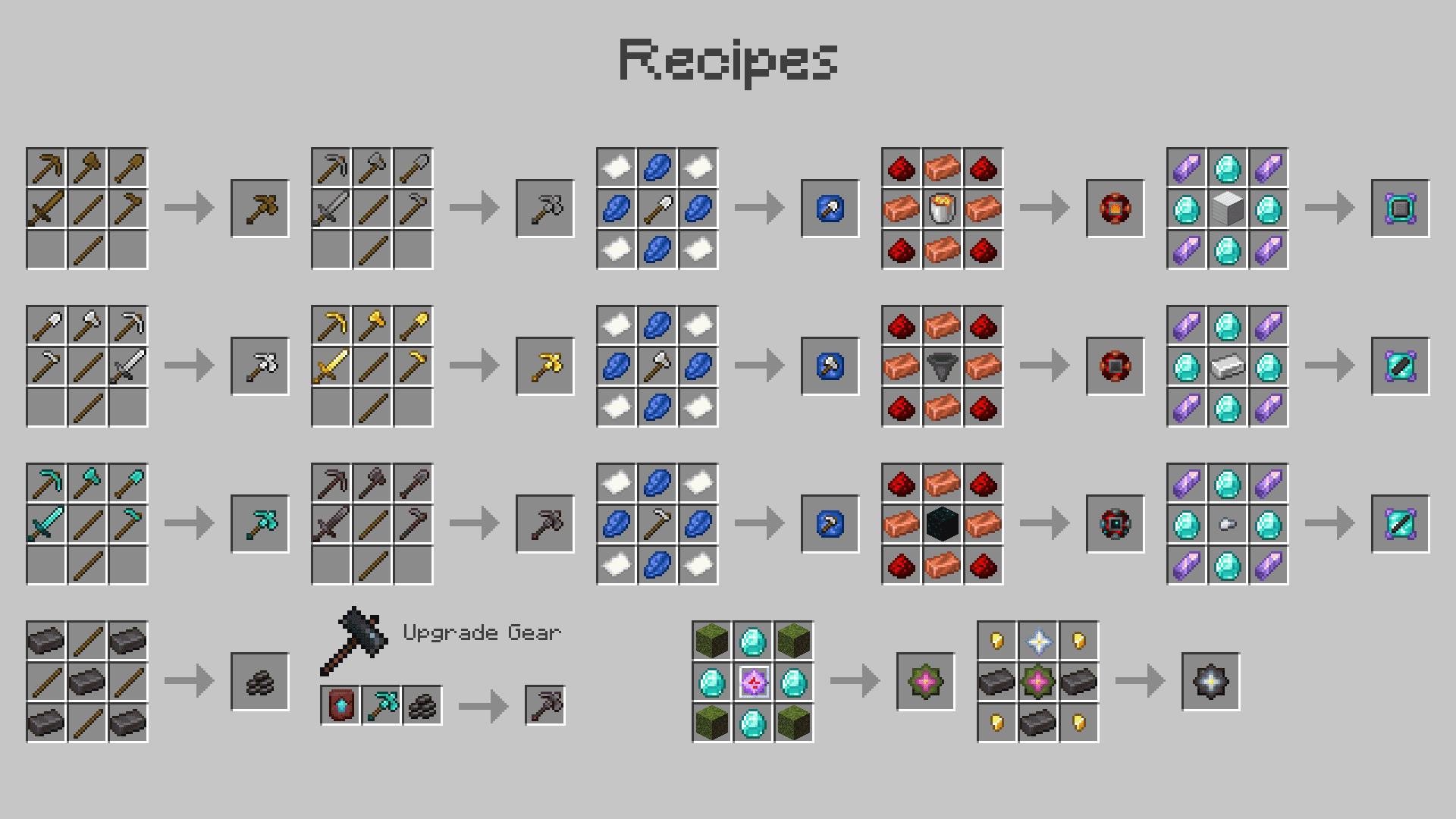
Crafting Recipes:
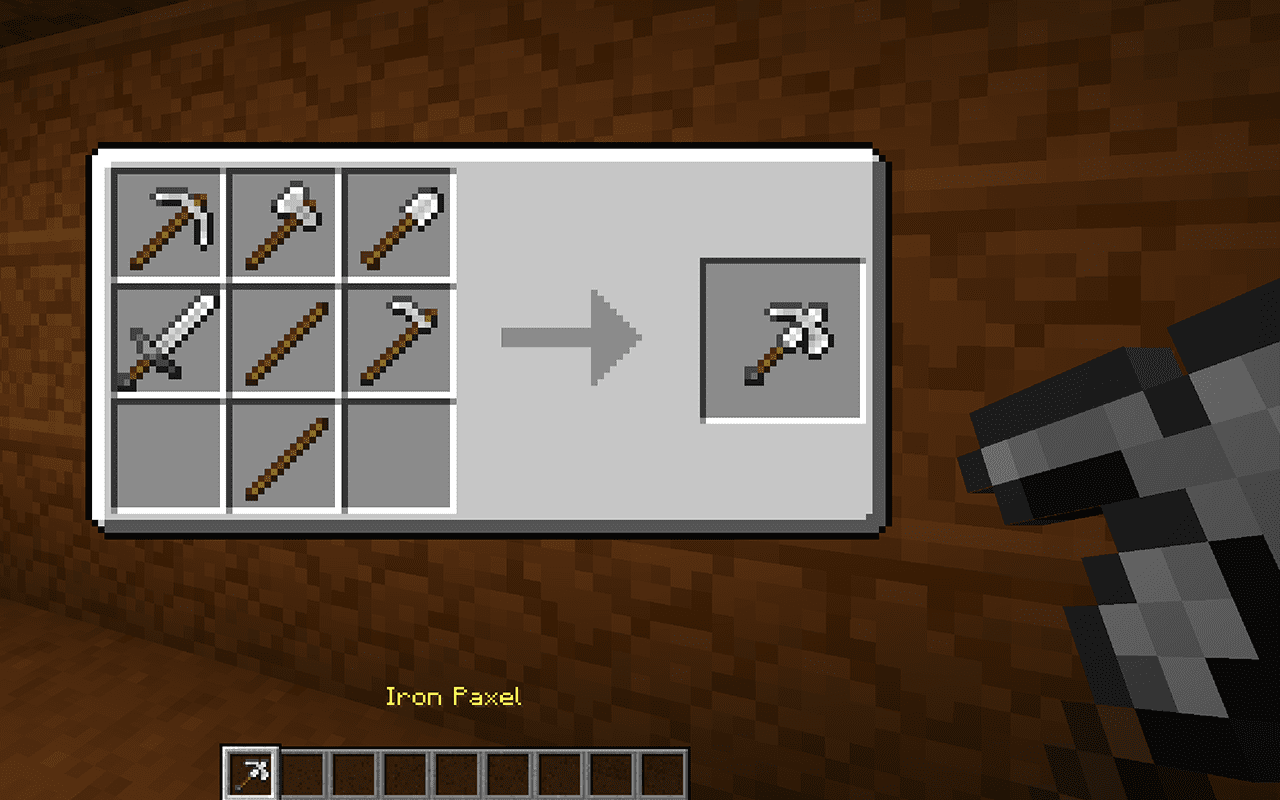
Crafting a Paxel
- Paxels can be created using all 5 of any individual material.
Creating Upgrades
- Various types of upgrades can be created using the following recipes. They can be inserted into the paxel by opening its inventory with shift right-click, and put into it’s particular upgrade slot
How to use:
The paxel can be used like any other tool, and can break any block. If you install an ability upgrade then you can also hold right click to break an area in front of you, in a different shape depending on the upgrade.
Piercing Paxels Mod Download Links
For Minecraft 1.20.1, 1.20
Forge/NeoForge version: Download from Server 1 – Download from Server 2
Fabric/Quilt version: Download from Server 1 – Download from Server 2
For Minecraft 1.19.2, 1.19.1, 1.19
Fabric/Quilt version: Download from Server 1 – Download from Server 2
For Minecraft 1.18.2, 1.18.1
Fabric version: Download from Server 1 – Download from Server 2
Piercing Paxels Mod (1.20.1, 1.19.2) – Dynamic Upgradable Multi-Tools is a free Minecraft Java mod. Compatible with Minecraft 1.20.1, 1.19.2. Download it and open it directly in the game.