Droplight Mod (1.19.2, 1.18.2) -Revamp the Item-Dropping Experience
Droplight Mod adds new features to the game that make drops feel more exciting. Features: Item Drop Sounds Items will now make sound when they hit the…
⬇ DownloadOpen in MCModsHubGet it on Google Play →Droplight Mod adds new features to the game that make drops feel more exciting.
Features:
Item Drop Sounds
- Items will now make sound when they hit the ground! Droplight includes over 20 custom sound effects, and while the default sounds work quite well, everything is completely customizable.
Drop Tossing
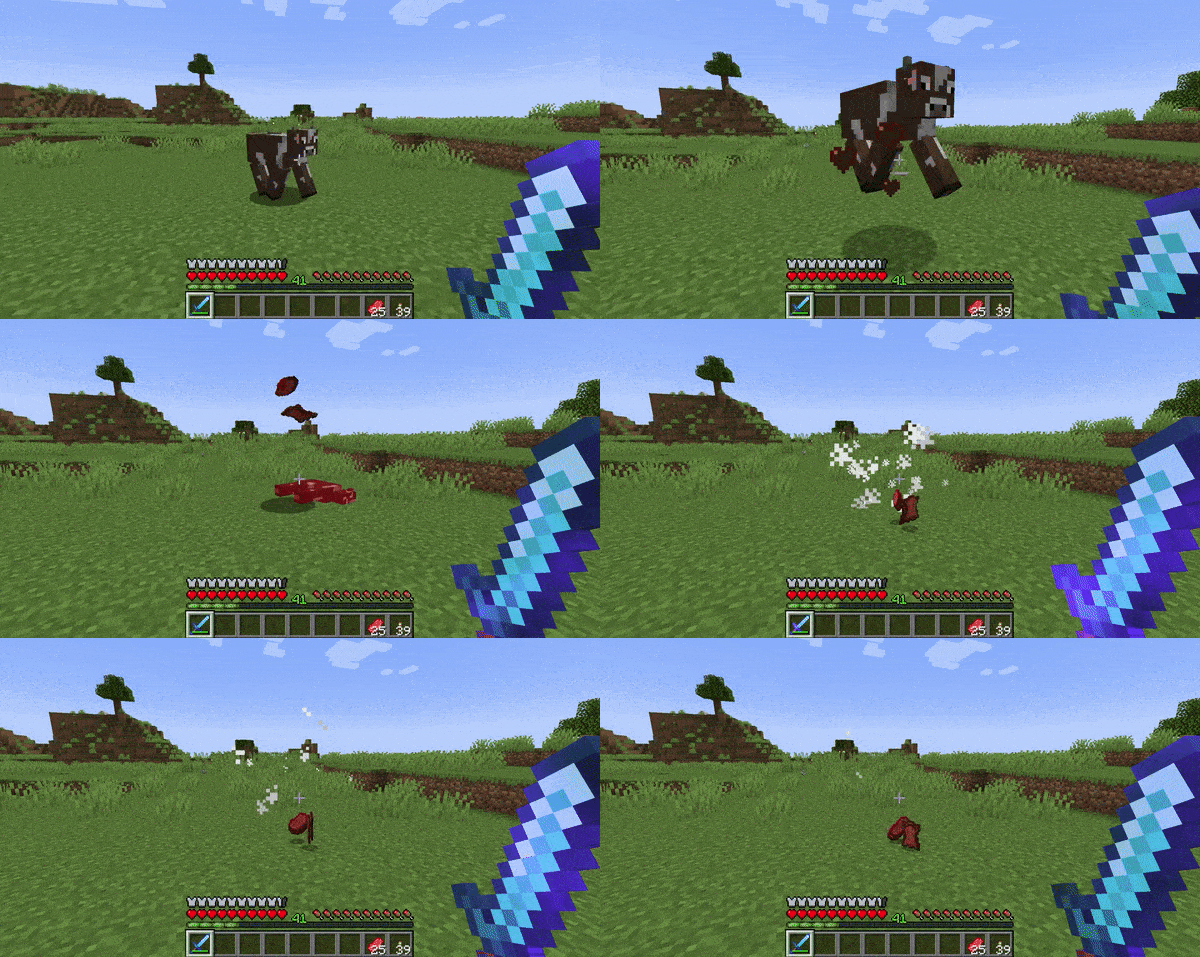
- When killing a mob, items will fly up into the air one at a time, whirling about. This emphasizes the drops, and makes multiple drops really feel special.
Item Visuals
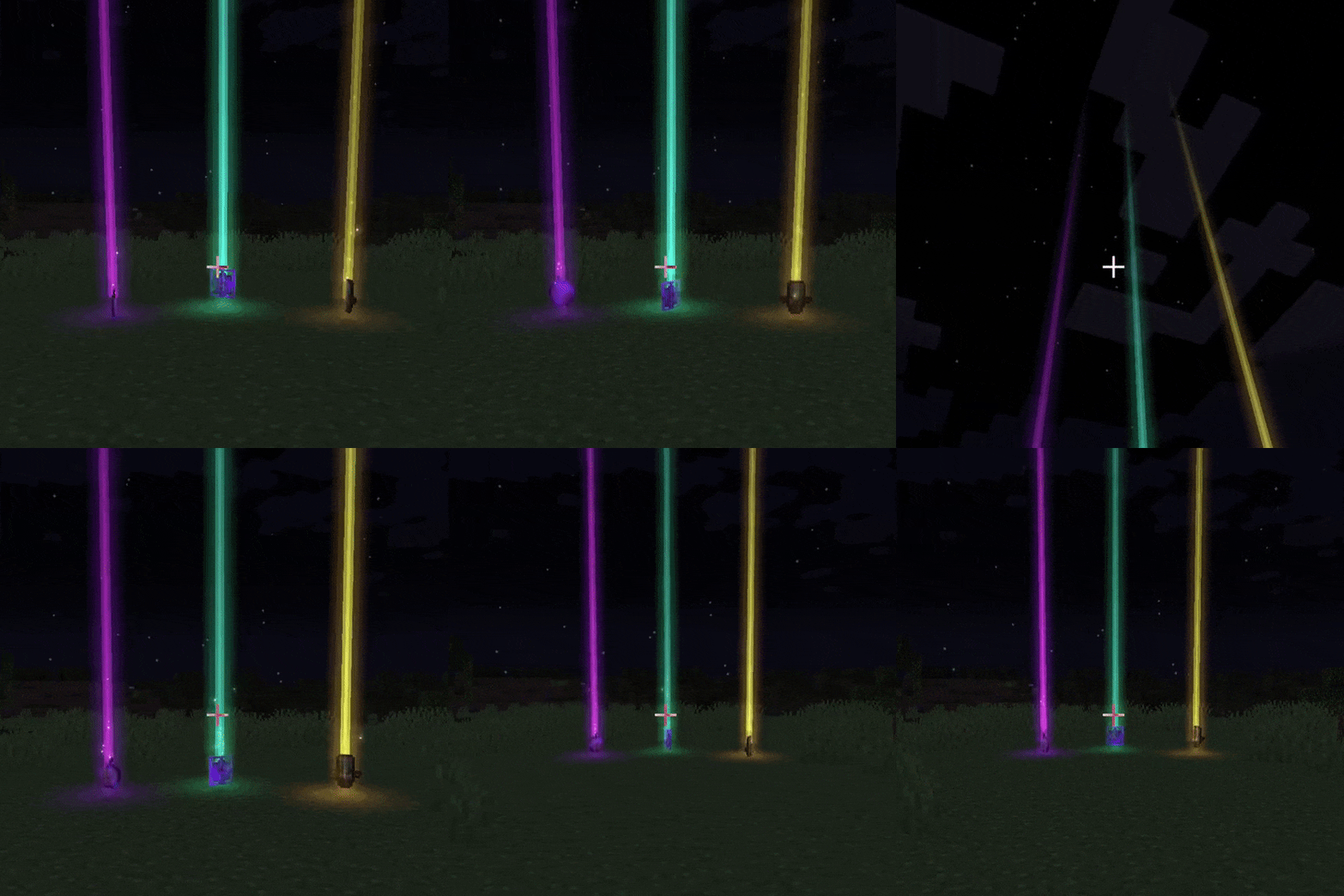
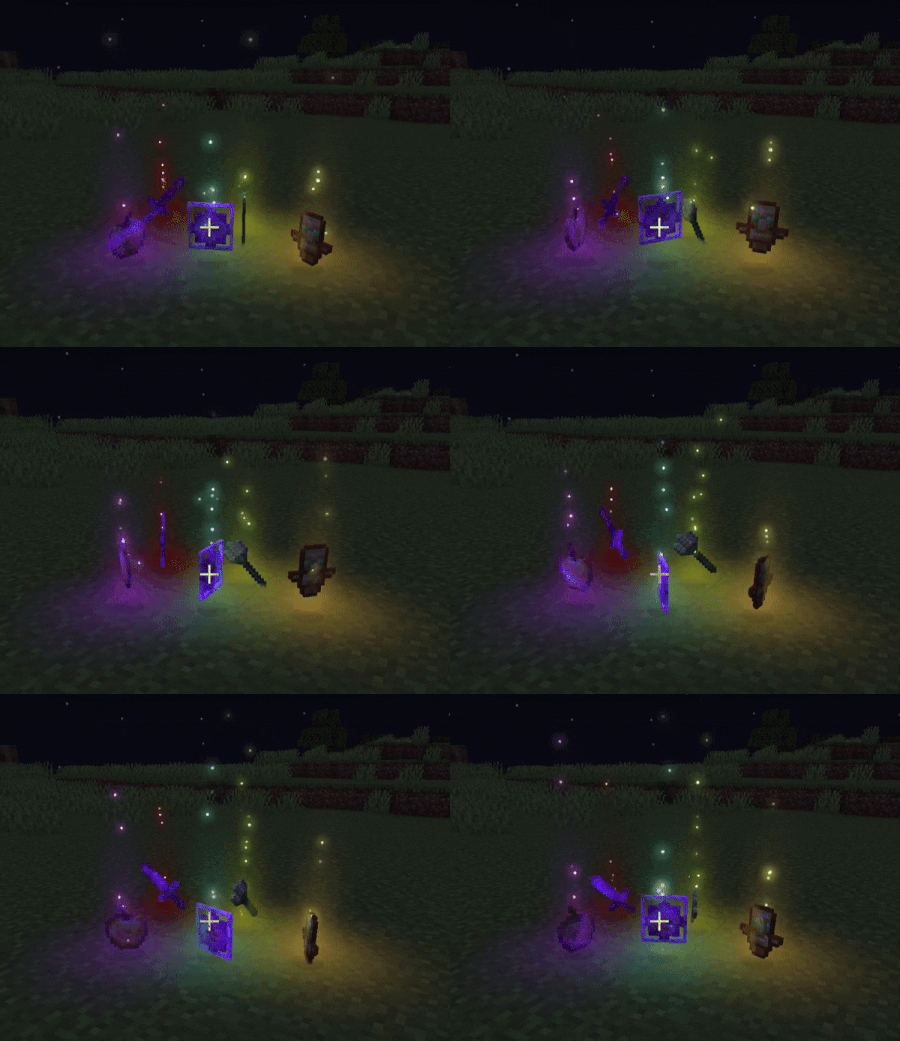
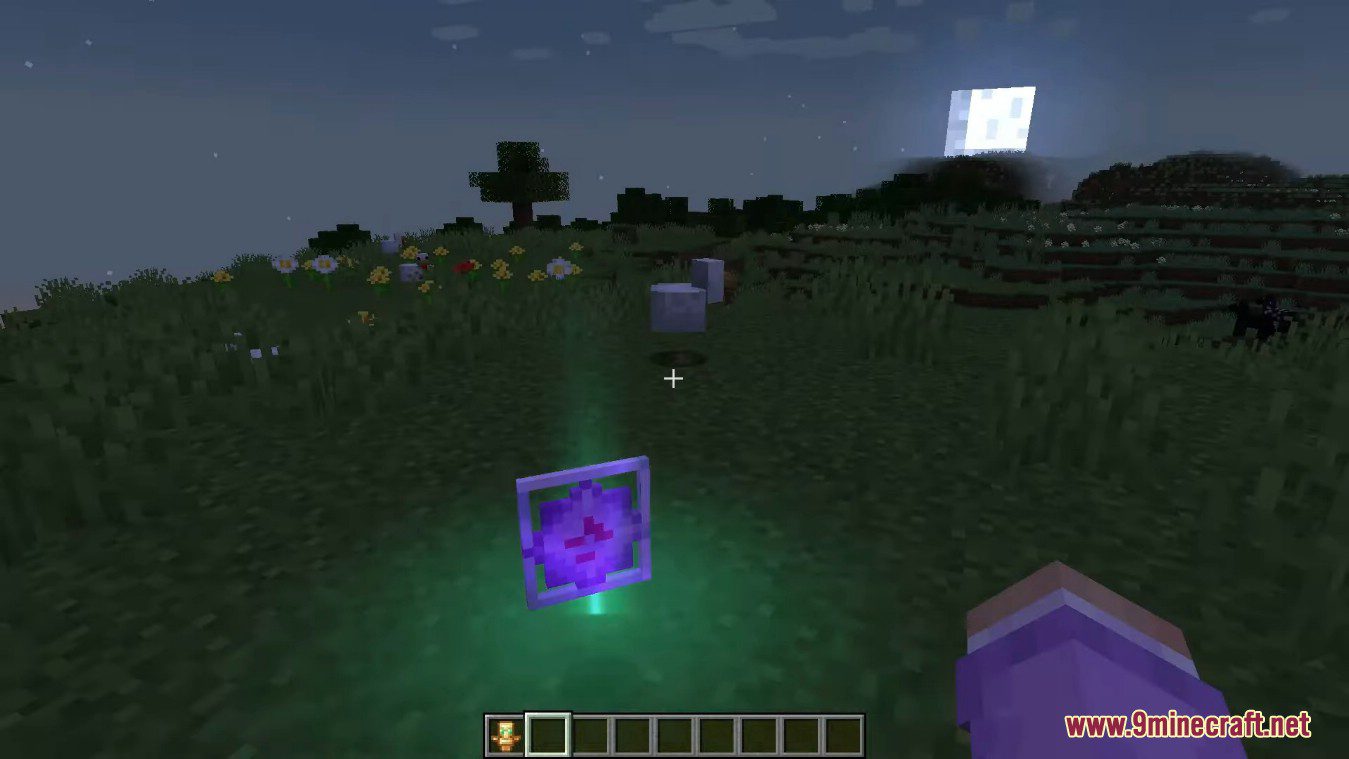
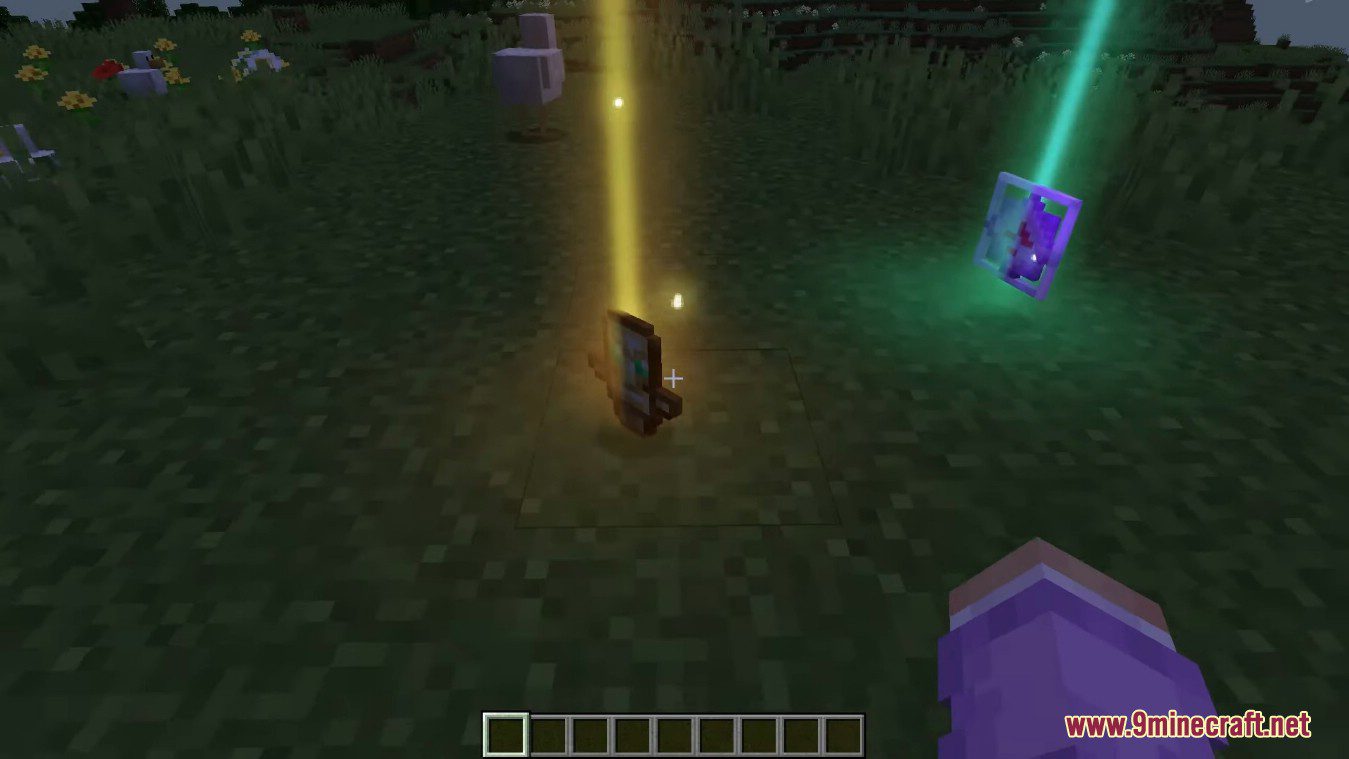
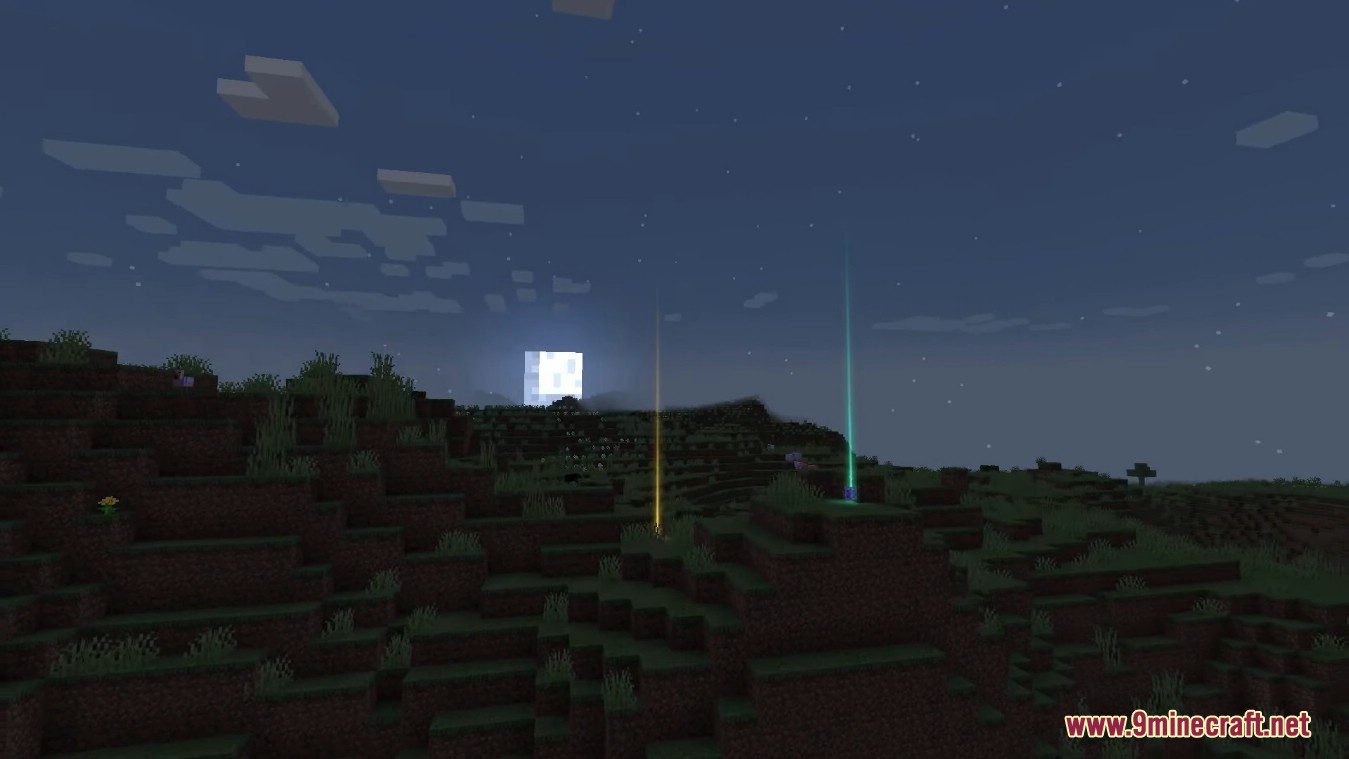
- Rare items have special visuals when on the ground, including a glowing beam of light and sparkles. By default, the color of these visuals matches the item’s tooltip name color. Everything about the visuals is also completely customizable, including which items have beams and/or sparkles, and what color particular items should have. By default the beams are smooth, but there is also a pixelated mode available for a blockier look. Are there some really hard to get items in your modpack? Make them have special visuals to really stand out.
Beam height 12.0, pixelated mode
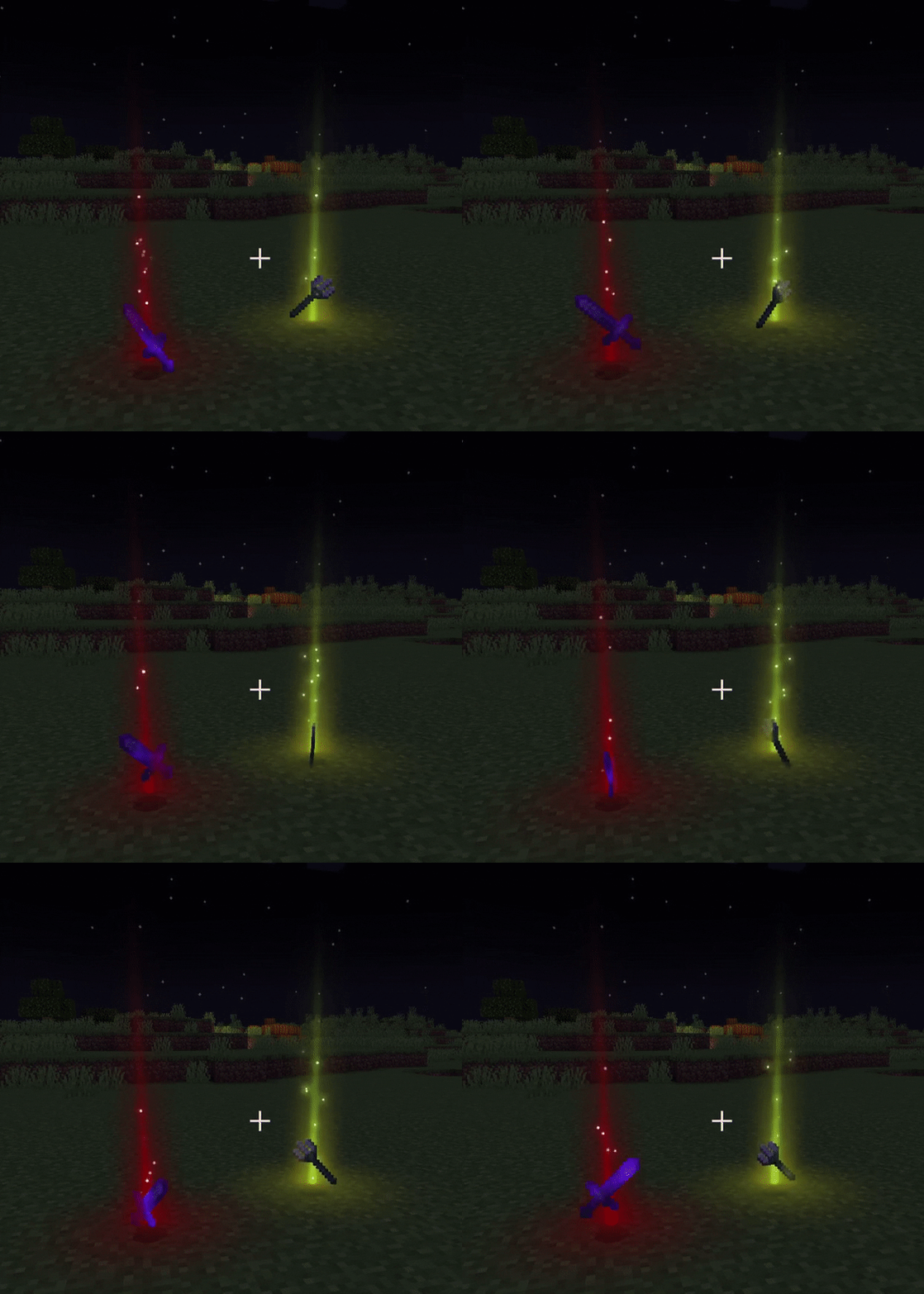
Beam height 3.0 with custom beam colors, smooth mode
Beam height 0.0 with some custom and some default beam colors
Screenshots:
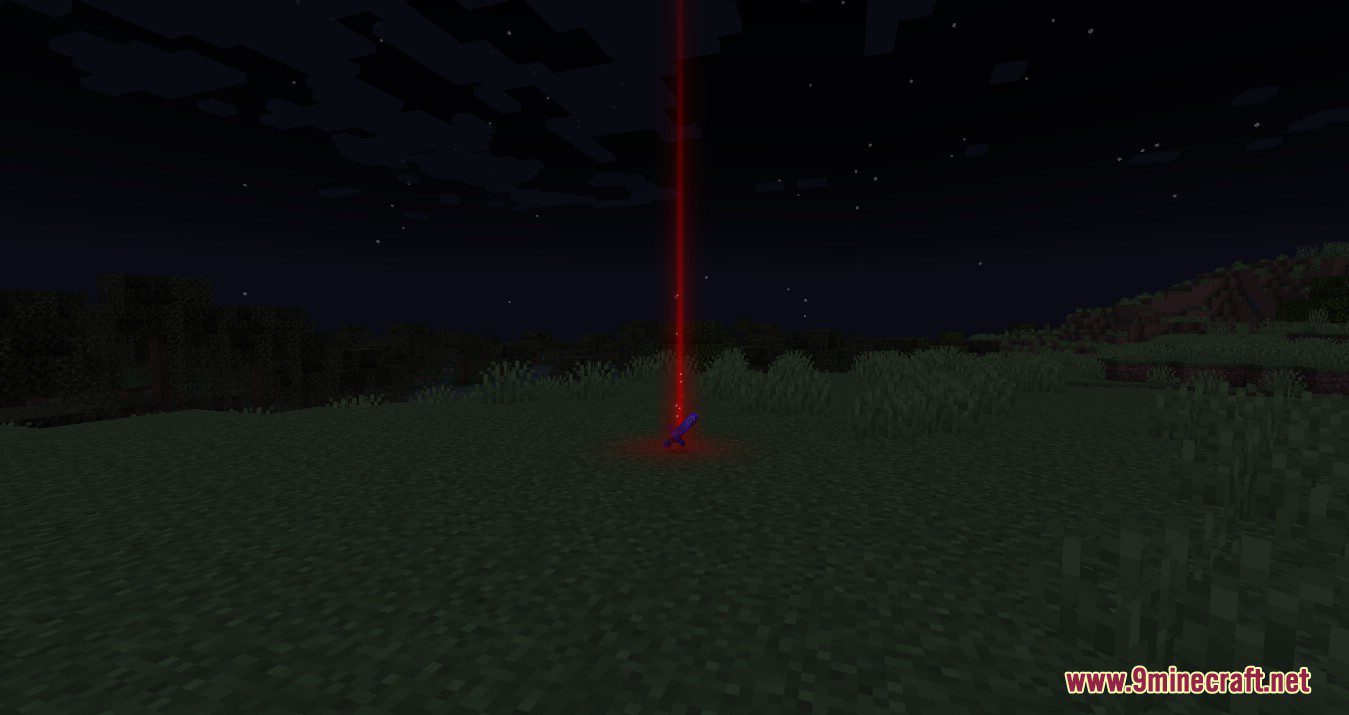
Custom light beam colors for any item: By default, beam colors will match the color of item tooltip names, but this is fully customizable.
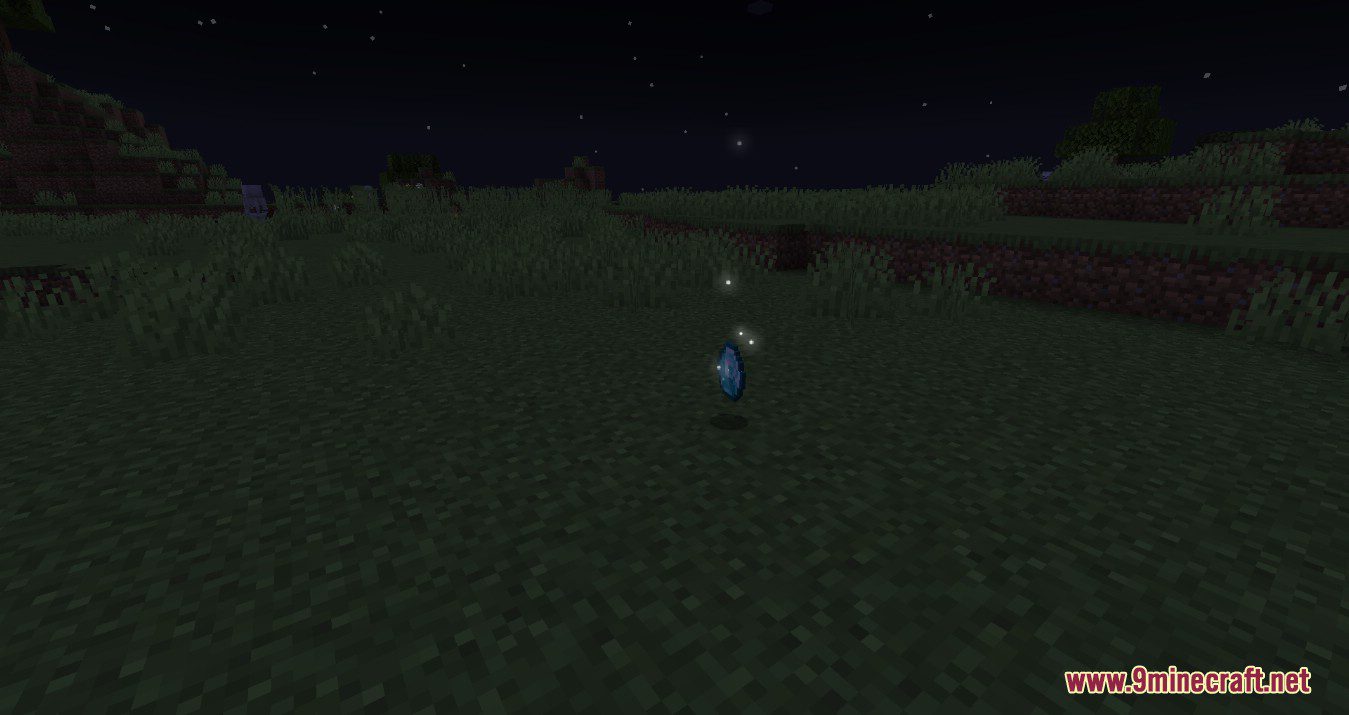
Sparkles or no sparkles? Item sparkles can be customized independently of light beams. Want everything to sparkle? Easily done!
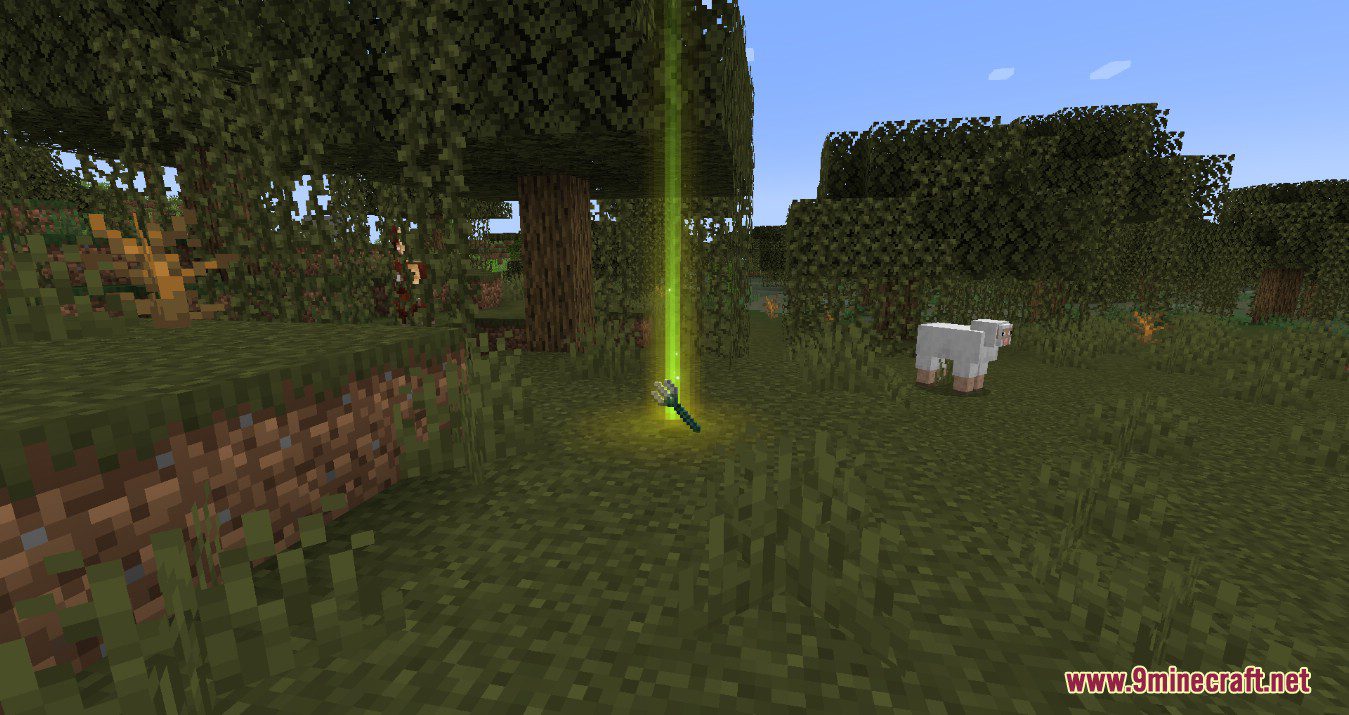
Not a fan of smooth lighting? Not a problem! Enable pixelated mode for that classic blocky appearance.
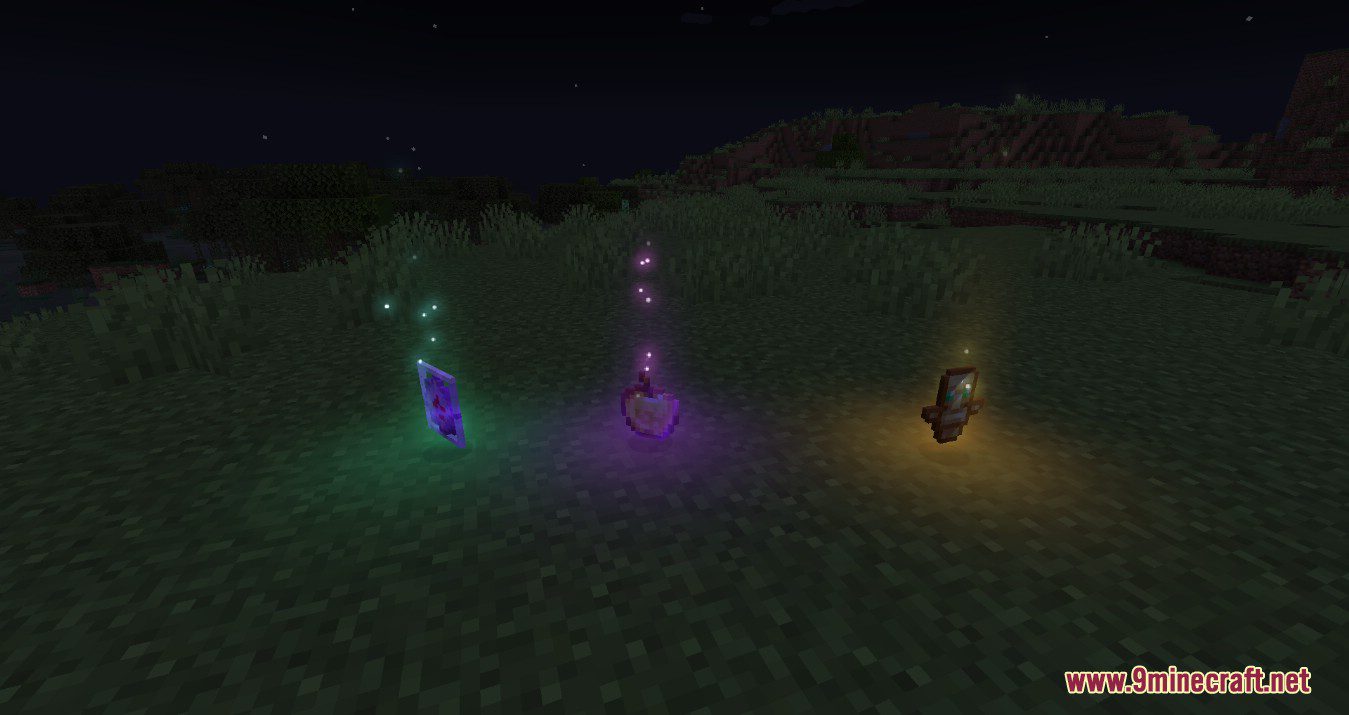
Beams optional: Beams can be of any height you wish, or if you prefer, nonexistent.
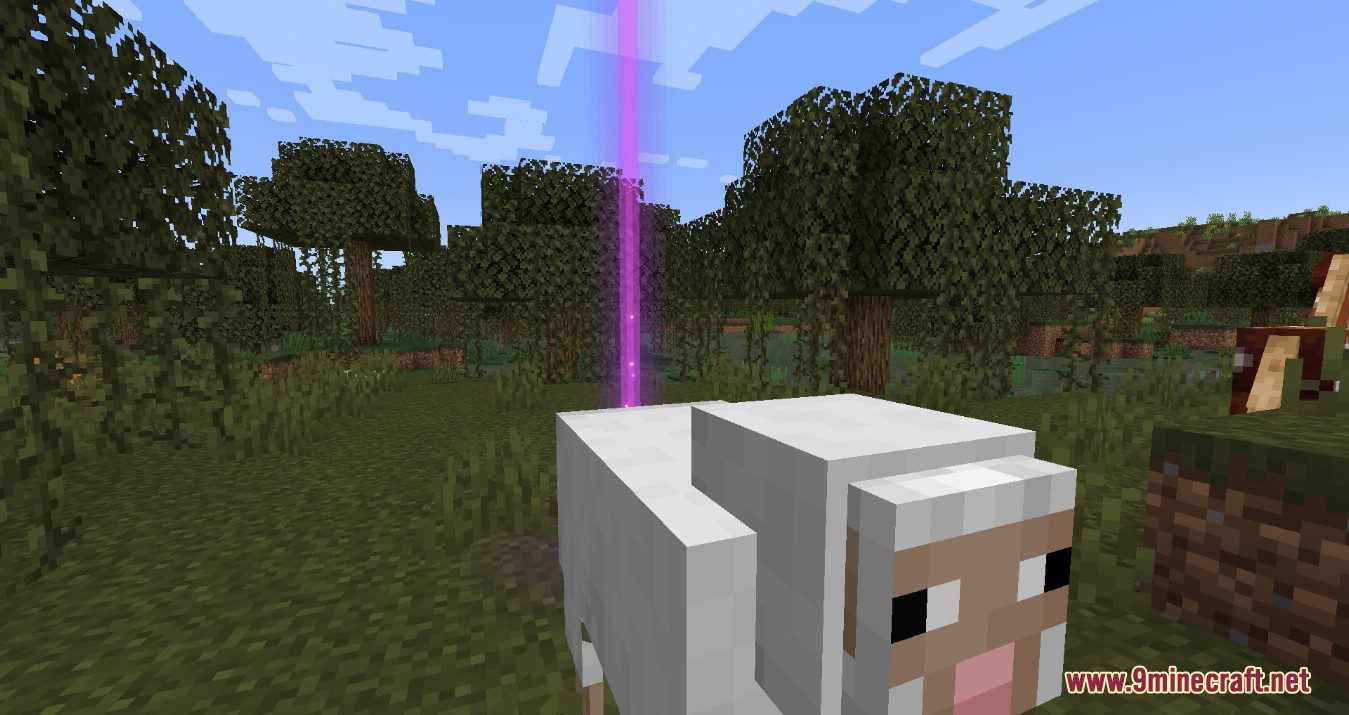
Beautiful graphics that fit right into the Minecraft world. Blends properly with clouds, entities, items, and everything else. Also highly compatible with other mods!
Requires:
Minecraft Forge or Fabric API
Droplight Mod Download Links
For Minecraft 1.19.2
Forge version: Download from Server 1 – Download from Server 2
Fabric version: Download from Server 1 – Download from Server 2
For Minecraft 1.18.2
Forge version: Download from Server 1 – Download from Server 2
Fabric version: Download from Server 1 – Download from Server 2
Droplight Mod (1.19.2, 1.18.2) -Revamp the Item-Dropping Experience is a free Minecraft Java mod. Compatible with Minecraft 1.19.2, 1.18.2. Download it and open it directly in the game.