Seed Drop Mod (1.20.1, 1.19.4) – Find Any Seed in the Wild
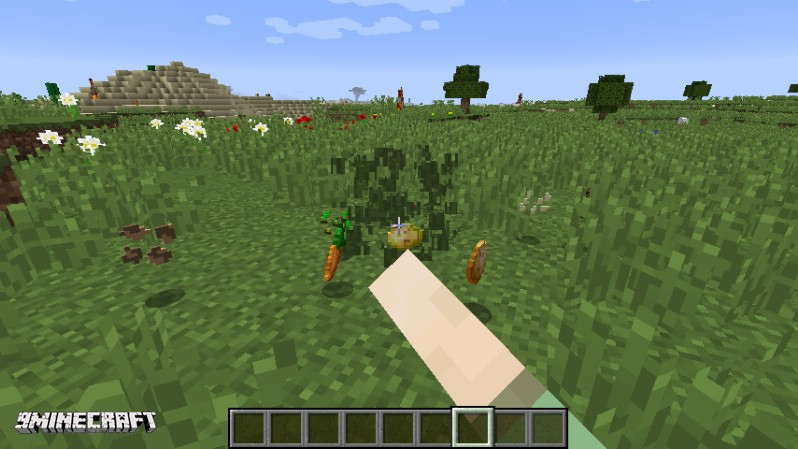
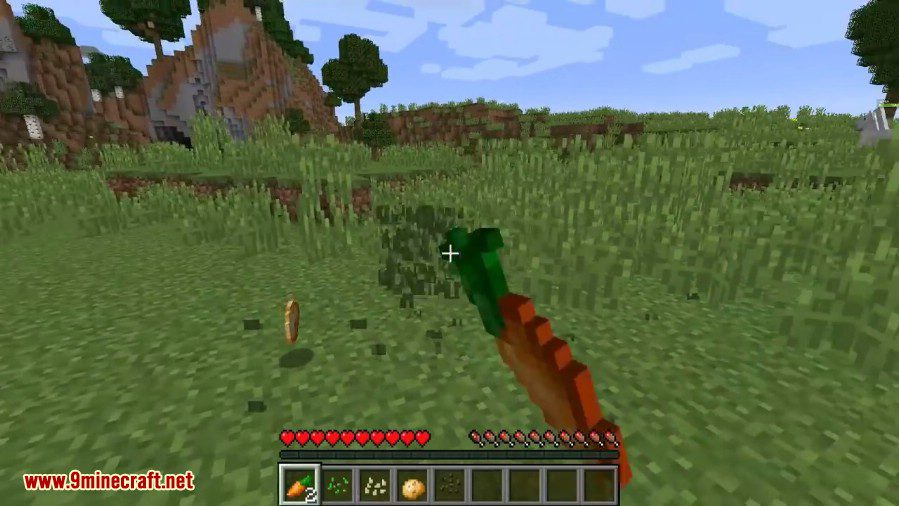
Seed Drop Mod lets you customize what items drop when you break grass in Minecraft. You can decide which seeds, vegetables, or other items appear and set…
⬇ DownloadOpen in MCModsHubGet it on Google Play →Seed Drop Mod lets you customize what items drop when you break grass in Minecraft. You can decide which seeds, vegetables, or other items appear and set the exact chance for them to drop. This mod works for both single-player worlds and on servers.
Features:
- Control exactly what drops from broken grass.
- Set a custom drop chance for any item, from 0% to 100%.
- Configure drops easily using a JSON file.
- Manage drops directly in-game with simple commands.
- The configuration can be reloaded without restarting the game or server.
- Works on servers to provide a consistent experience for all players.
Configuration:
This mod uses a SeedDrop.JSON file to manage drops. Each item in the file has two properties:
- “item”: The registry name for the item or block (e.g., “minecraft:carrot”).
- “chance”: A number from 0 to 100 representing the percentage chance of the item dropping.
Commands:
All commands feature auto-completion to make them easier to use.
/view: Lists every item in the config and its drop chance./reload: Reloads the configuration file from disk./add [registry name] [chance]: Adds a new item to the drop list./remove [registry name]: Removes an item from the drop list./edit [registry name] [new chance]: Changes the drop chance for an existing item.
How to Use:
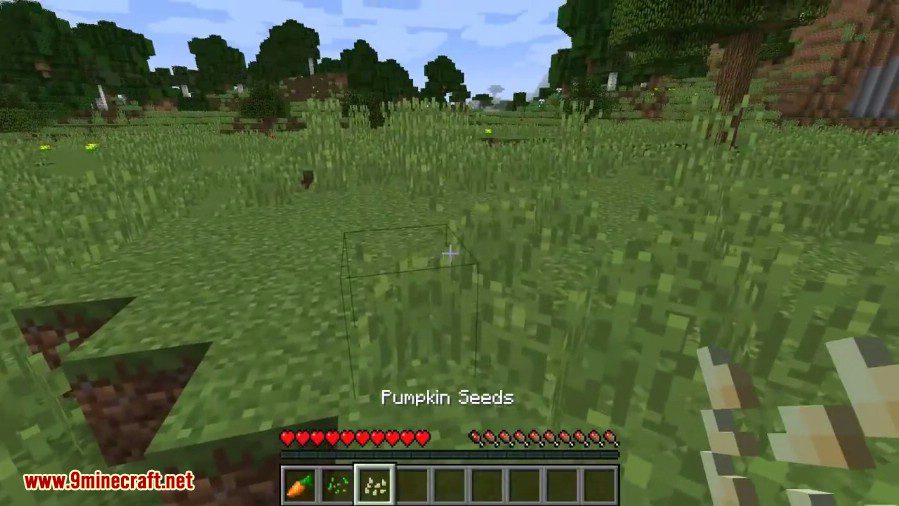
- To add a new item to the grass drop table, use the
/addcommand. For example, type/add minecraft:pumpkin_seeds 15to make pumpkin seeds have a 15% drop chance. - Check your current list of custom drops and their chances at any time by typing
/view. - If you want to remove an item, use the
/removecommand followed by its registry name. - When you edit the SeedDrop.JSON file manually, use the
/reloadcommand in-game to apply your changes instantly.
Screenshots:
Seed Drop Mod Download Links
For Minecraft 1.20.1, 1.20
Forge version: Download from Server 1 – Download from Server 2
For Minecraft 1.19.4
Forge version: Download from Server 1
For Minecraft 1.19.3
Forge version: Download from Server 1 – Download from Server 2
For Minecraft 1.19.2
Forge version: Download from Server 1
For Minecraft 1.18.2
Forge version: Download from Server 1
For Minecraft 1.17.1
Forge version: Download from Server 1
For Minecraft 1.16.5
Forge version: Download from Server 1
For Minecraft 1.12.2
Forge version: Download from Server 1
For Minecraft 1.7.10
Forge version: Download from Server 1
Seed Drop Mod (1.20.1, 1.19.4) – Find Any Seed in the Wild is a free Minecraft Java mod. Compatible with Minecraft 1.20.1, 1.19.4. Download it and open it directly in the game.