ModsJava
Surge Mod (1.12.2, 1.10.2) – Spend Less Time on Loading Screens
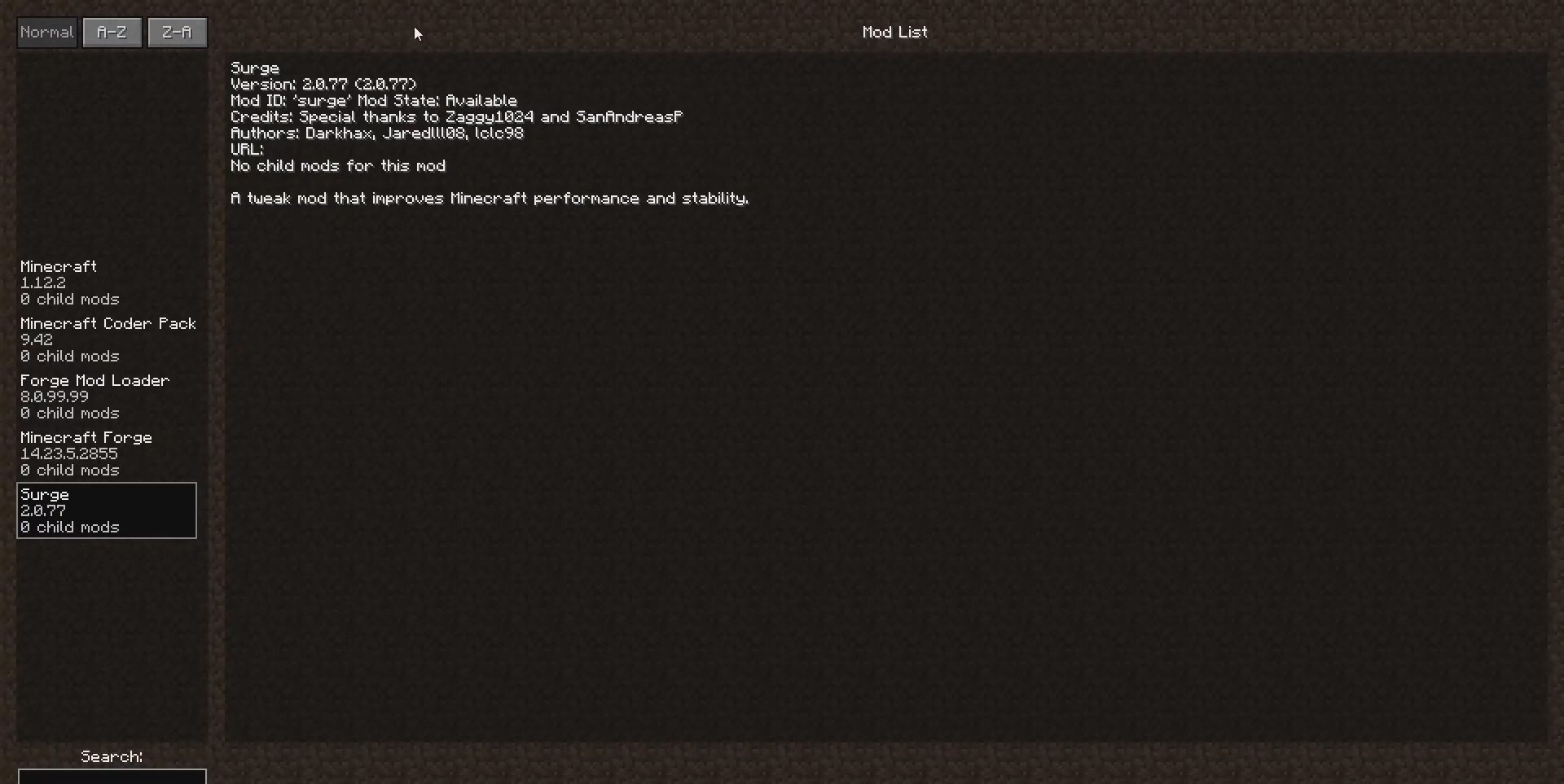
Surge Mod improves how fast Minecraft loads and how well it performs. This mod makes the game start quicker and run more smoothly by optimizing several…
⬇ DownloadOpen in MCModsHubGet it on Google Play →Surge Mod improves how fast Minecraft loads and how well it performs. This mod makes the game start quicker and run more smoothly by optimizing several background processes.
Features:
- Makes the game load faster by improving how it registers new items.
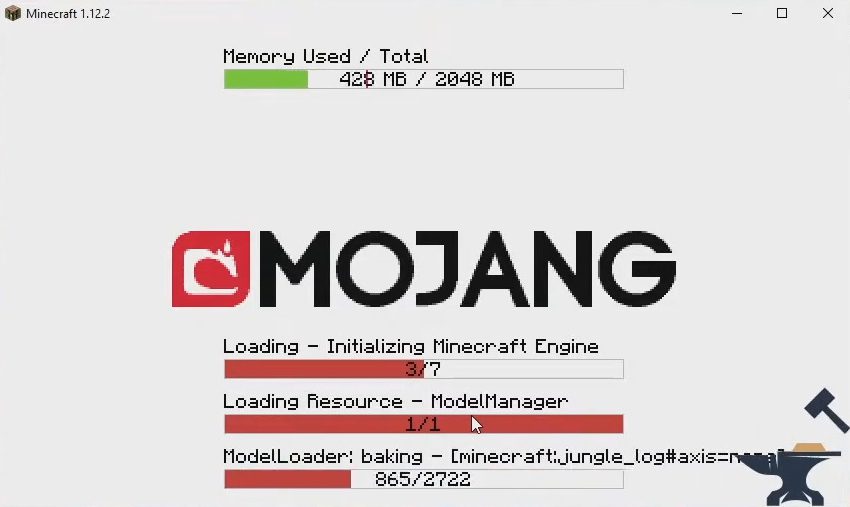
- Speeds up model loading times, especially for animated models.
- Turns off debug code for missing sounds to help the game load sounds faster.
- Improves performance by changing how sheep colors are blended.
- Fixes a bug where renaming an item with a long name in an anvil would cause an error.
- Stops mobs from glitching through walls when chunks are loading.
- Displays the total game load time in the console so you can track performance.
Screenshots:
Surge Mod Download Links
For Minecraft 1.12.2
Forge version: Download from Server 1 – Download from Server 2
For Minecraft 1.10.2
Forge version: Download from Server 1 – Download from Server 2
Surge Mod (1.12.2, 1.10.2) – Spend Less Time on Loading Screens is a free Minecraft Java mod. Download it and open it directly in the game.
Explore more