ModsJava
Planet Progression Mod 1.12.2, 1.11.2 for Galacticraft
Minecraft Java mod. File opened and checked on 30 Sep 2026; downloads from the MC Java Mods app on Android.
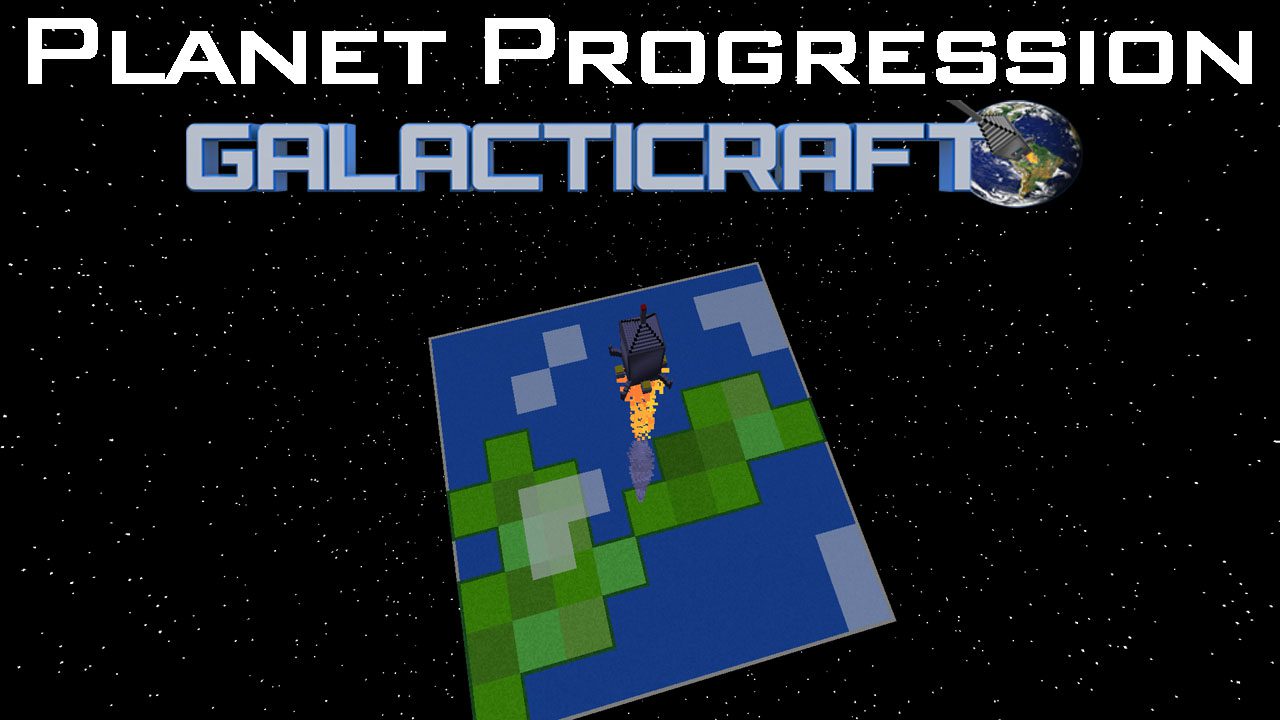
⬇ DownloadPlanet Progression Mod 1.12.2, 1.11.2 is a Galacticraft addon which is designed to add research to the Space Exploration. This mod has multiple Research Modes which range in different hardness levels (You can change this via the Config file).
How to use:
Progression Steps:
Research Mode 1 Progression Steps:
- 1. Find Research Paper in Dungeon Loot or in a Structure which is added by this mod.
- 2. Craft a Telescope.
- 3. Put the Research Paper & a battery in the Telescope.
- 4. Telescope will research the Planet/Moon that the research paper is set for, this will take a certain amount of time to do so.
- 5. Telescope will unlock the Planet/Moon (Allowing you to see/travel to the Planet/Moon) that the research paper is set for at 100% progress on the Telescope.
Research Mode 2 Progression Steps: (Default mode)
- 1. Craft a Satellite Builder.
- 2. Craft a Basic Satellite using the Satellite Builder.
- 3. Craft a Satellite Rocket using the Nasa Workbench.
- 4. Launch Satellite Rocket with Basic Satellite in the rocket cargo (Multi Satellites can be launched at once)
- 5. Satellite will be correctly sent to space at y 1200.
- 6. Craft a Satellite Controller.
- 7. Use the Satellite Controller to access to the Satellite, you will need to place a battery or connect power for it to work.
- 8. Using the Satellite Controller select the satellite you want to research with using the arrow buttons on the GUI
- 9. The Satellite Controller will then send a message to the Satellite to start researching, this will take a certain amount of time to do so.
- 10. Once the progress gets to 100% in the Satellite Controller it will give you a research paper based on your already unlock list.
- 11. Craft a Telescope.
- 12. Put the Research Paper & a battery in the Telescope.
- 13. Telescope will research the Planet/Moon that the research paper is set for, this will take a certain amount of time to do so.
- 14. Telescope will unlock the Planet/Moon (Allowing you to see/travel to the Planet/Moon) that the research paper is set for at 100% progress on the Telescope.
Commands:
- /addNewSatellite <player> : Used to add a new satellite to the player specified.
- /removeAllSatellites <player>: Used to remove all satellites for player specified.
- /removeAllUnlockedCelestialBody <player> : Used to remove all planets & moons that are unlocked for player specified.
- /removeUnlockedCelestialBody <player> <celestialBodyName> : Used to remove the specified planet or moon being unlocked for the player specified.
- /unlockAllCelestialBodies <player> : Used to unlock all planets & moons for player specified.
- /unlockCelestialBody <player> <celestialBodyName> : Used to unlock the specified planet or moon for the player specified.
Planet Progression Mod 1.12.2, 1.11.2 Download Links
For Minecraft 1.8.9
For Minecraft 1.10.2
For Minecraft 1.11.2
For Minecraft 1.12.2
Quick facts
- Edition: Minecraft Java
- File type: .jar
- How to install: Install the matching mod loader (Forge, Fabric or NeoForge) for your Minecraft version. → Download the .jar. → Put it in the .minecraft/mods folder and launch that loader profile.
- Where to get it: In MC Java Mods, or directly above on this page.
Install steps are the general flow for this file type — How to install Minecraft Java mods & modpacks walks through it step by step.
File checked by MCModsHub
- Downloads as 204414.mcaddon
- Download size: 530 KB
- Download link checked 30 Jul 2026 — working
- Mirrored on our own servers — the download does not depend on the original host
These come from our own check of the pack file, not from the source page.