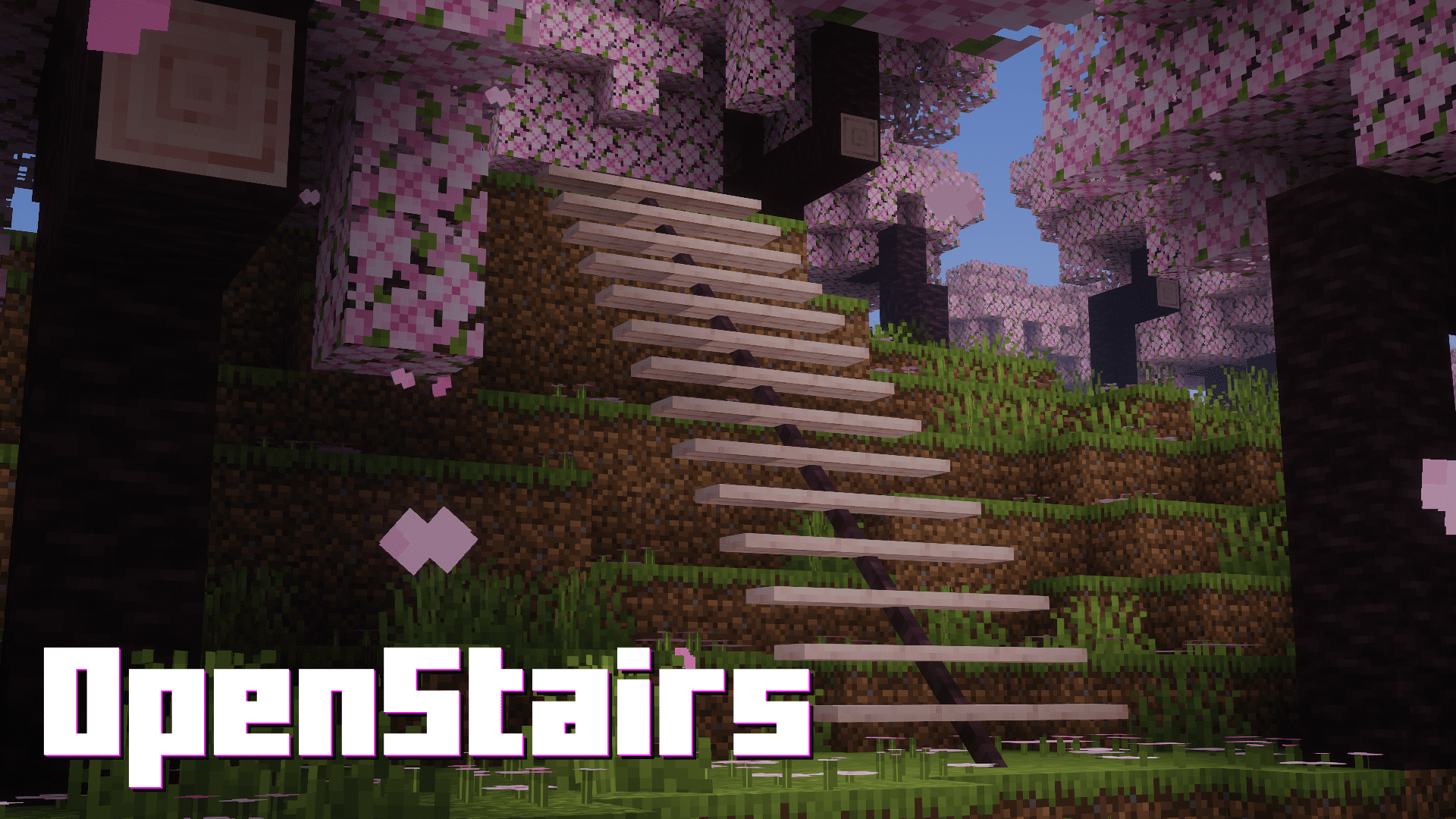
Stairs in Minecraft are used for everything except their intended purpose. Builders use them strategically to detail and decorate their builds. But very few players actually use stairs as stairs. These blocks tend to look unfit inside many builds. OpenStairs Mod brings a simple solution by introducing slim, minimalist stairs that will look good inside your builds. These OpenStairs are crafted by placing logs inside a Stonecutter. There are different styles of stairs and they are available for all wood variants. These look good not only for indoor decoration, but also for outdoor purposes.
Features:
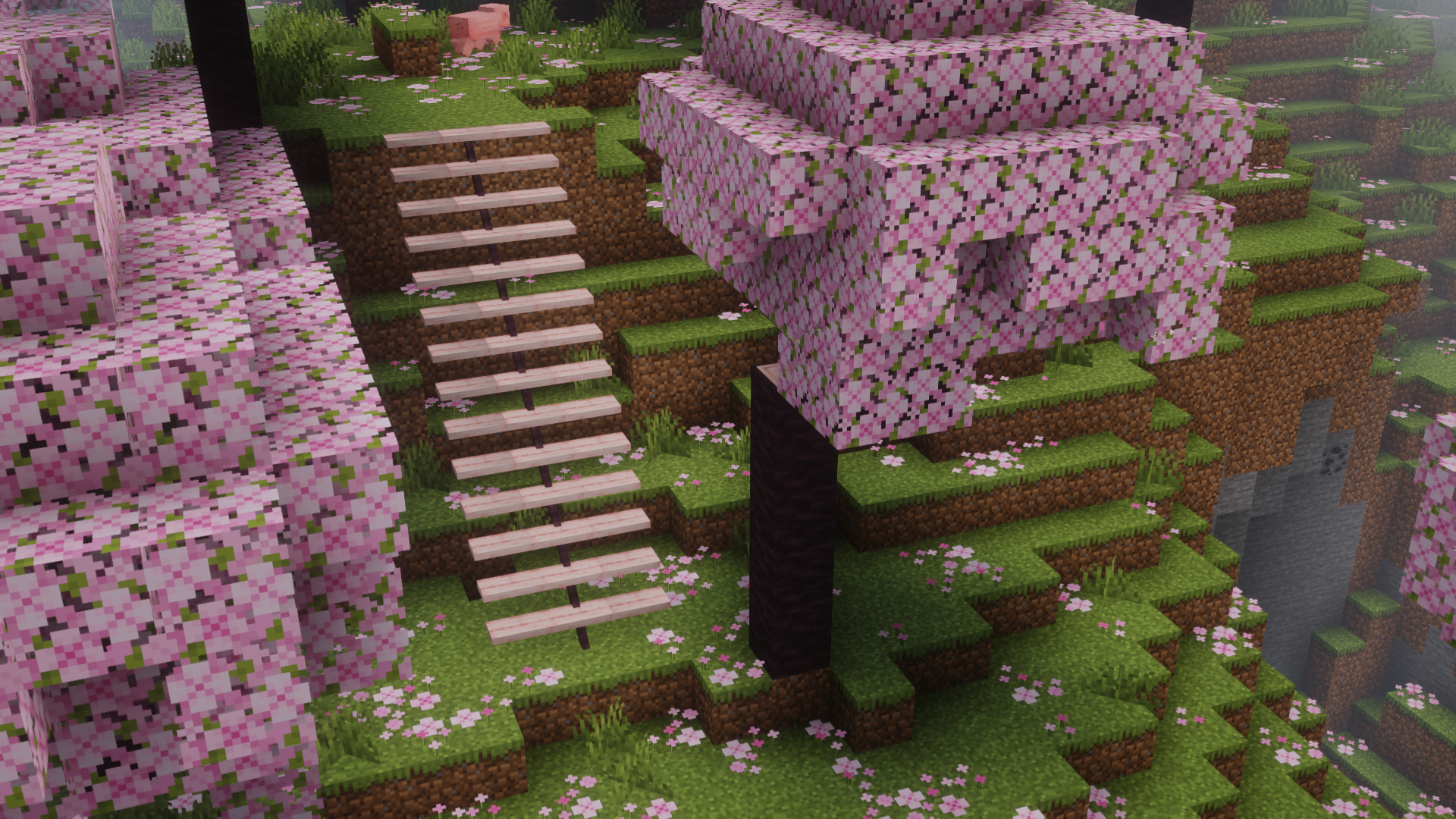
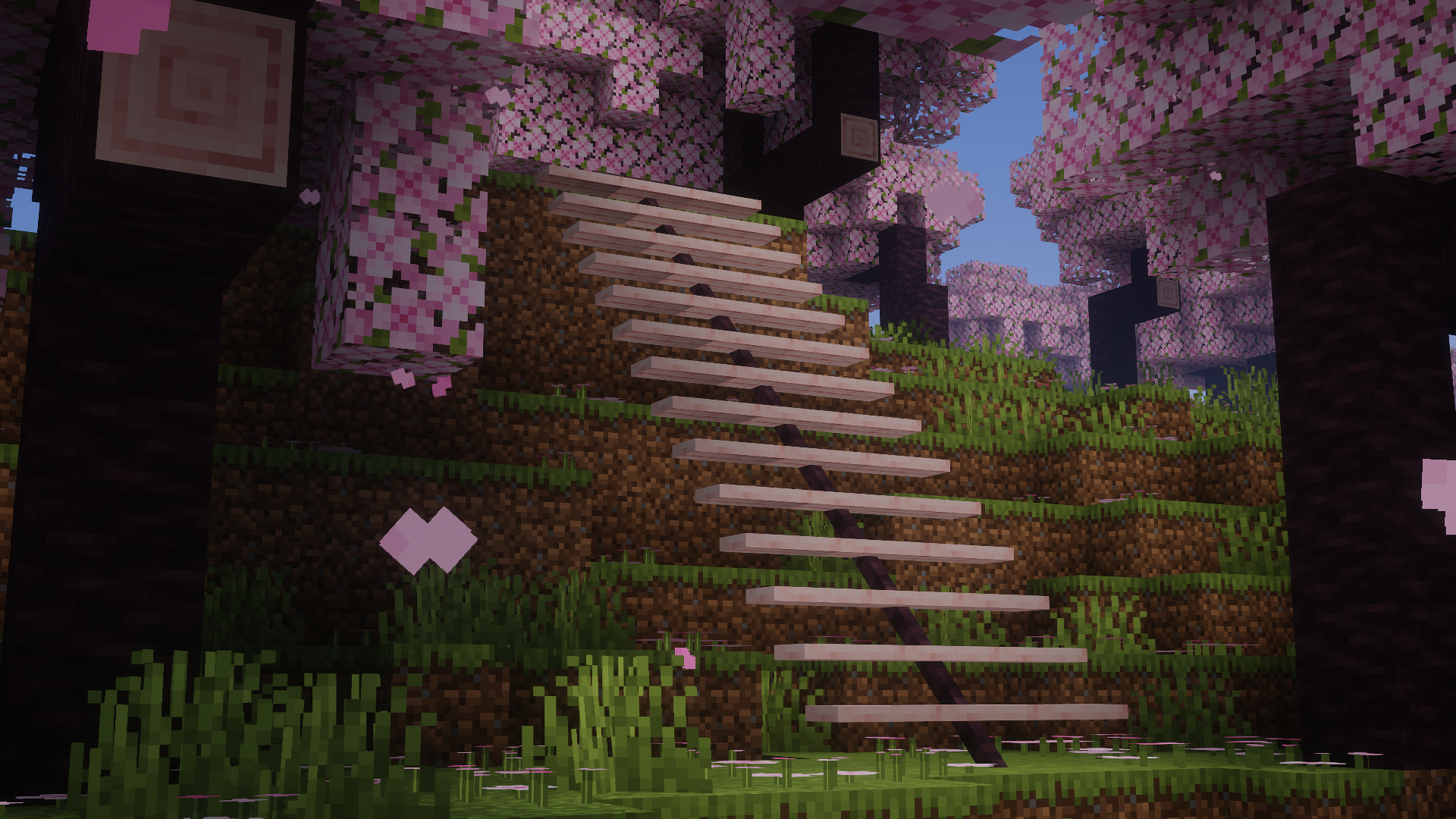
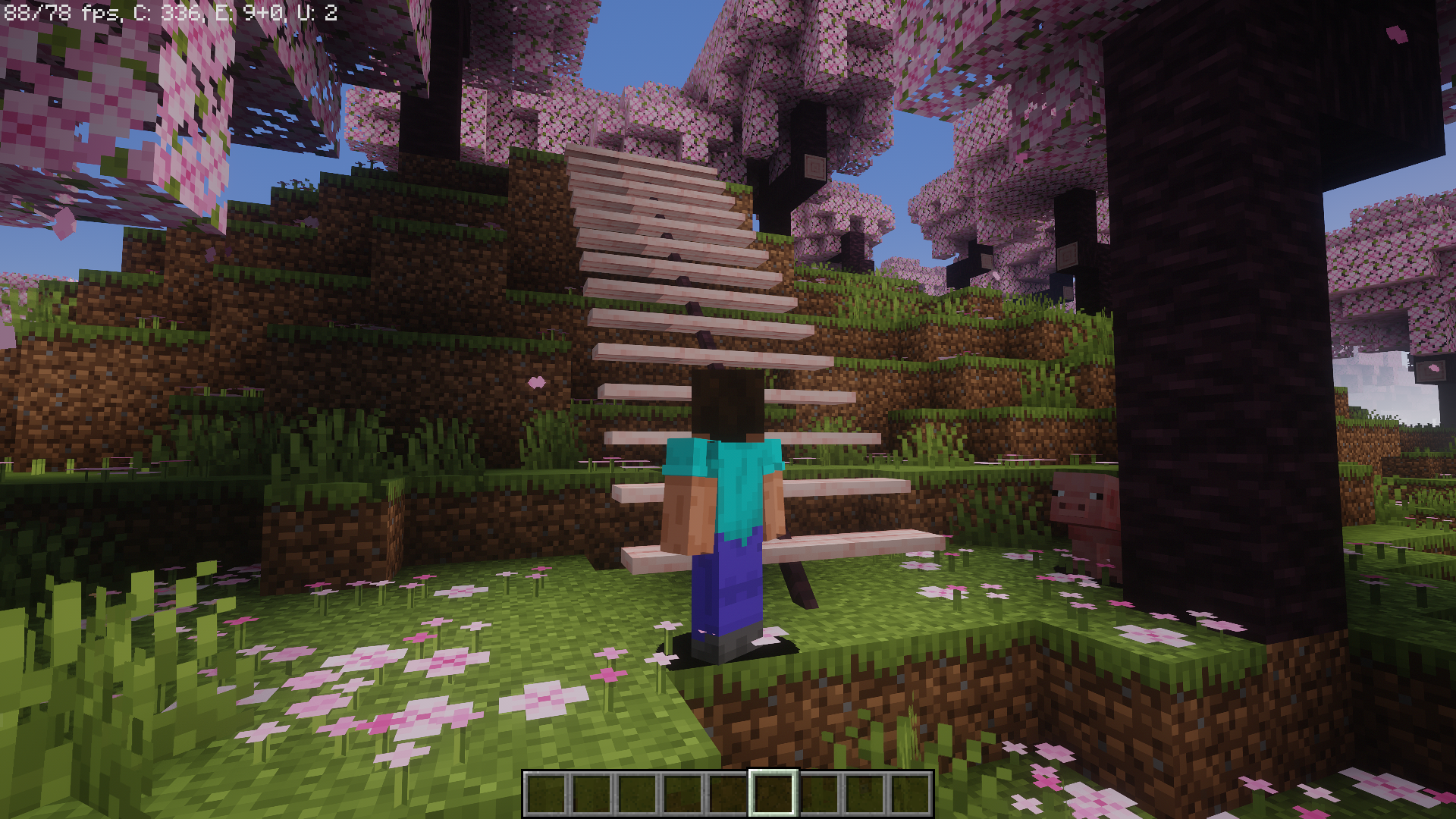
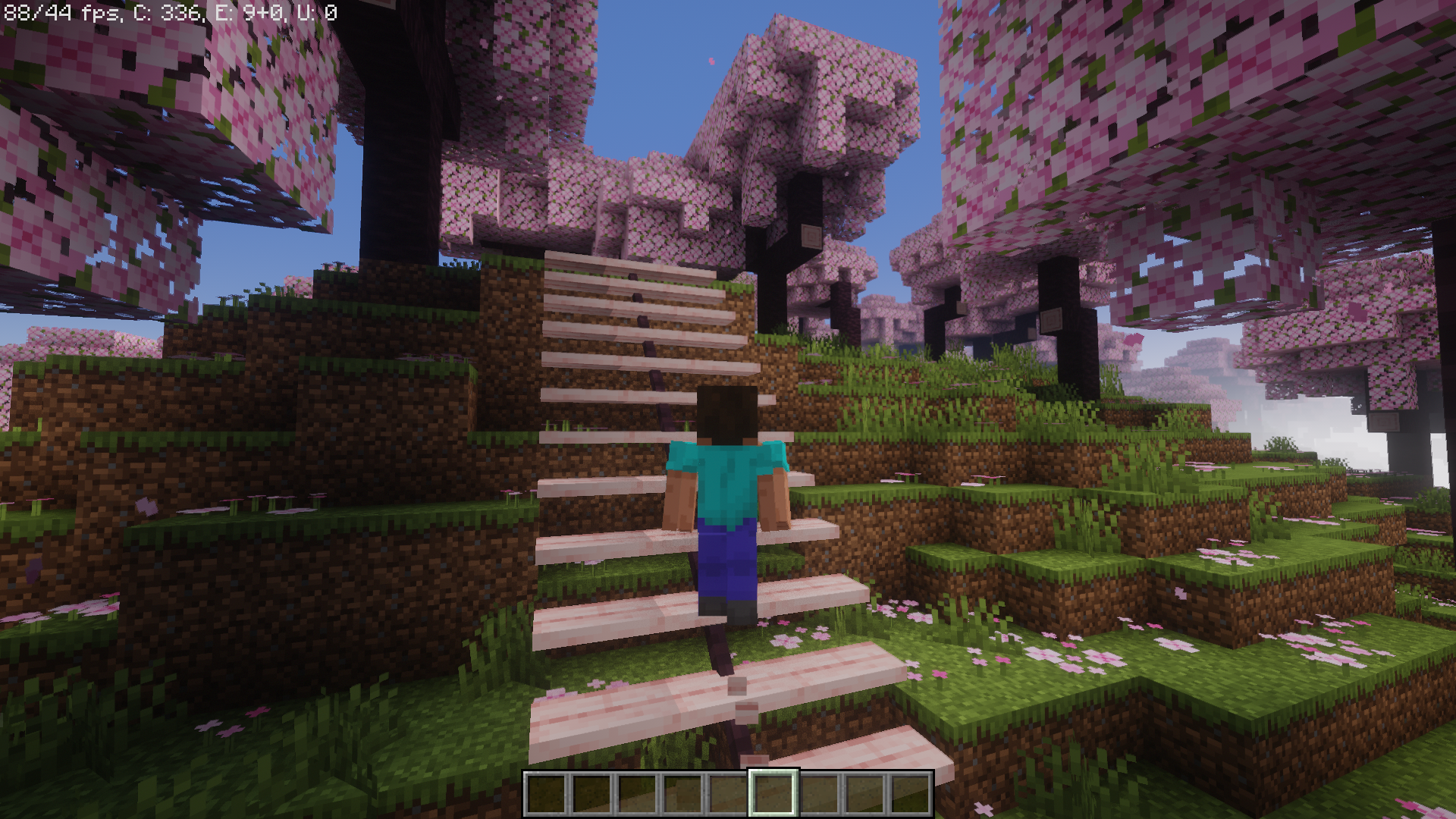
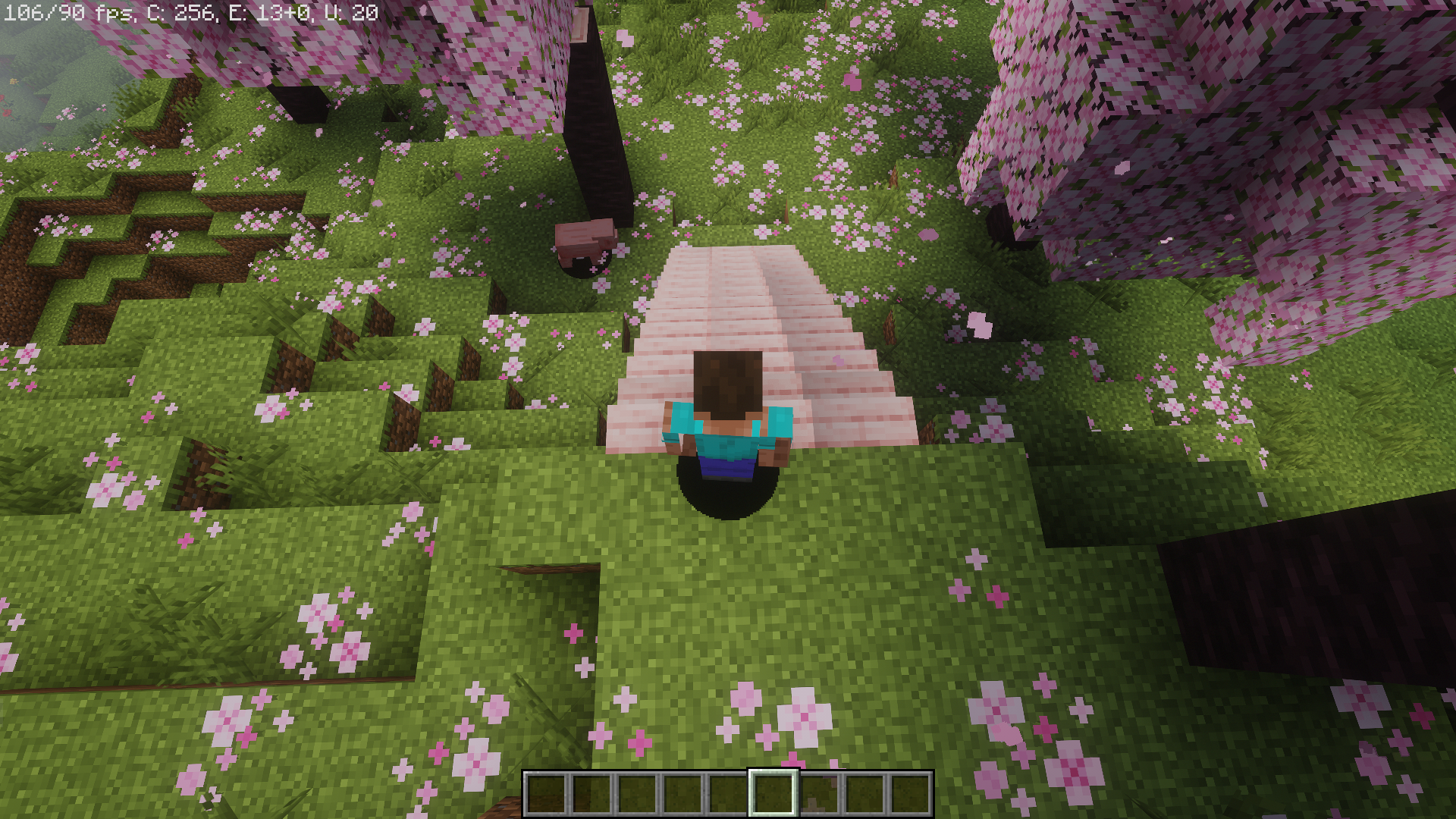
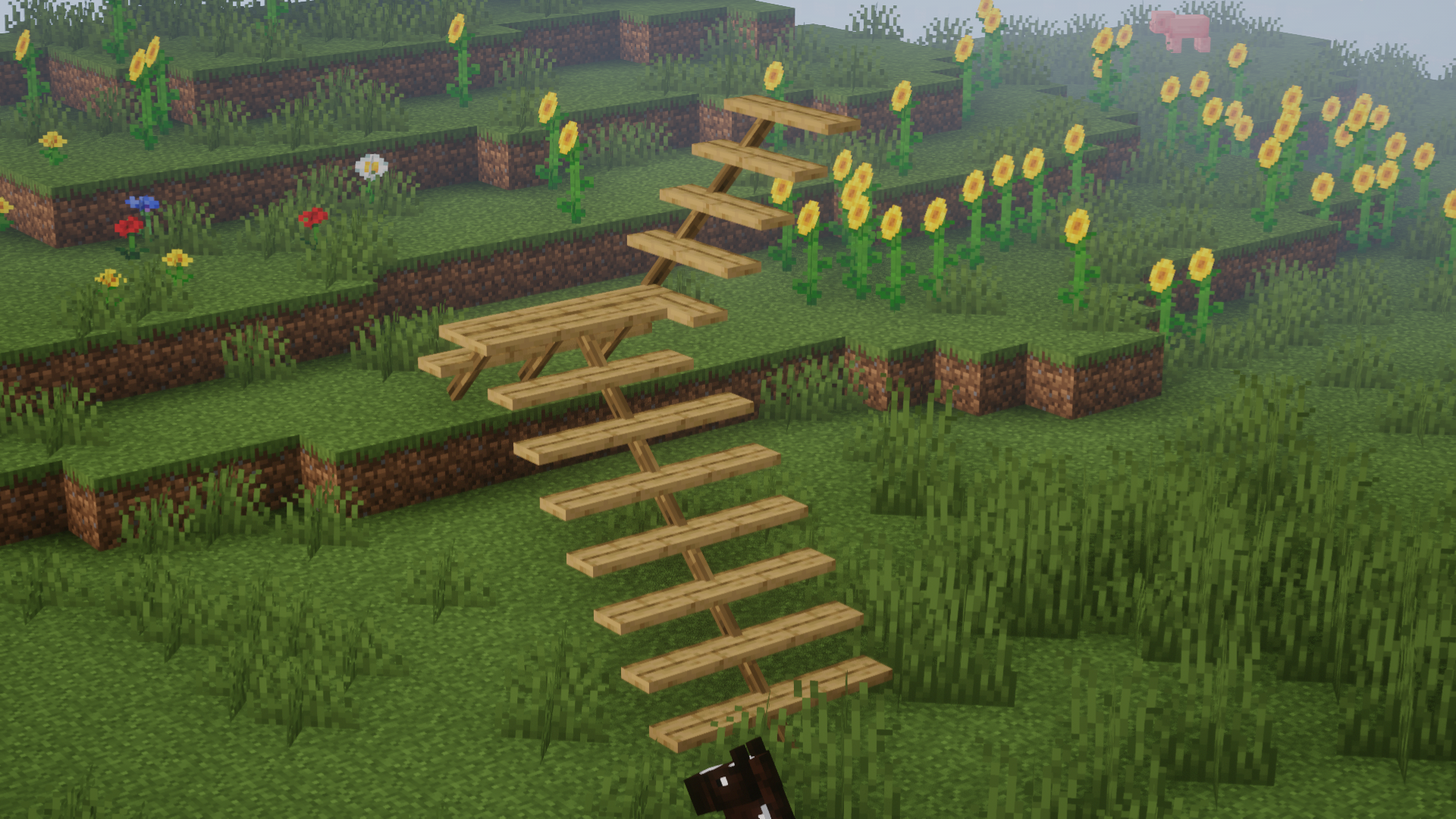
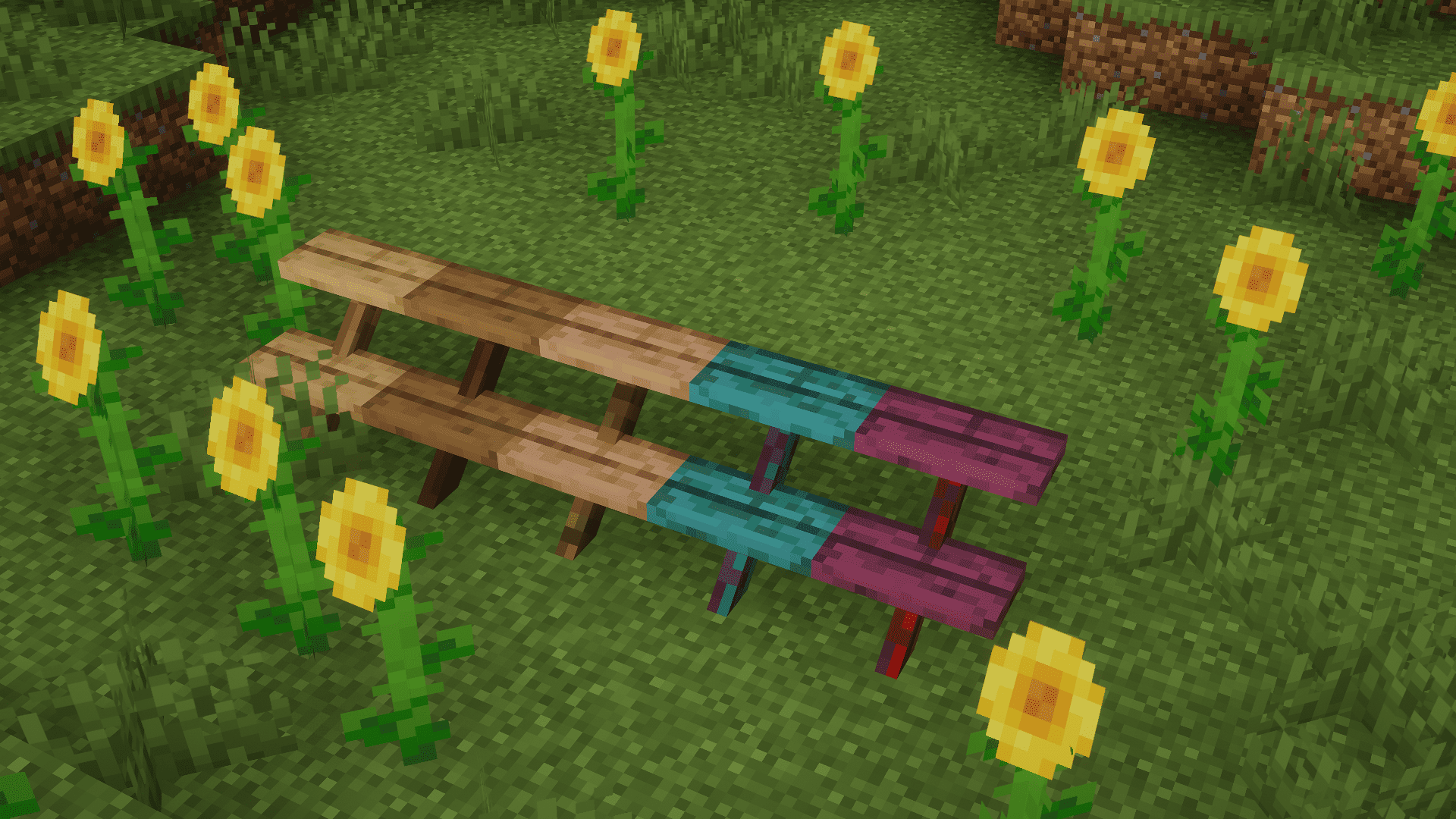
- Slim, Floating Stairs: OpenStairs is a Minecraft mod that introduces a unique feature by adding slim, floating versions of all wood types of stairs. These stairs provide a sleek and modern aesthetic to your in-game structures.
- Versatile Crafting Options: Players can craft these slim stairs using the Stonecutter and Logs/Stems, resulting in four new blocks for each wood type. This mod offers a range of design choices, including a free-standing, floating stair, a version with a post in the middle for added support, and inside and outside corner pieces.
- Resource Efficiency: With OpenStairs, resource management becomes more efficient, as a single log can produce up to four stairs. While the corner pieces currently maintain a North-West angle, there is ongoing exploration into the possibility of crafting them as single block items, although this feature is not yet available in the current version of the mod.
Screenshots:
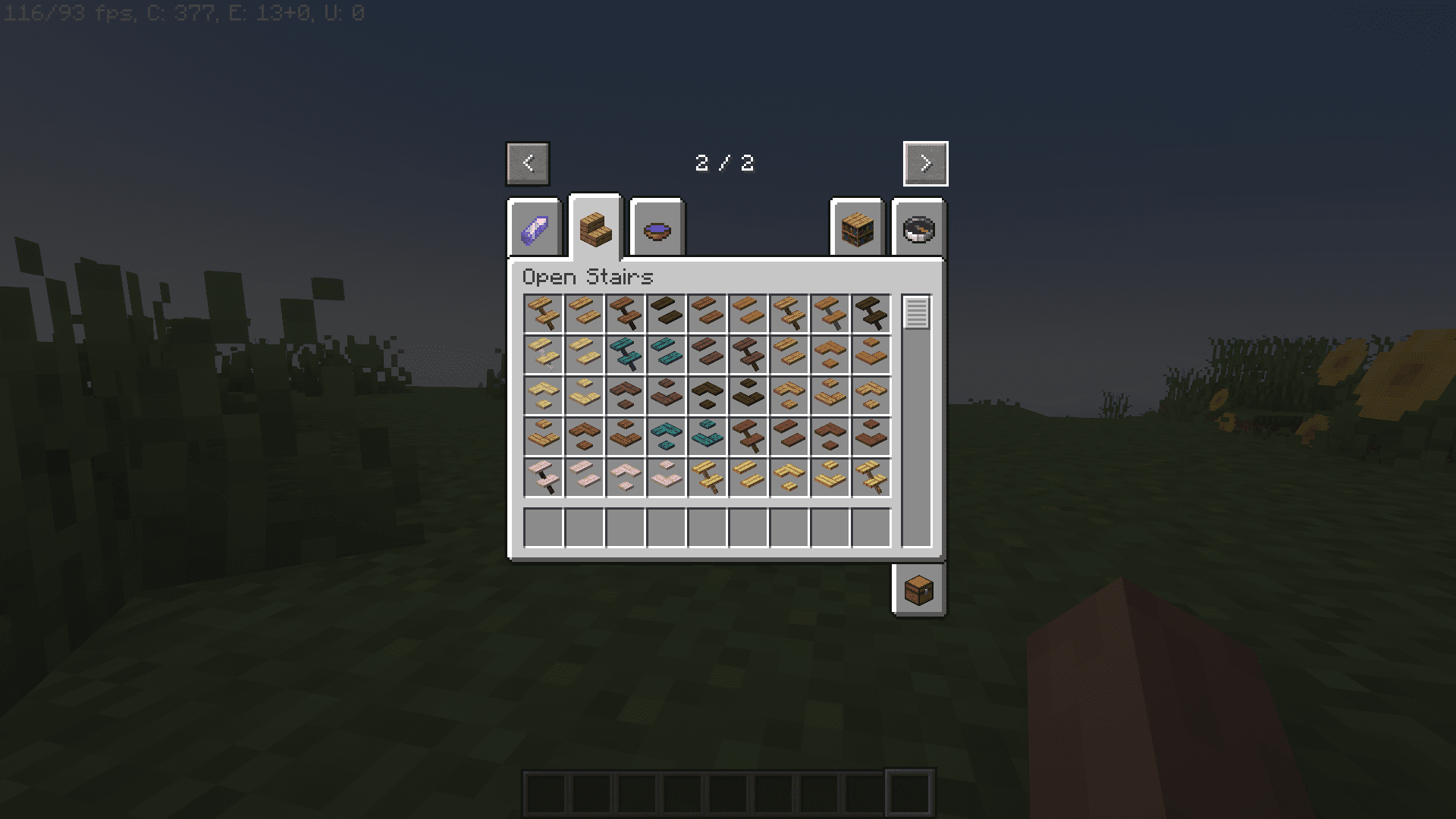
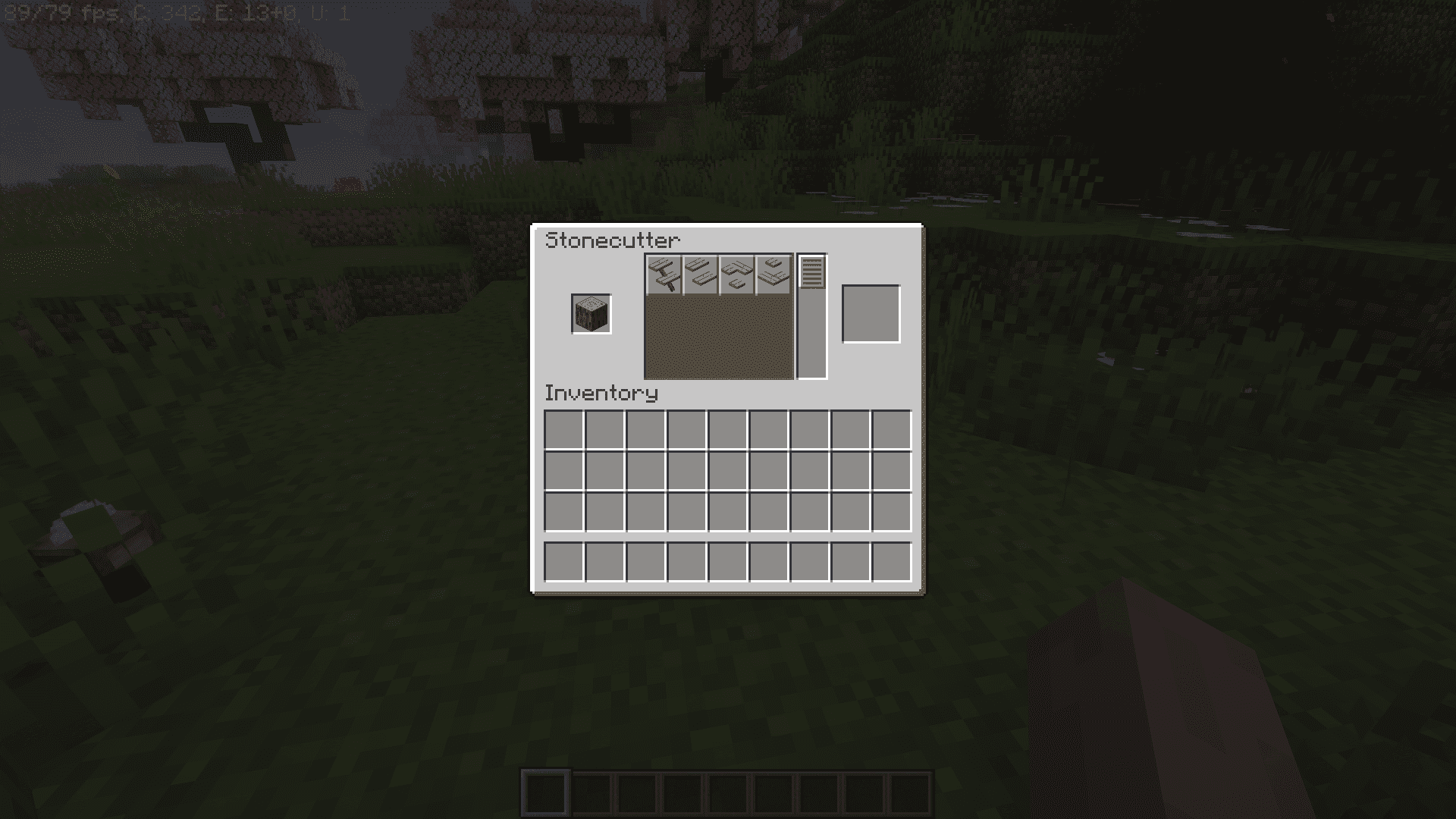
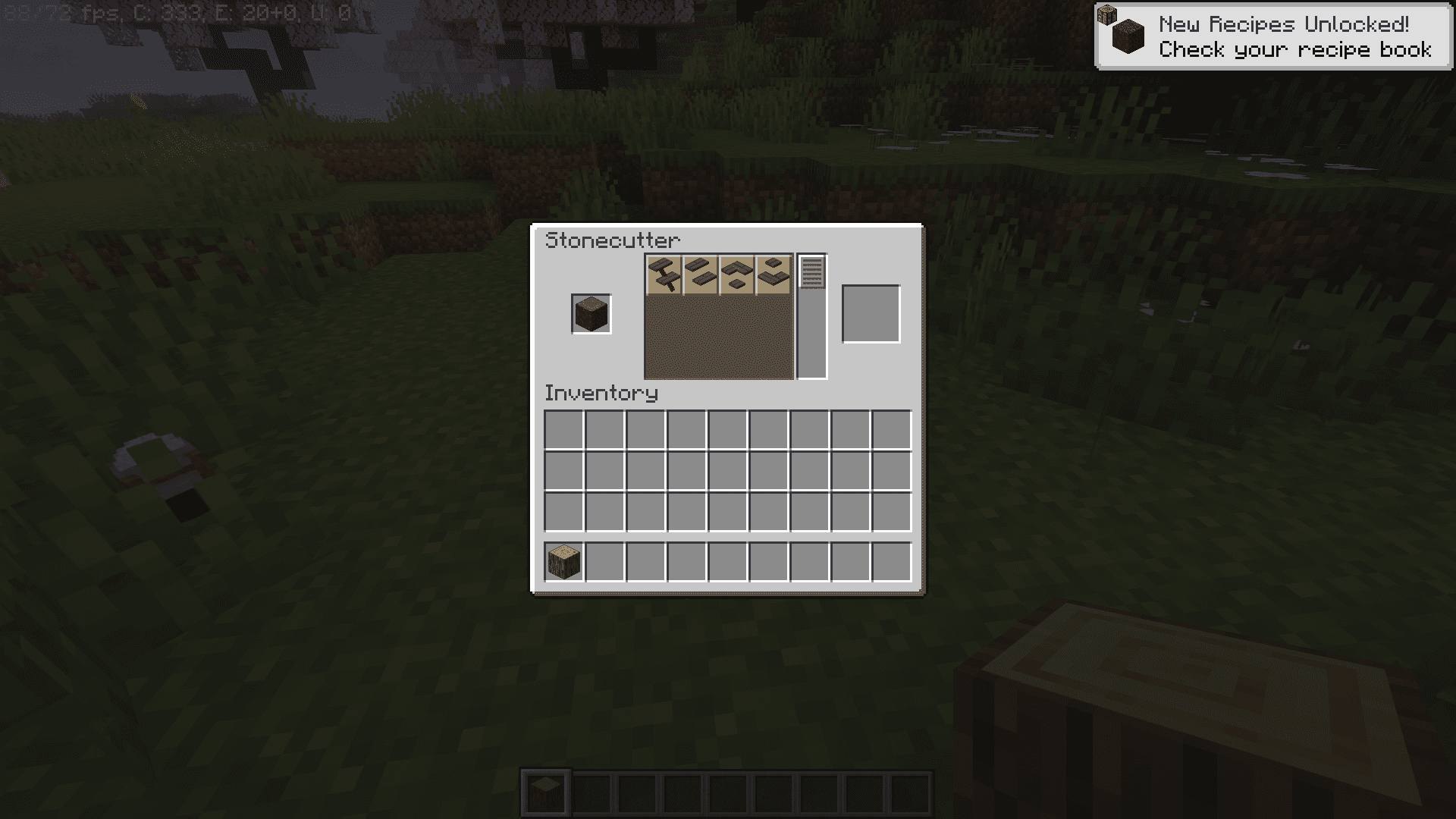
OpenStairs Mod Download Links
For Minecraft 1.20.1
Forge version: Download from Server 1 – Download from Server 2
For Minecraft 1.19.2
Forge version: Download from Server 1 – Download from Server 2
For Minecraft 1.18.2
Forge version: Download from Server 1 – Download from Server 2
- Edition: Minecraft Java
- File type: .jar
- Minecraft versions listed: 1.20.1, 1.19.2
- How to install: Install the matching mod loader (Forge, Fabric or NeoForge) for your Minecraft version. → Download the .jar. → Put it in the .minecraft/mods folder and launch that loader profile.
- Where to get it: In MC Java Mods, or directly above on this page.
Install steps are the general flow for this file type — How to install Minecraft Java mods & modpacks walks through it step by step.
- Downloads as 204433.mcaddon
- Download size: 476 KB
- Download link checked 30 Jul 2026 — working
- Mirrored on our own servers — the download does not depend on the original host
These come from our own check of the pack file, not from the source page.