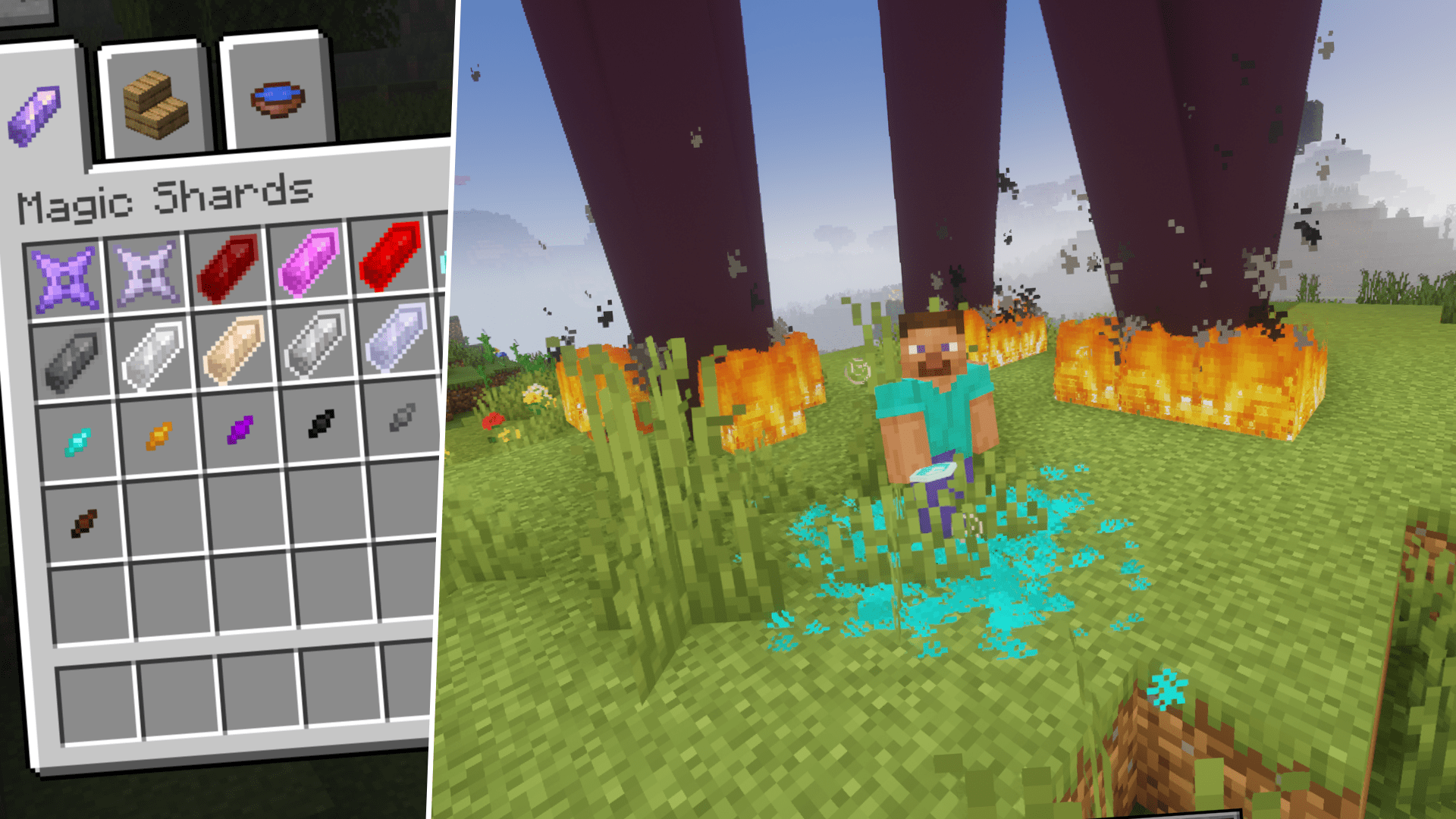
Magic Shards Mod (1.20.1, 1.19.4) – Crystals with Magic Powers!
Java mod listed for Minecraft 1.19–1.20. Downloads from the MC Java Mods app on Android.
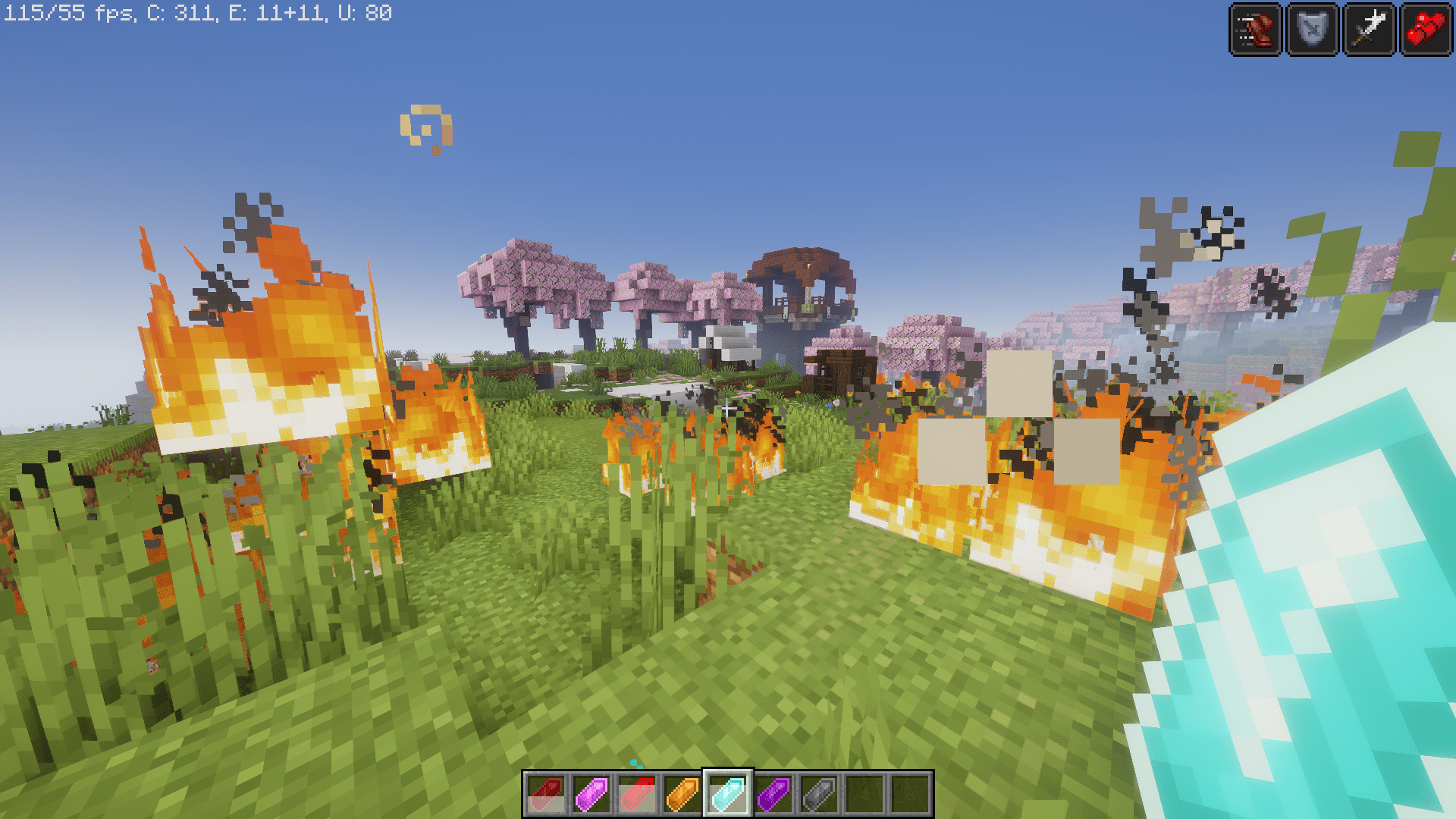
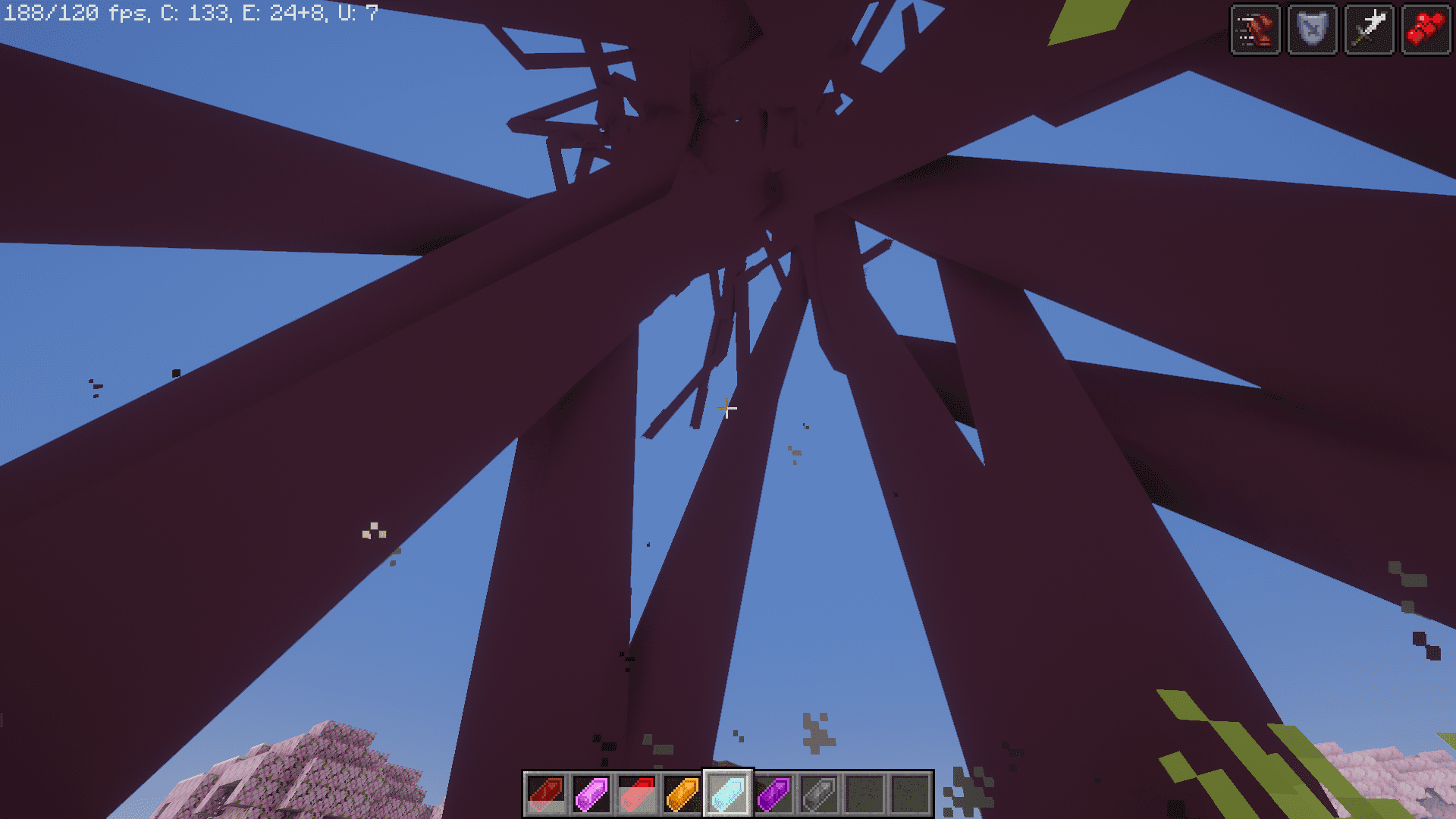
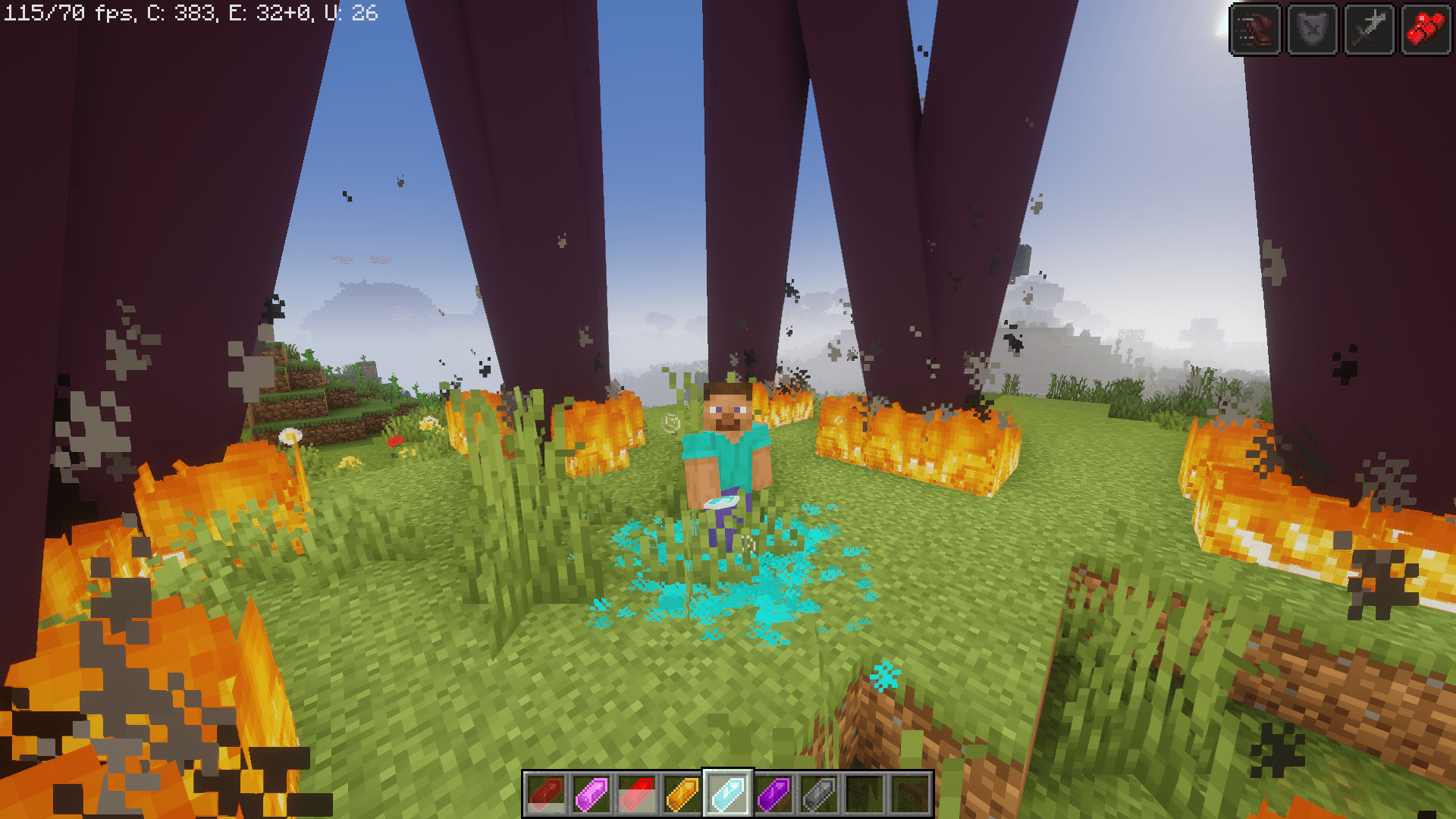
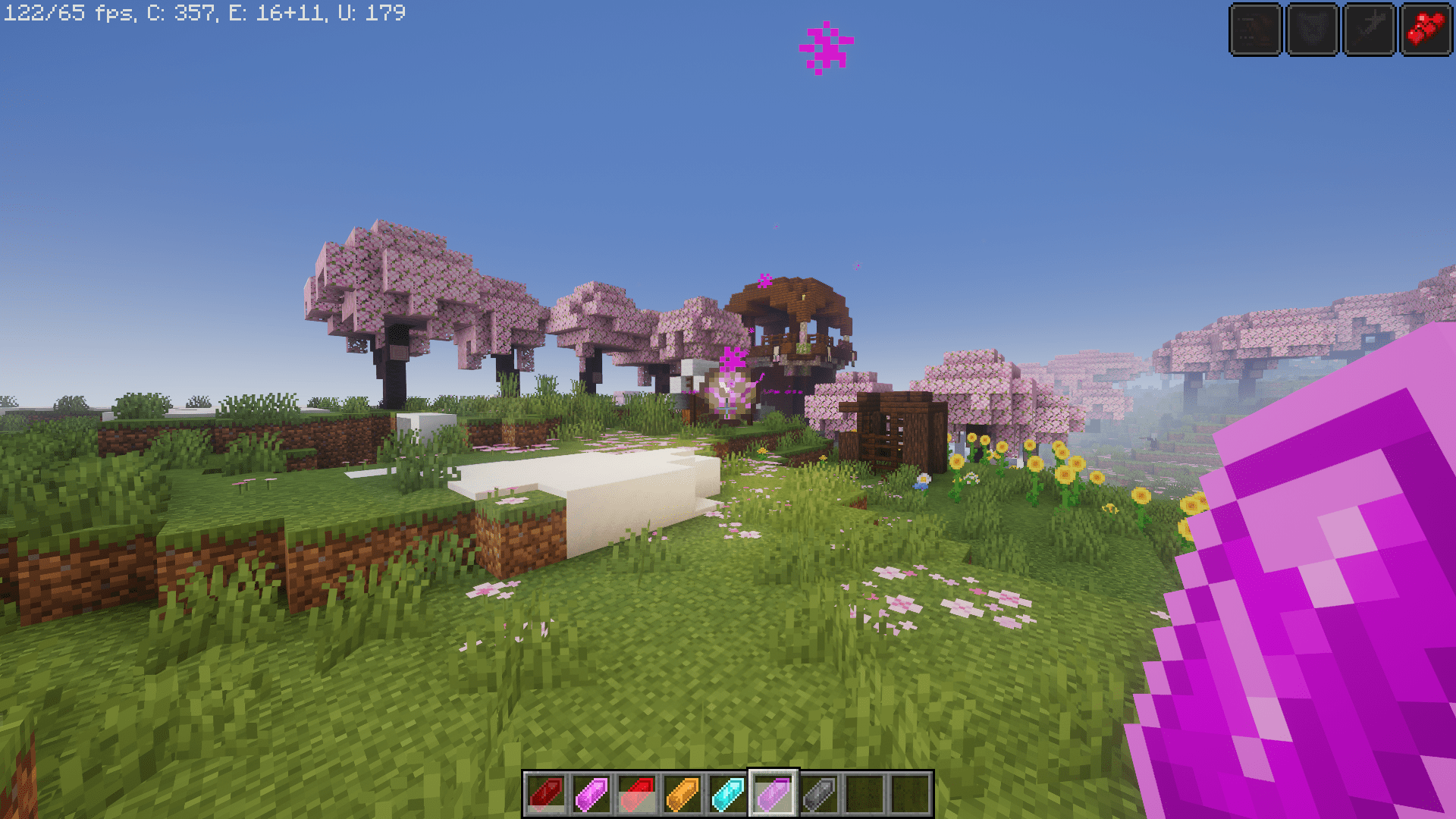
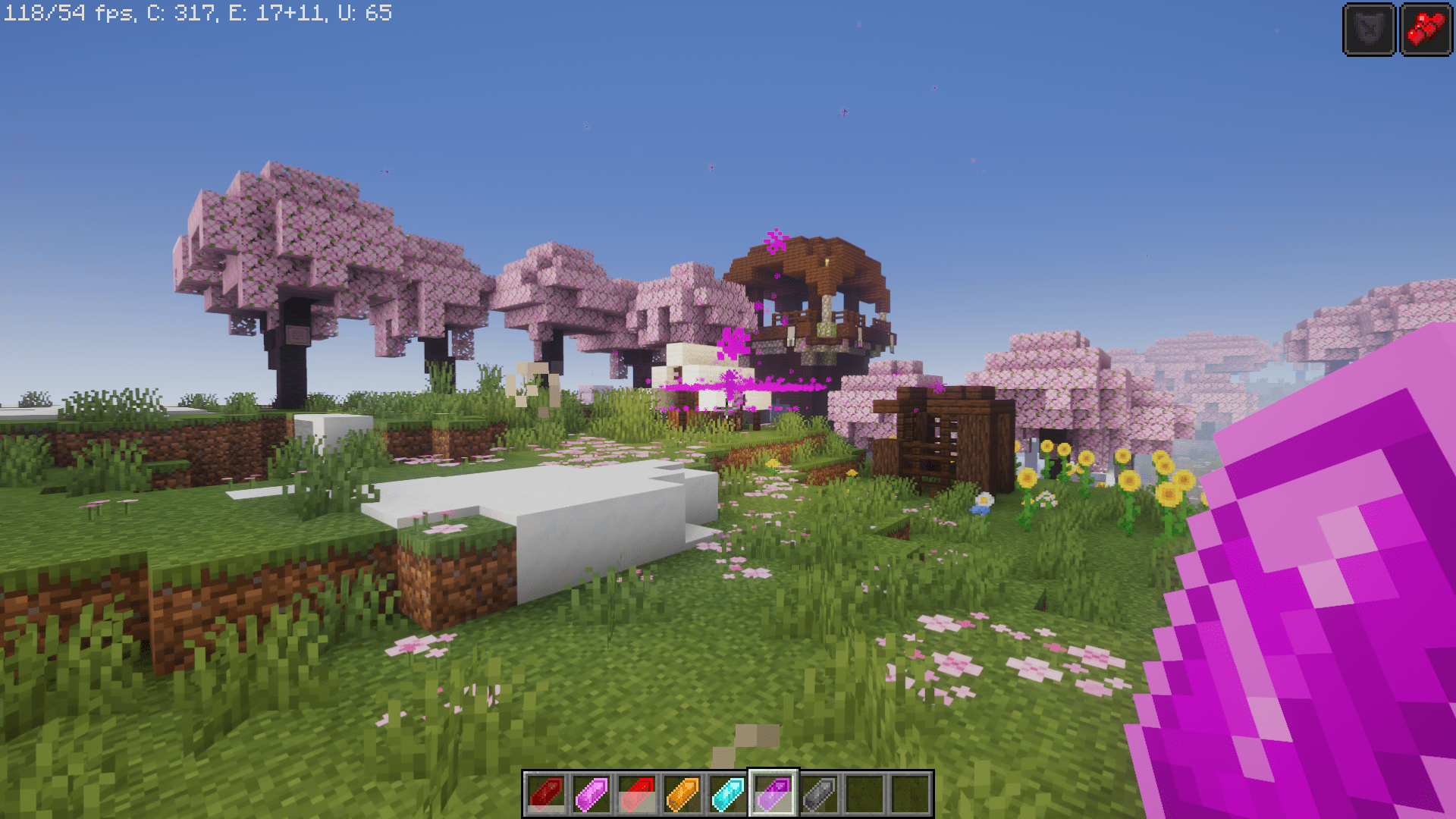
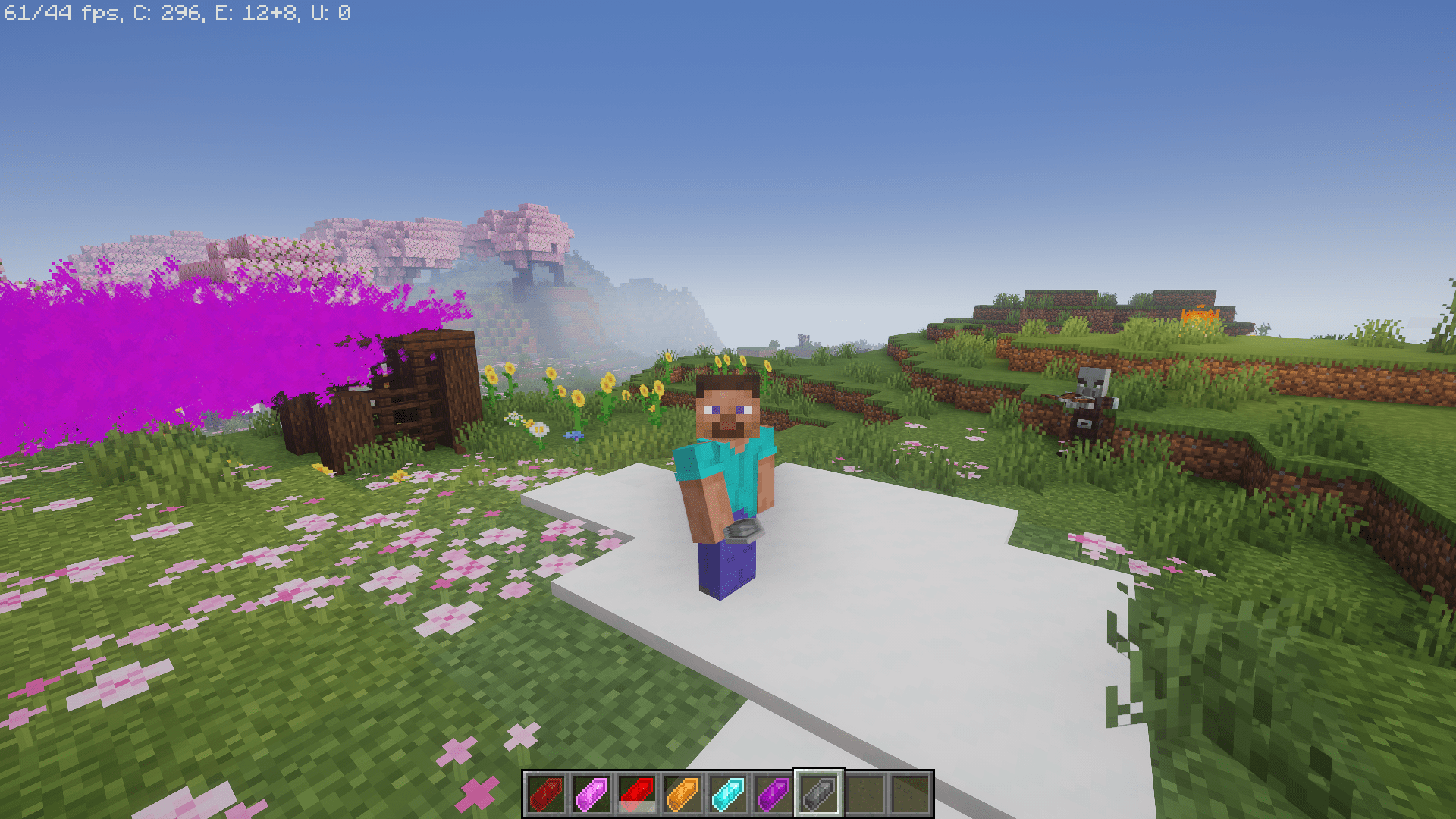
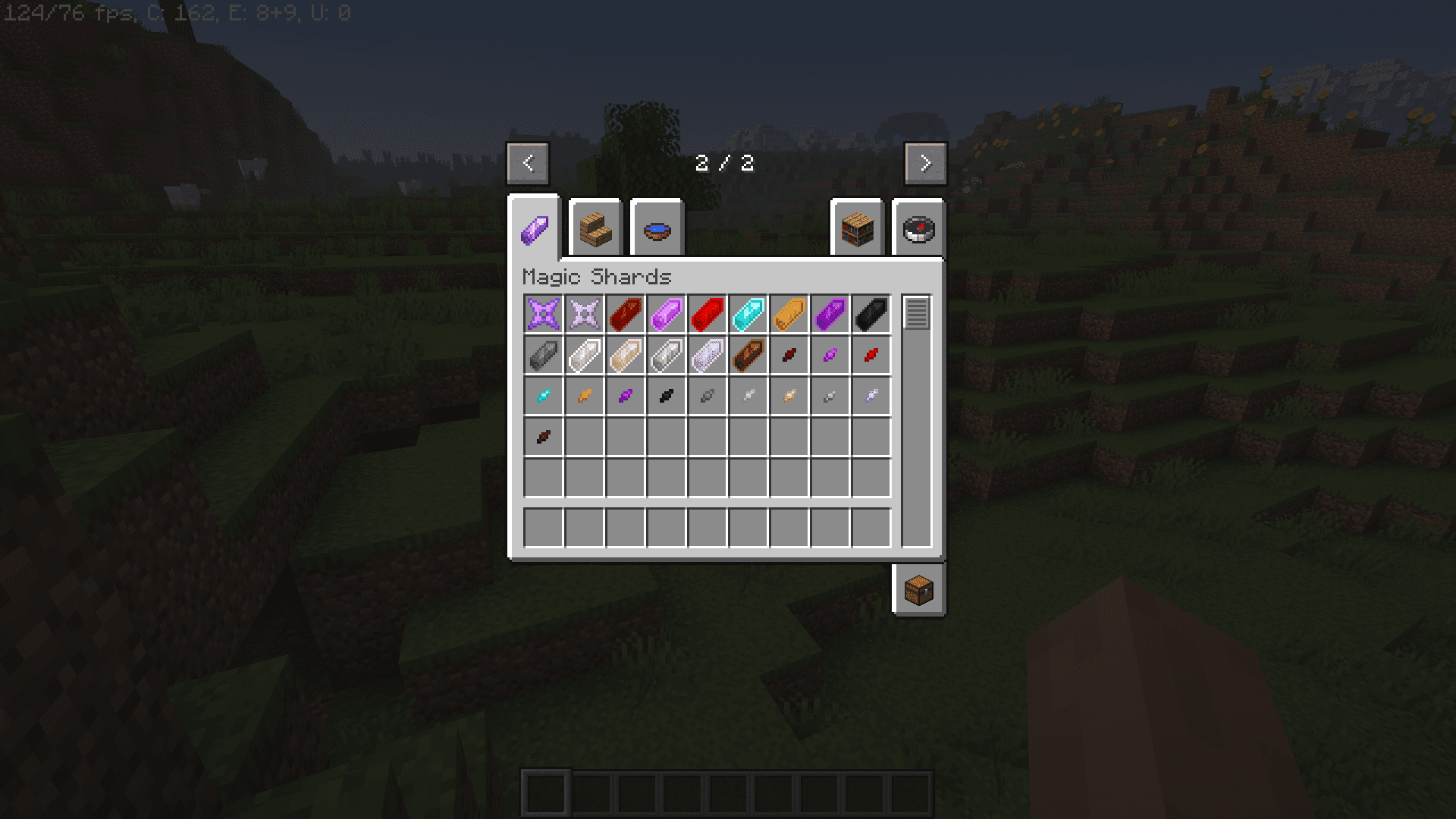
⬇ DownloadMagic Shards Mod introduces 12 shards into the game. These shards will give you special effects and magical abilities that will assist and protect you in many different scenarios. You will be able to summon multiple lightning strikes at a keystroke, run at high speeds, or jump over taller heights.
Features:
Magic Shards:
- 12 Unique Shards: Magic Shards introduces a collection of 12 distinct shards, each imbued with special abilities that activate upon a right-click.
- Non-Consumable Crystals: Unlike many mods, the crystals used in Magic Shards are not consumed after use, allowing for continuous enjoyment of their powers.
Combat Enhancements:
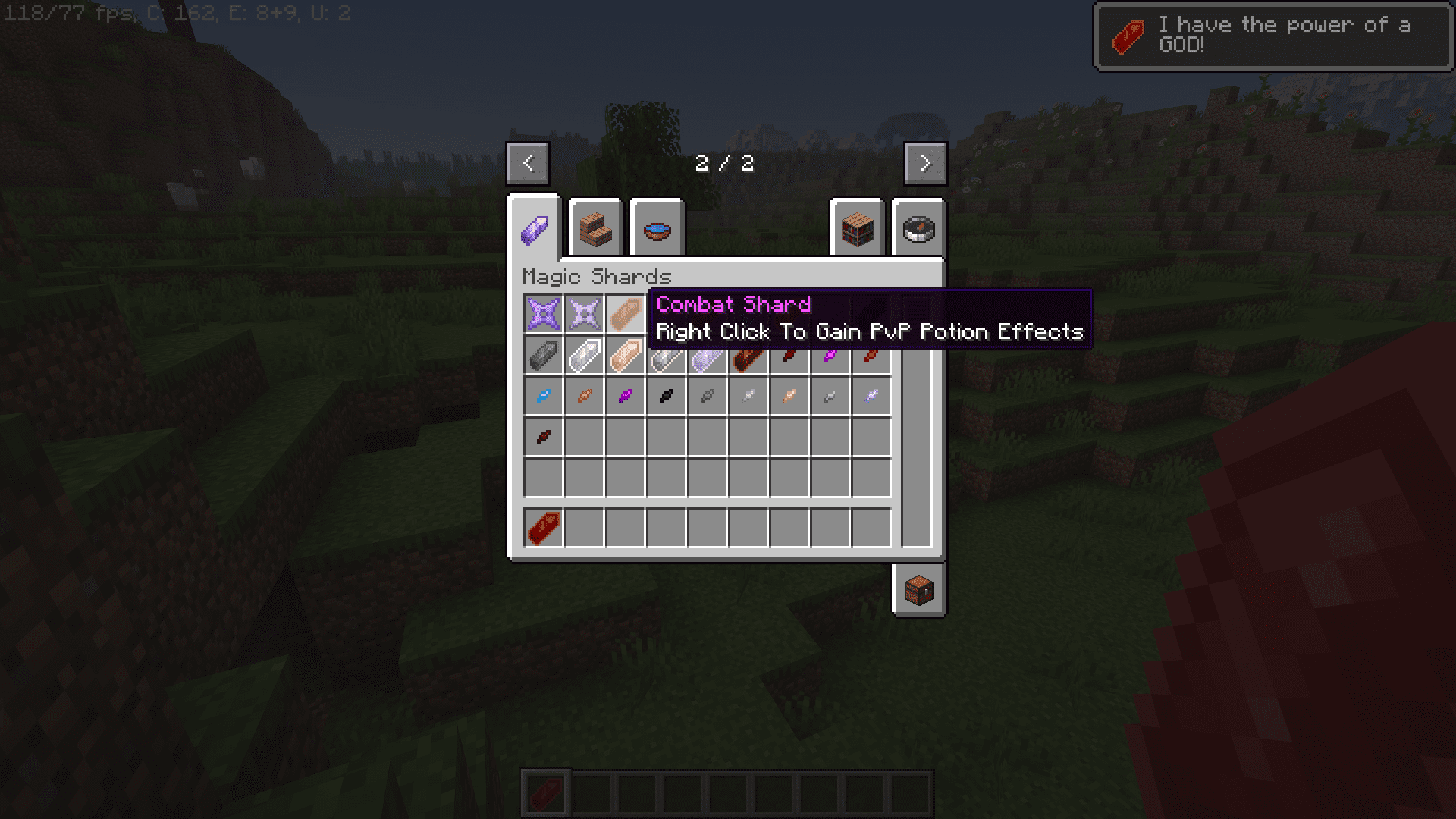
- PvP Potency: The “Combat” shard bestows players with four powerful potion effects, making it a formidable choice for those engaging in player versus player (PvP) battles.
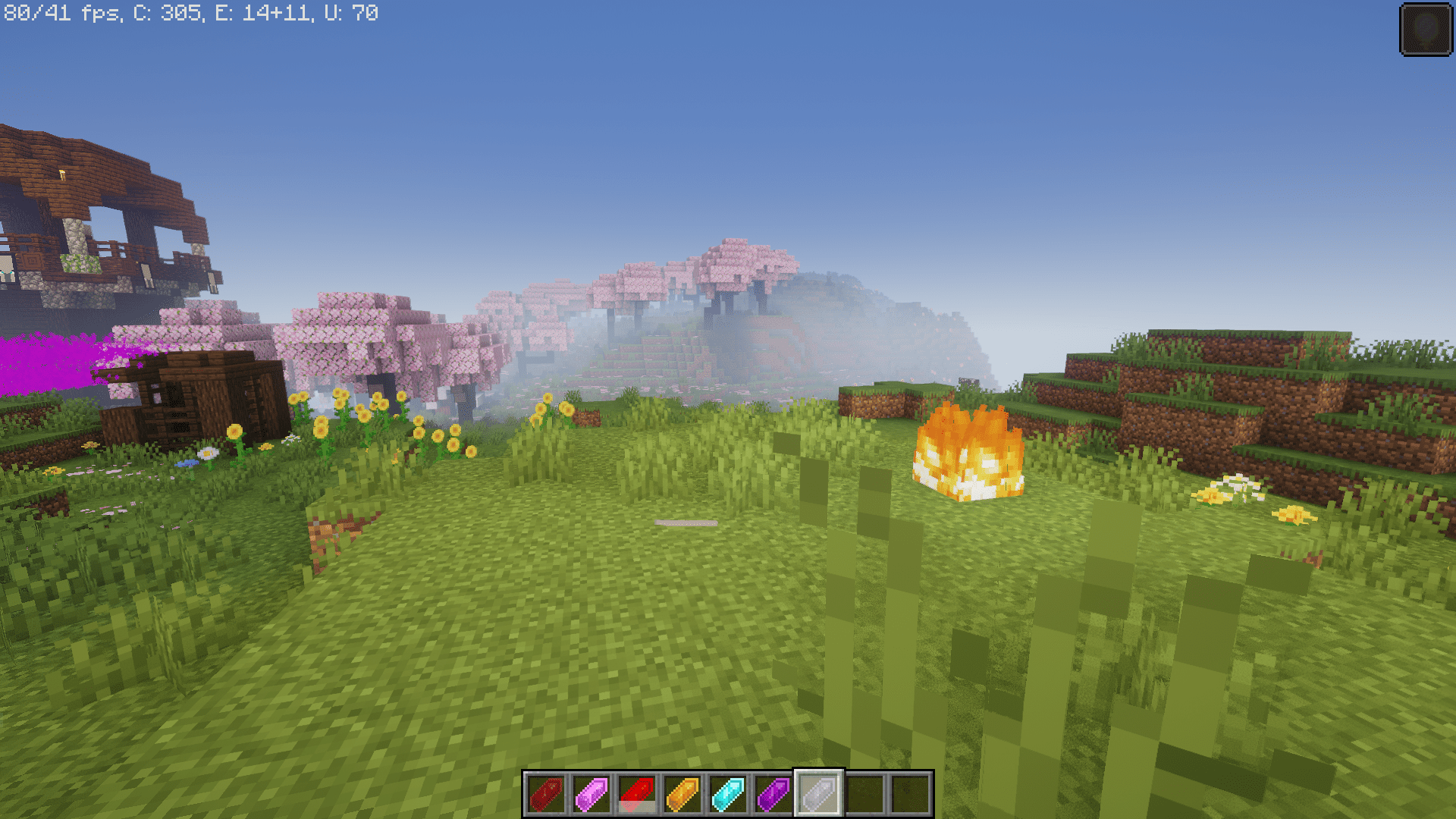
- Diverse Abilities: From summoning lightning and fireballs to granting speed and jump boosts, Magic Shards offers a wide array of combat-related abilities to cater to different playstyles.
Utility and Exploration:
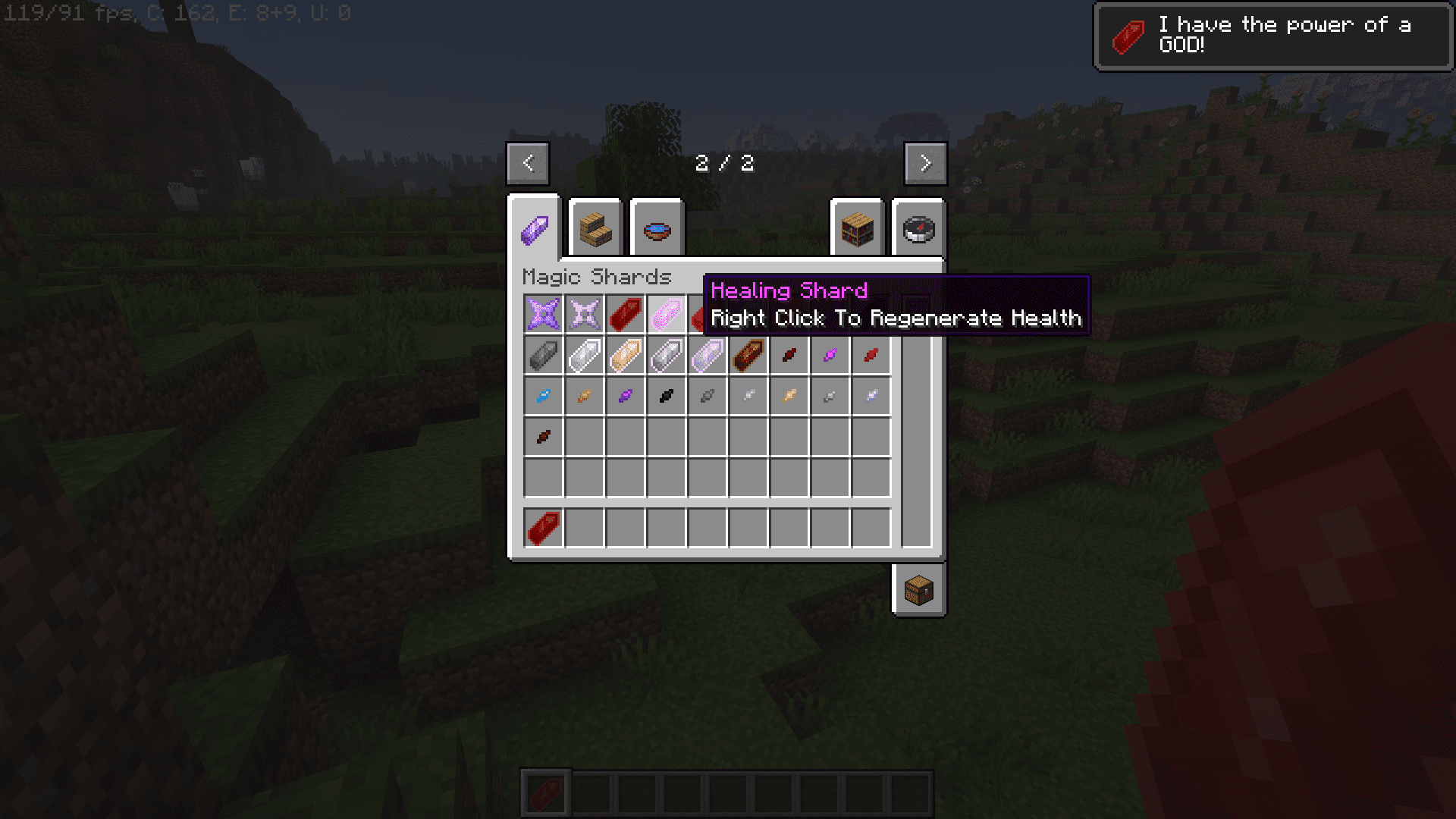
- Versatile Utility: Magic Shards goes beyond combat, offering utility and exploration benefits such as healing, levitation, invisibility, and even the ability to summon a horse for companionship.
- Teleportation and Stealth: For those seeking sneakier tactics, the mod provides the “Stealth” shard, allowing users to teleport and create smoke clouds, adding an element of surprise to their adventures.
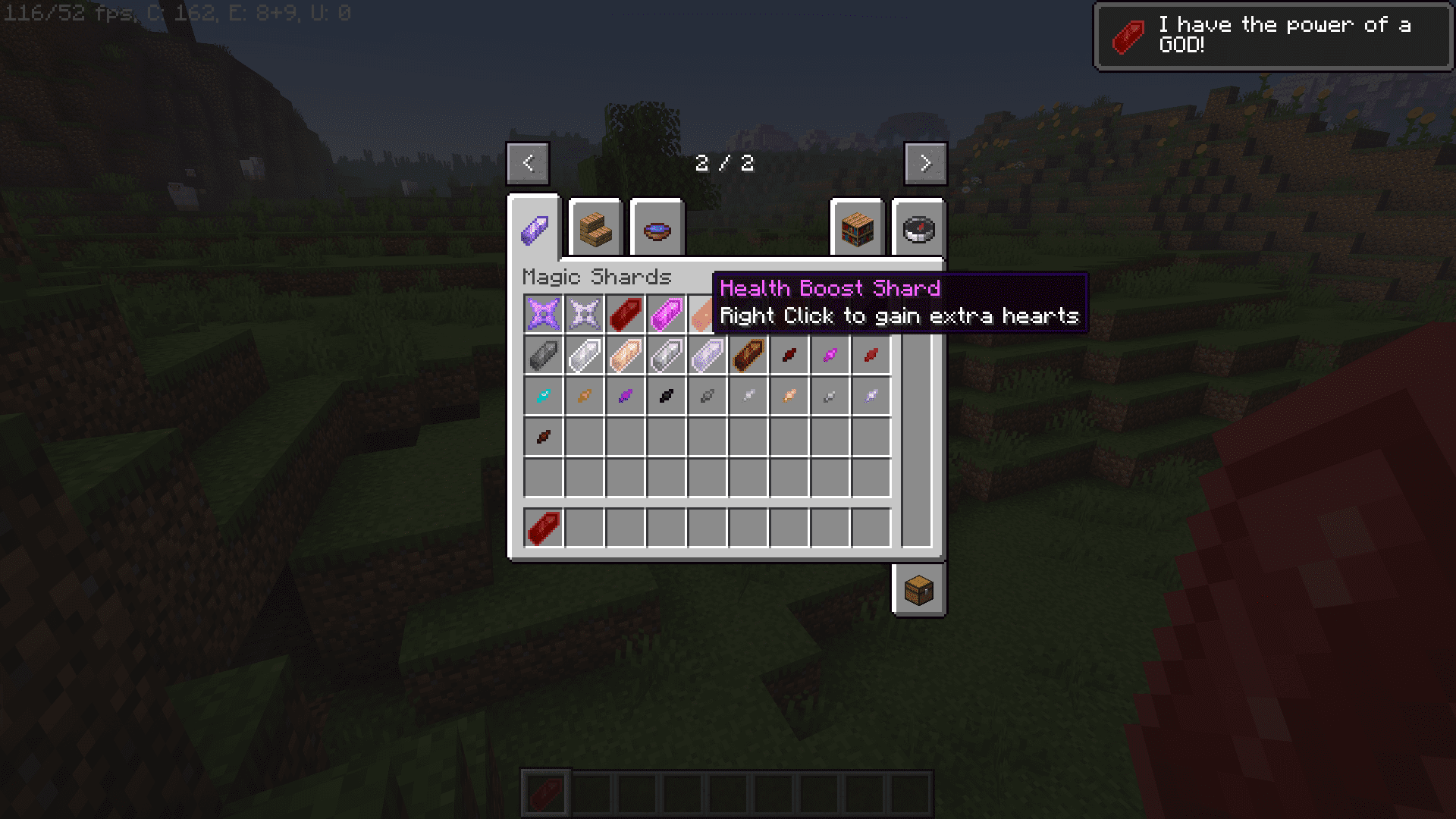
Screenshots:
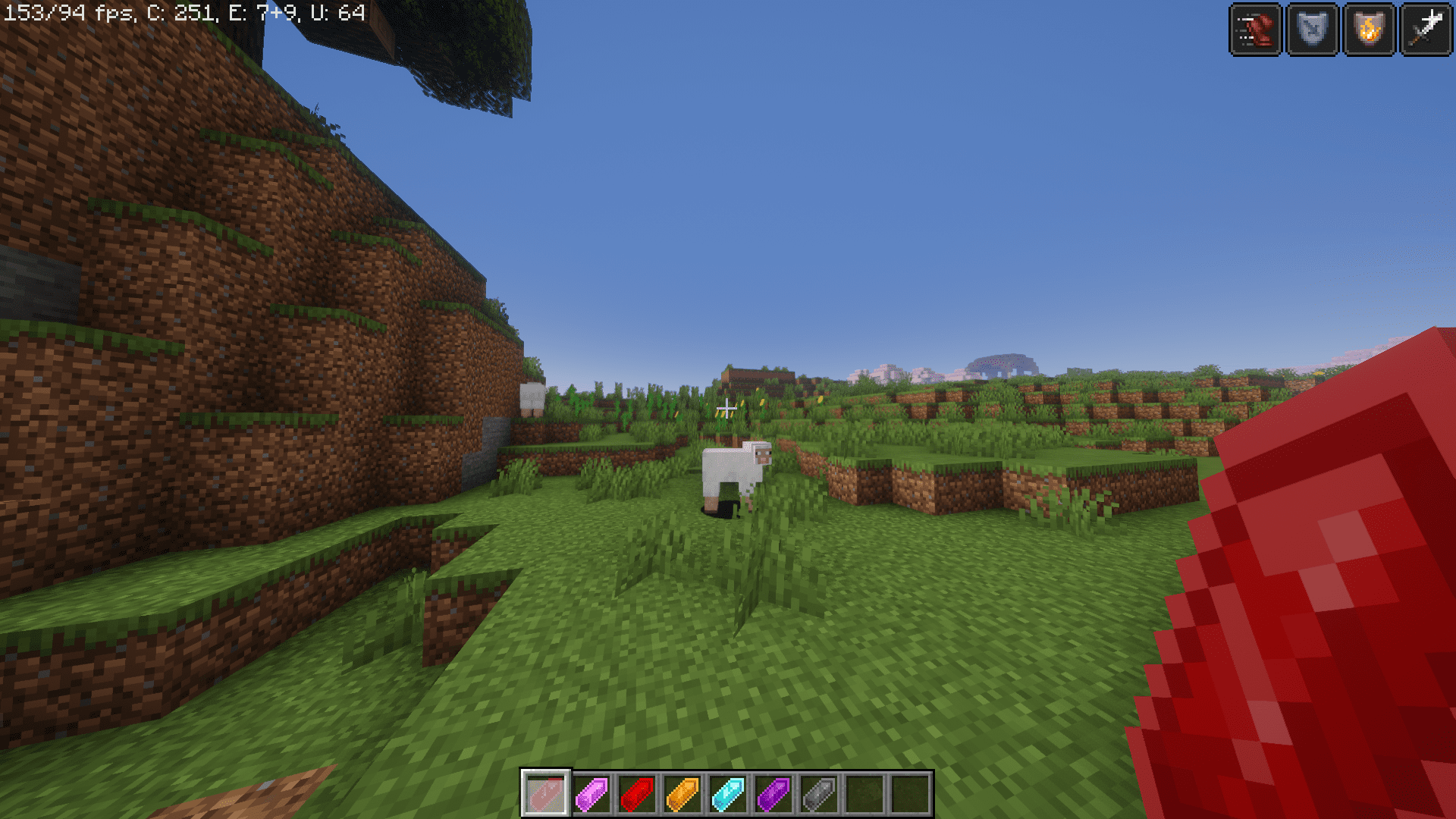
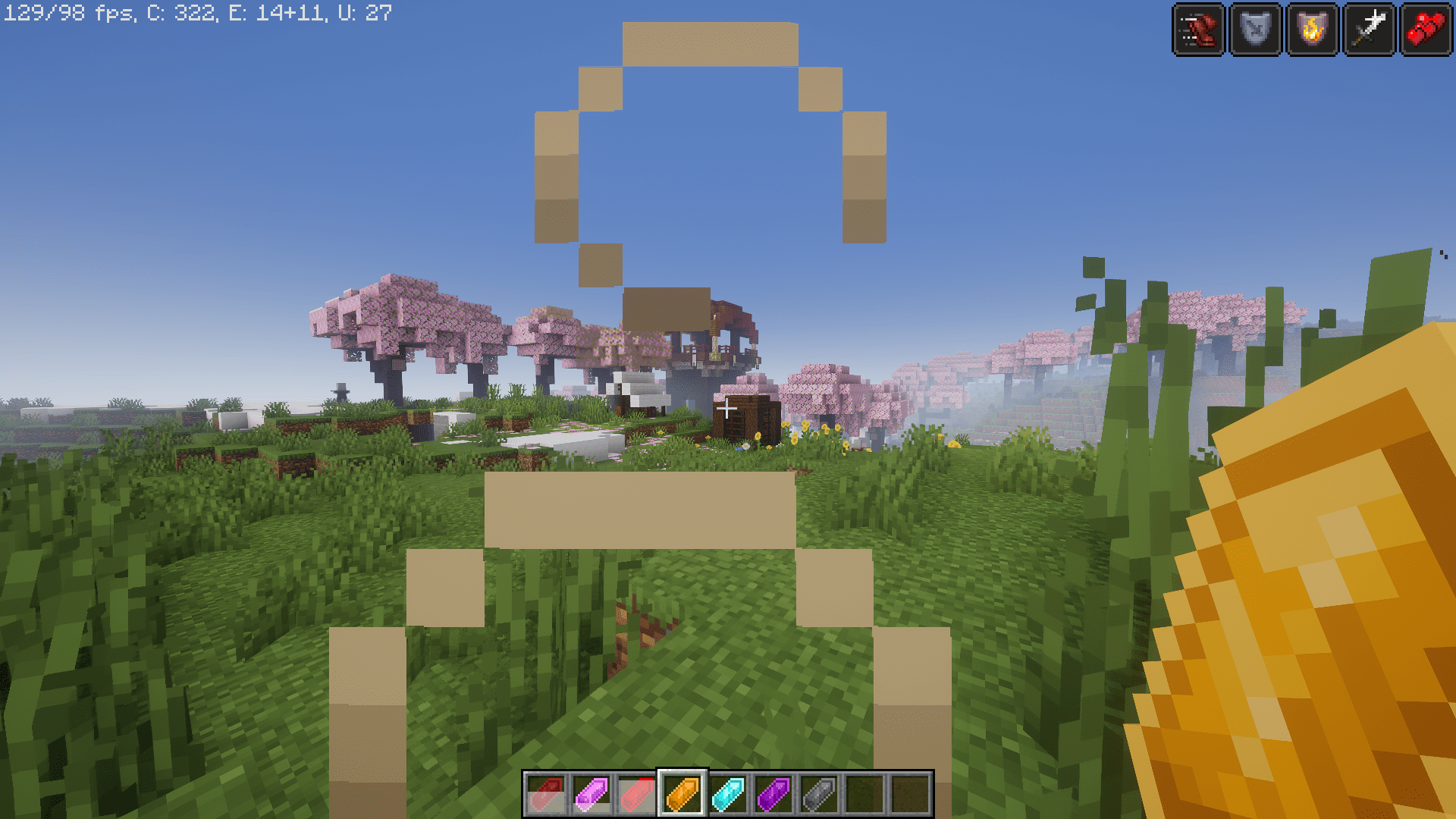
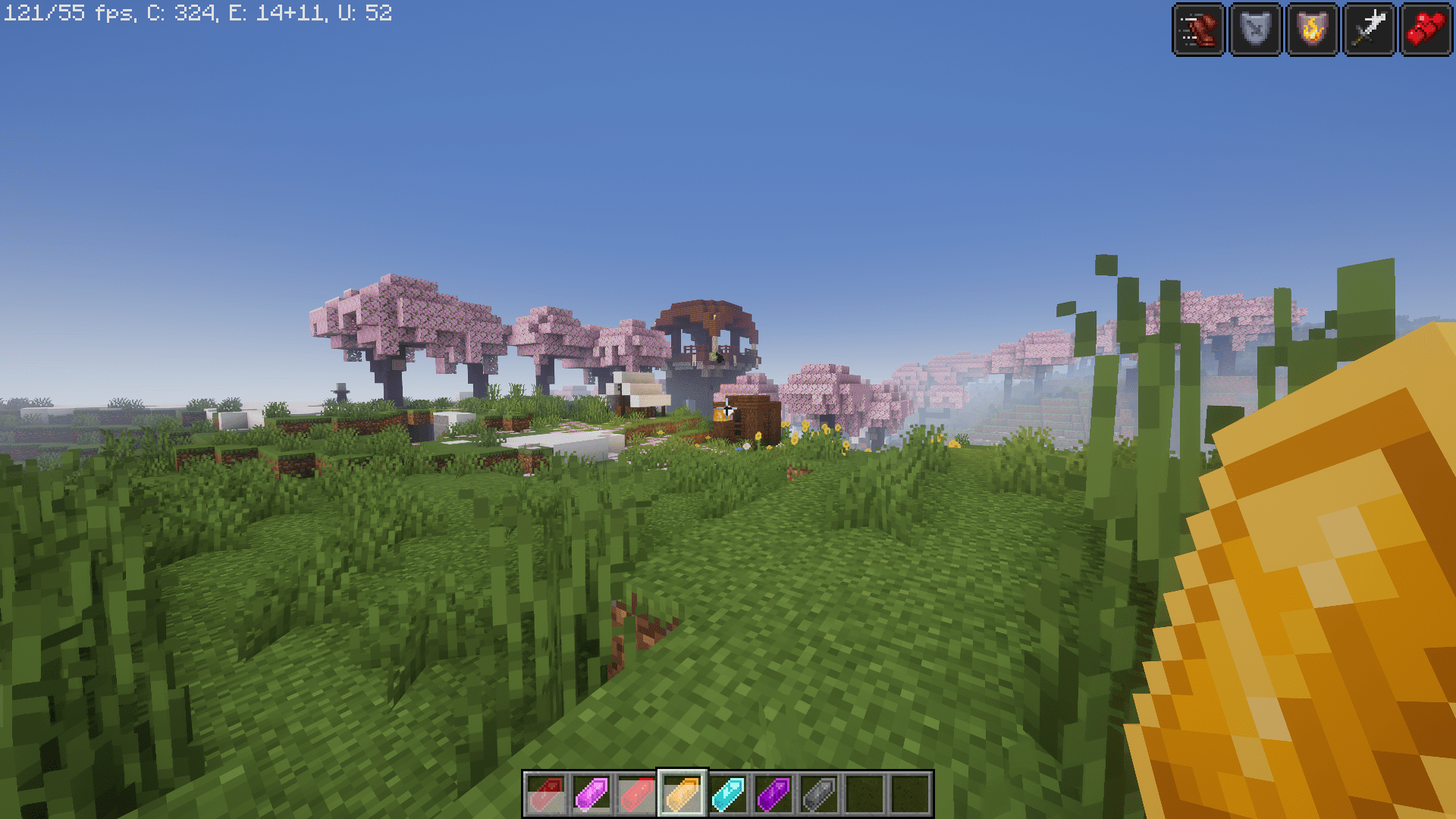
Magic Shards Mod Download Links
For Minecraft 1.20.1
Forge version: Download from Server 1 – Download from Server 2
For Minecraft 1.19.4
Forge version: Download from Server 1 – Download from Server 2
For Minecraft 1.19.2
Forge version: Download from Server 1 – Download from Server 2
For Minecraft 1.18.2
Forge version: Download from Server 1 – Download from Server 2
- Edition: Minecraft Java
- File type: .jar
- Minecraft versions listed: 1.20.1, 1.19.4
- How to install: Install the matching mod loader (Forge, Fabric or NeoForge) for your Minecraft version. → Download the .jar. → Put it in the .minecraft/mods folder and launch that loader profile.
- Where to get it: In MC Java Mods, or directly above on this page.
Install steps are the general flow for this file type — How to install Minecraft Java mods & modpacks walks through it step by step.
- Downloads as 204451.mcaddon
- Download size: 2.4 MB
- Download link checked 17 Jul 2026 — working
- Mirrored on our own servers — the download does not depend on the original host
These come from our own check of the pack file, not from the source page.