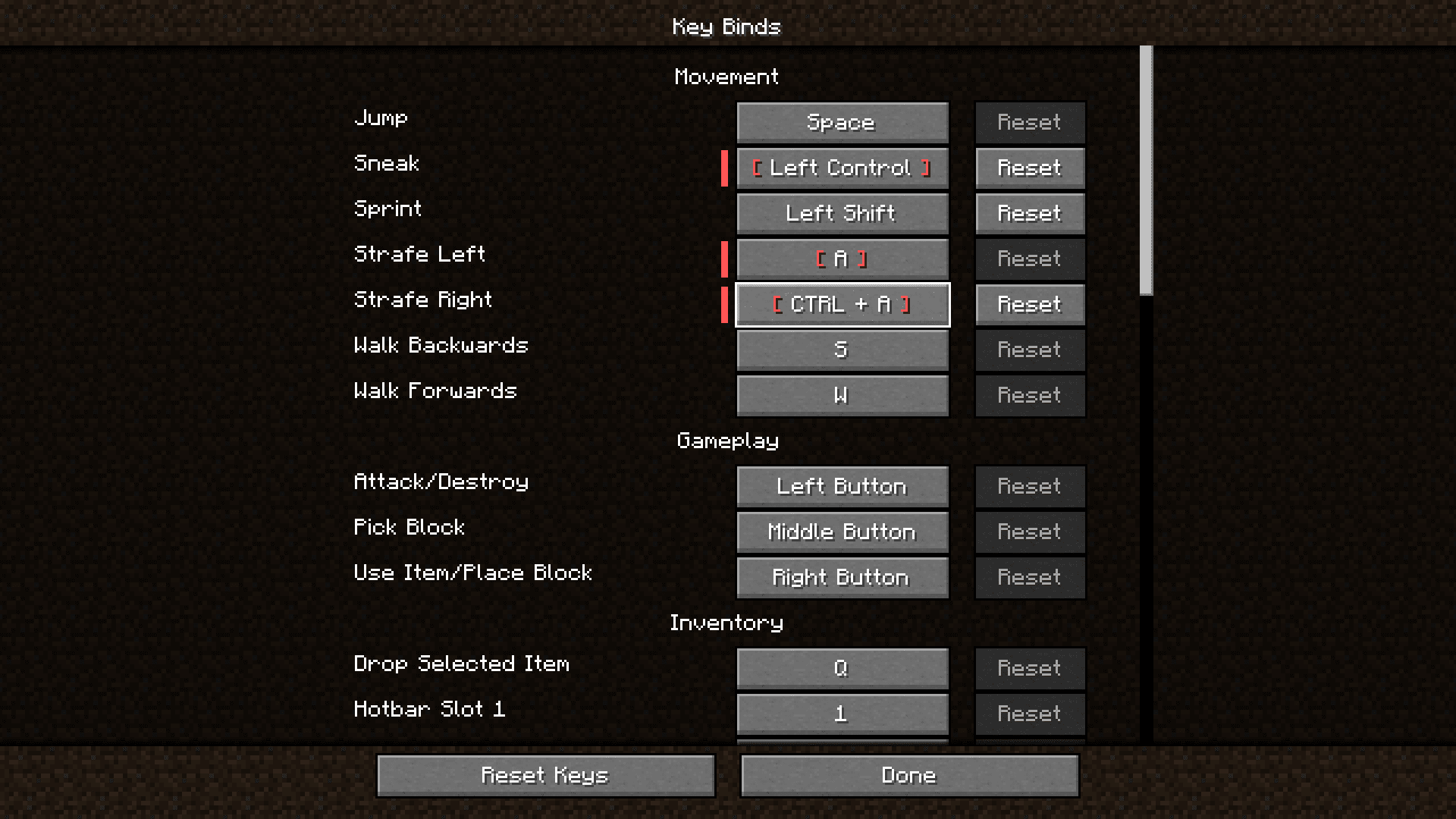
Imagine this scenario: You have two keybind settings assigned to the same letter, but one has a modifier key as an addition. For example, you set the W key to move forward and ctrl+W to move backward. If you press ctrl+W in the vanilla game, your character will not move because the game detects the base key W as “Move Forward” and ctrl+W as “move Backward” simultaneously and the net result is your character remaining stationary. Eventhough the controls are different, this error will occur because of how Minecraft detects modifier keys like shift, ctrl, etc. Modifier Key Fix Mod will fix that for you.
Features:
- Modifier Key Correction: The Modifier Key Fix mod addresses a common issue in Minecraft where assigning a modifier key (ctrl, shift, alt) to a keybind still triggers the base key’s action simultaneously. This can lead to unintended gameplay disruptions.
- Streamlined Gameplay: This mod simplifies gameplay by ensuring that when a modifier key is pressed in combination with another key, it will override the unmodified action. For example, if you press Ctrl+D for strafing left, the game will prioritize strafing left while ignoring the simultaneous strafe right action, resulting in smoother and more intuitive controls.
- Fallback to Normal Behavior: In cases where a modifier key is pressed with no valid keybind associated with it, the mod seamlessly reverts to the default Minecraft behavior. This ensures that the game functions as expected when modifiers are not explicitly required, maintaining a balanced gameplay experience.
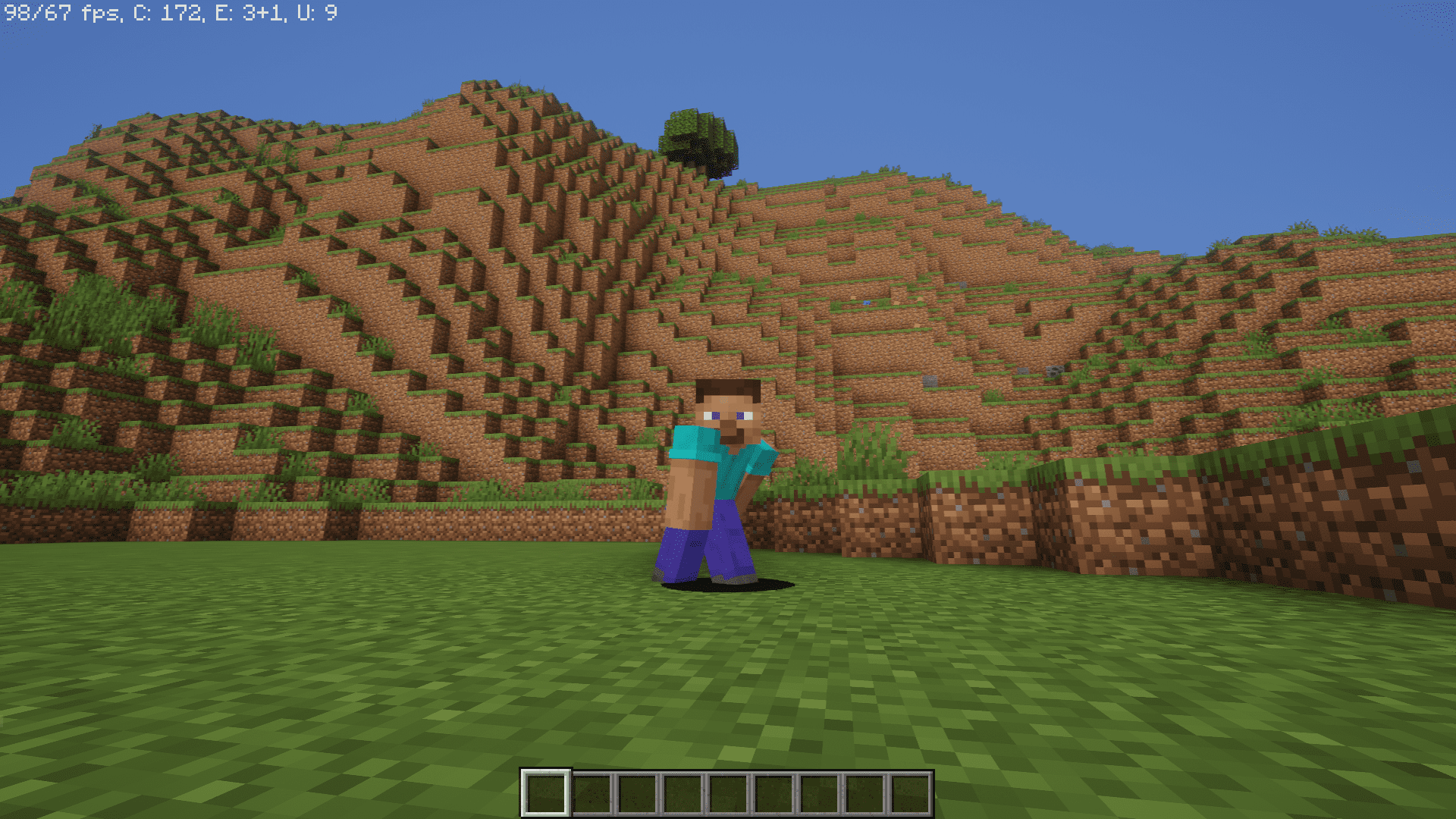
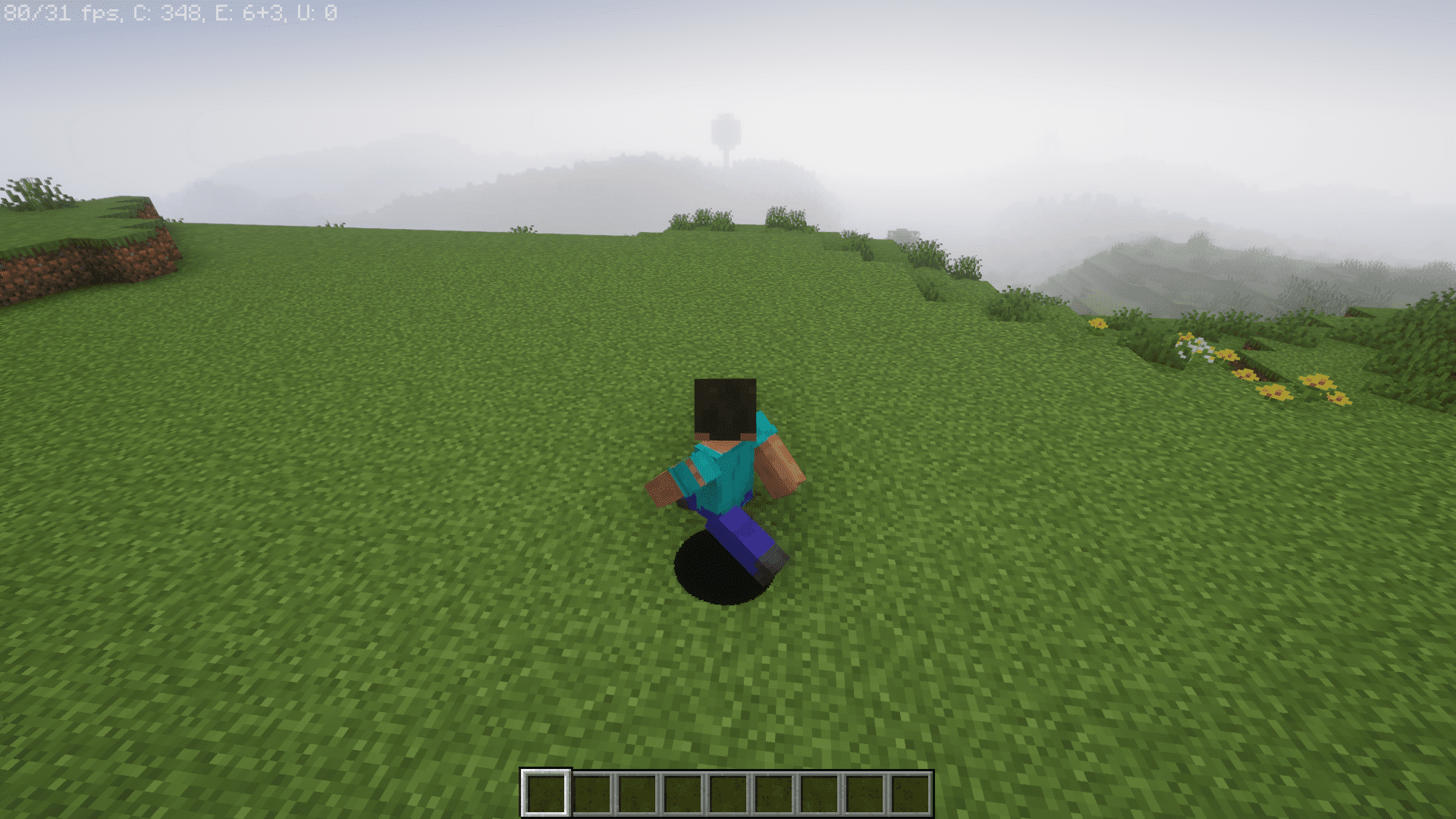
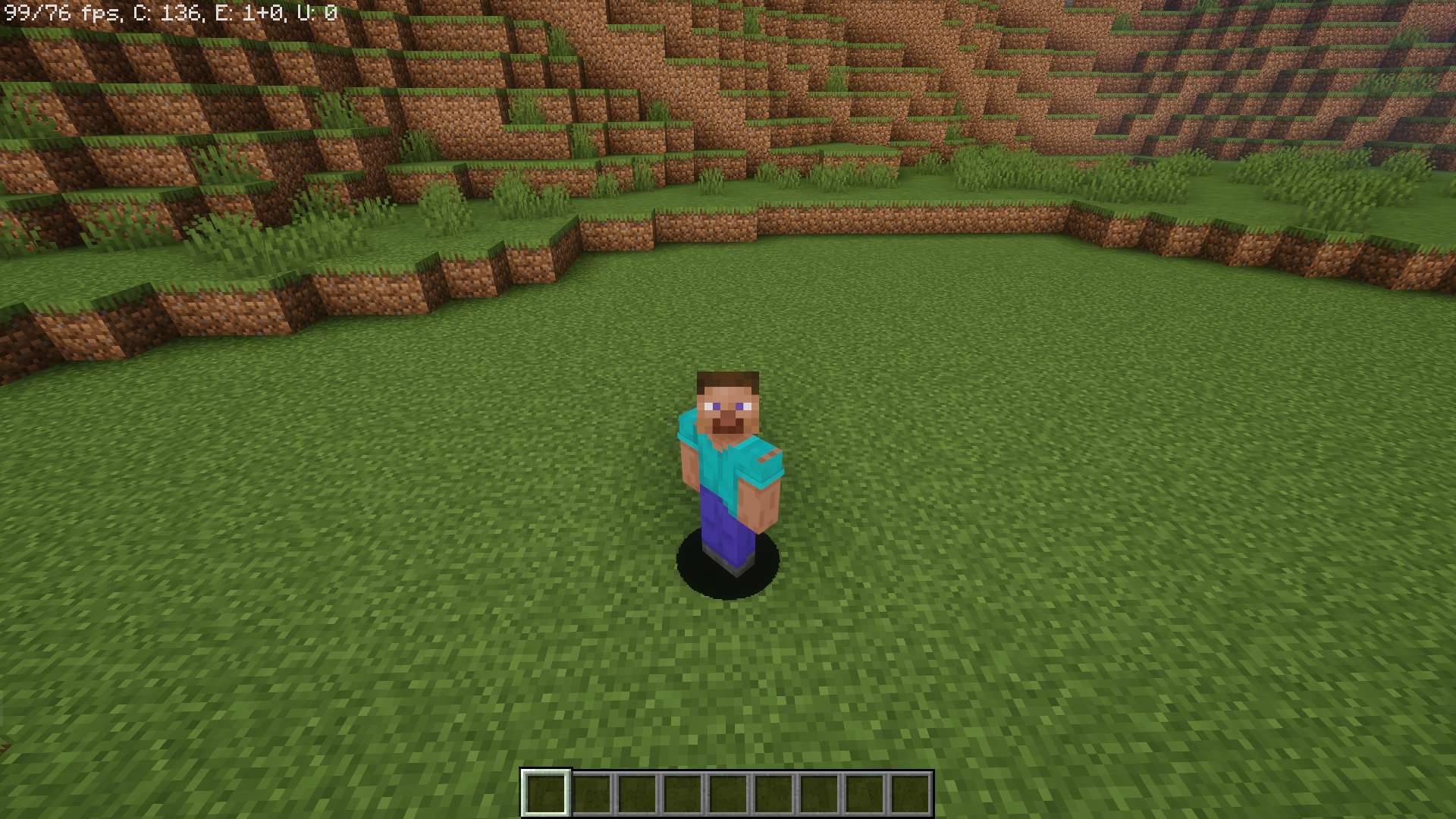
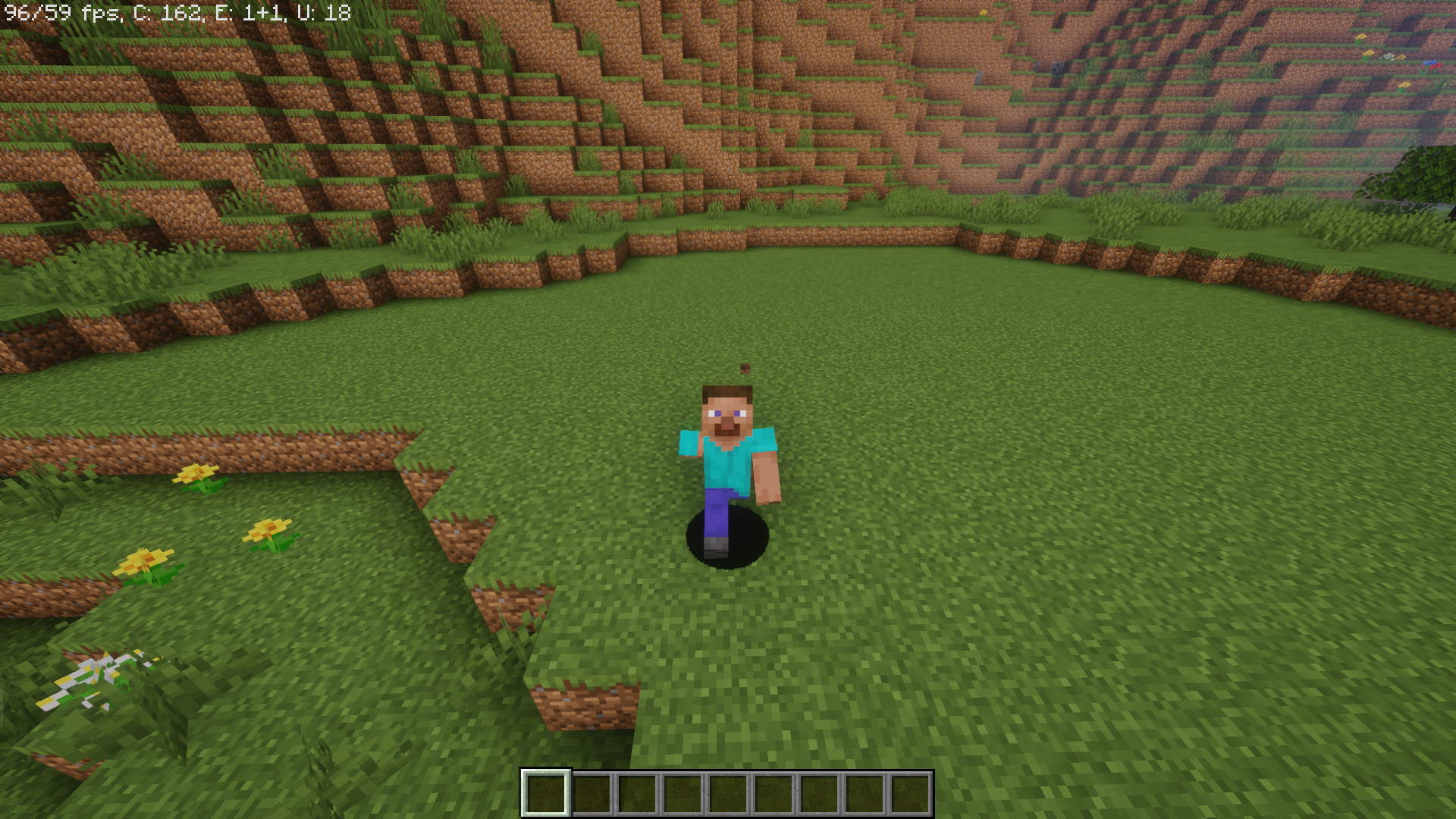
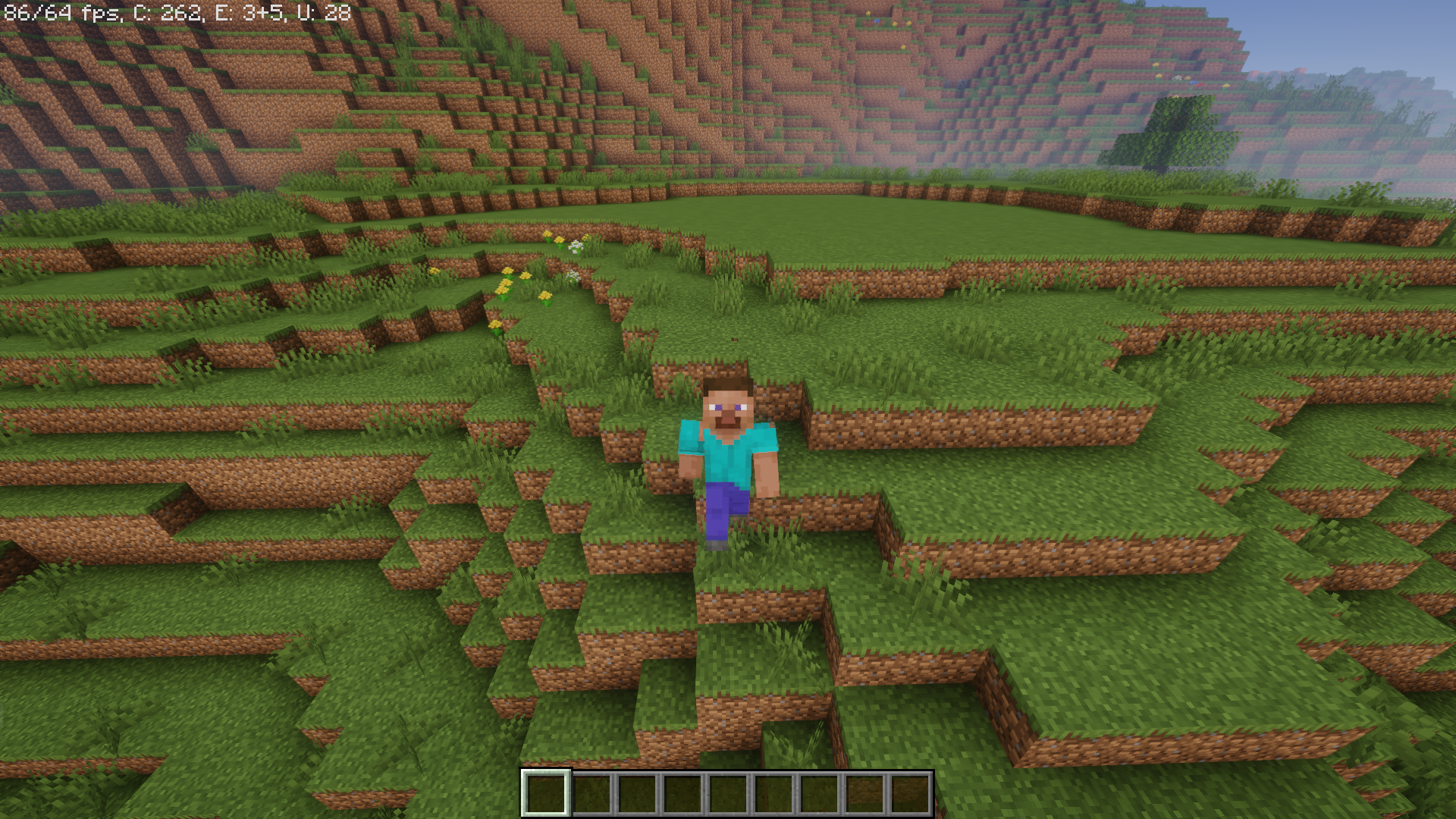
Screenshots:
Modifier Key Fix Mod Download Links
For Minecraft 1.20.1
Forge version: Download from Server 1 – Download from Server 2
For Minecraft 1.19.4
Forge version: Download from Server 1 – Download from Server 2
For Minecraft 1.18.2
Forge version: Download from Server 1 – Download from Server 2
For Minecraft 1.17.1
Forge version: Download from Server 1 – Download from Server 2
For Minecraft 1.16.5
Forge version: Download from Server 1 – Download from Server 2
For Minecraft 1.12.2
Forge version: Download from Server 1 – Download from Server 2
- Edition: Minecraft Java
- File type: .jar
- Minecraft versions listed: 1.20.1, 1.19.4
- How to install: Install the matching mod loader (Forge, Fabric or NeoForge) for your Minecraft version. → Download the .jar. → Put it in the .minecraft/mods folder and launch that loader profile.
- Where to get it: In MC Java Mods, or directly above on this page.
Install steps are the general flow for this file type — How to install Minecraft Java mods & modpacks walks through it step by step.
- Downloads as 204499.mcaddon
- Download size: 5 KB
- Download link checked 30 Jul 2026 — working
- Mirrored on our own servers — the download does not depend on the original host
These come from our own check of the pack file, not from the source page.