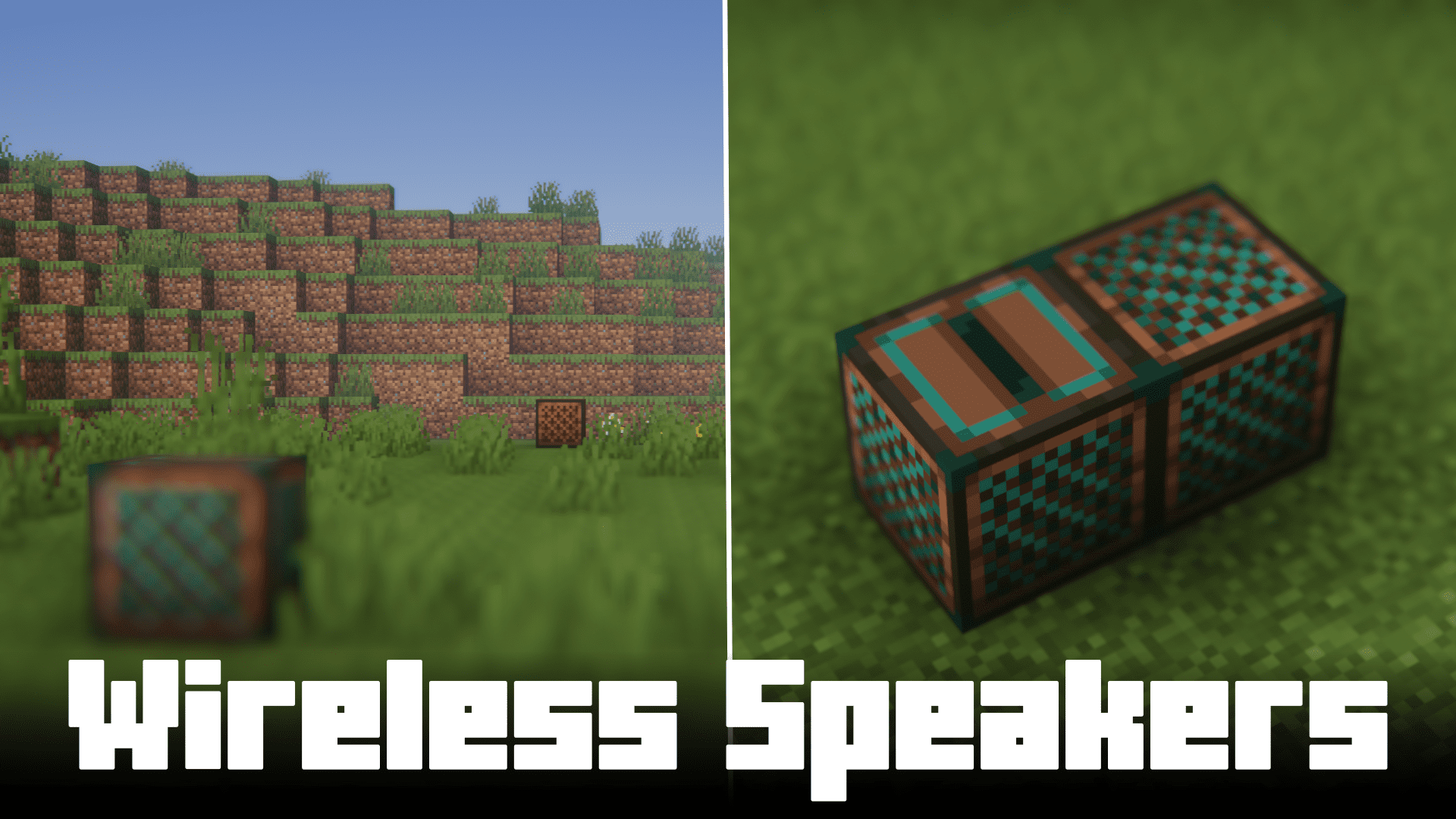
Wireless Speakers Mod (1.20.1, 1.19.4) – Long Distance Music Players
A good number of Minecraft players rely on in-game jukeboxes to listen to music while working on large scale builds. But jukeboxes are limited to a…
⬇ DownloadOpen in MCModsHubGet it on Google Play →A good number of Minecraft players rely on in-game jukeboxes to listen to music while working on large scale builds. But jukeboxes are limited to a distance of about 70 blocks. Beyond this range, the music played becomes basically inaudible. Wireless Speakers brings a solution. The distance limitation of vanilla jukeboxes poses a serious inconvenience where you have to break and place jukeboxes as soon as you move away from them. Not only is this a waste of time, but it also resets the music disc. Overall, the entire process is a menace. And this mod solves it by introducing wireless speakers into the game.
Features:
- Synced Music Playing: Starting a song in a wireless jukebox will play it in upto 3 wireless speakers in your world. The speakers can be placed anywhere in the world. Distance is not a concern.
- Simple interactions: To link a wireless speaker to a wireless jukebox, you just have to right-click the speaker on the jukebox.
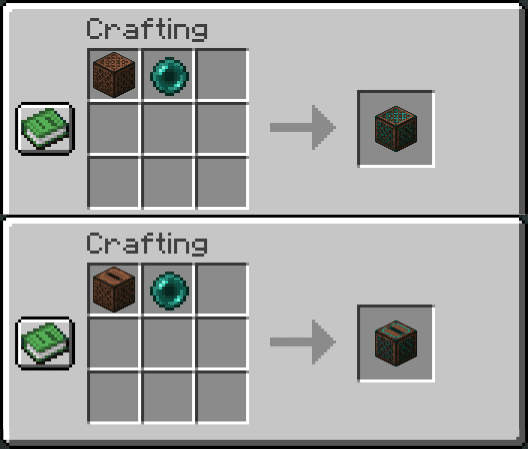
- Cheap Recipes: Placing a vanilla jukebox or a wireless noteblock into a crafting grid along with an ender pearl will allow you to craft a wireless jukebox or a wireless speaker respectively. Recipes are given in images.
- Save Discs: Wireless Jukeboxes do not need a physical music disc as they form an ender link.
Crafting Recipes:
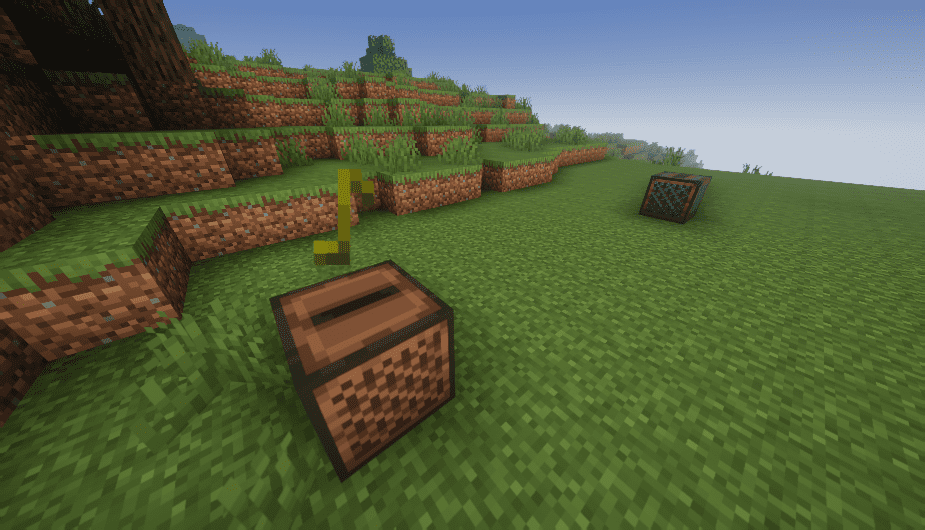
Screenshots:


Wireless Speakers Mod Download Links
For Minecraft 1.20.1
Forge version: Download from Server 1 – Download from Server 2
For Minecraft 1.19.4
Forge version: Download from Server 1 – Download from Server 2
For Minecraft 1.19.2
Forge version: Download from Server 1 – Download from Server 2
For Minecraft 1.18.2
Forge version: Download from Server 1 – Download from Server 2
For Minecraft 1.17.1
Forge version: Download from Server 1 – Download from Server 2
For Minecraft 1.16.5
Forge version: Download from Server 1 – Download from Server 2
Wireless Speakers Mod (1.20.1, 1.19.4) – Long Distance Music Players is a free Minecraft Java mod. Compatible with Minecraft 1.20.1, 1.19.4. Download it and open it directly in the game.