
Jello Mod adds into the game a new utility item, which players can use to dye almost anything that exists within the game. Normally, players can only dye regular carpets or leather armors using the dye, however, players still want to dye other stuff as they want to see diversity in the color scheme. However, this desire is impossible in the original game due to the limitation in dye usage until players install the Jello Mod. Once installed, the Mod will prove its usefulness instantly by giving the players an opportunity to dye any entities they want, including the mobs and any blocks that ever existed. From now on, players can let their creativity run wild as they can create an entire pink castle or make the river green. If players are more ambitious, they can commute the overworld and change the color into what they deem most fitting.
Features:
- Players can dye any entities that ever existed.
Screenshots:





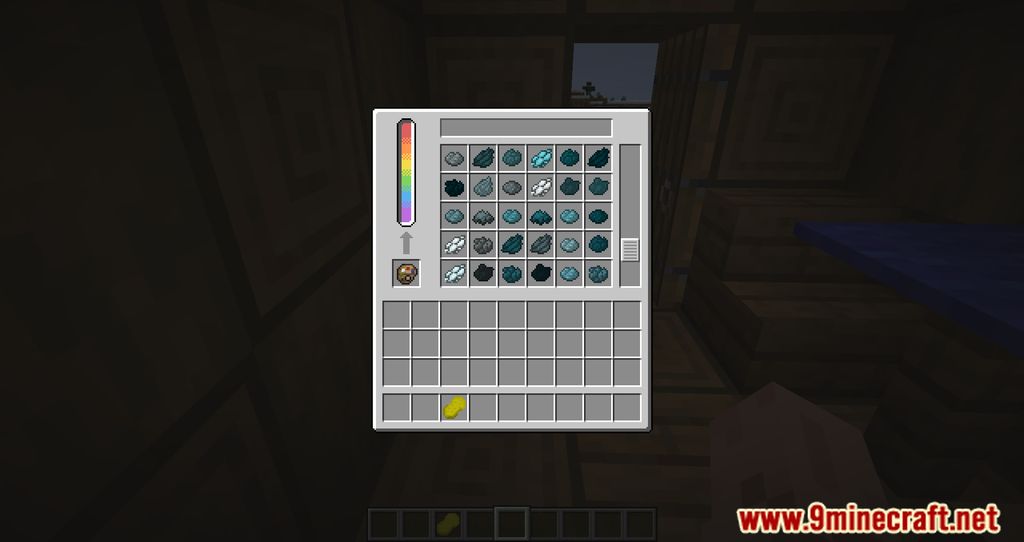
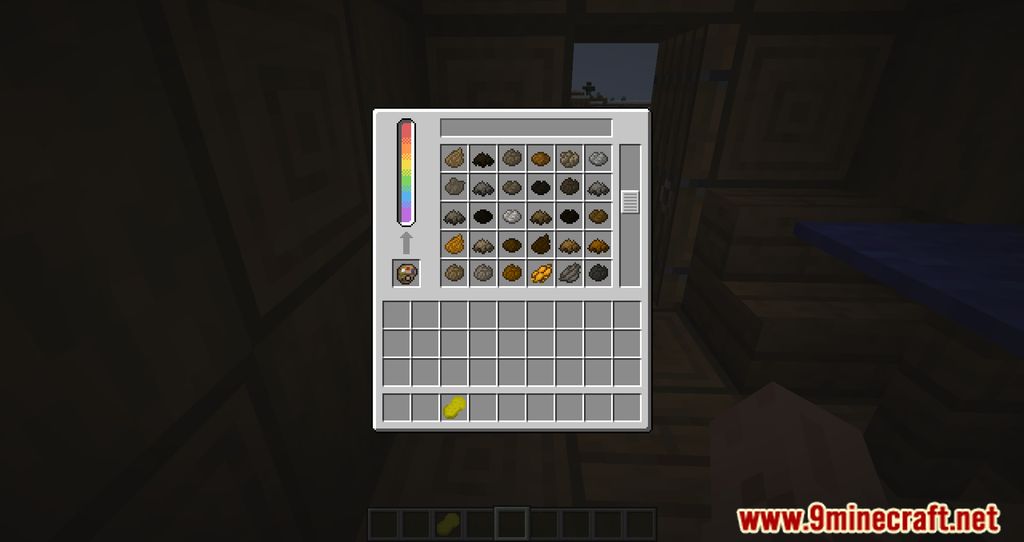
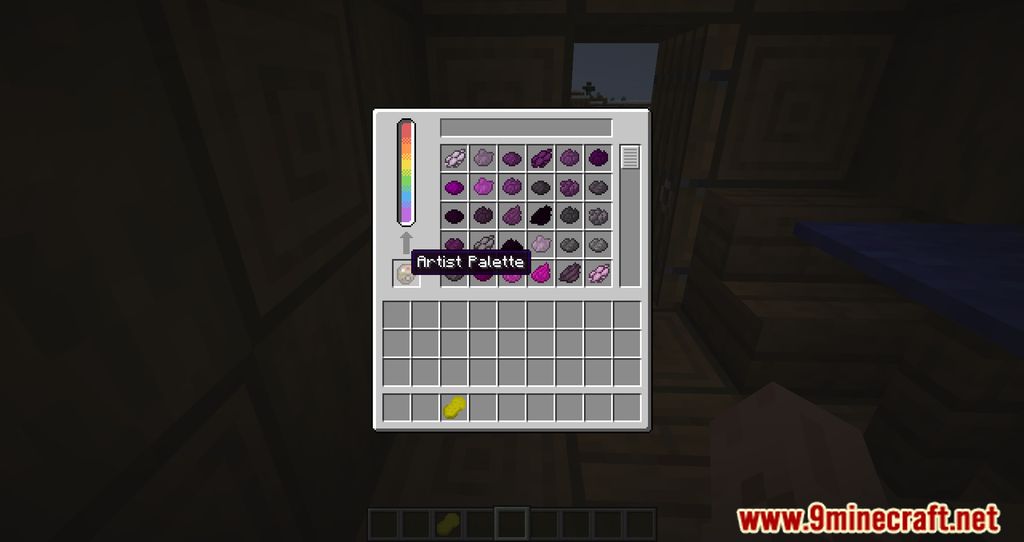
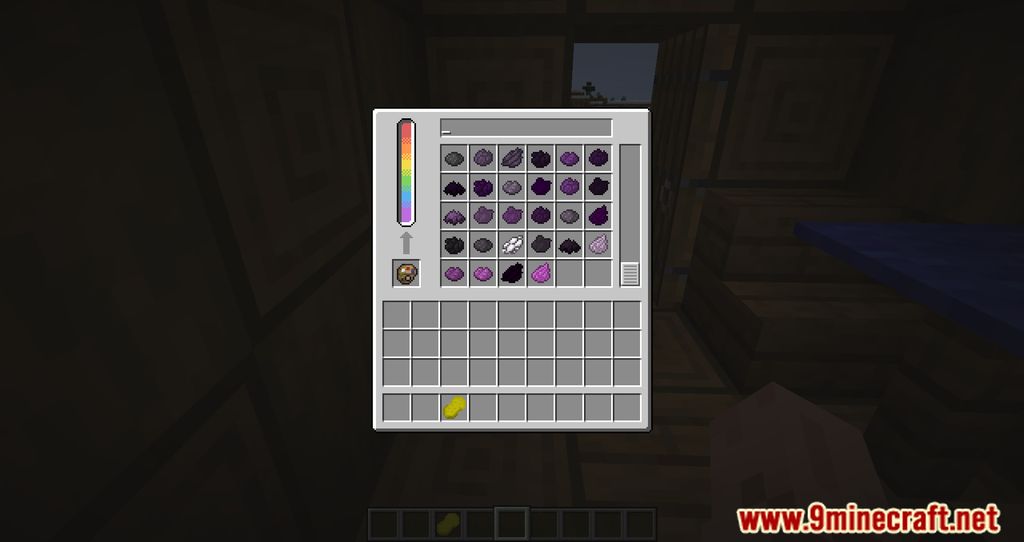

Crafting Recipes:
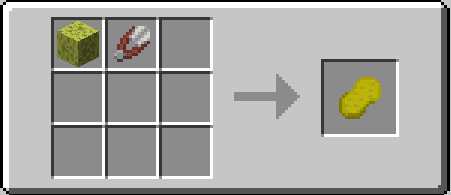
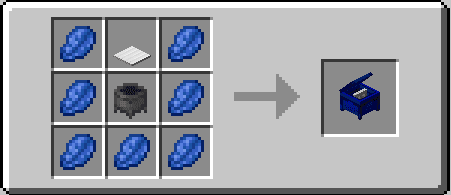
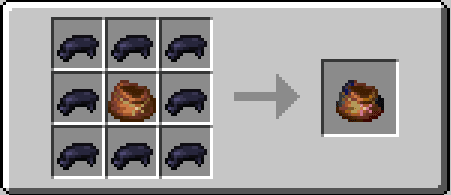
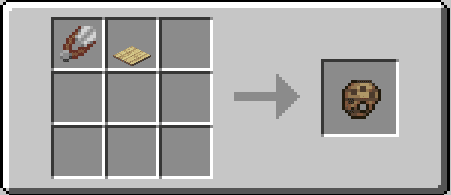
Jello Mod Download Links
For Minecraft 1.20.1
Fabric version: Download from Server 1 – Download from Server 2
For Minecraft 1.19.4
Fabric version: Download from Server 1 – Download from Server 2
For Minecraft 1.19
Fabric version: Download from Server 1
For Minecraft 1.18.2
Fabric version: Download from Server 1
For Minecraft 1.18.1
Fabric version: Download from Server 1
- Edition: Minecraft Java
- File type: .jar
- Minecraft versions listed: 1.20.1, 1.19.4
- How to install: Install the matching mod loader (Forge, Fabric or NeoForge) for your Minecraft version. → Download the .jar. → Put it in the .minecraft/mods folder and launch that loader profile.
- Where to get it: In MC Java Mods, or directly above on this page.
Install steps are the general flow for this file type — How to install Minecraft Java mods & modpacks walks through it step by step.
- Downloads as 204625.mcaddon
- Download size: 647 KB
- Download link checked 30 Jul 2026 — working
- Mirrored on our own servers — the download does not depend on the original host
These come from our own check of the pack file, not from the source page.