ModsJava
Data Fixer Slayer Mod (1.16.5) – Unlocking Performance Potential
Java mod listed for Minecraft 1.16. Downloads from the MC Java Mods app on Android.
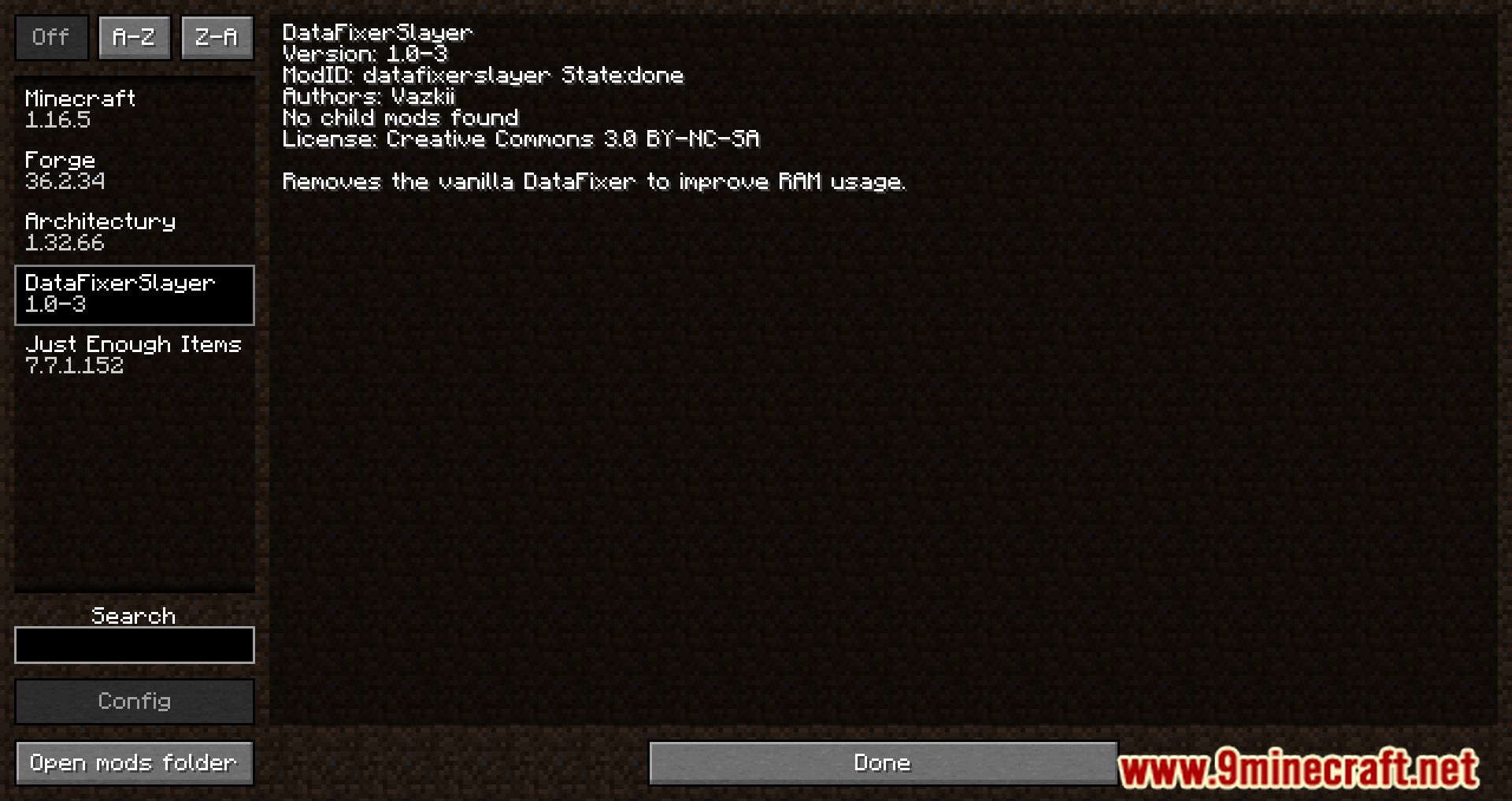
⬇ DownloadData Fixer Slayer Mod prevents the DataFixerUpper (DFU) system from loading. The DFU is the system in charge of migrating worlds between versions, and ensuring everything is using the correct data for the version. Since in modding, we don’t tend to migrate worlds between versions, the DFU is usually just sitting there doing nothing and using up space with the data it’s storing.
Features:
- Data Fixer Slayer Mod ingeniously prevents the DFU system from activation. This strategic move not only optimizes performance but also eliminates unnecessary resource consumption. With modding typically negating the need for version-to-version world migration, this mod ensures that the DFU’s potential overhead remains untapped.
- By stripping away the DFU’s involvement, Data Fixer Slayer Mod unlocks a realm of improved gameplay efficiency. This allows players to immerse themselves in modded adventures with heightened responsiveness and reduced resource bottlenecks.
- While this mod promises an augmented experience, user mindfulness is advised. Prior to integrating Data Fixer Slayer Mod, players should optimize their worlds using the Optimize feature. During version migrations, the mod should be temporarily uninstalled, and the world should be re-optimized before its reinstallation. Regular world backups serve as an additional precaution.
- Developers of Data Fixer Slayer Mod prioritize stability alongside performance optimization. The mod ensures that the gameplay experience remains resilient even as performance is boosted.
Screenshots:









Data Fixer Slayer Mod Download Links
For Minecraft 1.16.5
Forge Version: Download from Server 1 – Download from Server 2
Quick facts
- Edition: Minecraft Java
- File type: .jar
- Minecraft version listed: 1.16.5
- How to install: Install the matching mod loader (Forge, Fabric or NeoForge) for your Minecraft version. → Download the .jar. → Put it in the .minecraft/mods folder and launch that loader profile.
- Where to get it: In MC Java Mods, or directly above on this page.
Install steps are the general flow for this file type — How to install Minecraft Java mods & modpacks walks through it step by step.
File checked by MCModsHub
- Downloads as 204638.mcaddon
- Download size: 5 KB
- Download link checked 30 Jul 2026 — working
- Mirrored on our own servers — the download does not depend on the original host
These come from our own check of the pack file, not from the source page.