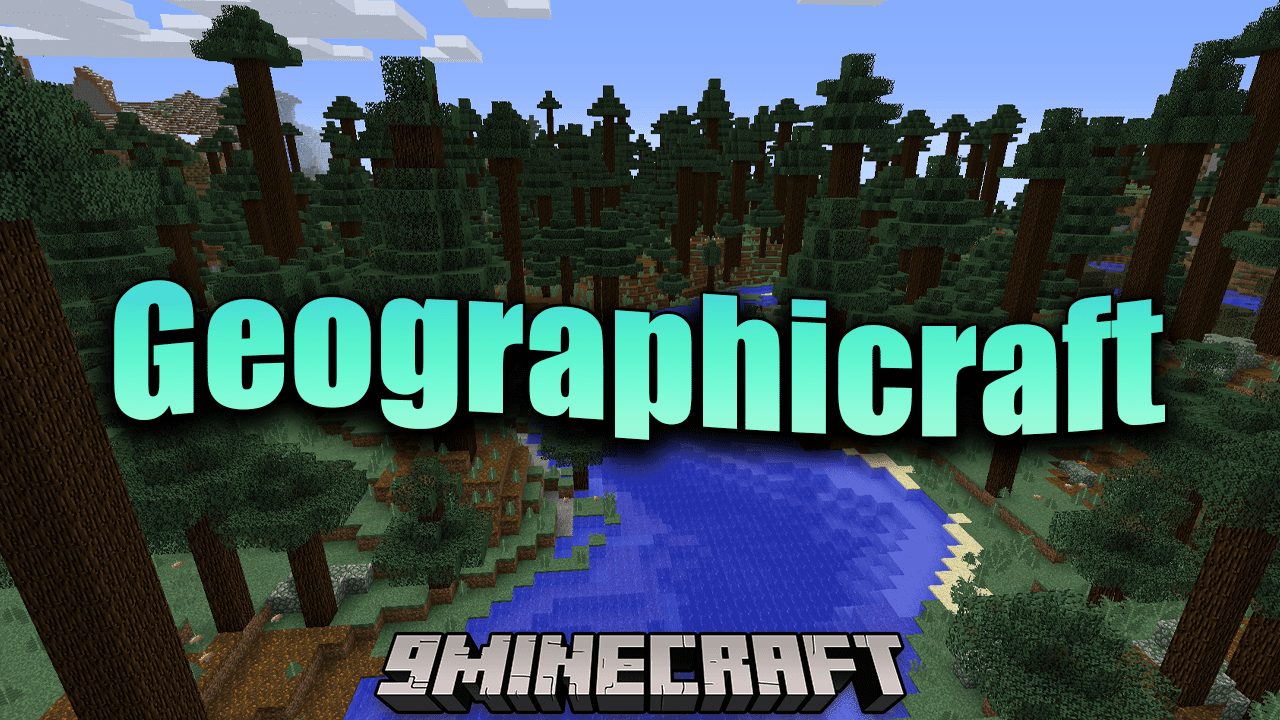
Geographicraft Mod (1.12.2, 1.11.2) – Crafting Worlds, Crafting Realities
Minecraft Java mod. Downloads from the MC Java Mods app on Android.
⬇ DownloadGeographicraft Mod brings an unparalleled level of customization to the world of Minecraft, transforming every landscape into a canvas of personal creation. This mod’s power lies in its ability to place the control of climate zones, ocean sizes, biome frequencies, and continent sizes firmly into the hands of players, allowing them to shape their Minecraft worlds in ways previously unimaginable.
At its core, the mod empowers players to curate climate zones to sizes that suit their gameplay preferences. This enables the discovery of a diverse array of biomes with ease, enhancing exploration and adventure. The mod’s ability to prevent jarring transitions between hot and cold biomes adds a layer of realism, while the option to blend biomes together ensures a harmonious and picturesque world.
With the power to modify the frequency of common biomes and climate zones, players can curate an experience that resonates with their vision. The mod also presents an opportunity to restore the oceans of Minecraft’s earlier versions or create expansive continents punctuated by sizable lakes.
Features:
- Empowers players to control climate zones, ocean sizes, biome frequencies, and continent sizes.
- Enhances exploration with manageable climate zone sizes and diverse biomes.
- Offers realism by preventing abrupt hot-cold biome transitions.
- Enables seamless blending of biomes for picturesque landscapes.
- Customizable frequency of biomes and climate zones for personalized experiences.
- Options to restore oceans or create expansive continents.
- Range of land sizes and climate bands for diverse world creation.
- Personalized spawn area placement for a tailored Minecraft experience.
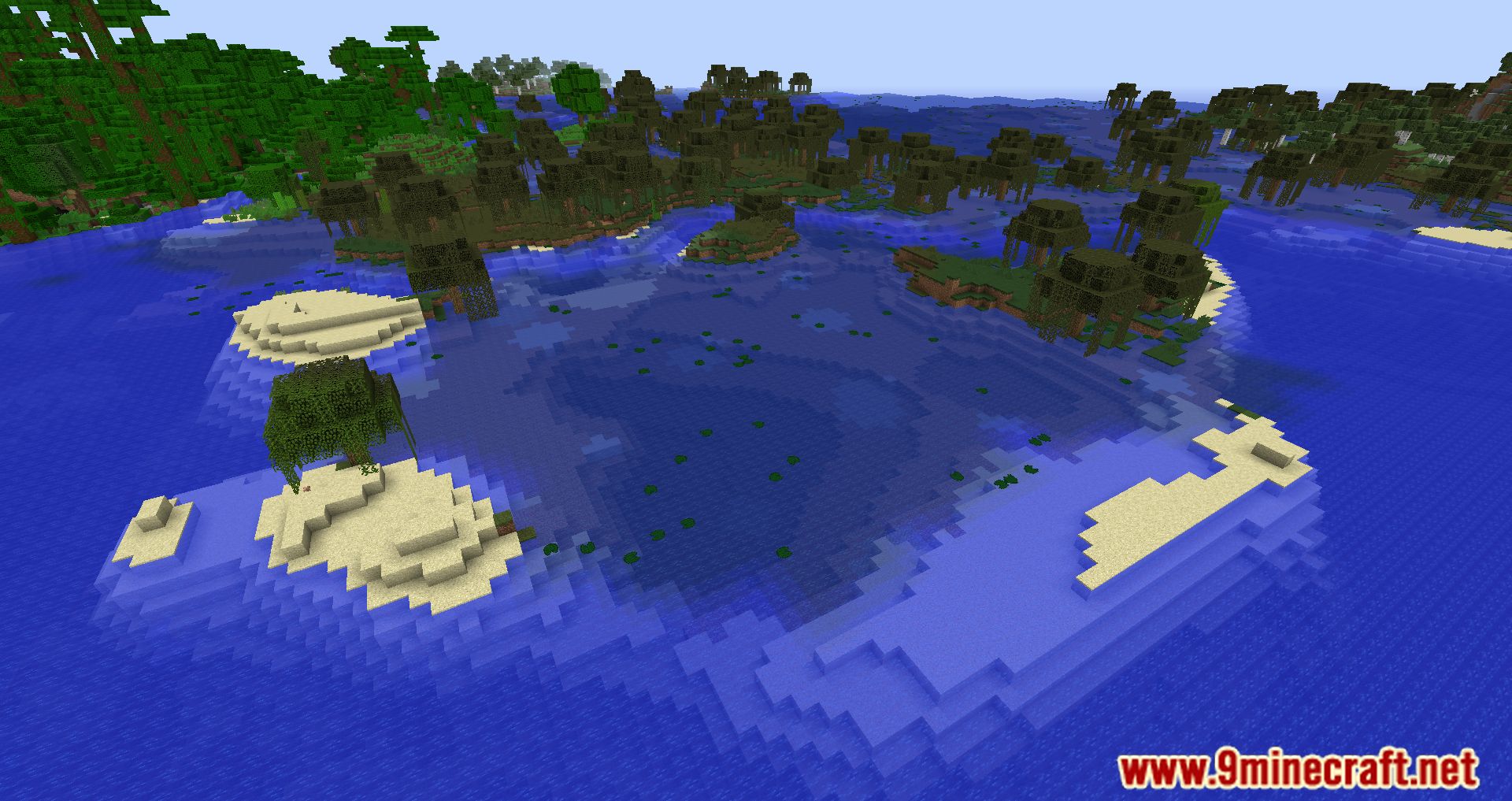
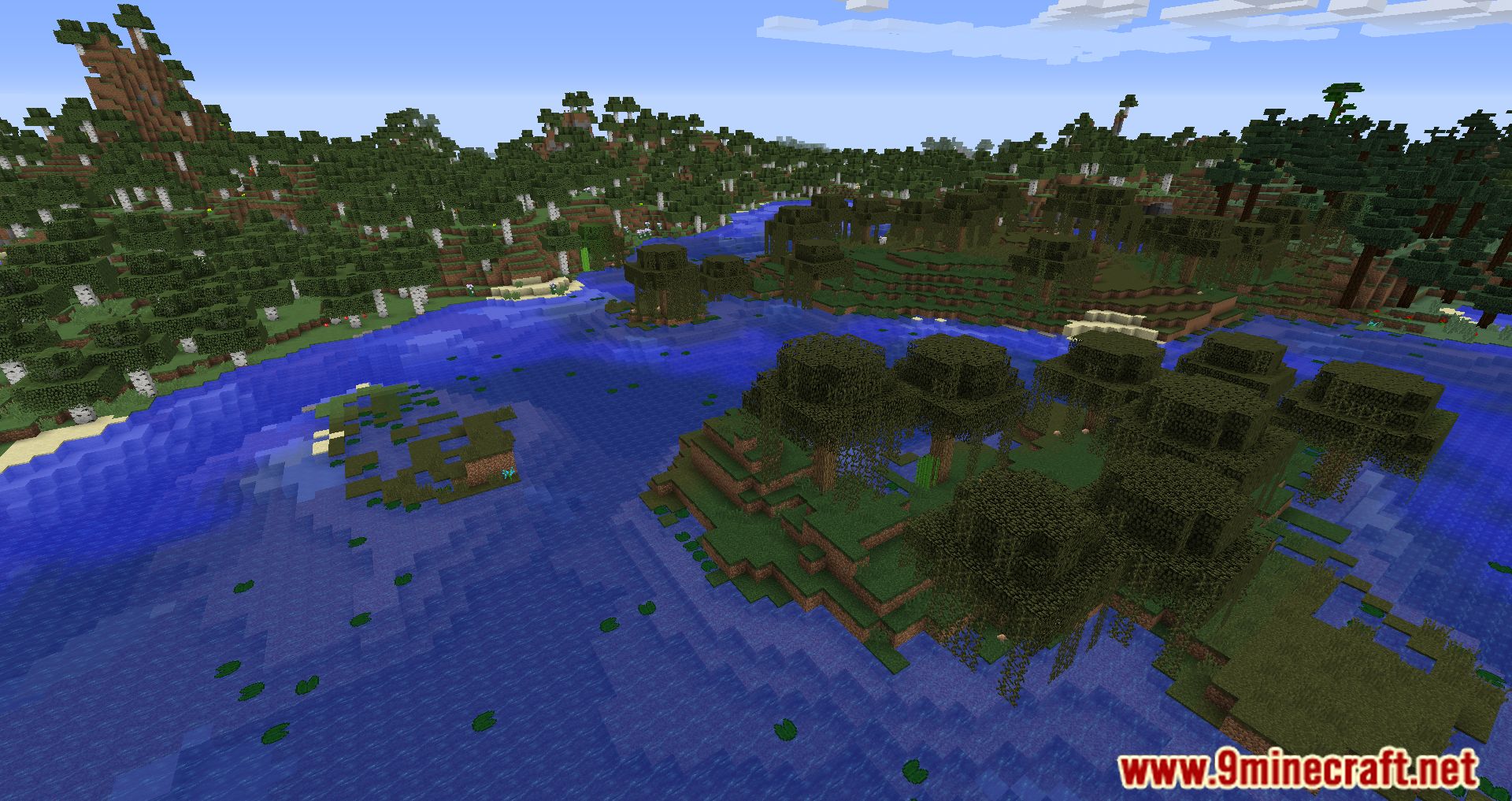
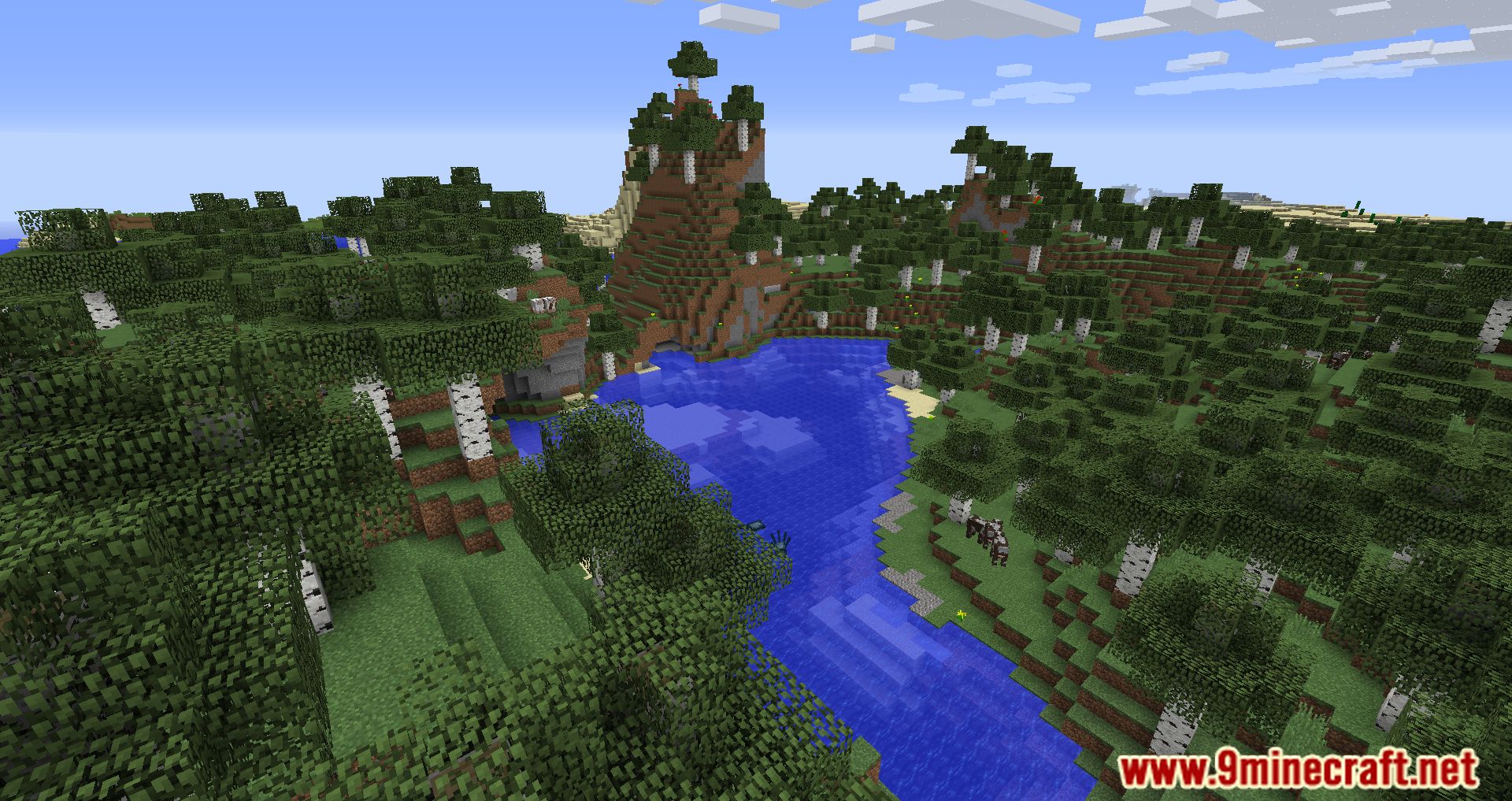
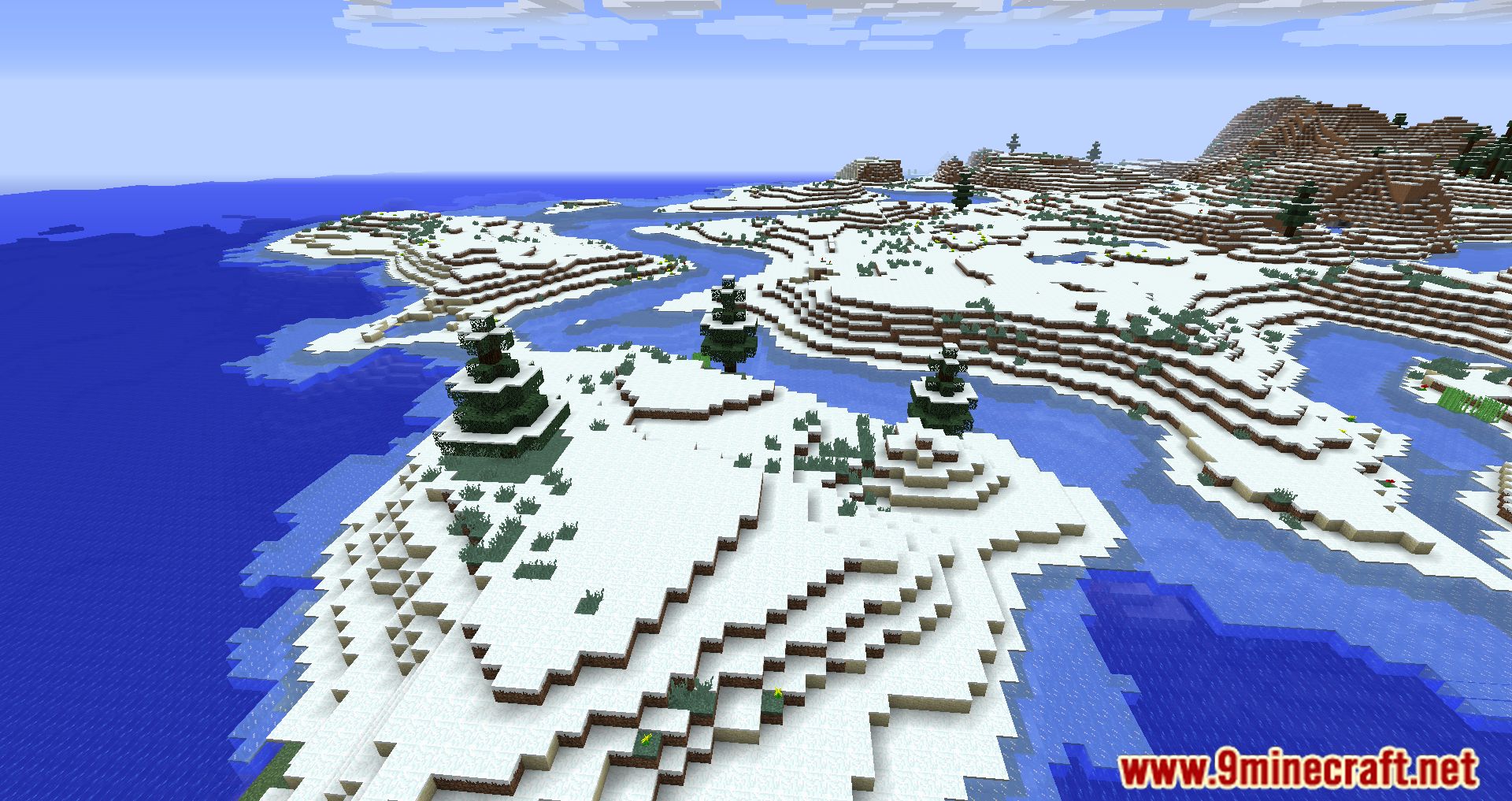
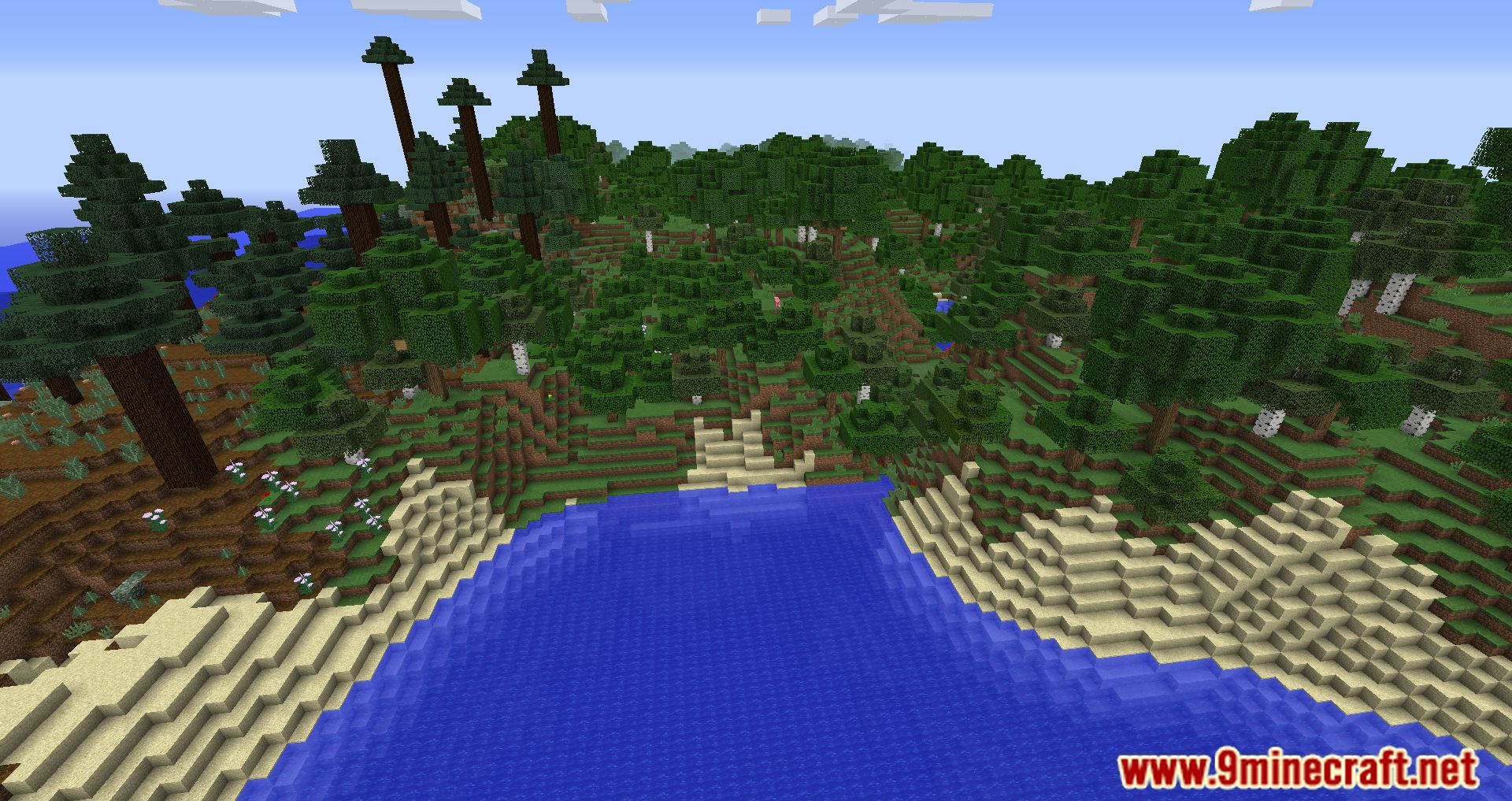
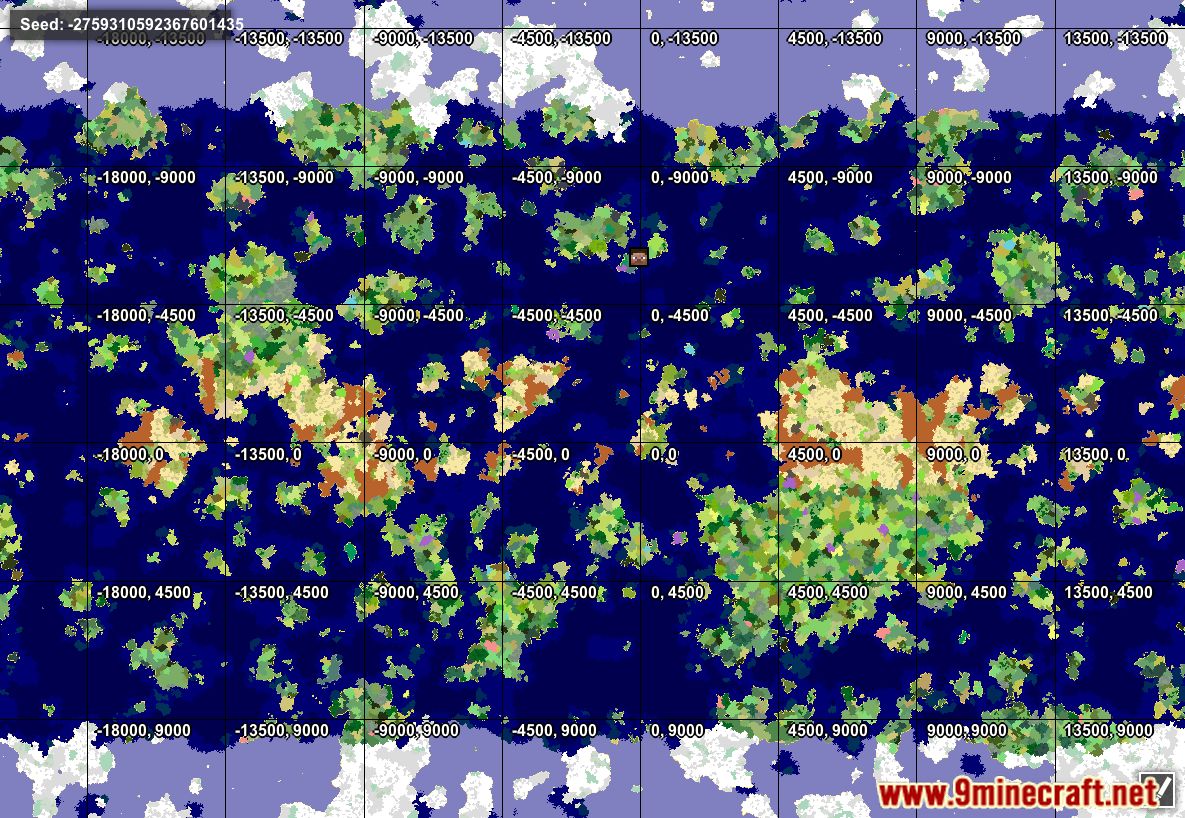
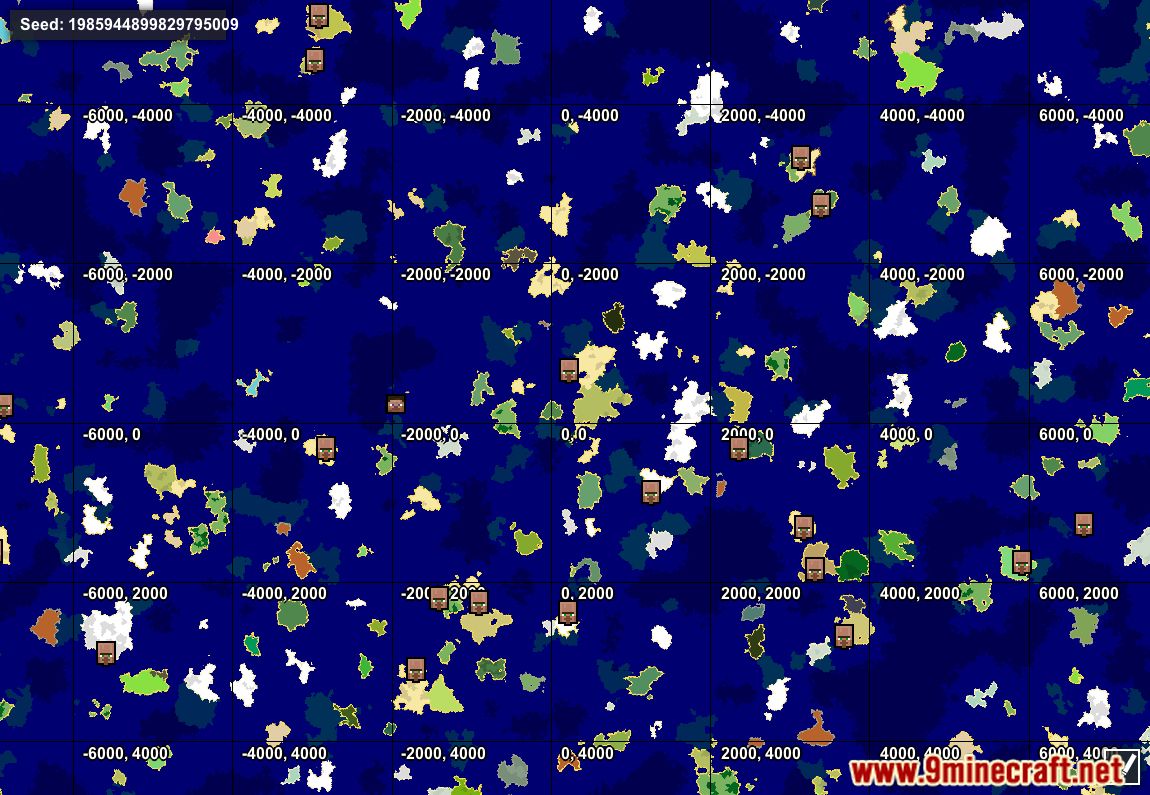
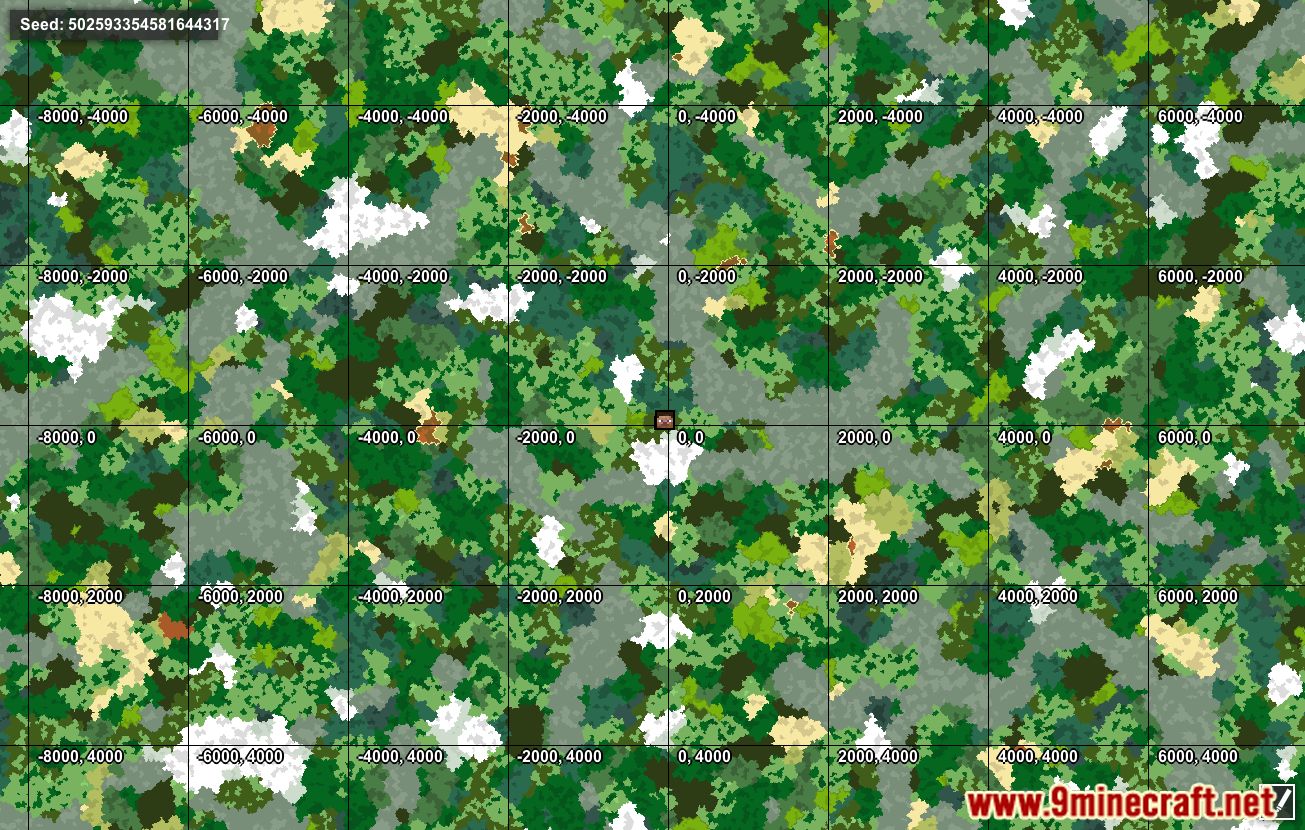
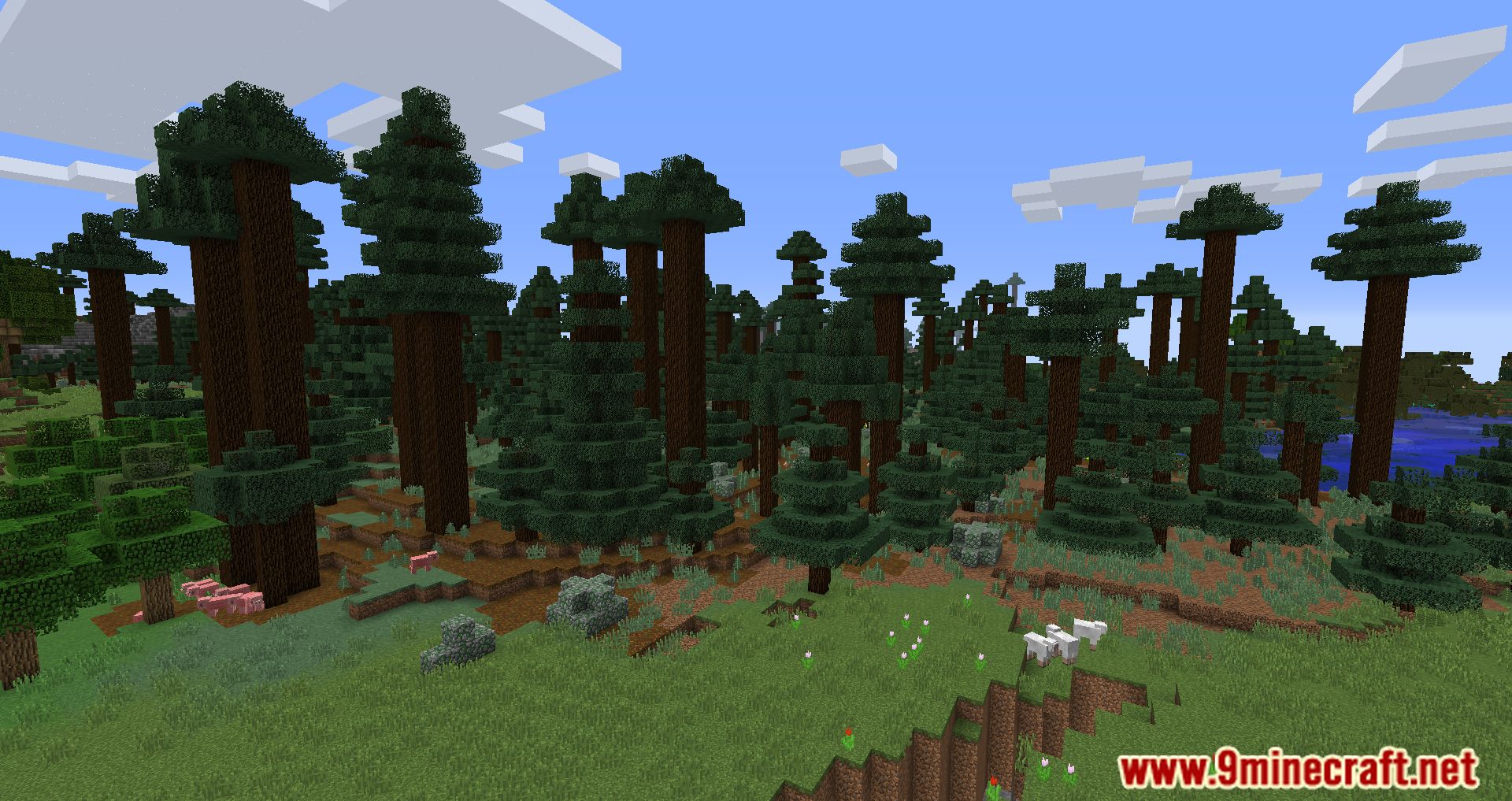
Screenshots:
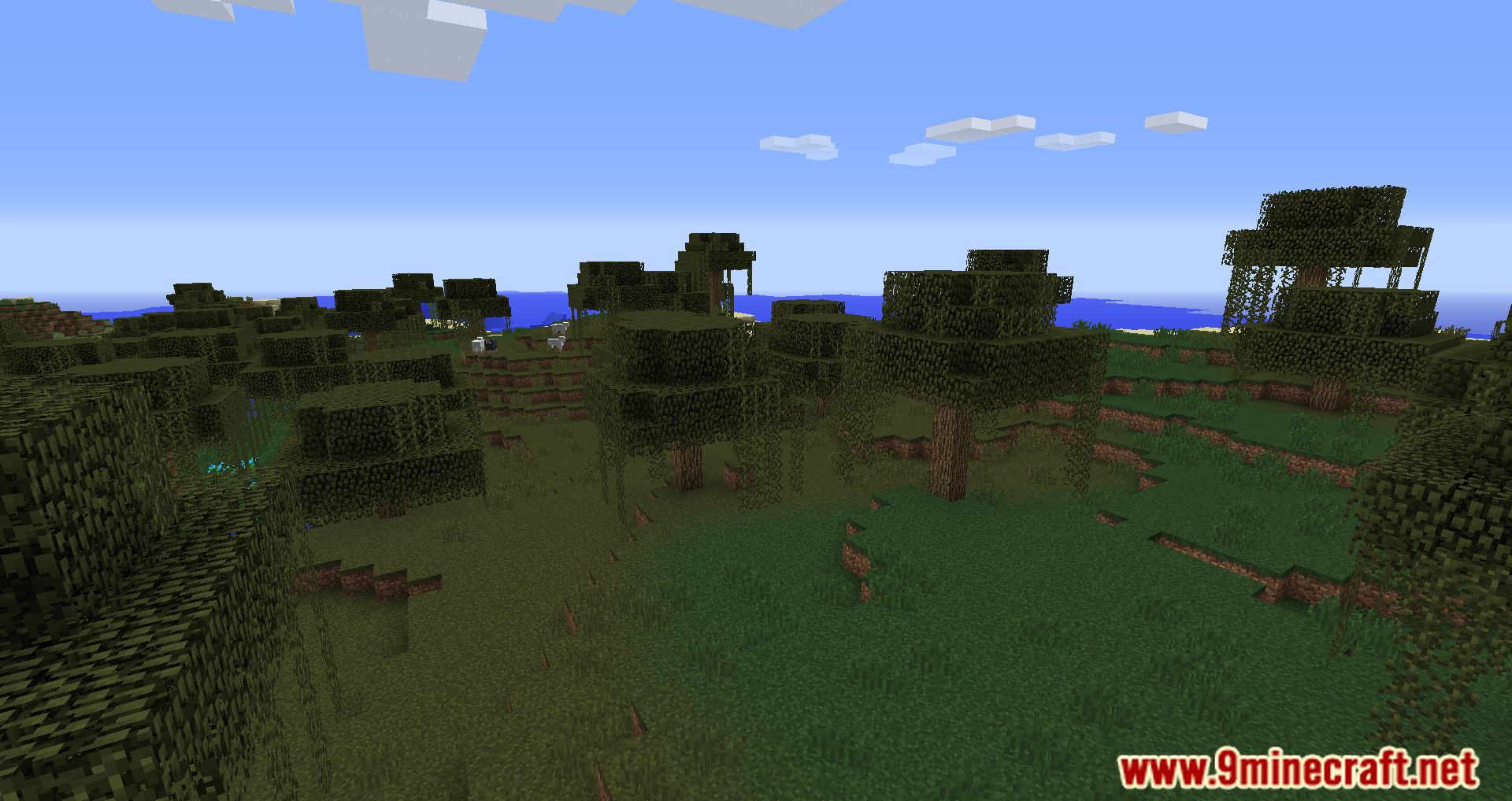
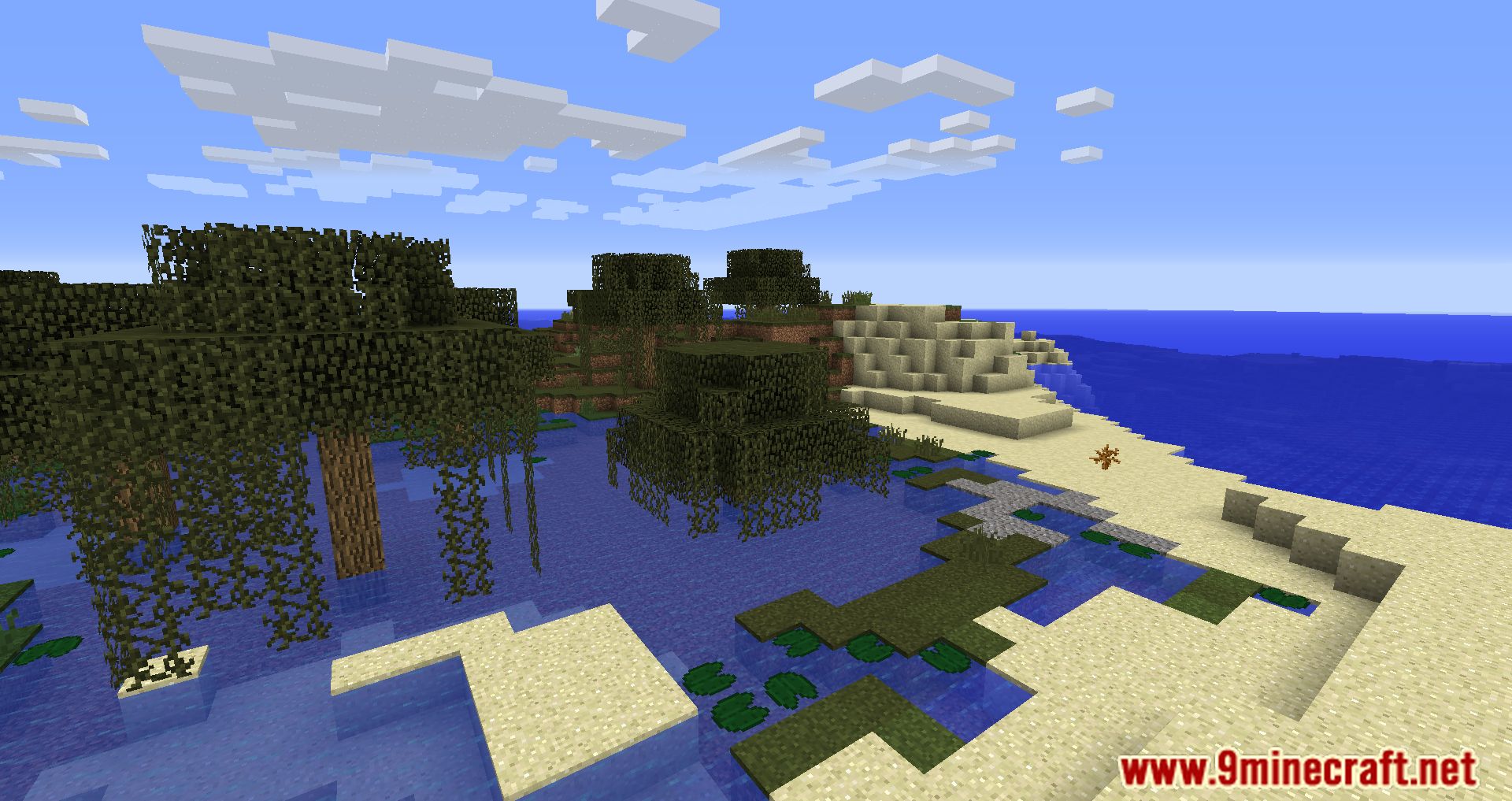
Geographicraft Mod Download Links
For Minecraft 1.18.1
Forge Version: Download from Server 1 – Download from Server 2
For All Versions from Minecraft 1.9.4 to Minecraft 1.11.2
Forge Version: Download from Server 1 – Download from Server 2
- Edition: Minecraft Java
- File type: .jar
- How to install: Install the matching mod loader (Forge, Fabric or NeoForge) for your Minecraft version. → Download the .jar. → Put it in the .minecraft/mods folder and launch that loader profile.
- Where to get it: In MC Java Mods, or directly above on this page.
Install steps are the general flow for this file type — How to install Minecraft Java mods & modpacks walks through it step by step.
- Downloads as 204711.mcaddon
- Download size: 393 KB
- Download link checked 30 Jul 2026 — working
- Mirrored on our own servers — the download does not depend on the original host
These come from our own check of the pack file, not from the source page.