TinyInv
Java mod listed for Minecraft 1.16–1.20. Downloads from the MC Java Mods app on Android.
I don't know my version or loader

About
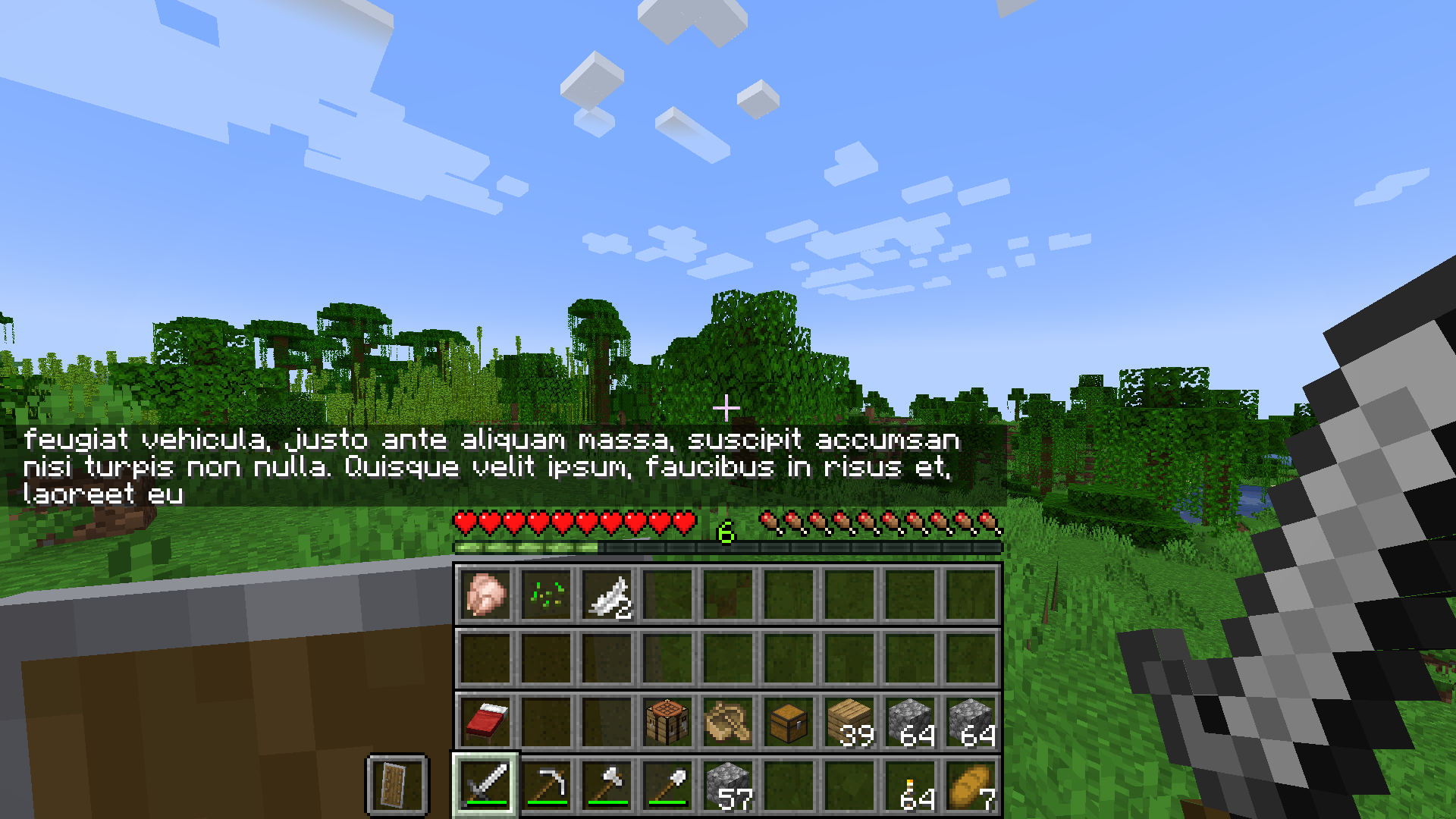
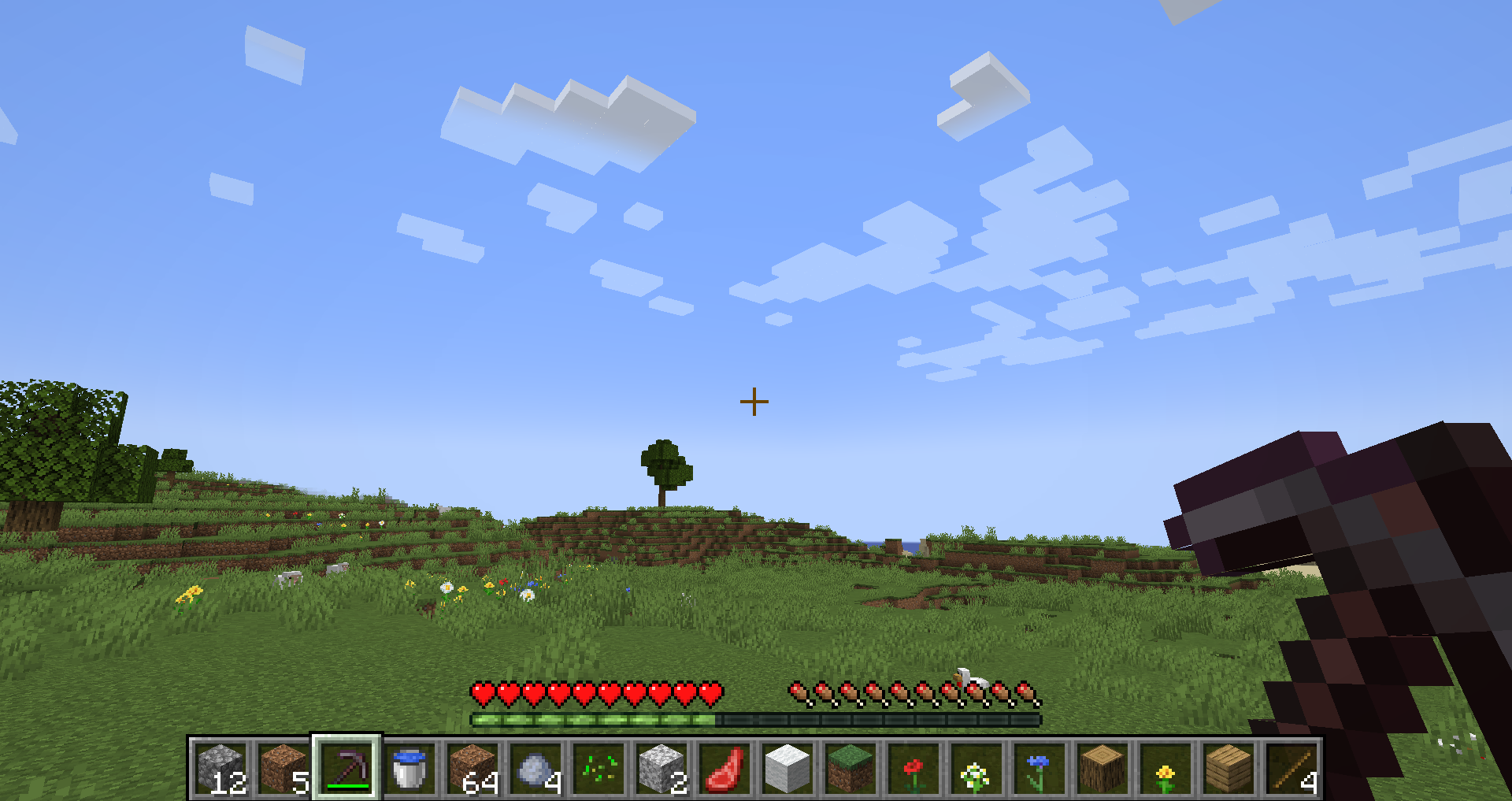
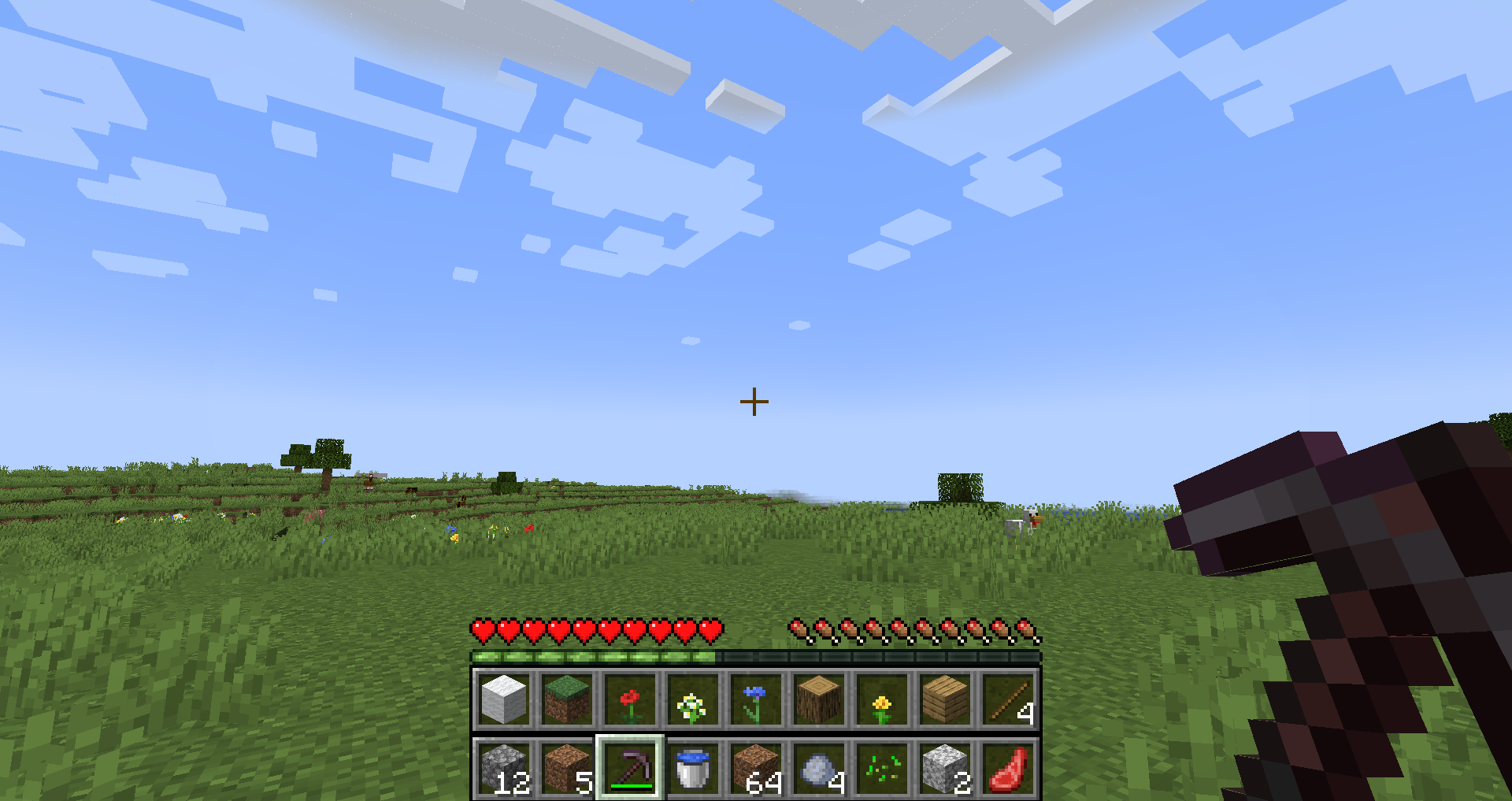
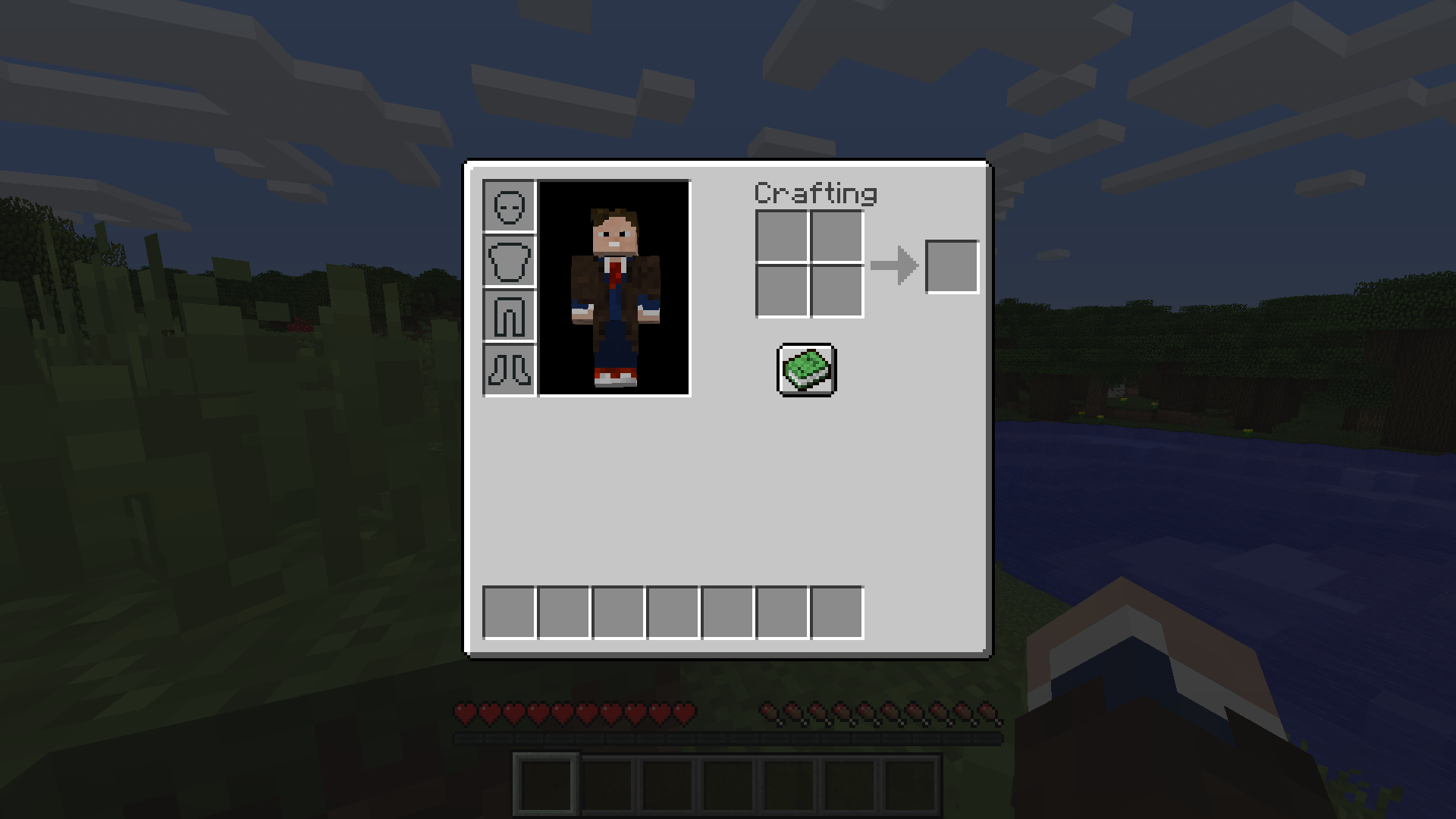
TinyInv is a Minecraft mod, that allows you to manipulate the available inventory and hotbar slots on a per-player basis. This includes:
- decreasing the number of inventory slots
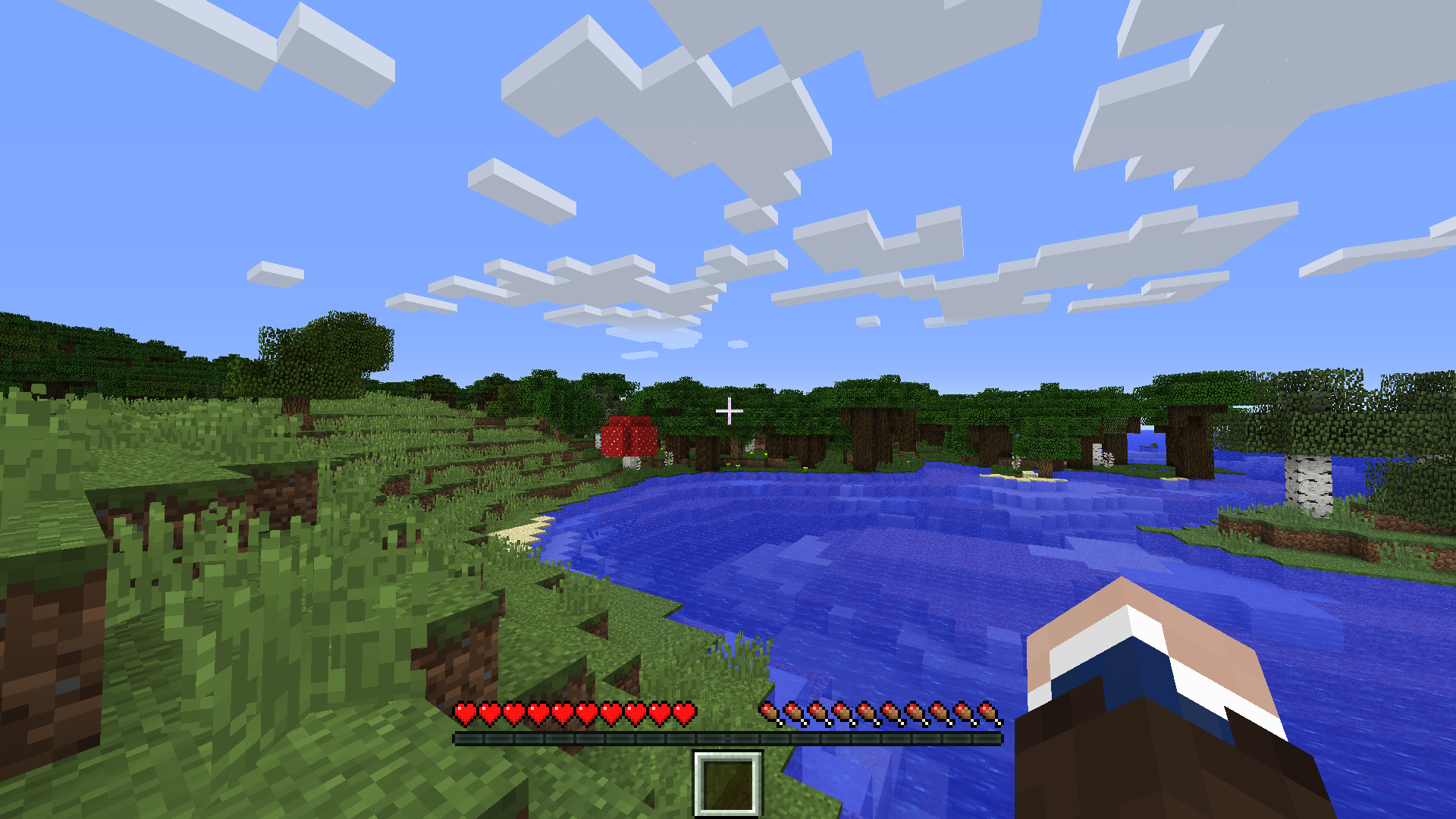
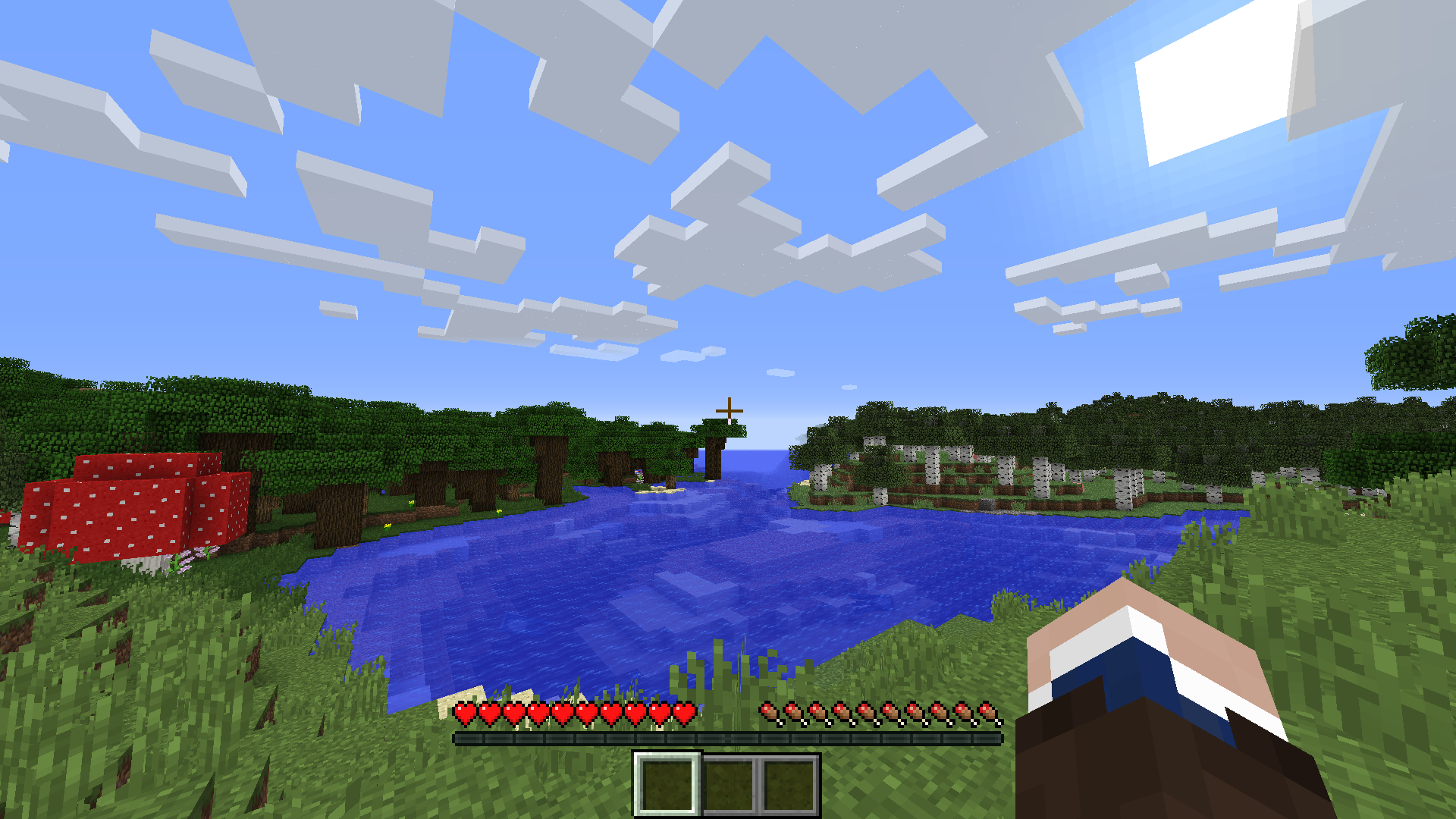
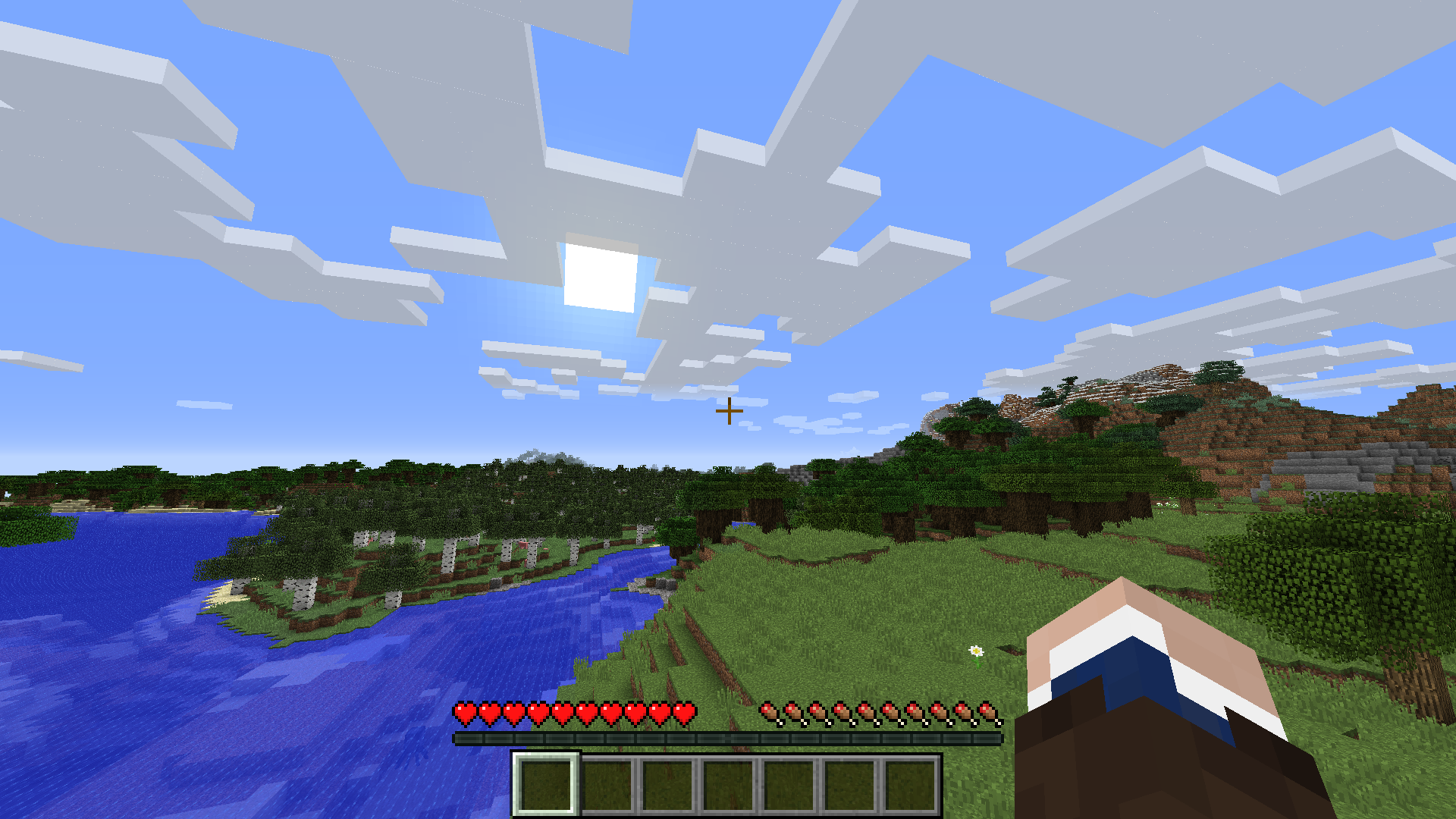
- decreasing the number of hotbar slots
- increasing the number of hotbar slots
- disabling the offhand slot
- disabling the individual armor slots
- disabling the individual crafting input slots
This can be done both globally for all players - inside the config file, or individually for one player using attribute modifiers. The mod also has a built-in way of adding attribute modifiers to existing items and status effects using datapacks.
Usage
By default, the mod does not seemingly do anything. It has to be configured first. This can be done in the server config and using datapacks. You can find more information on the Wiki.
Compatibility
The mod replaces the "disabled" slots in all containers with "FakeSlots", which can not be interacted with. Therefore the mod should work with the majority of mods (unless they do some bigger changes to the way the containers work). The player's inventory size is technically unchanged, however, when an item is present in some of the "disabled" slots, the item is thrown out of your inventory. The mod tries by default to hide the unused slots. This can be turned off in the client config file ("disabled_slot_overlay").

- Edition: Minecraft Java
- File type: .jar
- Minecraft versions listed: 1.20.1, 1.19.2, 1.19
- How to install: Install the matching mod loader (Forge, Fabric or NeoForge) for your Minecraft version. → Download the .jar. → Put it in the .minecraft/mods folder and launch that loader profile.
- Where to get it: Opens on CurseForge — not every file is mirrored on our own servers.
Install steps are the general flow for this file type — How to install Minecraft Java mods & modpacks walks through it step by step.
- Ships as tinyinv-1.16.5-1.0.3.2.jar — drop this file into the mods folder
- Download size: 59 KB
- Download link checked 8 Oct 2026 — working
These come from our own check of the pack file, not from the source page.