
Rotate Inventory Mod introduces a simple yet effective mechanism to rotate your inventory vertically, streamlining your gameplay and making inventory management a breeze. With a simple key press, your entire inventory rotates, bringing your desired item right to your fingertips.
Features:
- With a simple key press, rotate your inventory vertically.
- Customize the rotation key to your preference. By default, it’s set to the ‘R’ key.
- Holding down the ‘Shift’ key while pressing the rotation key will rotate the inventory in the opposite direction.
- Choose which inventory rows and slots to rotate from the mod’s configuration menu.
Screenshots:
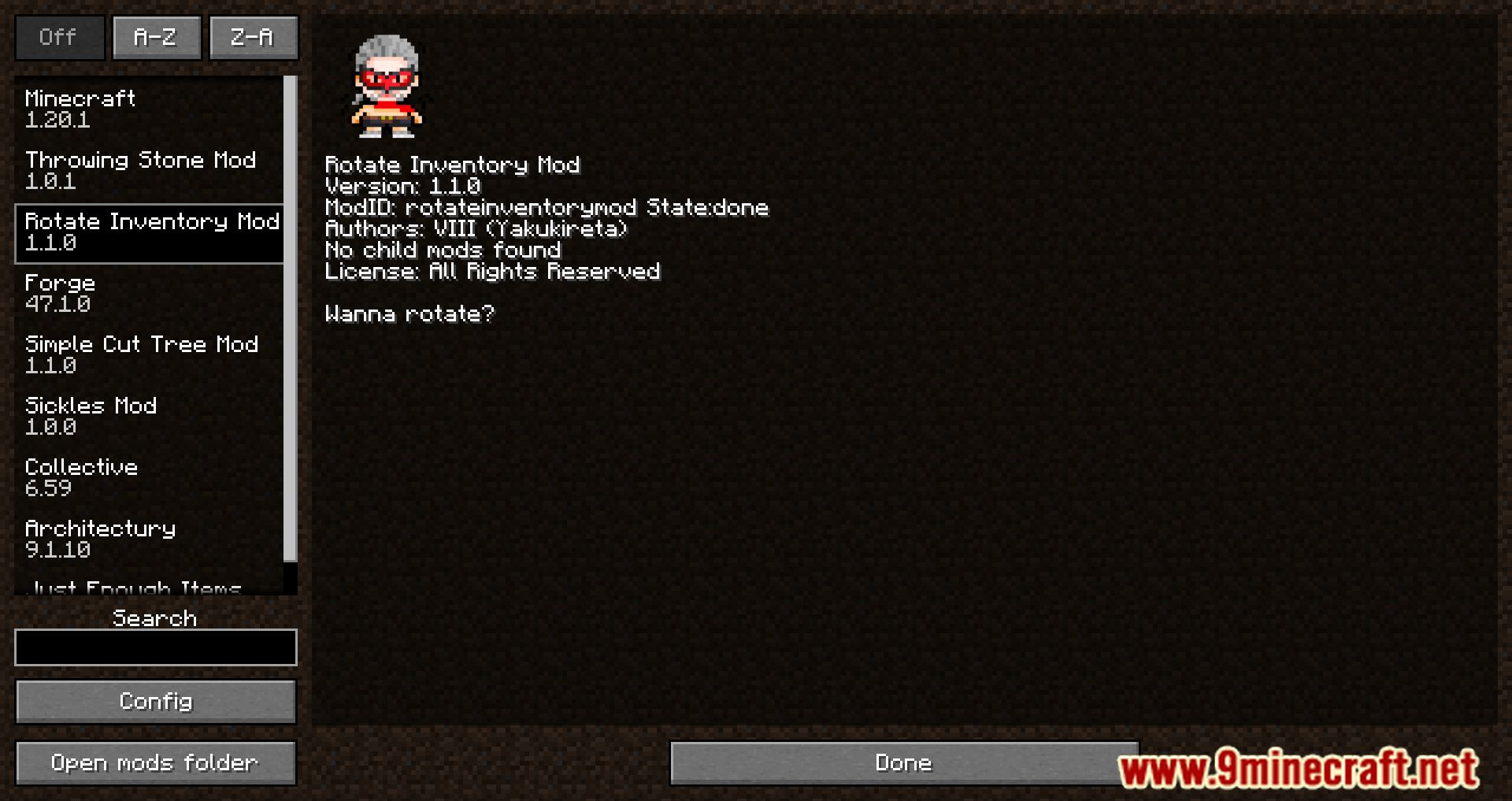



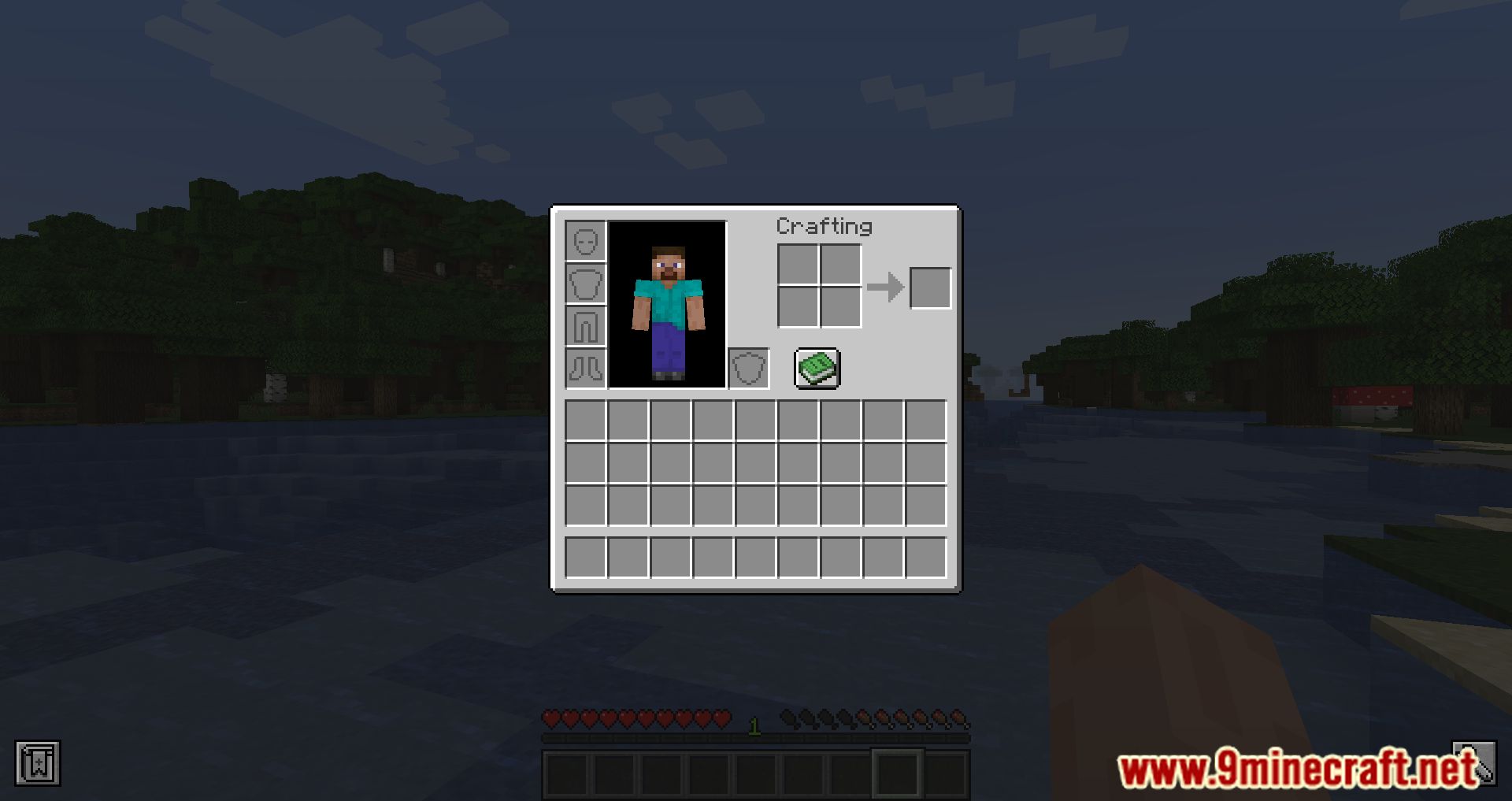



Rotate Inventory Mod Download Links
For Minecraft 1.20.1
Forge Version: Download from Server 1 – Download from Server 2
For Minecraft 1.19.3
Forge Version: Download from Server 1 – Download from Server 2
Quick facts
- Edition: Minecraft Java
- File type: .jar
- Minecraft versions listed: 1.20.1, 1.19.3
- How to install: Install the matching mod loader (Forge, Fabric or NeoForge) for your Minecraft version. → Download the .jar. → Put it in the .minecraft/mods folder and launch that loader profile.
- Where to get it: In MC Java Mods, or directly above on this page.
Install steps are the general flow for this file type — How to install Minecraft Java mods & modpacks walks through it step by step.
Verified by MCModsHub
- Downloads as 204836.mcaddon
- Download size: 17 KB
- Download link checked 30 Jul 2026 — working
- Mirrored on our own servers — the download does not depend on the original host
These come from our own check of the pack file, not from the source page.