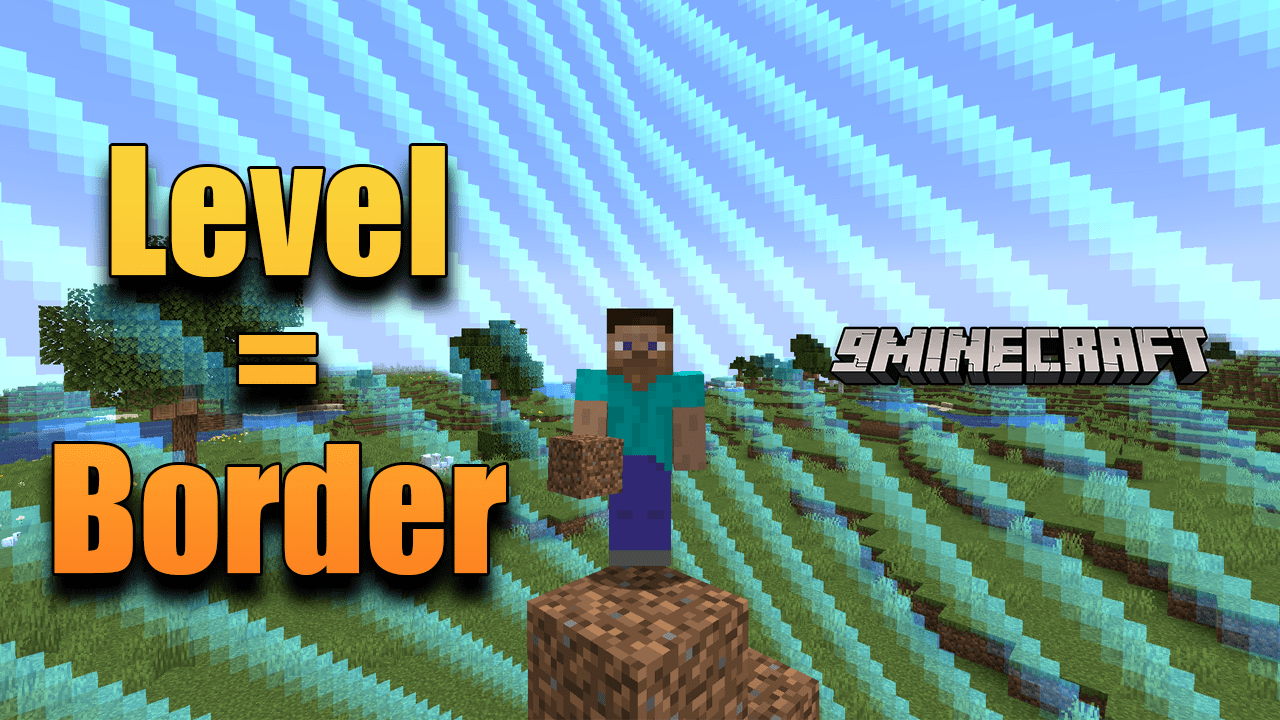
Level = Border Mod (1.19.2, 1.18.1) – Tailoring Your Minecraft Experience
Java mod listed for Minecraft 1.18–1.19. Downloads from the MC Java Mods app on Android.
⬇ DownloadIn the vast sandbox world of Minecraft, players often seek ways to customize their experience, adding layers of challenge and excitement. The Level = Border Mod does precisely that, introducing a unique gameplay mechanic that ties the world’s border to the player’s experience level.
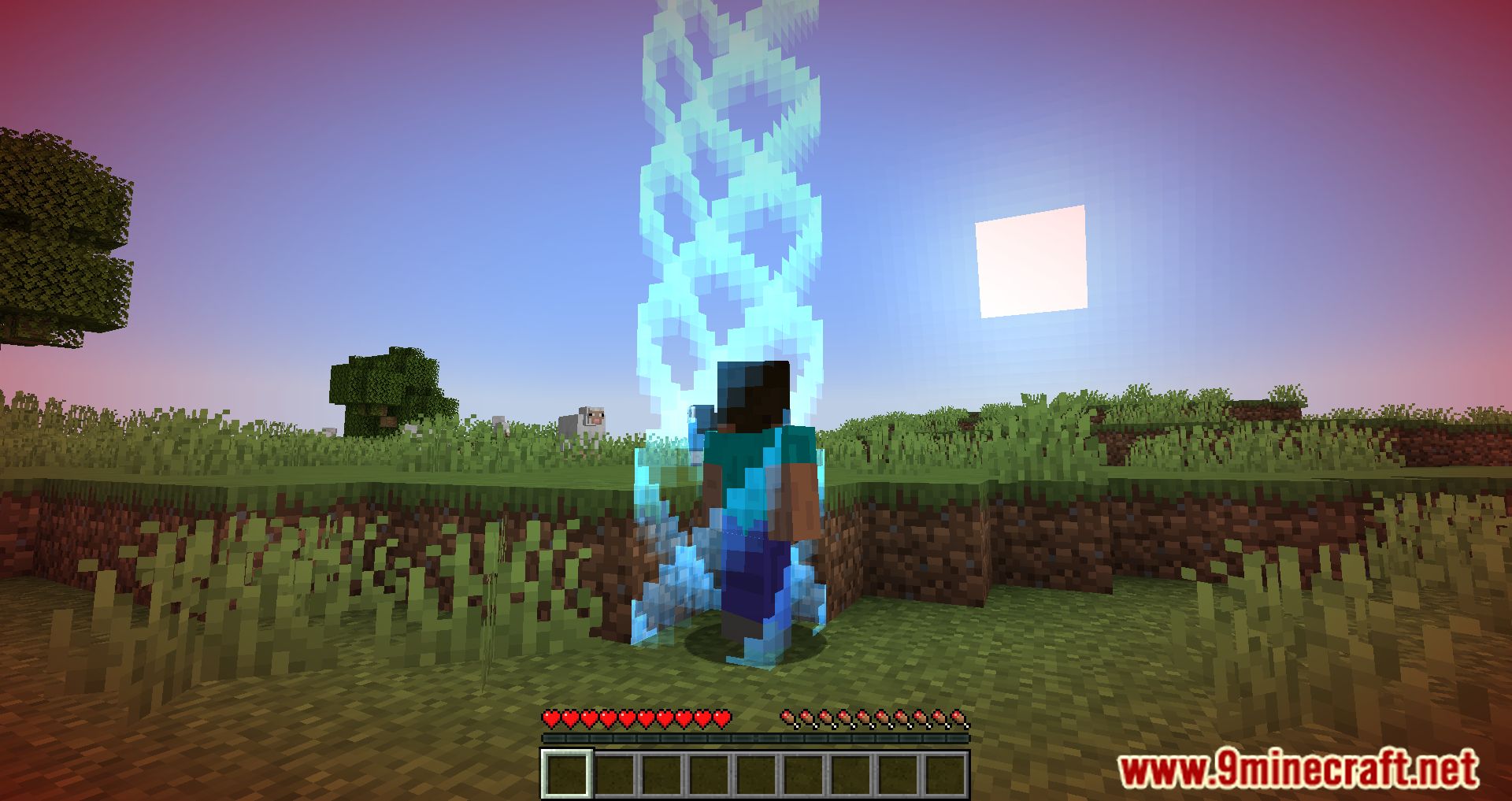
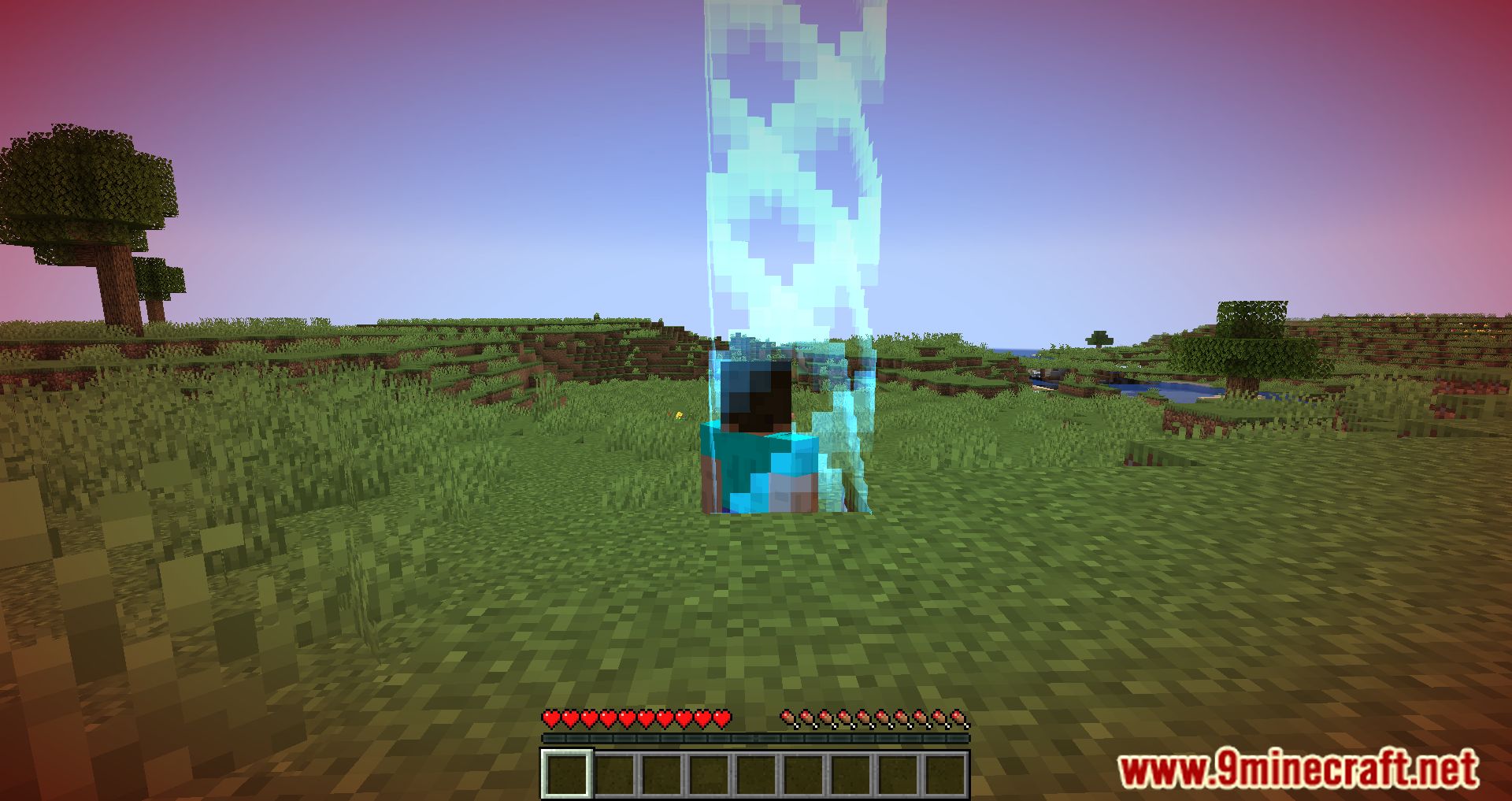
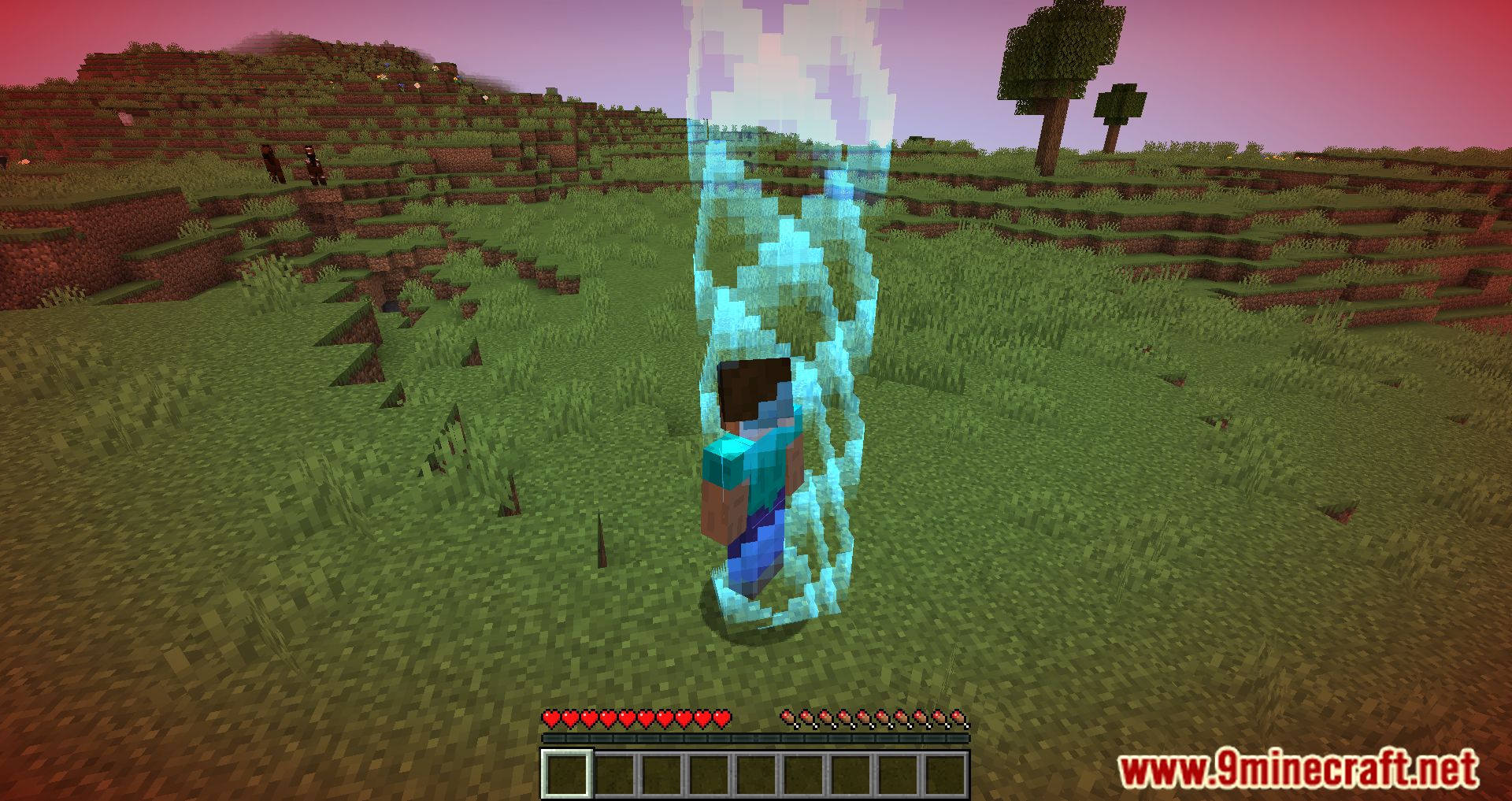
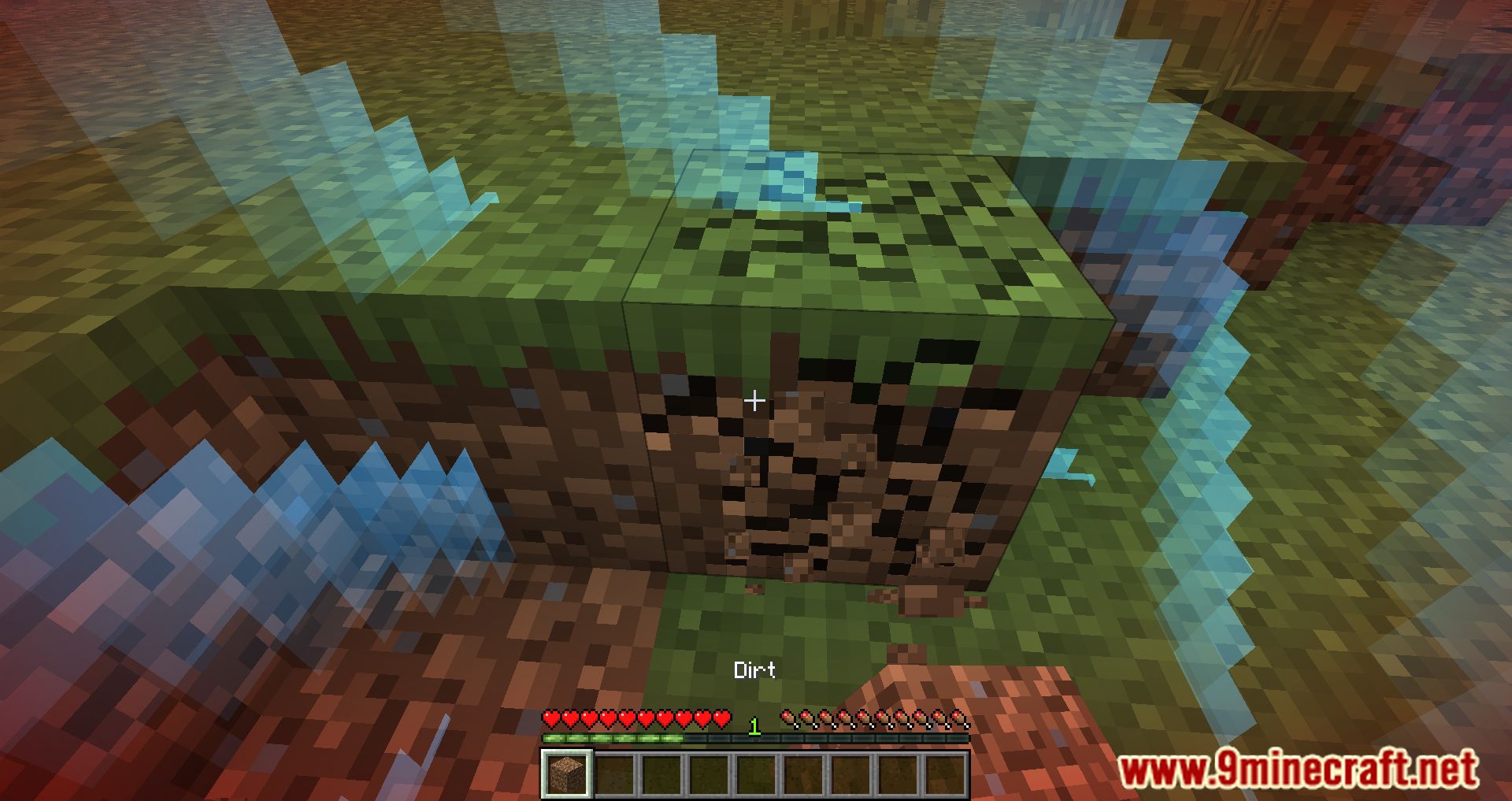
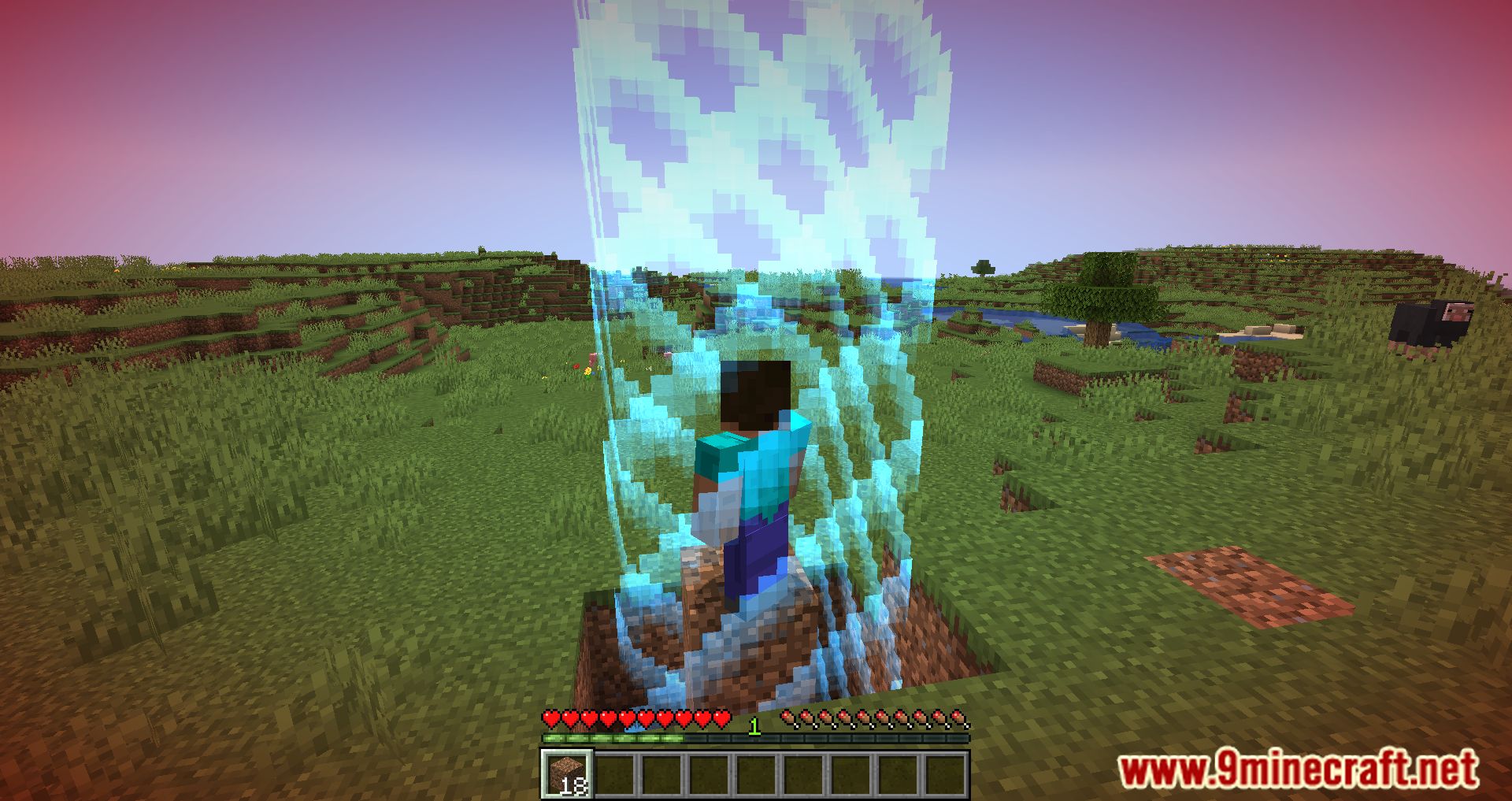
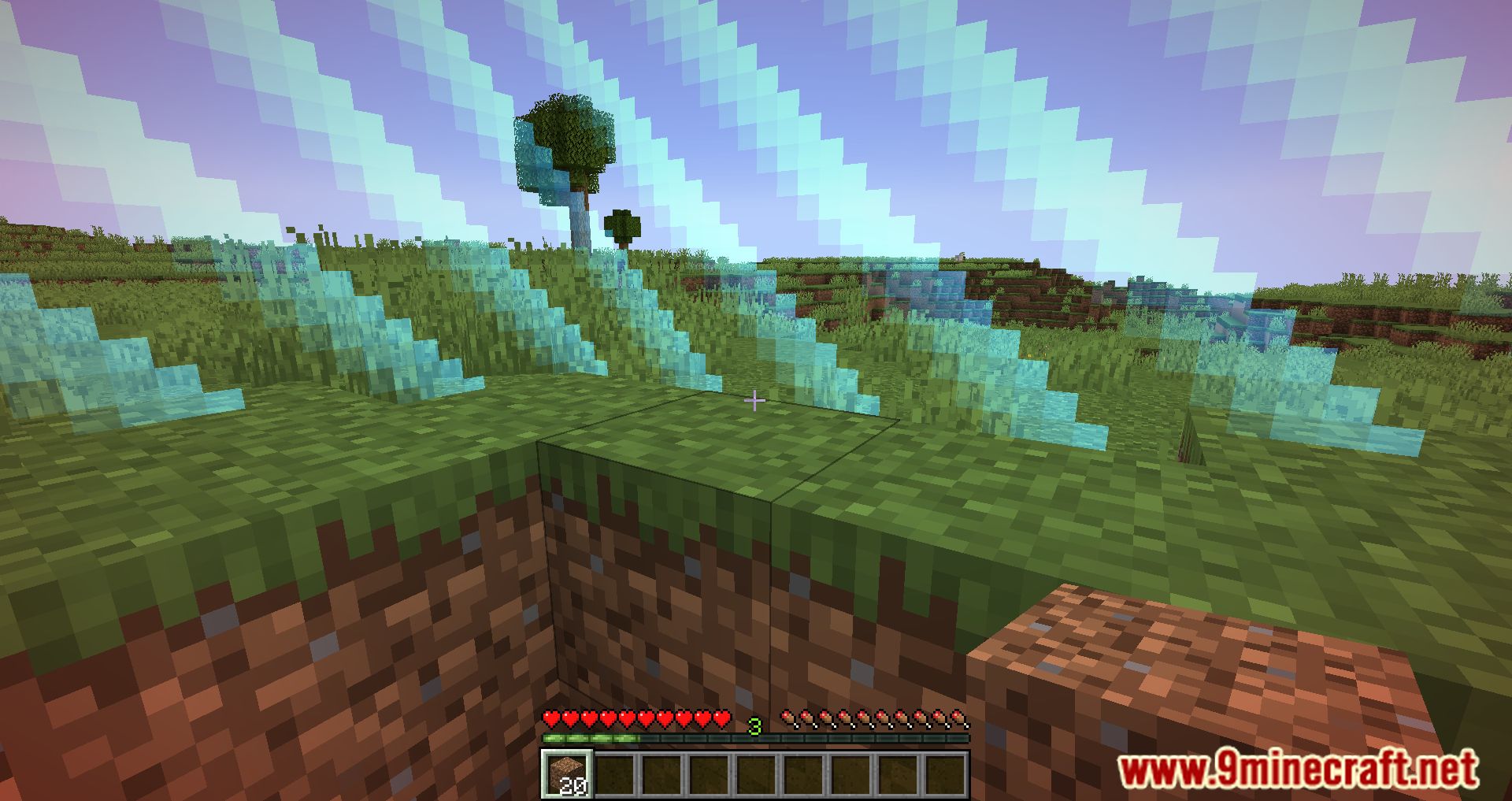
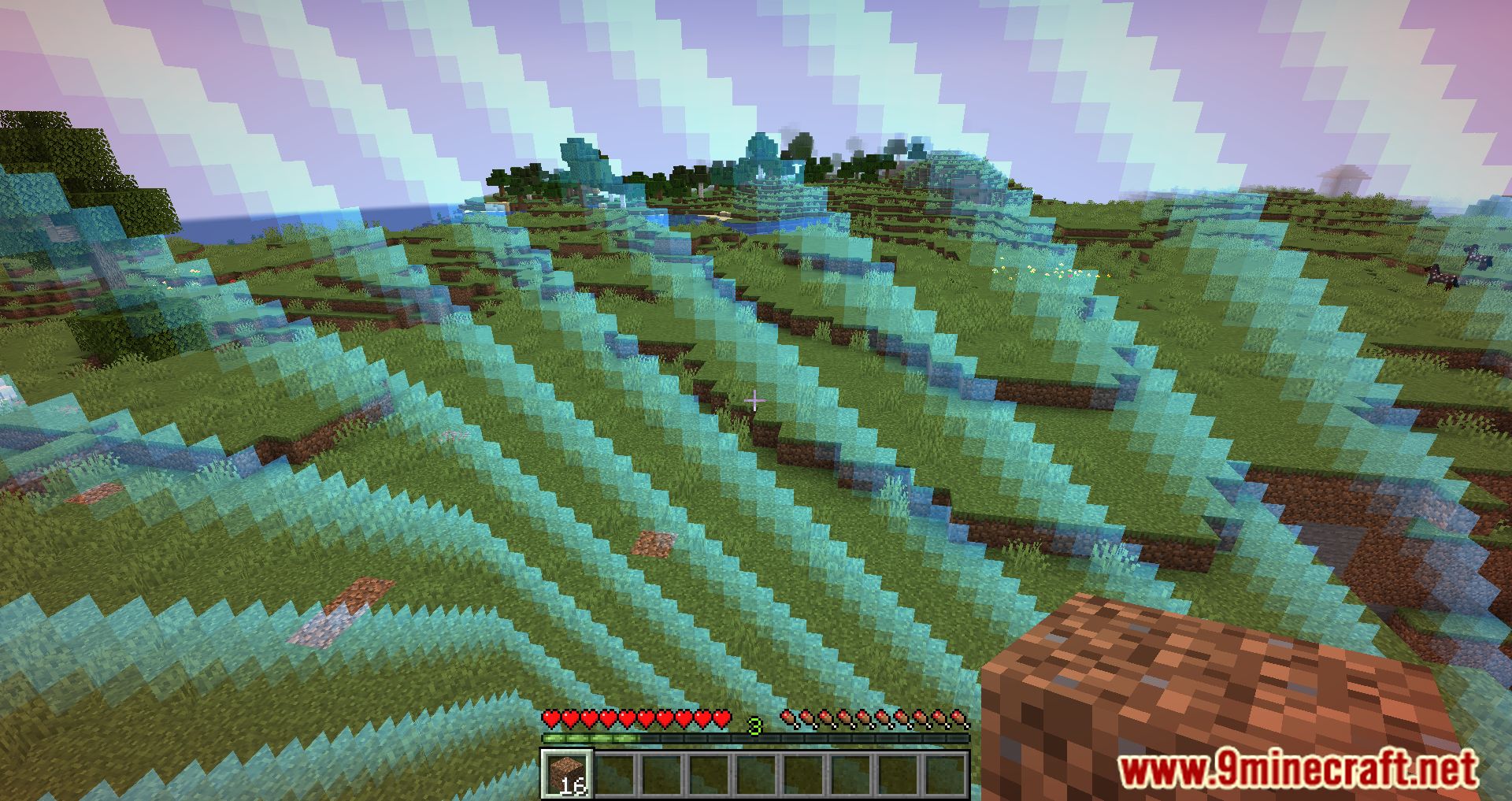
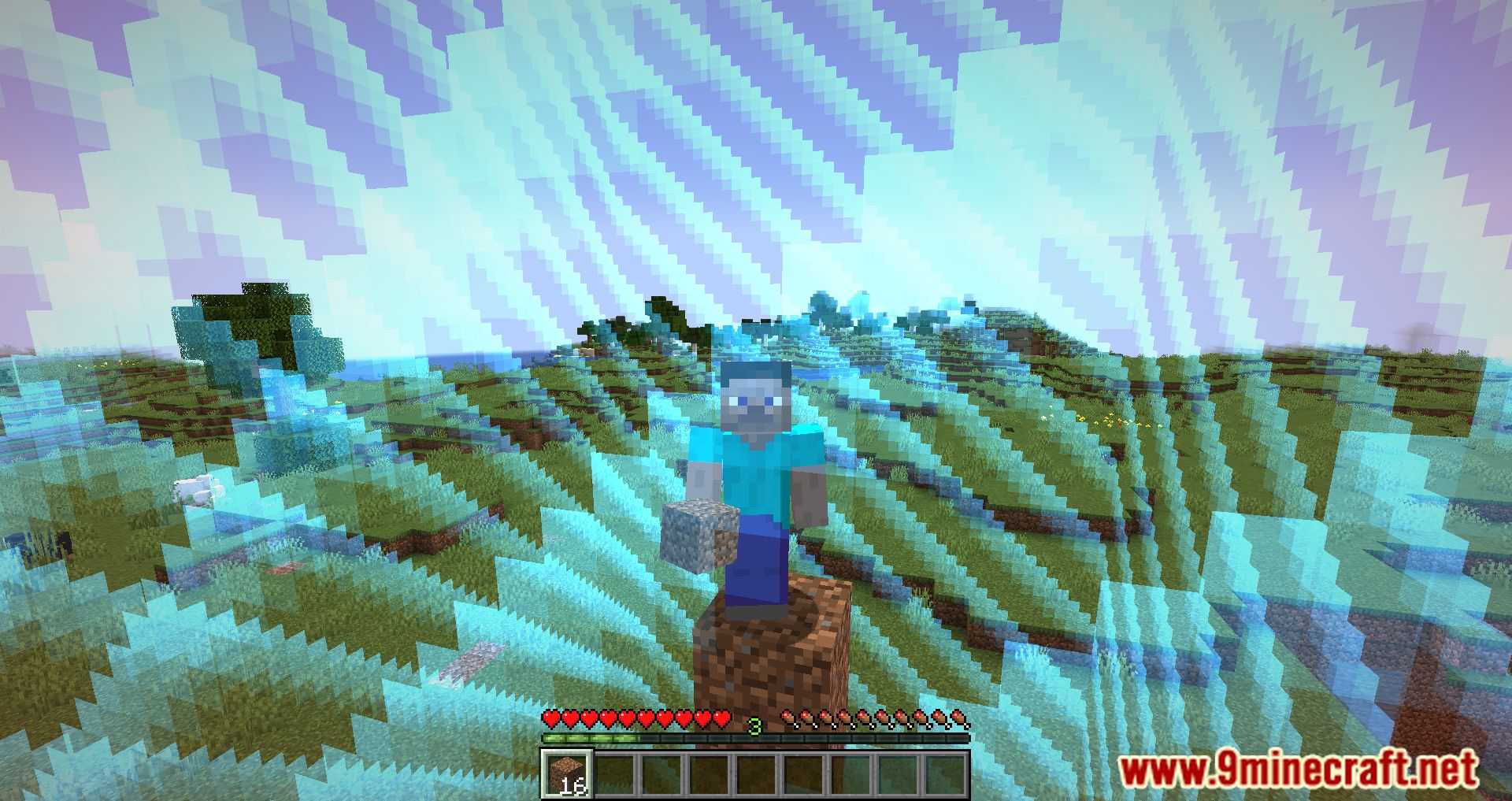
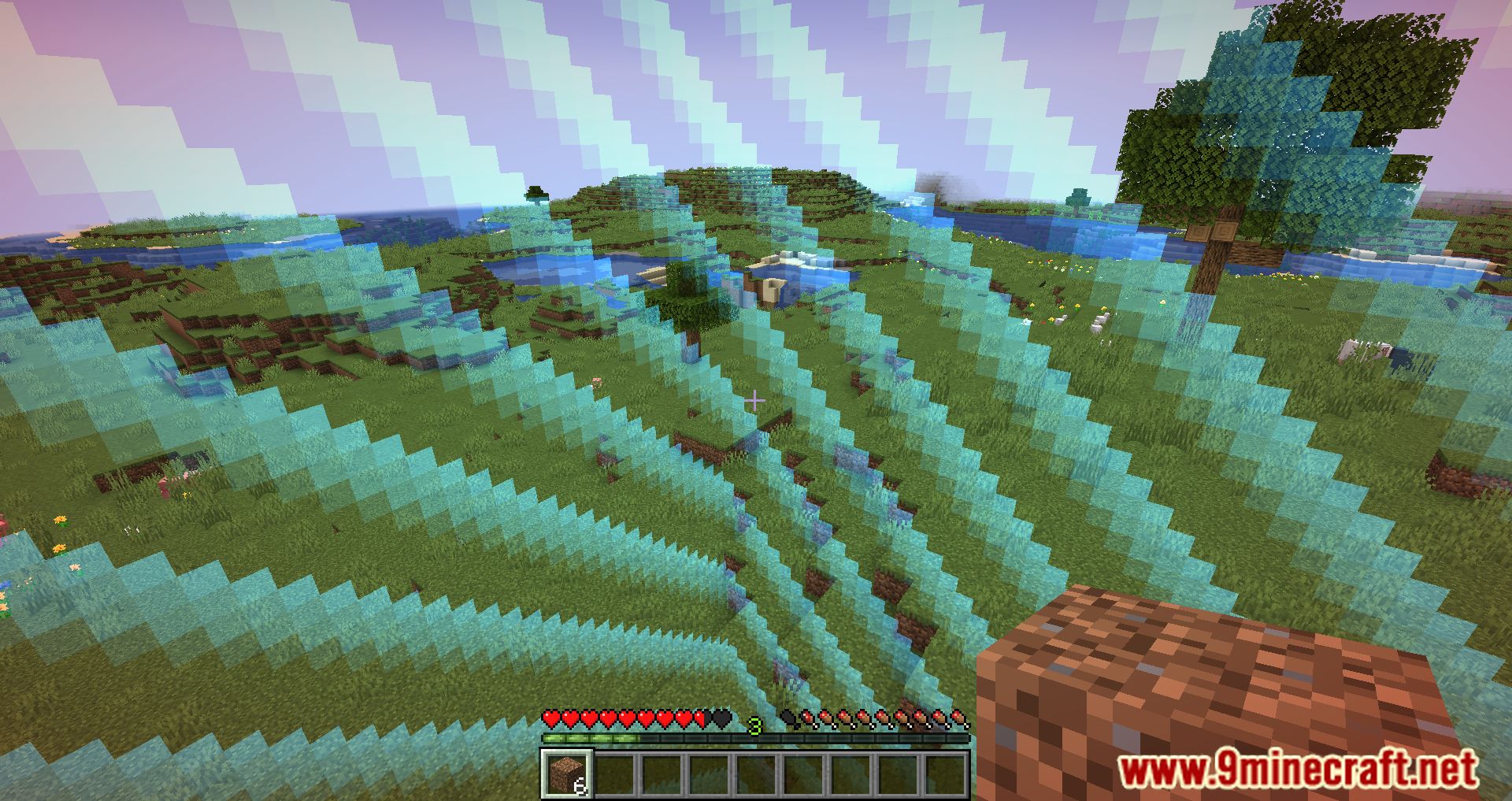
Imagine a world where the very boundaries of your exploration are determined by your achievements. With this mod the more experience you gain, the further you can venture. The border’s radius is always equal to your current experience level, making every level-up a thrilling moment of expanded horizons.
But it’s not just about expanding borders. This mod adds an element of strategy to the game. Players must plan their journeys, ensuring they have enough experience to reach their destinations and return safely. It’s a constant dance between risk and reward, pushing players to challenge themselves while also being mindful of their limitations.
Features:
- Dynamic Border Expansion: The world’s border expands or contracts based on the player’s experience level.
- In-Game Configuration: Use the /levelborder command to tailor the mod’s settings to your liking.
- World Spawn Center: The border’s center is the world spawn, which can be changed using the /setworldspawn command.
- Nether Portal Caution: Players are advised to ensure a safe distance between the overworld portal and the border before venturing into the Nether.
Screenshots:
Level = Border Mod Download Links
For Minecraft 1.19.2
Fabric version: Download from Server 1 – Download from Server 2
For Minecraft 1.18.1
Fabric version: Download from Server 1 – Download from Server 2
Forge version: Download from Server 1 – Download from Server 2
- Edition: Minecraft Java
- File type: .jar
- Minecraft versions listed: 1.19.2, 1.18.1
- How to install: Install the matching mod loader (Forge, Fabric or NeoForge) for your Minecraft version. → Download the .jar. → Put it in the .minecraft/mods folder and launch that loader profile.
- Where to get it: In MC Java Mods, or directly above on this page.
Install steps are the general flow for this file type — How to install Minecraft Java mods & modpacks walks through it step by step.
- Downloads as 204872.mcaddon
- Download size: 22 KB
- Download link checked 30 Jul 2026 — working
- Mirrored on our own servers — the download does not depend on the original host
These come from our own check of the pack file, not from the source page.