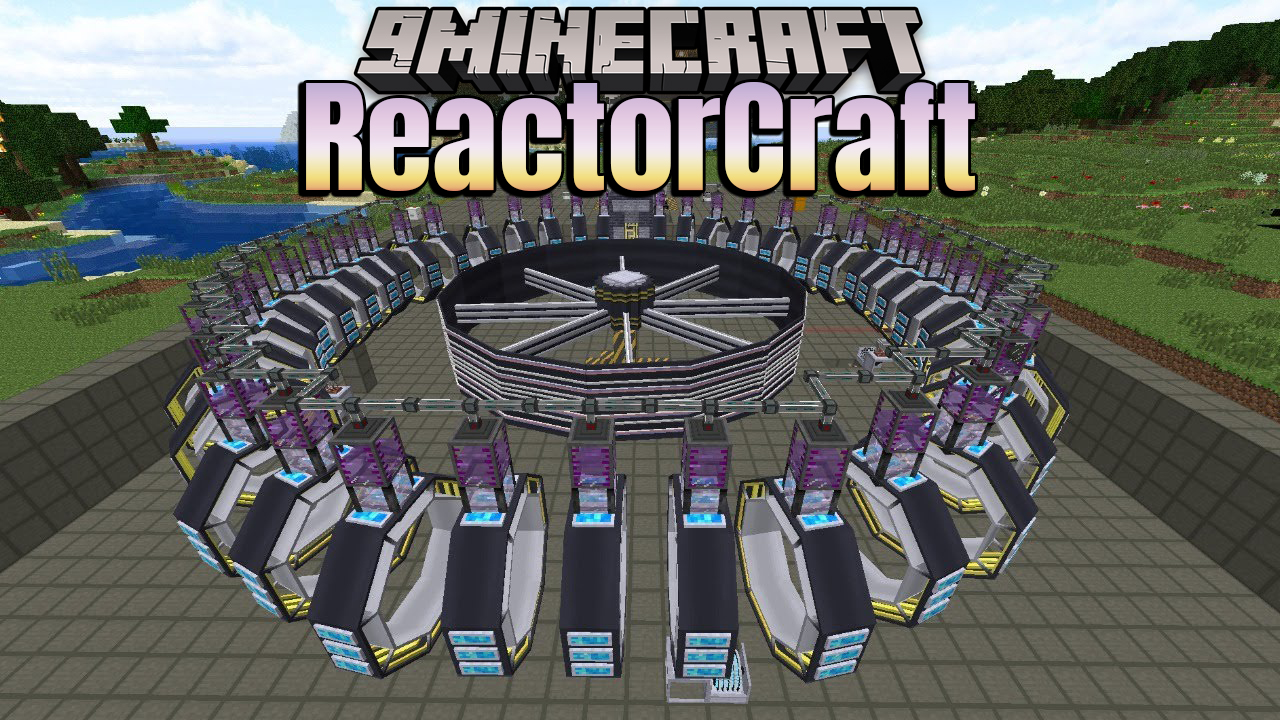
ReactorCraft Mod is a mod that adds realistic nuclear reactors, both fission and fusion, to Minecraft. This mod depends on RotaryCraft – it cannot be installed without it.
Here are some of the ways in which realism is simulated:
- The physics is simulated in such a way as to reflect reality, including real values for energy creation per reaction
- The reactors (a large multiblock) have to be built in a way that reflects real reactors, with strategic placement of fuel rods, control rods, and other reactor core components
- Realistic reactor behavior in the event of poor design, including possible meltdowns, hydrogen explosions, and radiation leakage
- Realistic (though obviously simplified) control systems to manipulate control rods, feed fuel, and the like
- The fuel is created realistically – including enrichment – and used realistically; users must manage things like spent fuel with spent fuel pools
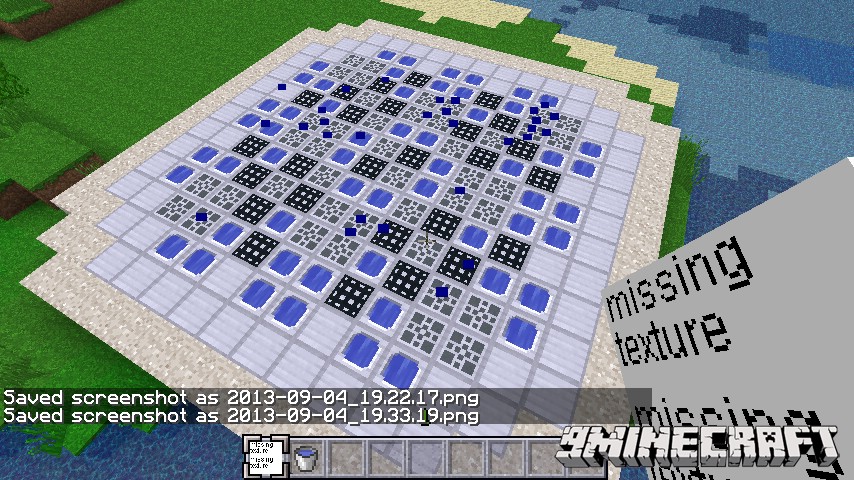
Worldgen:
ReactorCraft does add ores out of necessity.
- Fluorite: Spawns in the overworld between layers 32 and 60. Relatively common, and exists in several colors.
- Pitchblende: Spawns in the end, mushroom islands, and the twilight forest. The latter two types generate between layers 8 and 24. Fairly rare.
- Cadmium: Spawns in the overworld between layers 12 and 32. About as common as gold.
- Indium: Spawns in the overworld between layers 0 and 16. Rare.
- Silver: Spawns in the overworld between layers 16 and 40. About as common as gold. Can be disabled if other mods with their own silver are present.
- Ammonium Chloride: Spawns in the nether around lava pools at layer 32. Moderately rare.
- Calcite: Spawns in the overworld between layers 32 and 60. Tiny amounts spawn together, but clusters are common.
- Magnetite: Spawns in the overworld between layers 60 and 128. Fairly common.
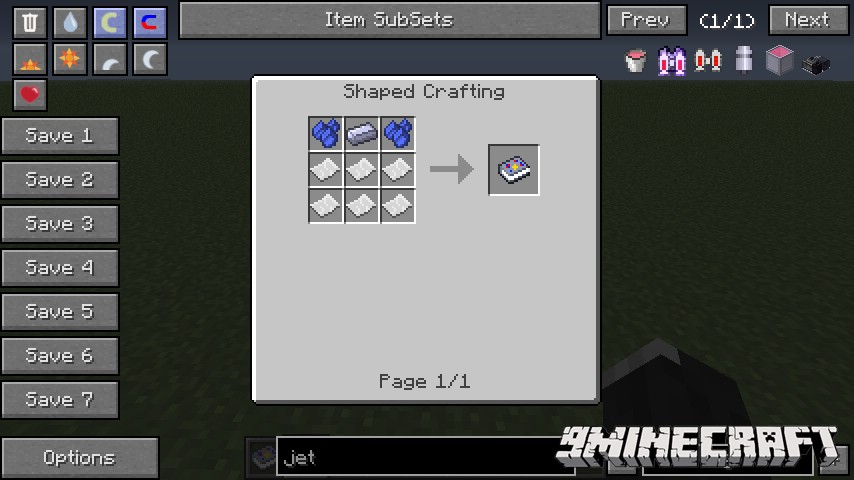
Like RotaryCraft, ReactorCraft has a craftable handbook:
ReactorCraft Mod Download Links
For Minecraft 1.5.2
For Minecraft 1.6.4
For Minecraft 1.7.10
Quick facts
- Edition: Minecraft Java
- File type: .jar
- How to install: Install the matching mod loader (Forge, Fabric or NeoForge) for your Minecraft version. → Download the .jar. → Put it in the .minecraft/mods folder and launch that loader profile.
- Where to get it: In MC Java Mods, or directly above on this page.
Install steps are the general flow for this file type — How to install Minecraft Java mods & modpacks walks through it step by step.
Verified by MCModsHub
- Downloads as 204876.mcaddon
- Download size: 251 KB
- Download link checked 30 Jul 2026 — working
- Mirrored on our own servers — the download does not depend on the original host
These come from our own check of the pack file, not from the source page.