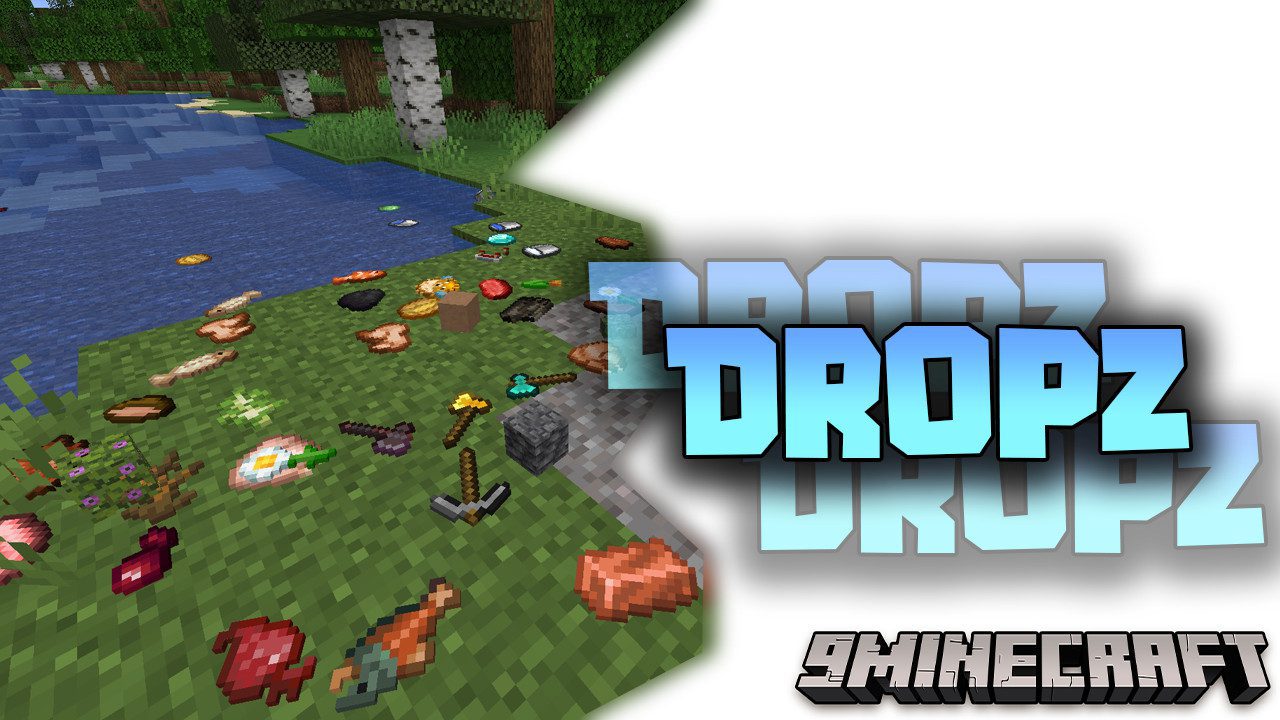
Dropz Mod (1.20.1, 1.19.4) – Realistic Item Drop
Java mod listed for Minecraft 1.19–1.20. Downloads from the MC Java Mods app on Android.
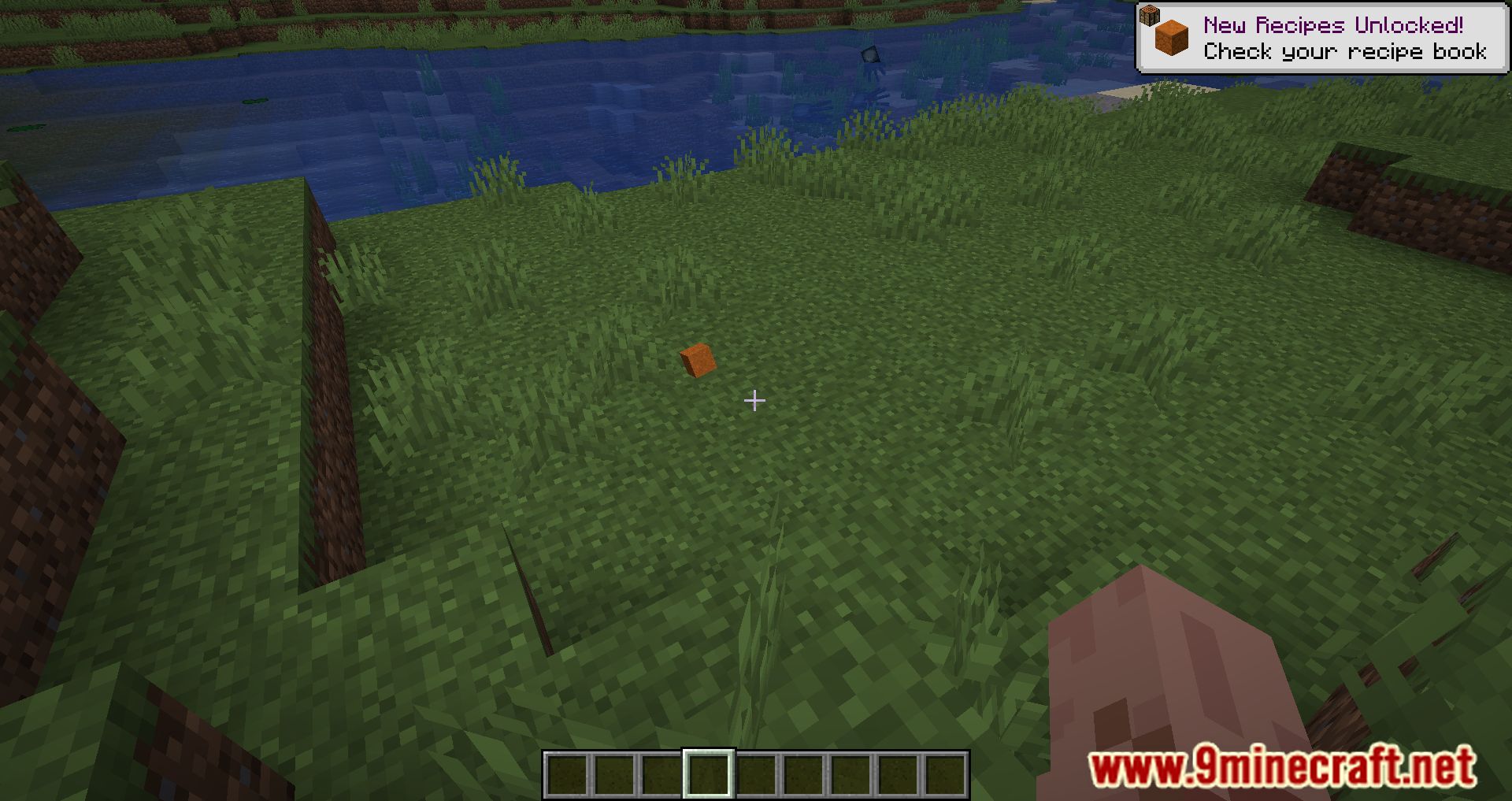
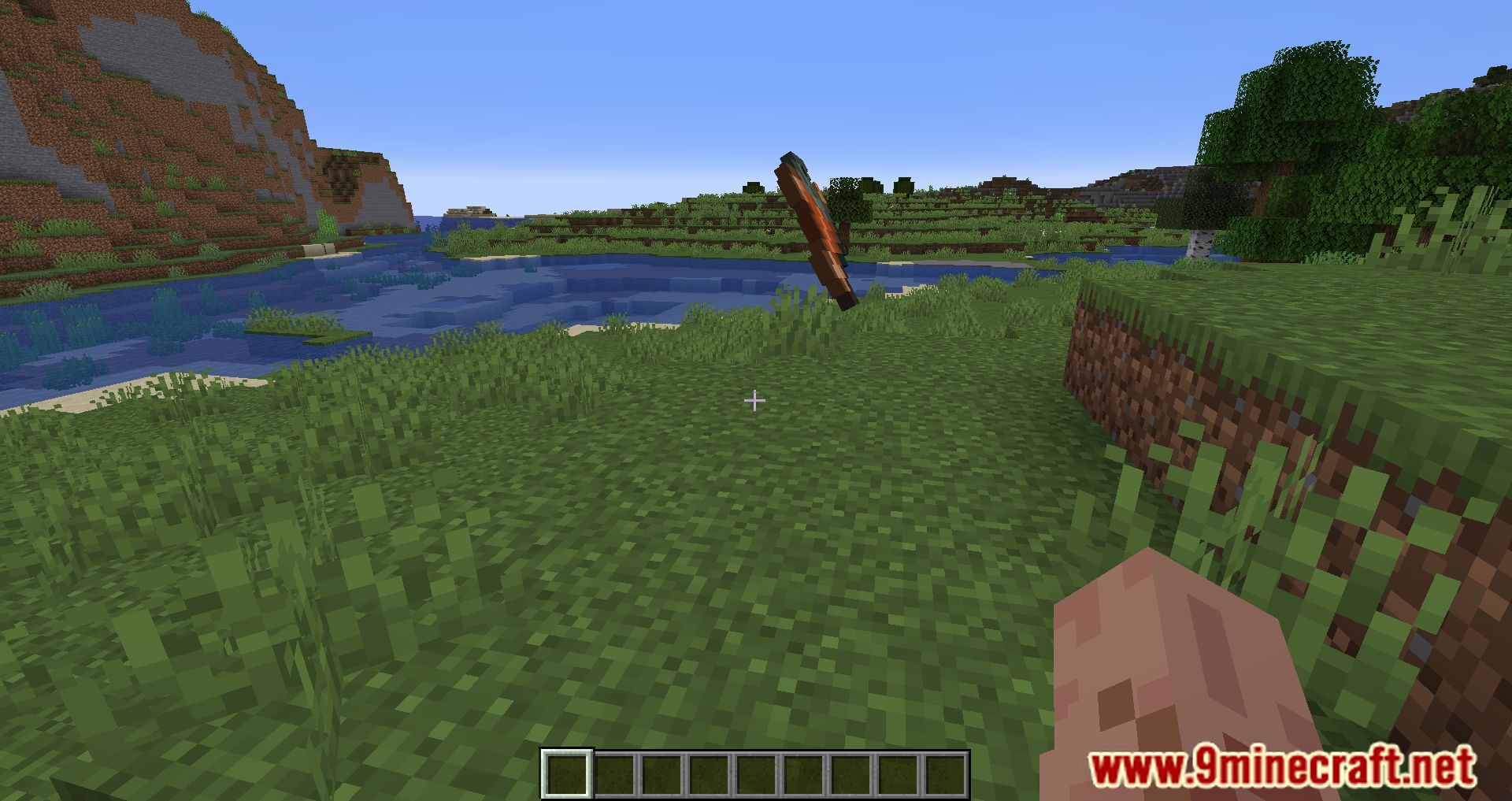
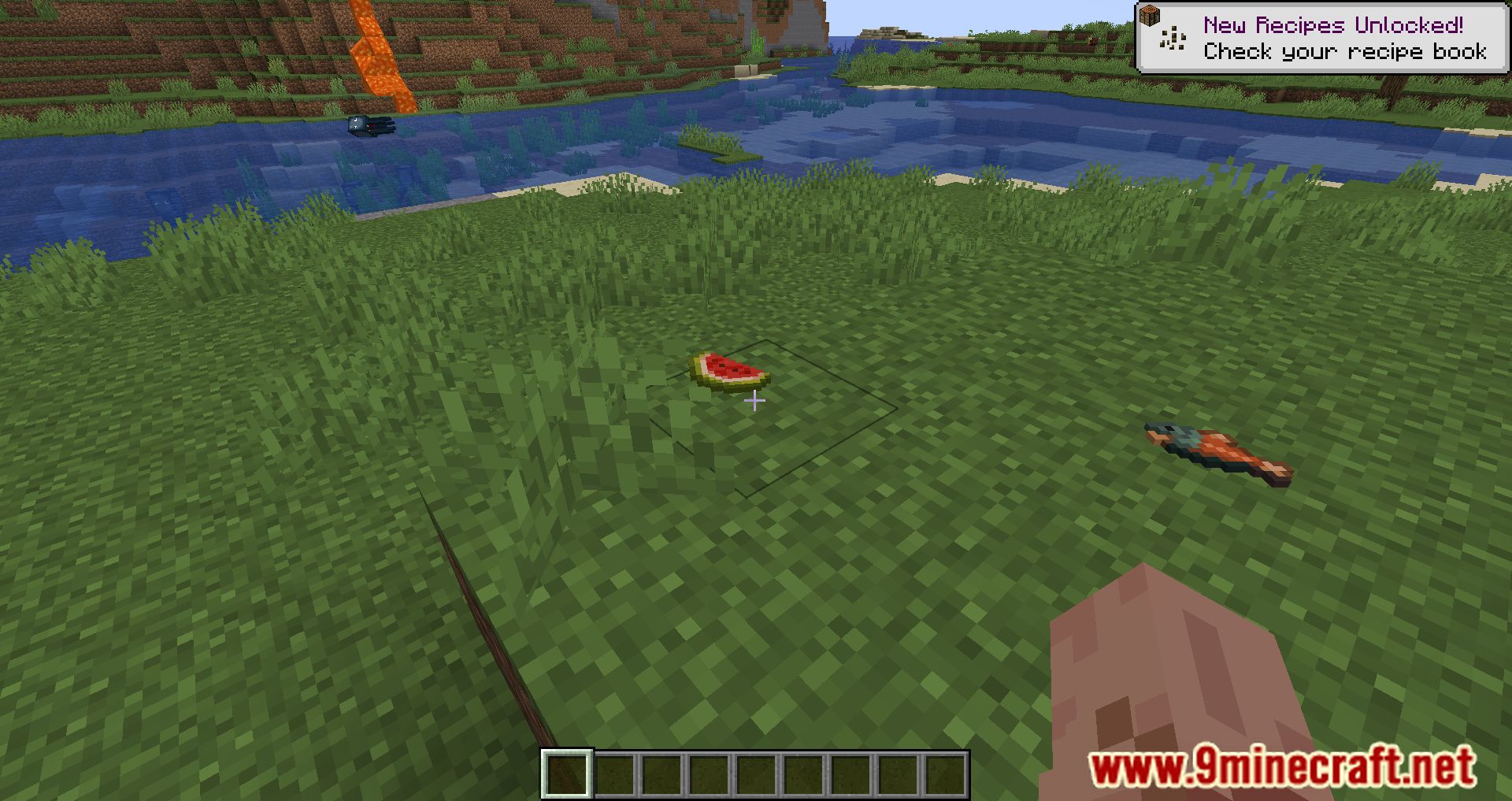
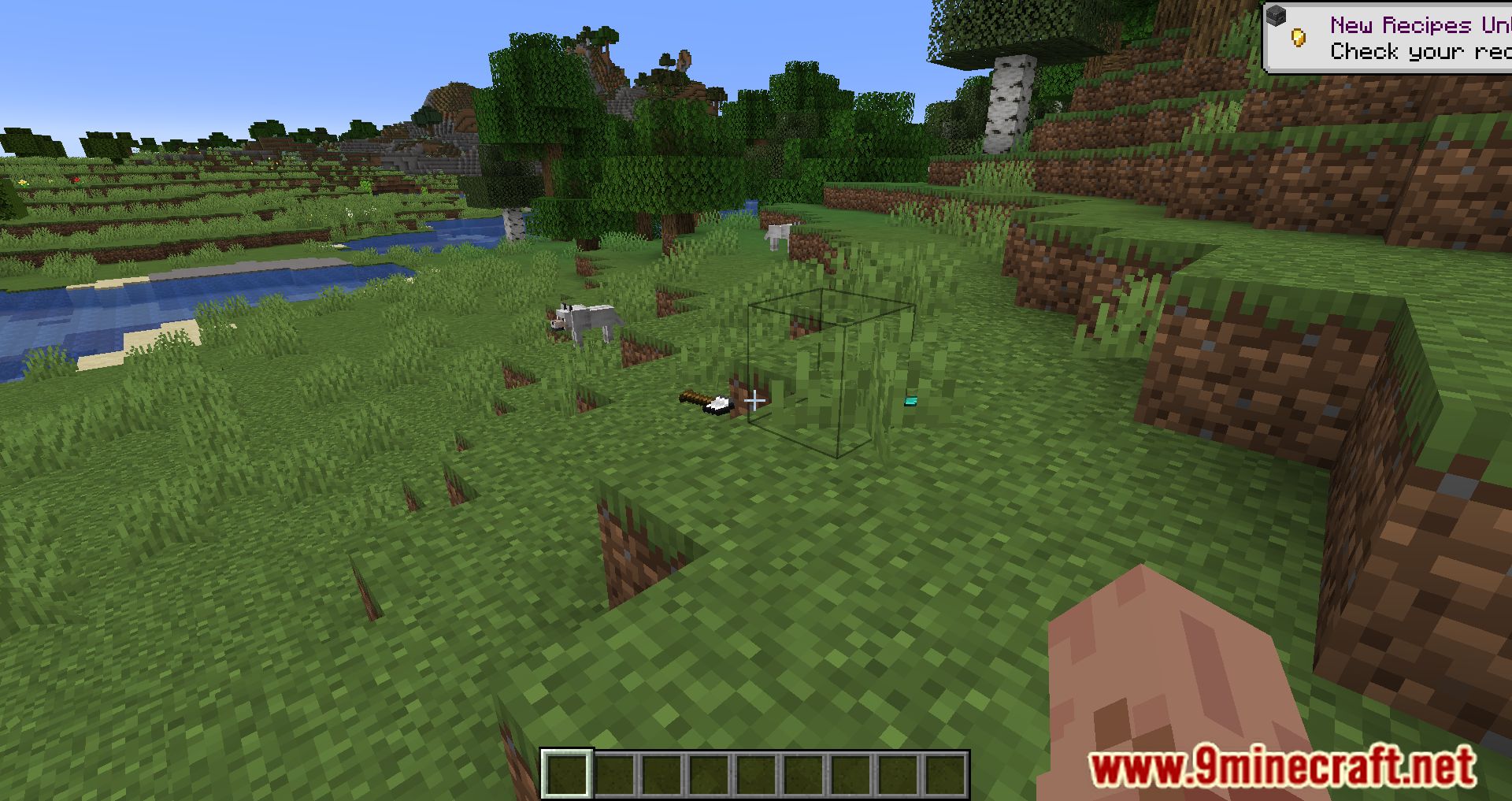
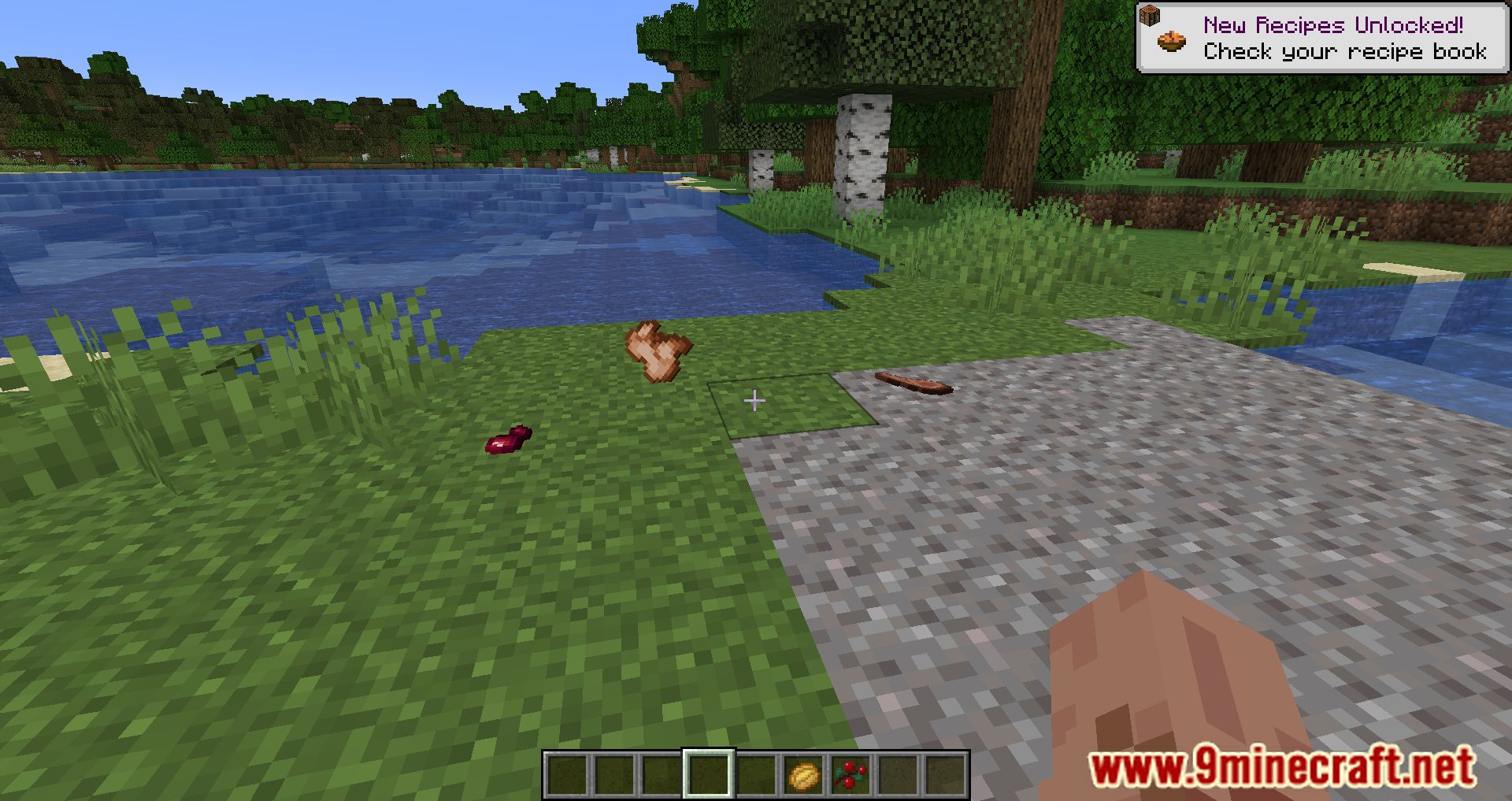
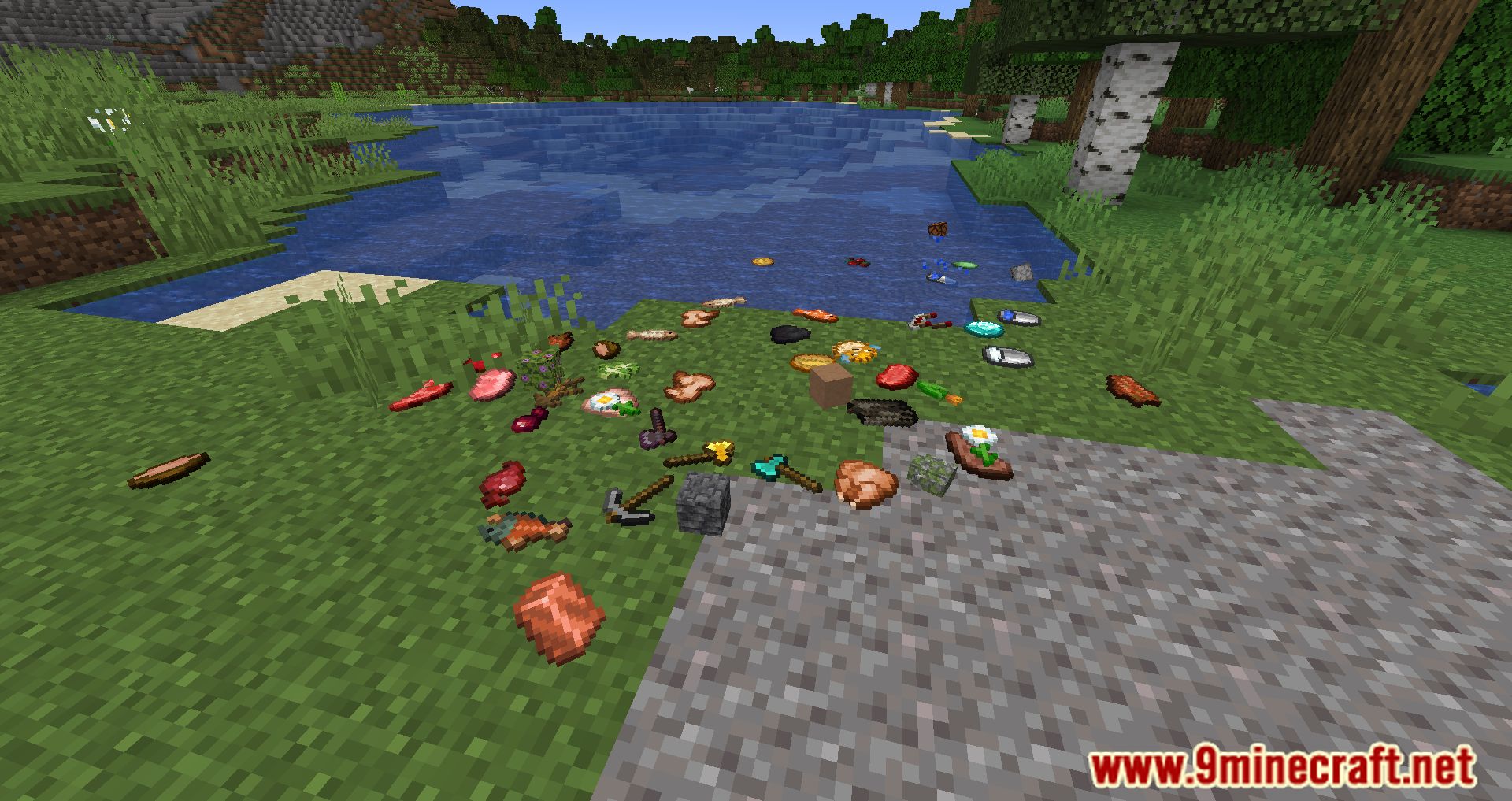
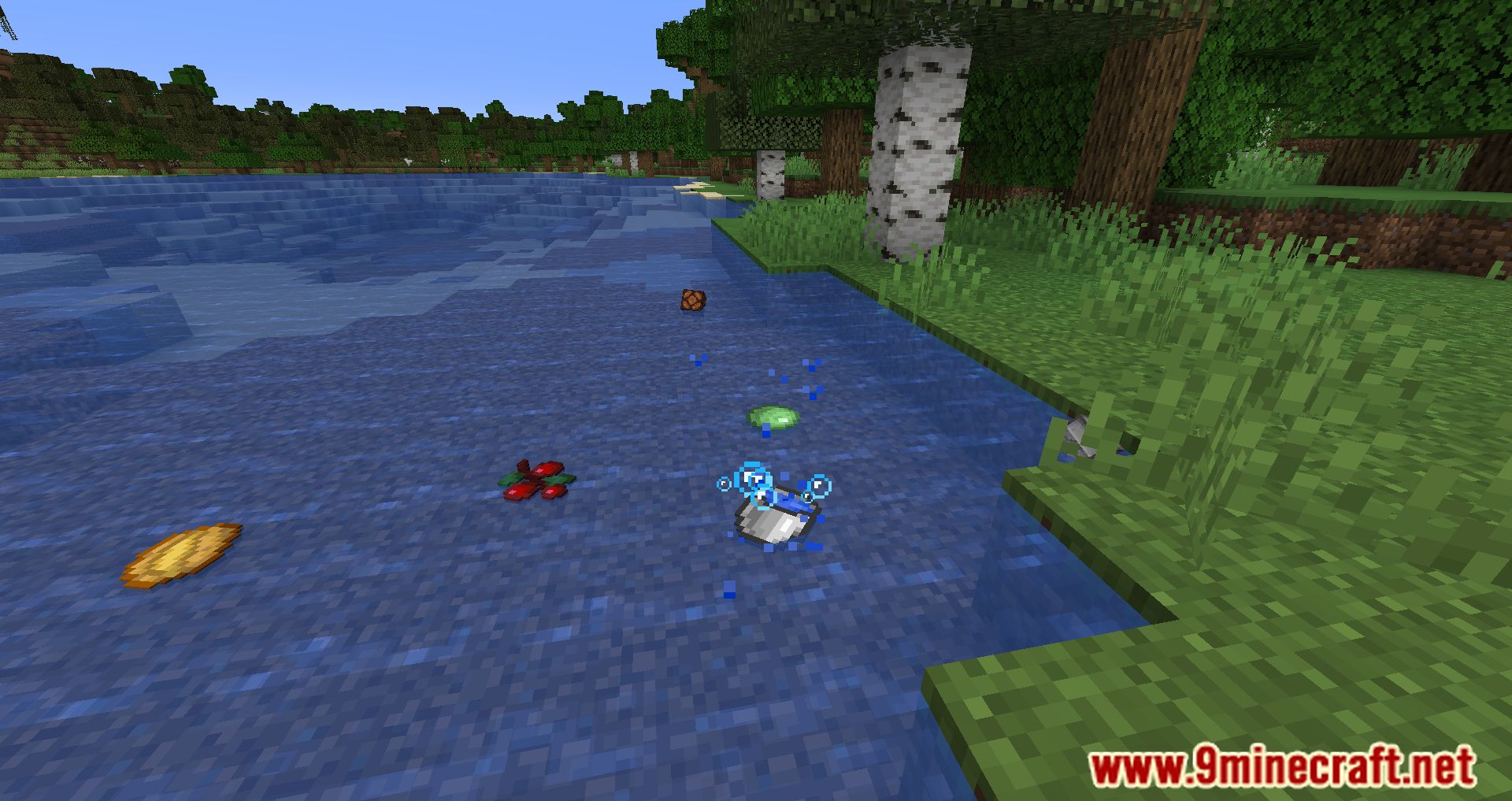
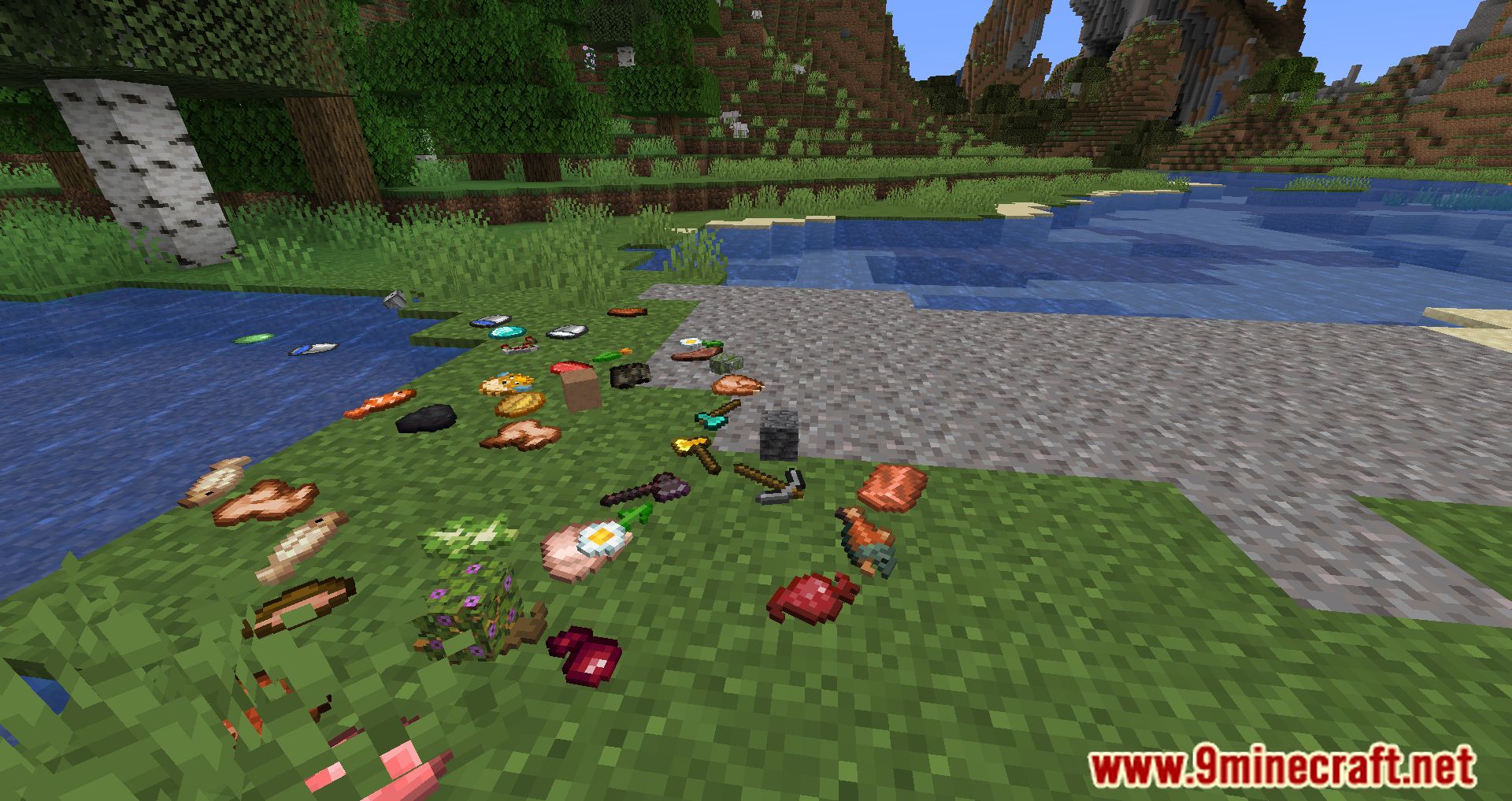
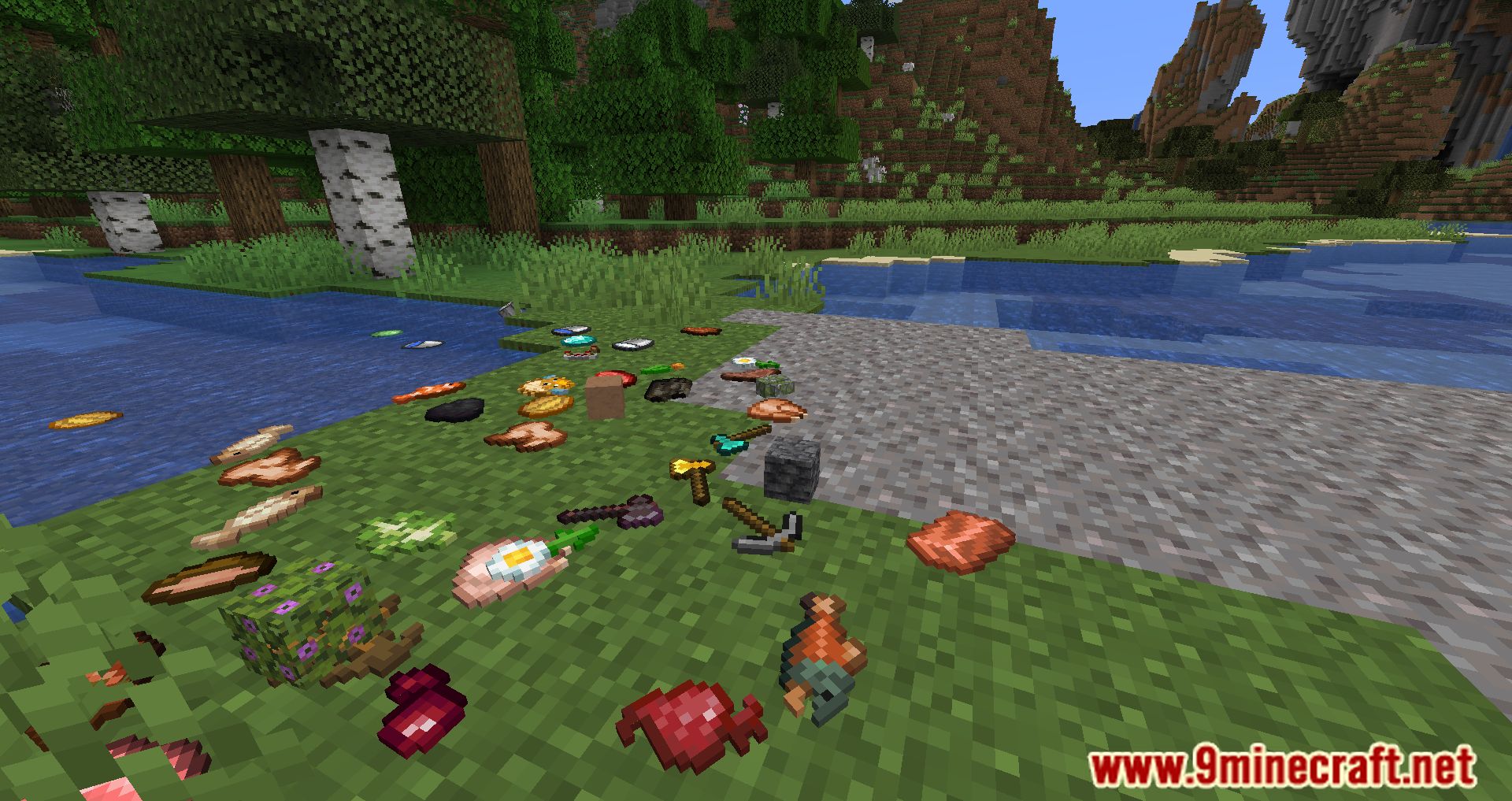
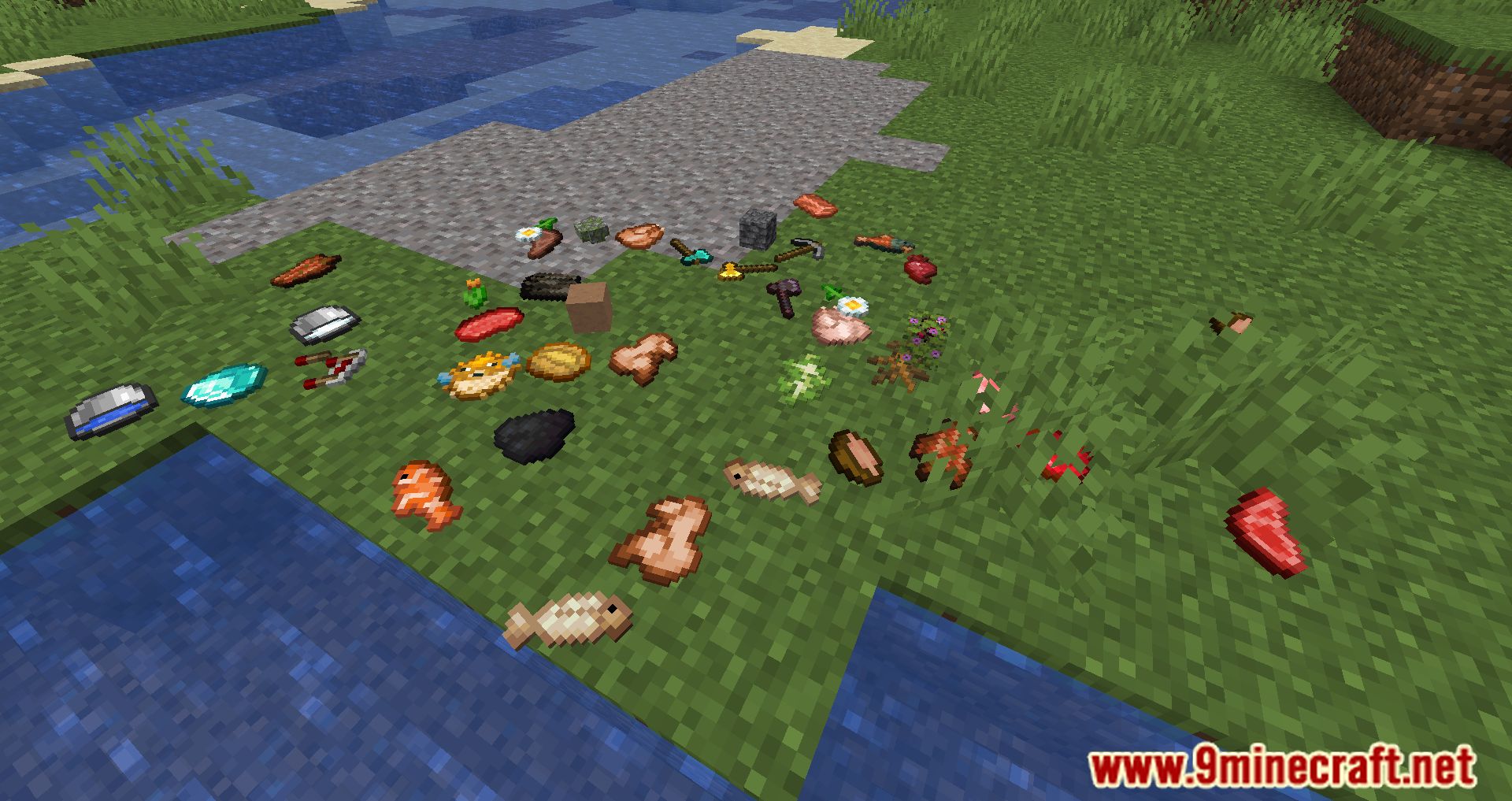
⬇ DownloadDropz Mod changes one of the most fundamental features in the game and makes it much better. The aforementioned feature is dropping, which has been pivotal whenever players want to throw away items, or trade items with their peers. However, since Minecraft is a kid-friendly game, players would find the dropping system rather silly and cartoonish as the items will be floating around once they are dropped. With the majority of the player base fully grown up, they often appreciate a more realistic system compared to the silly floating items. With Dropz, the items that are dropped will now display realistically as they lie idle on the ground. The position of their lying also relies entirely on the angle that players have dropped it initially. At the same time, the new dropping system respects the law of gravity, therefore, players would find dropping items rather interesting.
Features:
- Items that are dropped will now obey the law of gravity.
Screenshots:
Dropz Mod Download Links
For Minecraft 1.20.1
Forge Version: Download from Server 1 – Download from Server 2
Fabric Version: Download from Server 1 – Download from Server 2
For Minecraft 1.19.4
Forge Version: Download from Server 1 – Download from Server 2
Fabric Version: Download from Server 1 – Download from Server 2
For Minecraft 1.19.3
Forge Version: Download from Server 1 – Download from Server 2
Fabric Version: Download from Server 1 – Download from Server 2
For Minecraft 1.19.1
Forge Version: Download from Server 1
Fabric Version: Download from Server 1
For Minecraft 1.19
Forge Version: Download from Server 1
Fabric Version: Download from Server 1
For Minecraft 1.18.2
Forge Version: Download from Server 1
Fabric Version: Download from Server 1
For Minecraft 1.18.1
Forge Version: Download from Server 1
Fabric Version: Download from Server 1
For Minecraft 1.16.5
Forge Version: Download from Server 1
- Edition: Minecraft Java
- File type: .jar
- Minecraft versions listed: 1.20.1, 1.19.4
- How to install: Install the matching mod loader (Forge, Fabric or NeoForge) for your Minecraft version. → Download the .jar. → Put it in the .minecraft/mods folder and launch that loader profile.
- Where to get it: In MC Java Mods, or directly above on this page.
Install steps are the general flow for this file type — How to install Minecraft Java mods & modpacks walks through it step by step.
- Downloads as 204916.mcaddon
- Download size: 58 KB
- Download link checked 30 Jul 2026 — working
- Mirrored on our own servers — the download does not depend on the original host
These come from our own check of the pack file, not from the source page.
Related Java mods

Pixlli

Luna shader
LEGENDARY RT JAVA TEXTURES Resource Pack (1.21.1, 1.20.1) – Texture Pack
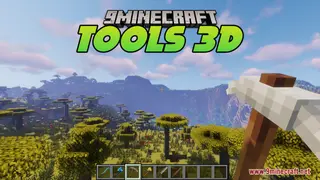
Tools 3D Resource Pack (1.21.11, 1.20.1) – Chunky 3D Models for Realistic

ScreenshotUtility
