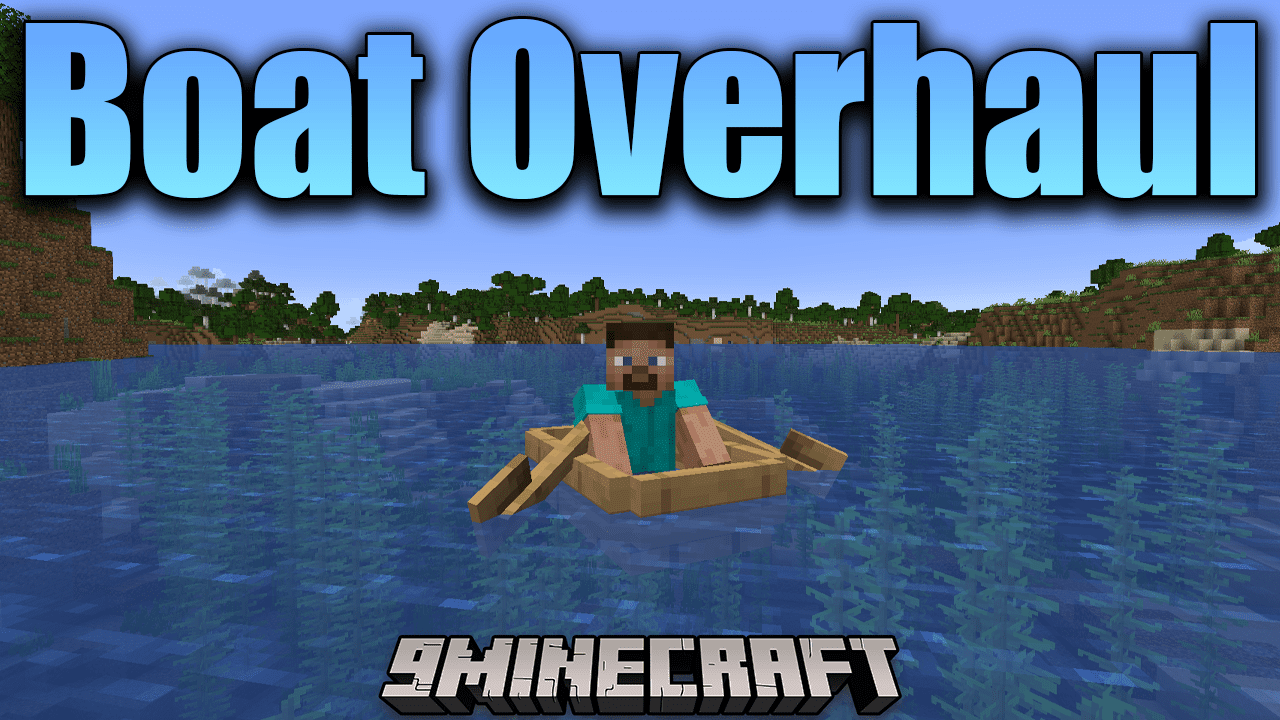
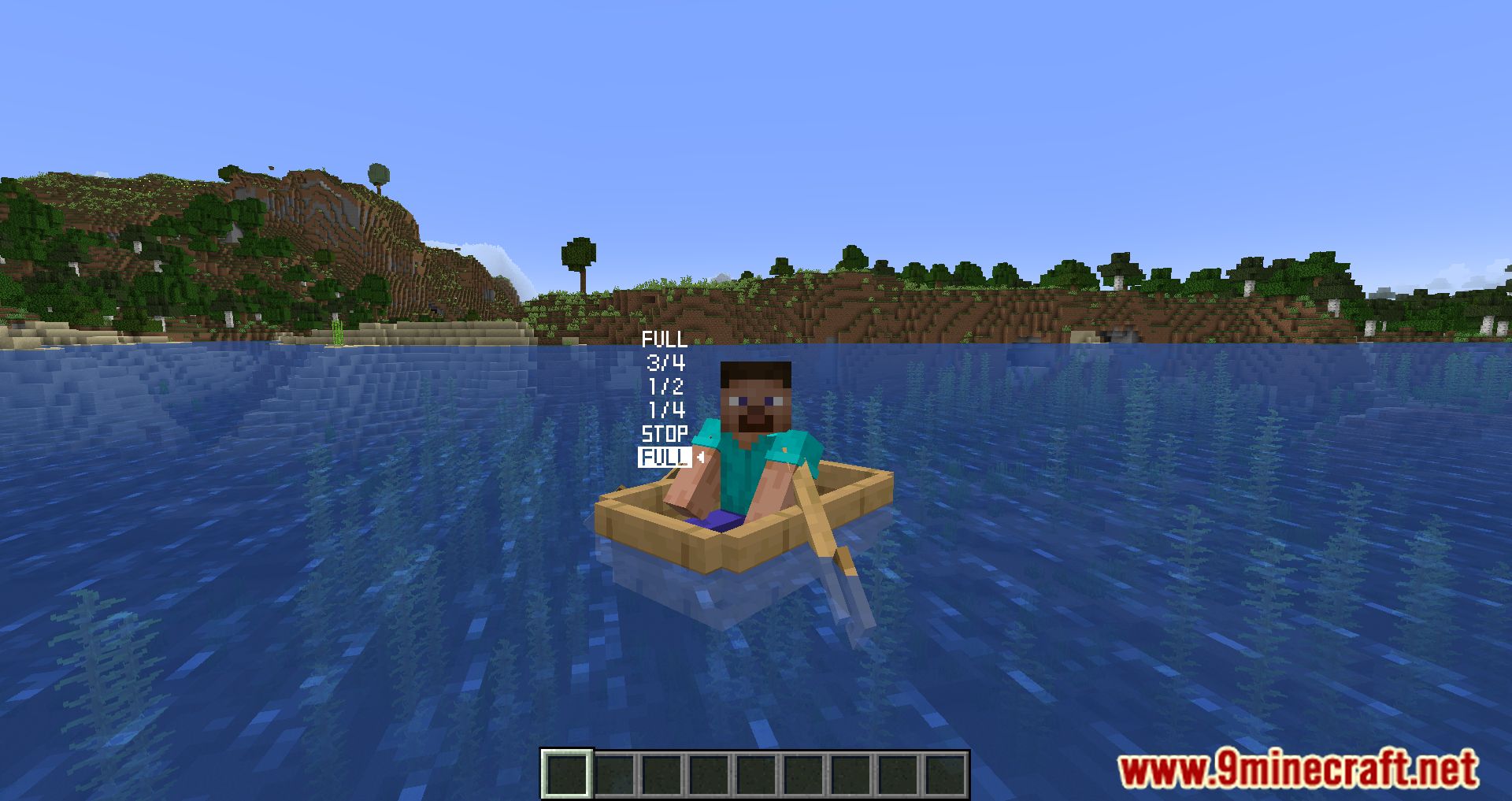
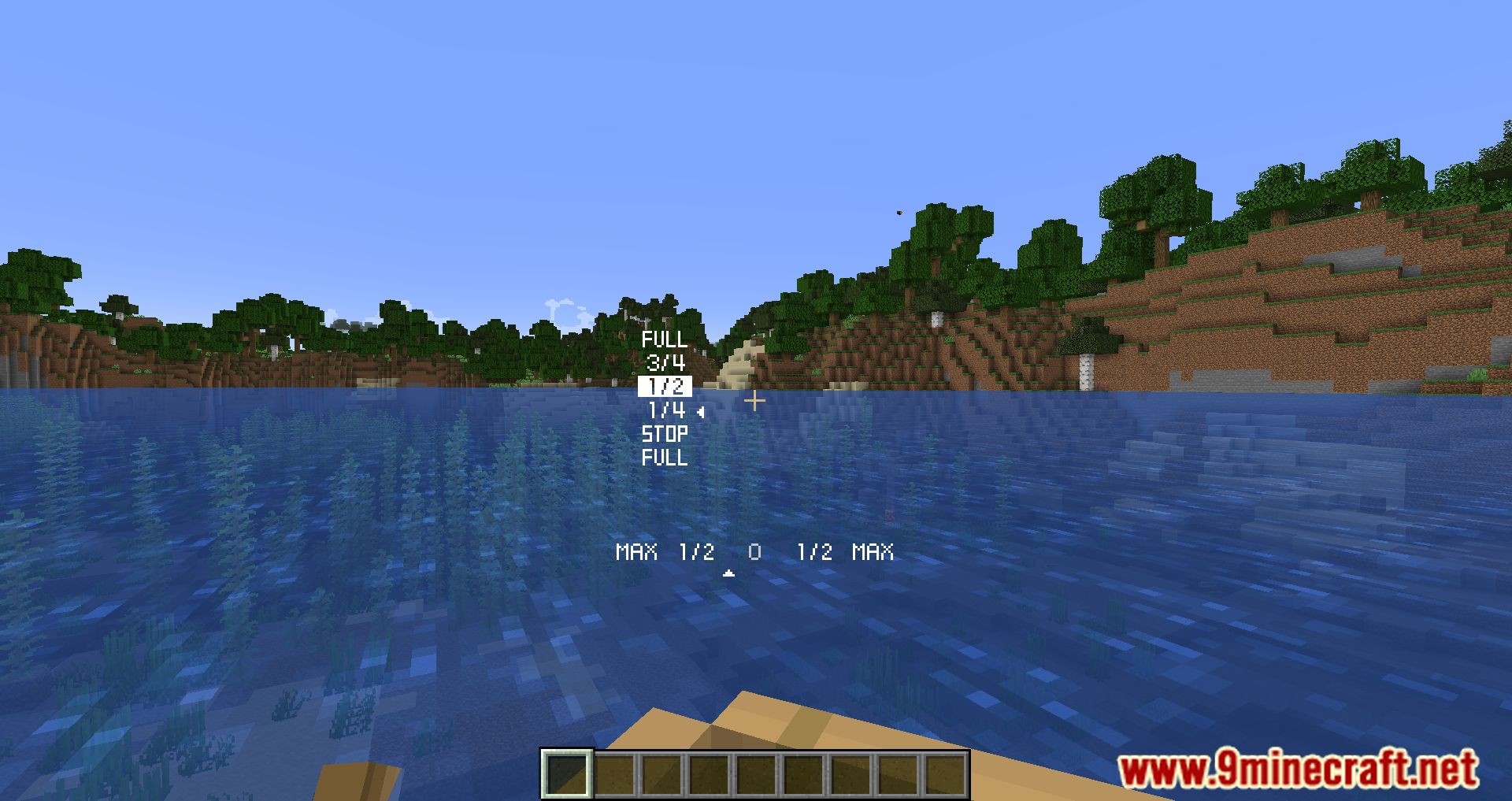
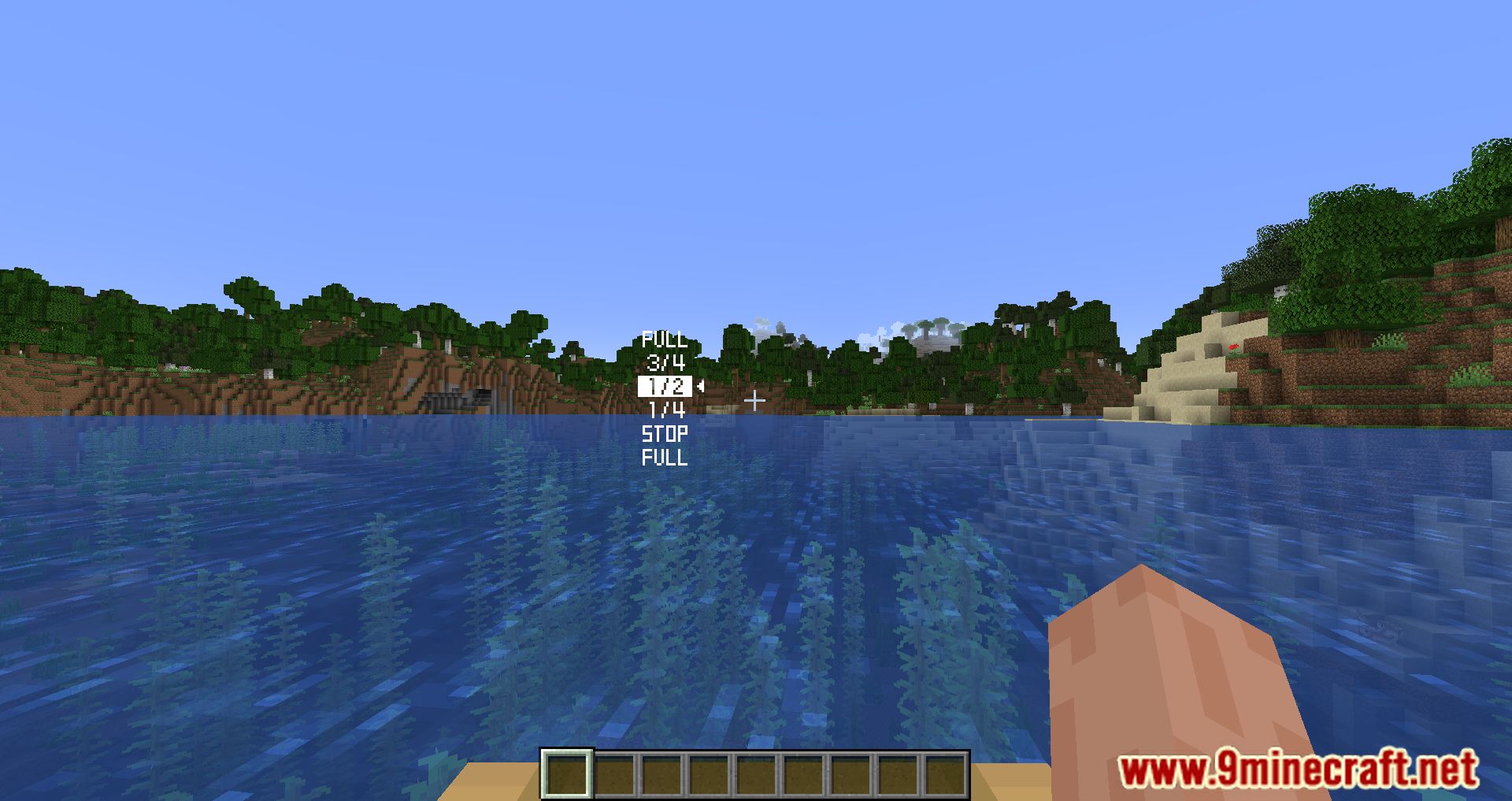
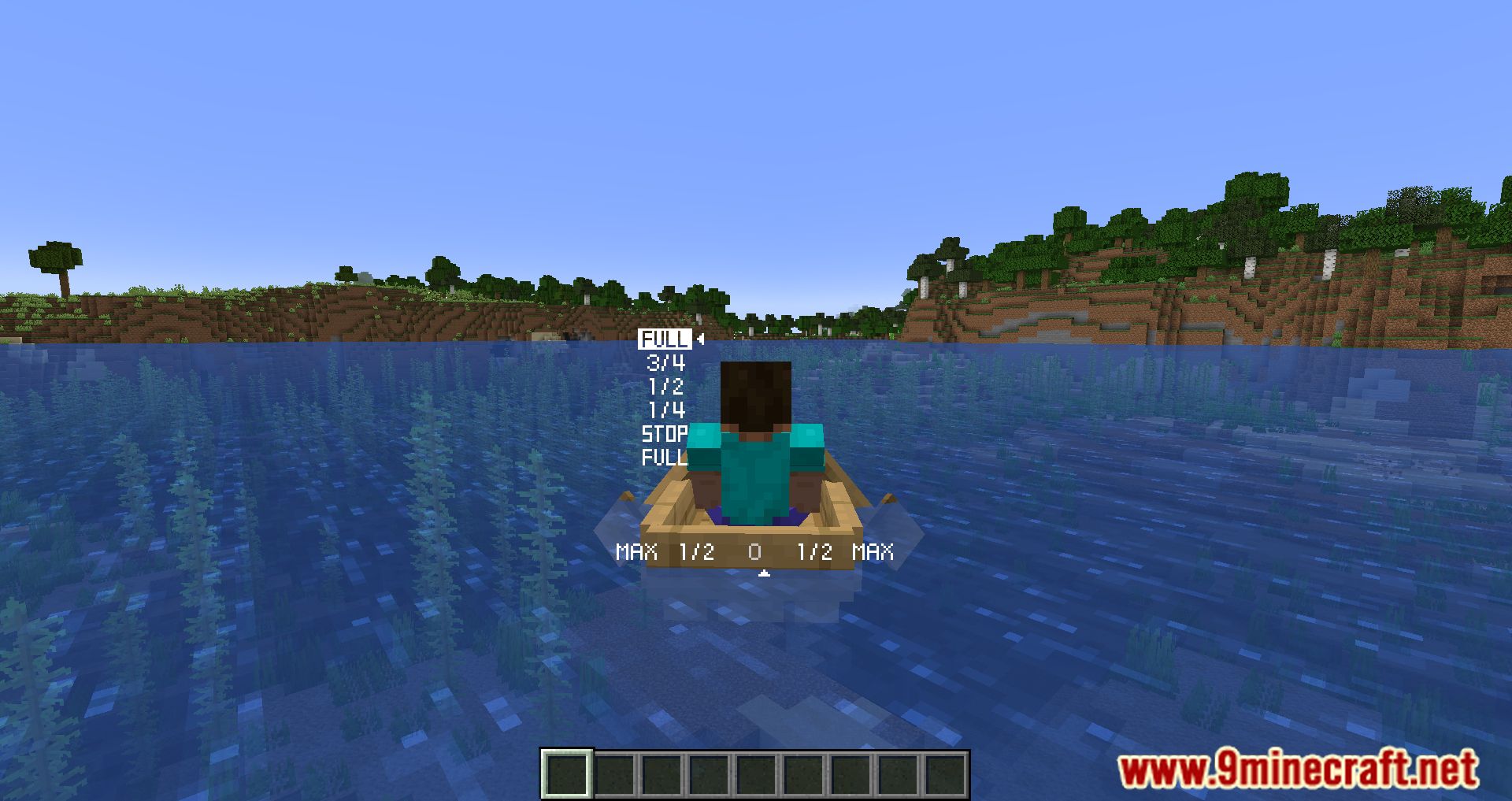
The boat steering system can now be accessed in-game thanks to the Boat Overhaul Mod. As you progress through the game, you’ll come to realize that the boating system in Minecraft is very tedious. You don’t have to manage anything; all you need to do is press W to move forward, and either A or D to turn left or right. It is dull, therefore in order to make the game more fascinating, the Boat Overhaul Mod developed a boat driving system for Minecraft. The system is not overly difficult, but it is sufficient to make the game more exciting. By pressing the W button, you may now make your boat speed up or slow down while it is in motion. Additionally, the navigation system on your boat will not be as straightforward as it was in the past; you will need to align it in order for it to move in the desired direction. However, these will be new experiences that you are able to try out-all you need to do is install the Boat Overhaul Mod!
Features:
Four vanilla key bindings are modified:
- Walk Forwards (W): Sail Forwards -> Boat Gear Up;
- Walk Backwards (S): Sail Backwards -> Boat Gear Down;
- Strafe Left (A): Boat Turn Left -> Boat Rudder Left (Manual);
- Strafe Right (D): Boat Turn Right -> Boat Rudder Right (Manual).
Screenshots:
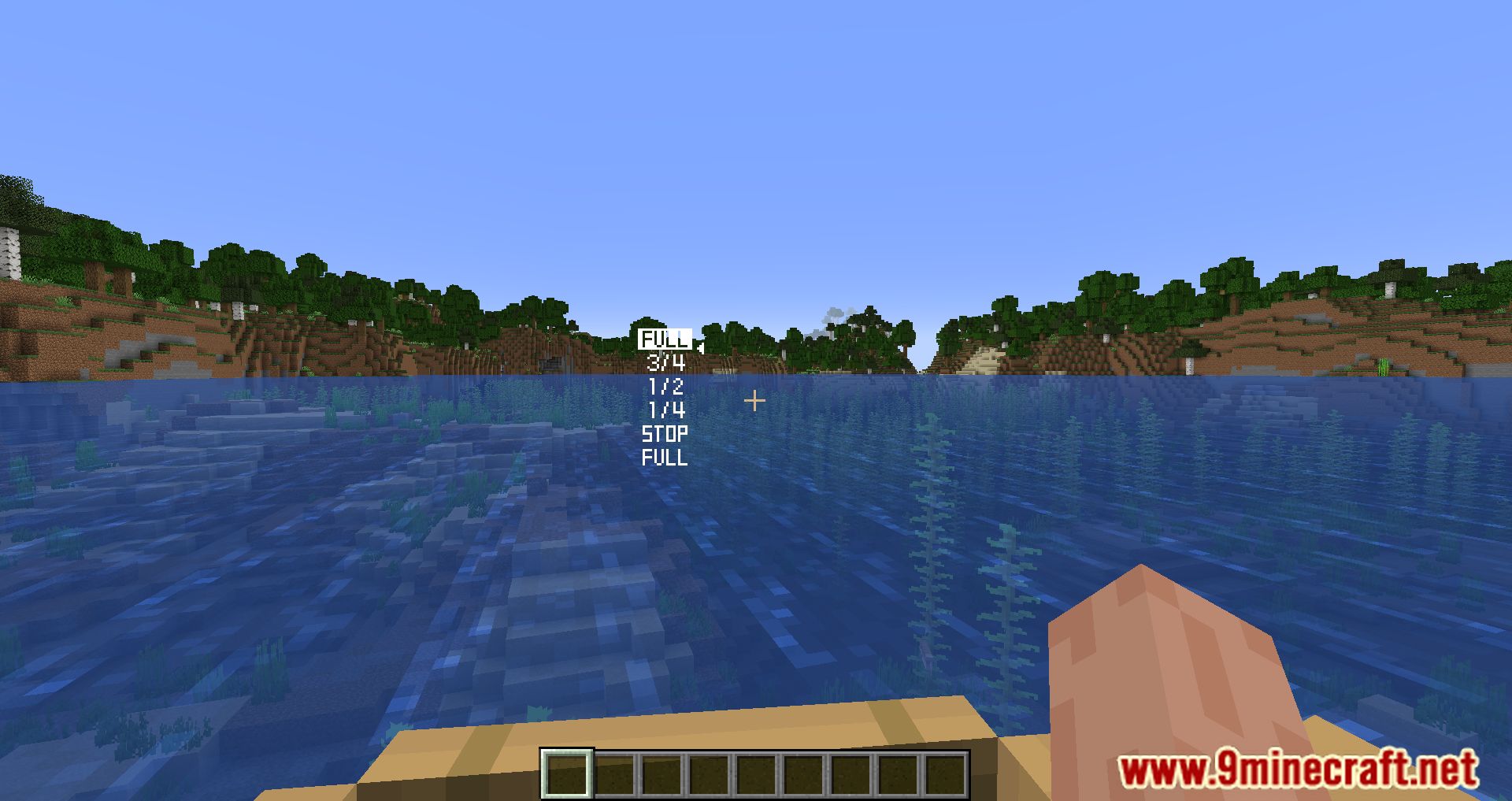
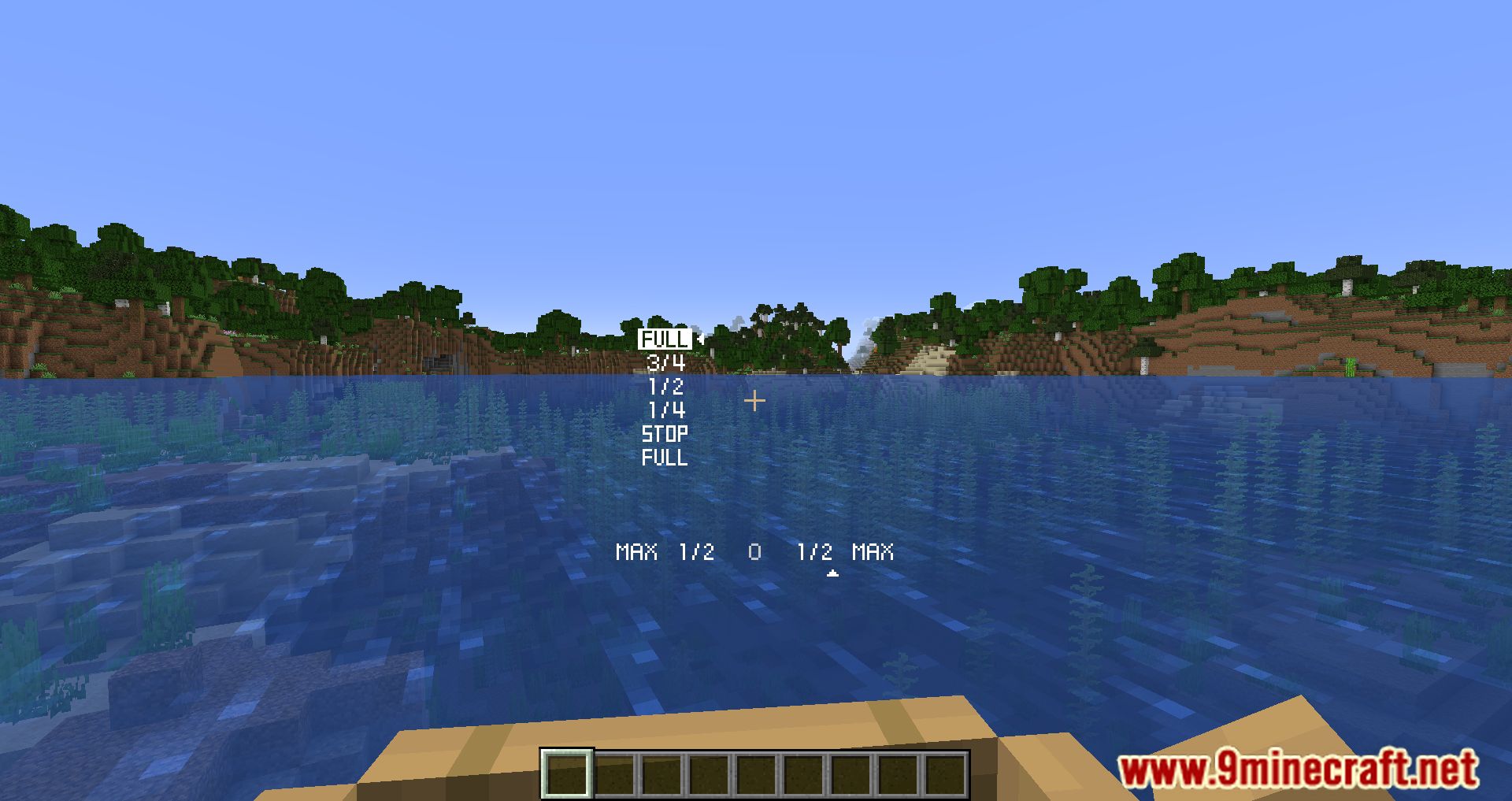
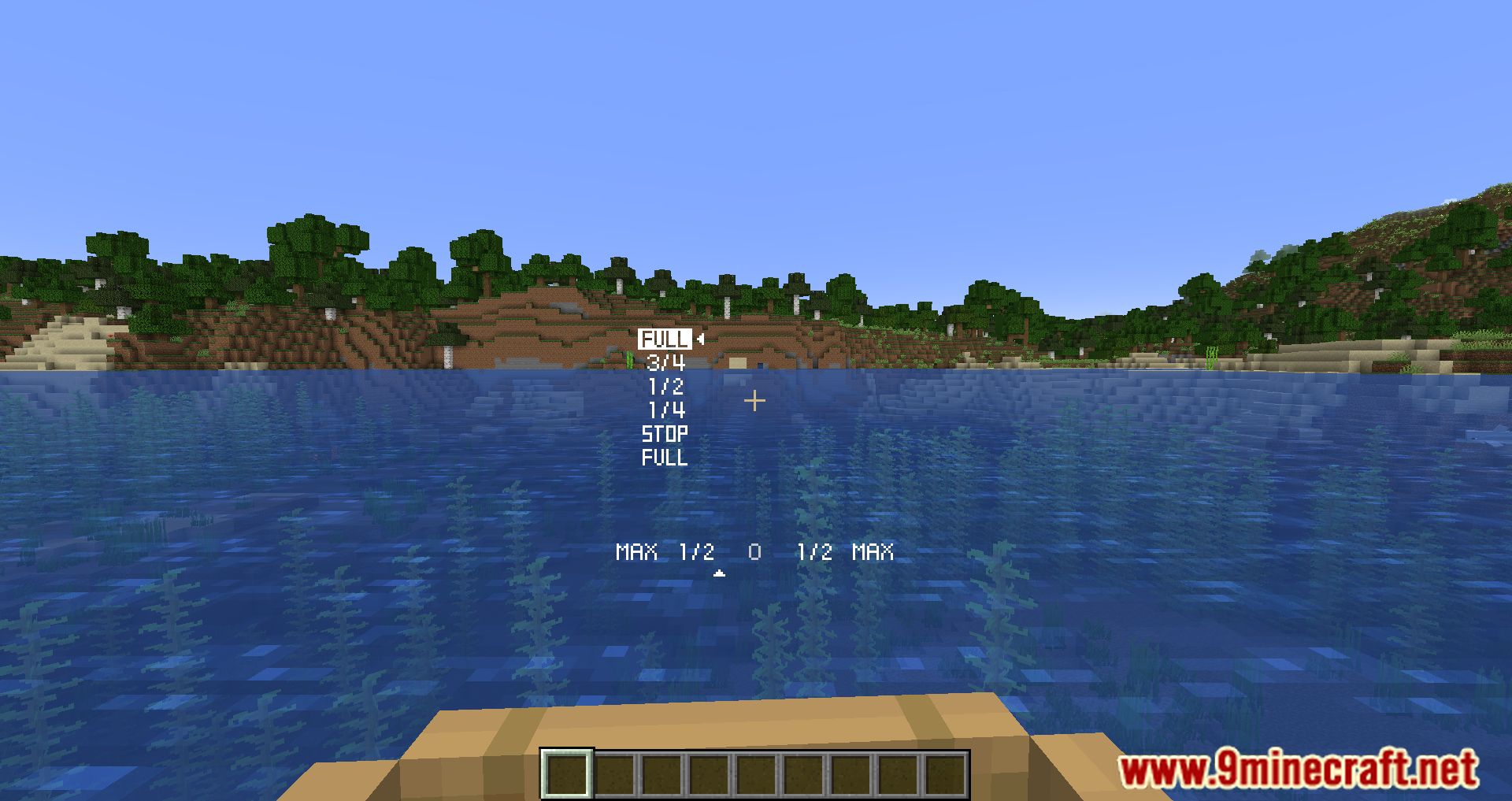
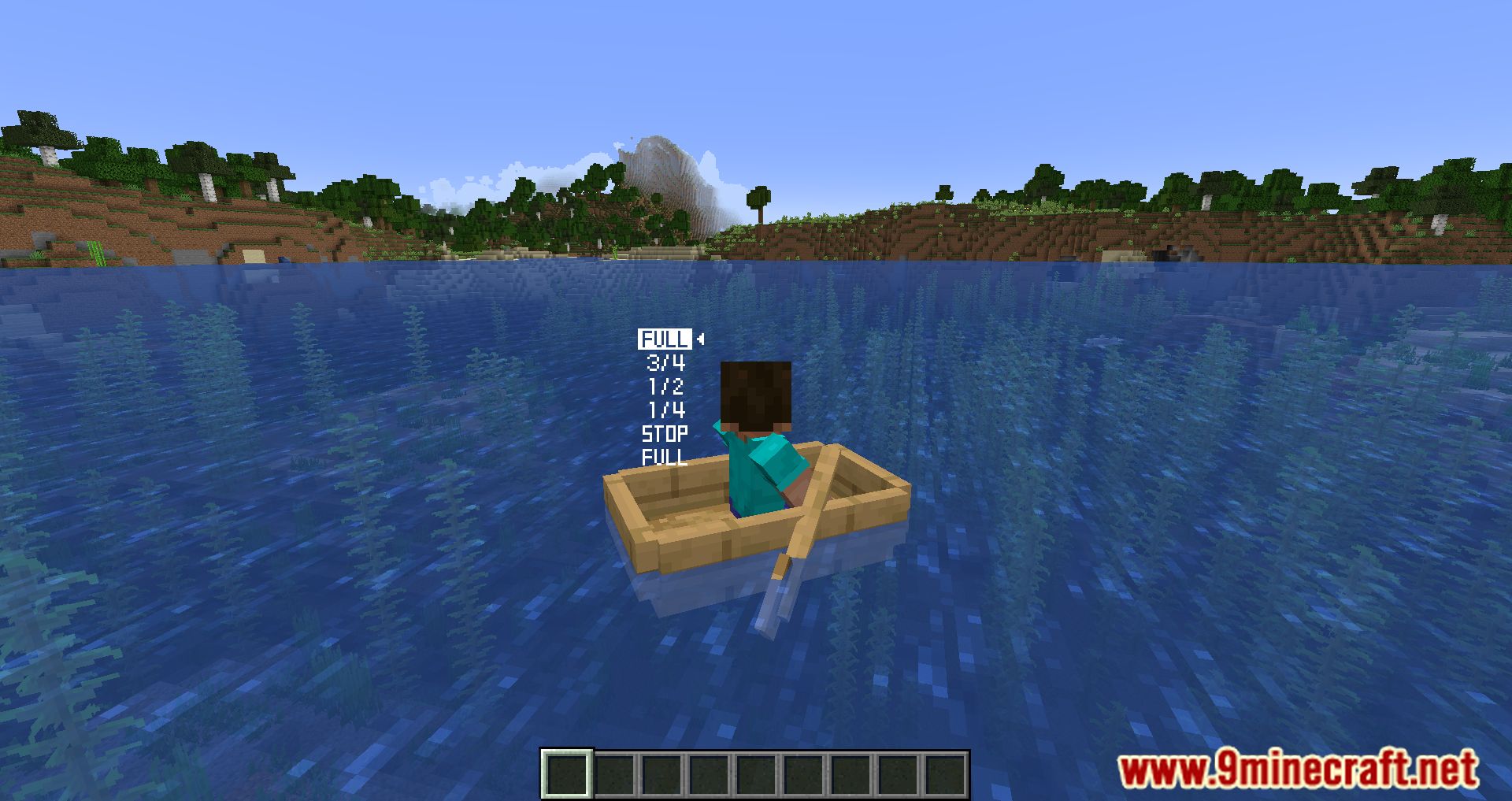
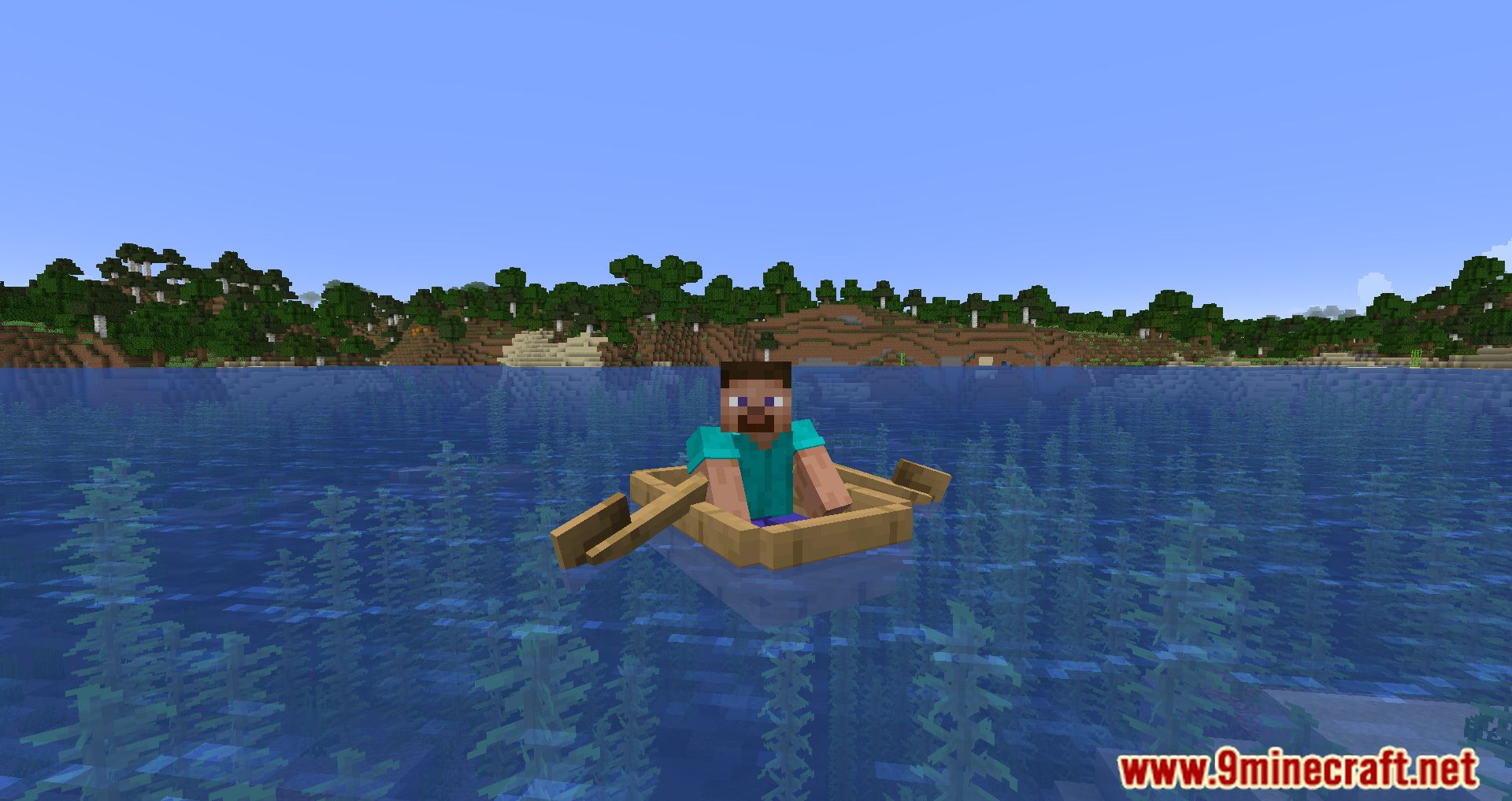
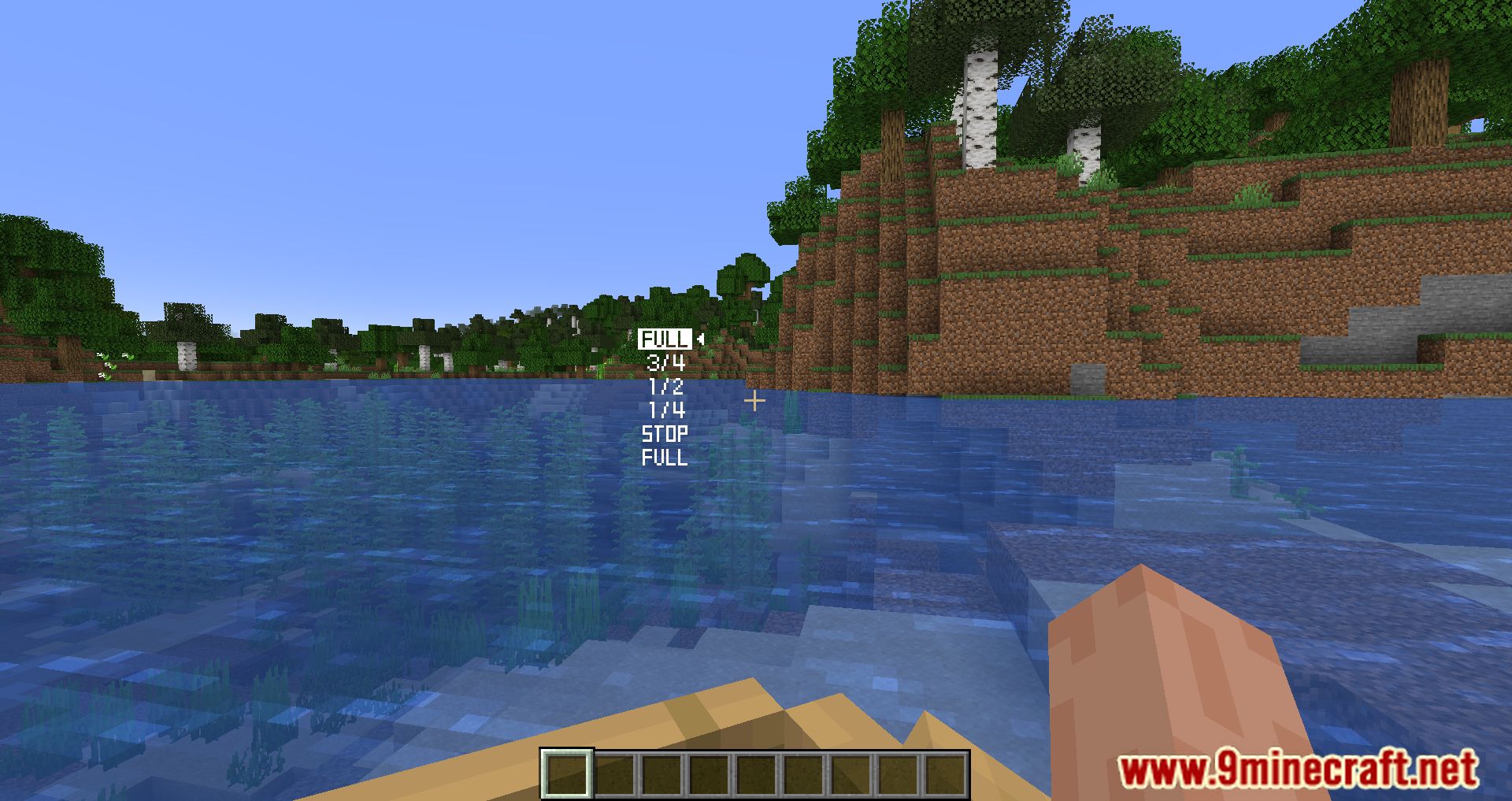
Boat Overhaul Mod Download Links
For Minecraft 1.20.1
Forge version: Download from Server 1 – Download from Server 2
For Minecraft 1.19.3
Fabric version: Download from Server 1 – Download from Server 2
Forge version: Download from Server 1 – Download from Server 2
For Minecraft 1.19.2
Fabric version: Download from Server 1 – Download from Server 2
Forge version: Download from Server 1 – Download from Server 2
For Minecraft 1.18.2
Fabric version: Download from Server 1 – Download from Server 2
Forge version: Download from Server 1 – Download from Server 2
For Minecraft 1.16.5
Fabric version: Download from Server 1 – Download from Server 2
Forge version: Download from Server 1 – Download from Server 2
- Edition: Minecraft Java
- File type: .jar
- Minecraft versions listed: 1.20.1, 1.19.3
- How to install: Install the matching mod loader (Forge, Fabric or NeoForge) for your Minecraft version. → Download the .jar. → Put it in the .minecraft/mods folder and launch that loader profile.
- Where to get it: In MC Java Mods, or directly above on this page.
Install steps are the general flow for this file type — How to install Minecraft Java mods & modpacks walks through it step by step.
- Downloads as 204963.mcaddon
- Download size: 182 KB
- Download link checked 17 Jul 2026 — working
- Mirrored on our own servers — the download does not depend on the original host
These come from our own check of the pack file, not from the source page.