
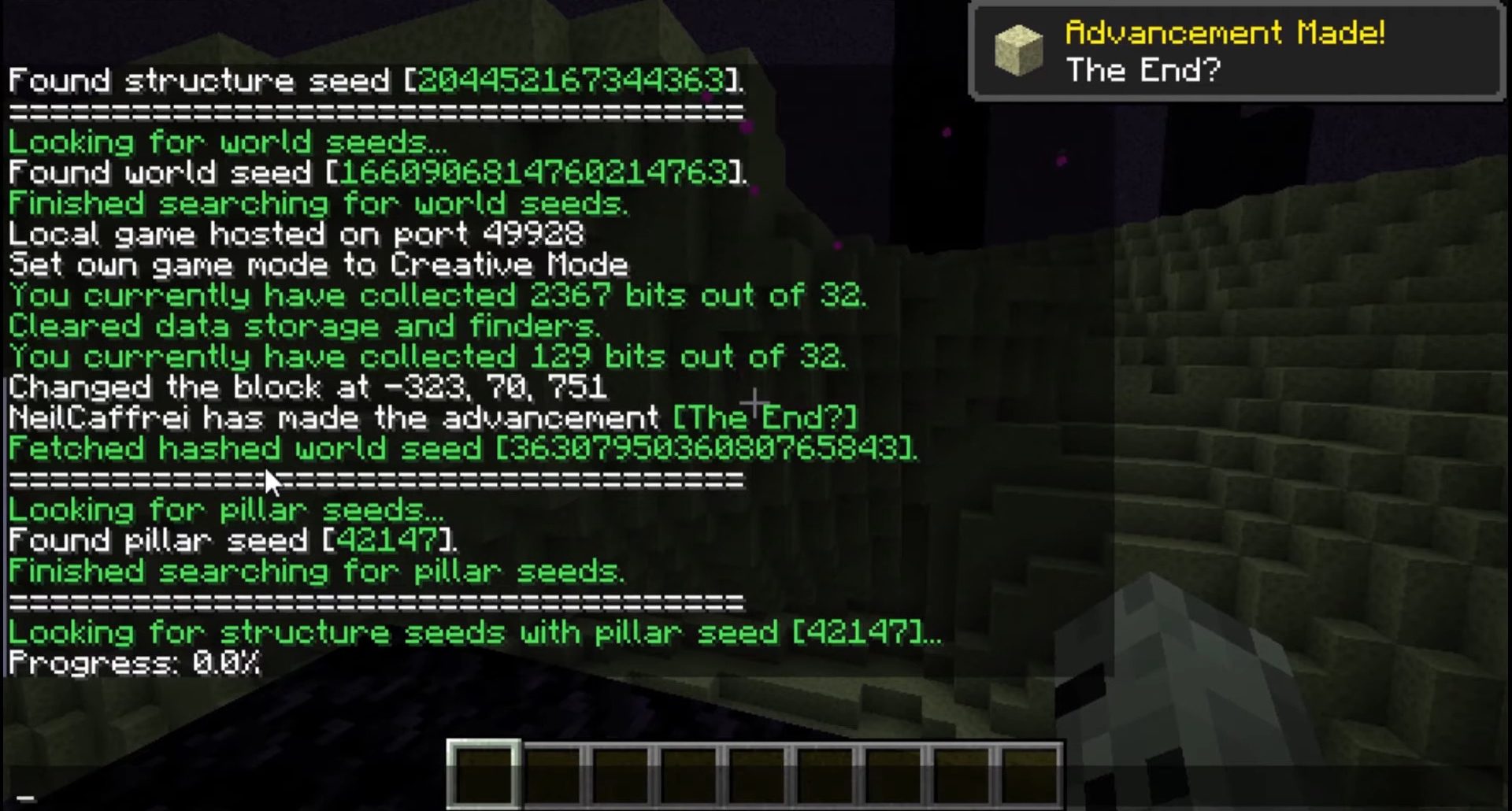
Seed Cracker Mod collects information about the world, or rather about the position of different structures and biomes, and after having a sufficient amount of information, it calculates/calculates the seed. Fast, Automatic In-Game Seed Cracker for Minecraft.
Screenshots:
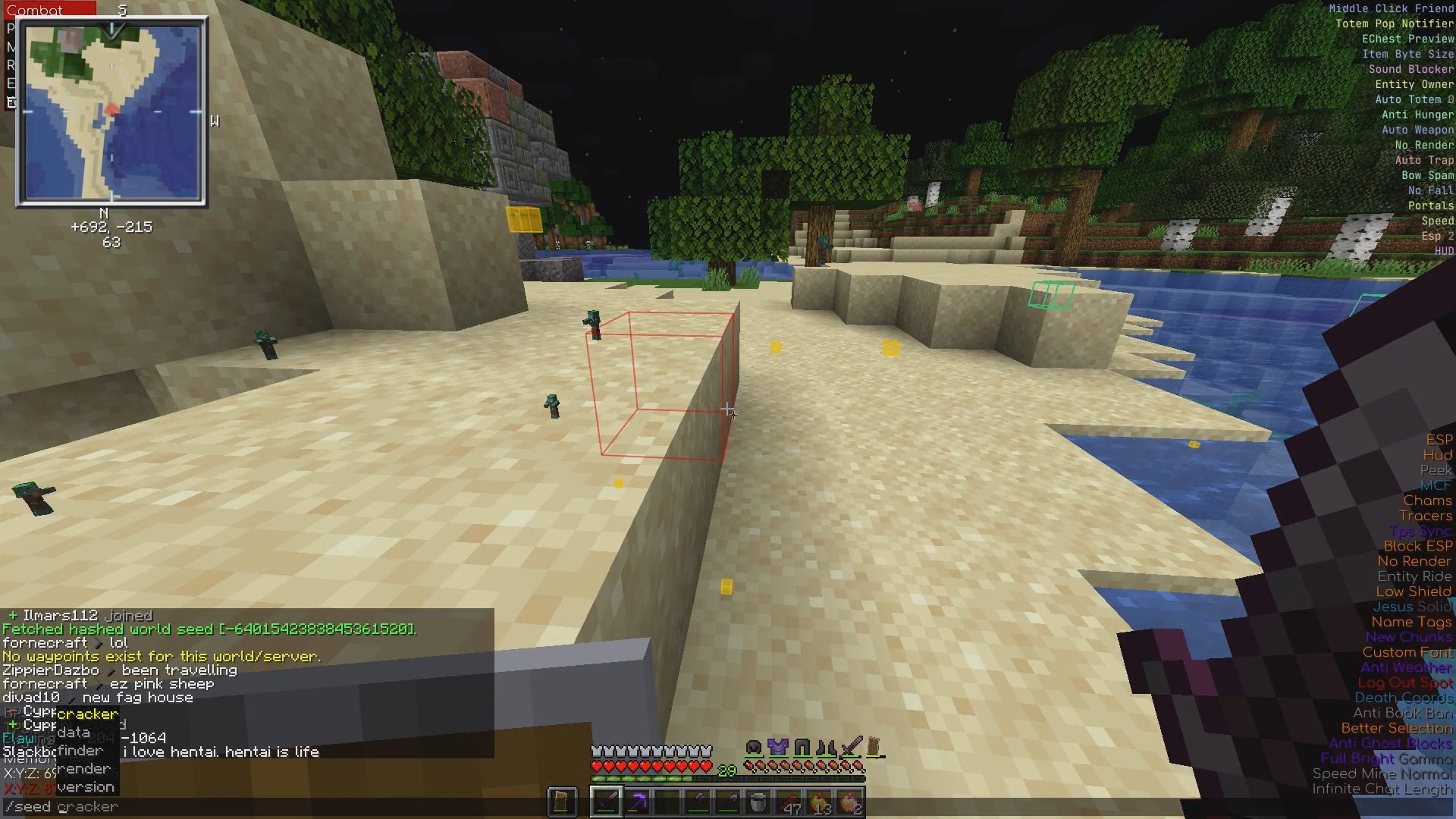
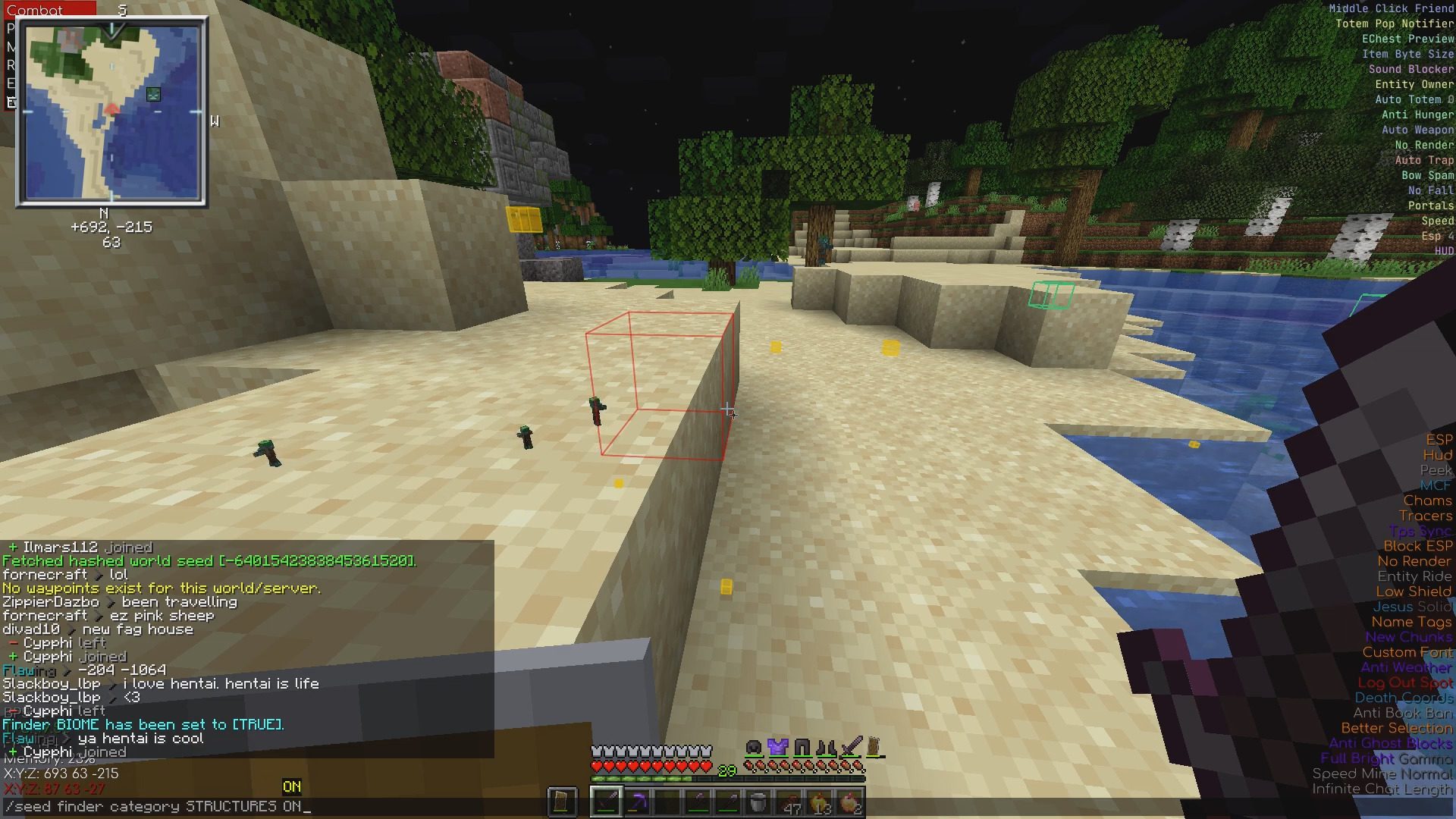
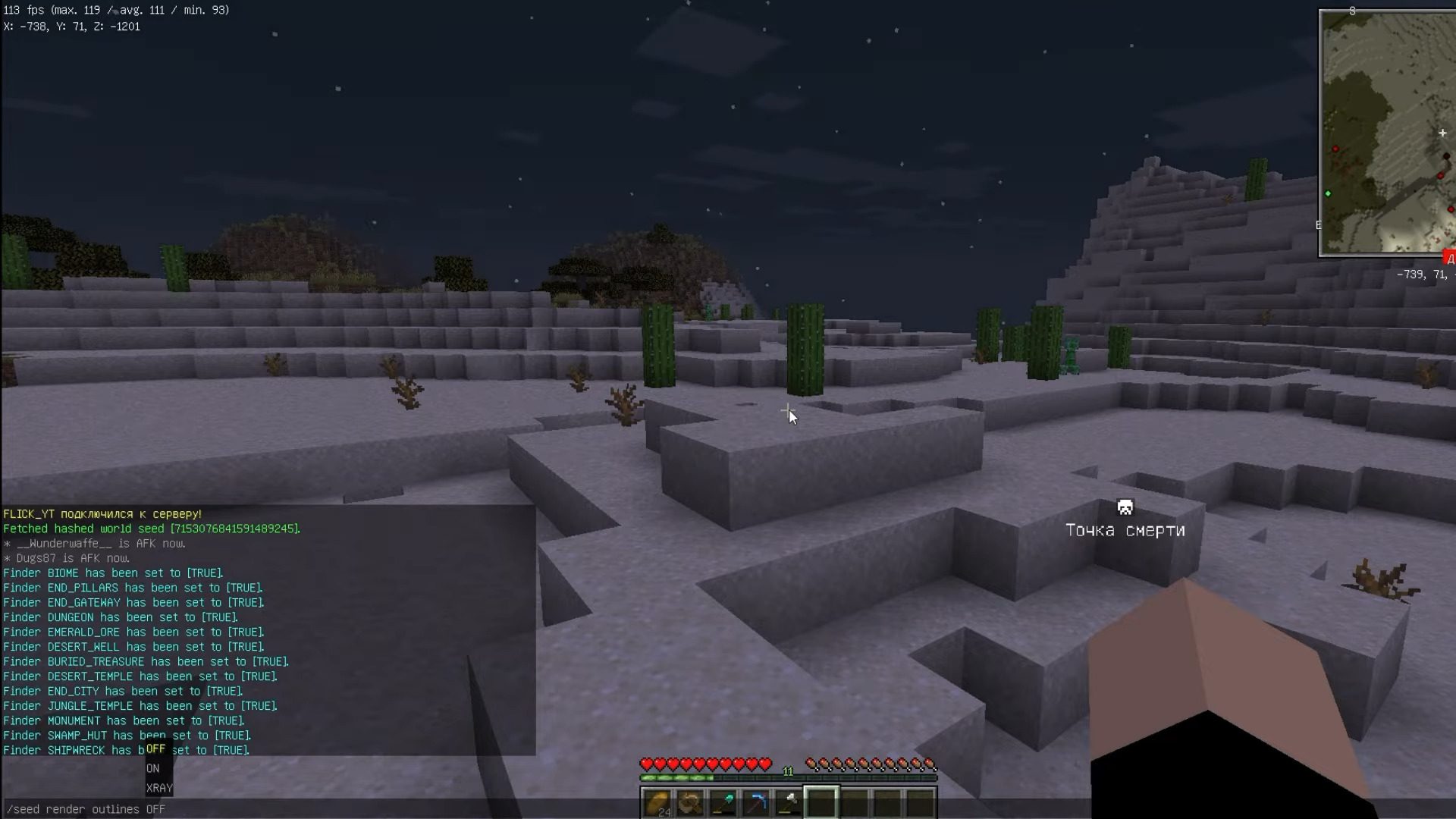
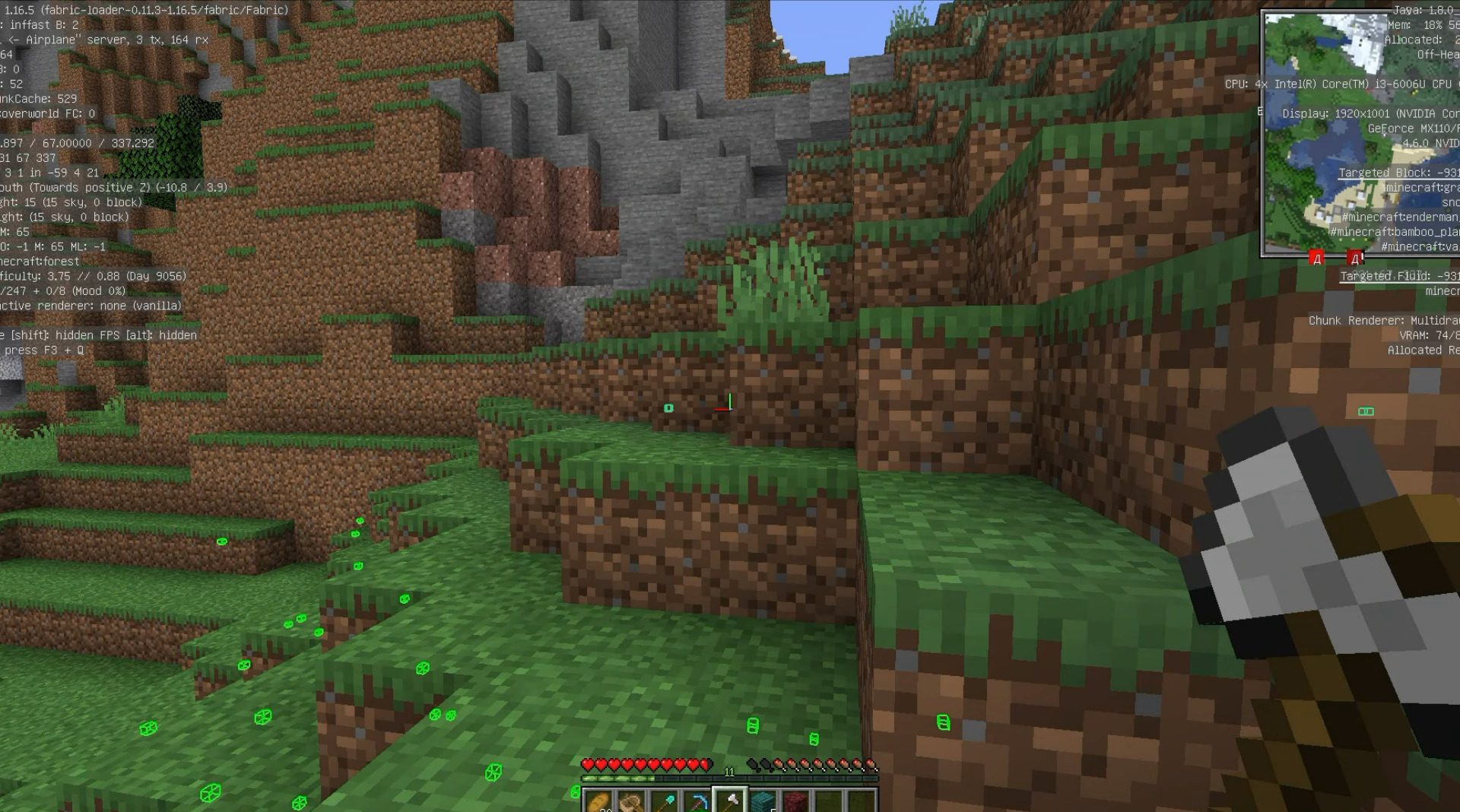
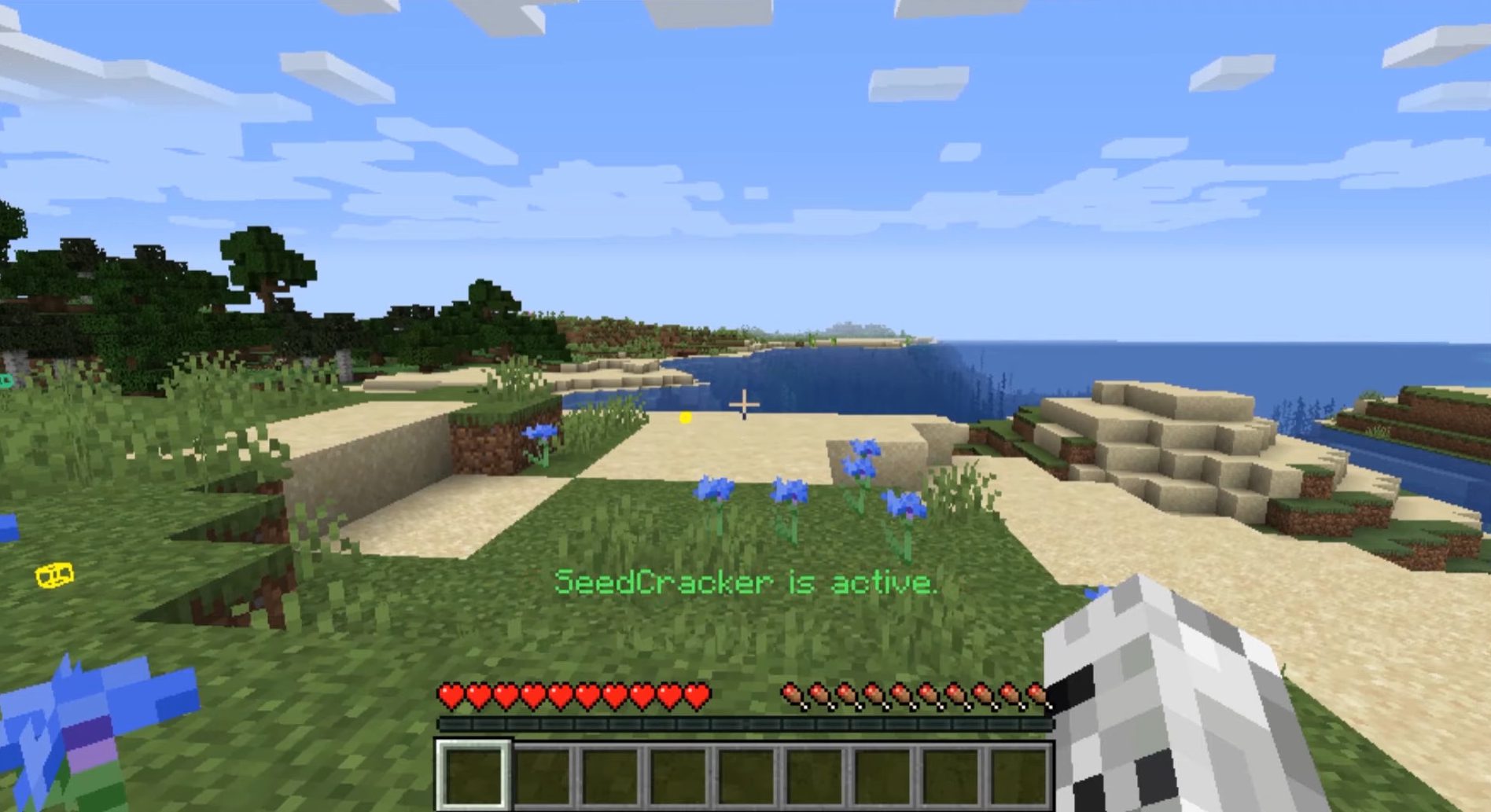
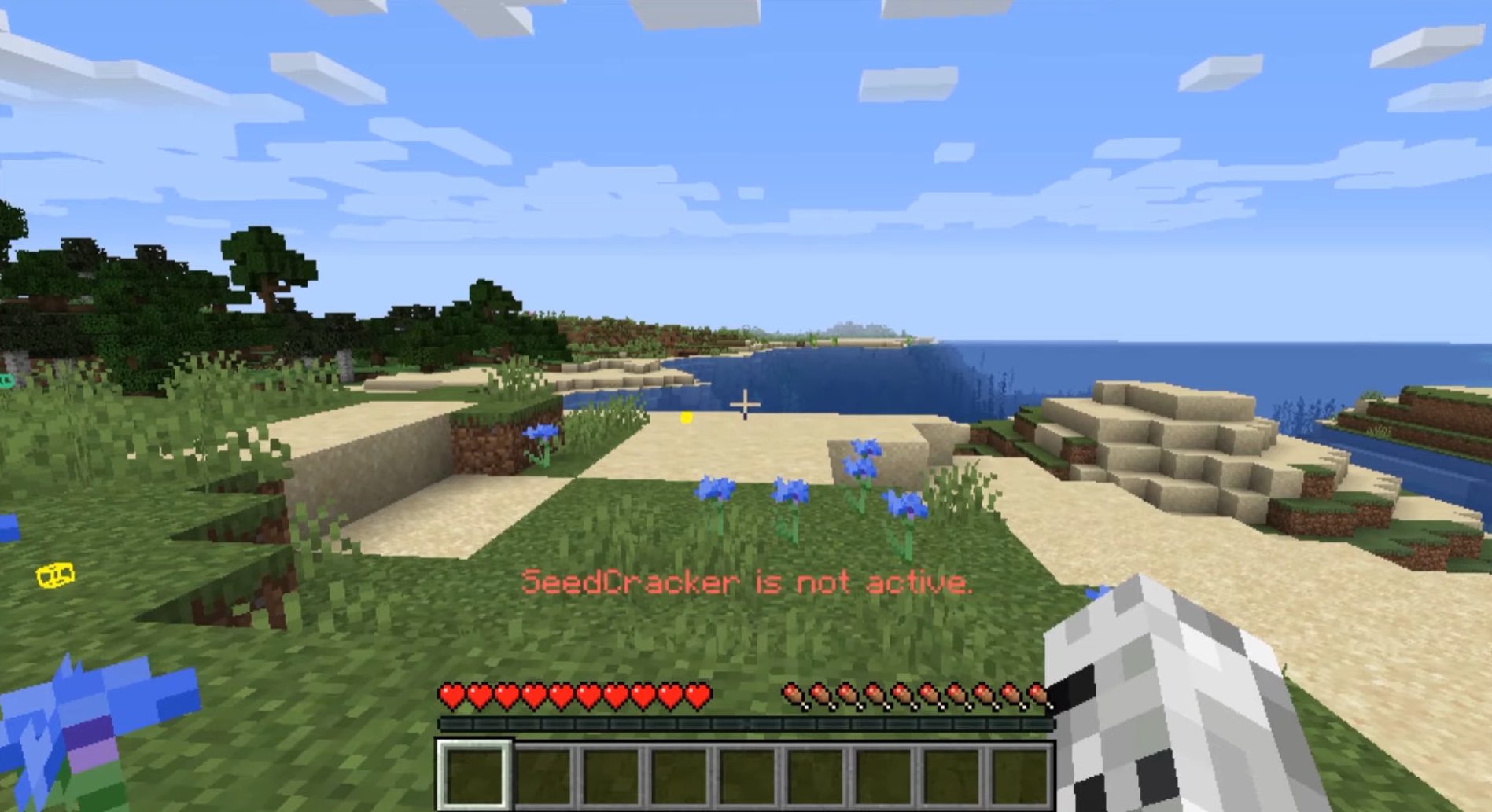
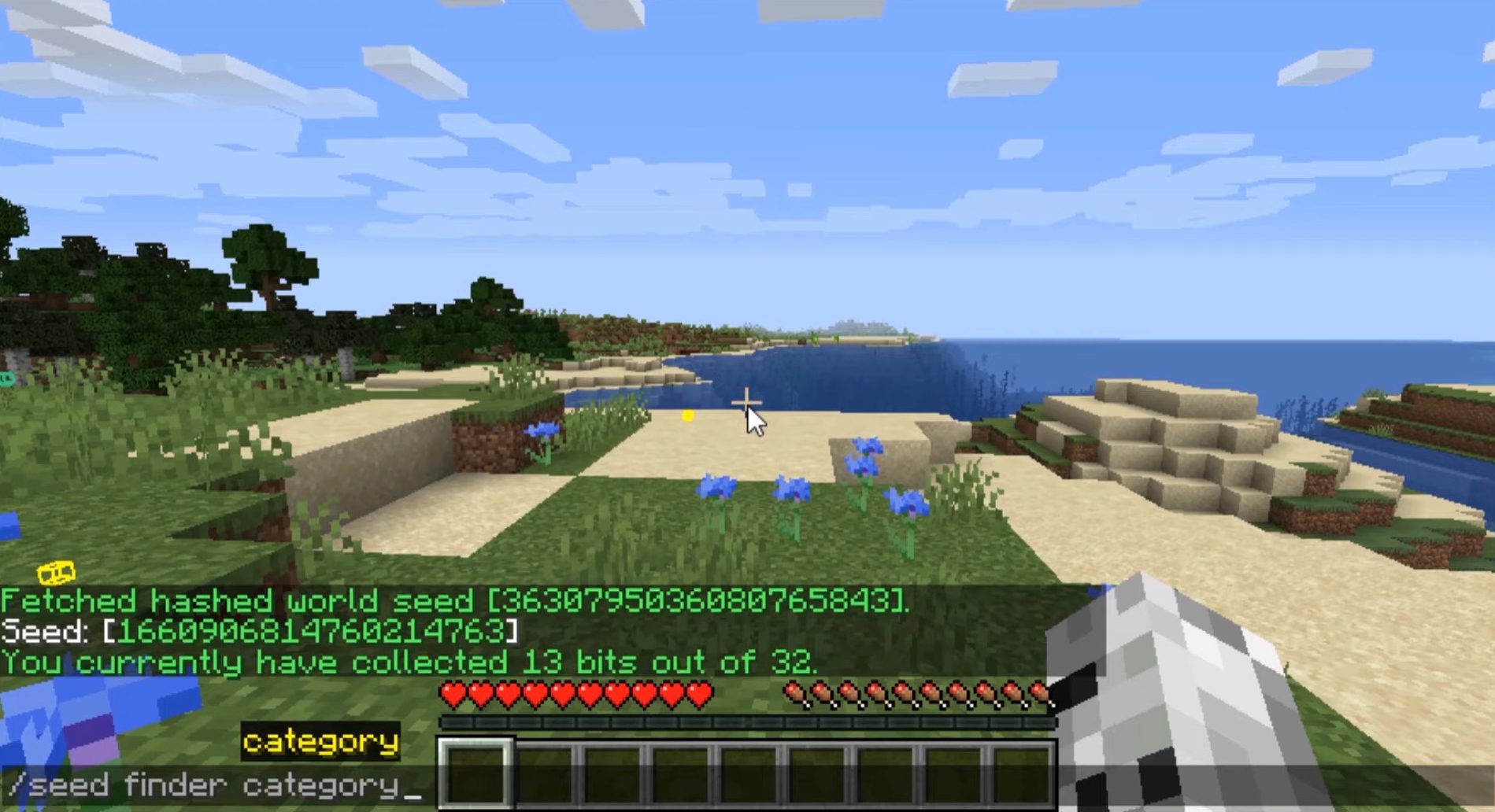
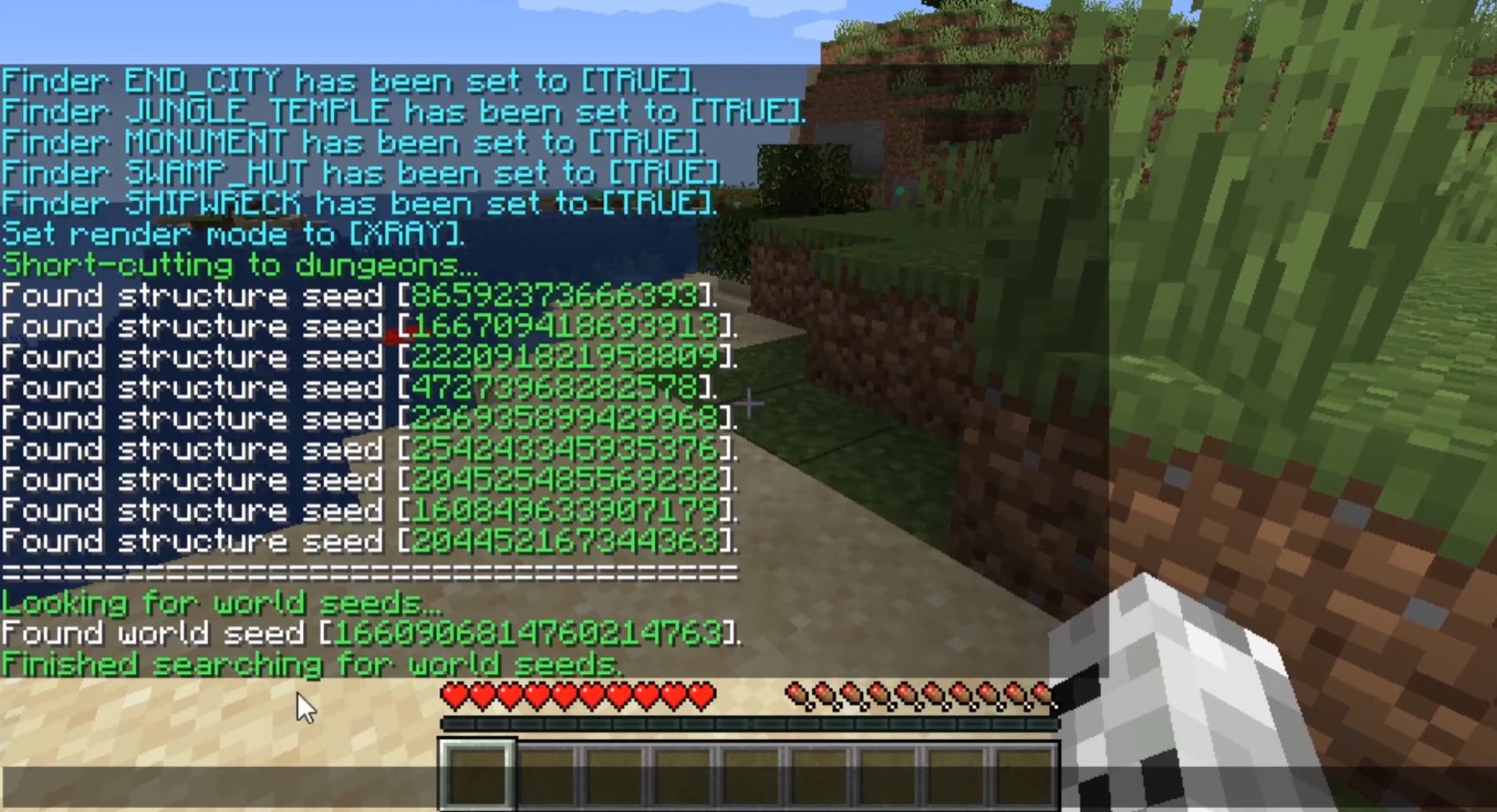
How to use:
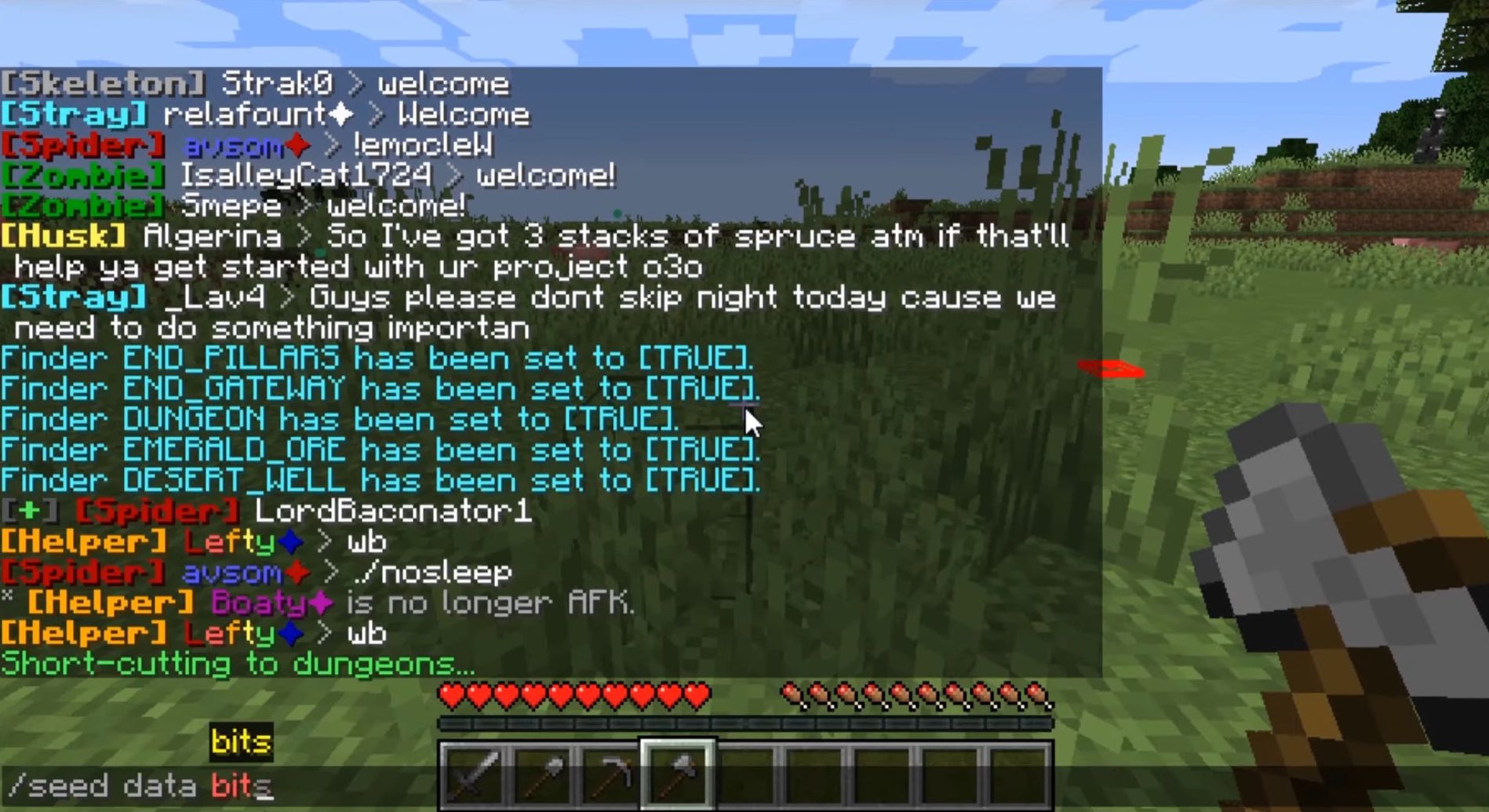
Run minecraft with the mod installed and run around in the world. Once the mod has collected enough data, it will start the cracking process automatically and output the seed in chat. For the process to start, the amount of data that needs to be collected varies depending on the type of feature. /seed data bits can be used to see how much progress has been done.
Supported Structures:
- Ocean Monument
- End City
- Buried Treasure
- Desert Pyramid
- Jungle Temple
- Swamp Hut
- Shipwreck
Supported Decorators:
- Dungeon
- End Gateway
- Desert Well
- Emerald Ore
Commands:
The command prefix for this mod is /seed.
Render Command
- /seed render outlines <ON/OFF/XRAY>
This command only affects the renderer feedback. The default value is ‘XRAY’ and highlights data through blocks. You can set the render mod to ‘ON’ for more standard rendering.
Finder Command
- /seed finder type (ON/OFF)
- /seed finder category (BIOMES/ORES/OTHERS/STRUCTURES) (ON/OFF)
This command is used to disable finders in case you are aware the data is wrong. For example, a map generated in 1.14 has different decorators and would require you to disable them while going through those chunks.
Data Command
- /seed data clear
Clears all the collected data without requiring a relog. This is useful for multi-world servers.
- /seed data bits
Display how many bits of information have been collected. Even though this is an approximate, it serves as a good basis to guess when the brute-forcing should start.
Cracker Command
- /seed cracker <ON/OFF>
Enables or disables the mod completely. Unlike the other commands, this one is persistent across reloads.
Seed Cracker Mod Download Links
For Minecraft 1.16.5
Fabric version: Download from Server 1 – Download from Server 2
For Minecraft 1.15.2
Fabric version: Download from Server 1 – Download from Server 2
- Edition: Minecraft Java
- File type: .jar
- Minecraft version listed: 1.16.5
- How to install: Install the matching mod loader (Forge, Fabric or NeoForge) for your Minecraft version. → Download the .jar. → Put it in the .minecraft/mods folder and launch that loader profile.
- Where to get it: In MC Java Mods, or directly above on this page.
Install steps are the general flow for this file type — How to install Minecraft Java mods & modpacks walks through it step by step.
- Downloads as 204990.mcaddon
- Download size: 606 KB
- Download link checked 30 Jul 2026 — working
- Mirrored on our own servers — the download does not depend on the original host
These come from our own check of the pack file, not from the source page.