ModsJava
Chat Tweaks Mod (1.12.2, 1.11.2) – Tweaks And Features!!!
Minecraft Java mod. Downloads from the MC Java Mods app on Android.
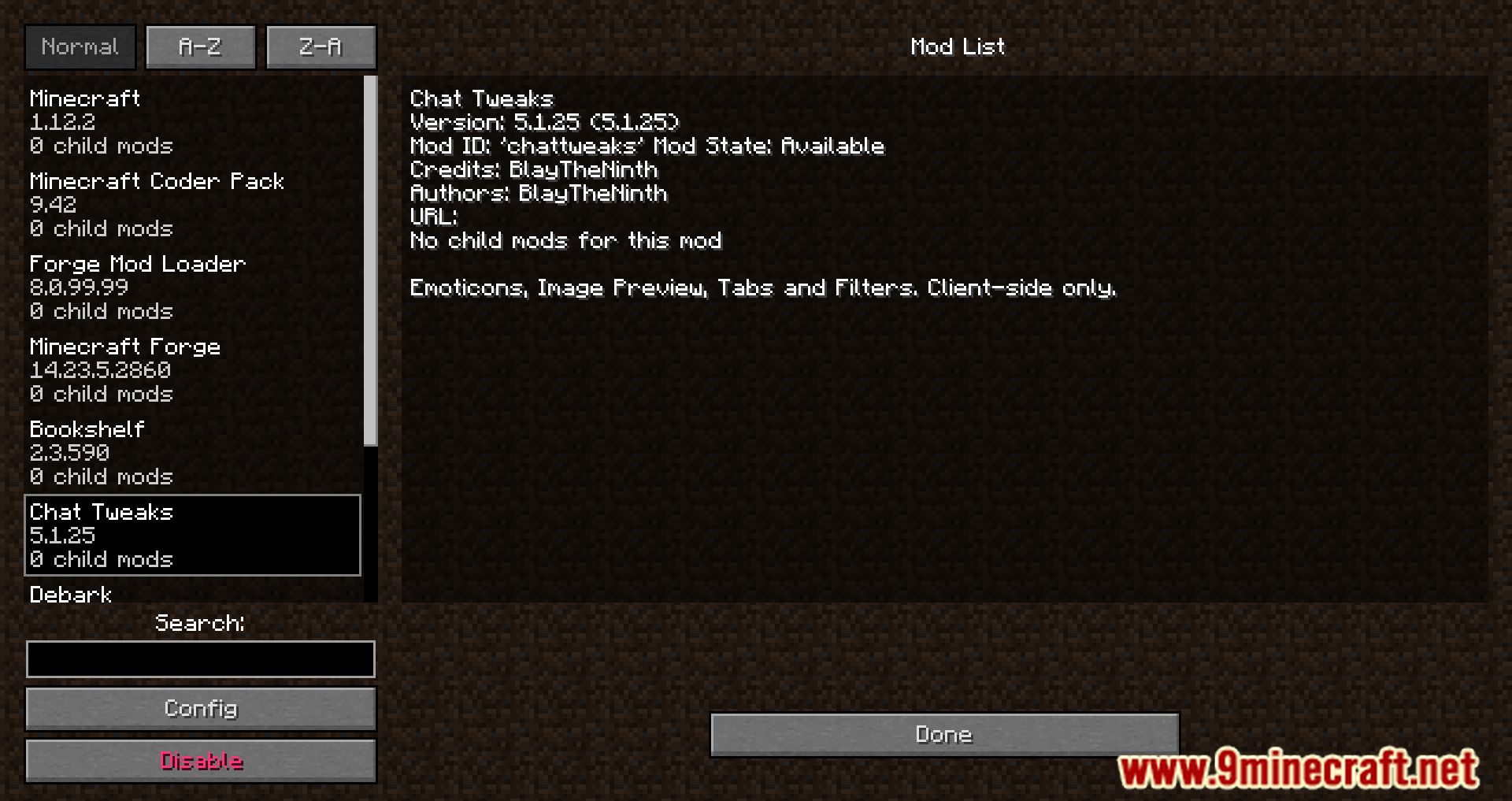
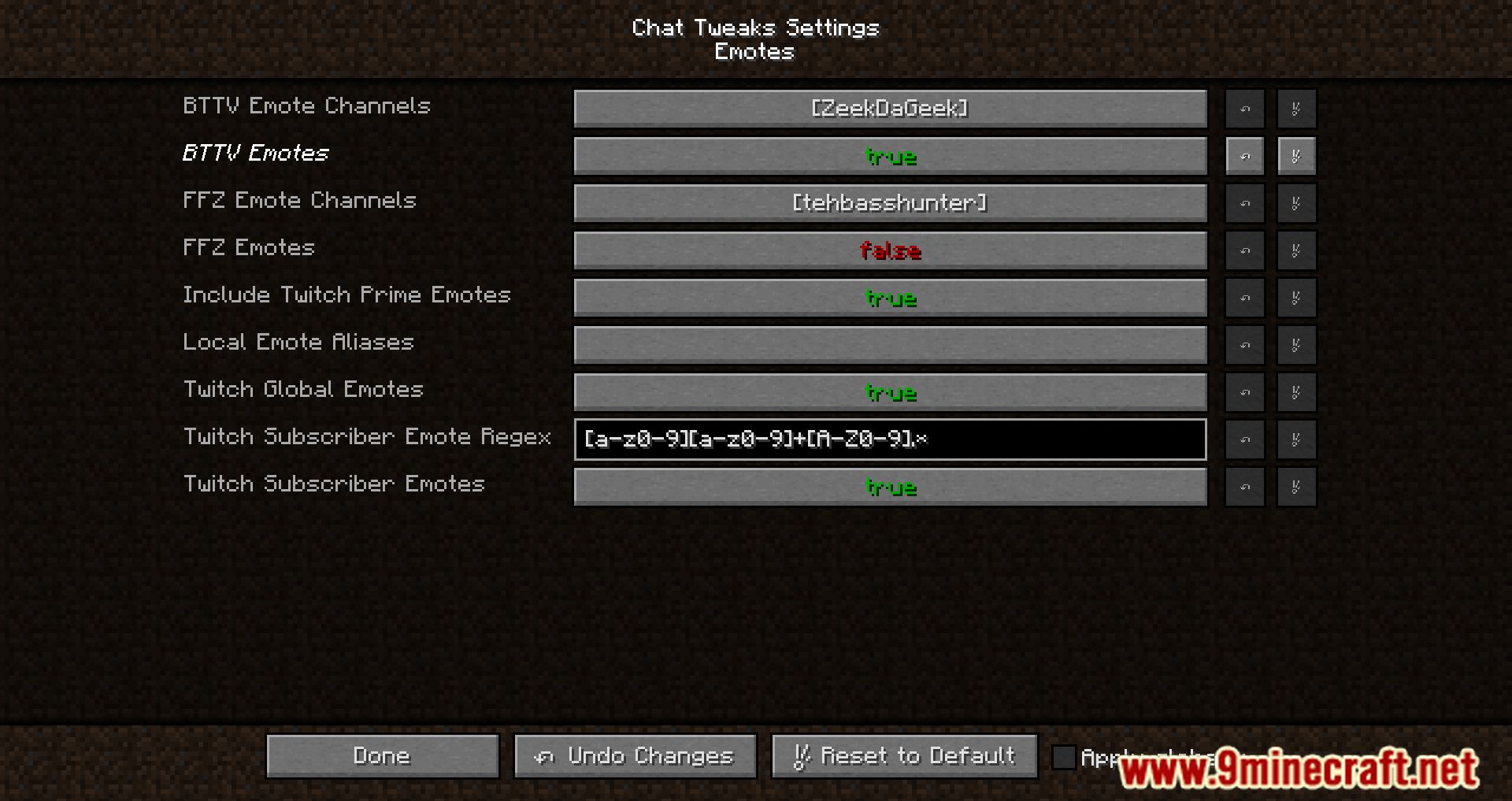
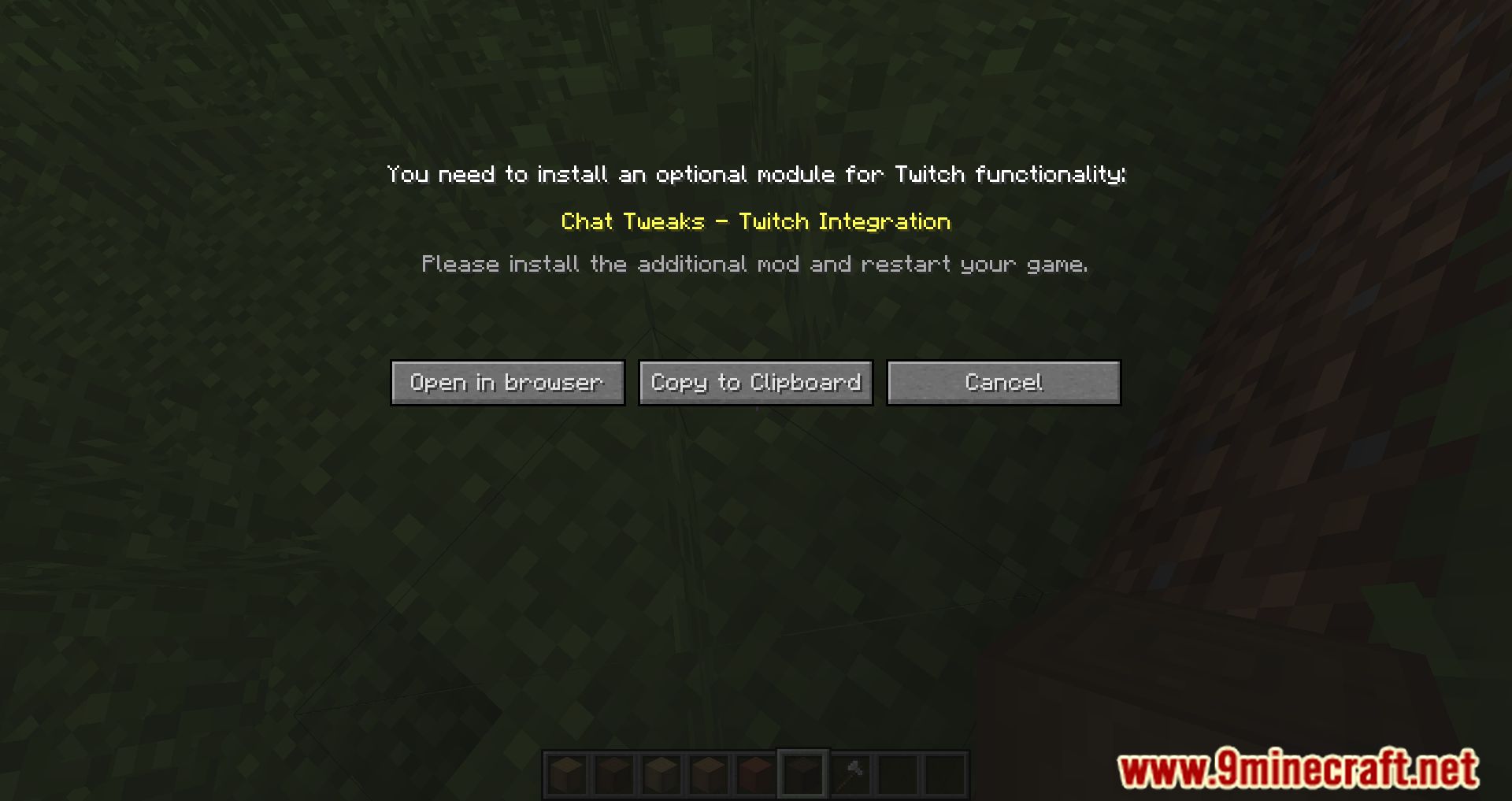
⬇ DownloadChat Tweaks Mod enhances the in-game chat experience by adding various features and tweaks. It supports Twitch, BetterTTV, and FrankerFaceZ emotes with an emote menu. This mod allows you to view posted images in Minecraft without opening a browser.
Features:
- Emoticons (Twitch, BTTV, FFZ) with an emote menu.
- Image Link Preview (view posted images in Minecraft without opening a browser)
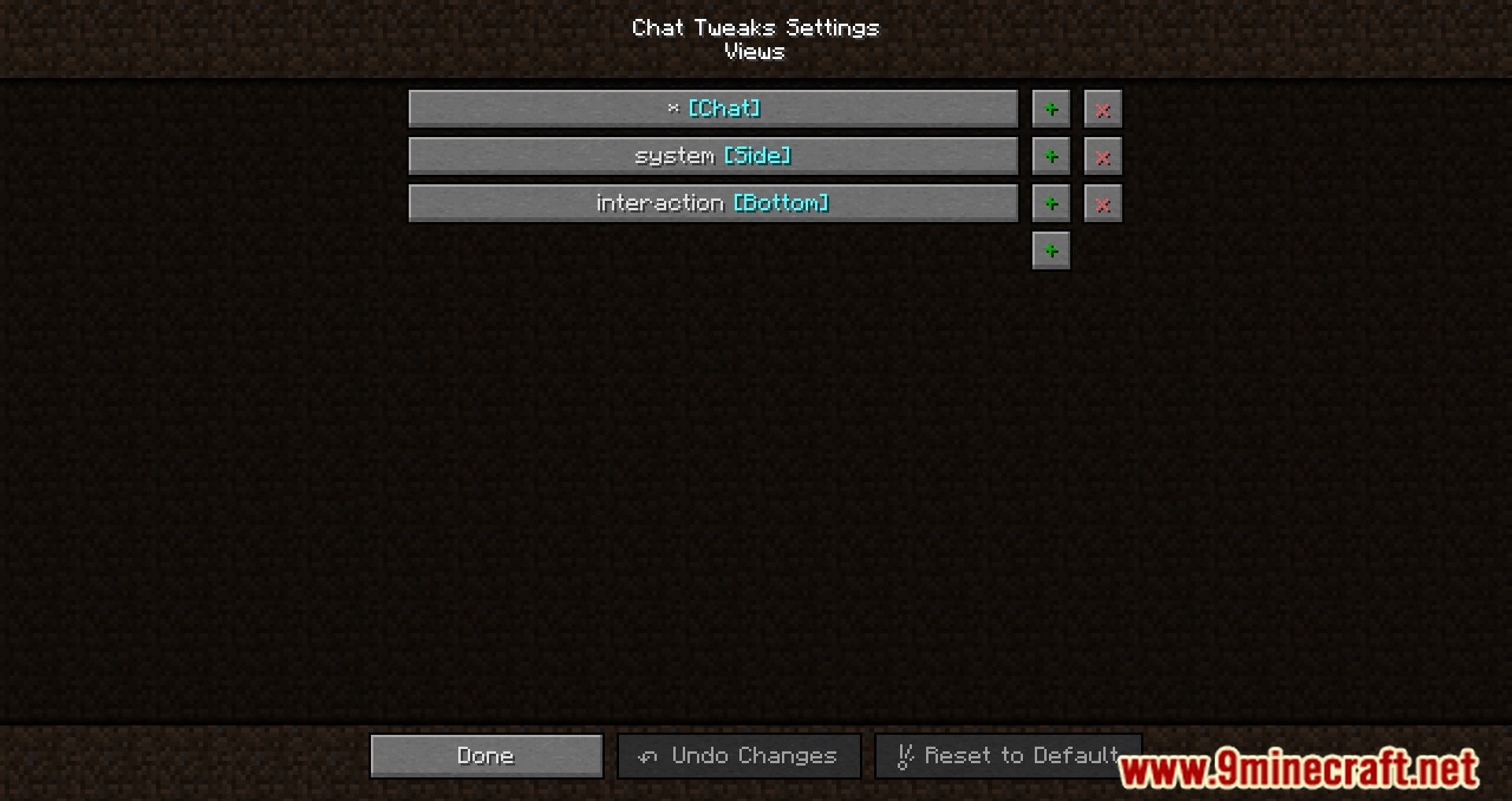
- Ability to group messages into tabs using RegEx patterns.
- Message Filters (allows redirecting messages to appear in the sidebar or in the bottom of the screen)
- Ability to simply hide certain messages completely.
- Message Reformatting (sender, message and custom RegEx groups can be used to restructure displayed messages)
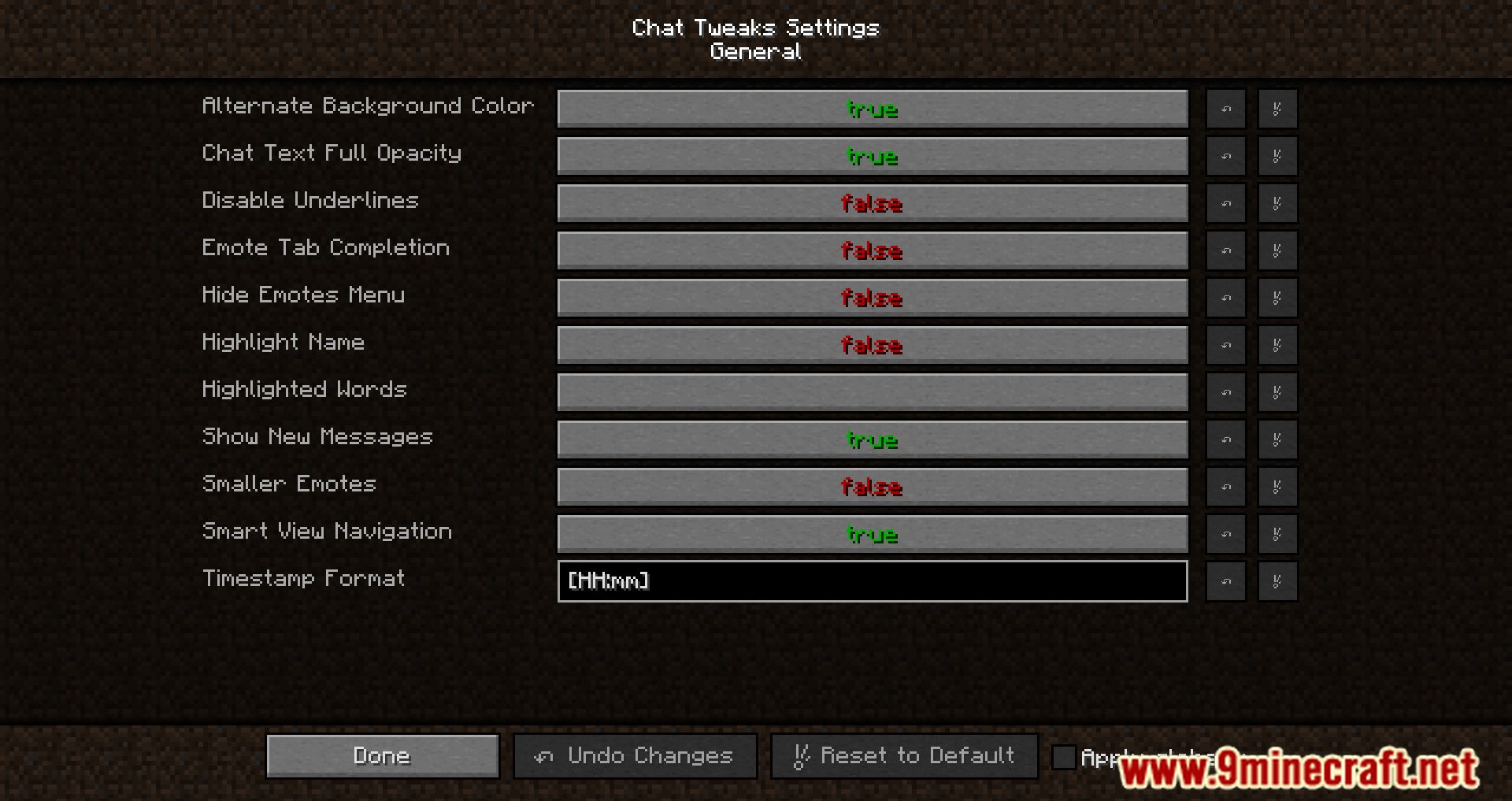
- Message Highlights.
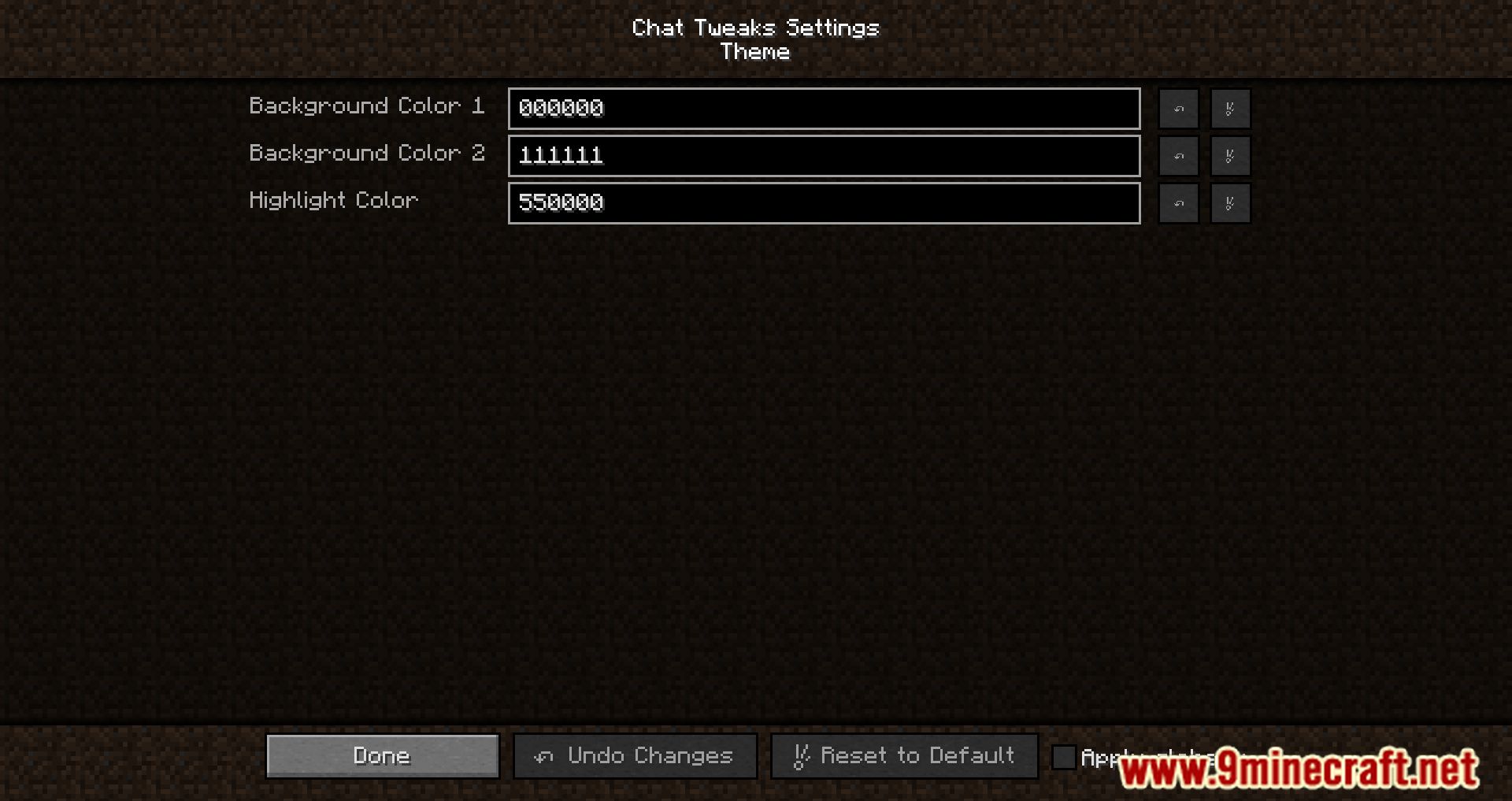
- Alternating Message Background for better readability.
- Message Timestamps.
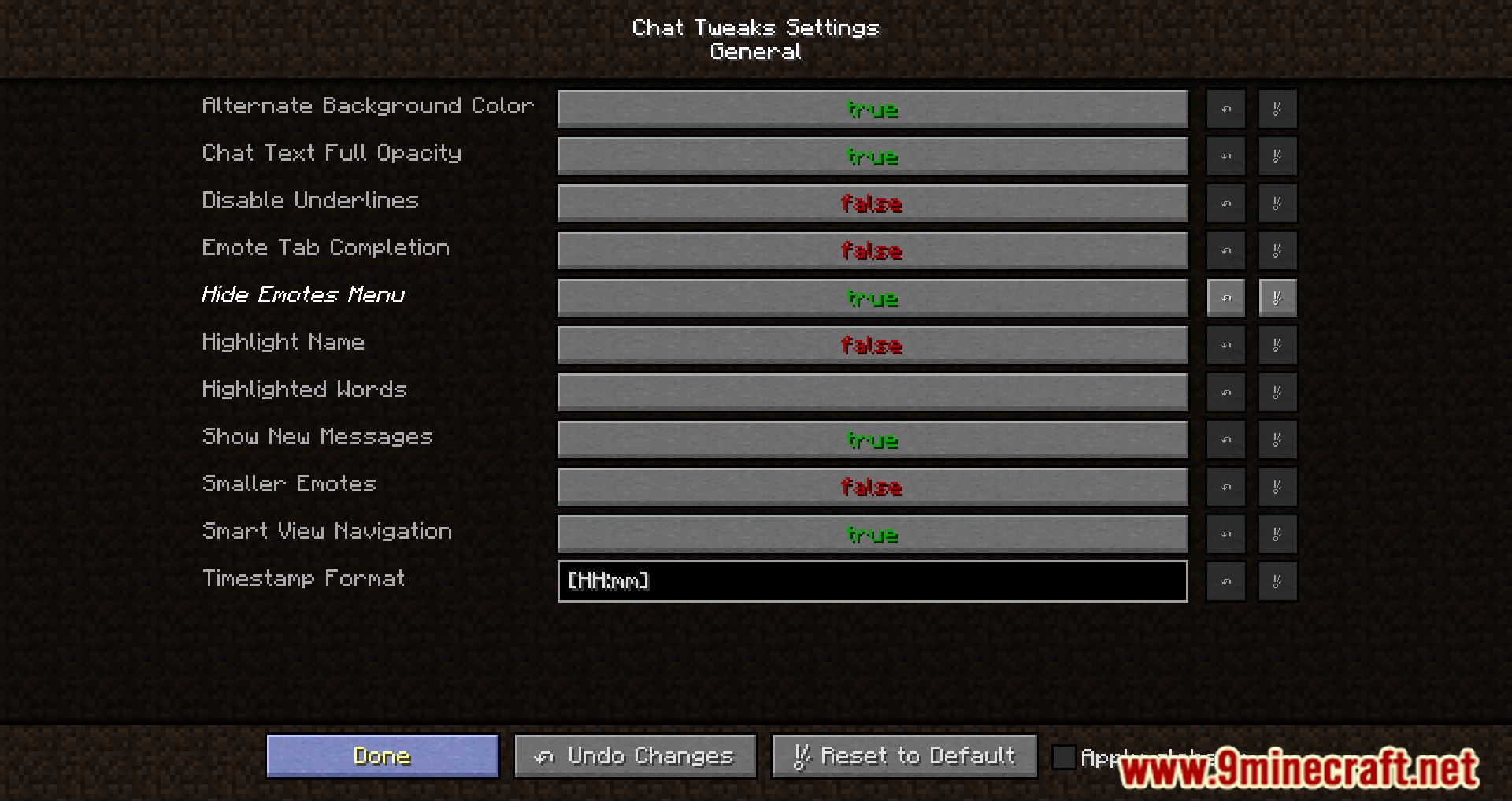
Screenshots:
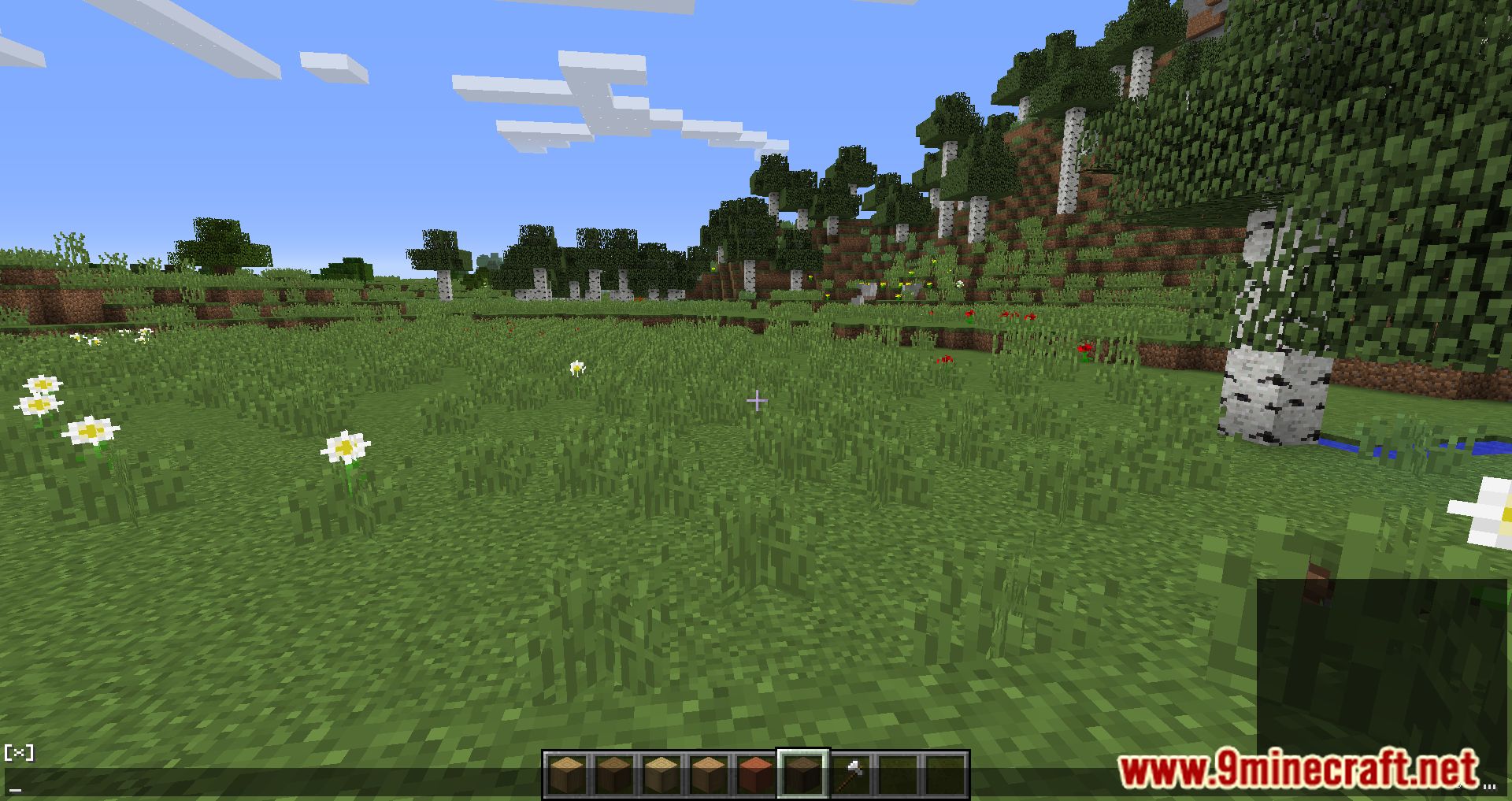
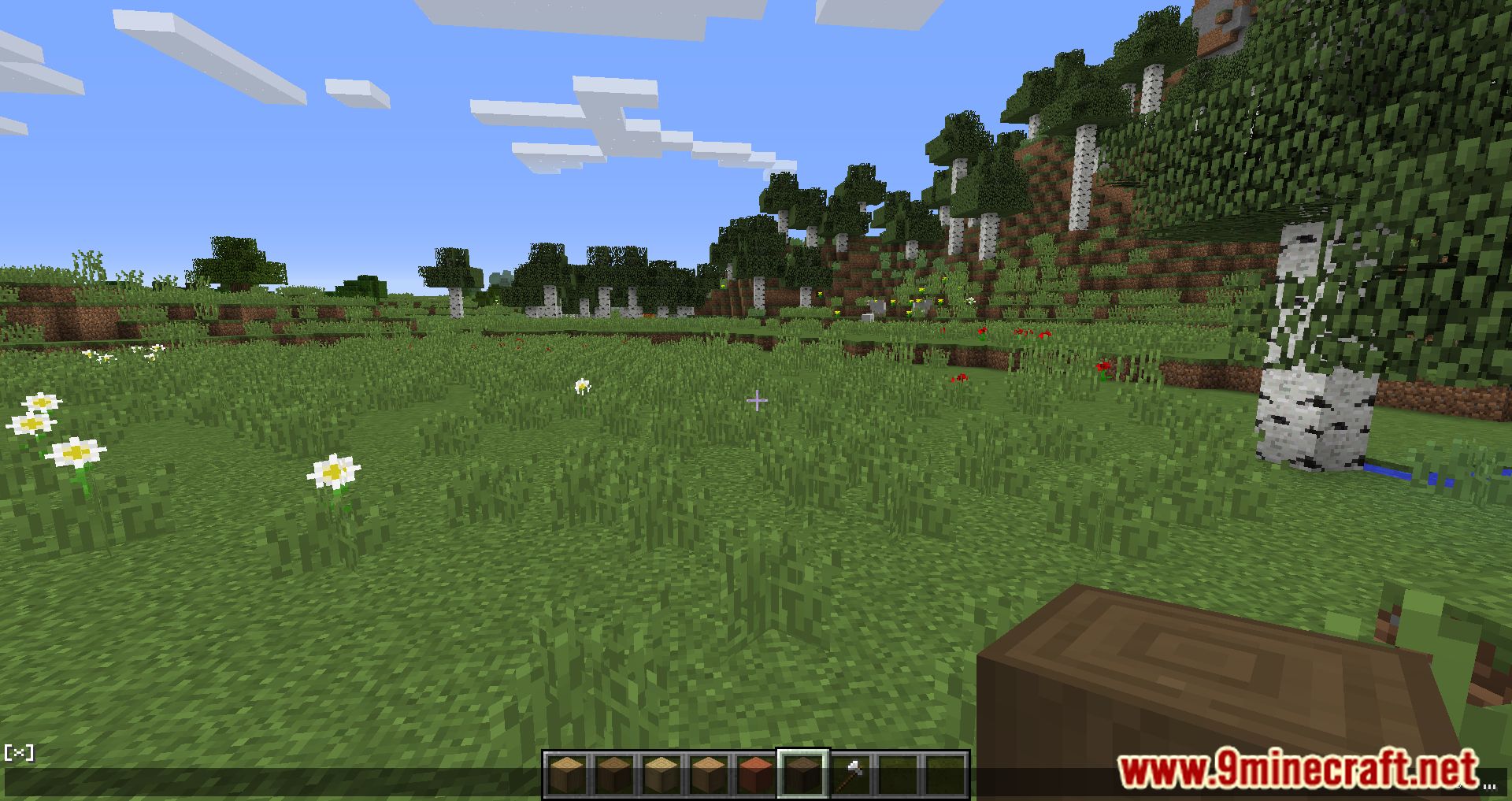
Chat Tweaks Mod Download Links
For Minecraft 1.12.2
Forge Version: Download from Server 1 – Download from Server 2
For Minecraft 1.11.2
Forge Version: Download from Server 1 – Download from Server 2
For Minecraft 1.10.2
Forge Version: Download from Server 1 – Download from Server 2
Quick facts
- Edition: Minecraft Java
- File type: .jar
- How to install: Install the matching mod loader (Forge, Fabric or NeoForge) for your Minecraft version. → Download the .jar. → Put it in the .minecraft/mods folder and launch that loader profile.
- Where to get it: In MC Java Mods, or directly above on this page.
Install steps are the general flow for this file type — How to install Minecraft Java mods & modpacks walks through it step by step.
File checked by MCModsHub
- Downloads as 205300.mcaddon
- Download size: 215 KB
- Download link checked 24 Jul 2026 — working
- Mirrored on our own servers — the download does not depend on the original host
These come from our own check of the pack file, not from the source page.