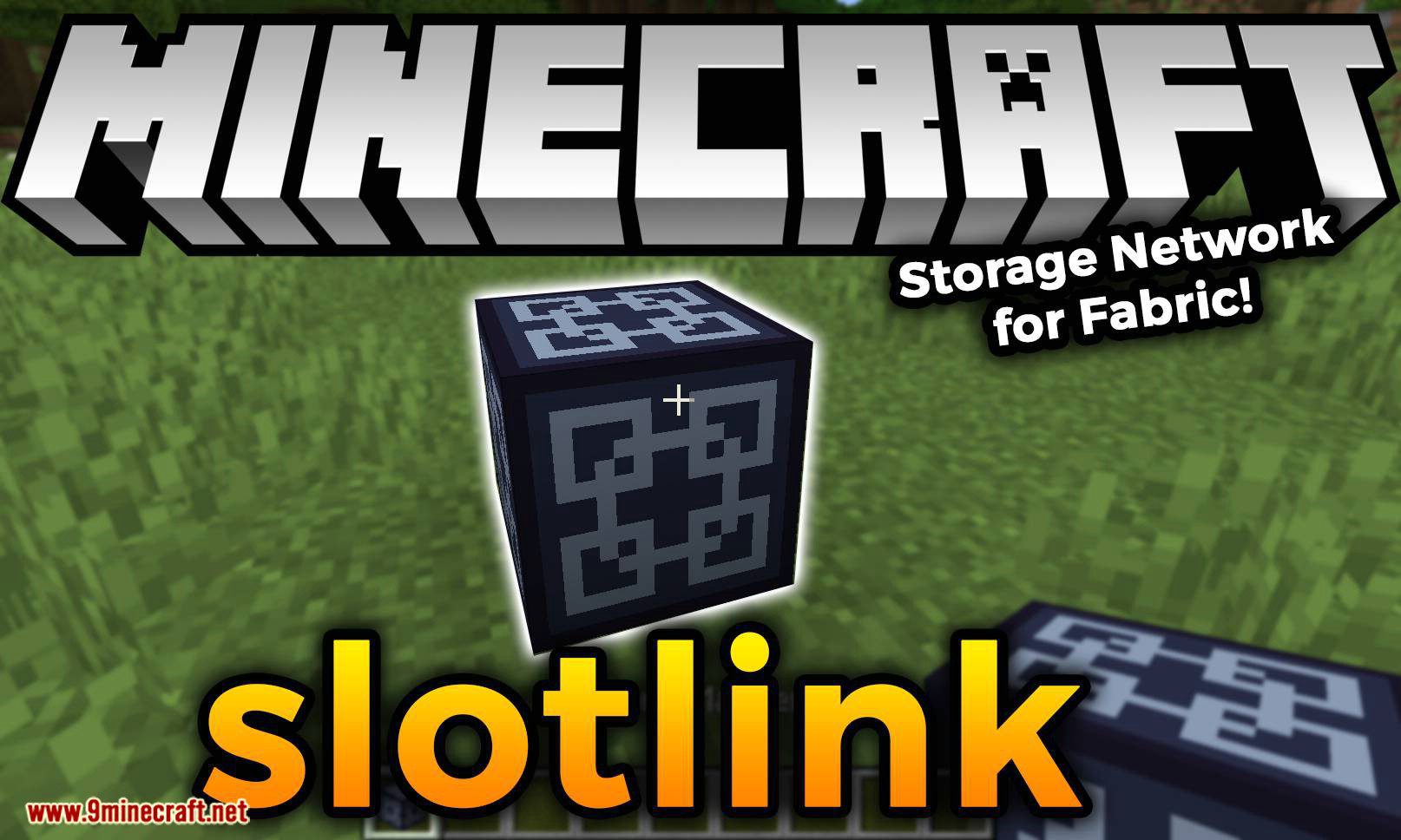
Slotlink Mod (1.19.4, 1.18.2) – Storage Network for Fabric
Java mod listed for Minecraft 1.18–1.19. Downloads from the MC Java Mods app on Android.
⬇ DownloadSlotlink Mod is a Fabric version of Simple Storage Network mod, it adds a way to linking multiple storages into one network (literally means linking slots) for easy access.
Getting Started:
How to Make a Tasty Slotlink Network:
Ingredients:
You’ll need at least this amount of items to build a small network
- 6 stone slabs
- 4 quartz blocks
- 4 crafting tables
- 2 iron ingots
- 1 chest
- 1 diamond
- 1 gold ingot
Instructions:
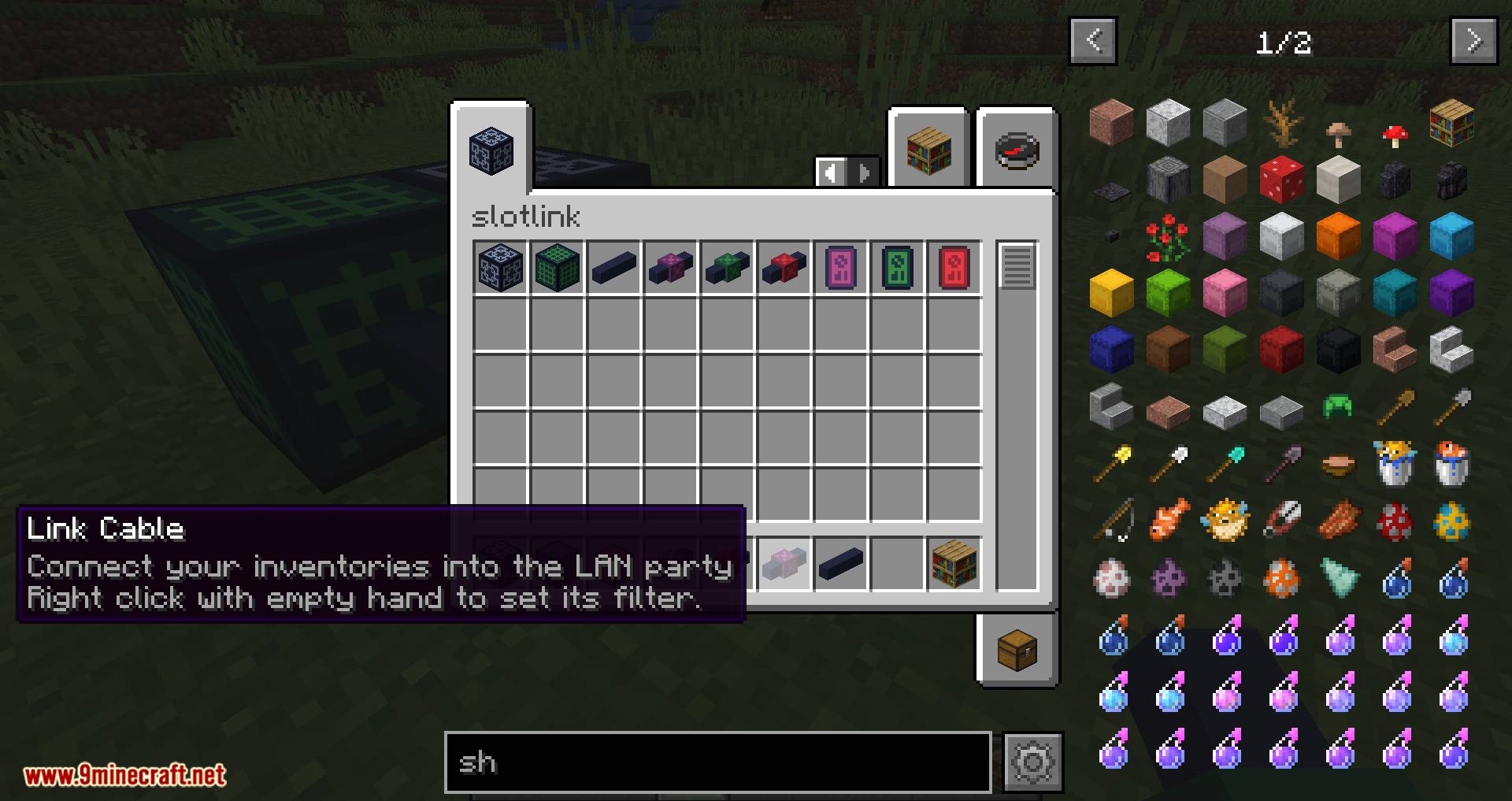
- 1. Craft some basic cables and link cables
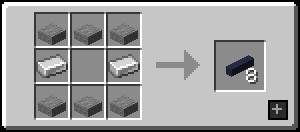
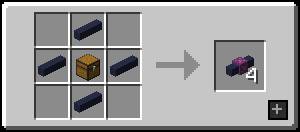
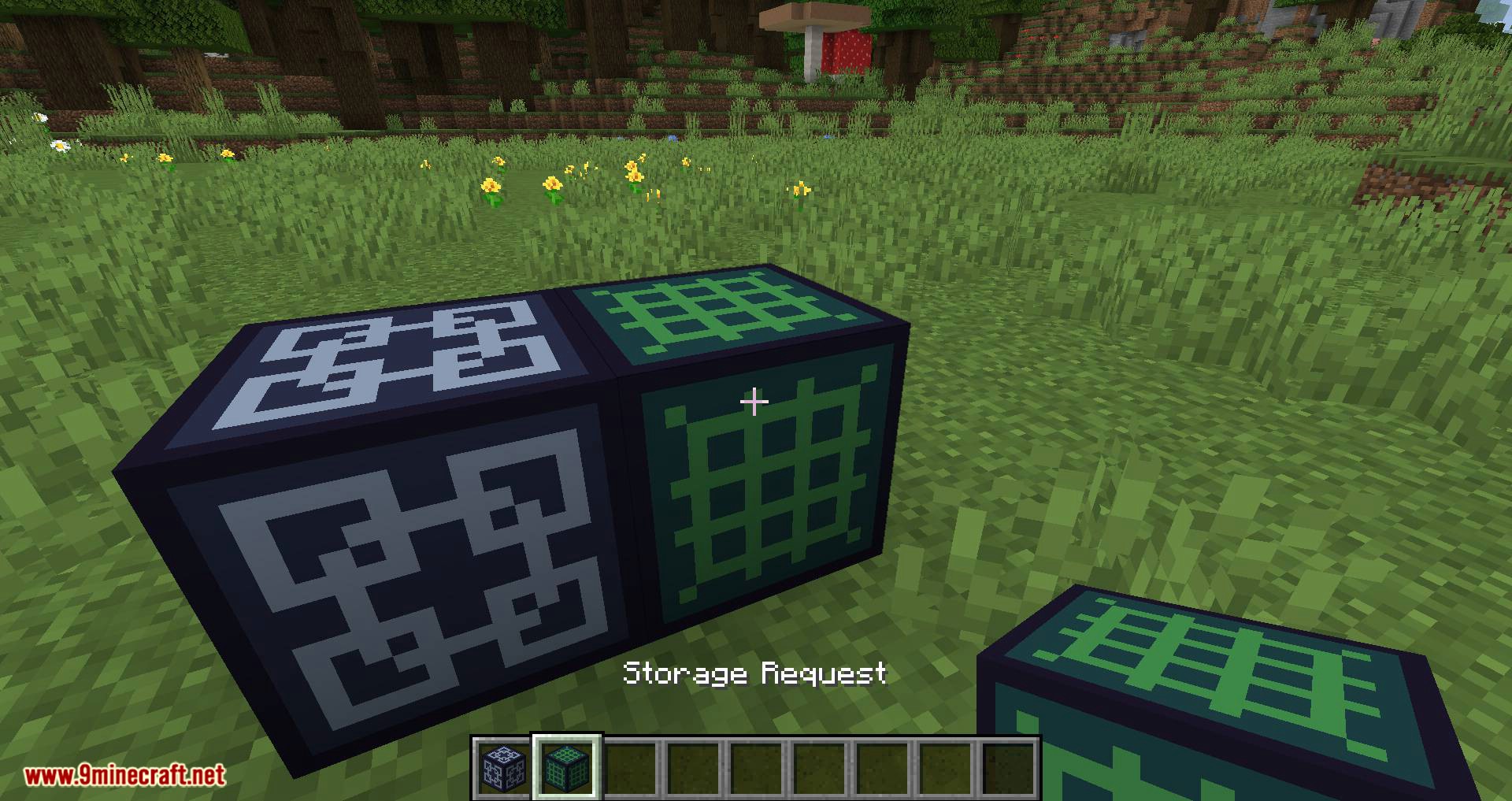
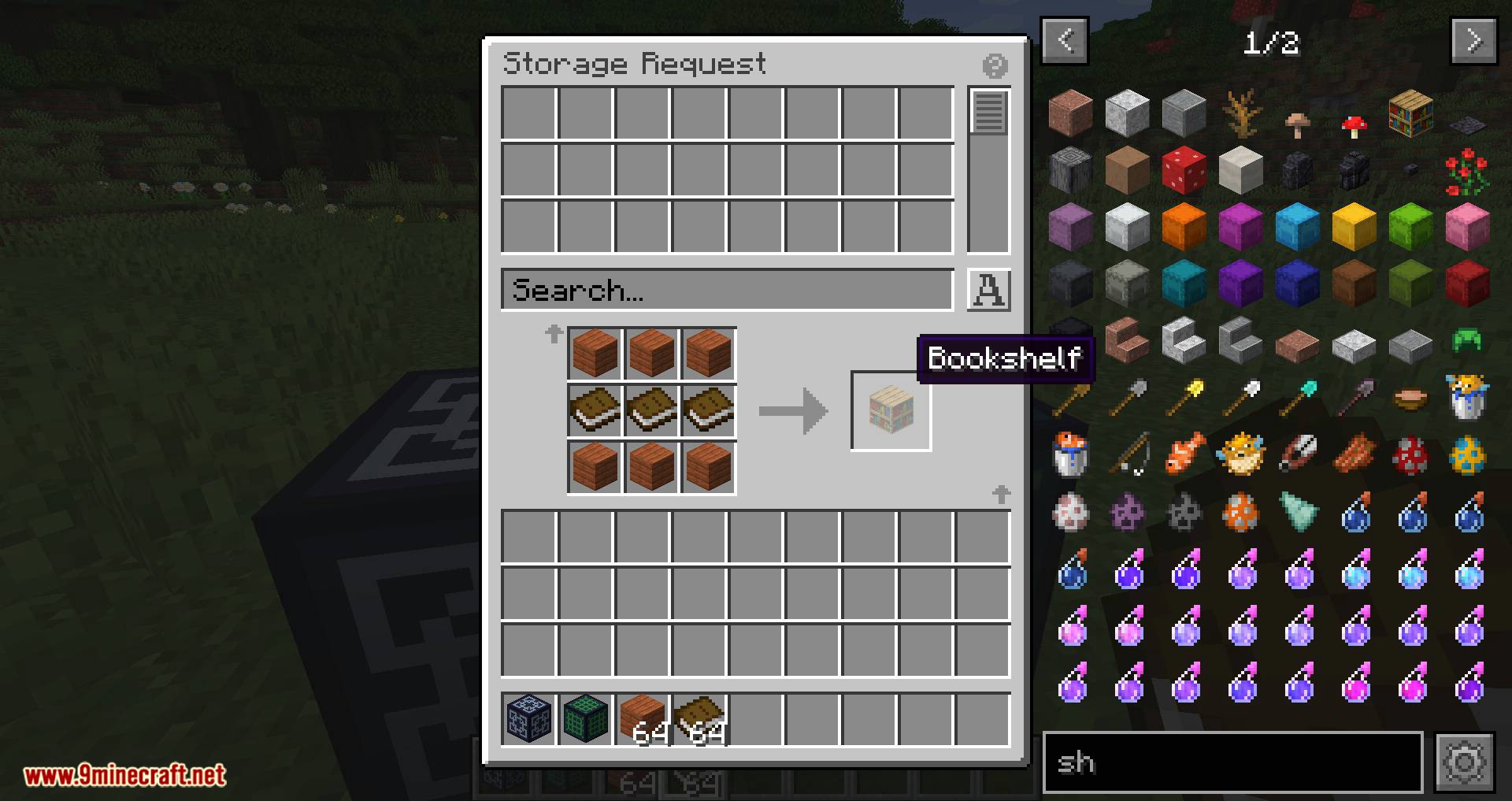
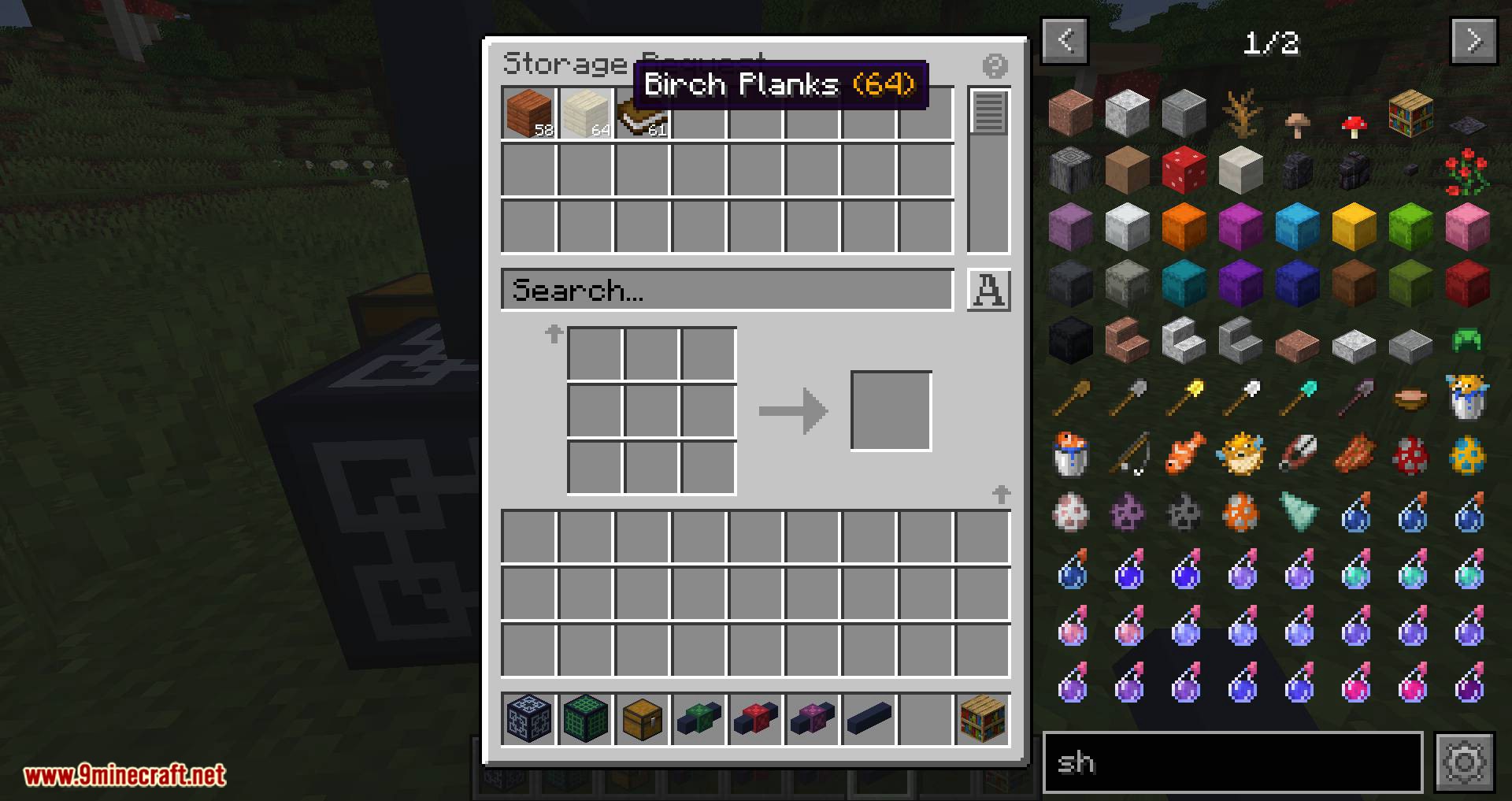
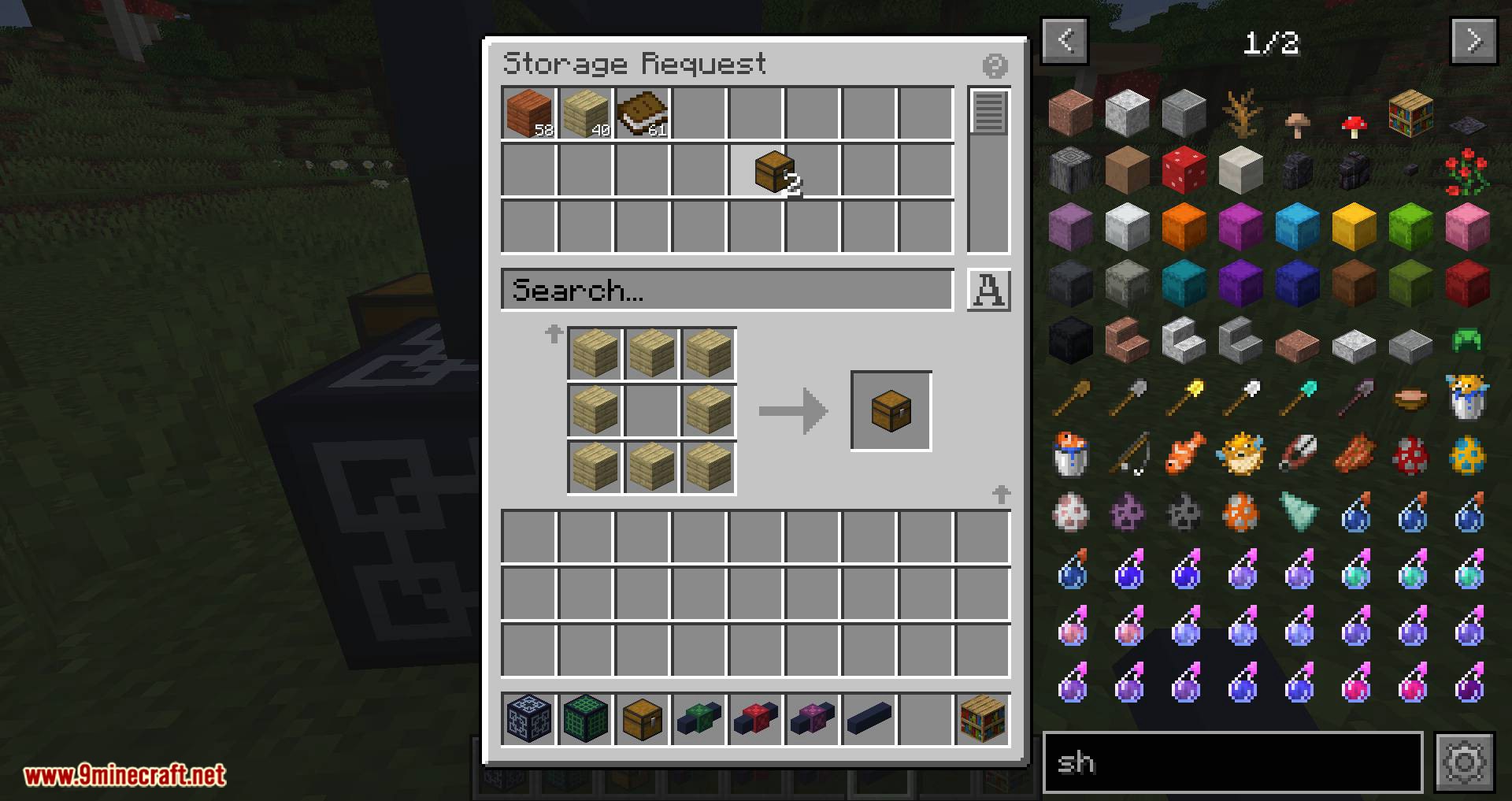
- 2.Craft a network master and a storage request block
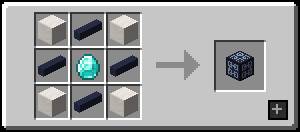
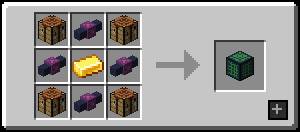
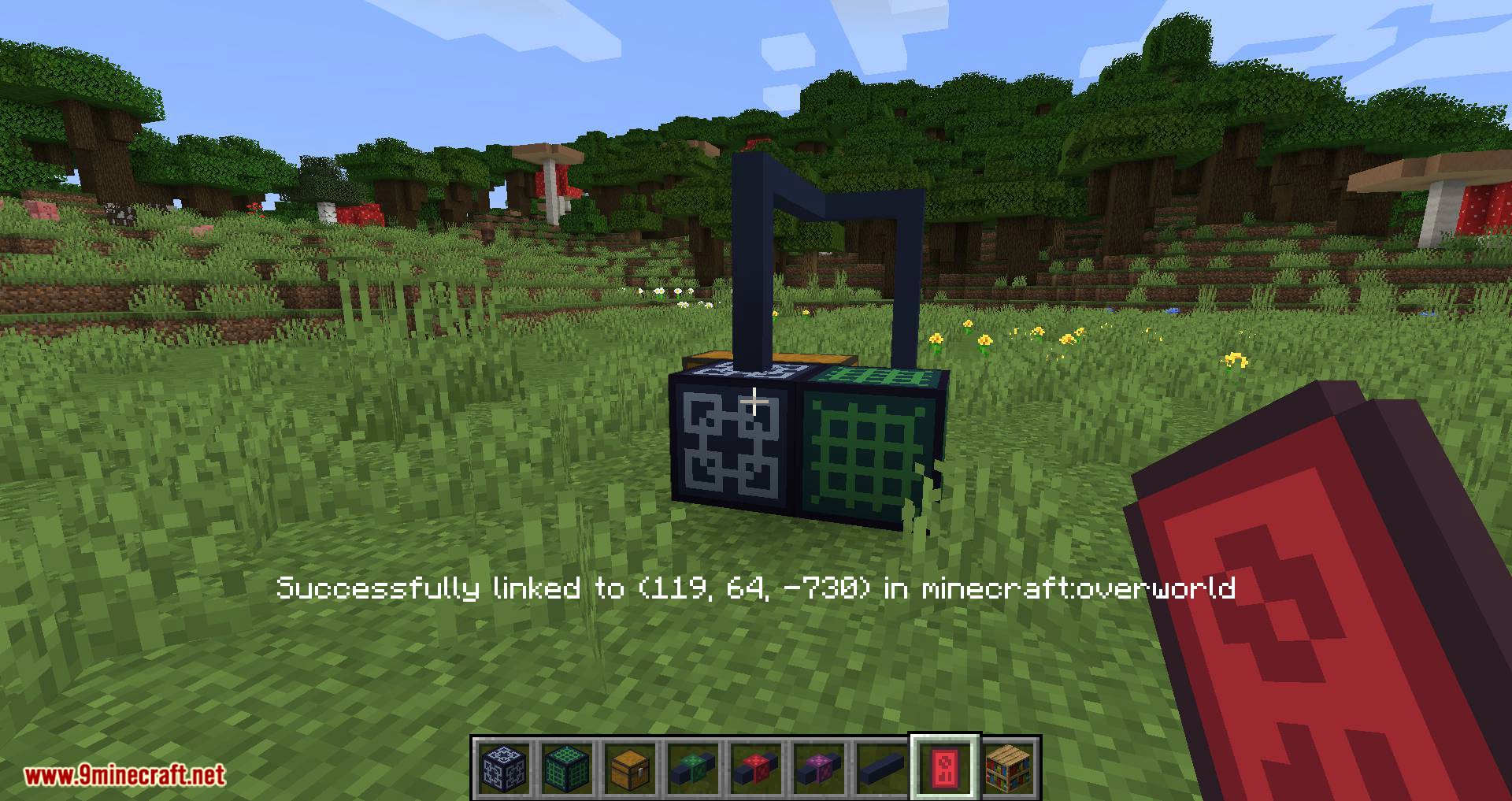
- 3.Place them however you like! Keep in mind that cables and request blocks need to be connected to master block to work.
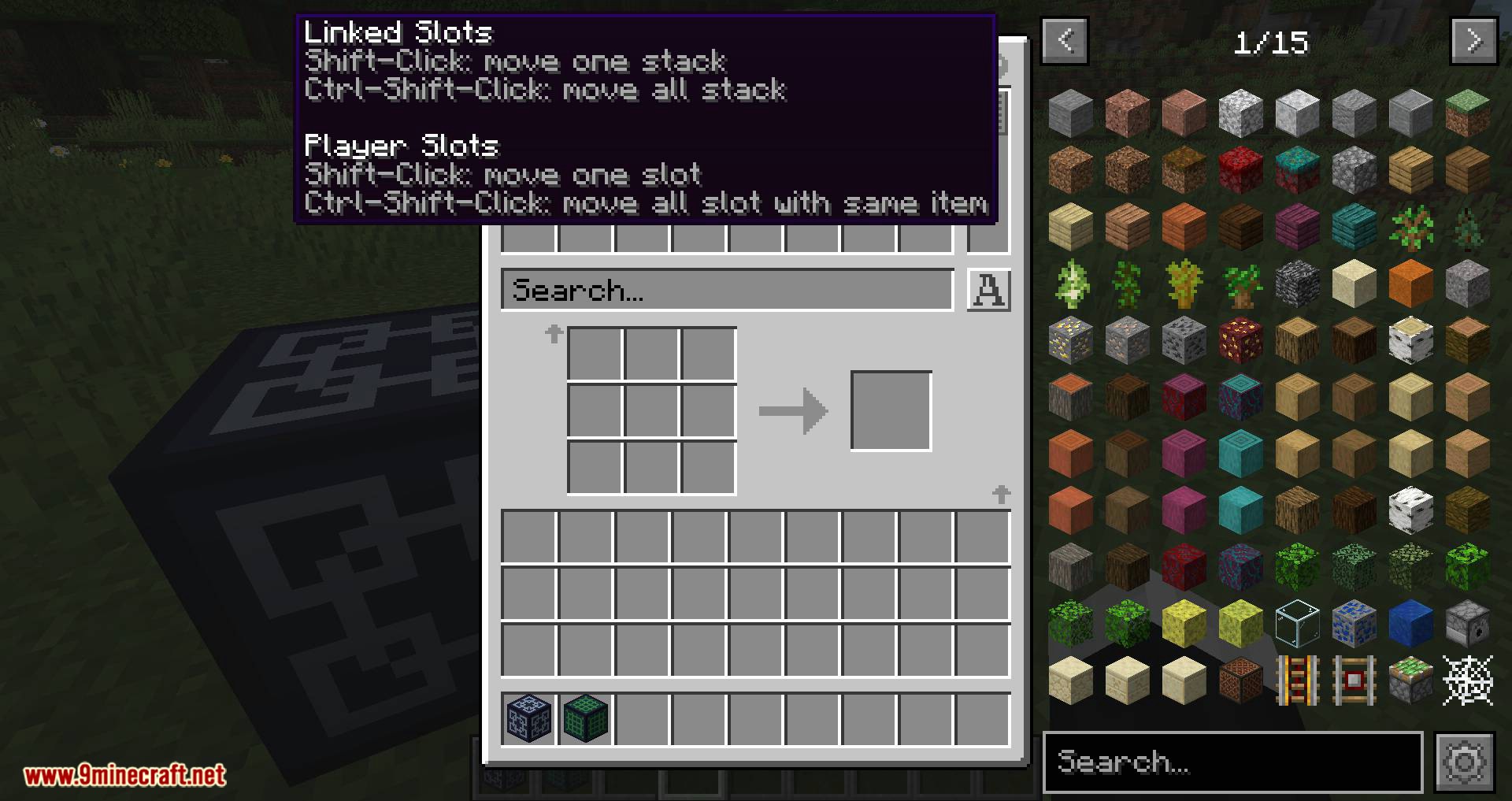
Now you can access the network by right-clicking the request block.
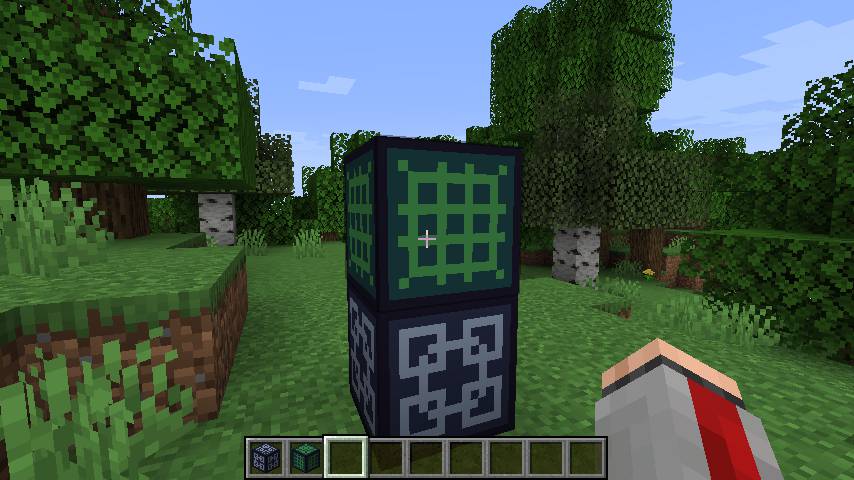
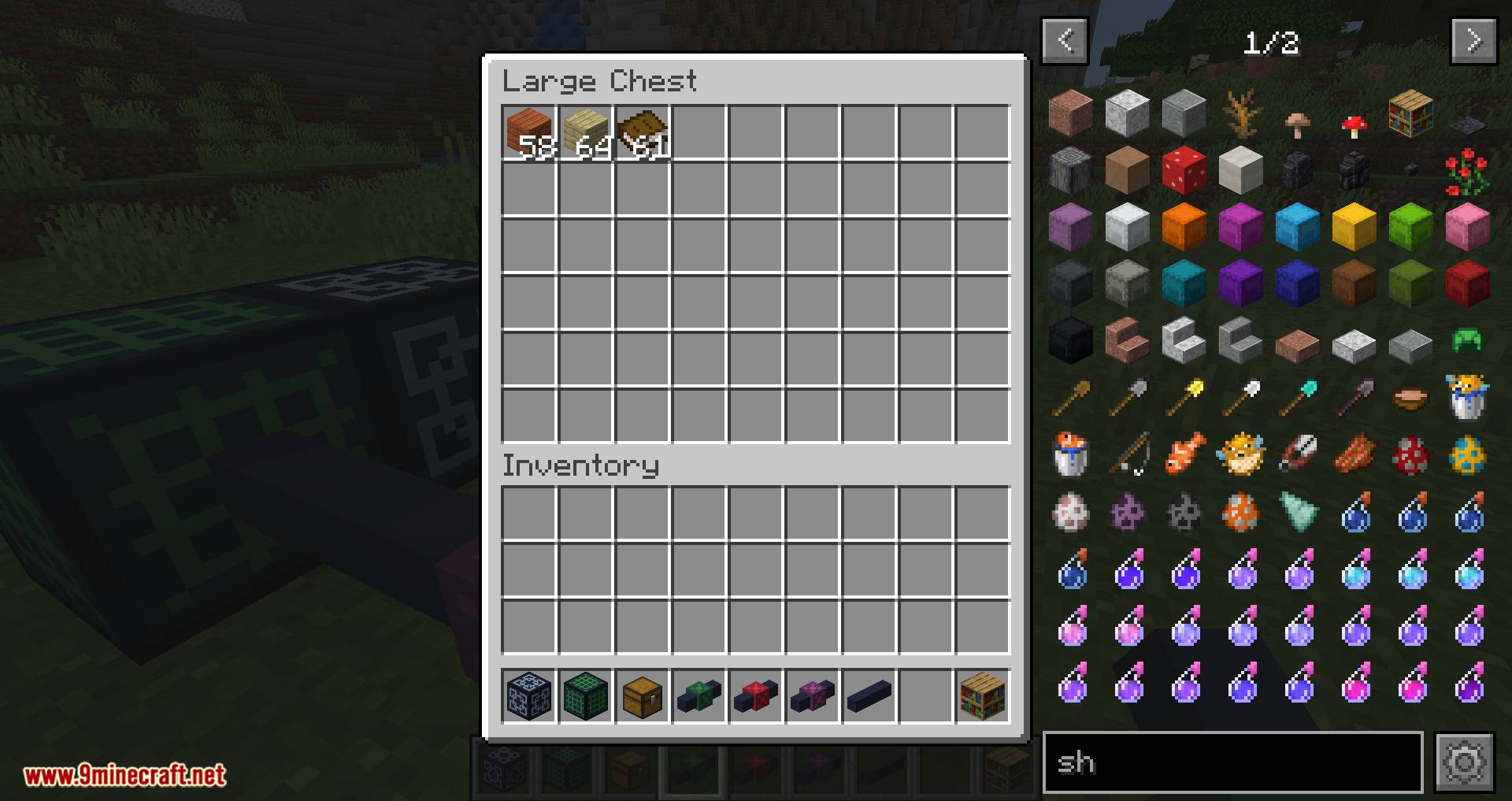
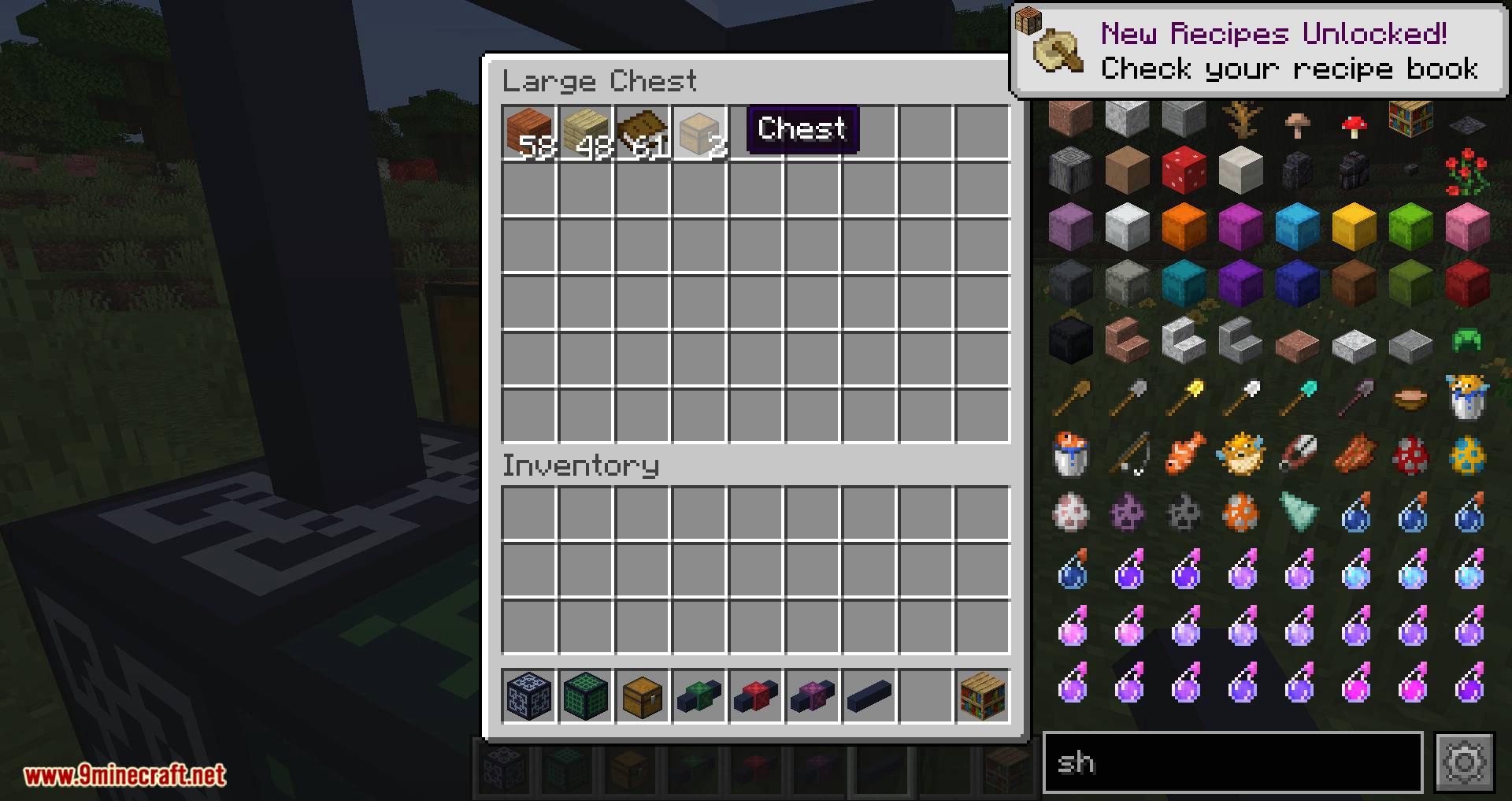
- Wait, it’s empty! You need to connect some storages to the network. To do it, you need more link cables. (You only need one cable for double chest)
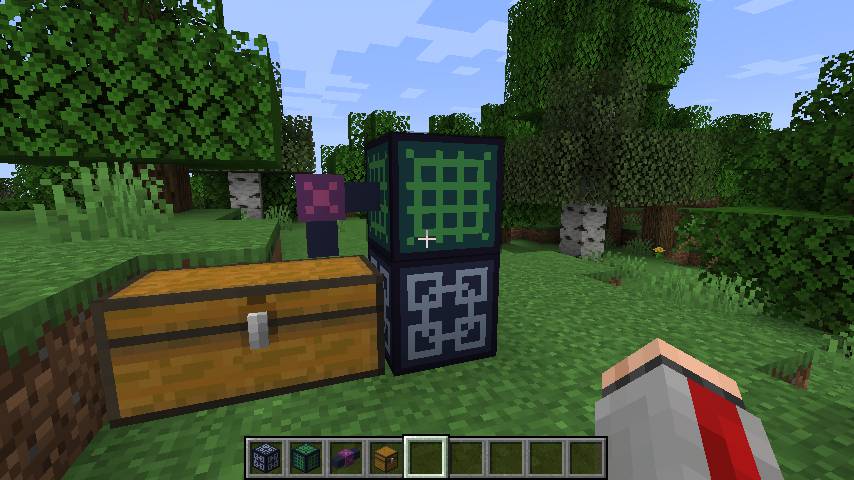
Importing and Exporting:
- Slotlink added two more cable types, which are import and export cable!
As the name suggests, it used to transfer items from or into the network.
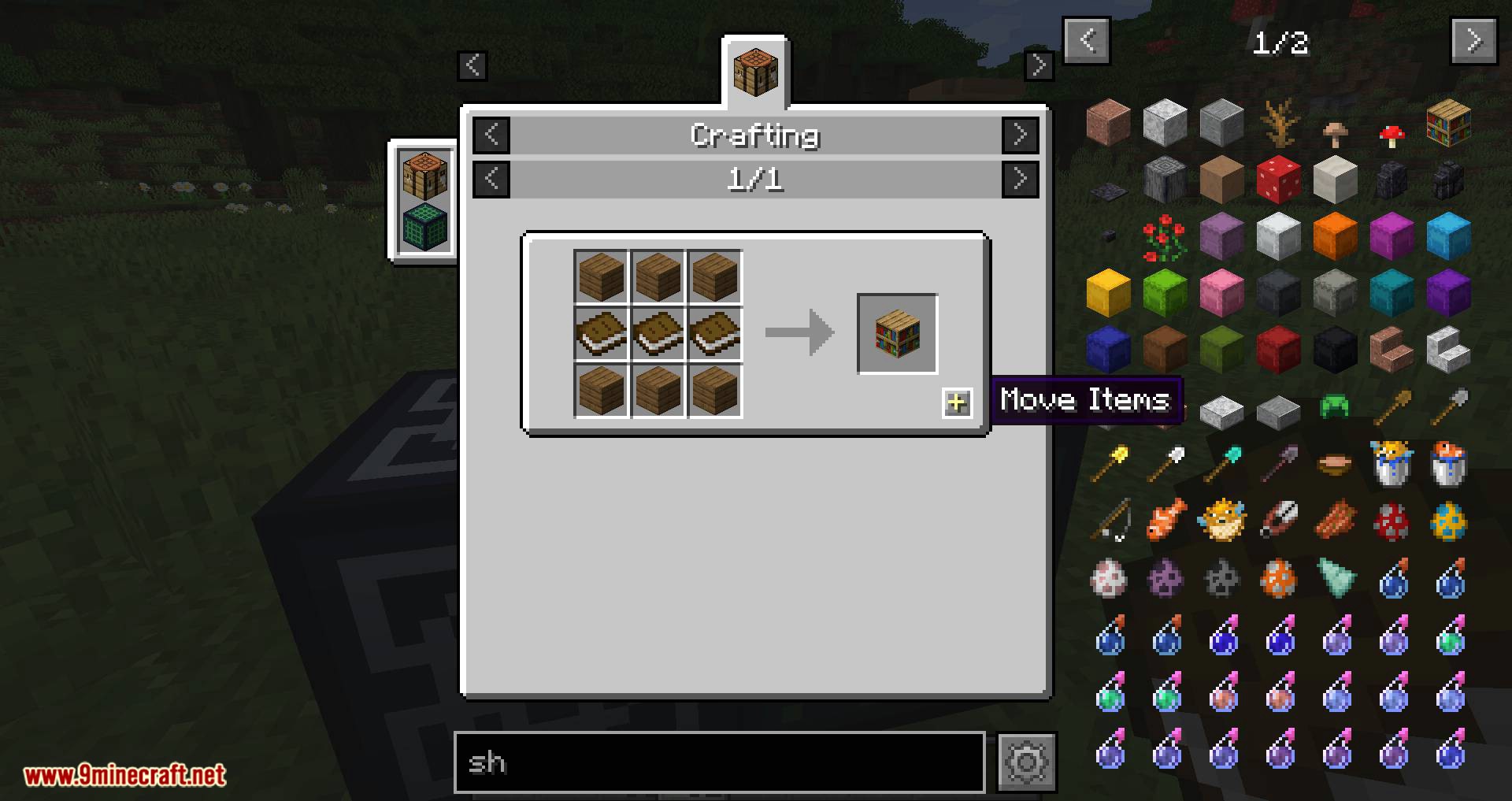
Crafting Recipe:
- Recipe for import cable:
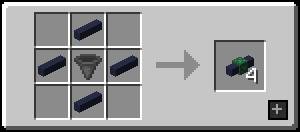
- You can convert it back and forth between import & export:
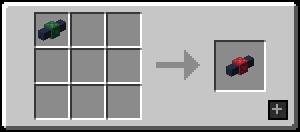
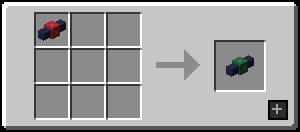
Cable Options:
- When you right-click a cable, it’ll open its options screen.
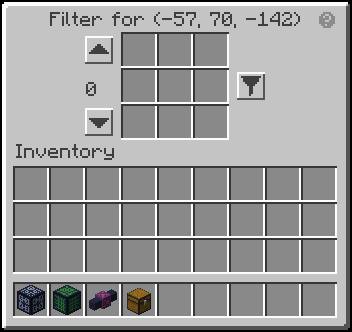
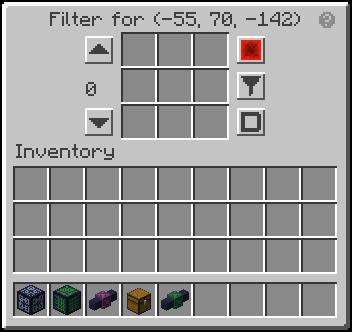
- (the link cable doesn’t have some options because it doesn’t make sense to have them)
Options:
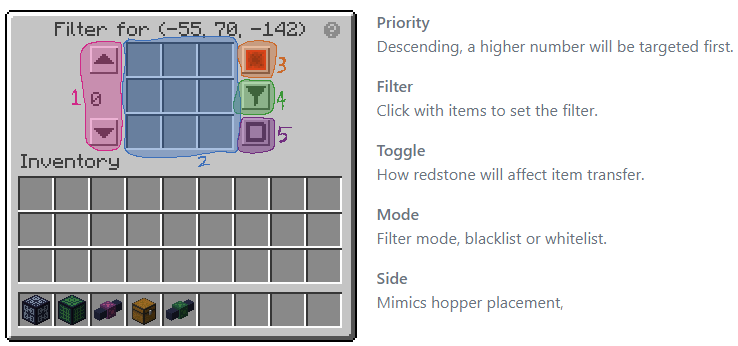
- Options will be saved when you close it.
Tips: When you forgot what the button means just hover the (?) icon!
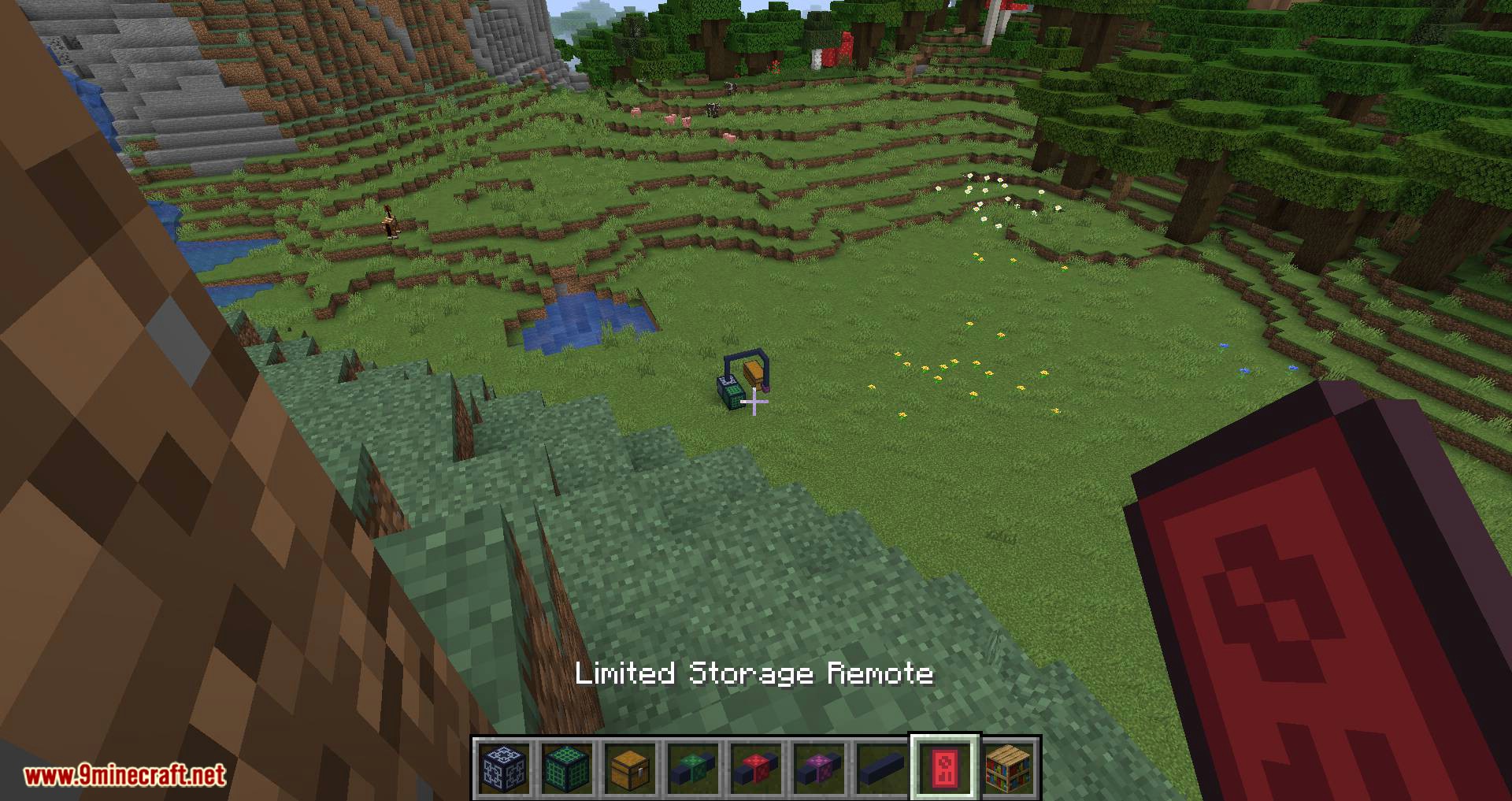
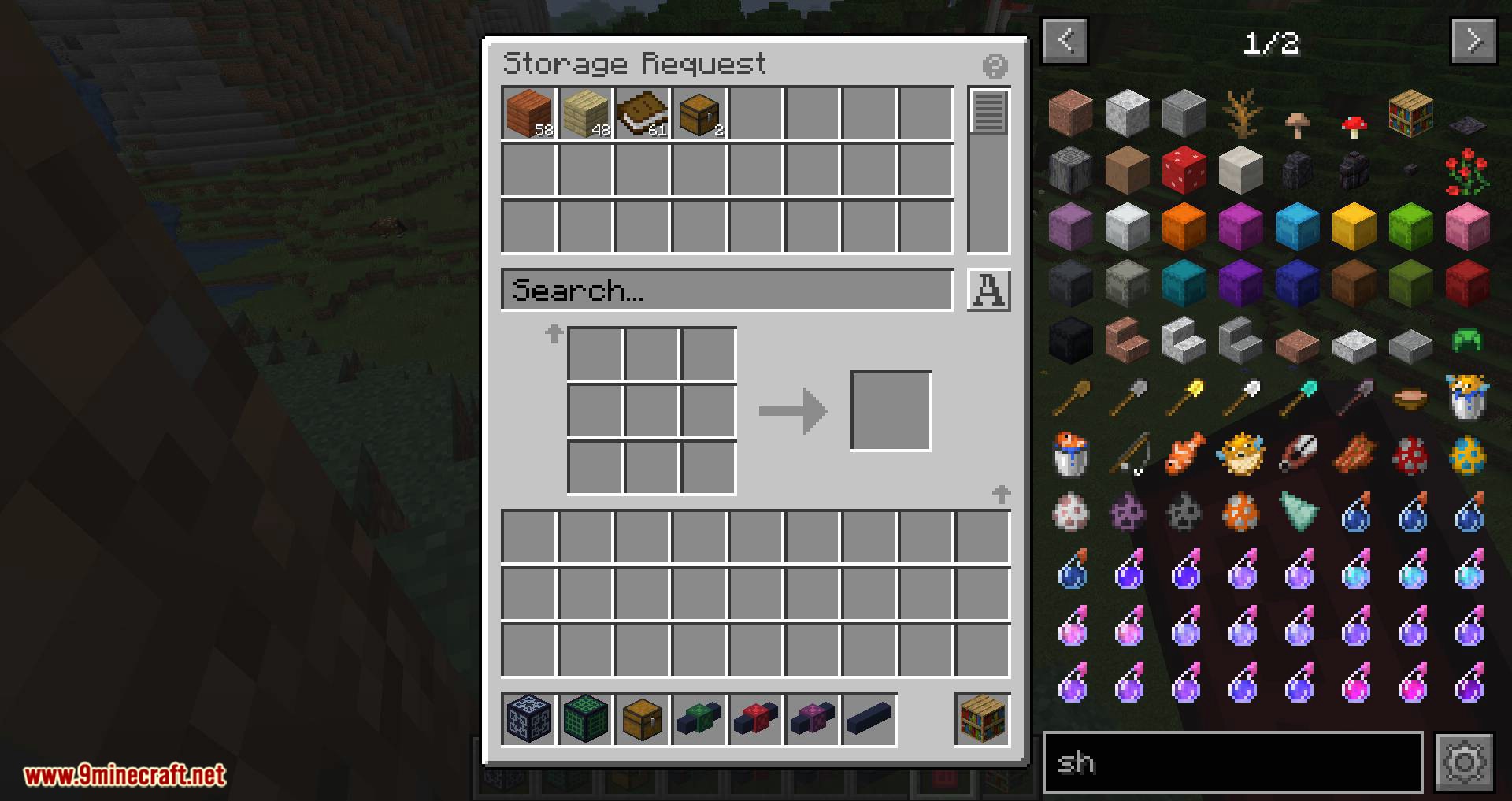
Screenshots:
Slotlink Mod Download Links
For Minecraft 1.15.2
Fabric version: Download from Server 1
For Minecraft 1.16.5
Fabric version: Download from Server 1
For Minecraft 1.17.1
Fabric version: Download from Server 1
For Minecraft 1.18.1
Fabric version: Download from Server 1
For Minecraft 1.18.2
Fabric version: Download from Server 1 – Download from Server 2
For Minecraft 1.19
Fabric version: Download from Server 1
For Minecraft 1.19.2
Fabric version: Download from Server 1 – Download from Server 2
For Minecraft 1.19.3
Fabric version: Download from Server 1 – Download from Server 2
For Minecraft 1.19.4
Fabric version: Download from Server 1 – Download from Server 2
- Edition: Minecraft Java
- File type: .jar
- Minecraft versions listed: 1.19.4, 1.18.2
- How to install: Install the matching mod loader (Forge, Fabric or NeoForge) for your Minecraft version. → Download the .jar. → Put it in the .minecraft/mods folder and launch that loader profile.
- Where to get it: In MC Java Mods, or directly above on this page.
Install steps are the general flow for this file type — How to install Minecraft Java mods & modpacks walks through it step by step.
- Downloads as 205448.mcaddon
- Download size: 703 KB
- Download link checked 24 Jul 2026 — working
- Mirrored on our own servers — the download does not depend on the original host
These come from our own check of the pack file, not from the source page.