No Potion Offset Mod (1.17.1, 1.16.5) – Removes The Potion Inventory Offset
Java mod listed for Minecraft 1.16–1.17. Downloads from the MC Java Mods app on Android.
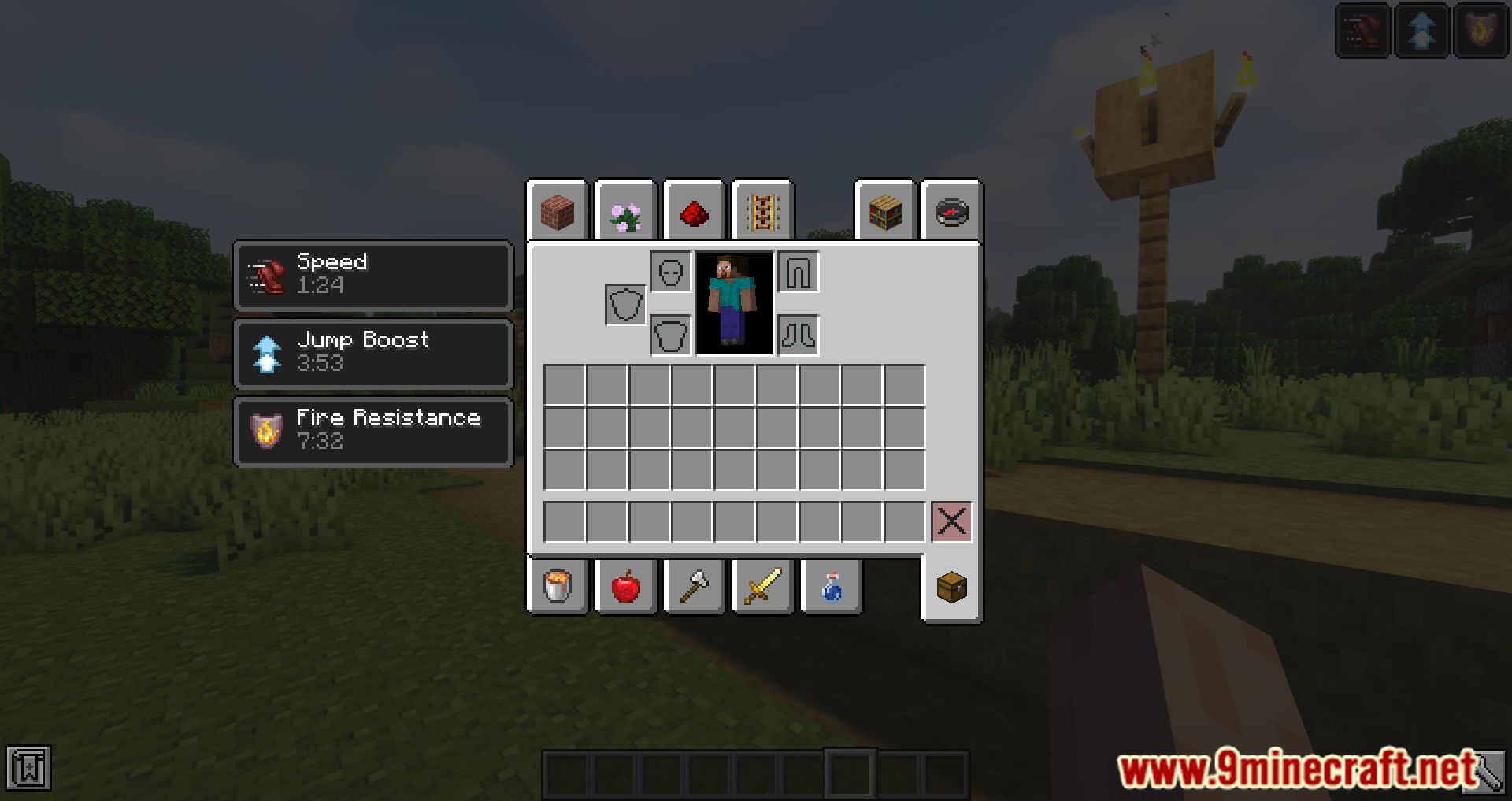
⬇ DownloadThe No Potion Offset Mod does away with the inventory offset for potions. Are you irritated by the fact that the effect bar constantly stands in an imbalanced position if you turn on the inventory while you are experiencing the effects of something? And if you no longer wish for that to occur or are looking for a straightforward solution, you might look into using the No Potion Offset Mod. When you turn on the inventory, and if you have more JEI, NEI mods, it will not affect anything, because now the effect bar will move to the left of the inventory, and the right side will be other mods like JEI, NEI. The No Potion Offset Mod will slightly modify your game without affecting the mechanics of the game. On the other hand, this is only a remedy that will help you have a better experience or will simply get rid of the things that are bugging you.
Features:
Removes the potion inventory offset, no configuration.
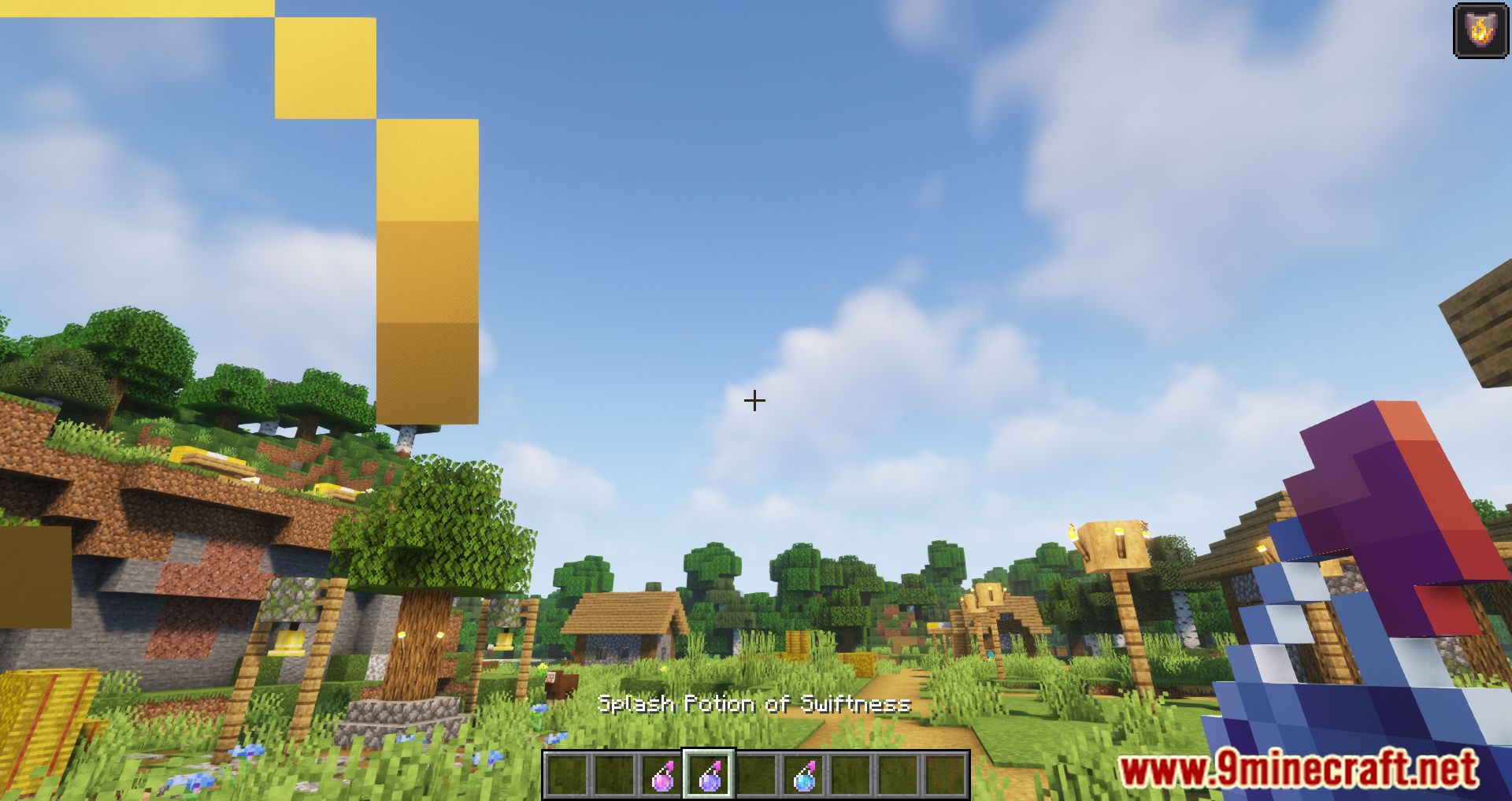
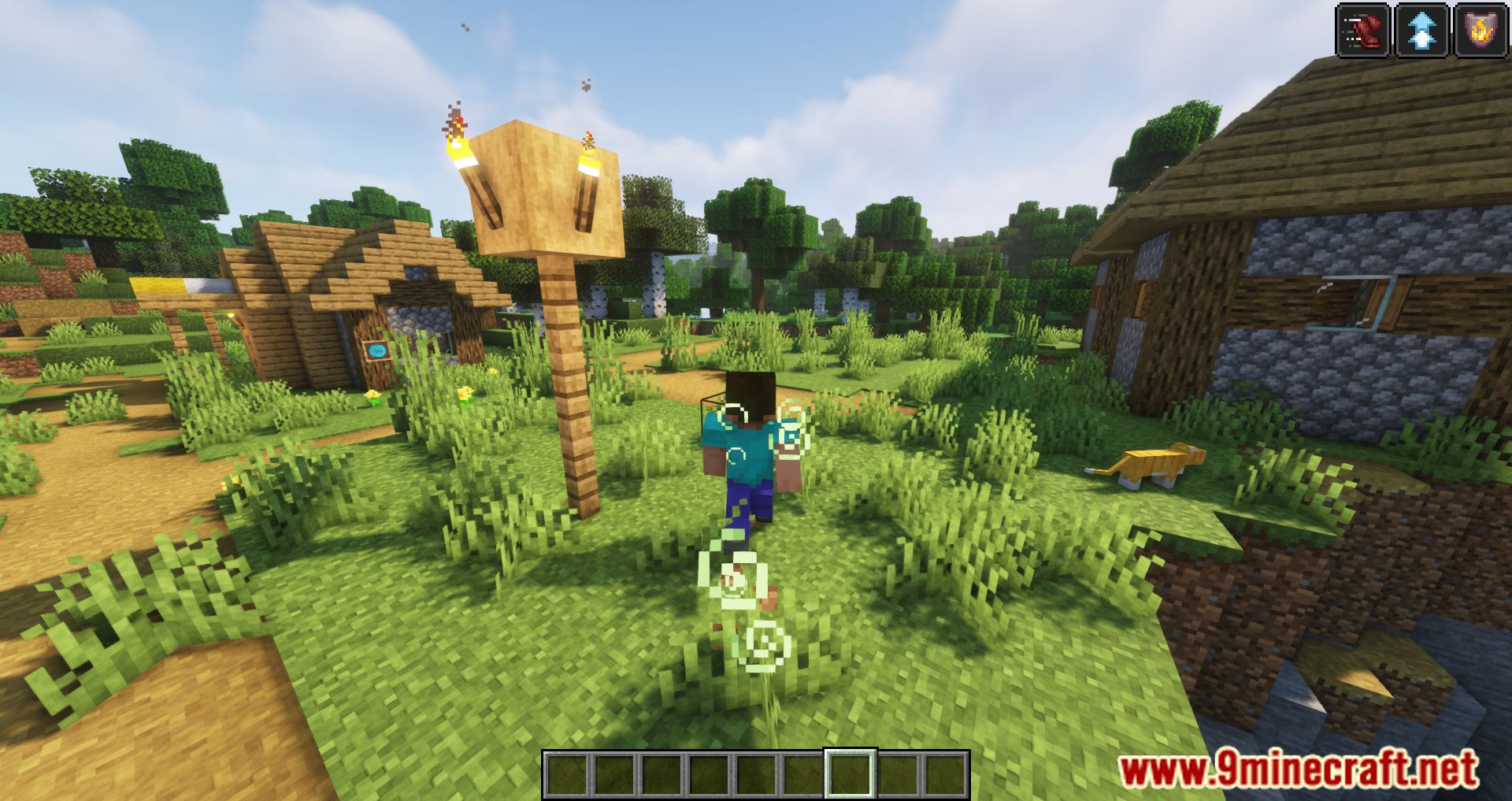
Screenshots:
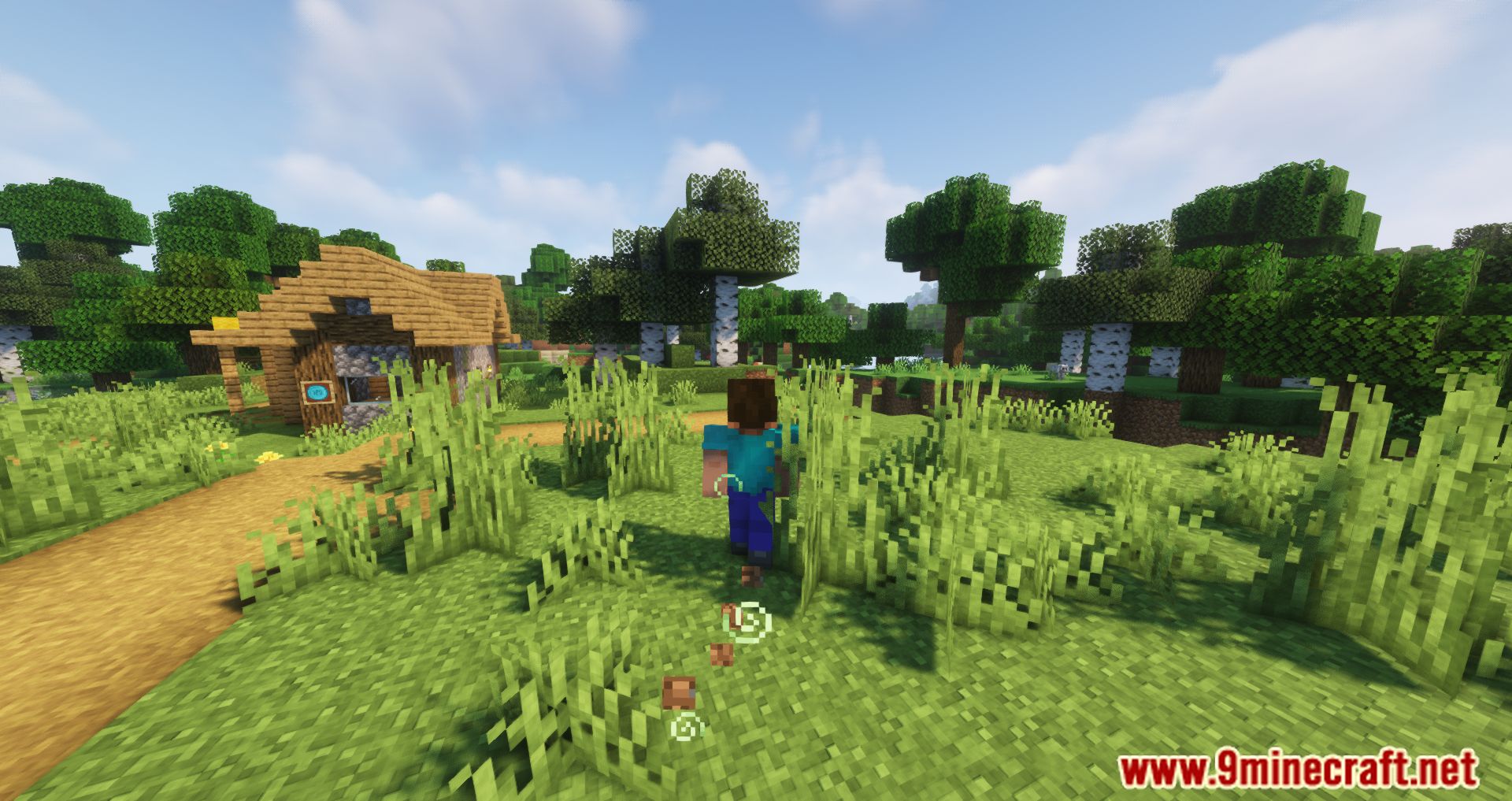
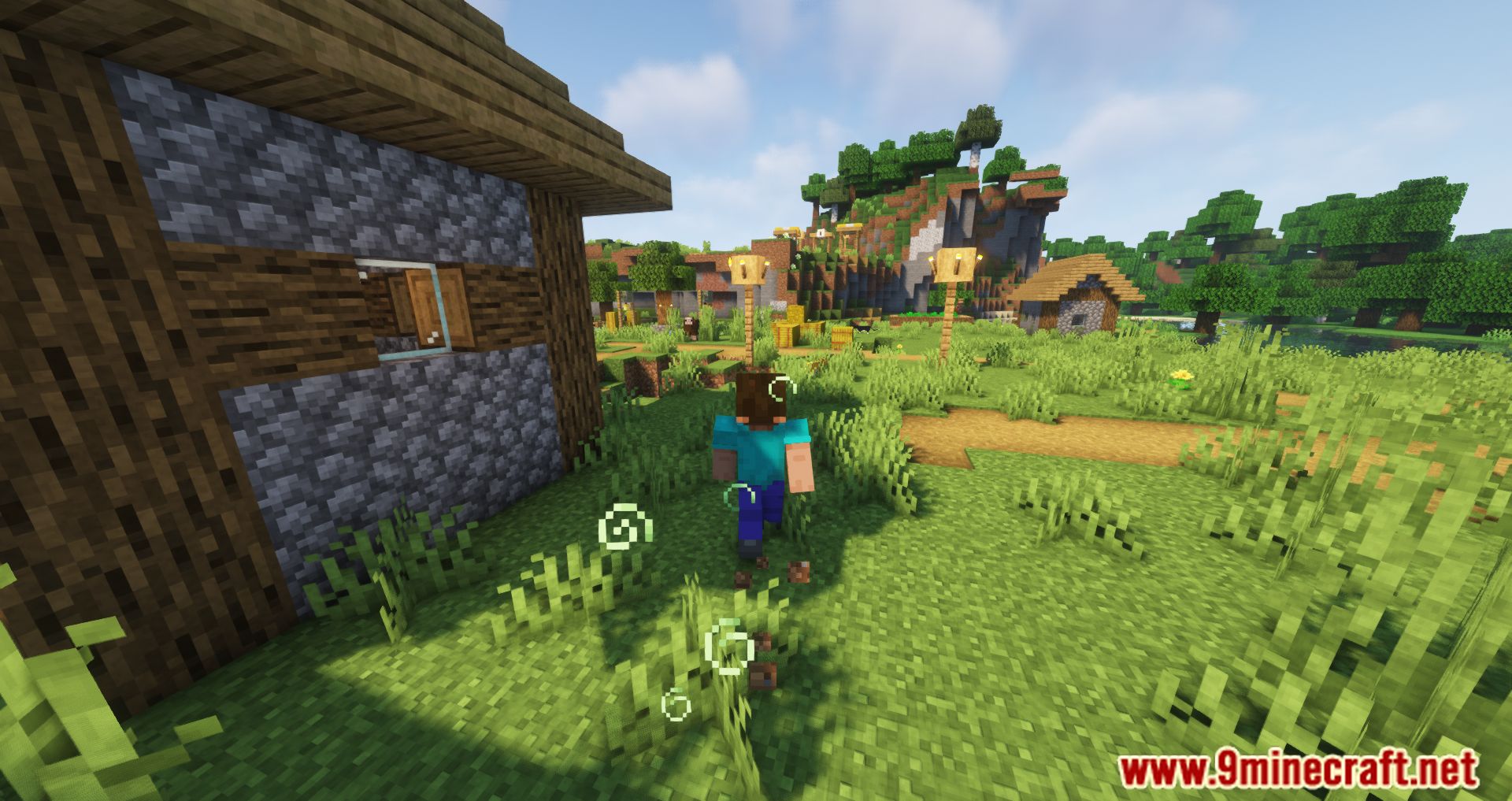
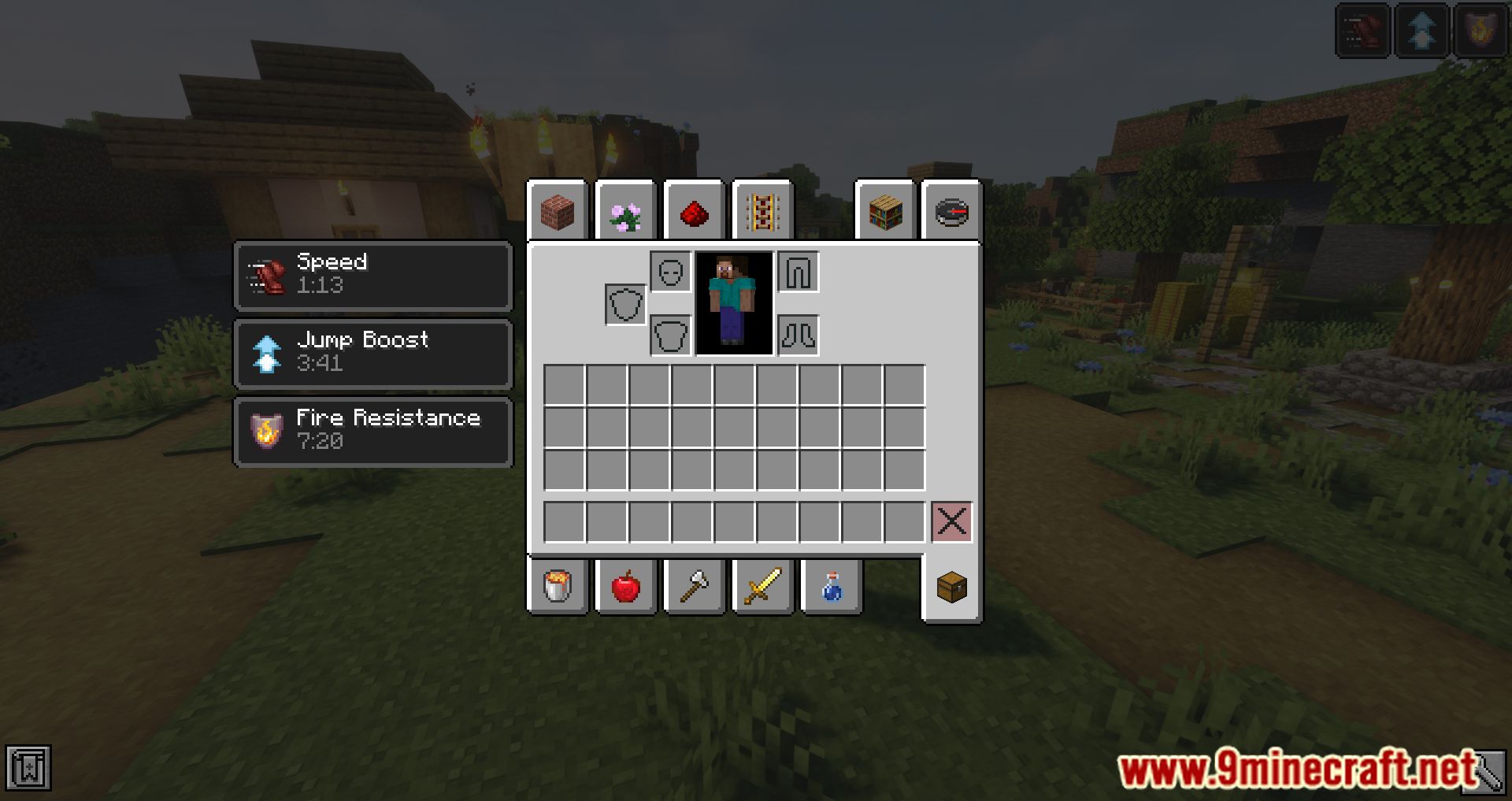


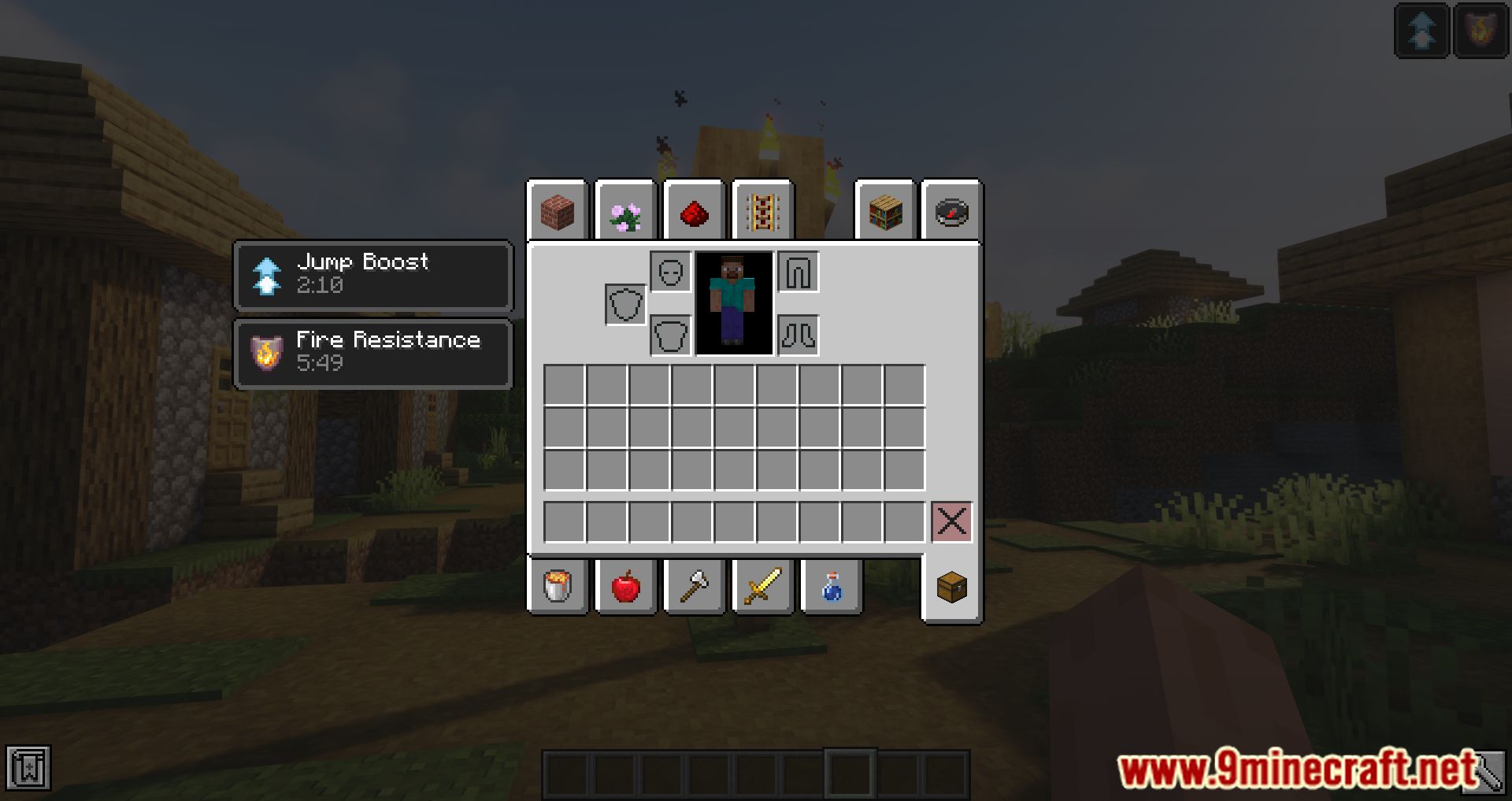

No Potion Offset Mod Download Links
For All Versions from Minecraft 1.16.5 to Minecraft 1.17.1
Forge/Fabric Version: Download from Server 1 – Download from Server 2
- Edition: Minecraft Java
- File type: .jar
- Minecraft versions listed: 1.17.1, 1.16.5
- How to install: Install the matching mod loader (Forge, Fabric or NeoForge) for your Minecraft version. → Download the .jar. → Put it in the .minecraft/mods folder and launch that loader profile.
- Where to get it: In MC Java Mods, or directly above on this page.
Install steps are the general flow for this file type — How to install Minecraft Java mods & modpacks walks through it step by step.
- Downloads as 205558.mcaddon
- Download size: 15 KB
- Download link checked 30 Jul 2026 — working
- Mirrored on our own servers — the download does not depend on the original host
These come from our own check of the pack file, not from the source page.