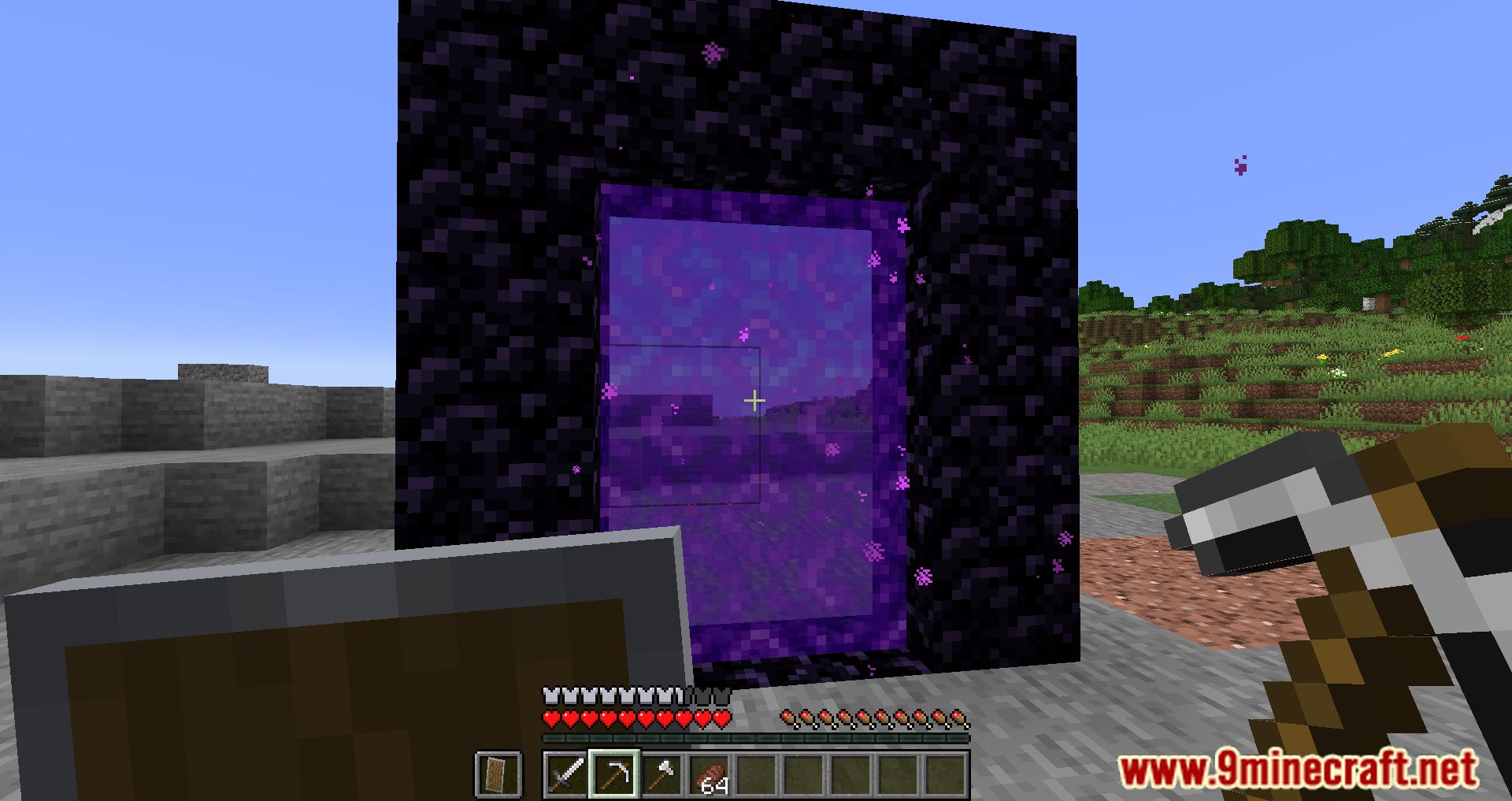
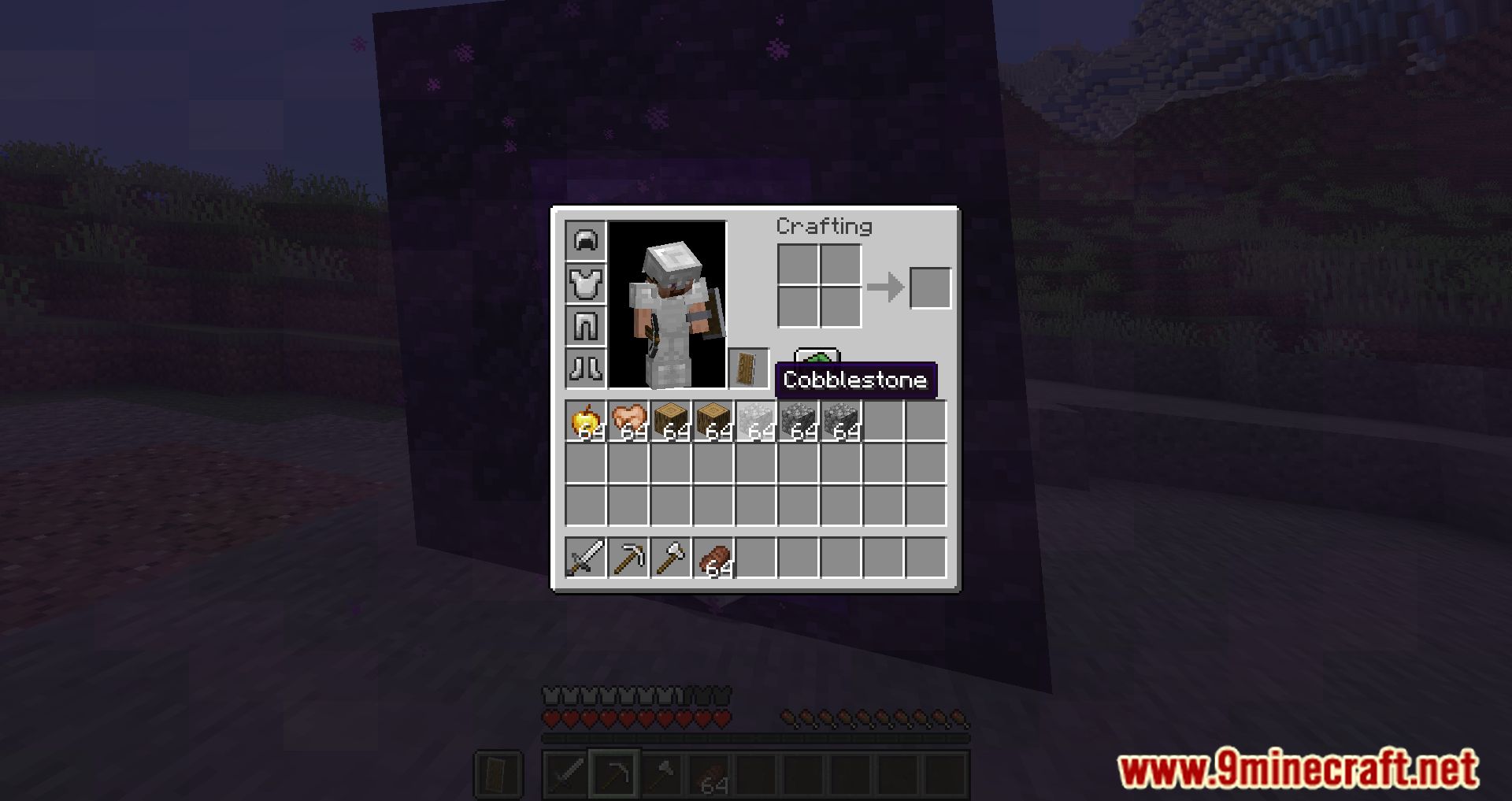
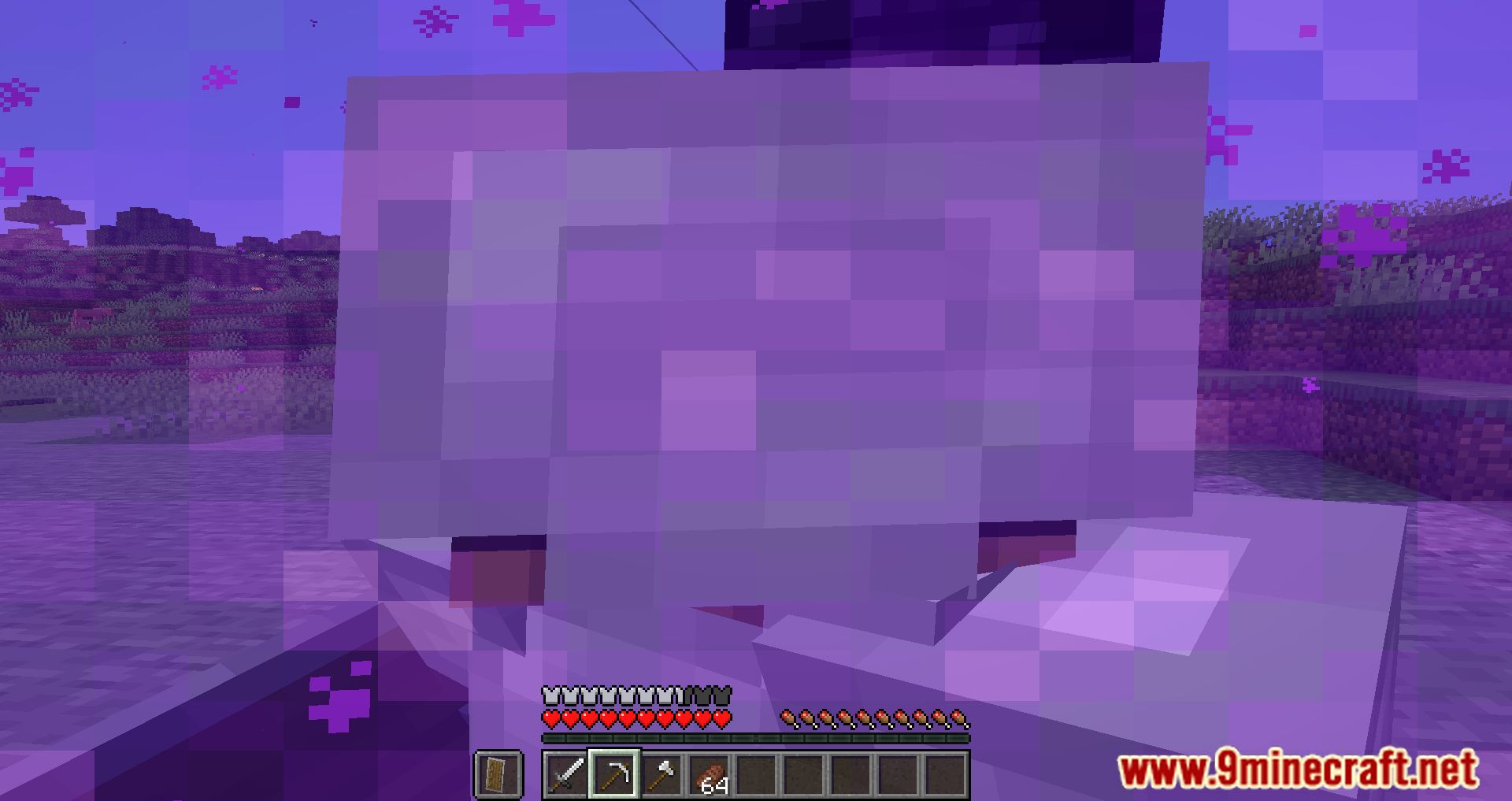
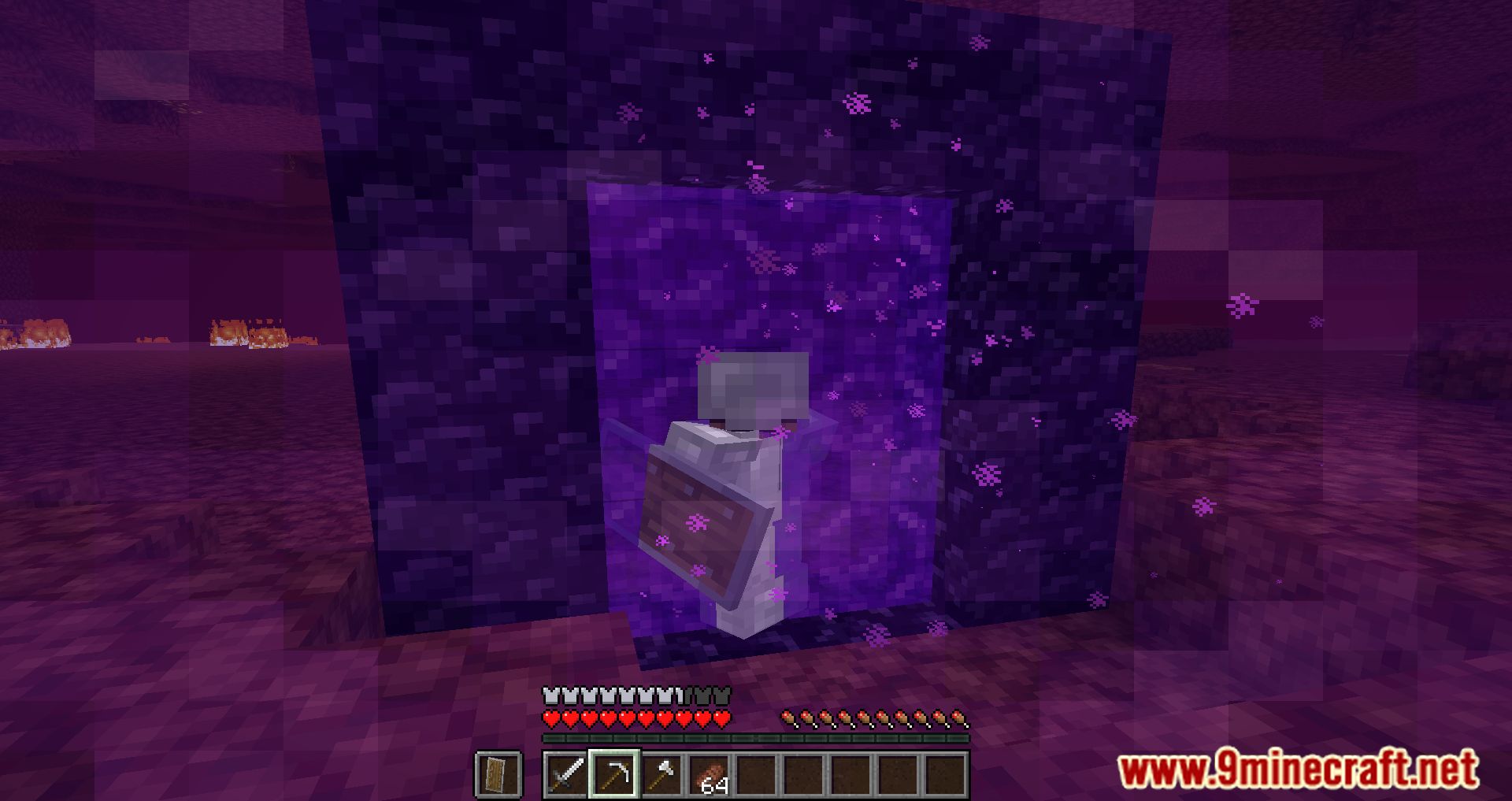
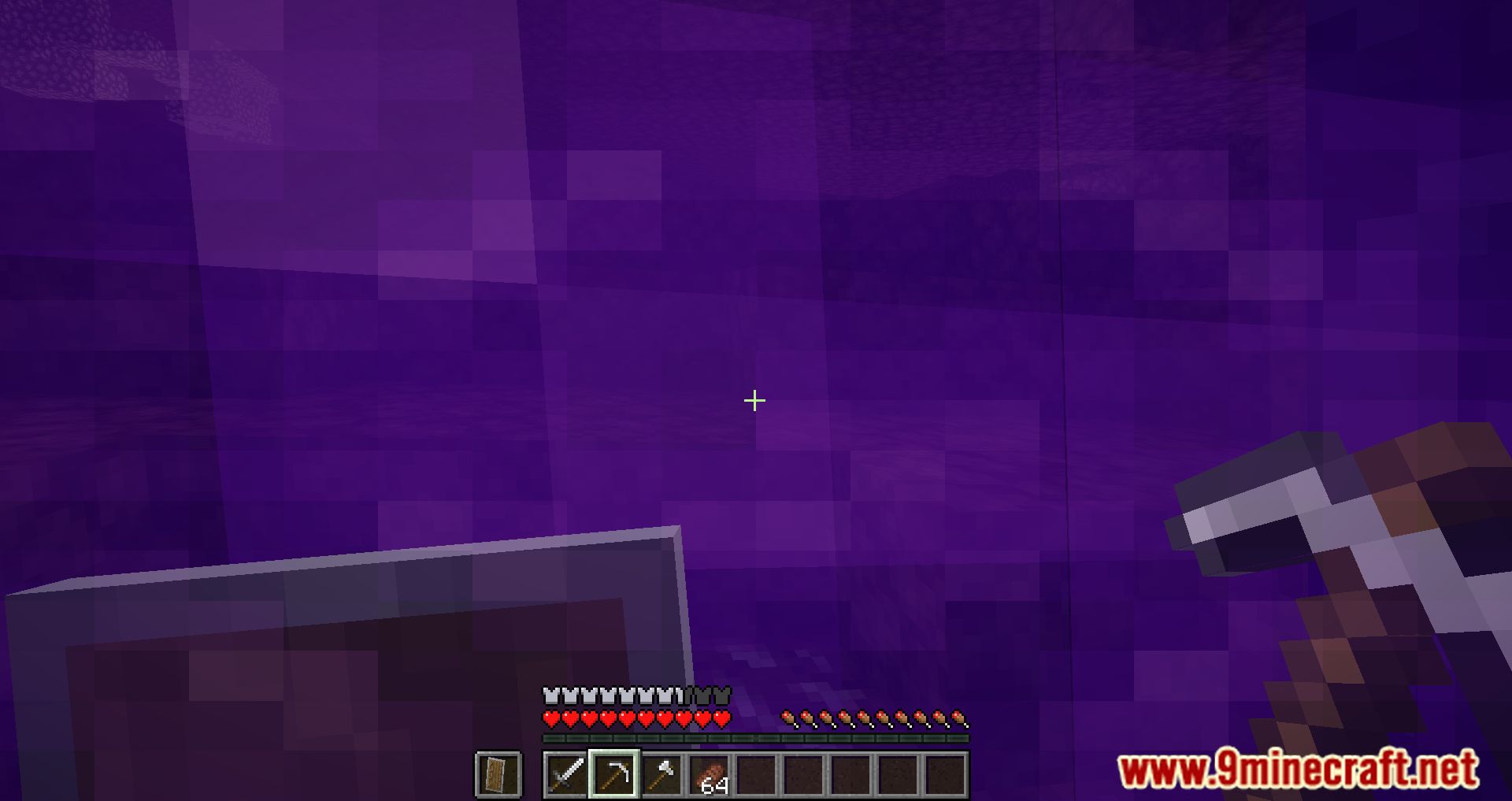
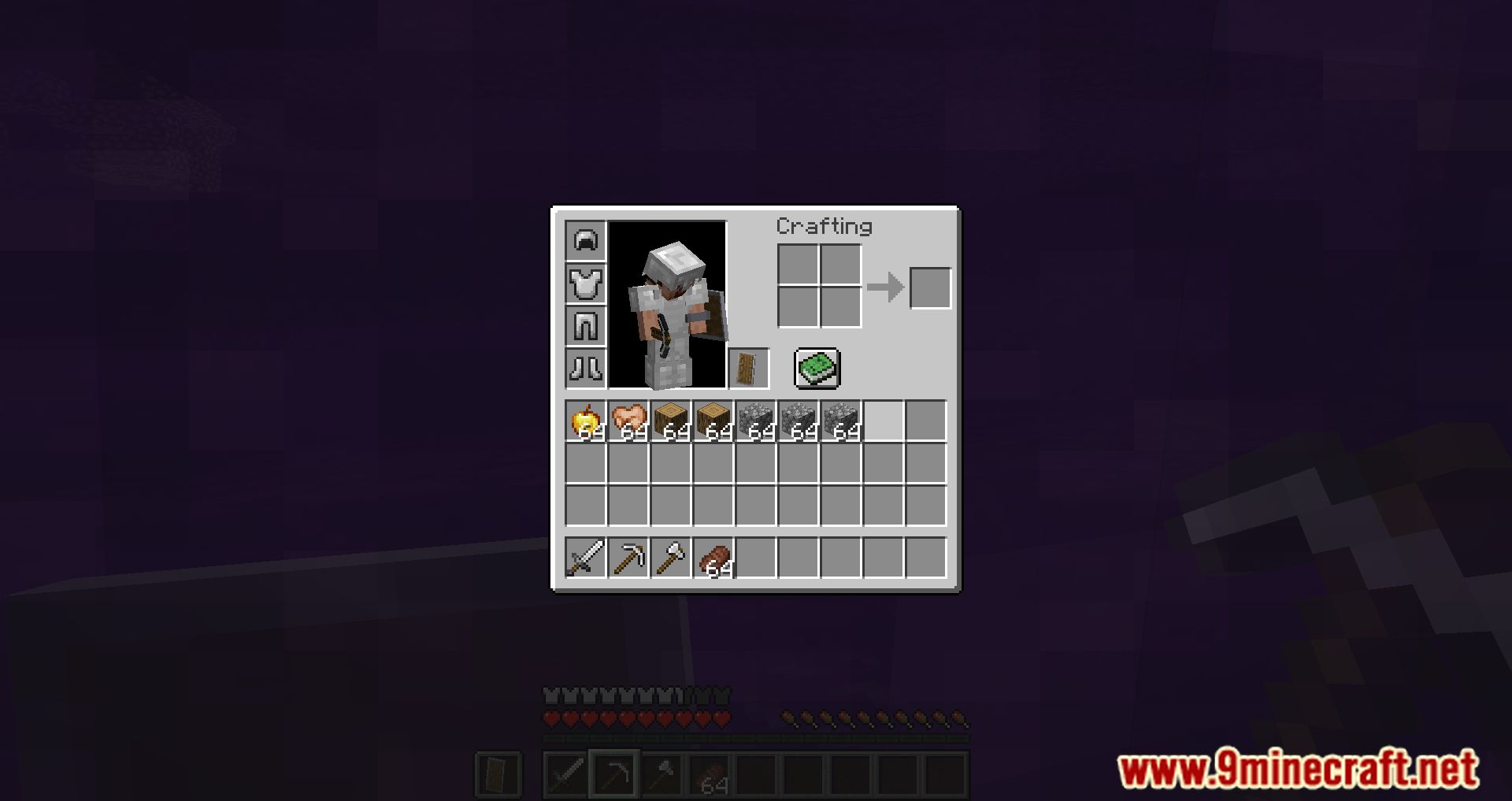
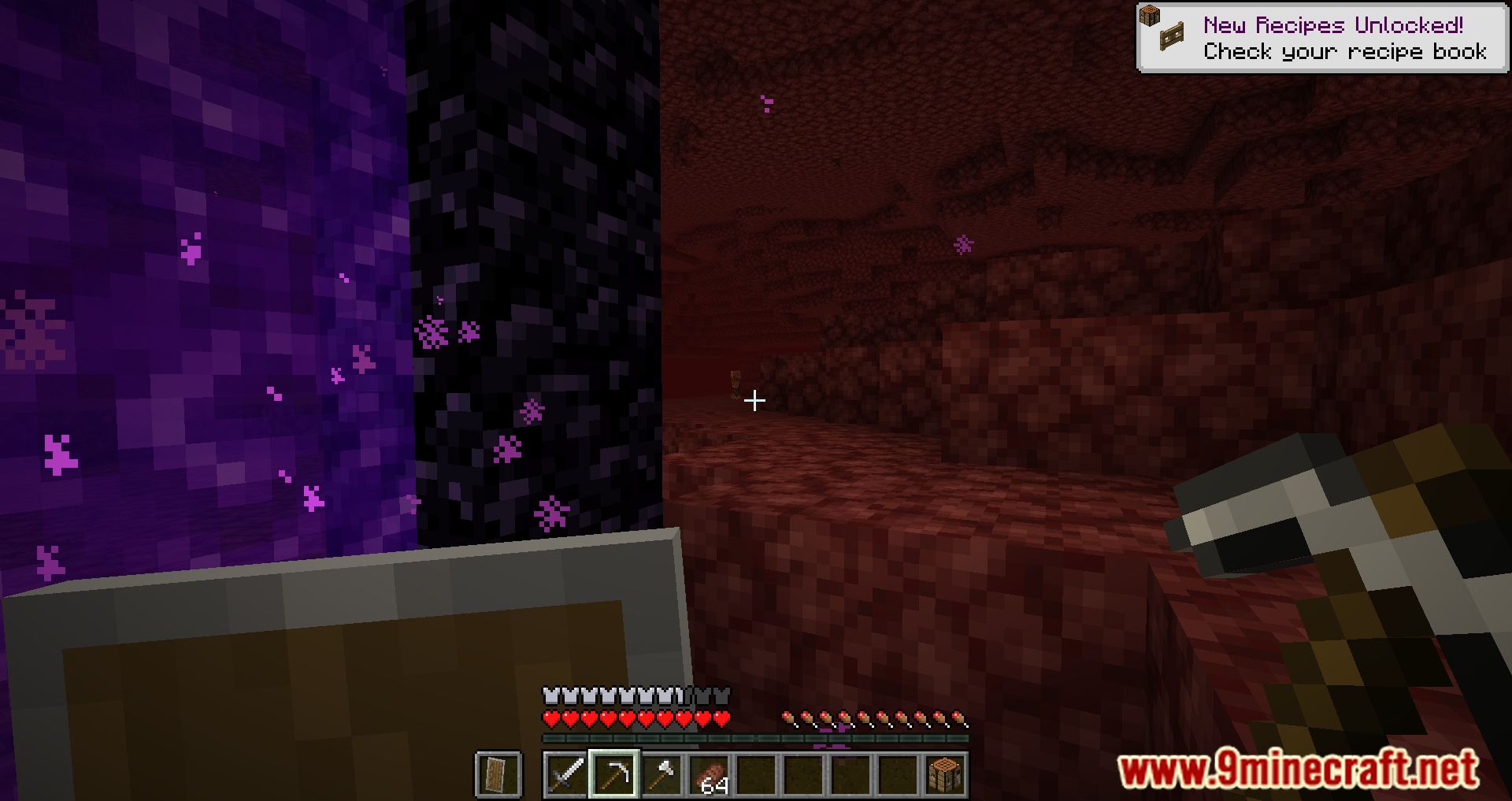
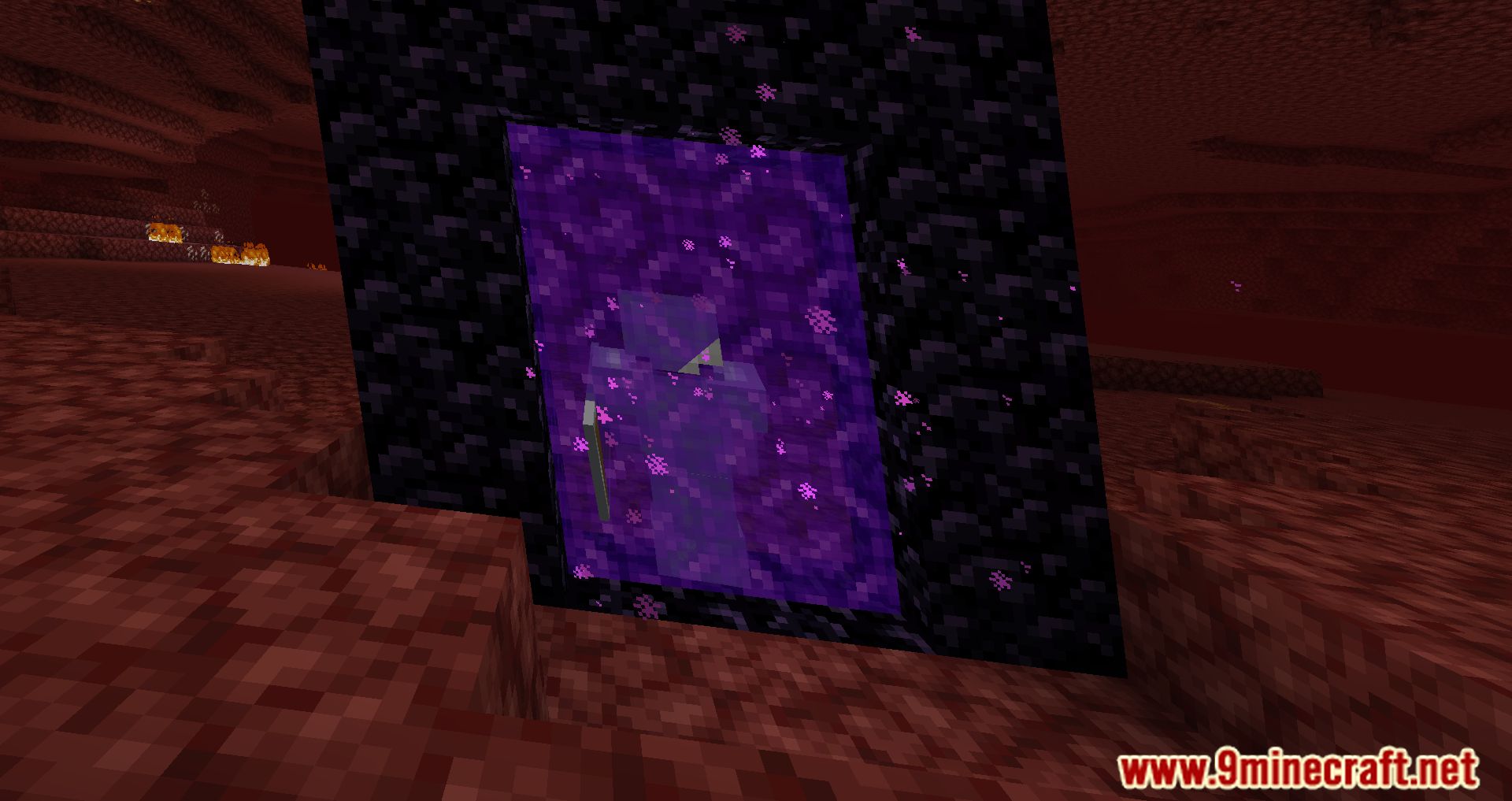
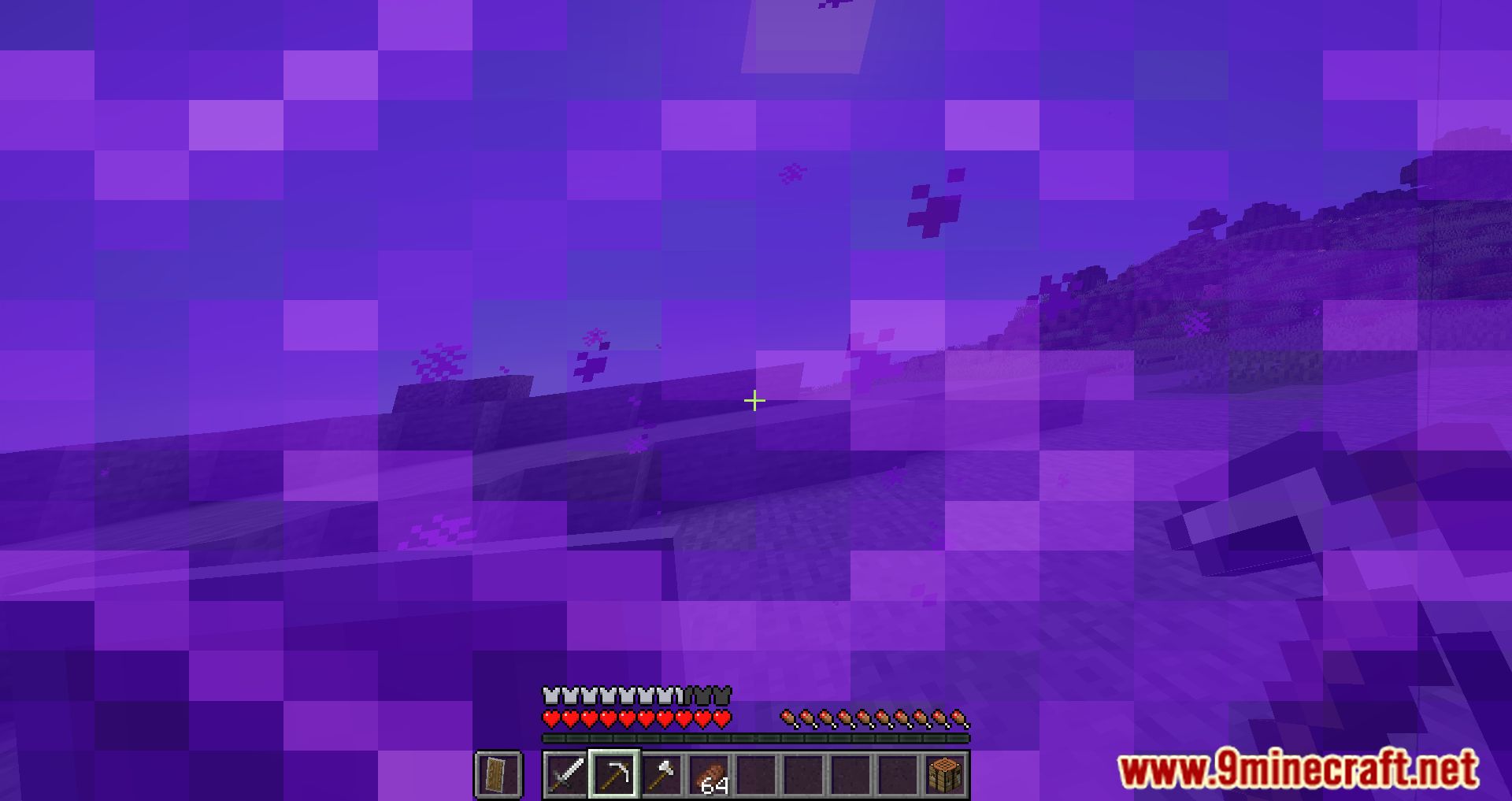
The Nether Portal Accessibility Mod is an update that brings a new feature to the game by enabling players to carry out their normal activities when standing in the Nether portal. If you are using this version of Minecraft, you will be able to perform actions such as opening your inventory, communicating with other players, and fleeing the Nether while you are standing in the portal to the Nether. Normally, such actions will not be possible while you are standing in the portal. This allowed some players to take advantage of the situation and set up Nether portal traps, which resulted in other players becoming stuck and unable to escape the teleport loop they were in. The Nether Portal Accessibility Mod was created so that you can get out of sticky situations like these more easily. This is because we don’t want that to happen anymore. Installing the Nether Portal Accessibility Mod is recommended, however, if you are interested in this functionality and wish to test it out.
Features:
- Makes it possible to open the inventory, chat, escape and other screens while being inside a nether portal.
Screenshots:
Nether Portal Accessibility Mod Download Links
For Minecraft 1.19.2,1 .19.1, 1.19
Fabric version: Download from Server 1 – Download from Server 2
Forge version: Download from Server 1 – Download from Server 2
For Minecraft 1.18.2, 1.18.1
Fabric version: Download from Server 1 – Download from Server 2
Forge version: Download from Server 1 – Download from Server 2
For Minecraft 1.17.1
Fabric version: Download from Server 1 – Download from Server 2
Forge version: Download from Server 1 – Download from Server 2
For Minecraft 1.16.5
Fabric version: Download from Server 1 – Download from Server 2
Forge version: Download from Server 1 – Download from Server 2
- Edition: Minecraft Java
- File type: .jar
- Minecraft versions listed: 1.19.2, 1.18.2
- How to install: Install the matching mod loader (Forge, Fabric or NeoForge) for your Minecraft version. → Download the .jar. → Put it in the .minecraft/mods folder and launch that loader profile.
- Where to get it: In MC Java Mods, or directly above on this page.
Install steps are the general flow for this file type — How to install Minecraft Java mods & modpacks walks through it step by step.
- Downloads as 205638.mcaddon
- Download size: 122 KB
- Download link checked 30 Jul 2026 — working
- Mirrored on our own servers — the download does not depend on the original host
These come from our own check of the pack file, not from the source page.