
TimeChanger Mod (1.8.9, 1.7.10) – Changing the Time of Day
Minecraft Java mod. Downloads from the MC Java Mods app on Android.
TimeChanger Mod changes the time of day from the player's perspective, so that your game can be more aesthetically pleasing. Screenshots: Commands: "/day"…
⬇ DownloadTimeChanger Mod changes the time of day from the player’s perspective, so that your game can be more aesthetically pleasing.
Screenshots:




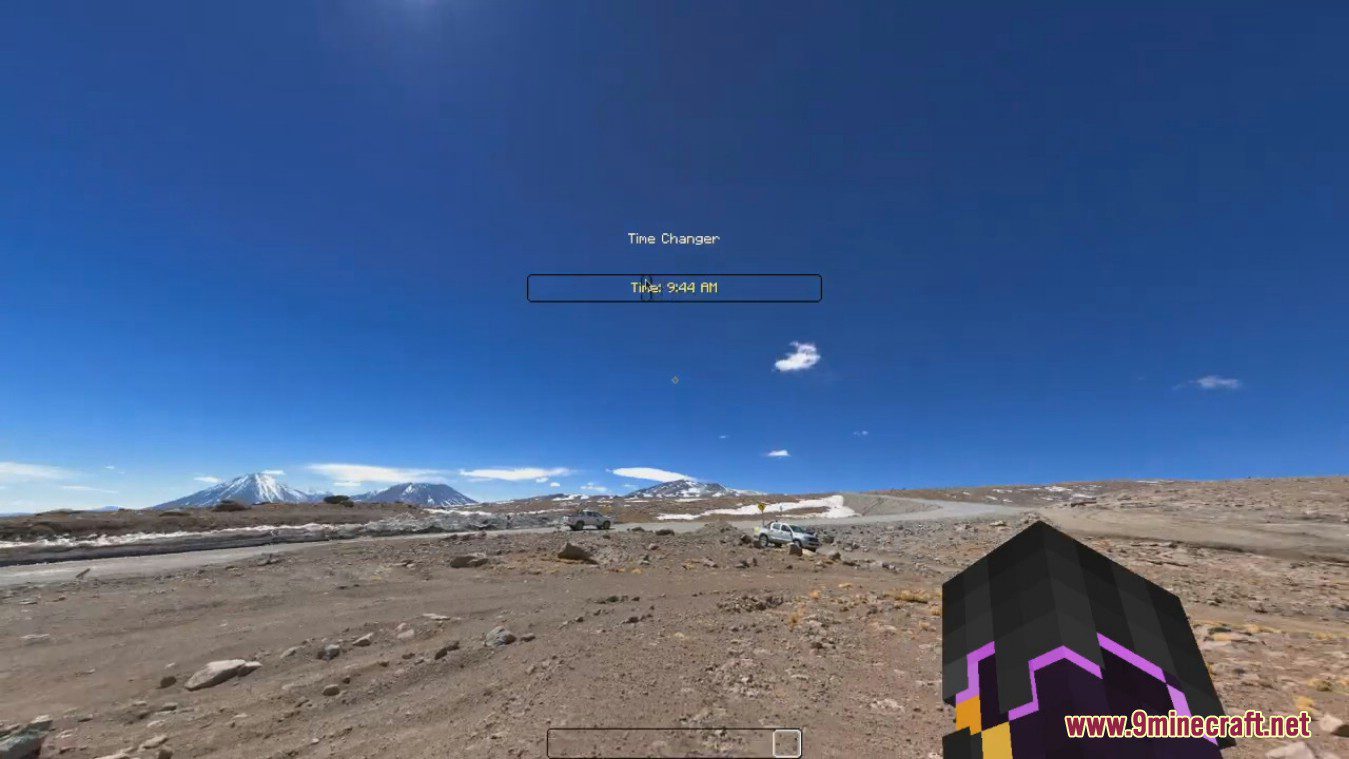
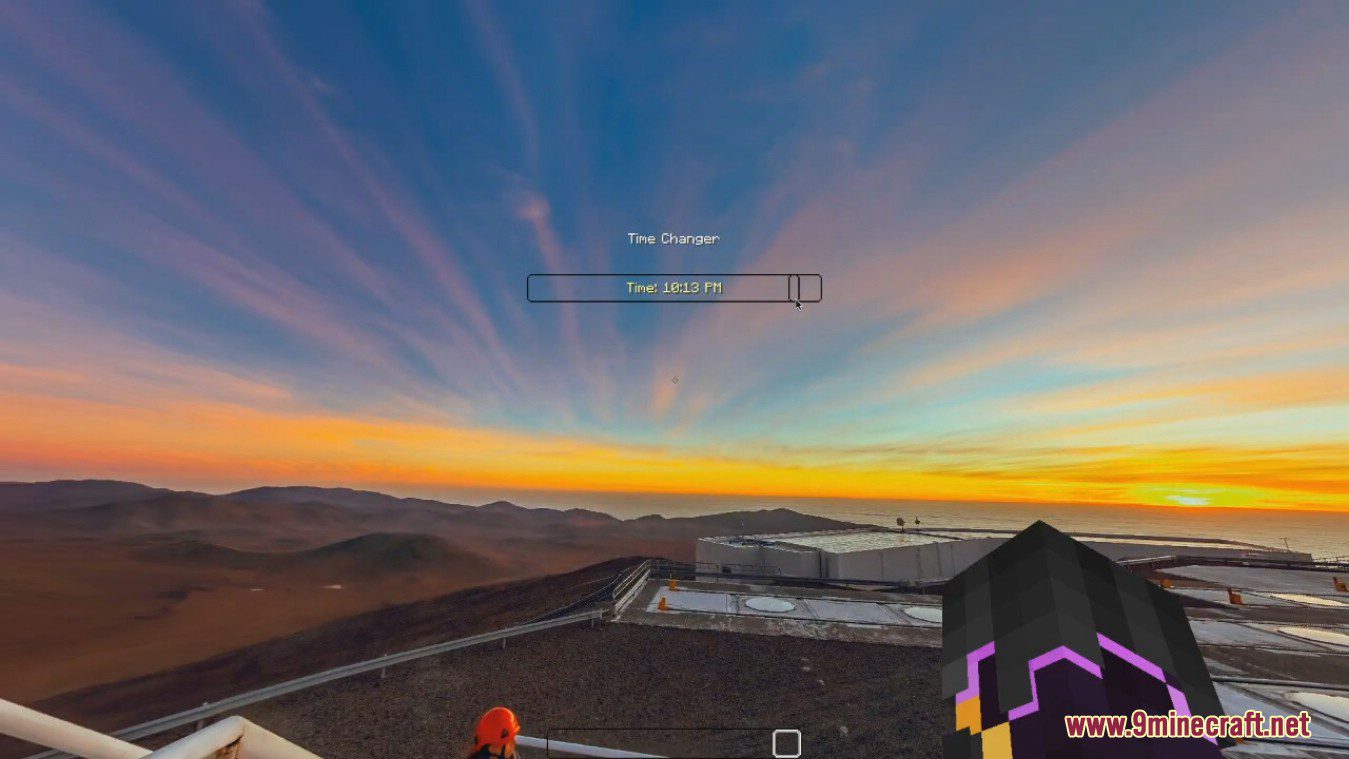
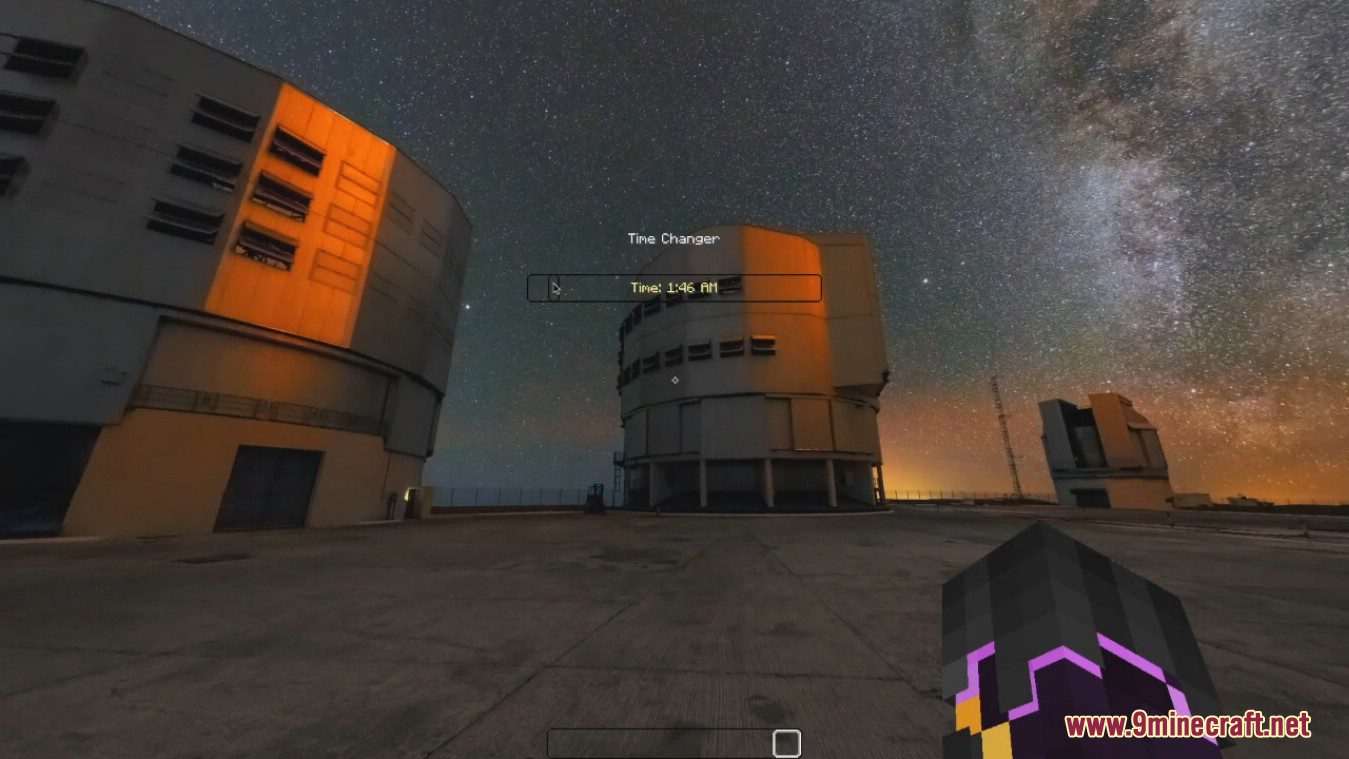
Commands:
- “/day” sets the time to 6000
- “/night” sets the time to 18000
- “/sunset” sets the time to 13000
- “/fasttime [multiplier]” time passes quickly based on the multiplier.
- “/resettime” resets the time to vanilla
- “/timechange [args]” (“/tc” as alias)
- Possible args: day, night, sunset, [integer between 0-24000]
sets the time to the provided value - No args: opens GUI
- Possible args: day, night, sunset, [integer between 0-24000]
How to use:
- Opened with previously mentioned command or custom hotkey (also closes GUI) (set to “p” by default”).
- GUI contains slider: sets time based on slider value.
TimeChanger Mod Download Links
For Minecraft 1.8.9
Revamped Forge version (With extra features): Download from Server 1 – Download from Server 2
Normal Forge version: Download from Server 1 – Download from Server 2
For Minecraft 1.7.10
Forge version: Download from Server 1 – Download from Server 2
- Edition: Minecraft Java
- File type: .jar
- How to install: Install the matching mod loader (Forge, Fabric or NeoForge) for your Minecraft version. → Download the .jar. → Put it in the .minecraft/mods folder and launch that loader profile.
- Where to get it: In MC Java Mods, or directly above on this page.
Install steps are the general flow for this file type — How to install Minecraft Java mods & modpacks walks through it step by step.
- Downloads as 205692.mcaddon
- Download size: 971 KB
- Download link checked 24 Jul 2026 — working
- Mirrored on our own servers — the download does not depend on the original host
These come from our own check of the pack file, not from the source page.