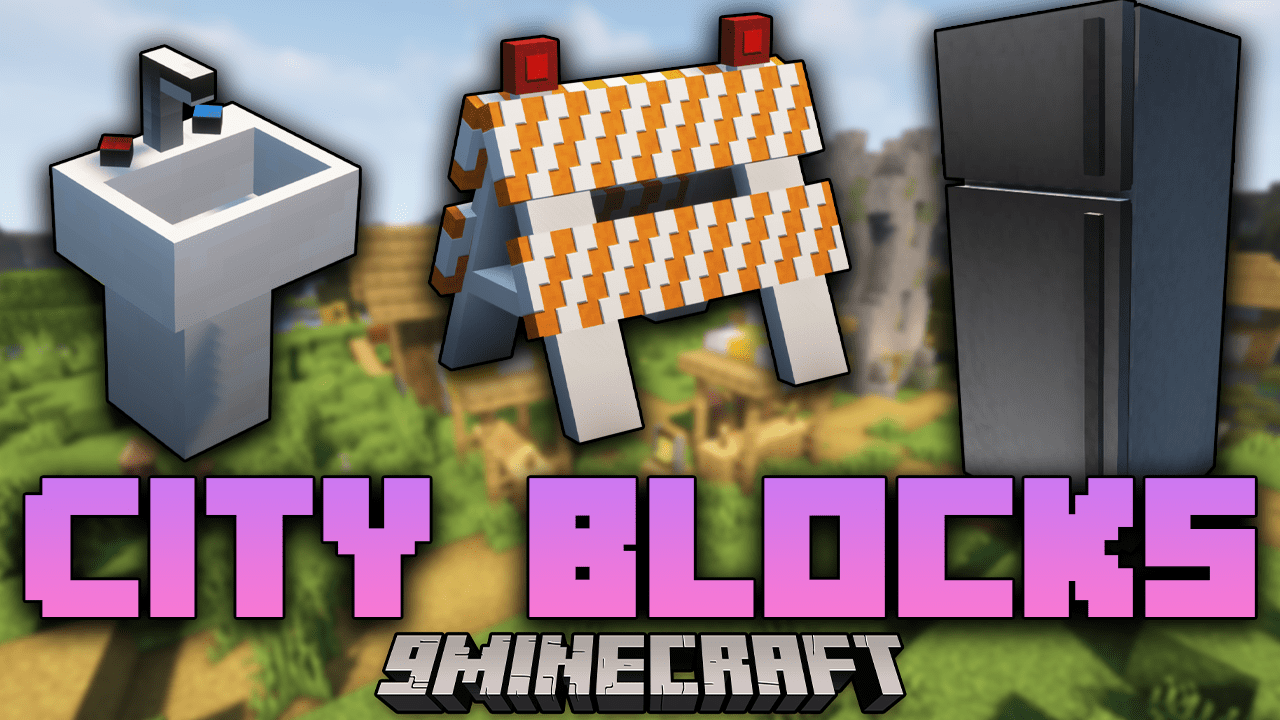
City Blocks Mod (1.16.5) – Sink, Table And Chairs, And Your House
Java mod listed for Minecraft 1.16. Downloads from the MC Java Mods app on Android.
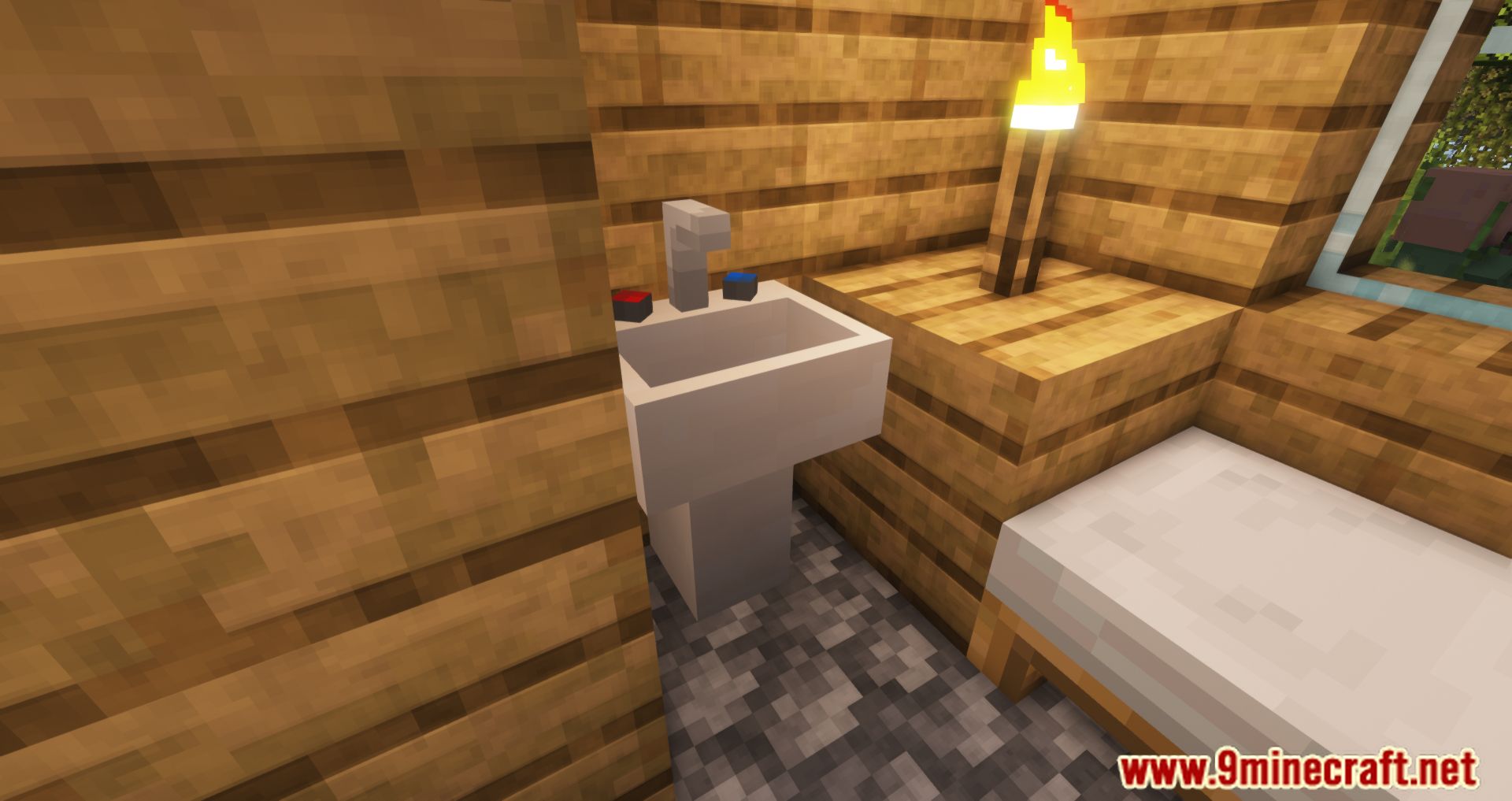
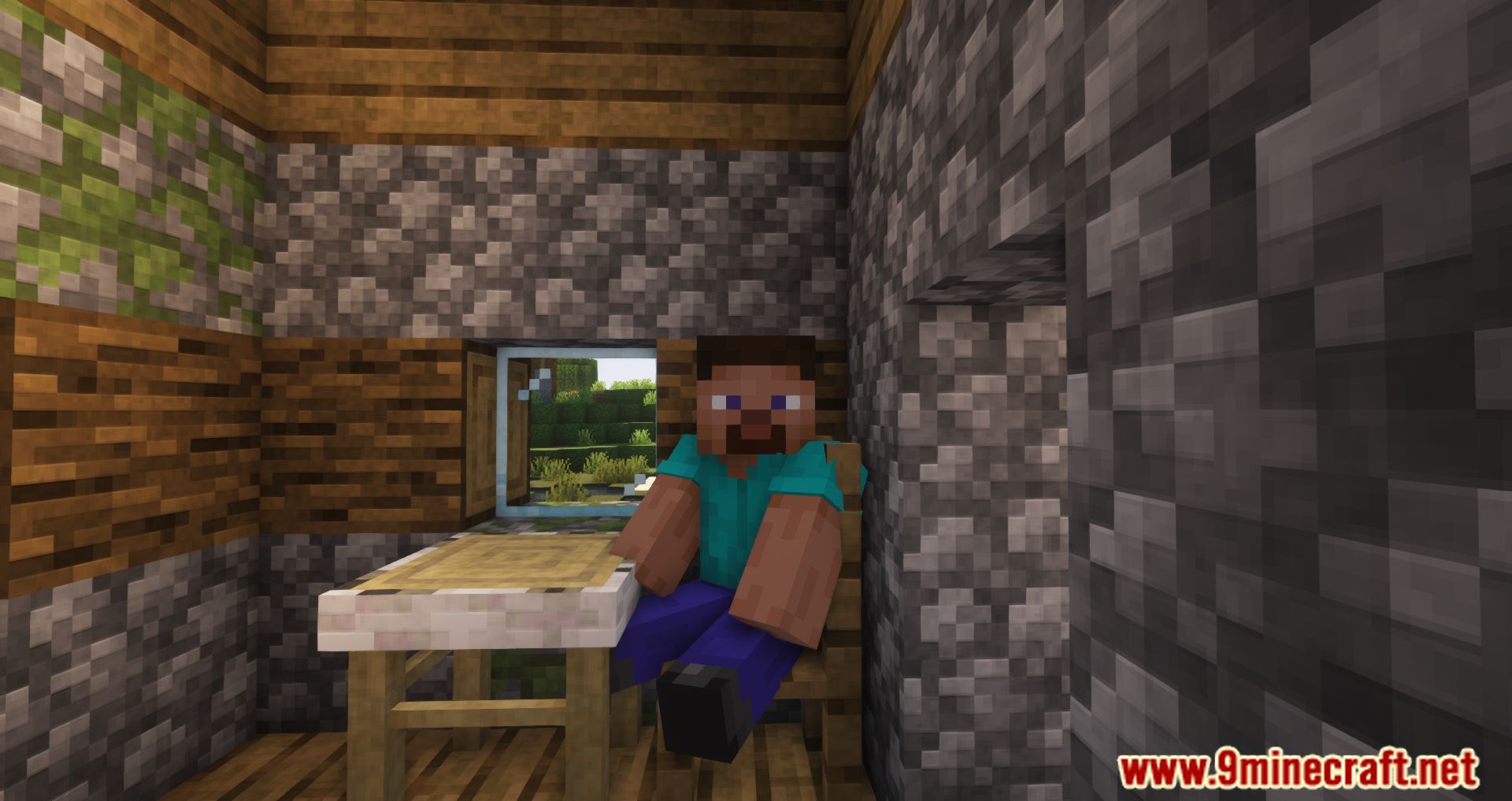
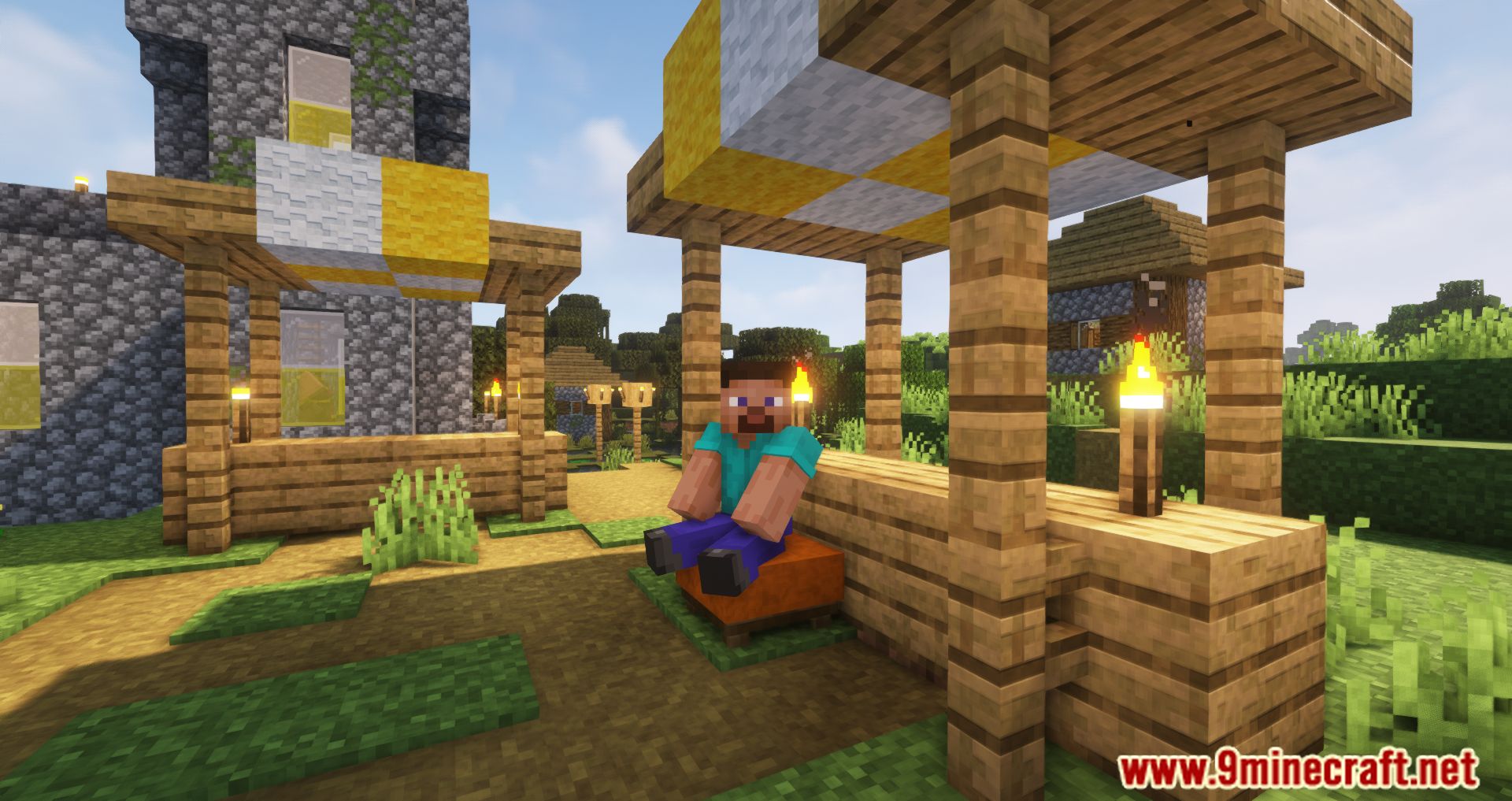
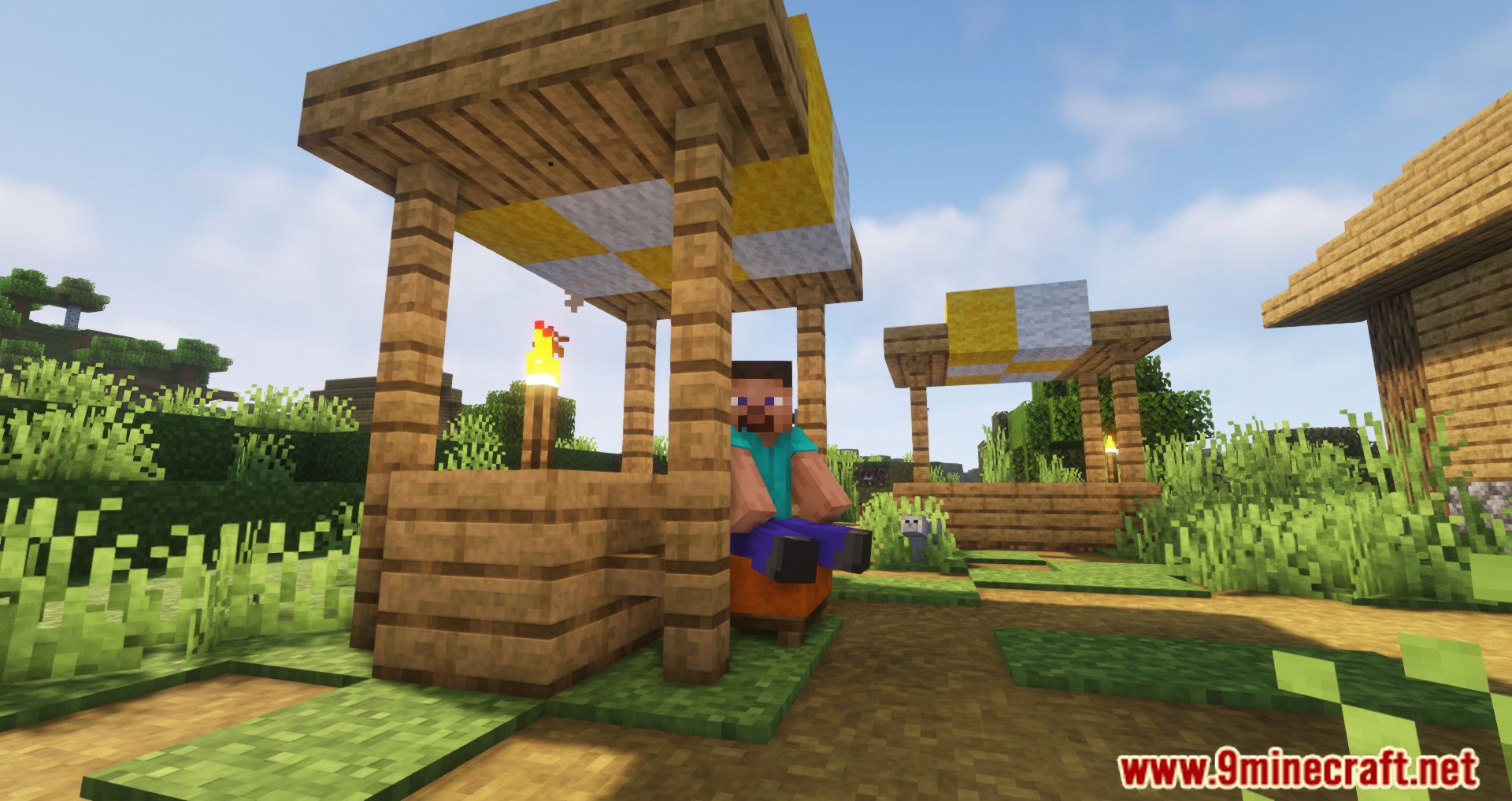
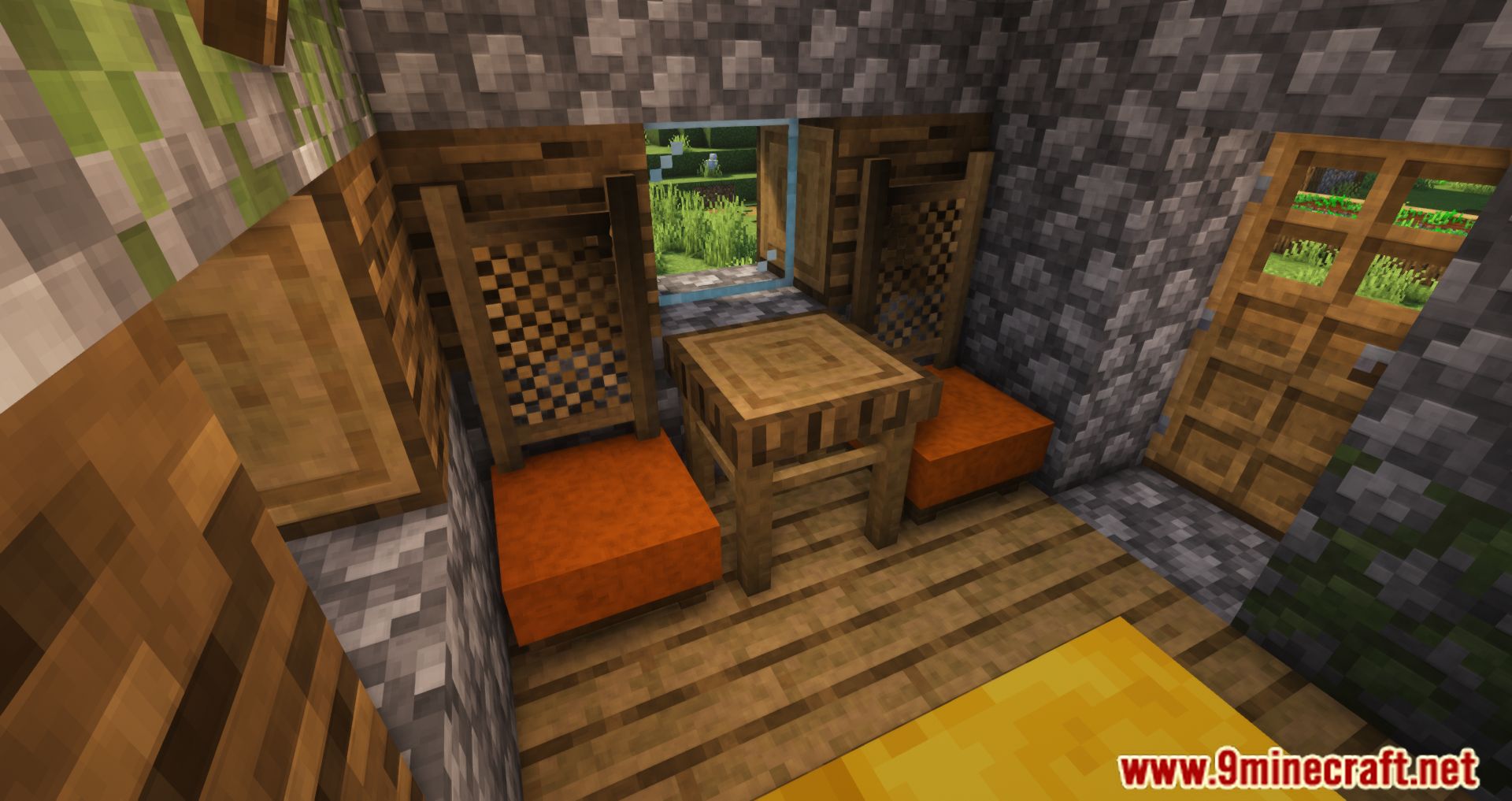
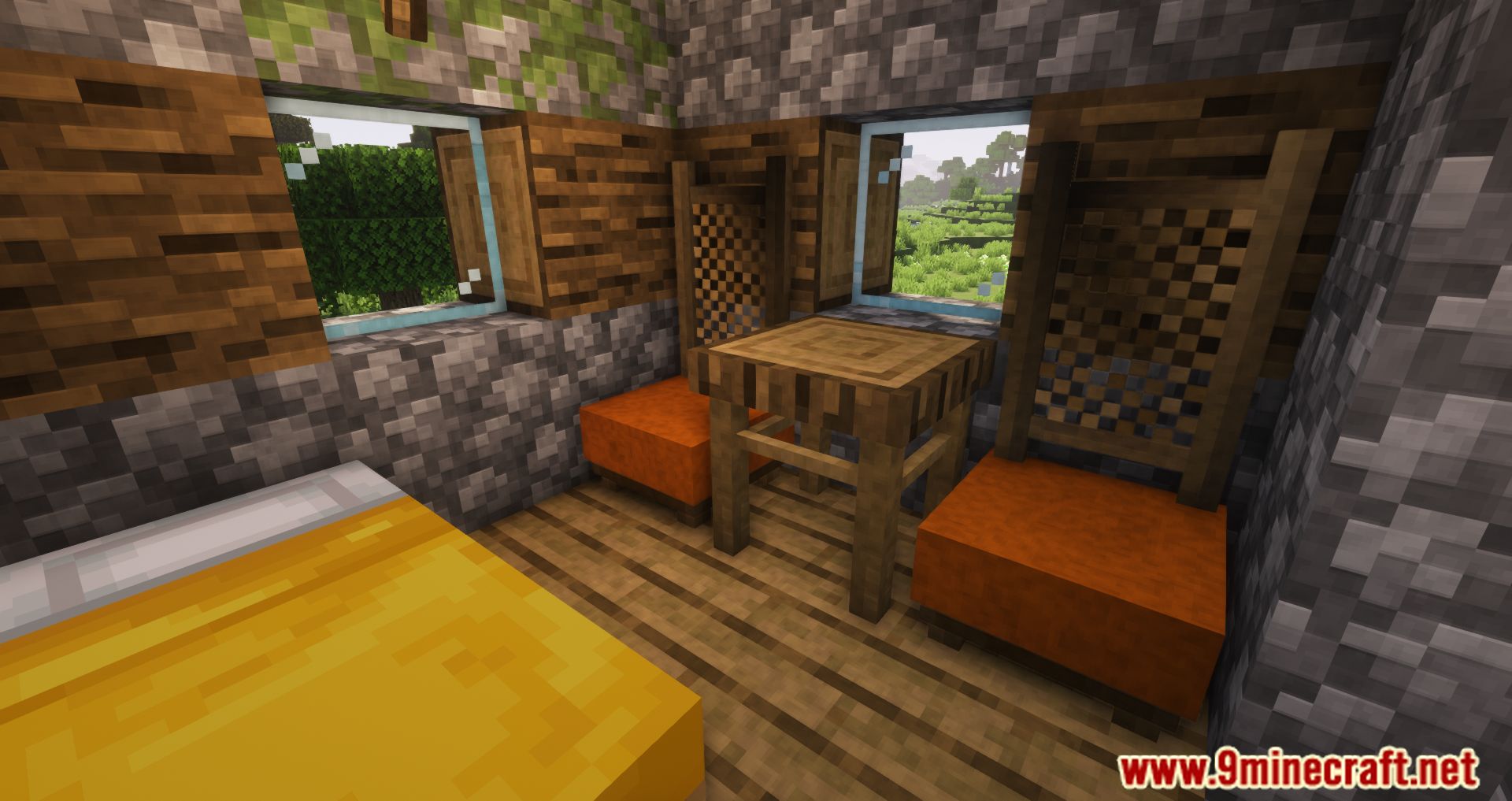
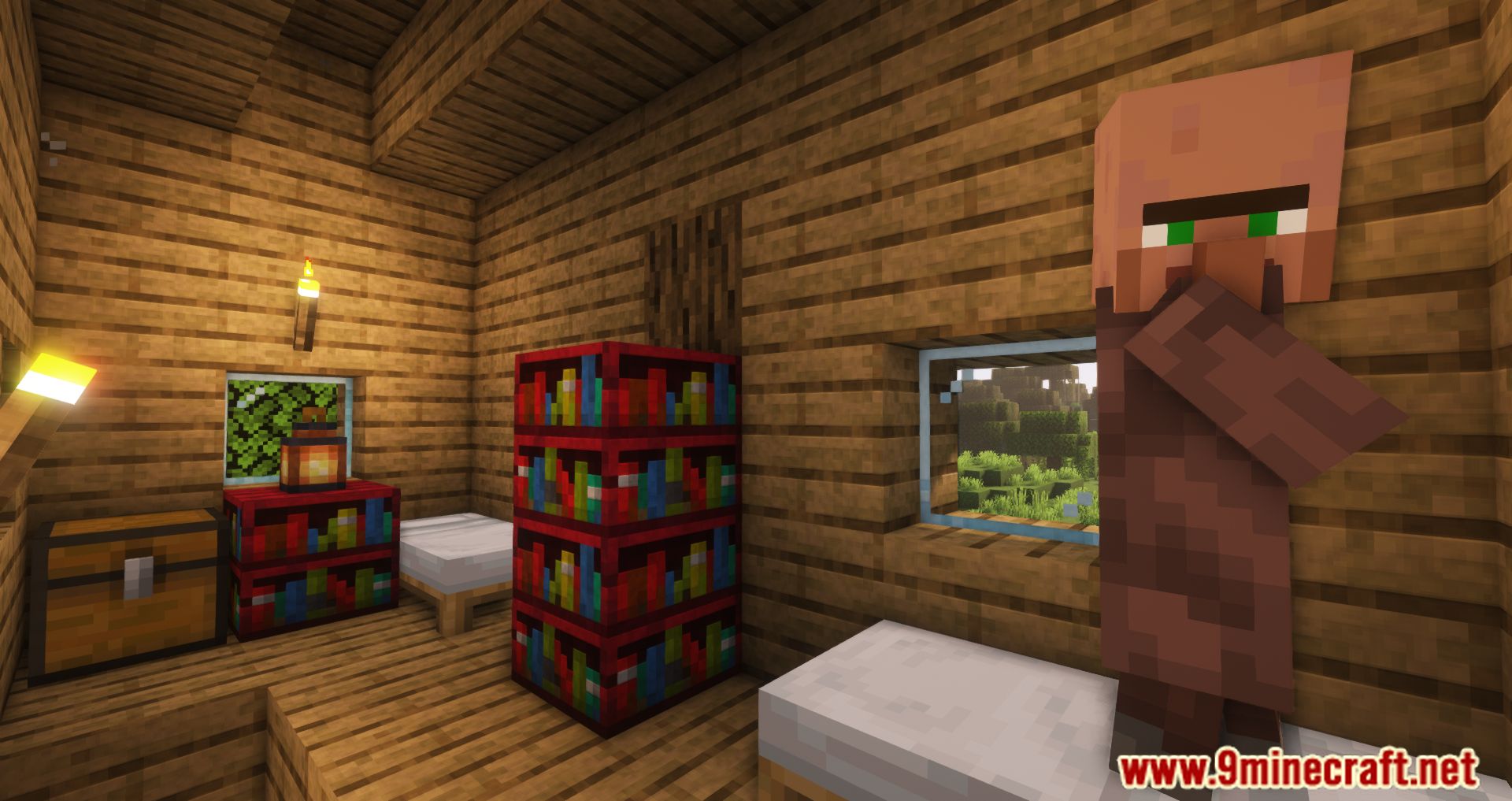
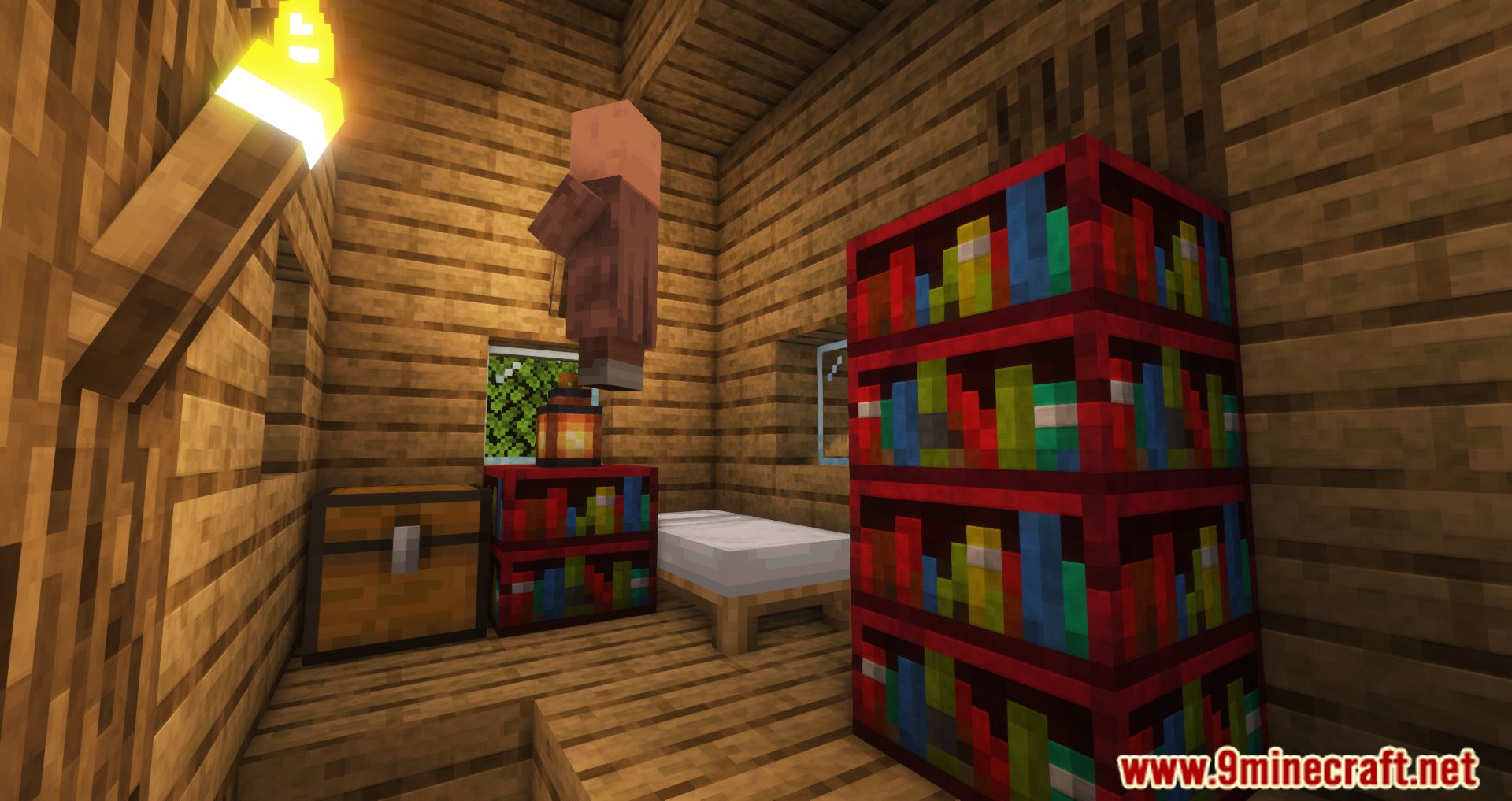
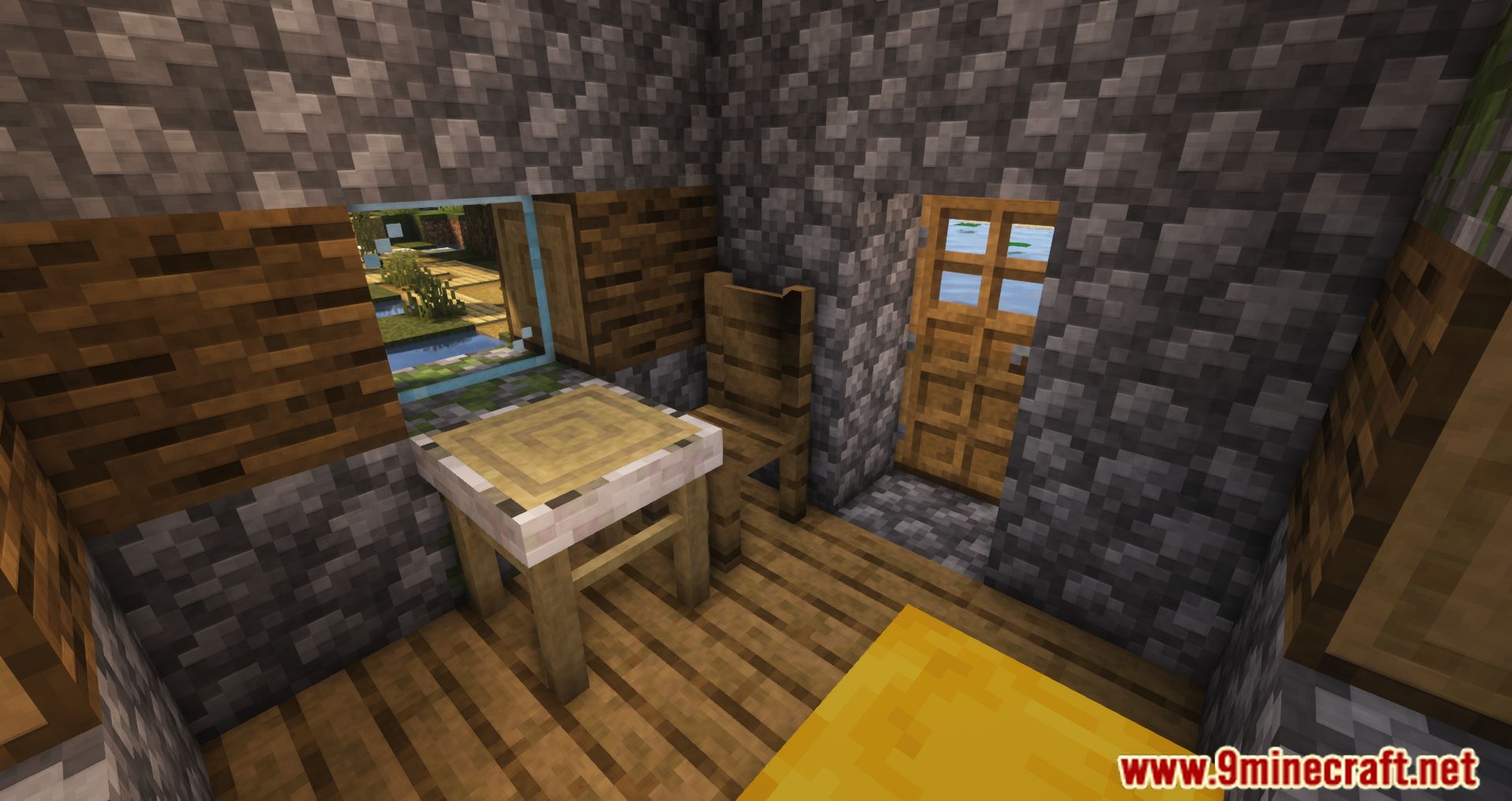
⬇ DownloadThe City Blocks Mod adds a number of different blocks to the overall look of the game. Have you ever contemplated the possibility of adorning your home with common household goods, such as refrigerators, tables and chairs, sinks, or even potted plants? If you are looking for a modification that incorporates those elements, you might want to check out the City Blocks Mod. You will see a broad selection of different sorts of decorative blocks, such as stop signs, red and green light poles, and even some household goods like sinks, dining tables, chairs, water vending machines, and potted plants among other things. The addition of these new blocks, which may be used to construct roads and other structures as well as decorate your home, will result in an improvement to the gameplay experience.
Features:
- Adds City Blocks that range from sandbags to road barriers and roads.
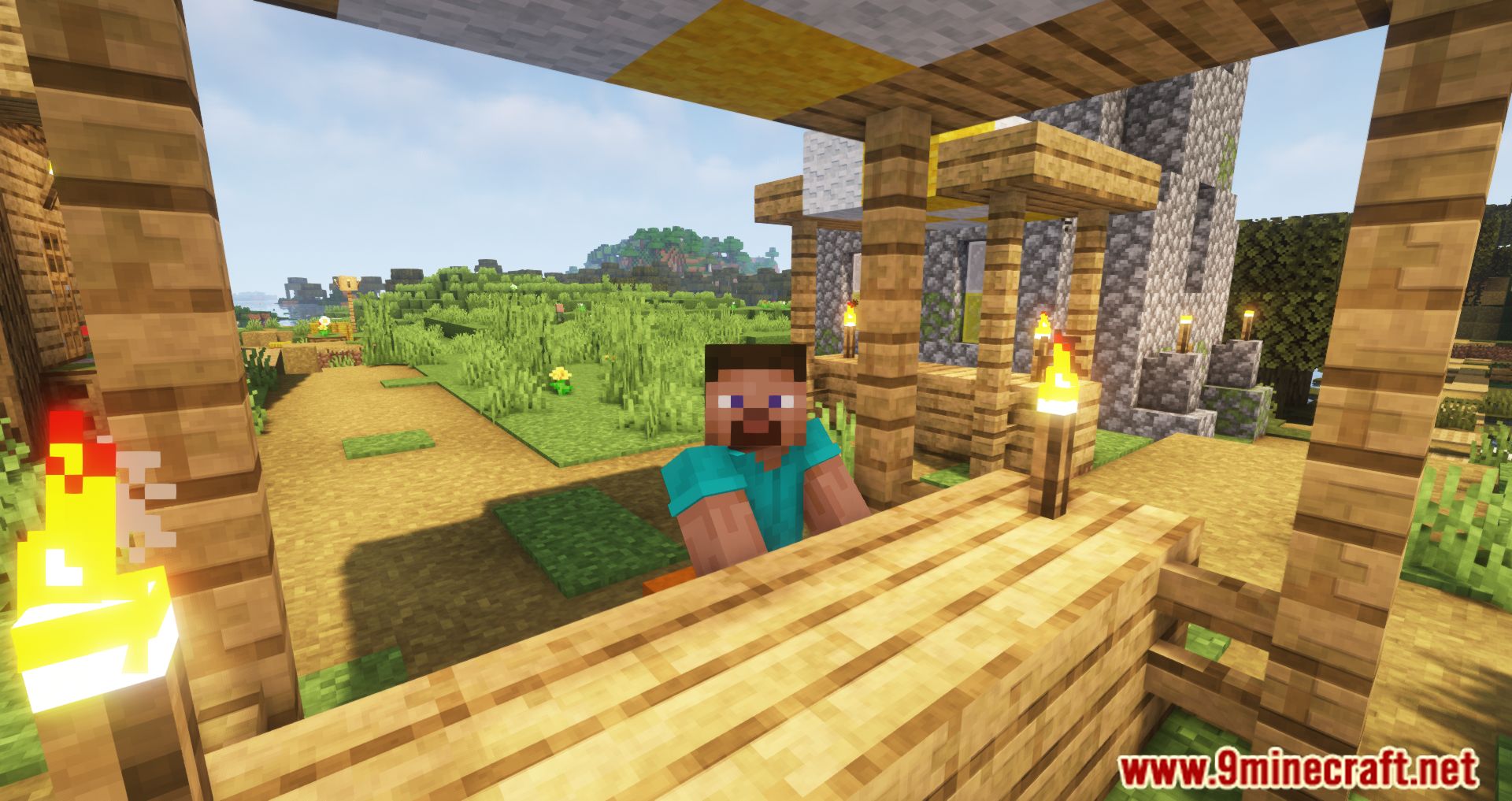
Screenshots:
City Blocks Mod Download Links
For Minecraft 1.16.5
Forge Version: Download from Server 1 – Download from Server 2
- Edition: Minecraft Java
- File type: .jar
- Minecraft version listed: 1.16.5
- How to install: Install the matching mod loader (Forge, Fabric or NeoForge) for your Minecraft version. → Download the .jar. → Put it in the .minecraft/mods folder and launch that loader profile.
- Where to get it: In MC Java Mods, or directly above on this page.
Install steps are the general flow for this file type — How to install Minecraft Java mods & modpacks walks through it step by step.
- Downloads as 205749.mcaddon
- Download size: 363 KB
- Download link checked 24 Jul 2026 — working
- Mirrored on our own servers — the download does not depend on the original host
These come from our own check of the pack file, not from the source page.