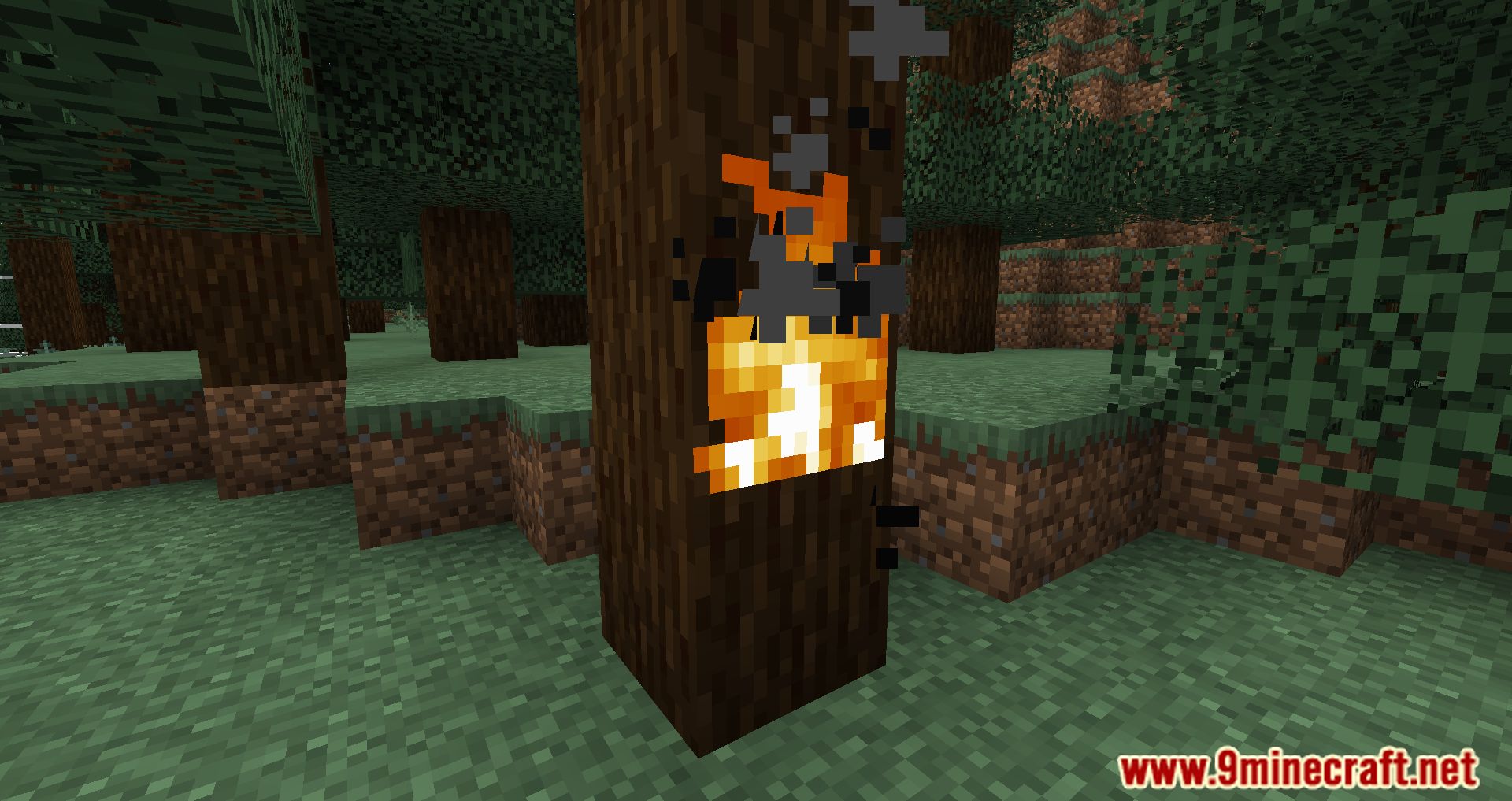
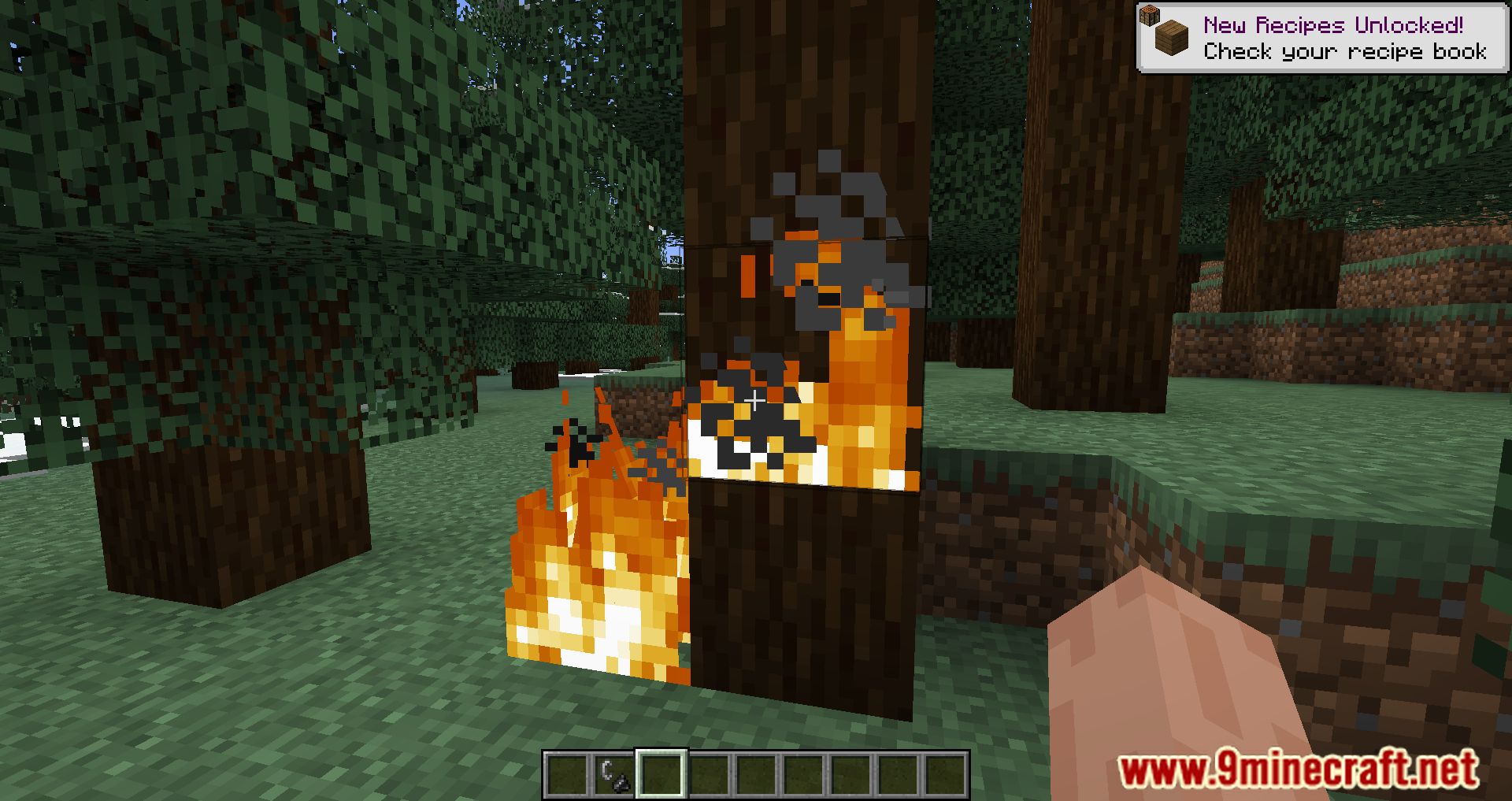
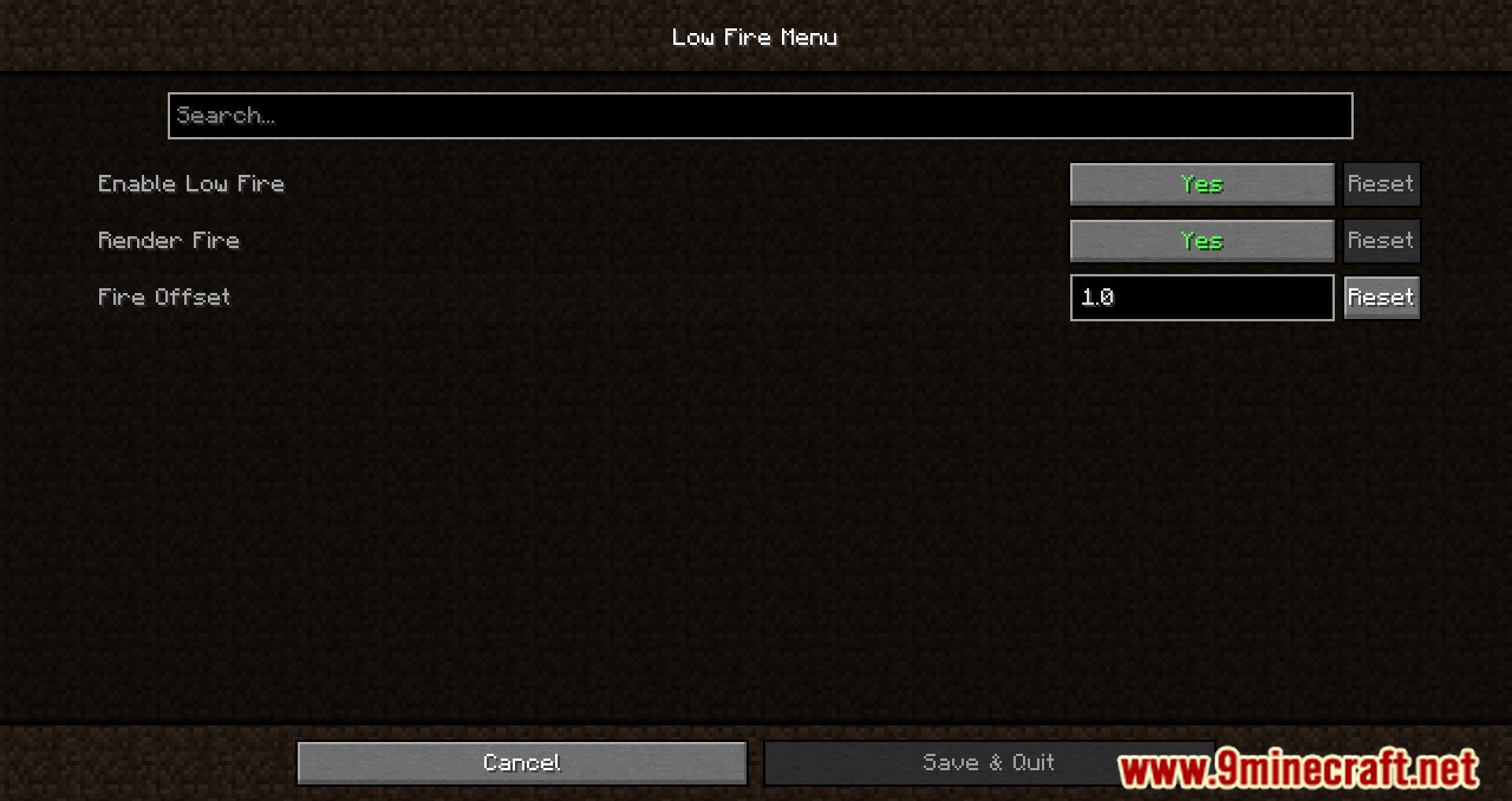
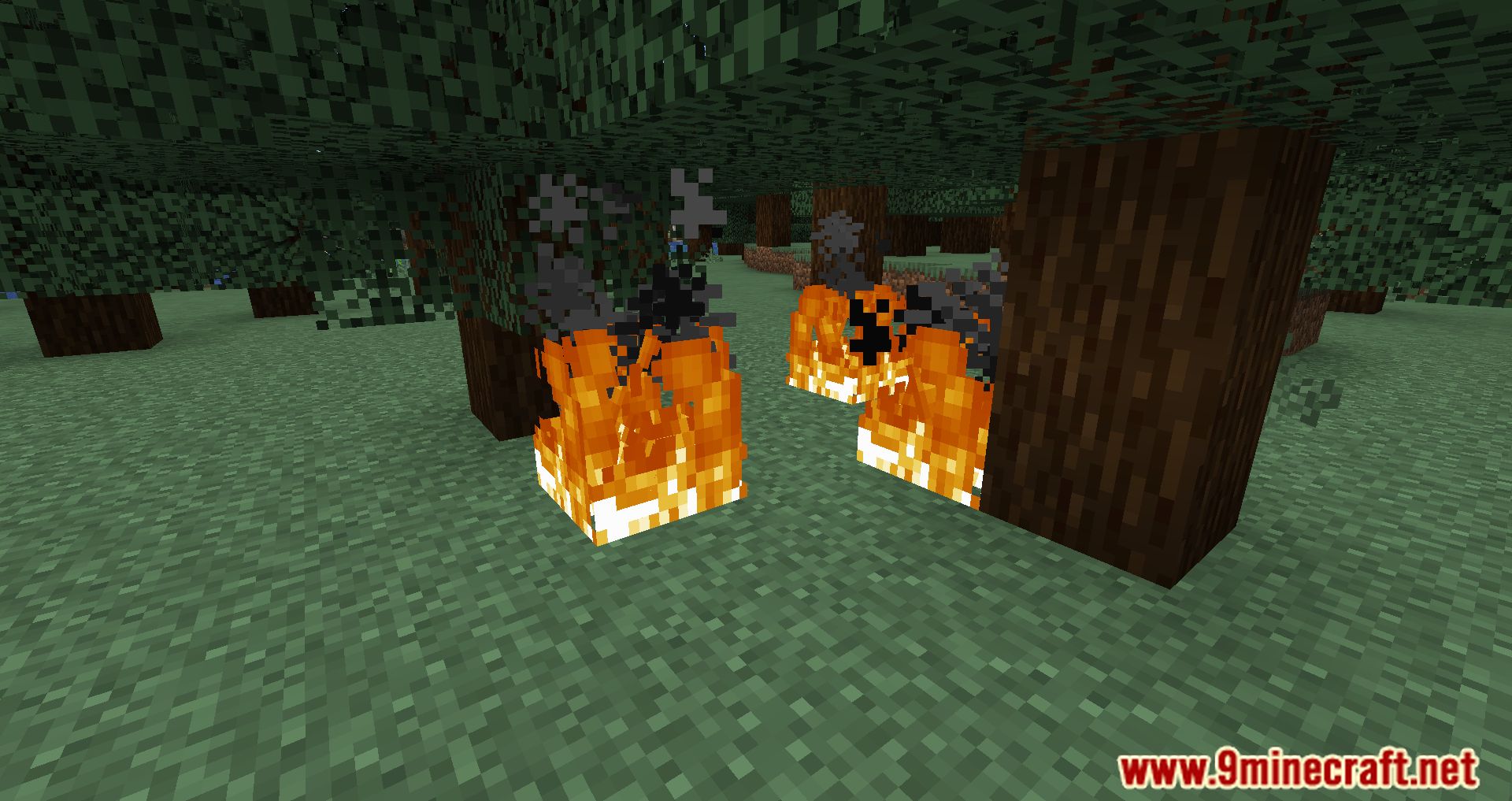
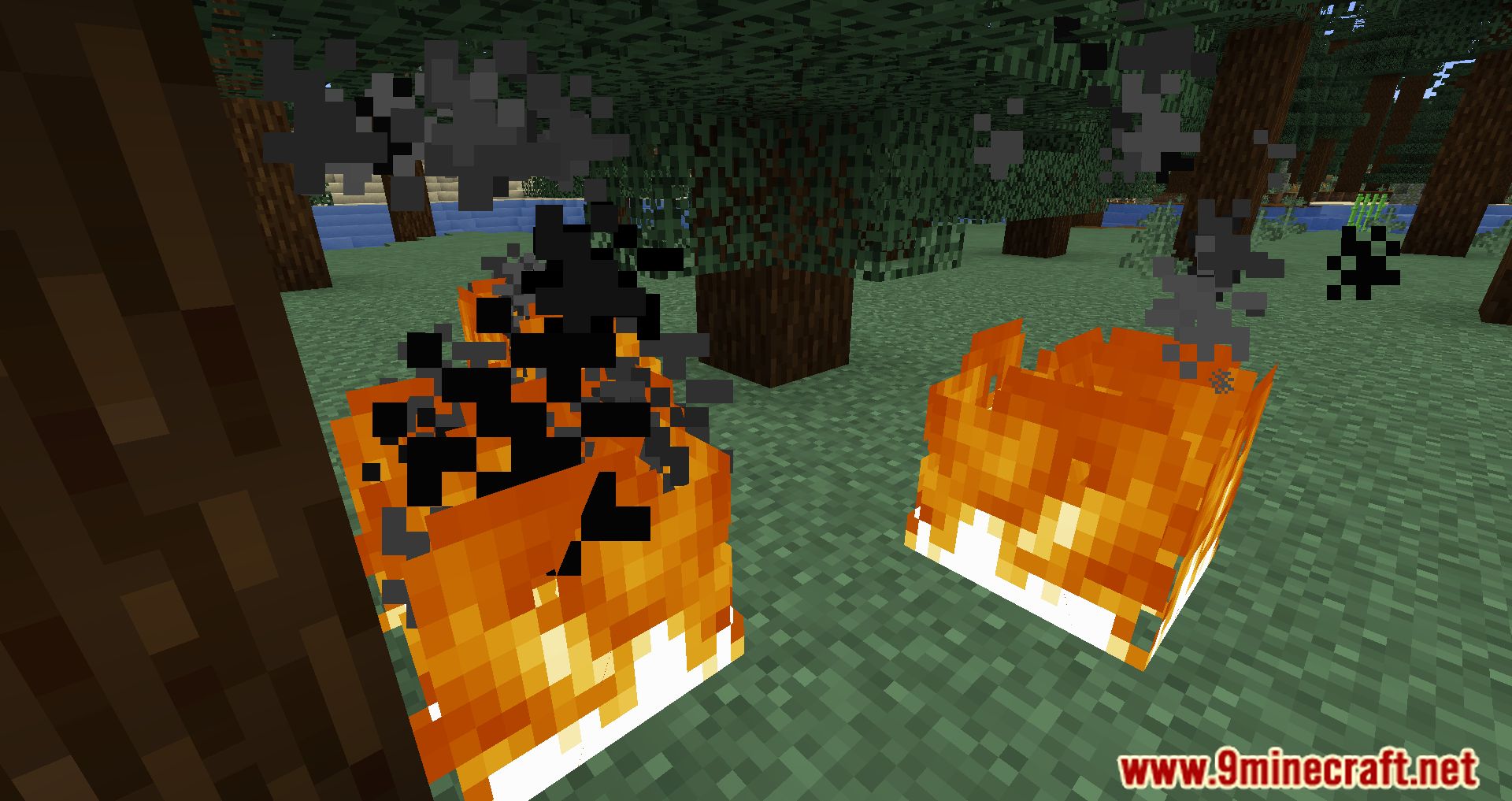
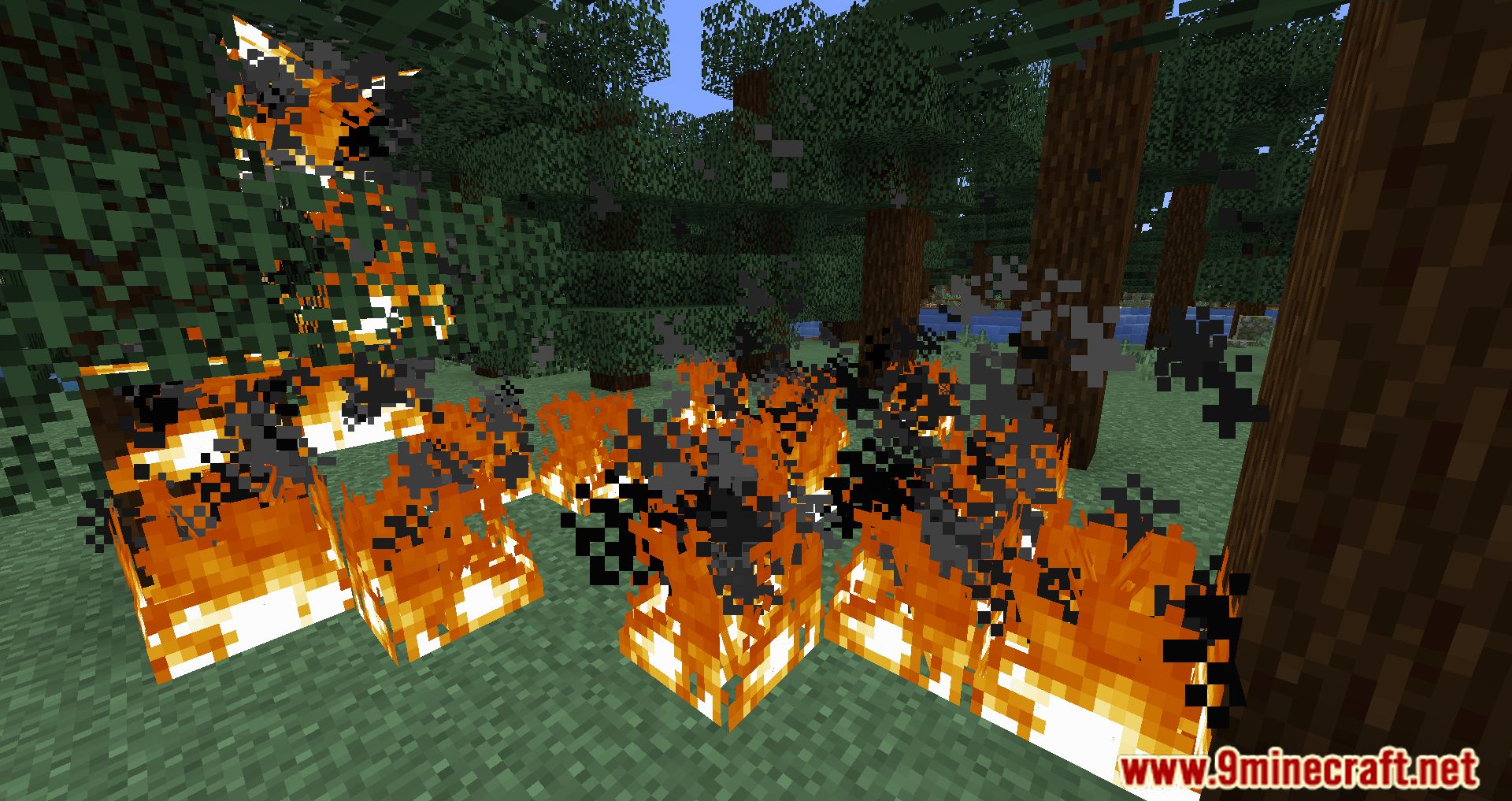
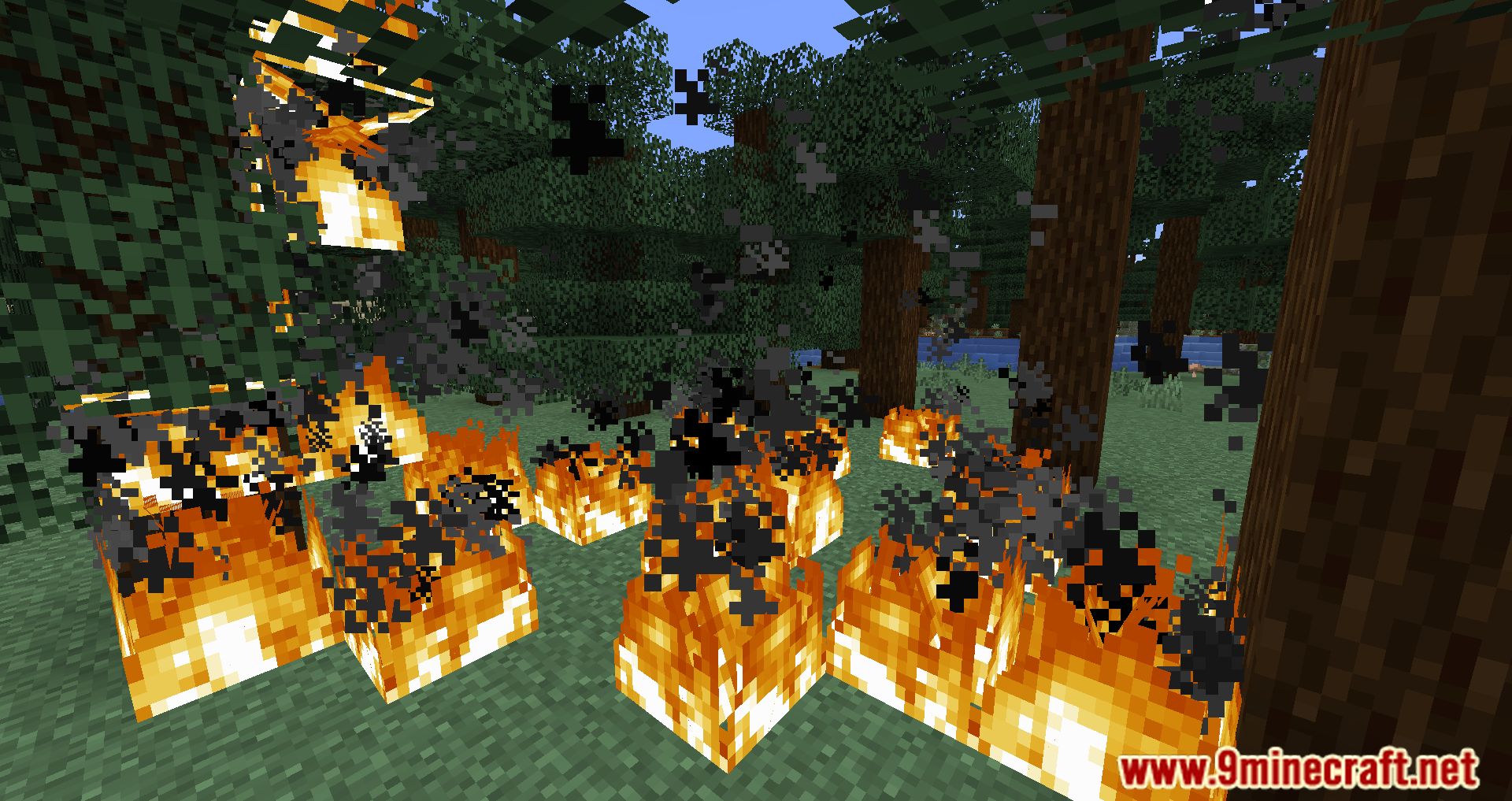
The Low Fire Mod enhances the overall performance of the game by lowering the amount of lag, modifying the look of fire, and decreasing the amount of first-person fire coverage. If you do not have a good computer and are playing Minecraft with a poor experience and you want things to be better, instead of waiting for significant changes, you could try making modest modifications, and the Low Fire Mod can help you! If you do not have a good computer and are playing Minecraft with a poor experience and you want things to be better, try playing Minecraft with the Low Fire Mod! As a result of the fact that the vast majority of players see the game from a first-person point of view, the Low Fire Mod will alter the settings of the game so that there is less fire coverage in general. Although though it’s just a little modification, it can bring a considerable improvement to your game’s performance, making it more pleasurable to play Minecraft and reducing lag at the same time.
Features:
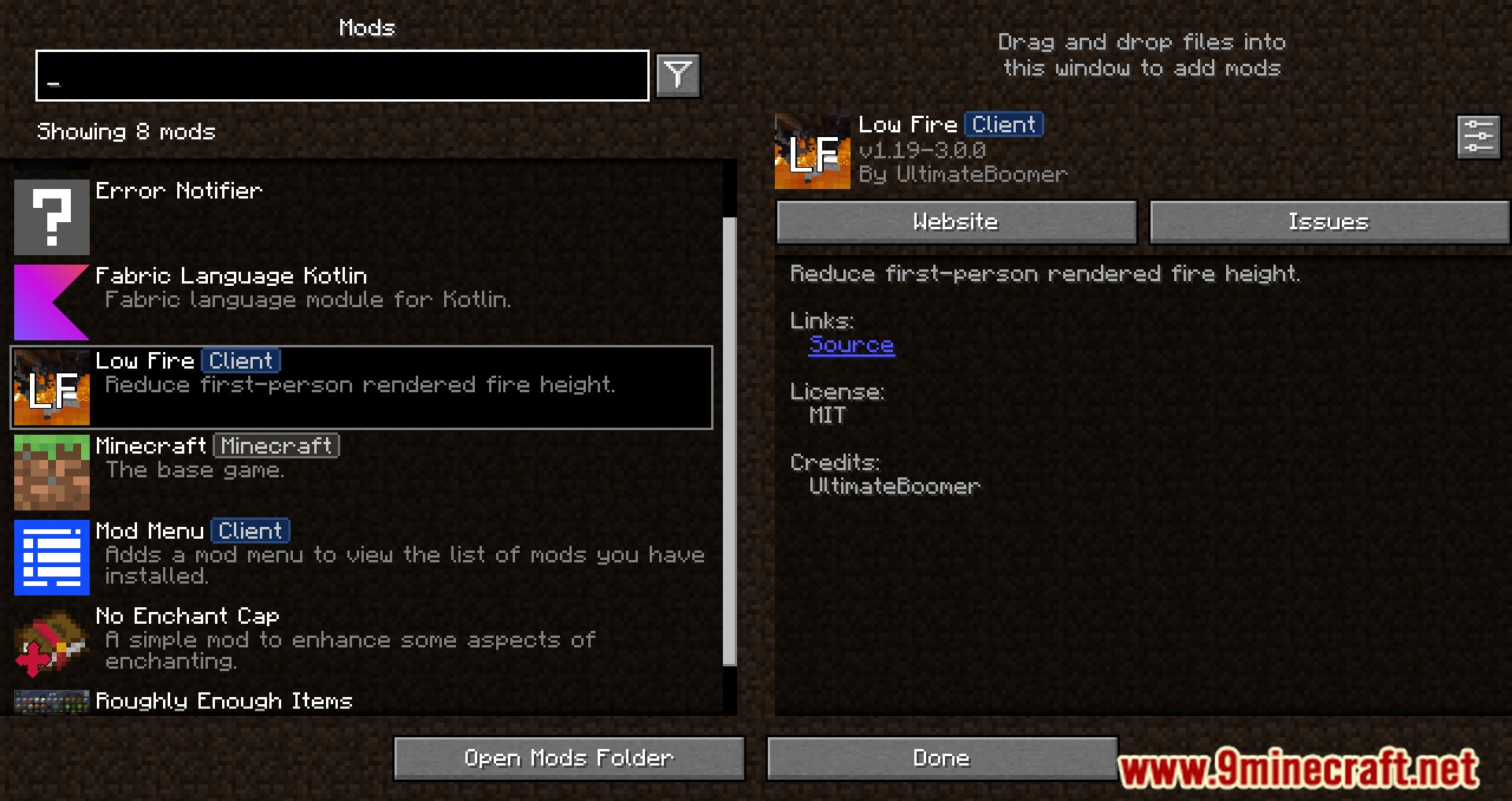
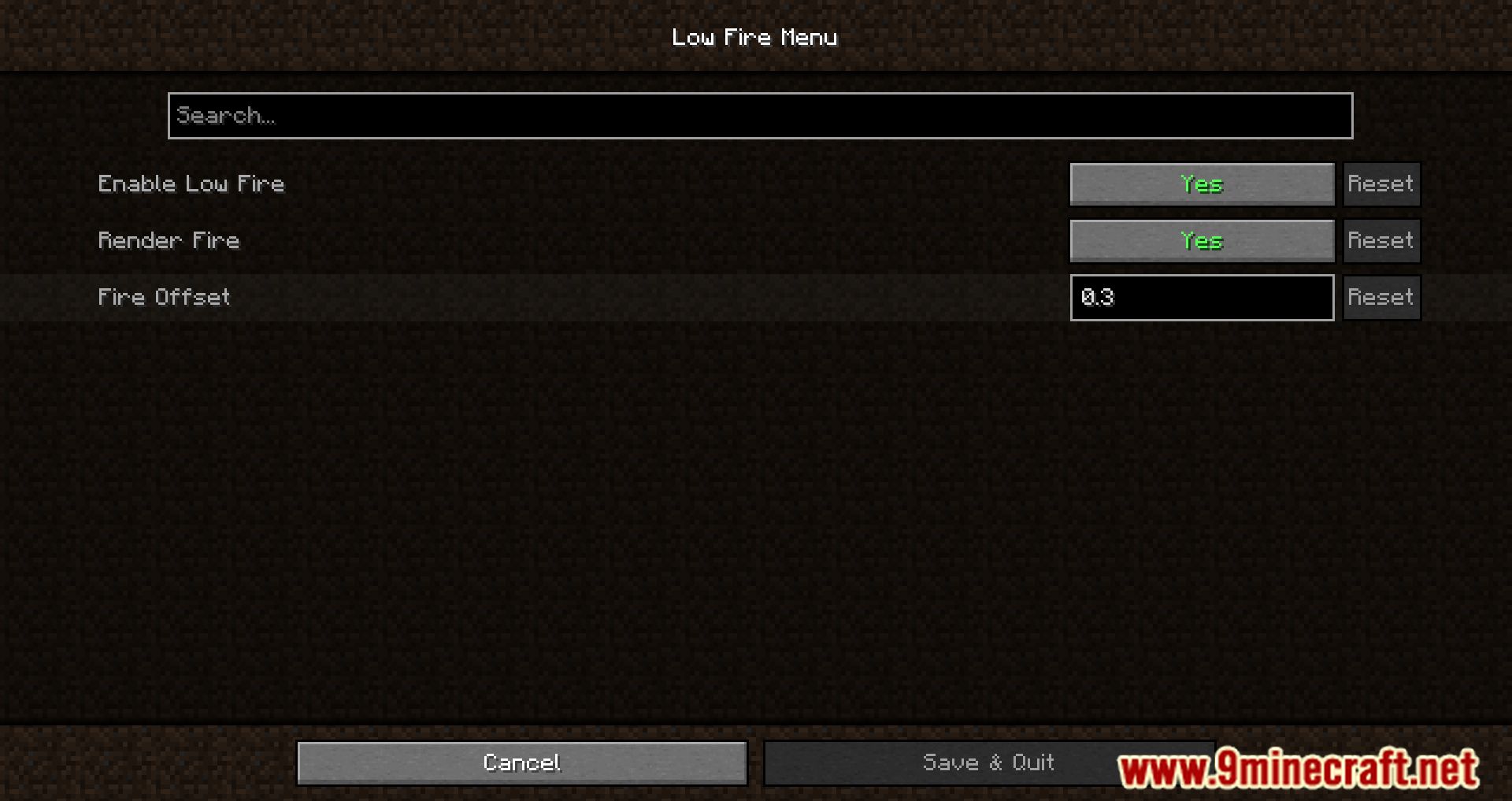
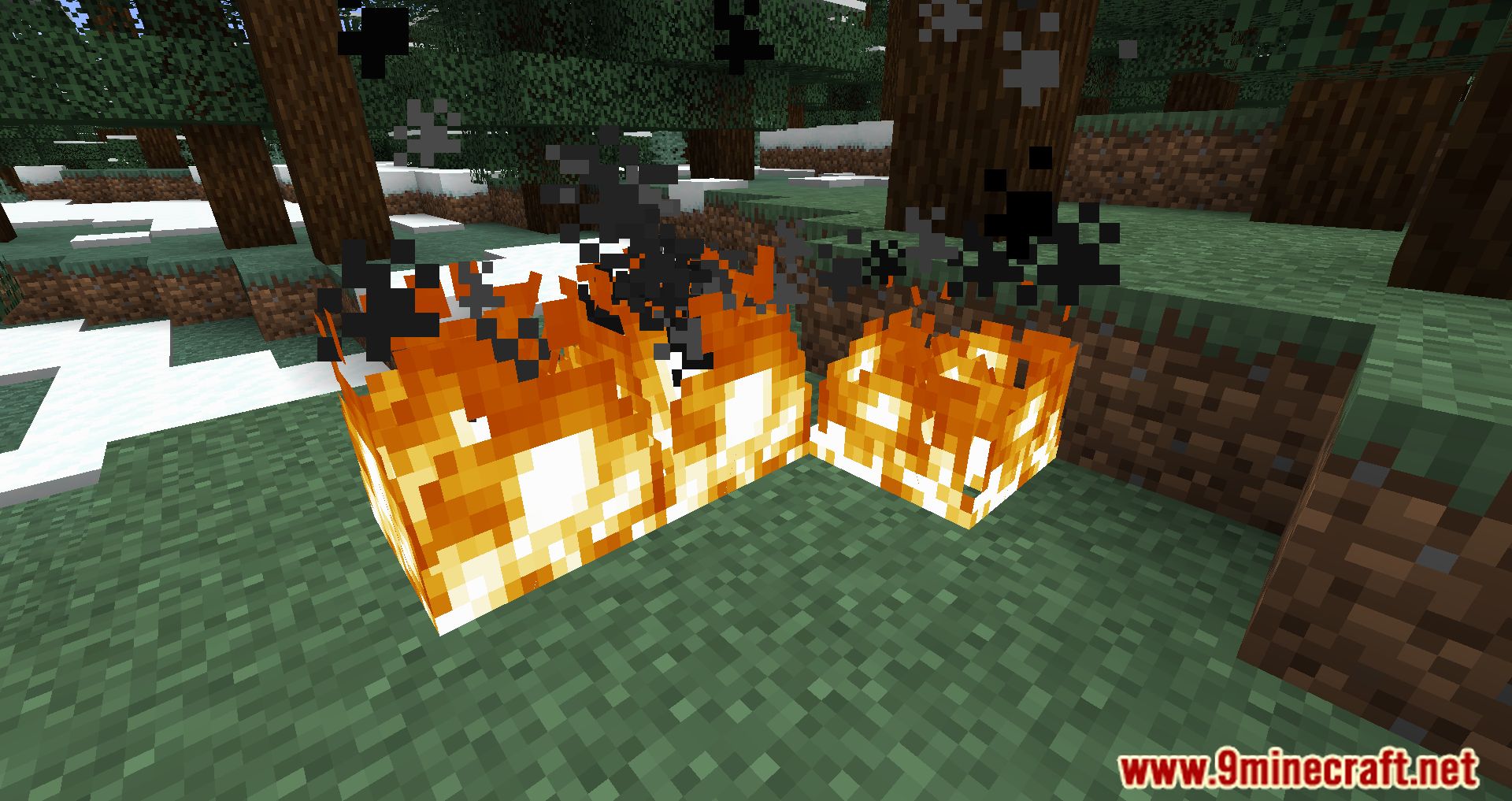
- A simple client-side mod that reduces the coverage of the fire in first-person view.
Screenshots:
Low Fire Mod Download Links
For Minecraft 1.19.3
Fabric version: Download from Server 1 – Download from Server 2
For Minecraft 1.19.2, 1.19.1, 1.19
Fabric version: Download from Server 1 – Download from Server 2
For Minecraft 1.18
Fabric version: Download from Server 1 – Download from Server 2
For Minecraft 1.17
Fabric version: Download from Server 1 – Download from Server 2
For Minecraft 1.16.5
Fabric version: Download from Server 1 – Download from Server 2
- Edition: Minecraft Java
- File type: .jar
- Minecraft versions listed: 1.19.3, 1.16.5
- How to install: Install the matching mod loader (Forge, Fabric or NeoForge) for your Minecraft version. → Download the .jar. → Put it in the .minecraft/mods folder and launch that loader profile.
- Where to get it: In MC Java Mods, or directly above on this page.
Install steps are the general flow for this file type — How to install Minecraft Java mods & modpacks walks through it step by step.
- Downloads as 205796.mcaddon
- Download size: 39 KB
- Download link checked 30 Jul 2026 — working
- Mirrored on our own servers — the download does not depend on the original host
These come from our own check of the pack file, not from the source page.