Precise Block Placing Mod (1.19.3, 1.18.2) – Brings A New Feature
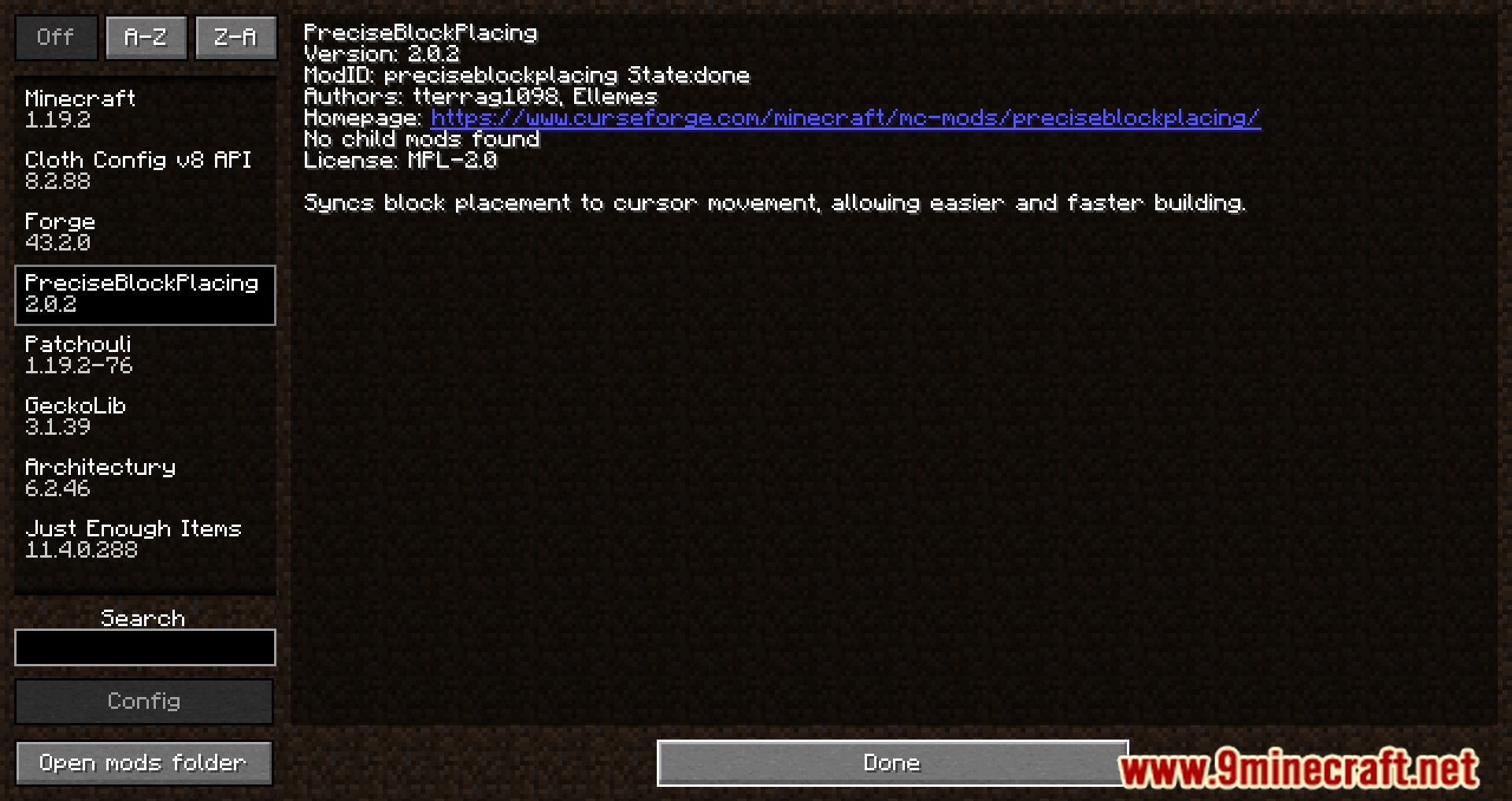
The Precise Block Placement Mod is an update that brings a new feature to the game by enabling players to continually put blocks without any breaks in the…
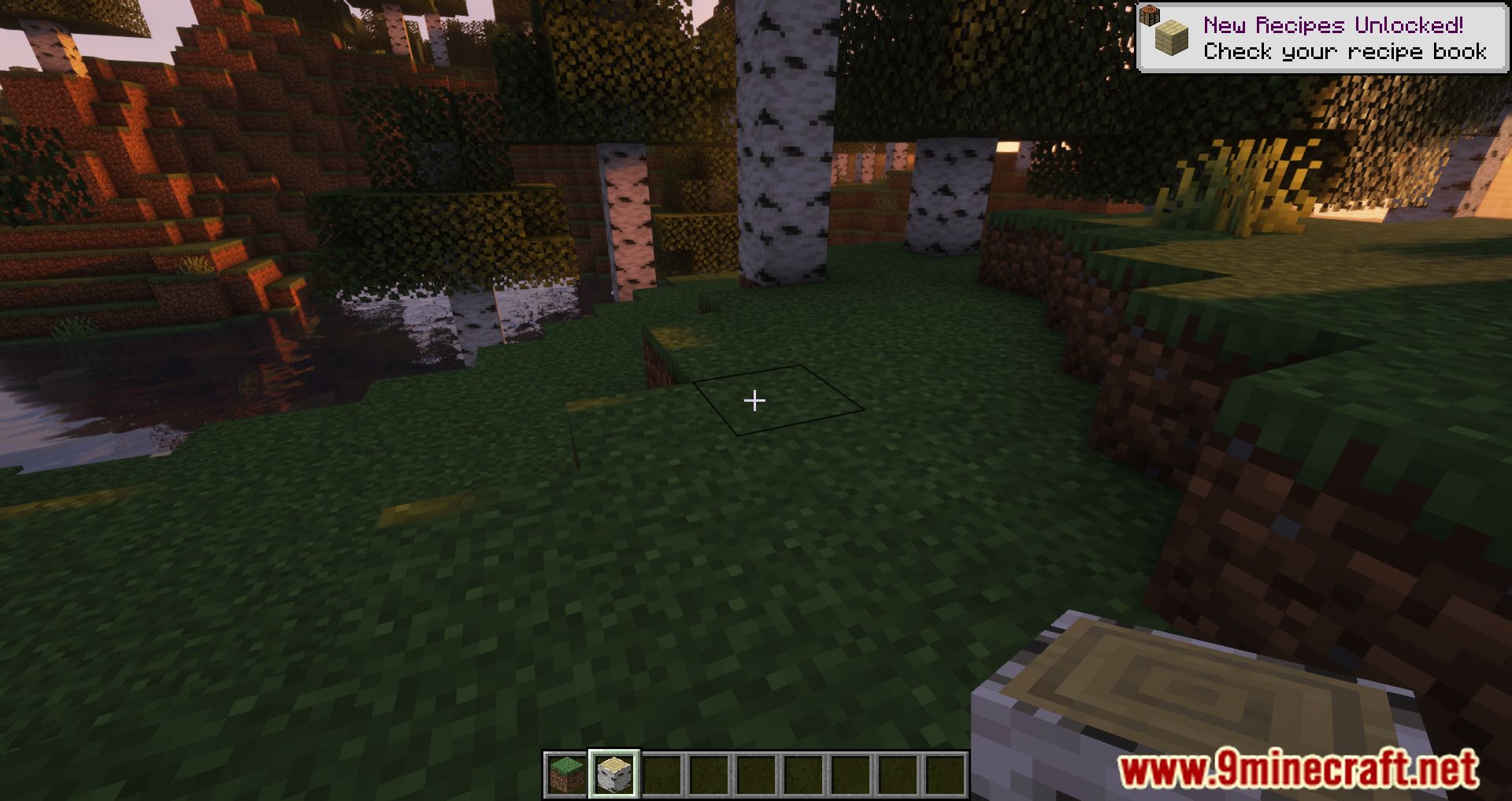
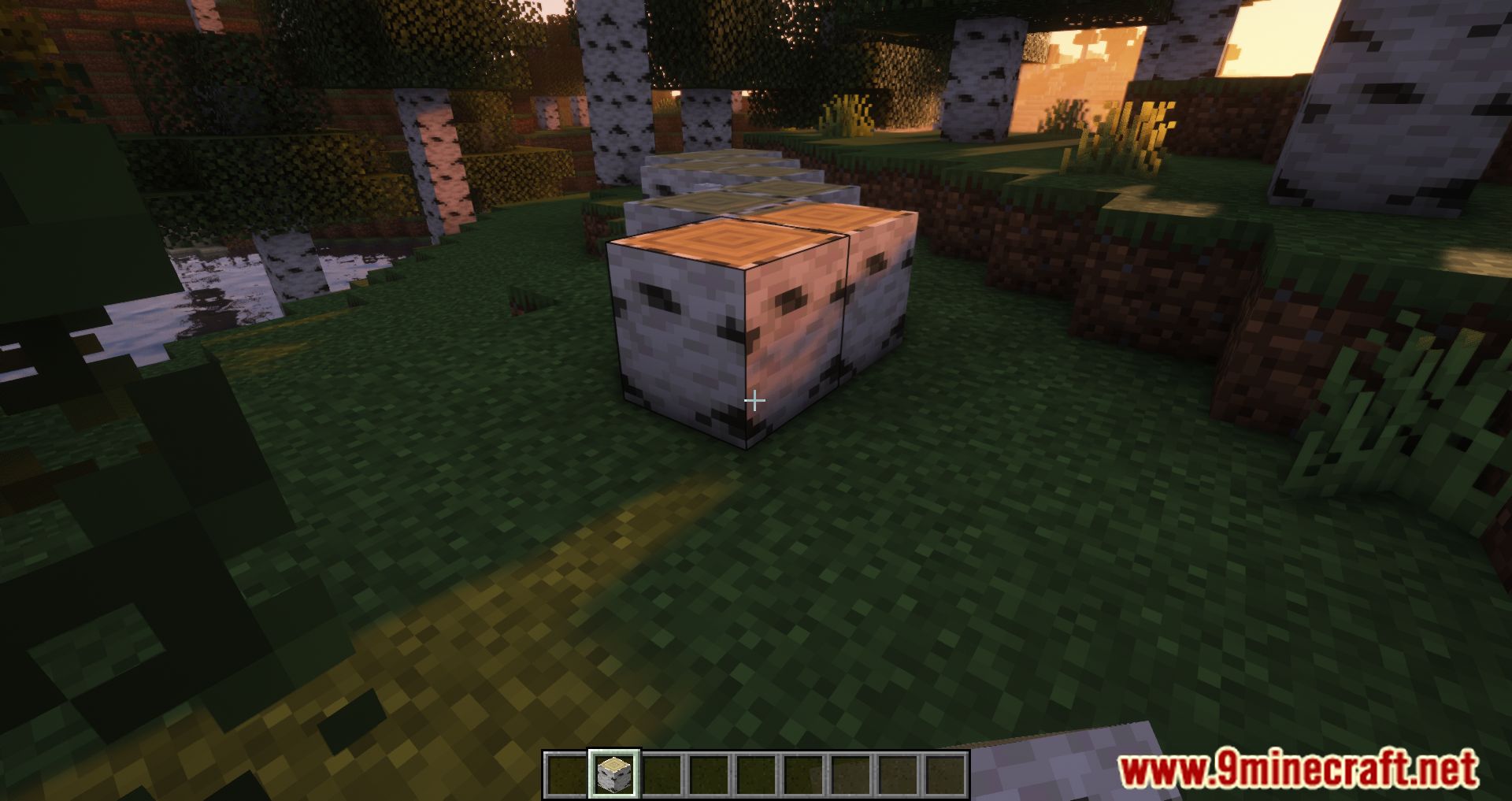
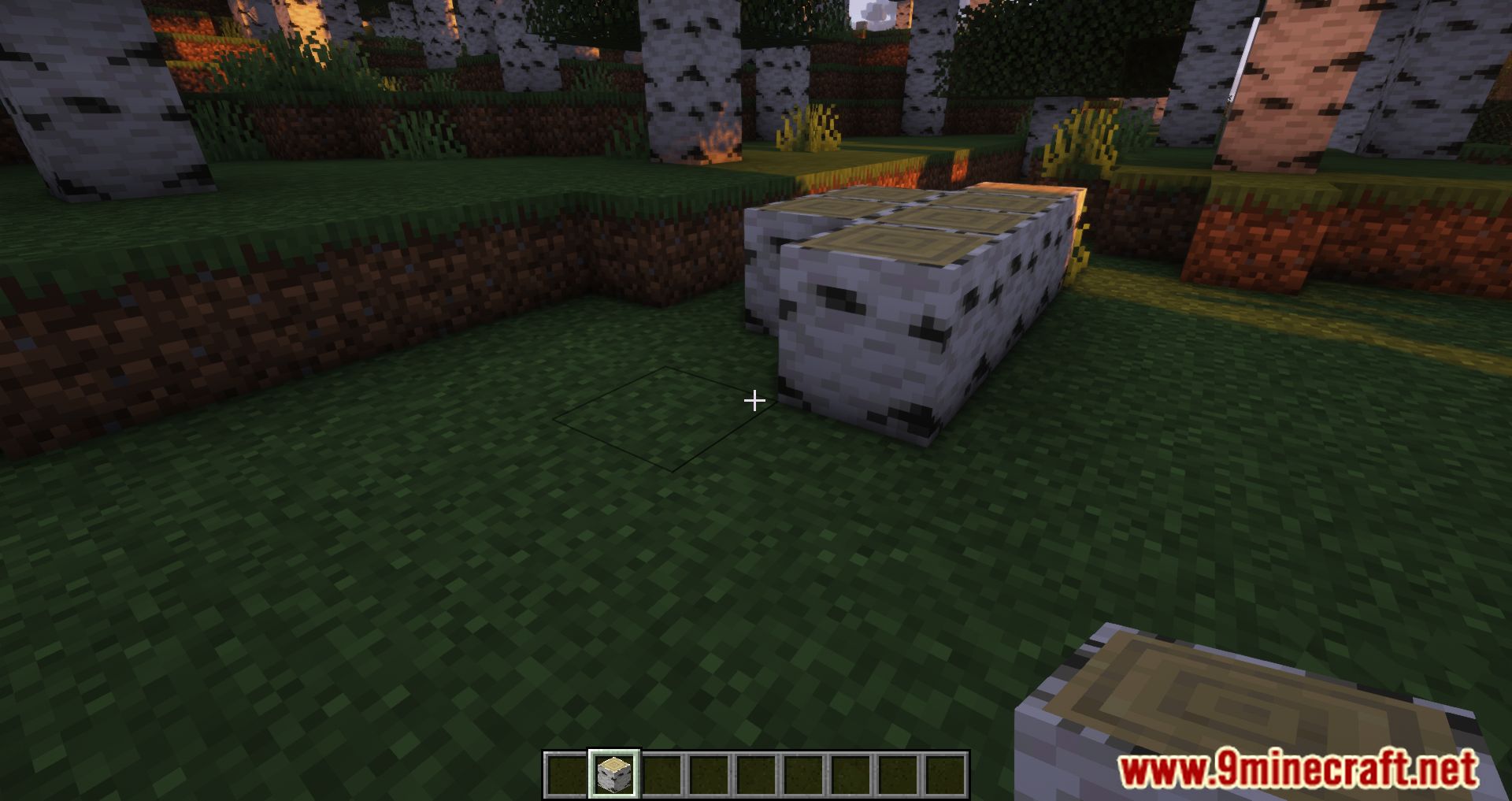
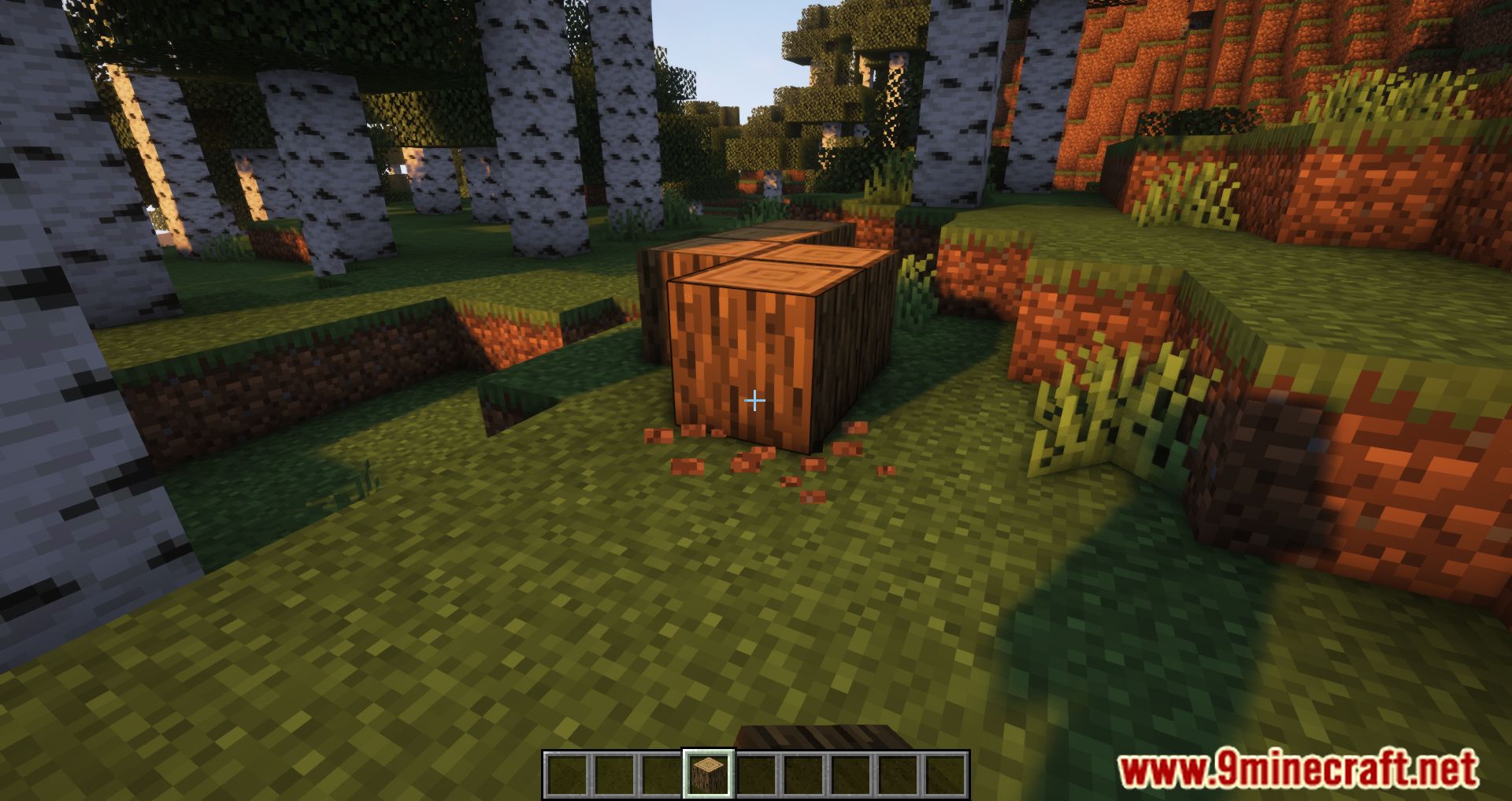
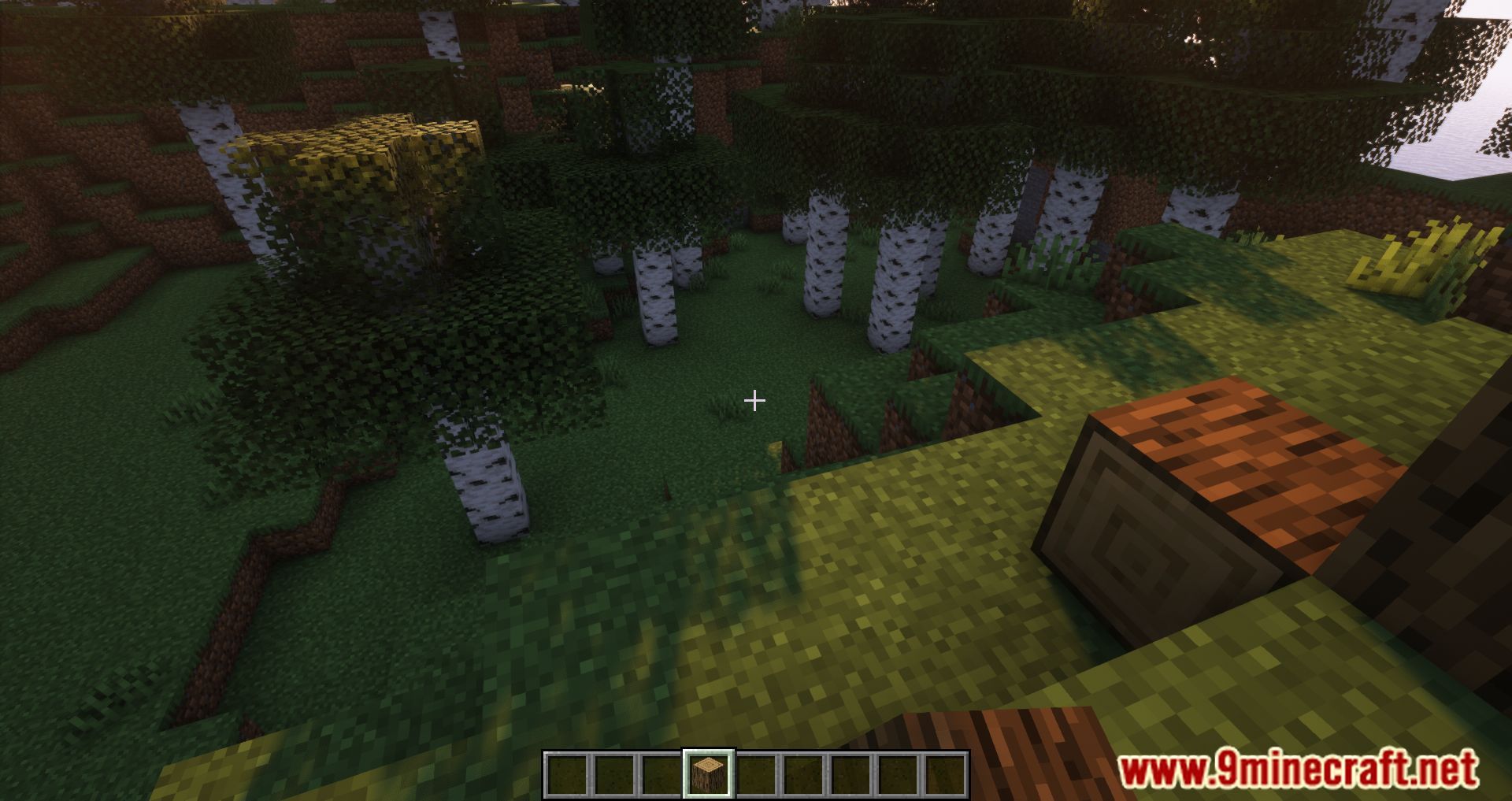
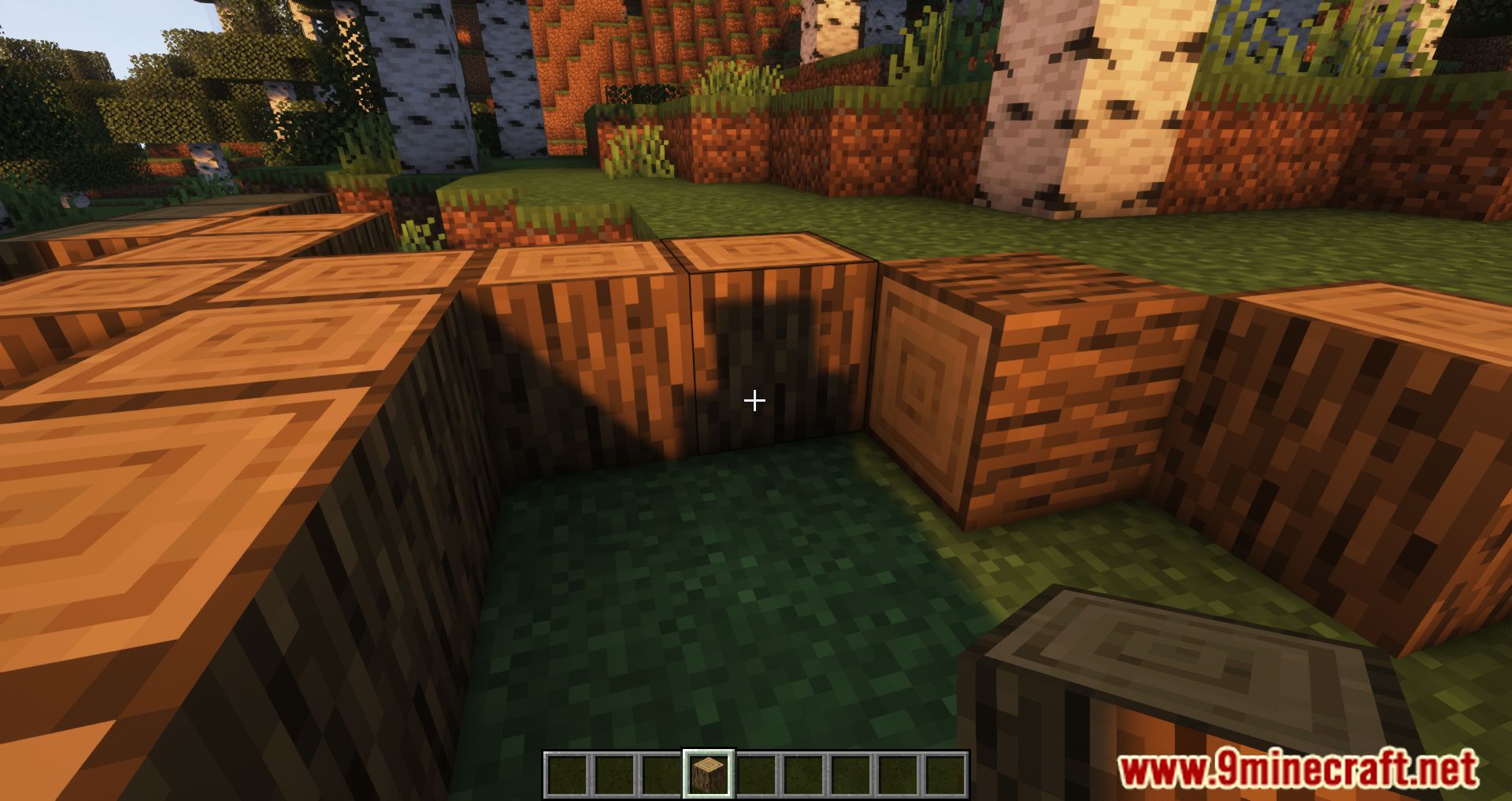
⬇ DownloadOpen in MCModsHubGet it on Google Play →The Precise Block Placement Mod is an update that brings a new feature to the game by enabling players to continually put blocks without any breaks in the action. When you keep the right mouse button depressed in the vanilla version of the game, the game makes an attempt to place a block every four ticks, regardless of anything else that may be happening. This might lead to irritating behavior, such as blocks being placed twice in the same spot or gaps appearing between them. This modification makes an attempt to improve the logic by enabling the instant placement of blocks whenever the player moves the pointer to a new spot. This means that you can put blocks more quickly and create more quickly than in the vanilla version of Minecraft. Those players who enjoy building but are frustrated by the time it takes to position blocks will benefit greatly from this modification. With this mod, you will be able to rapidly create a house or any other buildings you like, and the construction time will be significantly less than it would normally be.
Features:
- Allows a block to be placed when the cursor moves to a new block position.
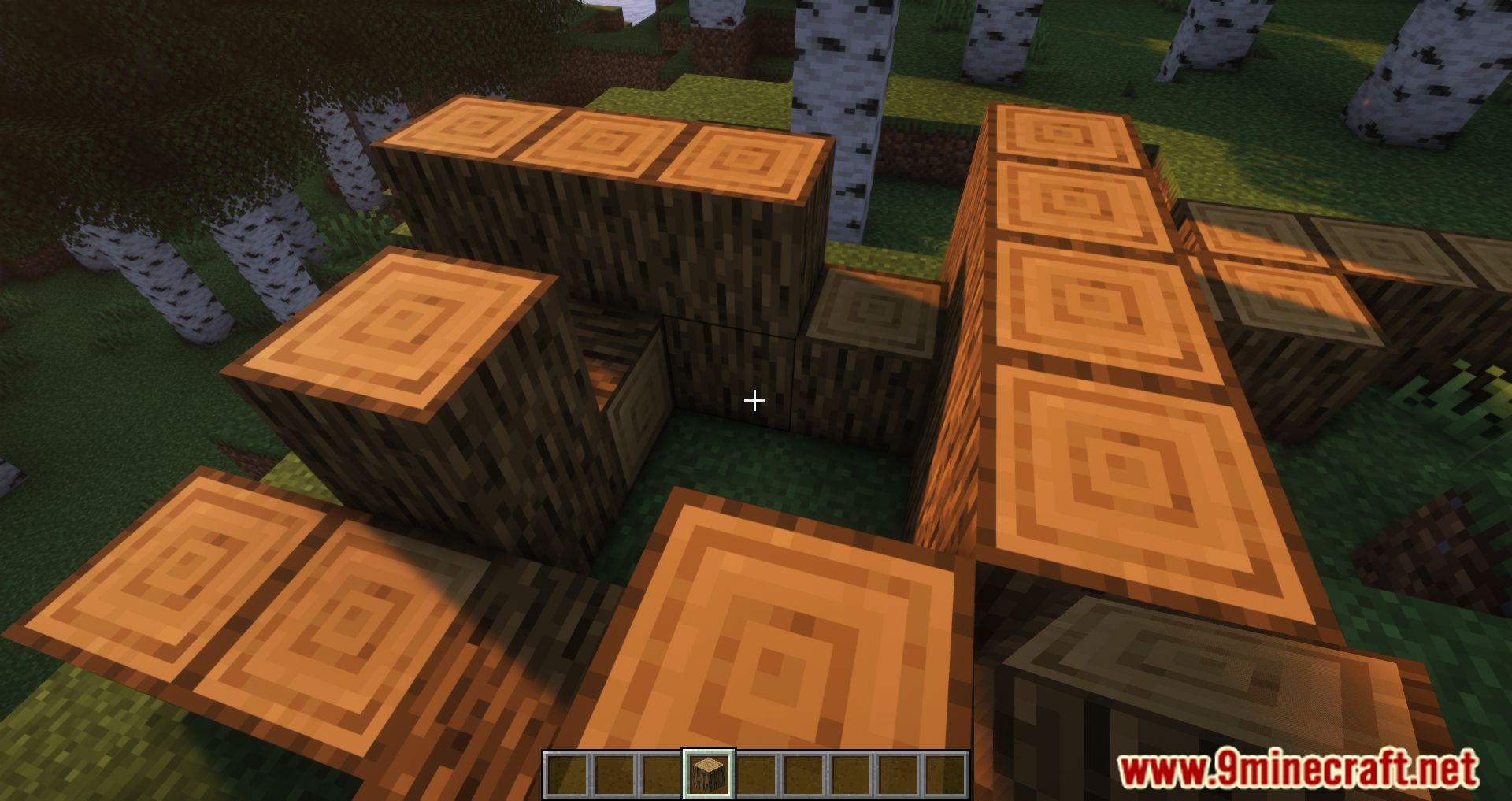
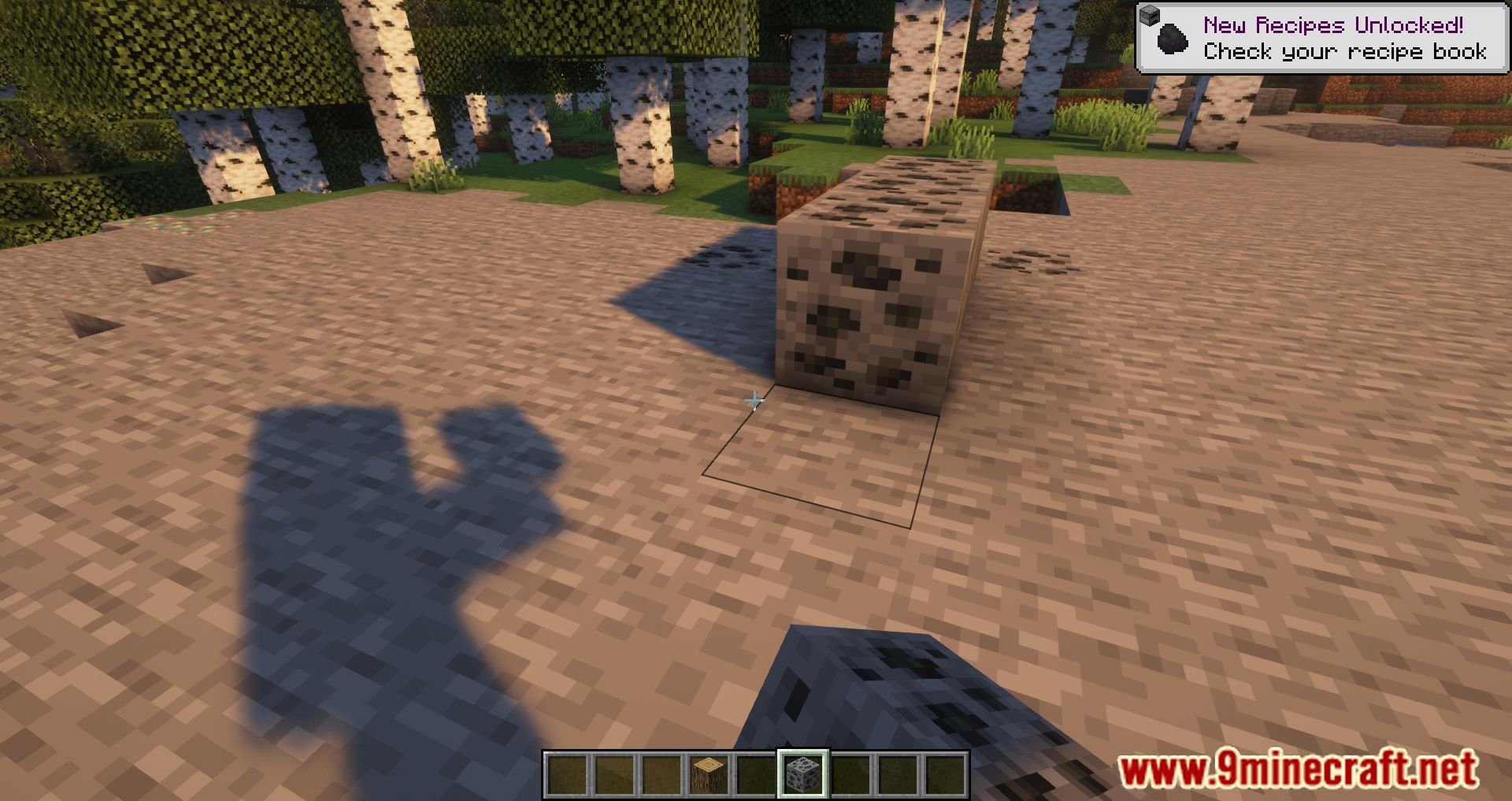
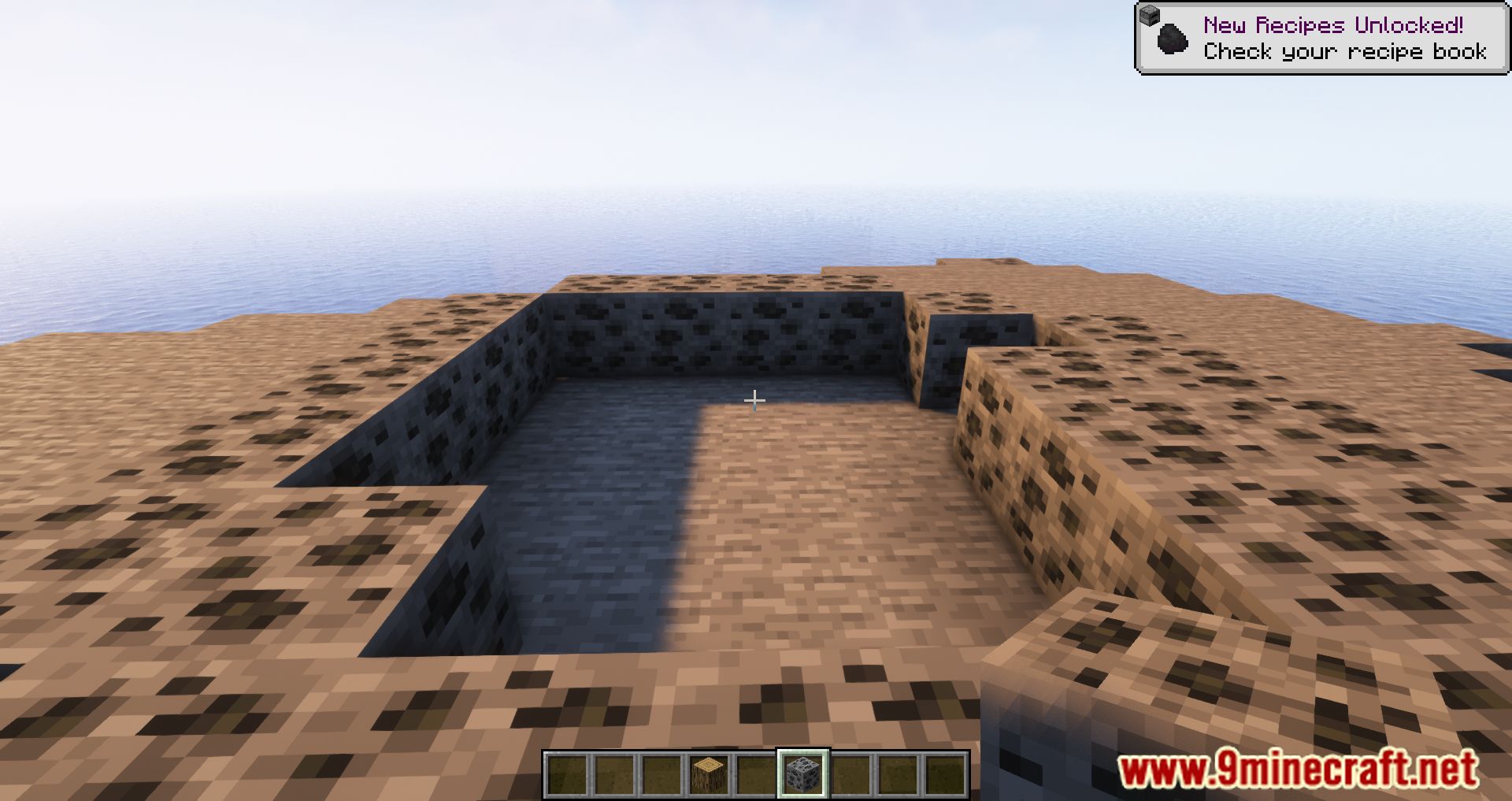
Screenshots:
Precise Block Placing Mod Download Links
For Minecraft 1.19.3, 1.19.2, 1.19.1
Forge Version: Download from Server 1 – Download from Server 2
Fabric Version: Download from Server 1 – Download from Server 2
Quilt Version: Download from Server 1 – Download from Server 2
For Minecraft 1.18.2
Forge Version: Download from Server 1 – Download from Server 2
Fabric Version: Download from Server 1 – Download from Server 2
Quilt Version: Download from Server 1 – Download from Server 2
For Minecraft 1.18.1
Forge Version: Download from Server 1 – Download from Server 2
Fabric Version: Download from Server 1 – Download from Server 2
For Minecraft 1.17.1
Forge Version: Download from Server 1 – Download from Server 2
Fabric Version: Download from Server 1 – Download from Server 2
For Minecraft 1.16.5
Forge Version: Download from Server 1 – Download from Server 2
For Minecraft 1.15.2
Forge Version: Download from Server 1 – Download from Server 2
- Download size: 15 KB
- Download link checked 24 Jul 2026 — working
- Mirrored on our own servers — the download does not depend on the original host
These come from our own check of the pack file, not from the source page.