ReAuth Mod (1.19.2, 1.18.2) – Relog to Servers Instantly
ReAuth Mod fixes the need to restart Minecraft when your session becomes invalid. Instead of closing the game, you can log back into your account directly…
⬇ DownloadOpen in MCModsHubGet it on Google Play →ReAuth Mod fixes the need to restart Minecraft when your session becomes invalid. Instead of closing the game, you can log back into your account directly from the multiplayer screen. This is a client-side mod, so it only needs to be on your game and doesn’t have to be on the server.
Features:
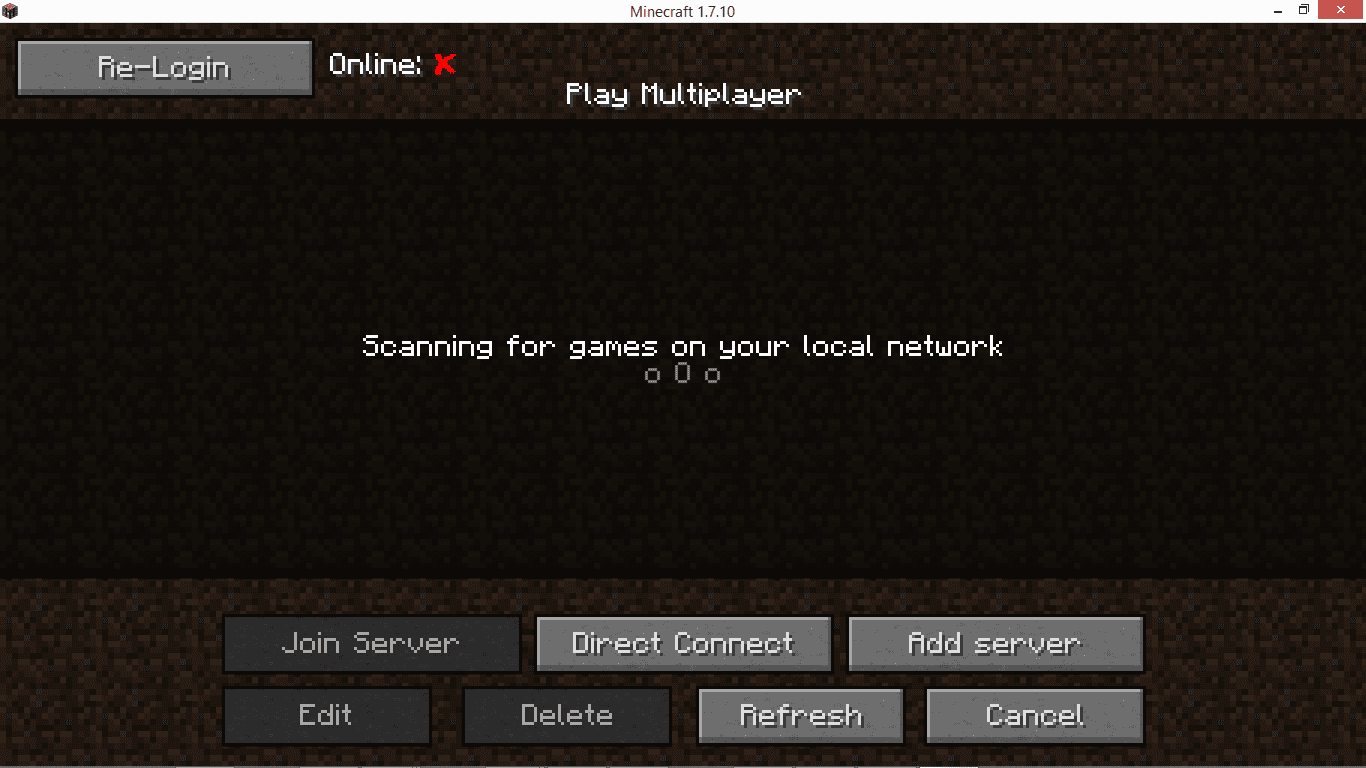
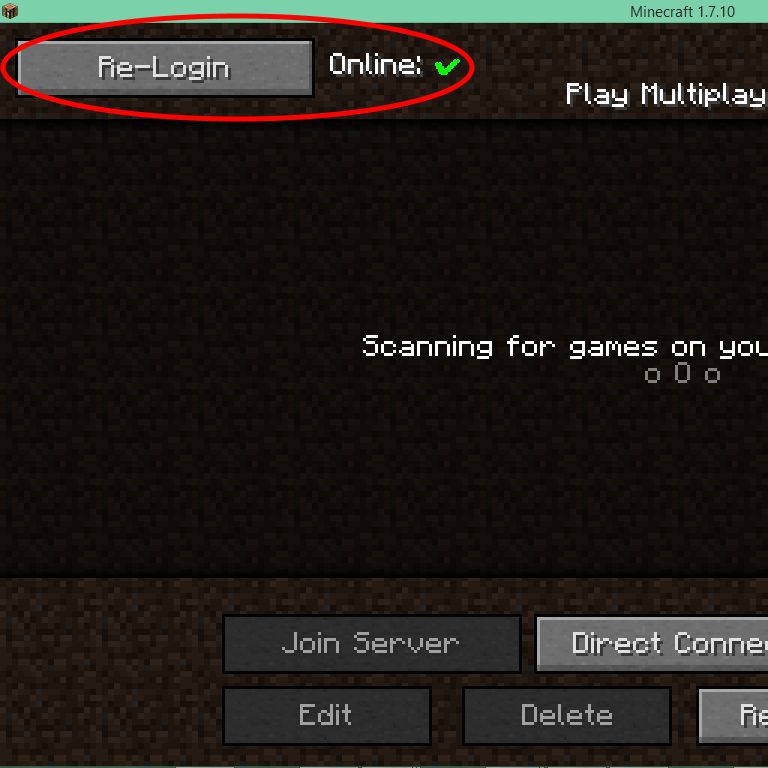
- Adds a session indicator to the multiplayer screen, showing green for a valid session and red for an invalid one.
- Lets you log in again without closing and reopening Minecraft.
- Allows you to switch between different accounts while the game is still running.
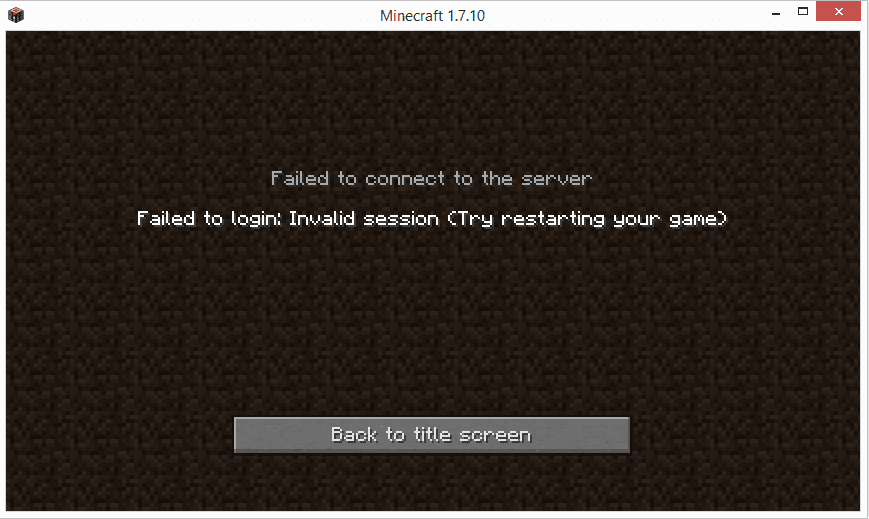
- Provides a quick “login and retry” button if a server connection fails due to an invalid session.
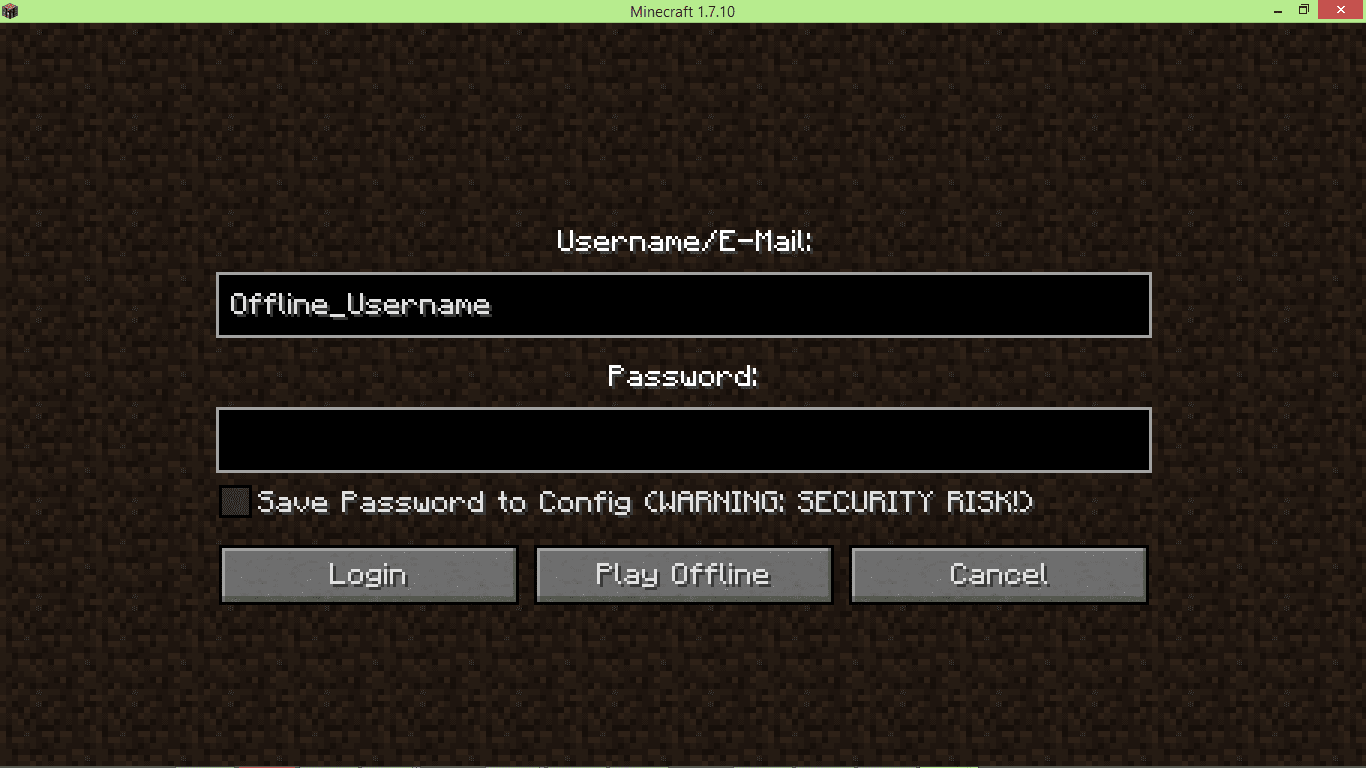
- Includes an option to change your username for offline play, which can be enabled in the config.
- Features a hidden button in the main menu for use with the CustomMainMenu mod.
Configuration:
- You can choose to save your login information in the config file.
- When saved, your details are encrypted for security.
- The ability to change your username for offline mode must be enabled in the config file.
How to Use:
- On the Multiplayer screen, look for the session status indicator.
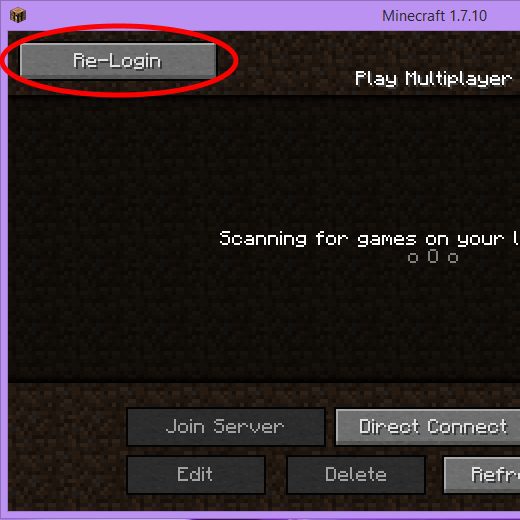
- If it’s red, click the Re-Login button.
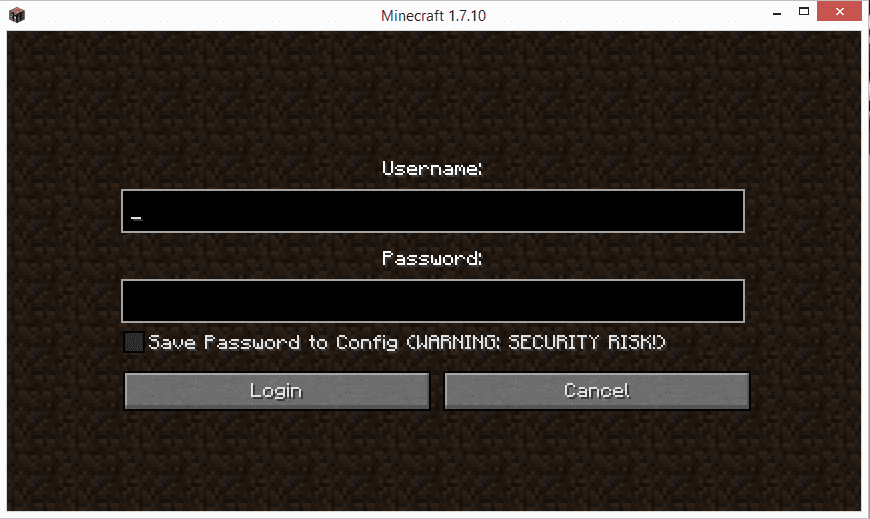
- Enter your account username and password in the login screen that appears.
- Once logged in, you can connect to servers without restarting the game.
Screenshots:
Login-Screen
An Invalid-Session-Screen
MultiplayerScreen with LoginButton added
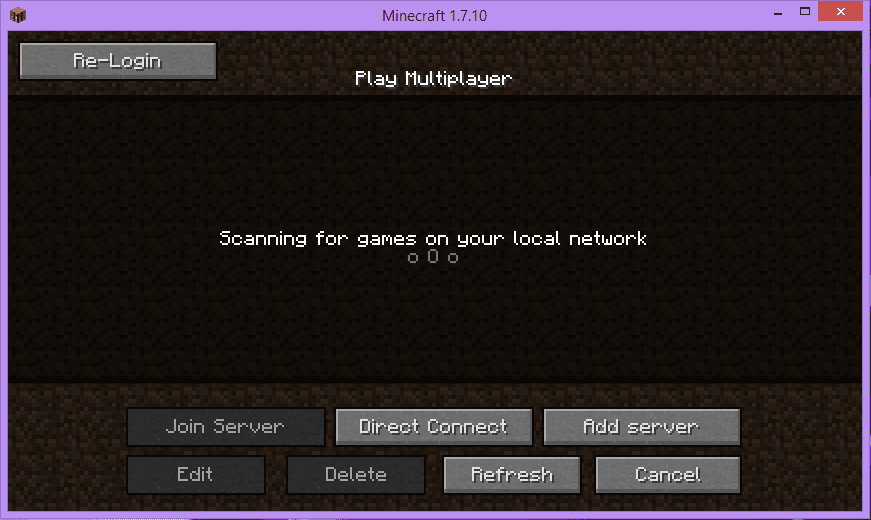
Multiplayerscreen with Sessionvalidator Online
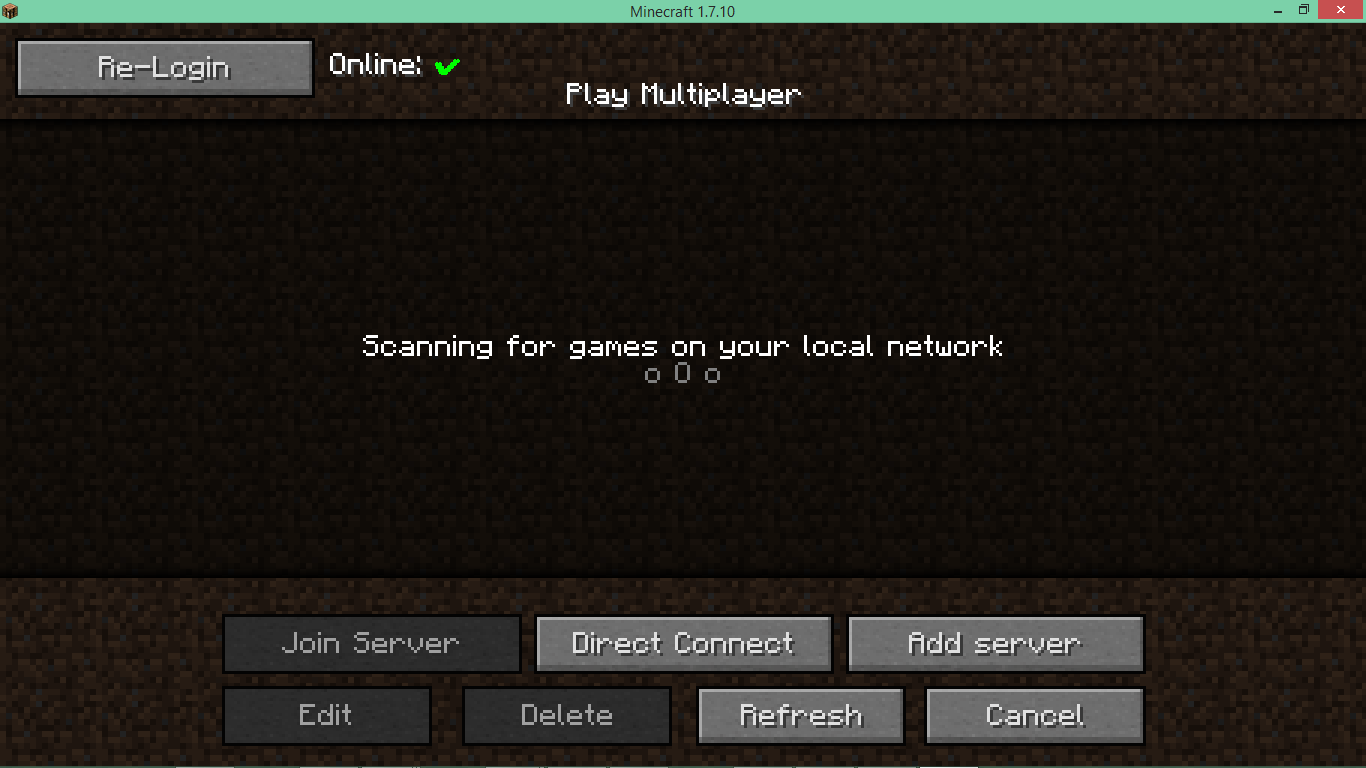
Multiplayerscreen with Sessionvalidator Offline
Login-screen with the “Play Offline” Button enabled
Icon
ReAuth Mod Download Links
For Minecraft 1.19.3, 1.19.2
Forge version: Download from Server 1 – Download from Server 2
For Minecraft 1.19
Forge version: Download from Server 1
For Minecraft 1.18.2
Forge version: Download from Server 2
For Minecraft 1.16.5
Forge version: Download from Server 2
Fabric version: Download from Server 2
For Minecraft 1.15.2, 1.15.1, 1.15, 1.14.4
For Minecraft 1.12.2, 1.12.1, 1.12
For Minecraft 1.7.10
- Download size: 169 KB
- Download link checked 22 Jul 2026 — working
- Mirrored on our own servers — the download does not depend on the original host
These come from our own check of the pack file, not from the source page.