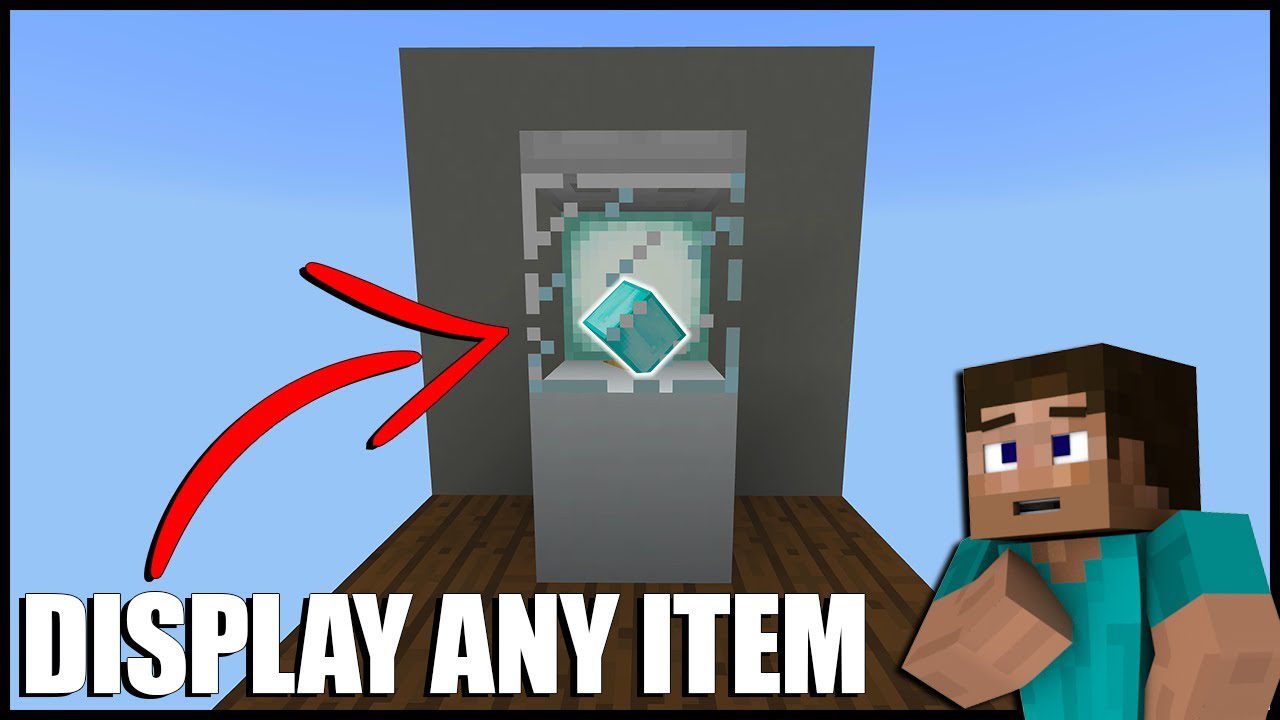
Better Displays Mod (1.12.2) – Display Cases, Book Holders
Minecraft Java mod. Downloads from the MC Java Mods app on Android.
⬇ DownloadBetter Displays Mod adds various decorative items to the game including modular display cases, book holders.
Features:
Display Cases:
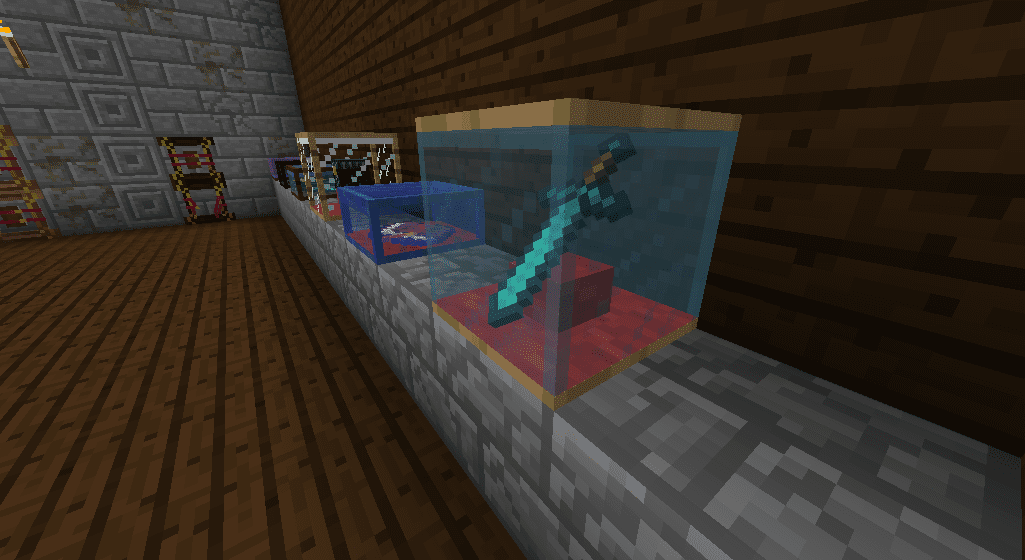
- The display cases can be fully customized allowing the player to change the main material, the glass type, and optionally, add a carpet under the item.
- Items can be rotated around two axes to customize how they are displayed in the display cases.
- Try clicking on multiple sides of the display case to get the hang of it.
Book Holders:
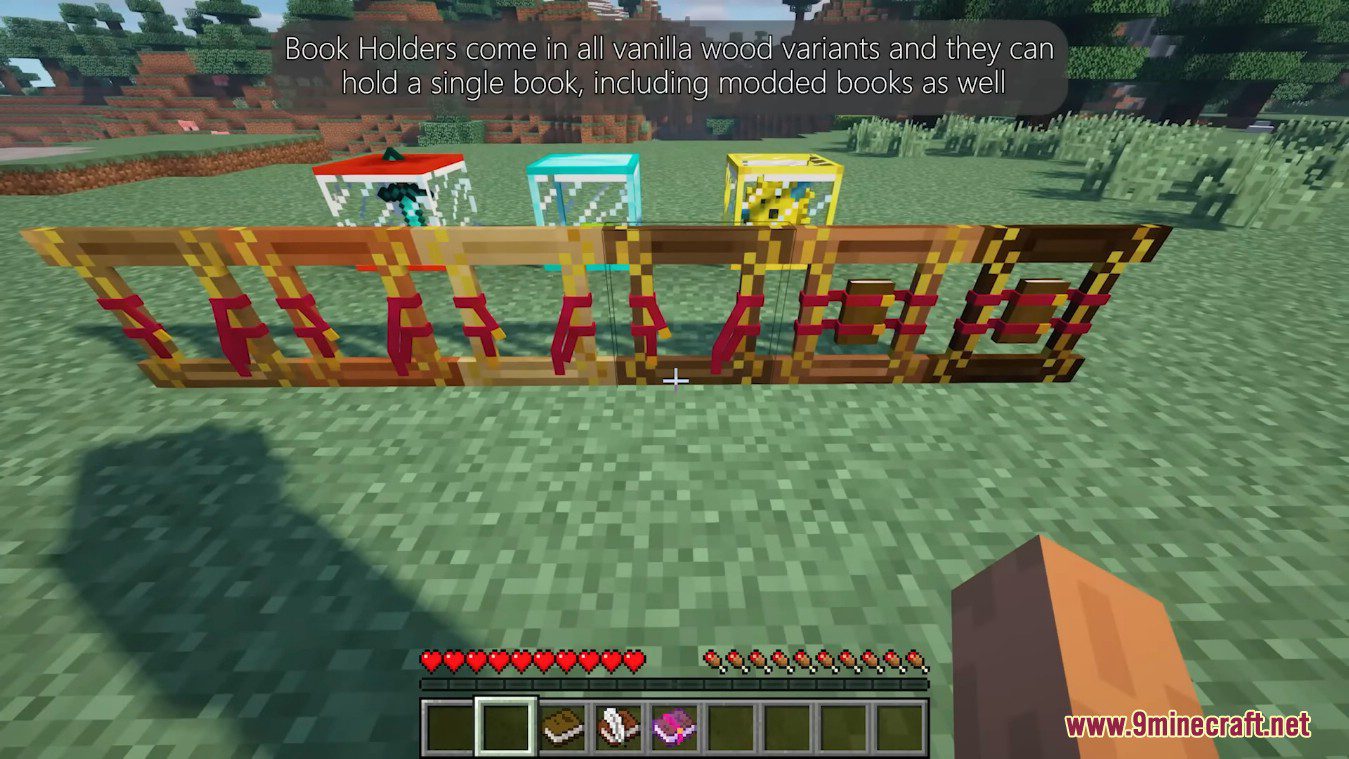
- The book holders can hold a single book and currently come in all vanilla wood variants. Most modded books should work without any config tweaking. You can configure what is allowed in a book holder via the configs.
Screenshots:
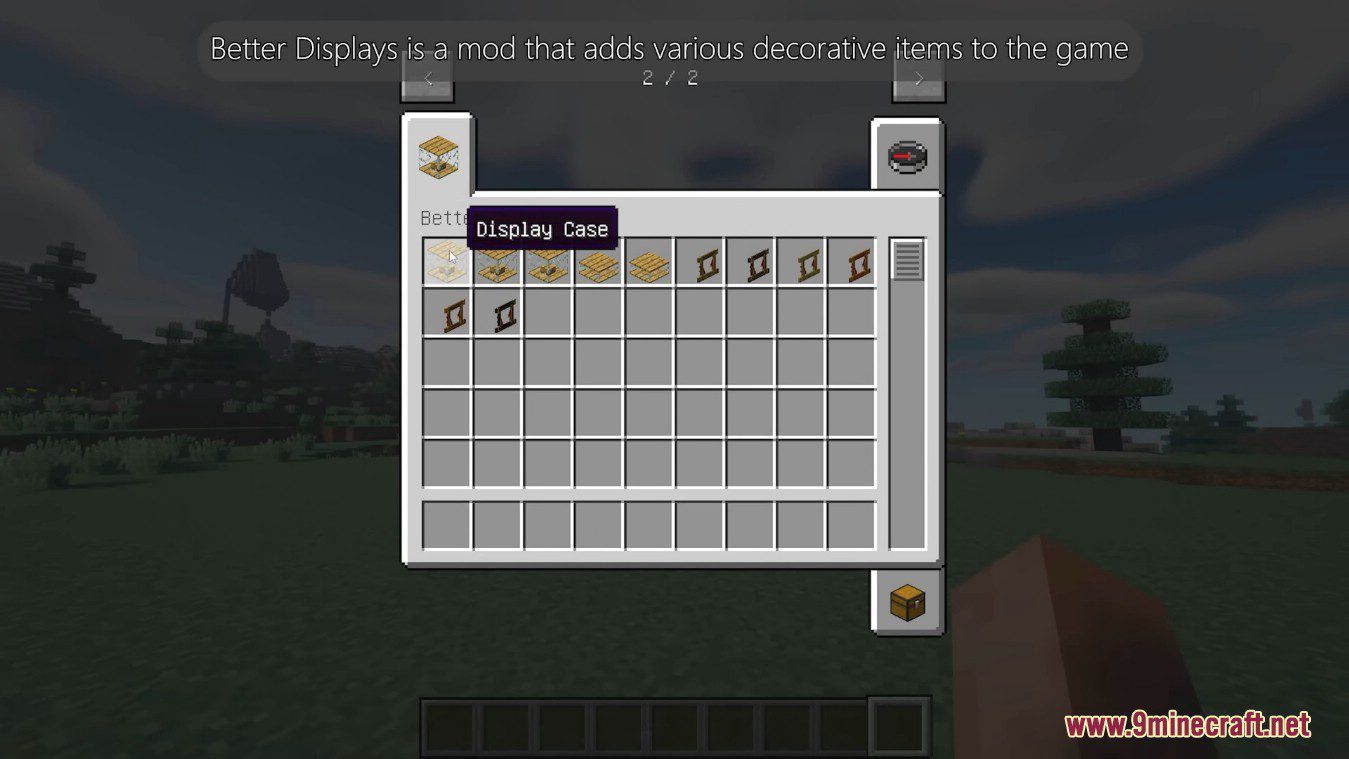
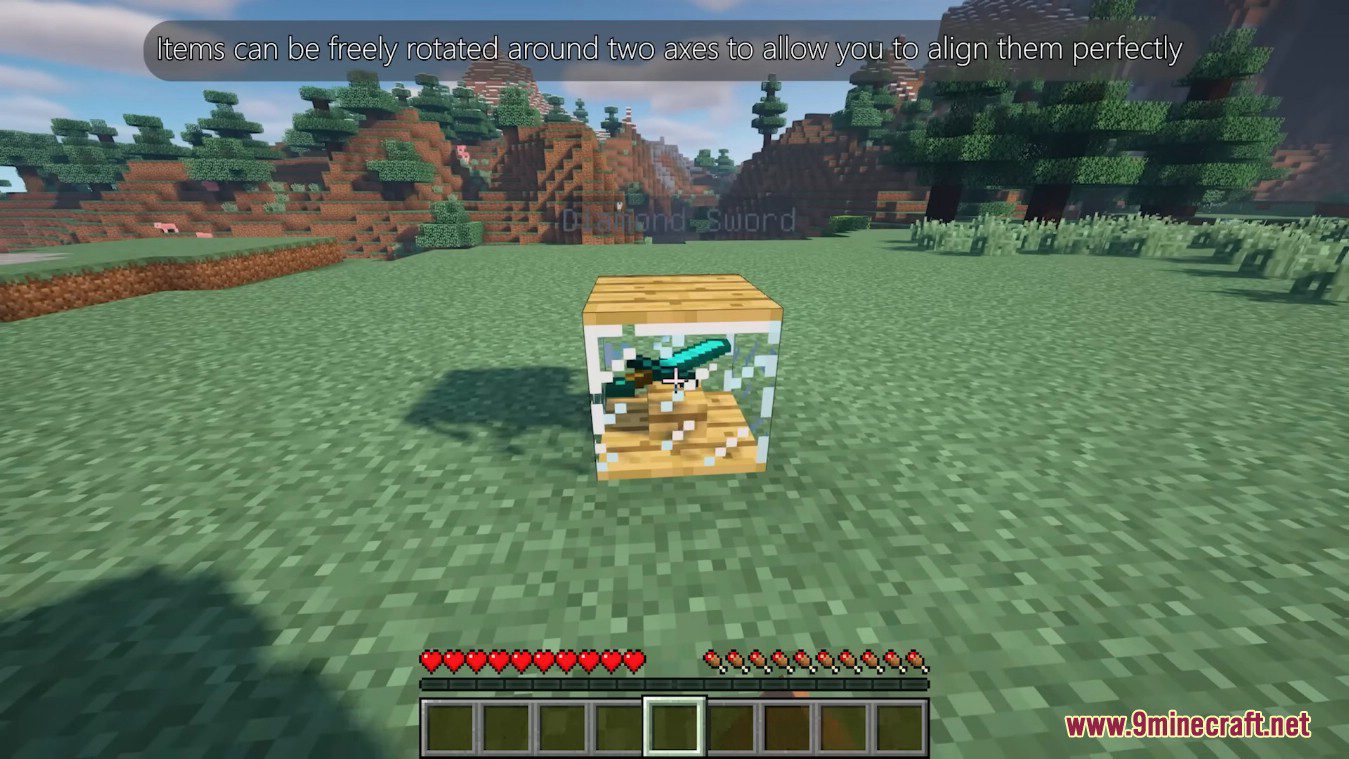
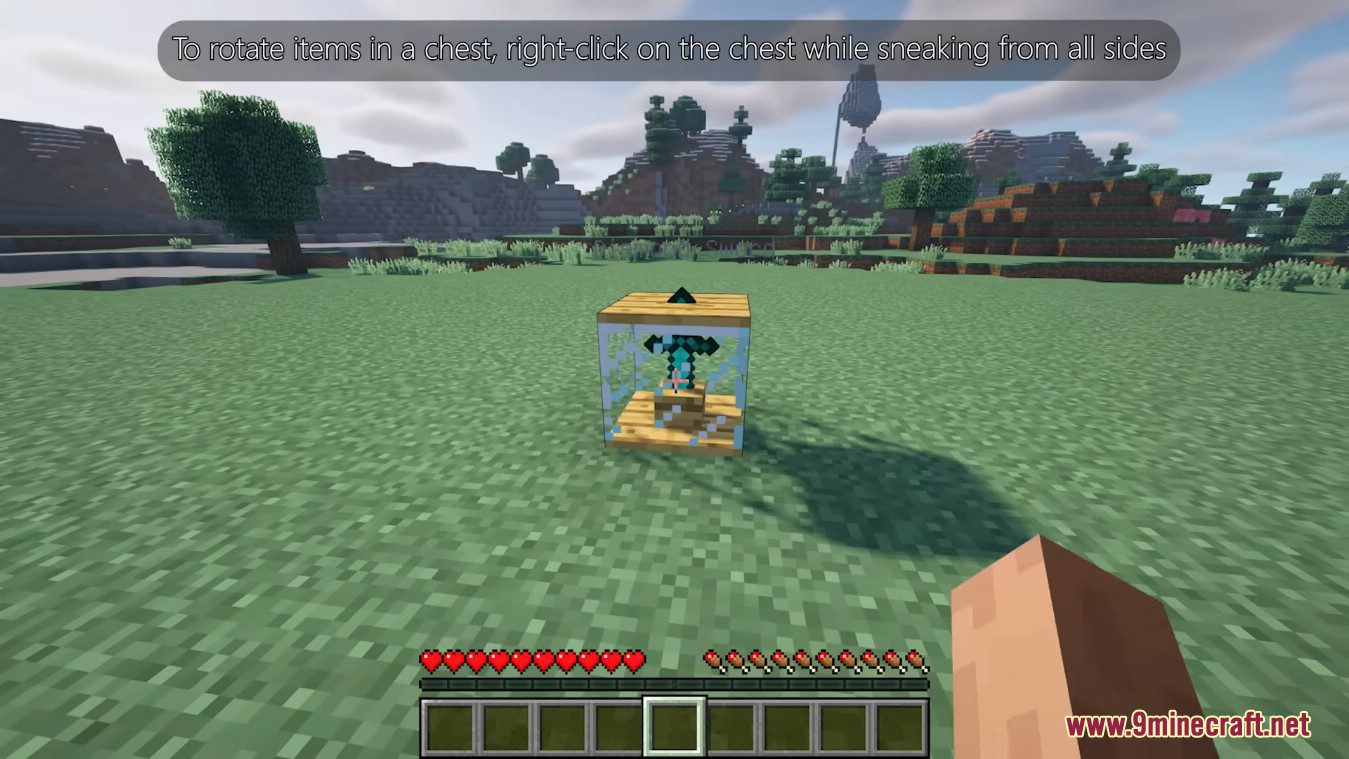
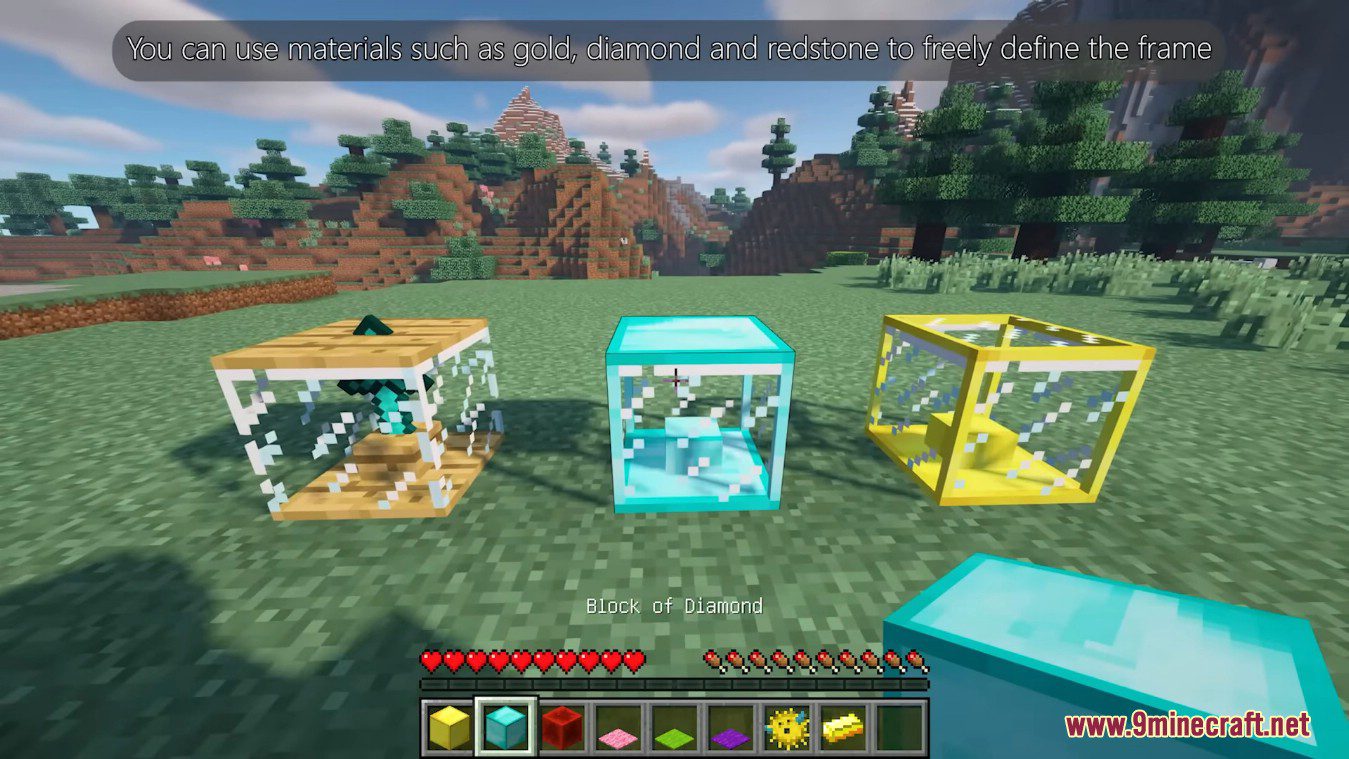
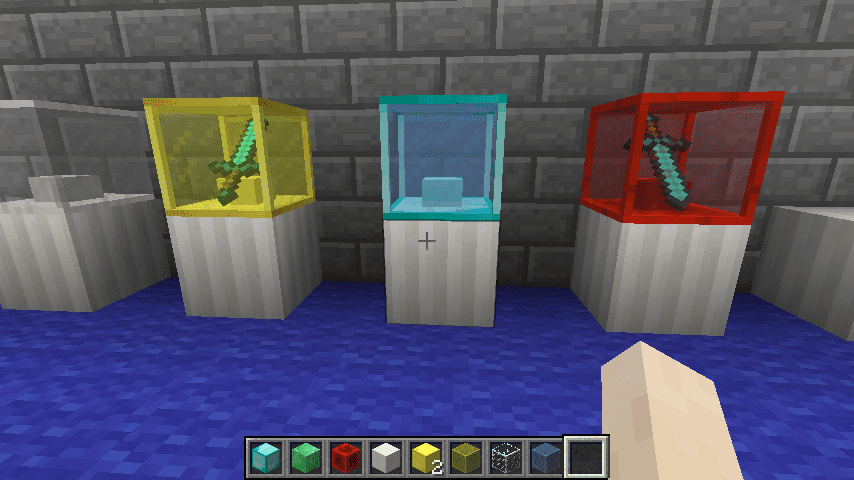
Customized Display Cases: You can freely define the frame material (using blocks – e.g Block of Gold), the glass type and add a carpet of your choice under the item.
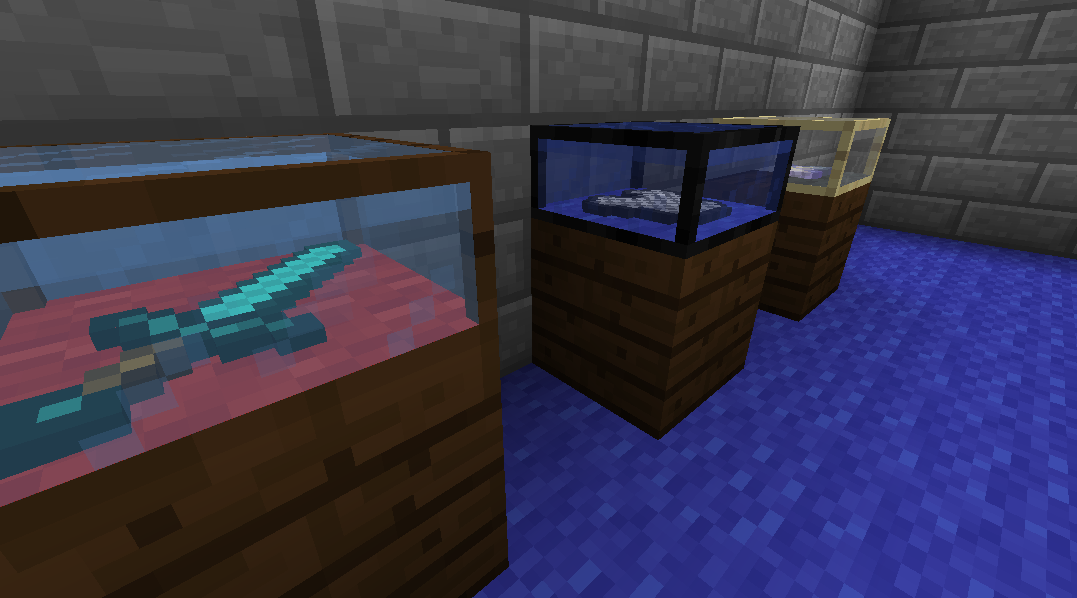
More Customized Display Cases: Items can be freely rotated around two axes to allow you to align them perfectly. To rotate an item in the case, Sneak-Right Click the case from either the north/south or east/west face.
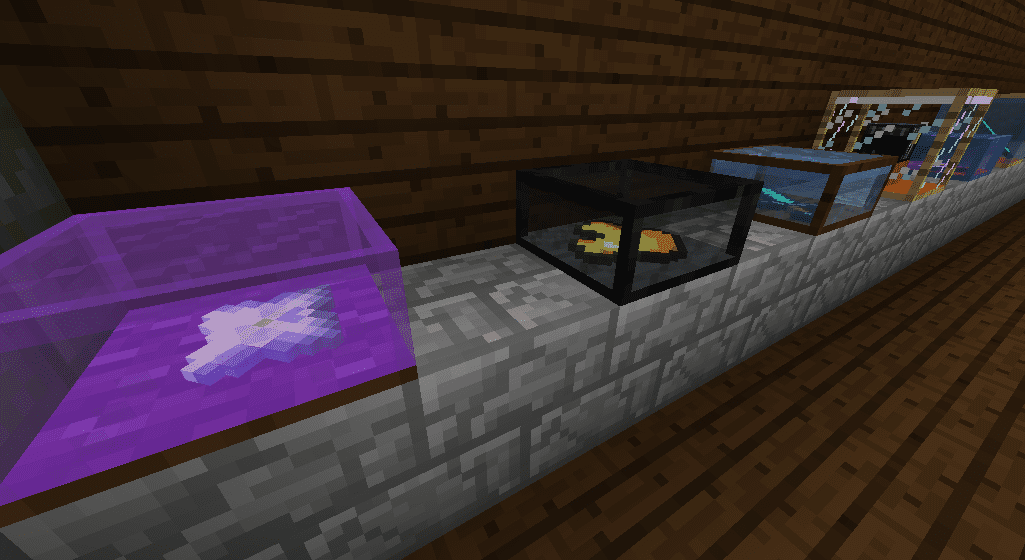
Display Cases will show the item name by default, this can be turned off in the configs or be tweaked to only show while sneaking.
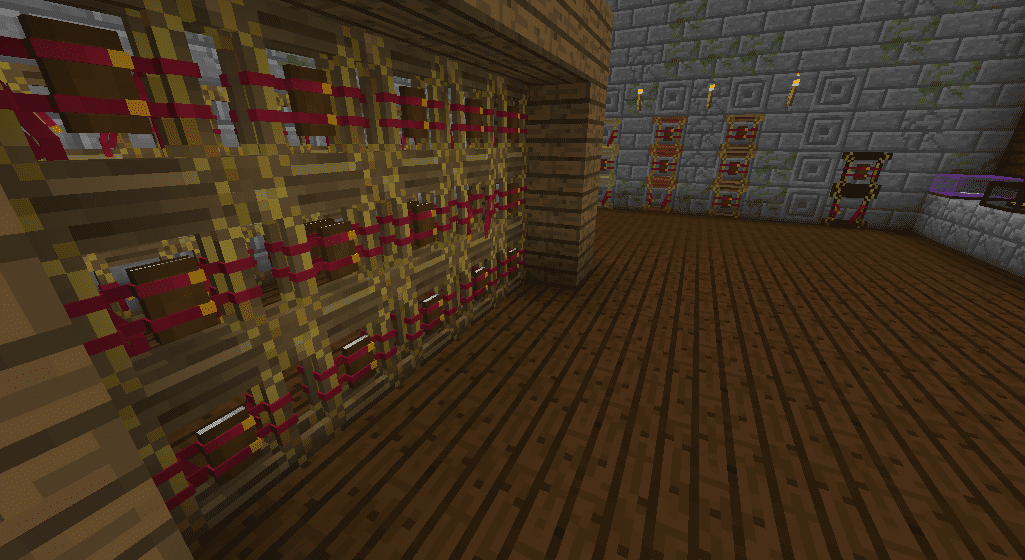
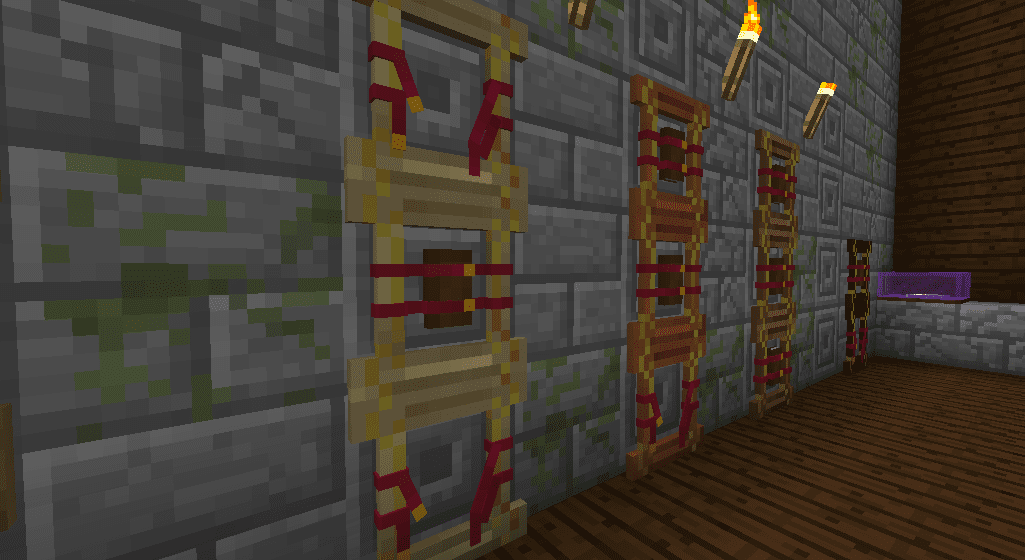
Book Holders: Book Holders come in all vanilla wood variants and they can hold a single book, including modded books as well. They can be a fancy way to display your most valuable books, especially if you have mods like Electroblob’s Wizardry which adds spellbooks.
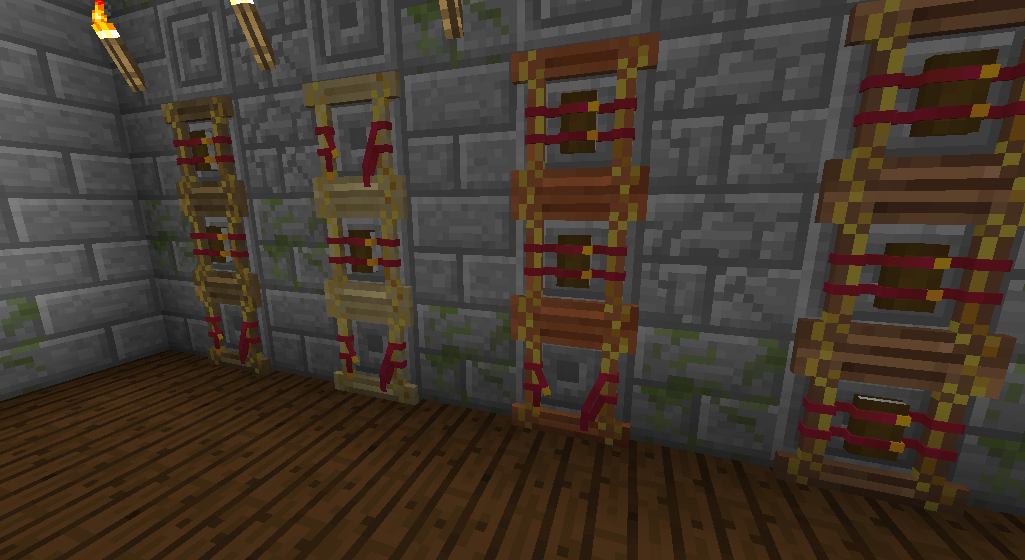
Currently, the default brown book model is supported, but there are plans to allow players to supply custom book textures for any modded books simply by adding the texture file to the config folder.
Better Displays Mod Download Links
For Minecraft 1.12.2
Forge version: Download from Server 1 – Download from Server 2
- Edition: Minecraft Java
- File type: .jar
- How to install: Install the matching mod loader (Forge, Fabric or NeoForge) for your Minecraft version. → Download the .jar. → Put it in the .minecraft/mods folder and launch that loader profile.
- Where to get it: In MC Java Mods, or directly above on this page.
Install steps are the general flow for this file type — How to install Minecraft Java mods & modpacks walks through it step by step.
- Downloads as 205911.mcaddon
- Download size: 94 KB
- Download link checked 22 Jul 2026 — working
- Mirrored on our own servers — the download does not depend on the original host
These come from our own check of the pack file, not from the source page.