
ItemZoom Rekindled Mod (1.16.5) – A Big Version Of Whatever Item
Java mod listed for Minecraft 1.16. Downloads from the MC Java Mods app on Android.
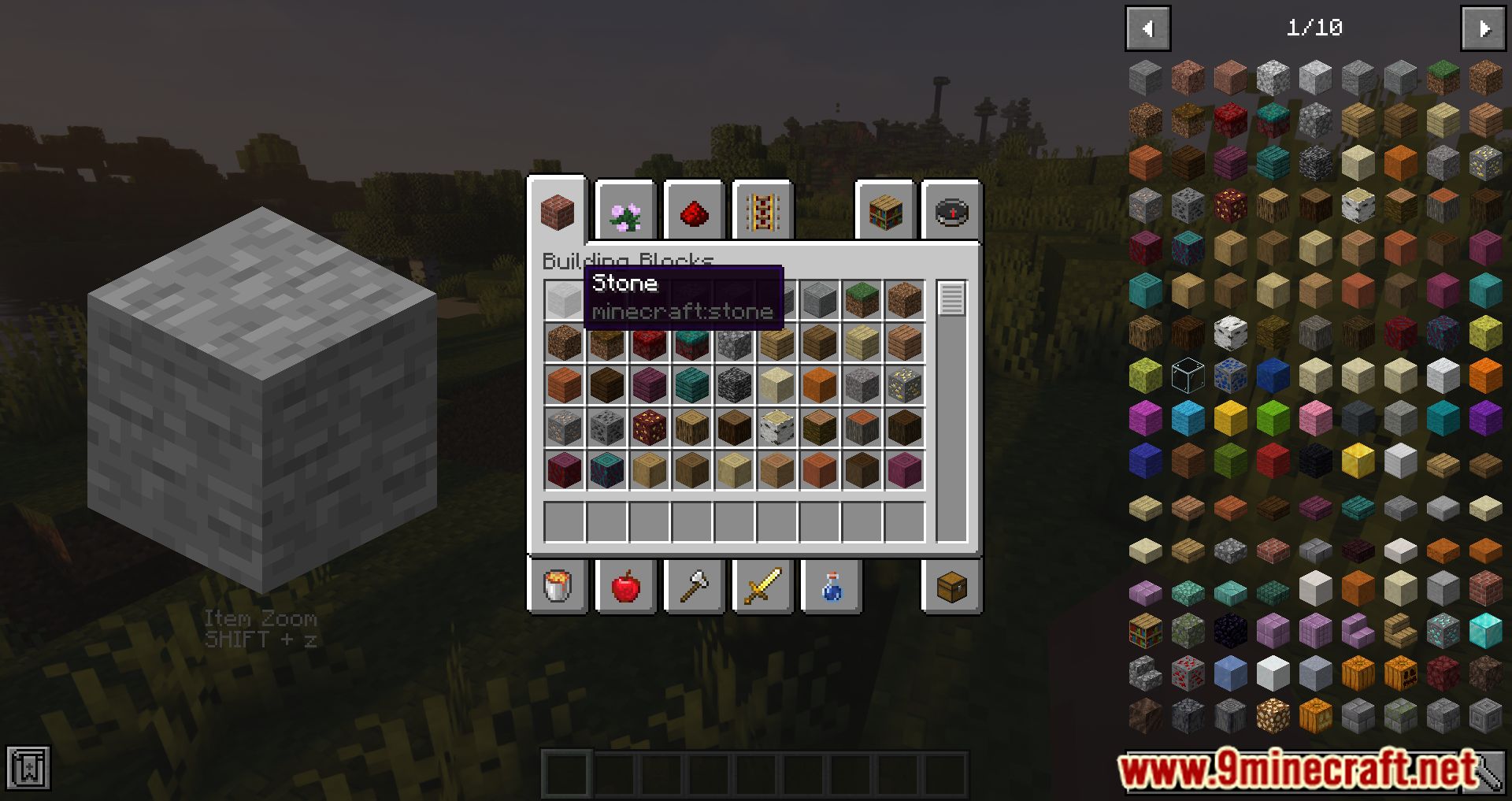
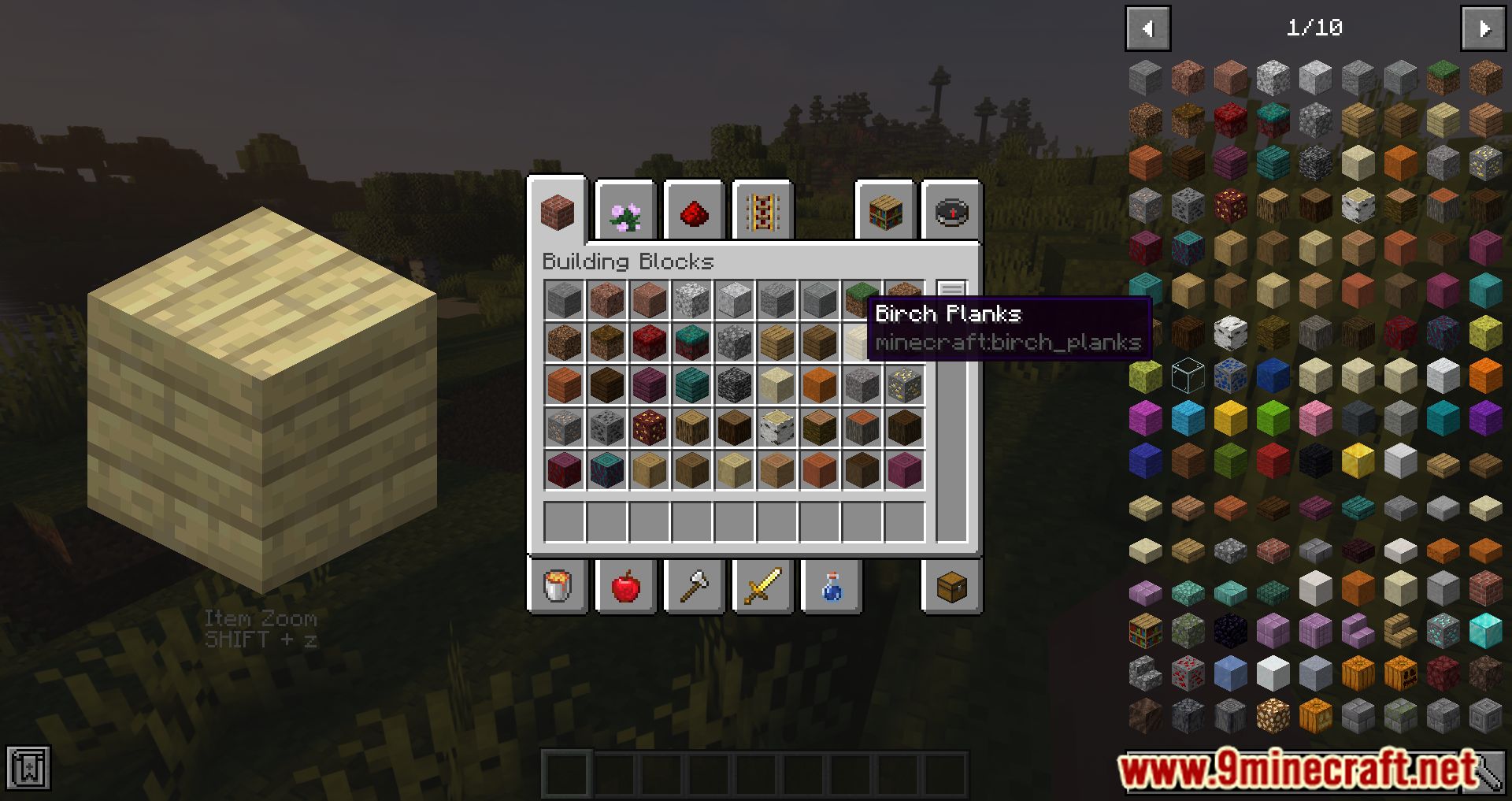
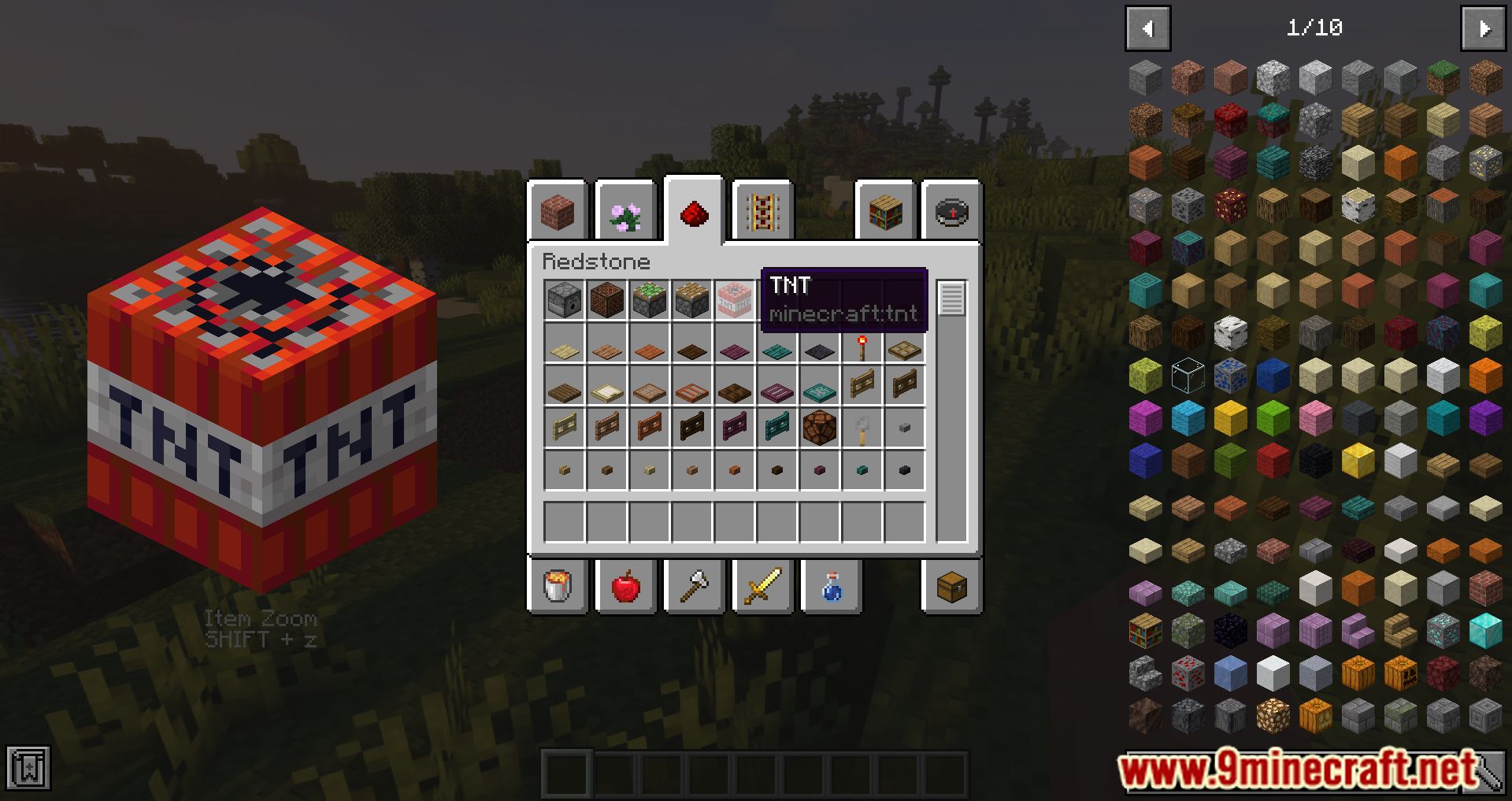
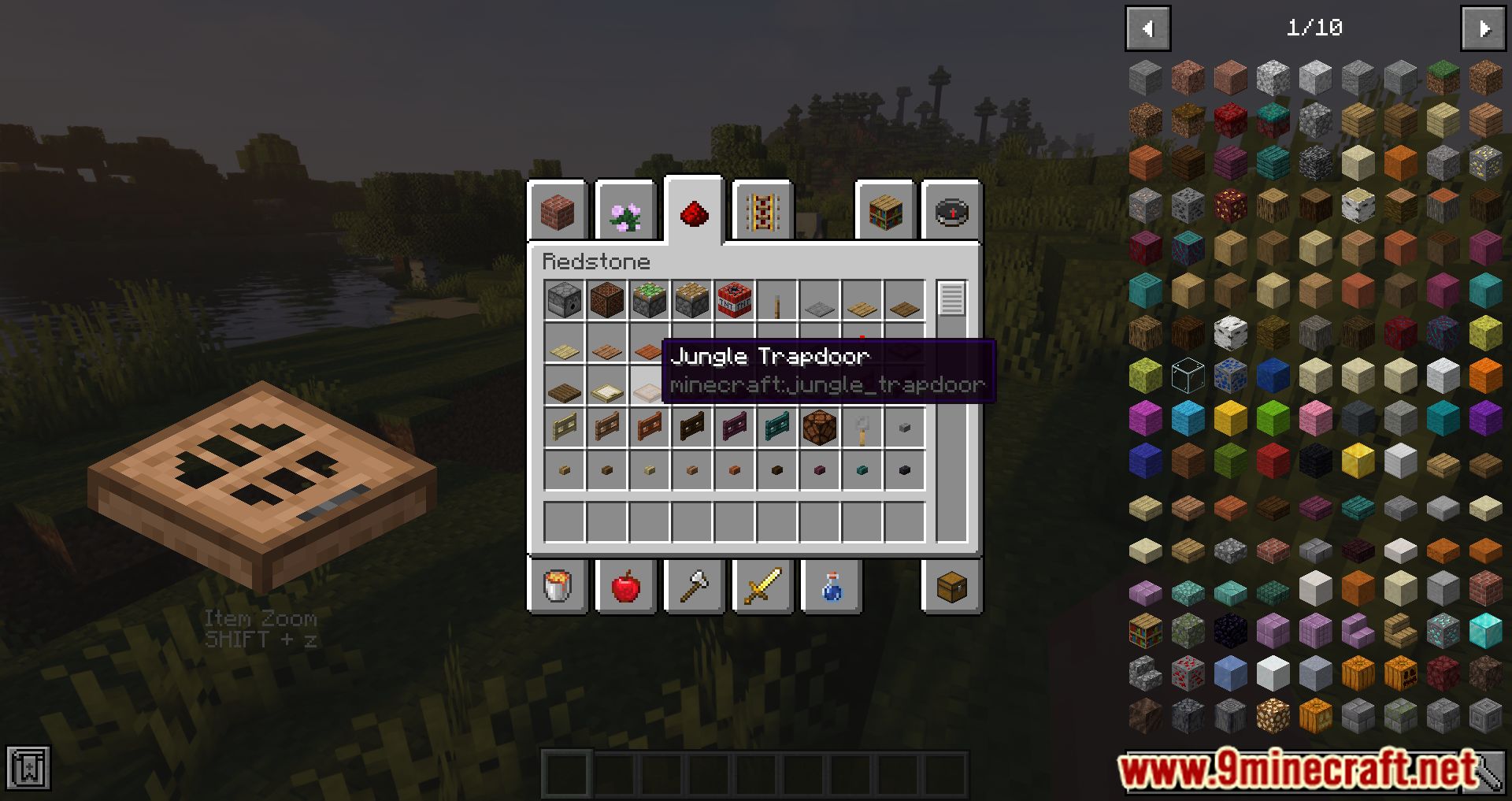
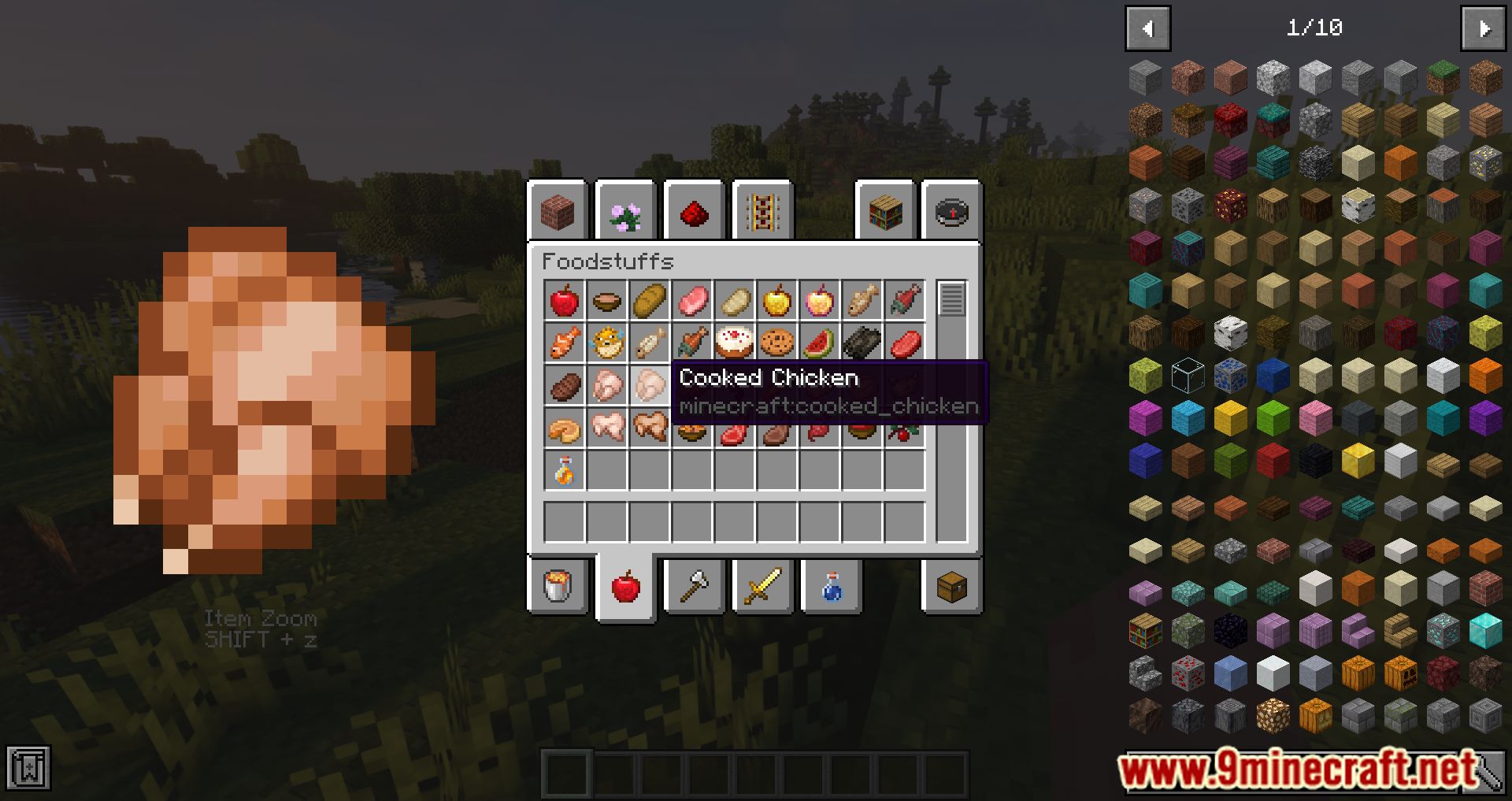
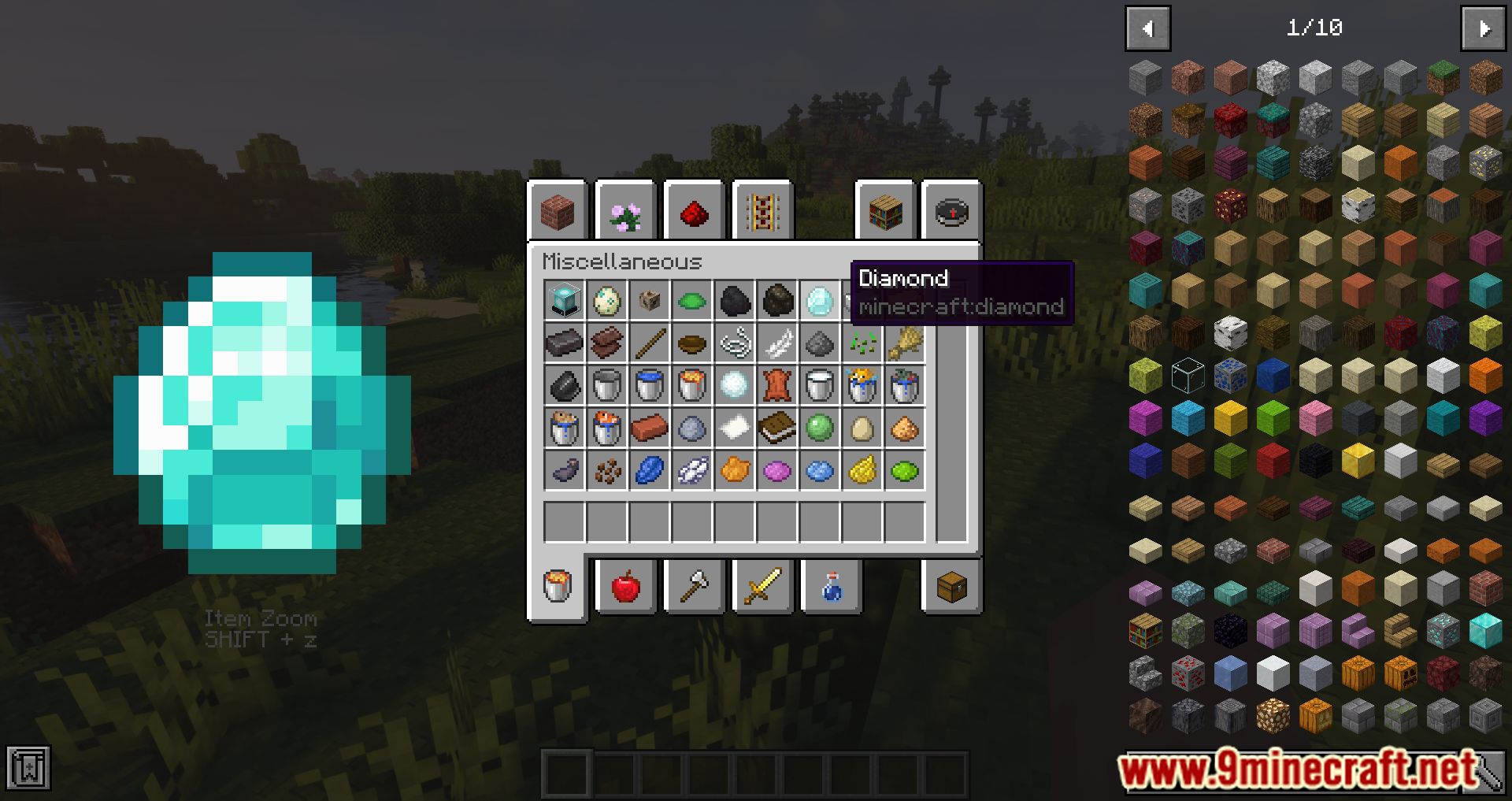
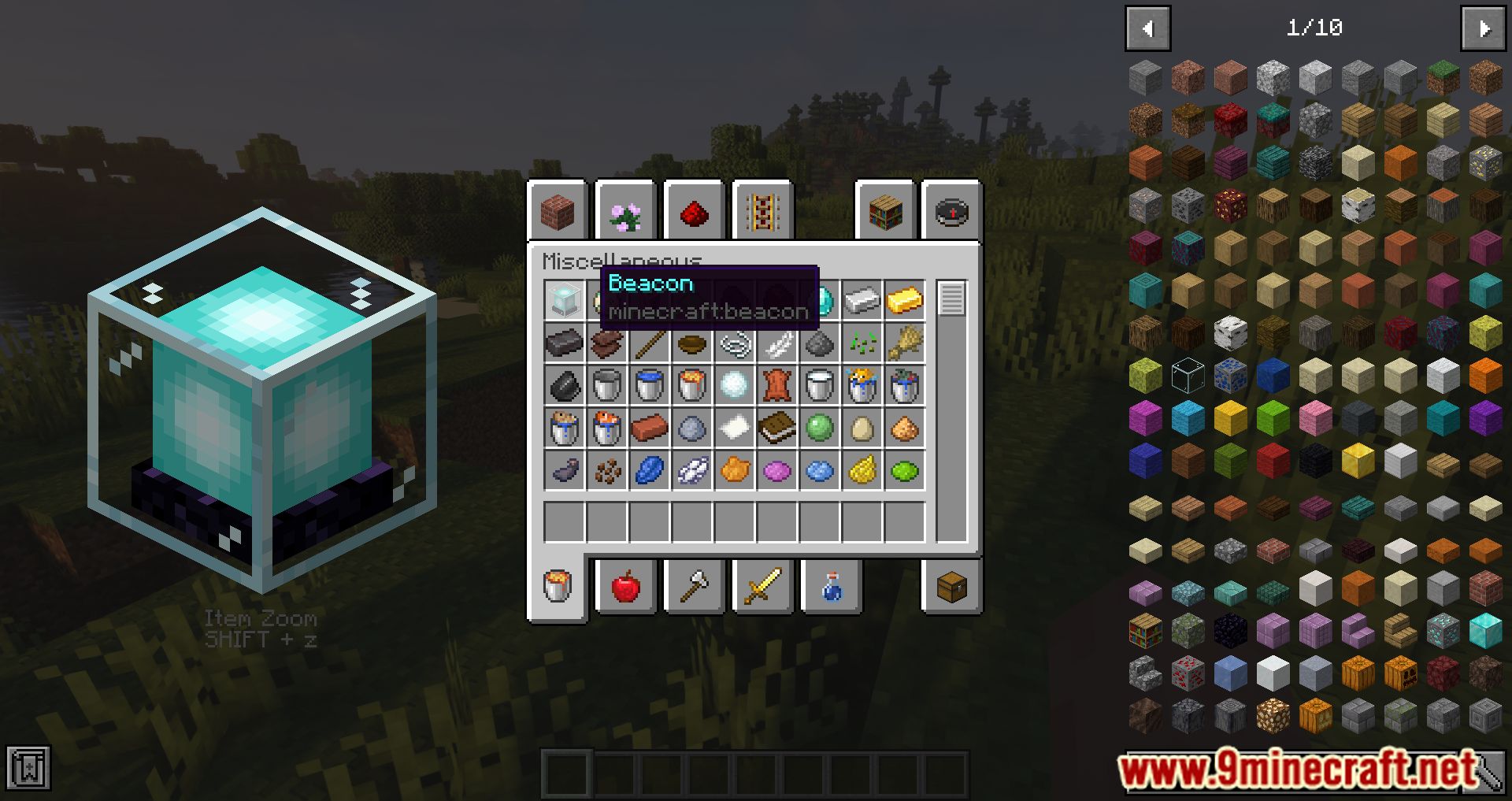
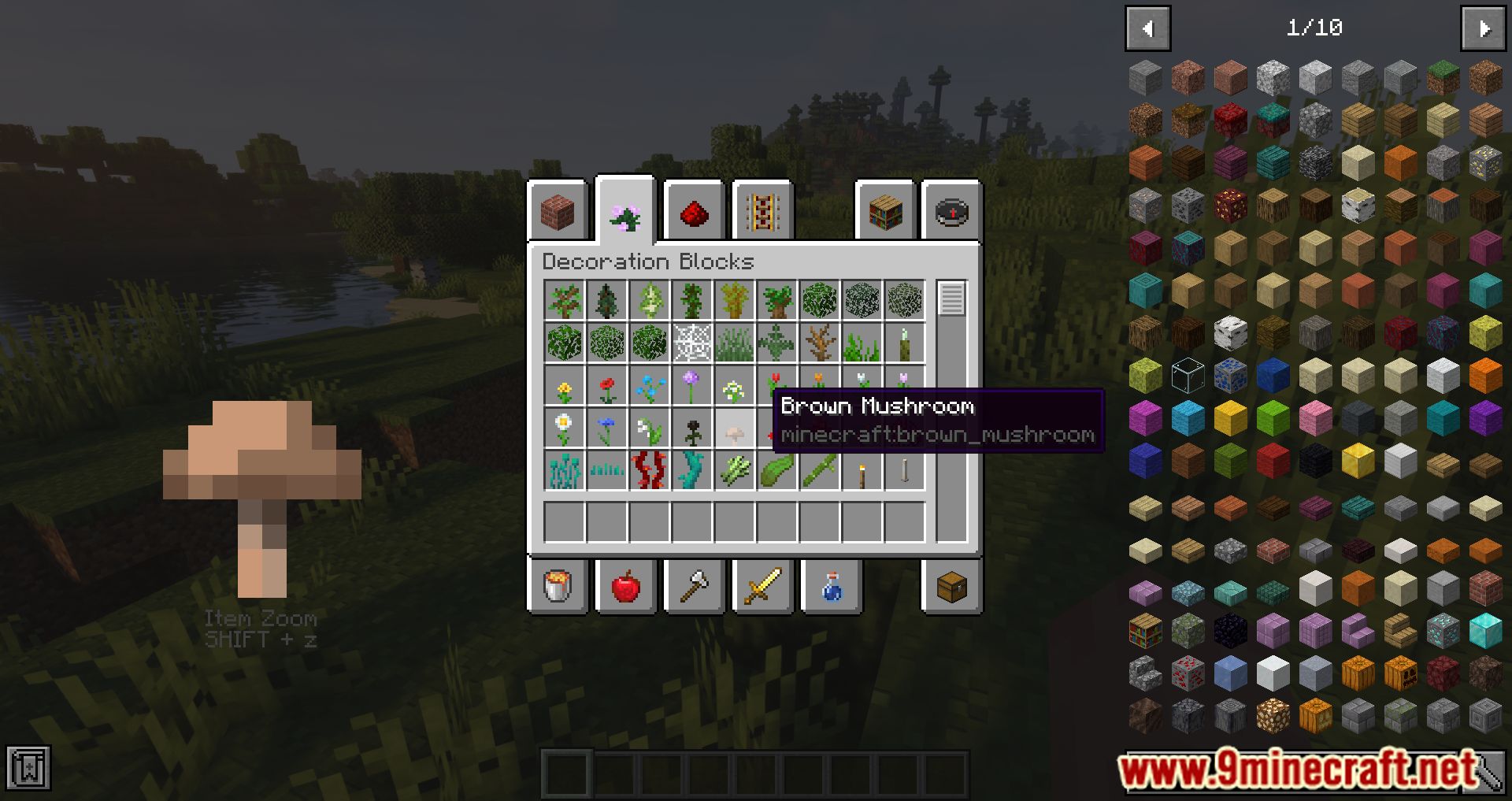
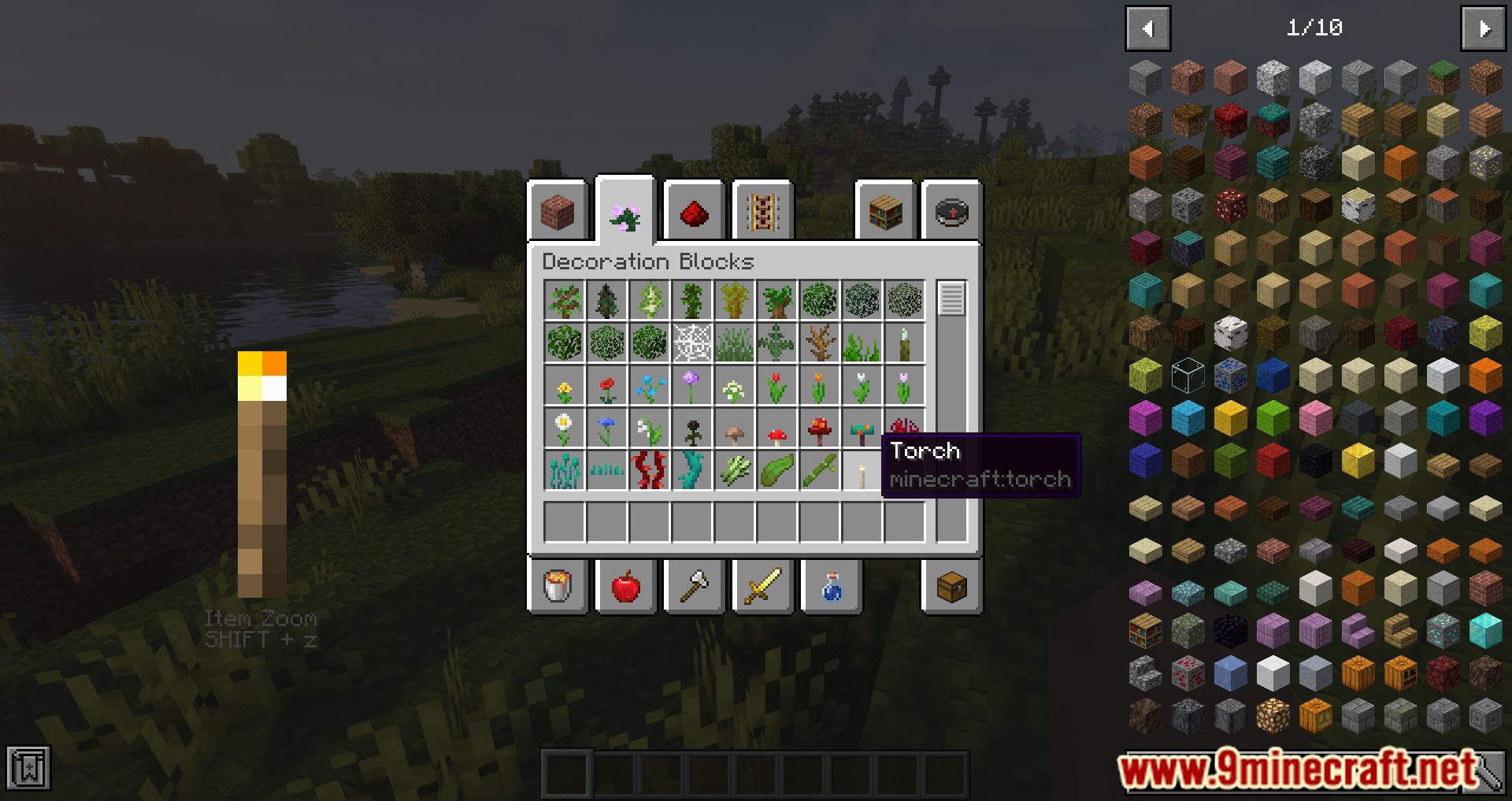
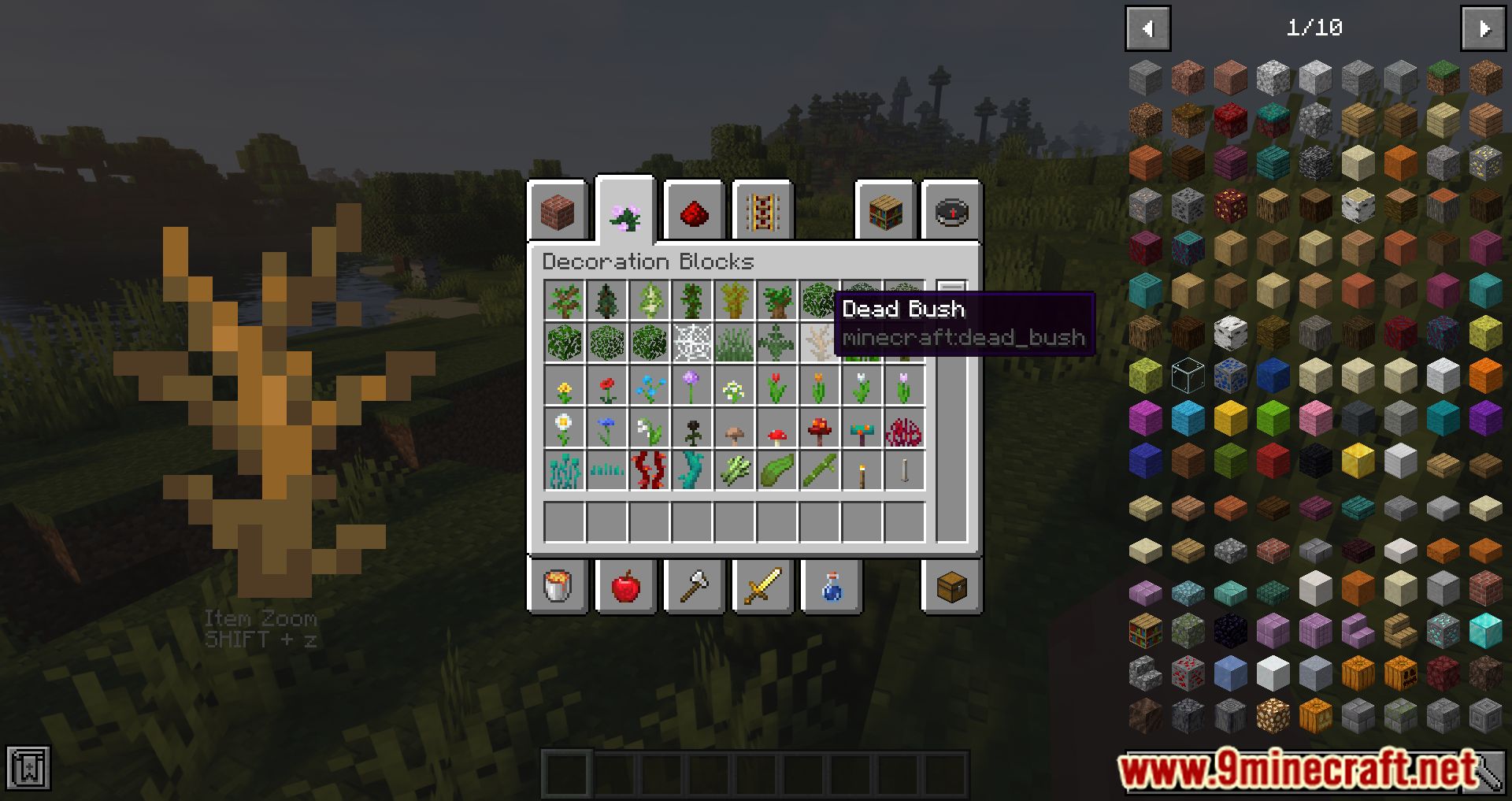
⬇ DownloadItemZoom Rekindled Mod adds a new feature to the game, showing larger versions of items. With many things in Minecraft, many items are almost the same, and sometimes they differ slightly in textures or colors. Building a house can affect the materials you choose to build, which can easily confuse each other. So when the ItemZoom Rekindled Mod has been installed, every time you select an item, the left side of your screen will display a larger version of the item so you can see them better. You can turn it off using Shift+Z. However, This client-side mod shows a giant version of whatever item you hover over. Great for builders looking for suitable materials!
Features:
- It shows a giant version of whatever item you hover over.
- You can toggle it on and off with Shift + Z, which can be changed in the Minecraft controls.
Screenshots:
ItemZoom Rekindled Mod Download Links
For Minecraft 1.16.5
Forge Version: Download from Server 1 – Download from Server 2
- Edition: Minecraft Java
- File type: .jar
- Minecraft version listed: 1.16.5
- How to install: Install the matching mod loader (Forge, Fabric or NeoForge) for your Minecraft version. → Download the .jar. → Put it in the .minecraft/mods folder and launch that loader profile.
- Where to get it: In MC Java Mods, or directly above on this page.
Install steps are the general flow for this file type — How to install Minecraft Java mods & modpacks walks through it step by step.
- Downloads as 205973.mcaddon
- Download size: 23 KB
- Download link checked 24 Jul 2026 — working
- Mirrored on our own servers — the download does not depend on the original host
These come from our own check of the pack file, not from the source page.