Universal Clock HUD Mod (1.19.2, 1.18.2) – Renders Vanilla Clock
Universal Clock HUD Mod adds a new feature to the game, displaying the clock on the screen. But the time information that the clock shows on the screen is…
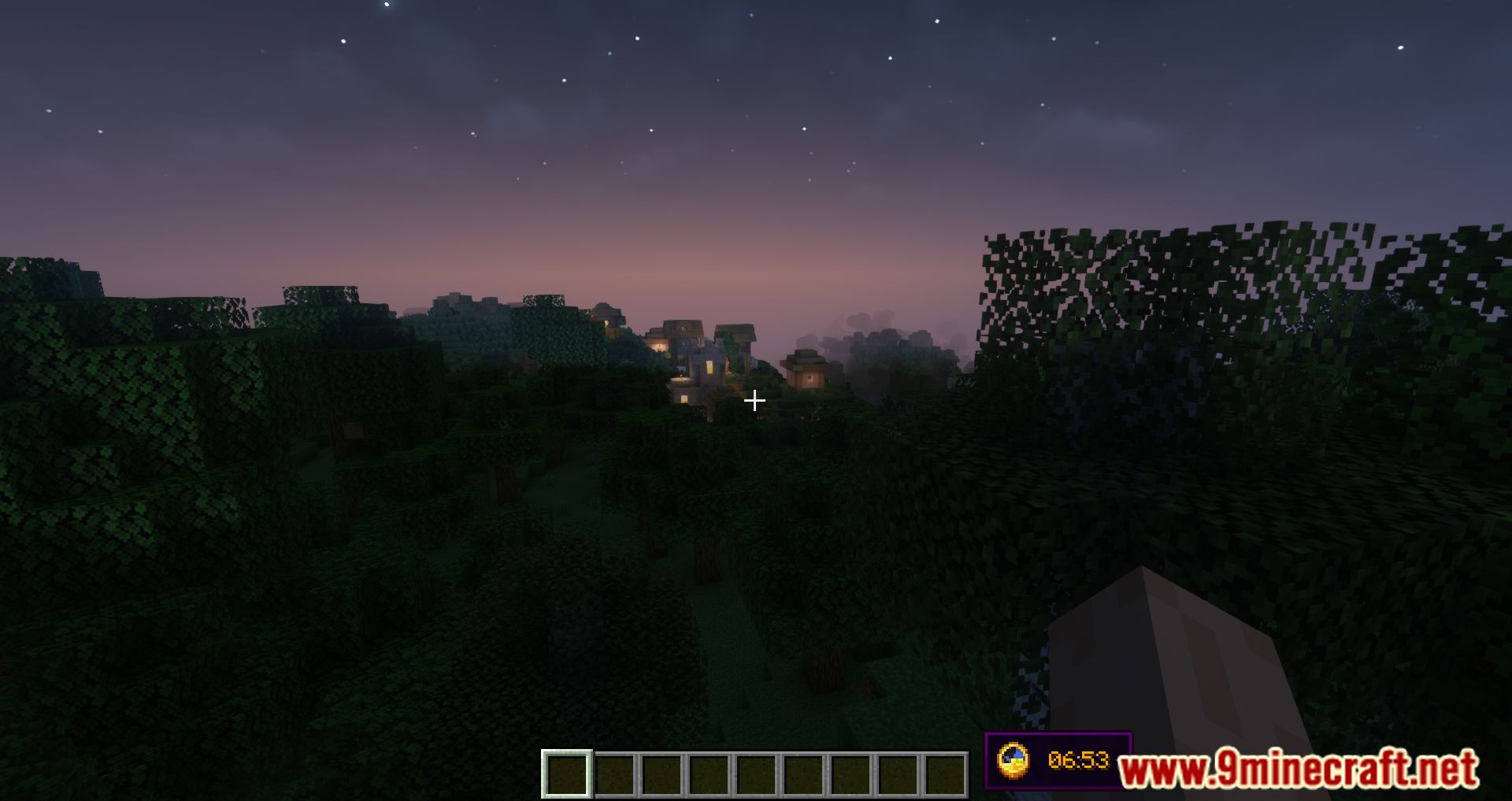
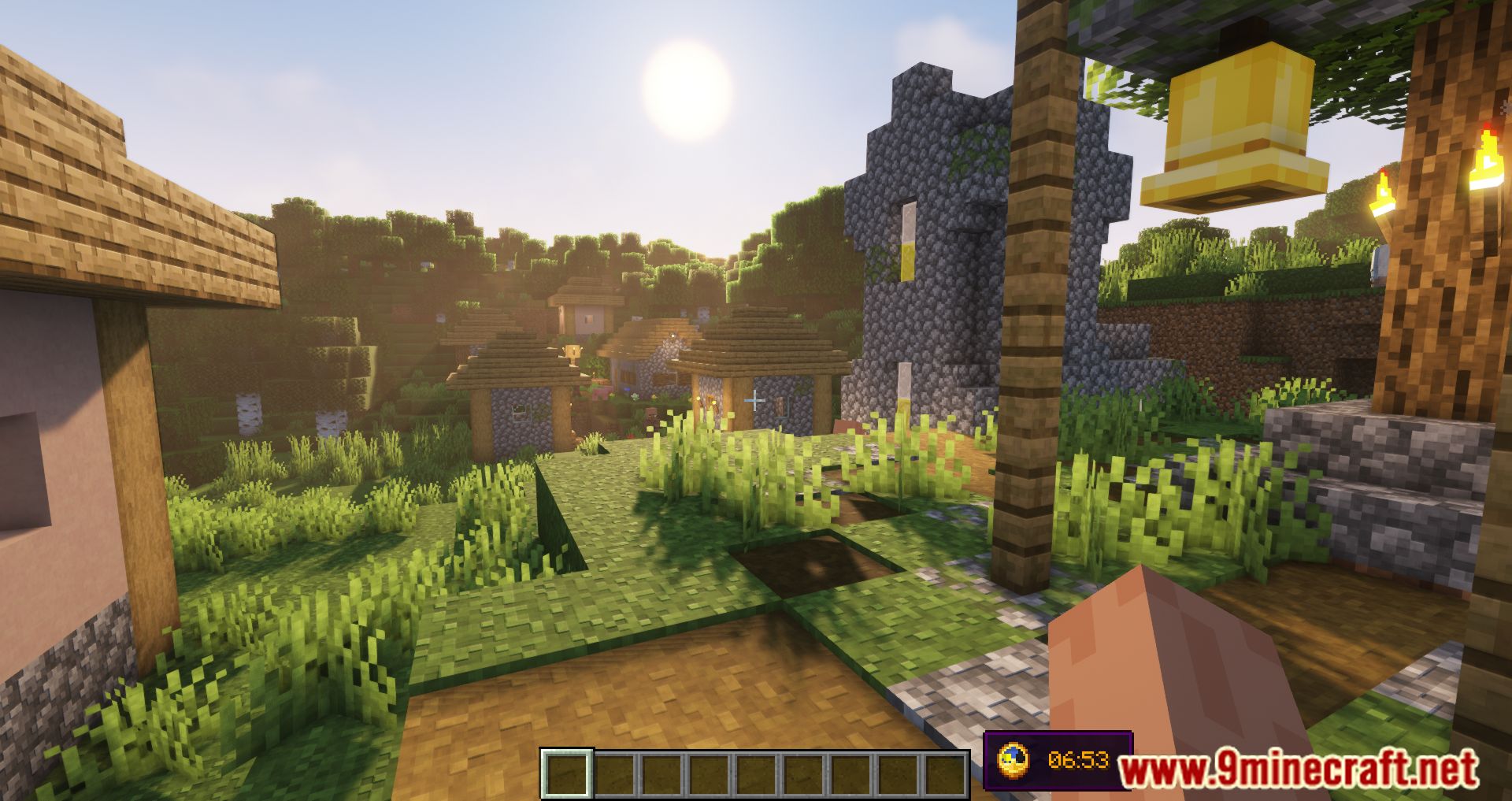
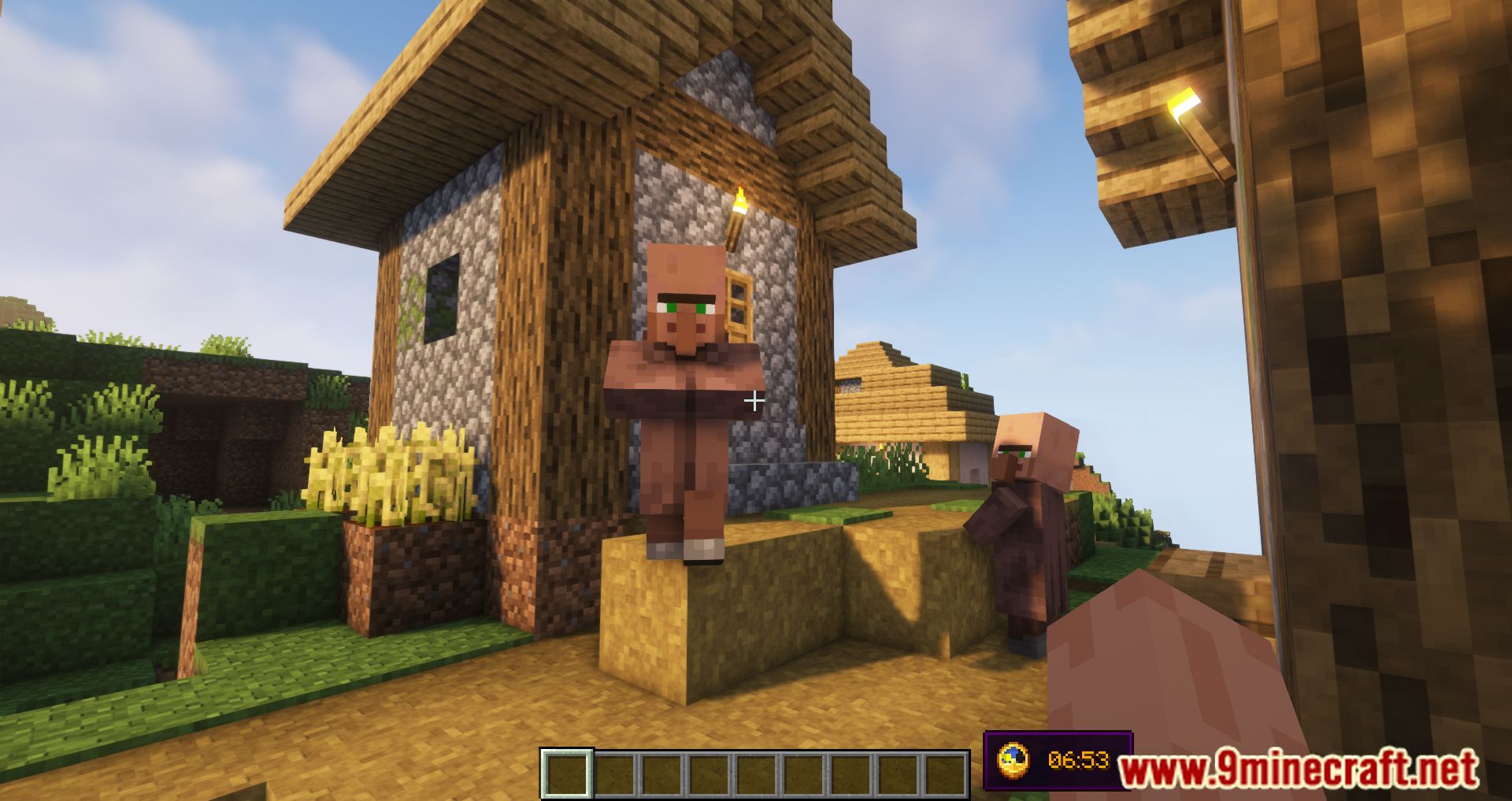
⬇ DownloadOpen in MCModsHubGet it on Google Play →Universal Clock HUD Mod adds a new feature to the game, displaying the clock on the screen. But the time information that the clock shows on the screen is your computer’s time, which means it is real-time. This mod will be helpful for those who want to play Minecraft in fullscreen mode but want to see the clock to know the real-time. You can customize some of the clock displays, and you can customize whether the watch is in the background or not; you can choose between 12-hour time or 24-hour; You can also choose where the clock will appear on the screen instead of the default place which will be next to the tooltips bar.
Features:
- Set the clock to be only visible in fullscreen mode;
- Set whether or not the clock is hidden when the chat is opened;
- Enable or disable background behind the clock;
- Choose where the clock is positioned among multiple presets;
- Enable a 12-hour time format if you’re not a fan of the standard 24-hour option;
- If default presets aren’t enough, define a custom preset with an adjustable anchor point and X/Y position on the screen;
- Stop the numbers on the clock from spinning uncontrollably in the Nether or The End (which they do, by default);
- Require vanilla clock to be present in player’s inventory for them to see the HUD;
- Make the clock display in-game time instead of system time;
- Enable or disable the clock entirely.
Screenshots:
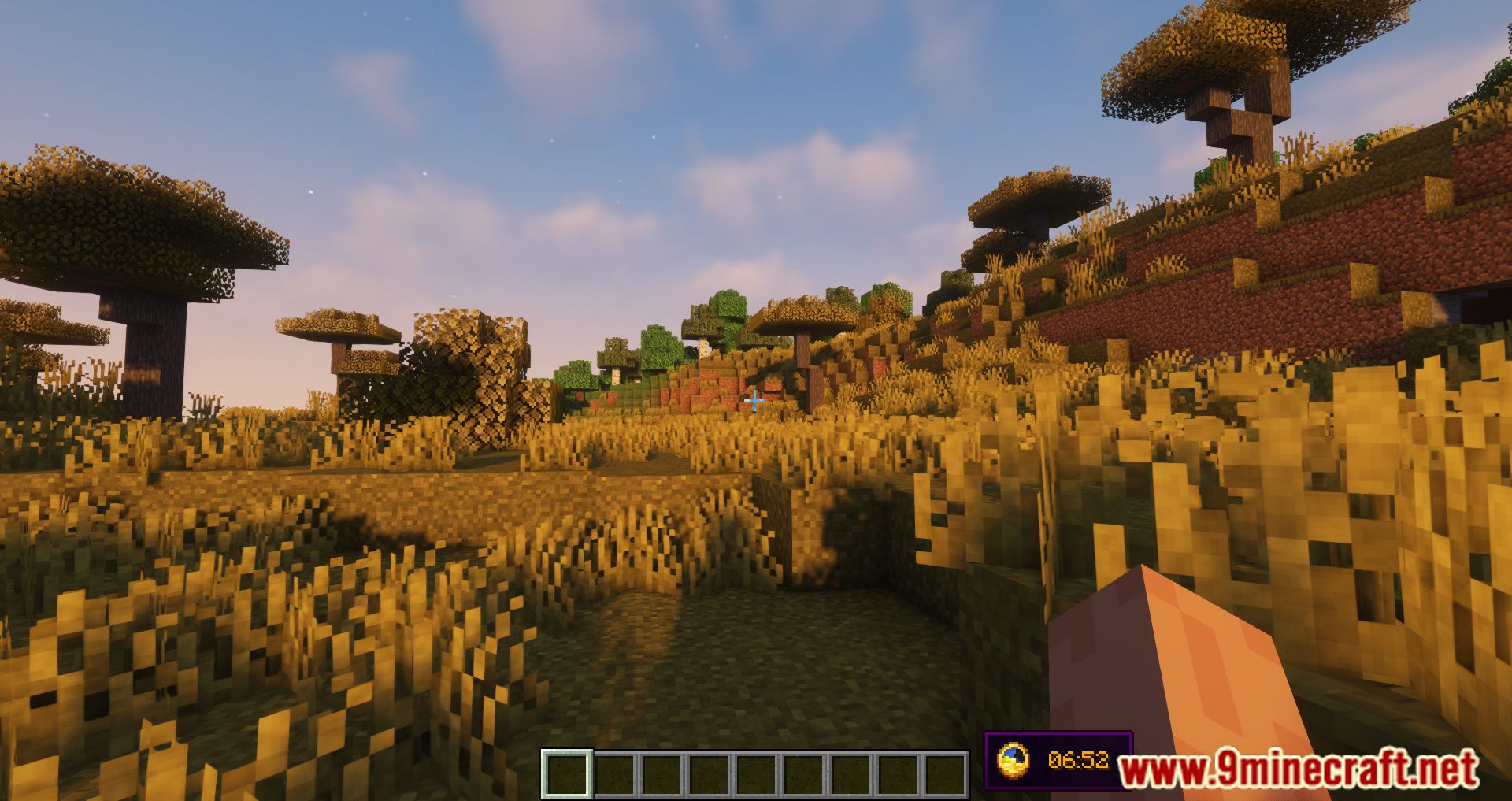
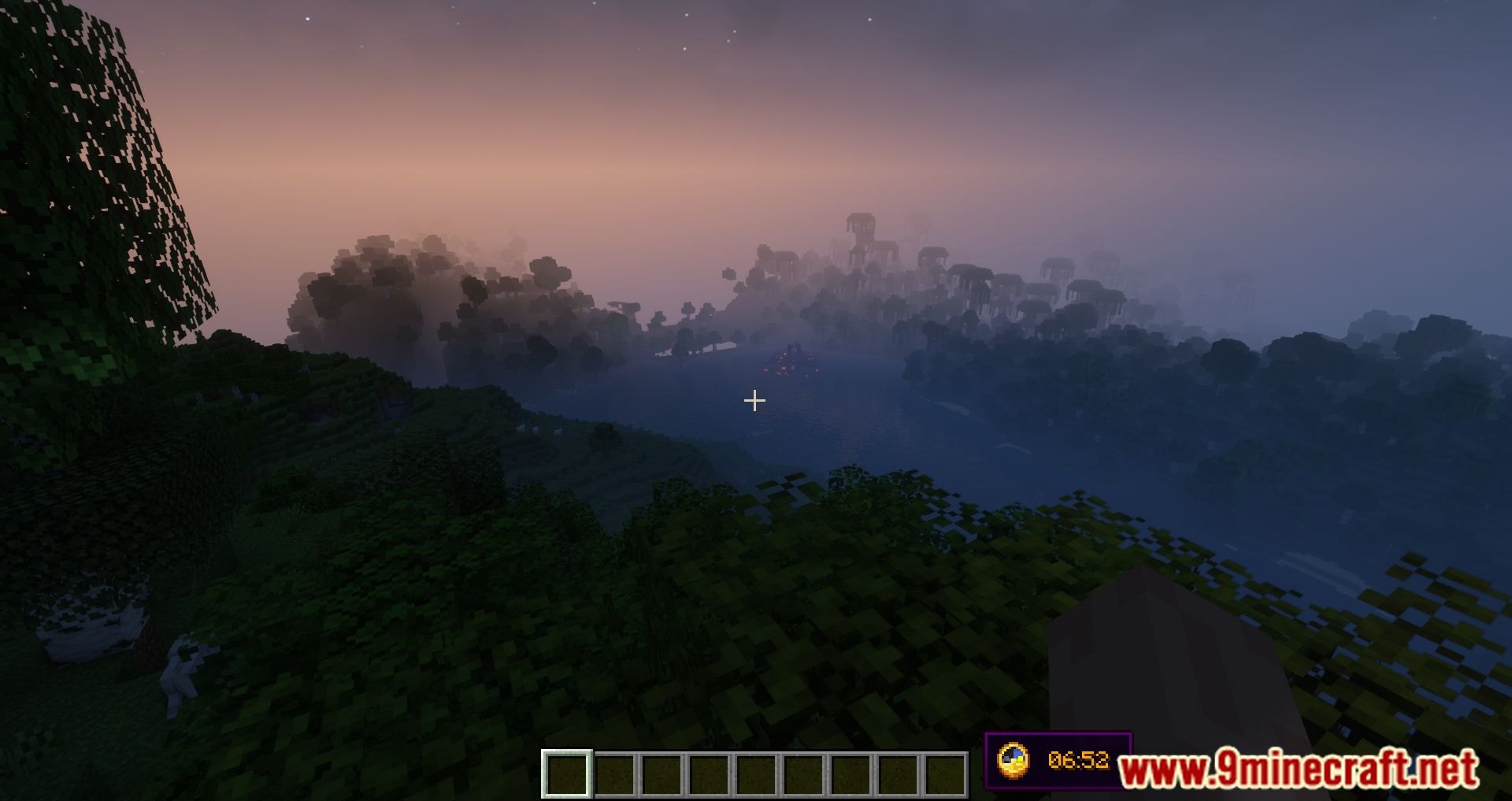
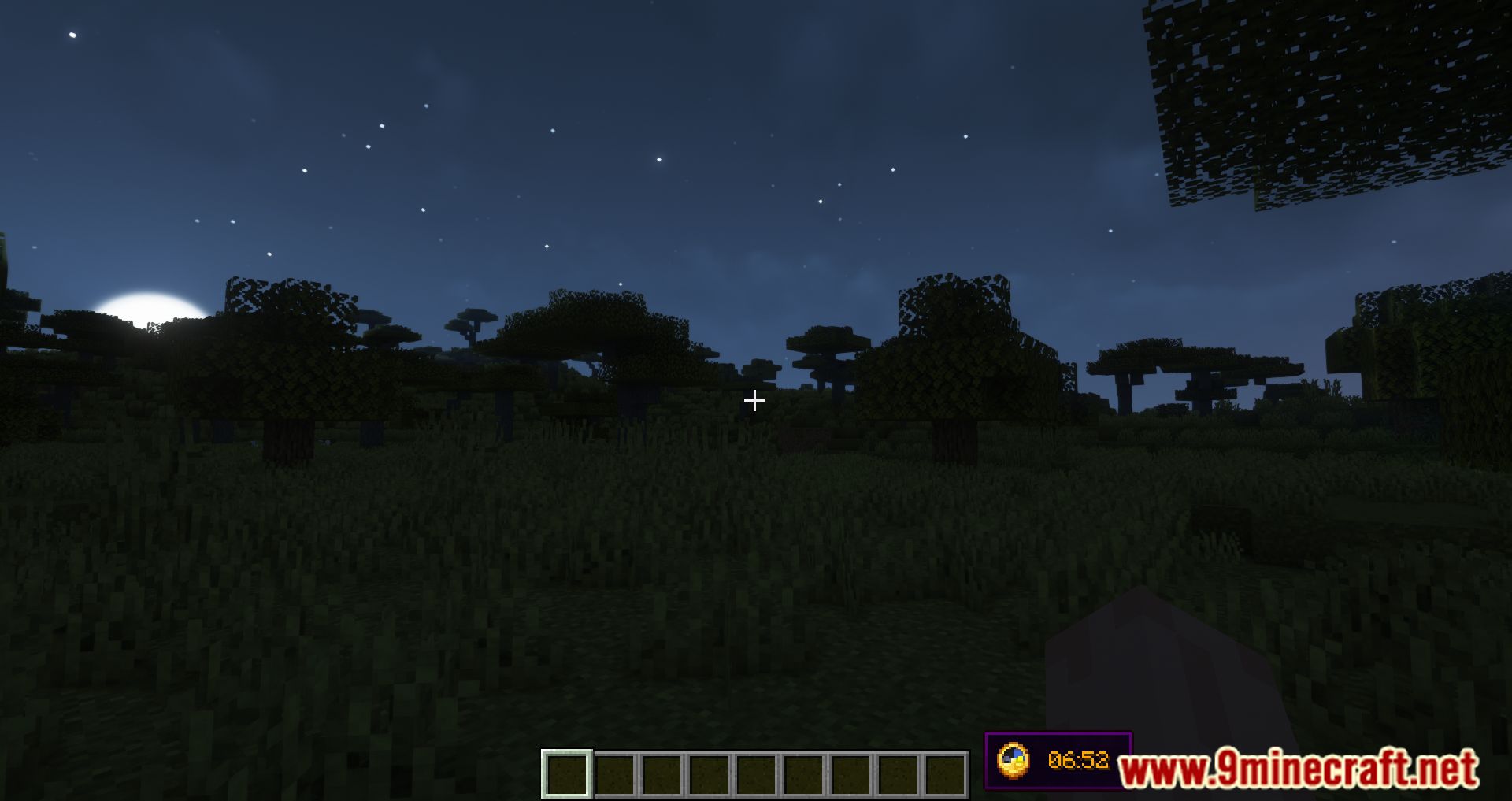
Universal Clock HUD Mod Download Links
For Minecraft 1.19.2, 1.19.1, 1.19
Forge Version: Download from Server 1 – Download from Server 2
For Minecraft 1.18.2, 1.18.1
Forge Version: Download from Server 1 – Download from Server 2
For Minecraft 1.17.1
Forge Version: Download from Server 1 – Download from Server 2
For Minecraft 1.16.5
Forge Version: Download from Server 1 – Download from Server 2
For Minecraft 1.14.4
Forge Version: Download from Server 1 – Download from Server 2
- Download size: 23 KB
- Download link checked 22 Jul 2026 — working
- Mirrored on our own servers — the download does not depend on the original host
These come from our own check of the pack file, not from the source page.