Loot Beams: Relooted!
Java mod listed for Minecraft 1.16–1.20. File opened and checked on 13 Oct 2026; downloads from the MC Java Mods app on Android.
⬇ Download on CurseForgeNo Fabric. Please don't port it either, I (Amo) don't want asked about fabric issues on a forge page.

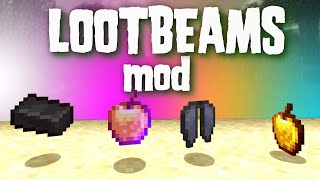
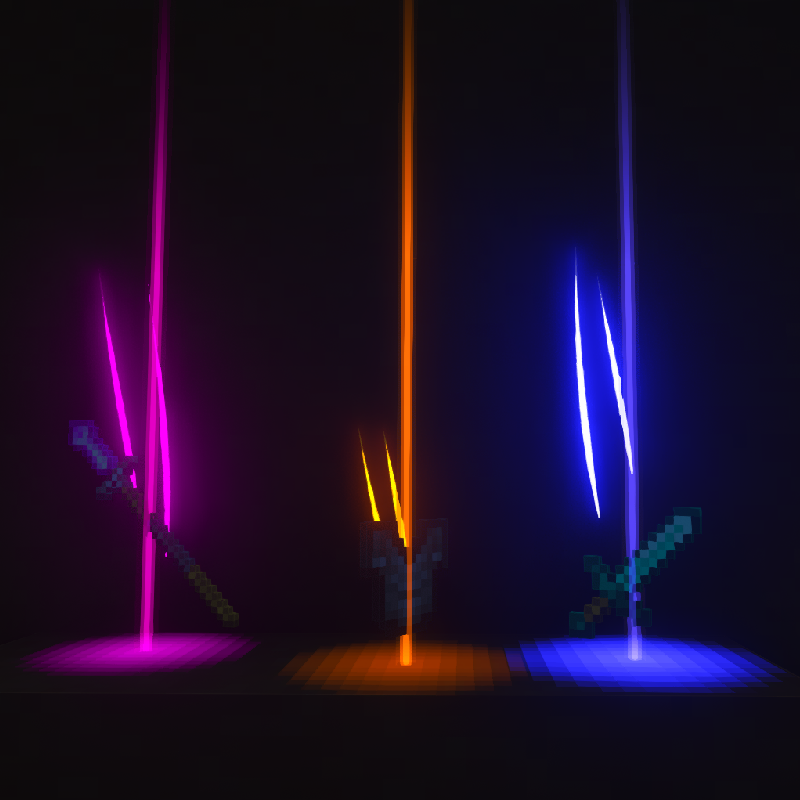
A client-side mod that adds colorful and customizable loot beams to dropped items!
PLEASE LOOK AT THE CONFIG PRESETS LINKED HERE BEFORE ASKING WHY IT LOOKS WEIRD
Loot Beams are added to all items by default and they change colors depending on the items name. You can specify a whitelist/blacklist for Beams, color overrides, and even NBT tags to change their color! (like "lootbeams.color:"0xFFFFFF"").
Beams also have nametags that show up when looking at an item or crouching so you can see what an item is without even picking it up. This mod is client-side, meaning it will run on vanilla servers and forge servers that do not have this mod installed!
As of 17/09/23, this mod has received MAJOR changes to its customizability. For example configs, please visit here. You can change the textures and sound of this mod via a resource pack - including trail texture, particle texture, beam texture and glow texture.
Have any questions or need help? Visit my Discord here.
- Edition: Minecraft Java
- File type: .jar
- Minecraft versions listed: 1.20.1, 1.19.2, 1.18.1
- How to install: Install the matching mod loader (Forge, Fabric or NeoForge) for your Minecraft version. → Download the .jar. → Put it in the .minecraft/mods folder and launch that loader profile.
- Where to get it: Opens on CurseForge — not every file is mirrored on our own servers.
Install steps are the general flow for this file type — How to install Minecraft Java mods & modpacks walks through it step by step.
Loot Beams: Relooted! is a free Minecraft Java mod. Compatible with Minecraft 1.20.1, 1.19.2, 1.18.1, 1.18.2 and newer. Downloaded 29,799,571 times (via CurseForge). Download it and open it directly in the game.