Tab Inventory Mod (1.18.2, 1.16.5) – Add A Small Feature
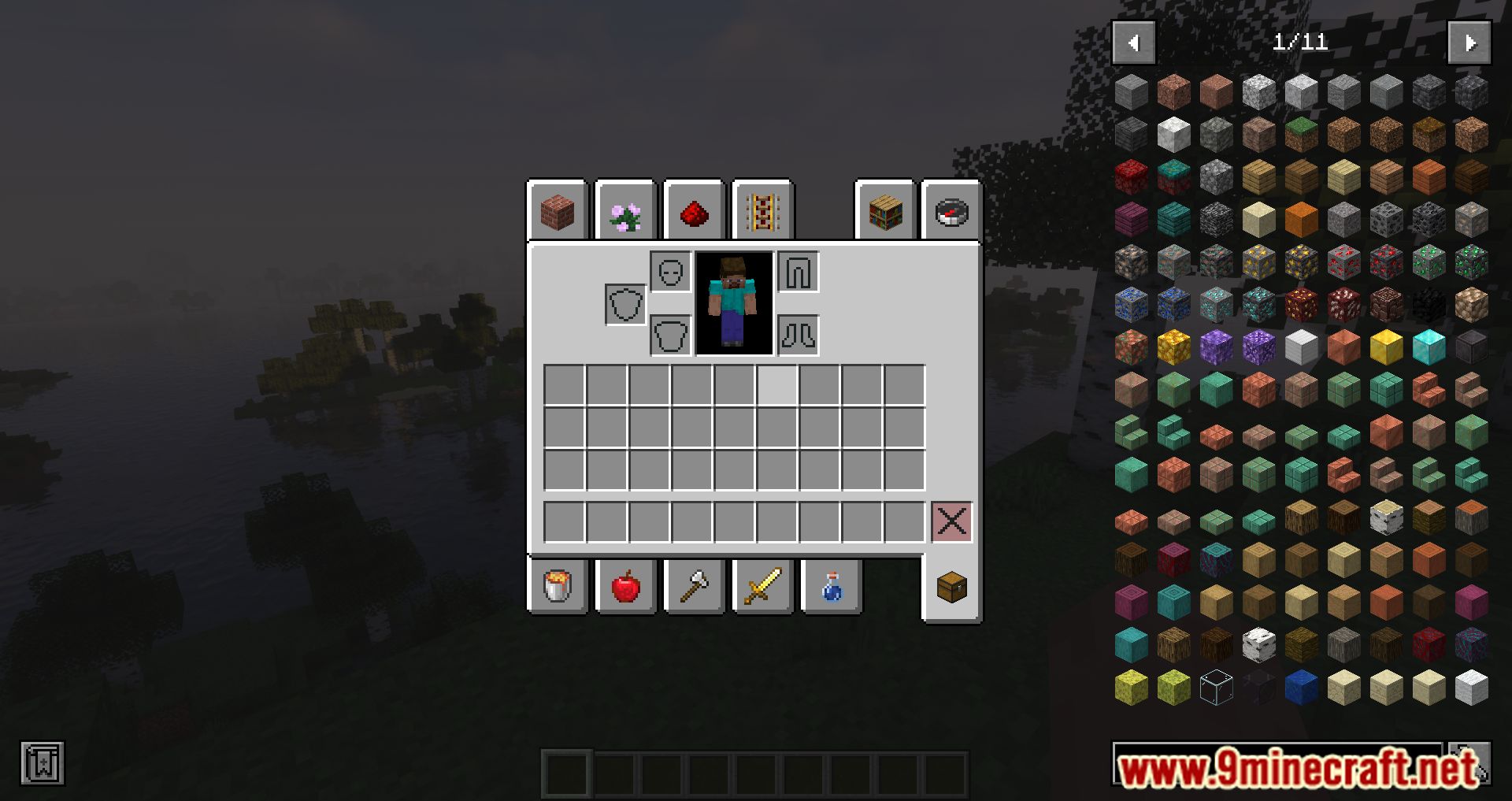
Tab Inventory Mod allows you to open the inventory using the "Tab" button. This Mod has been developed since Minecraft 1.14.4; at that time, a small bug…
⬇ DownloadOpen in MCModsHubGet it on Google Play →Tab Inventory Mod allows you to open the inventory using the “Tab” button. This Mod has been developed since Minecraft 1.14.4; at that time, a small bug prevented you from using the inventory when Tab didn’t close inventory in the Creative “Search Item” Tab. That’s why Tab Inventory Mod was born with the main feature of being able to open and close the inventory. So far, from version 1.16.2, Mojang has fixed that, so you won’t need to install from version 1.16.2 or higher unless you are playing in creative, where Tab will focus the creative search instead.
Features:
- This is a small Client Side mod that allows you to use Tab for Opening and Closing your inventory.
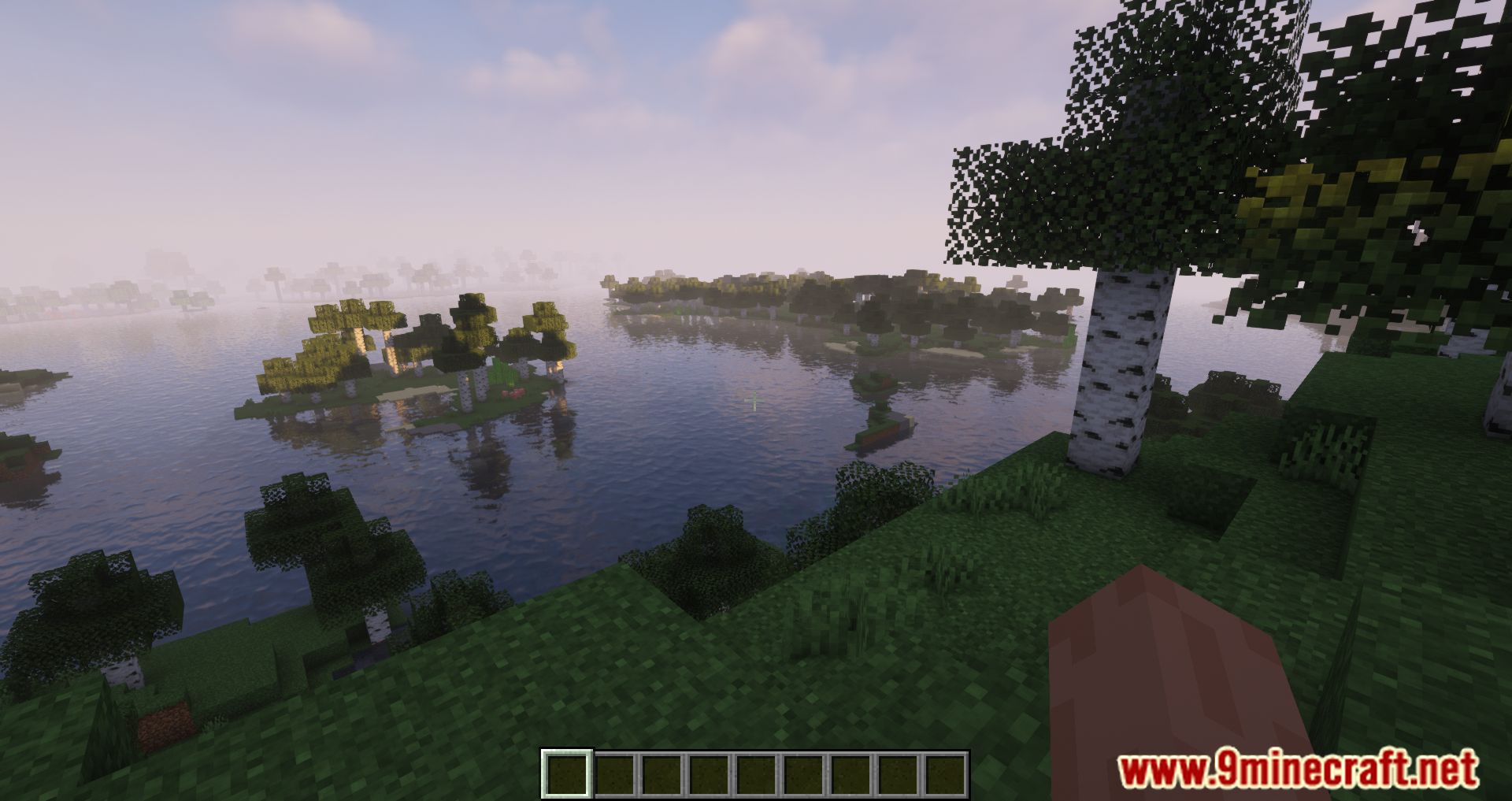
Screenshots:



Tab Inventory Mod Download Links
For Minecraft 1.18.2
Forge Version: Download from Server 1 – Download from Server 2
For Minecraft 1.16.5
Forge Version: Download from Server 1 – Download from Server 2
For Minecraft 1.15.2
Forge Version: Download from Server 1 – Download from Server 2
For Minecraft 1.14.4
Forge Version: Download from Server 1 – Download from Server 2
Tab Inventory Mod (1.18.2, 1.16.5) – Add A Small Feature is a free Minecraft Java mod. Compatible with Minecraft 1.18.2, 1.16.5. Download it and open it directly in the game.