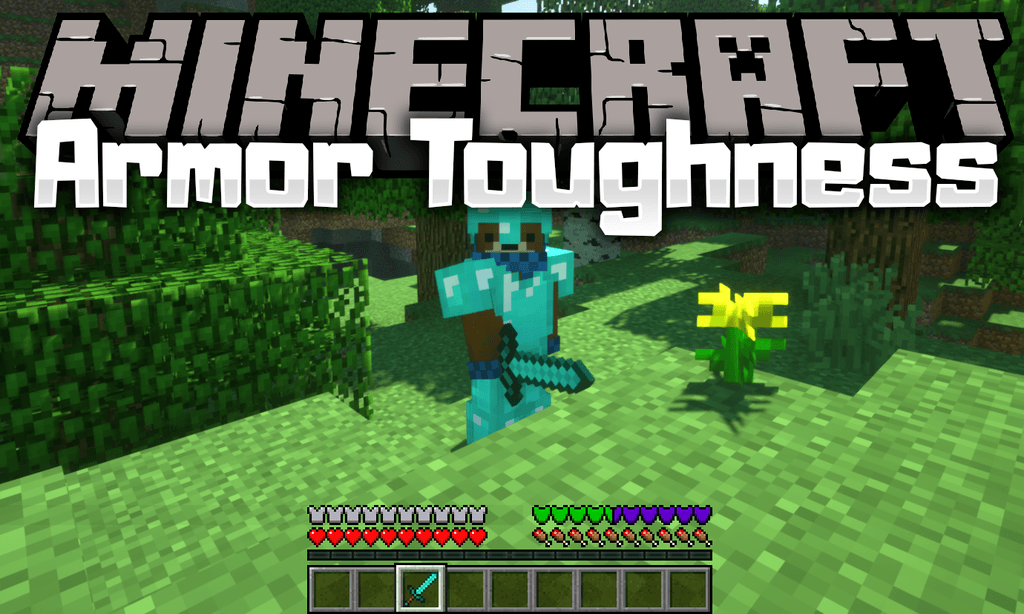
Armor Toughness Bar Mod (1.19.3, 1.18.2) – Up to 100+ Levels Toughness
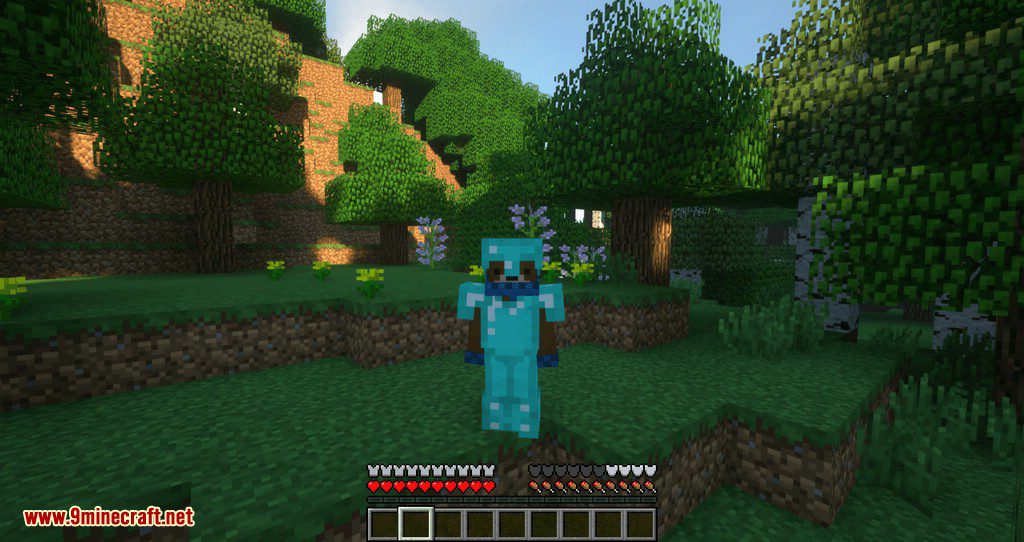
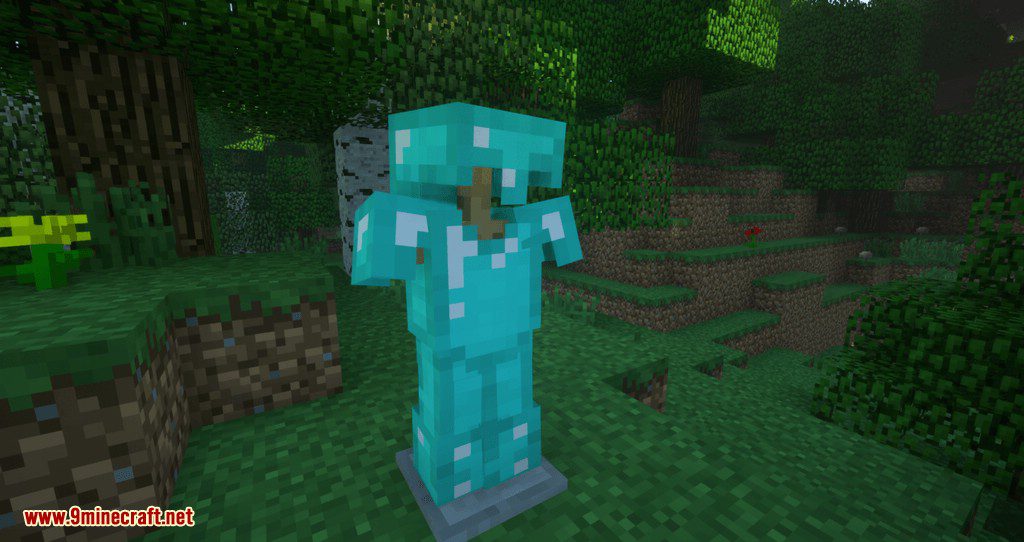
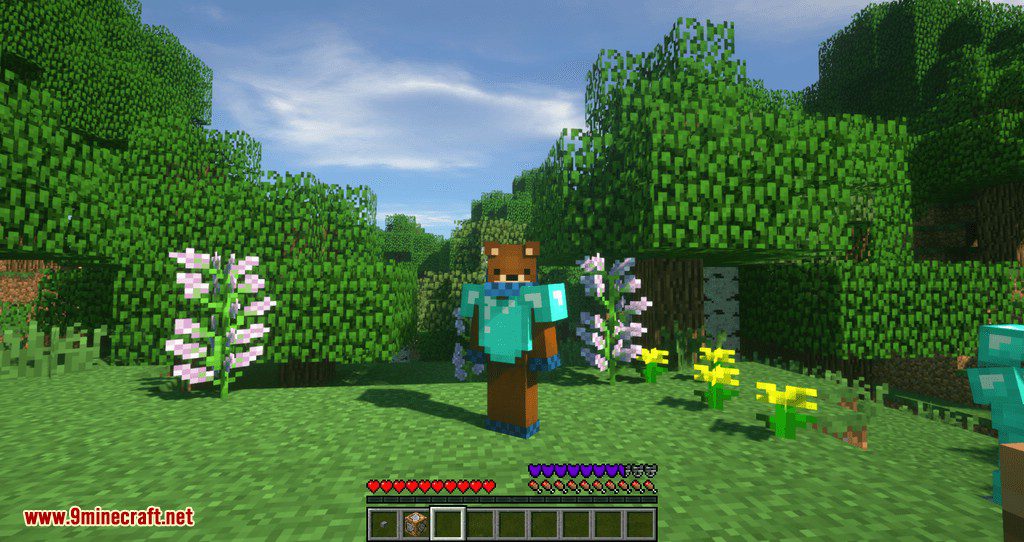
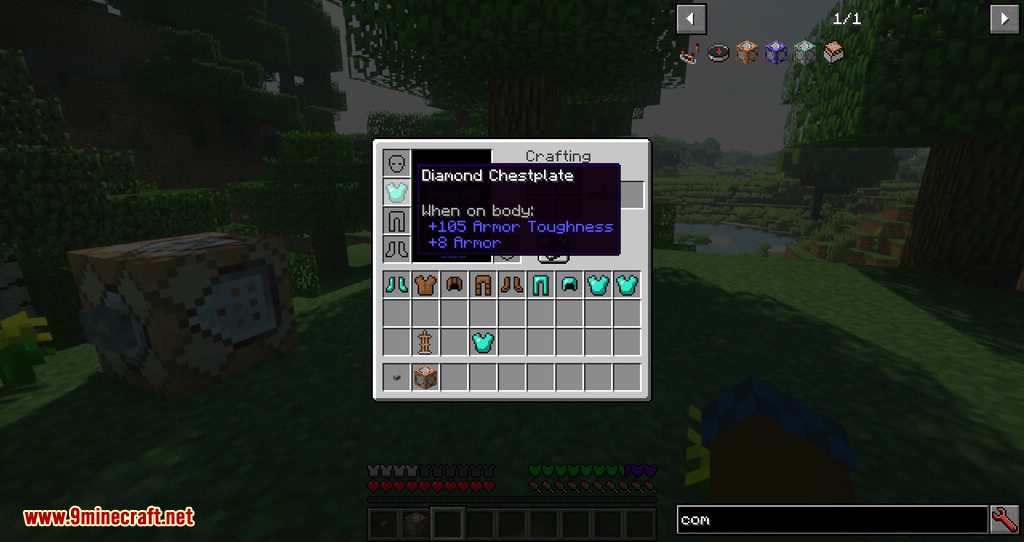
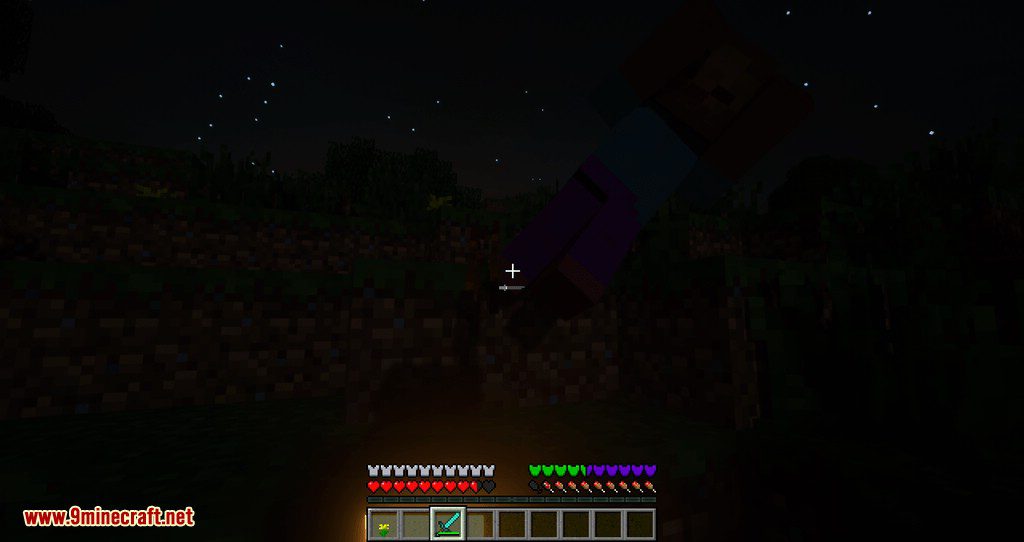
Armor Toughness Bar Mod adds an Armor Toughness bar that shows up above the hunger bar and supports multiple levels up to 100+. It is recommended, but not…
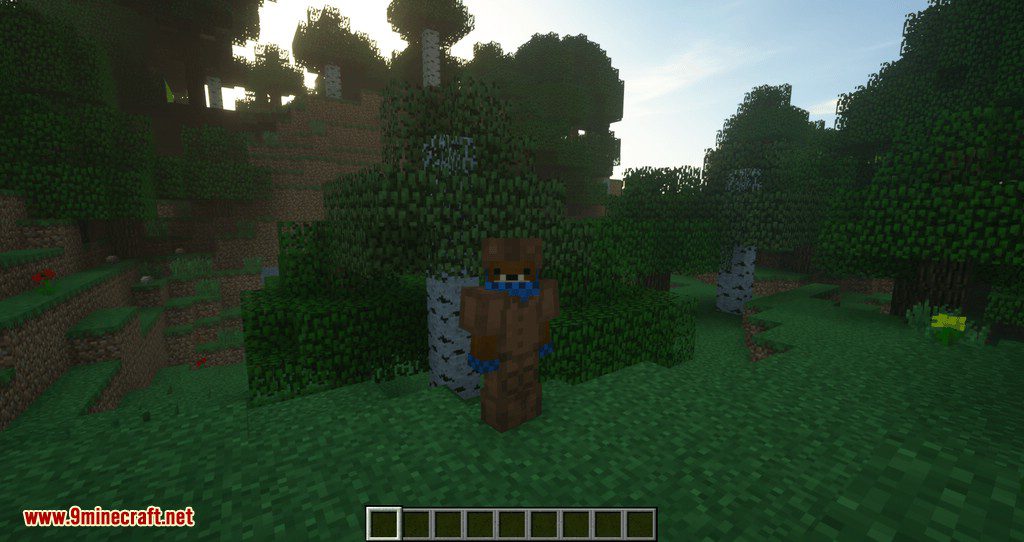
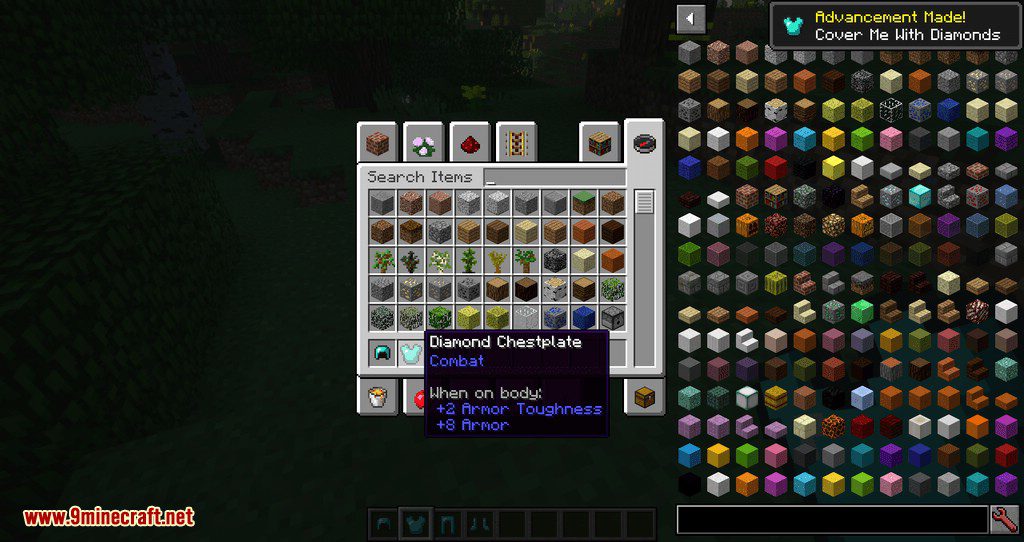
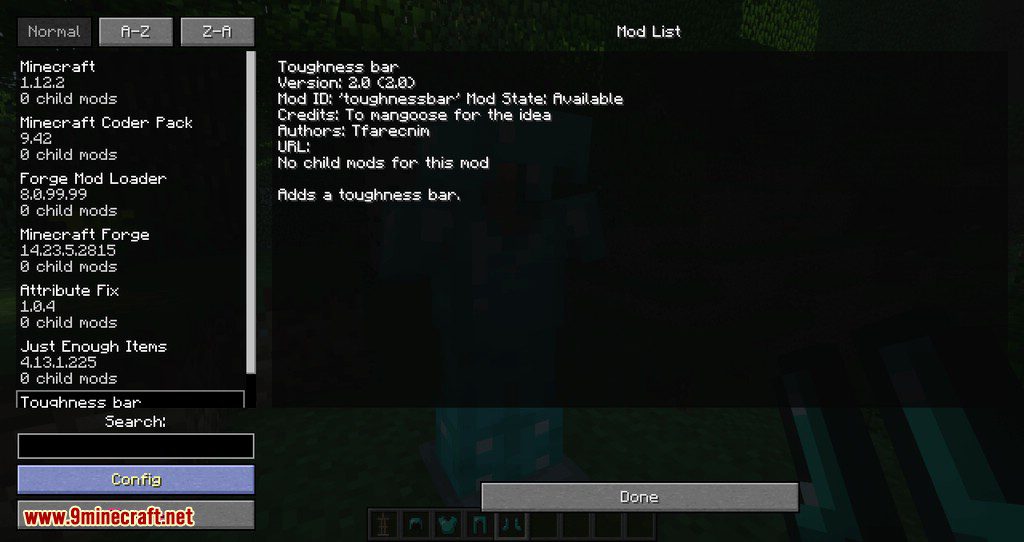
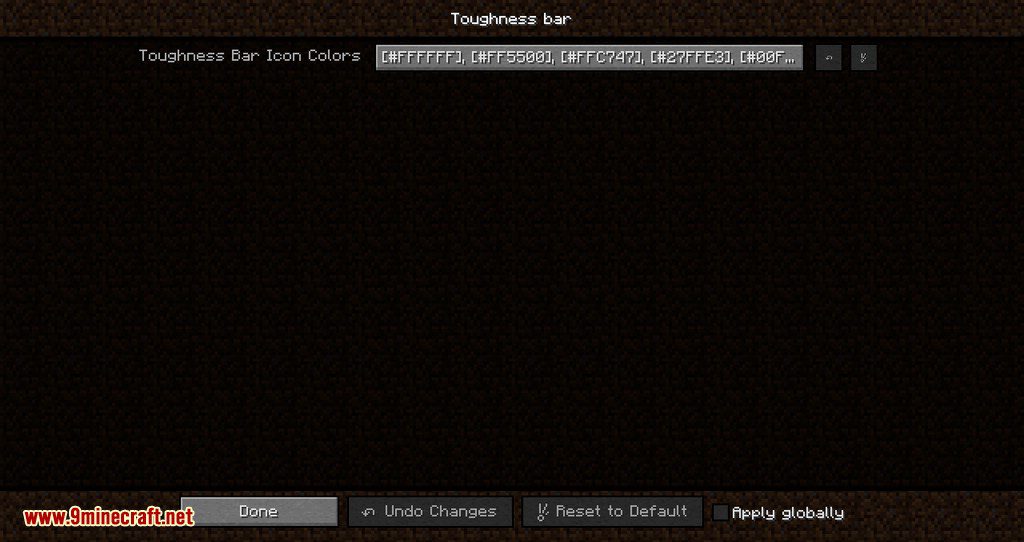
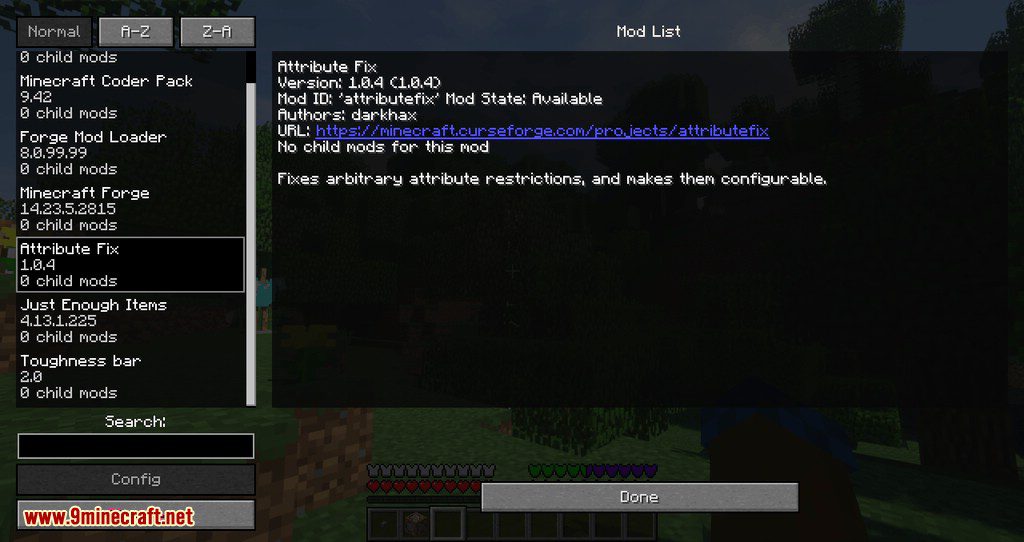
⬇ DownloadOpen in MCModsHubGet it on Google Play →Armor Toughness Bar Mod adds an Armor Toughness bar that shows up above the hunger bar and supports multiple levels up to 100+. It is recommended, but not required that this mod is used with Attribute Fix, otherwise, nothing above 20 will be displayed due to the vanilla cap. The mod is clientside only and as such can be used without having it on the server side, but it will be ignored when putting in server files. Mod now comes with a config for changing the color overlay.
Screenshots:
Armor Toughness Bar Mod Download Links
For Minecraft 1.19.3
Forge version: Download from Server 1 – Download from Server 2
For Minecraft 1.18.2
Forge version: Download from Server 1 – Download from Server 2
For Minecraft 1.16.5
Forge version: Download from Server 1
For Minecraft 1.14.4
Forge version: Download from Server 1
For Minecraft 1.15.2, 1.15.1
Forge version: Download from Server 1
For Minecraft 1.12.2
Forge version: Download from Server 1
For Minecraft 1.13.2
Forge version: Download from Server 1
- Download size: 12 KB
- Download link checked 24 Jul 2026 — working
- Mirrored on our own servers — the download does not depend on the original host
These come from our own check of the pack file, not from the source page.