NBTEdit Mod (1.16.5, 1.15.2) – Tile Entity Editor In Game
Java mod listed for Minecraft 1.16. Downloads from the MC Java Mods app on Android.
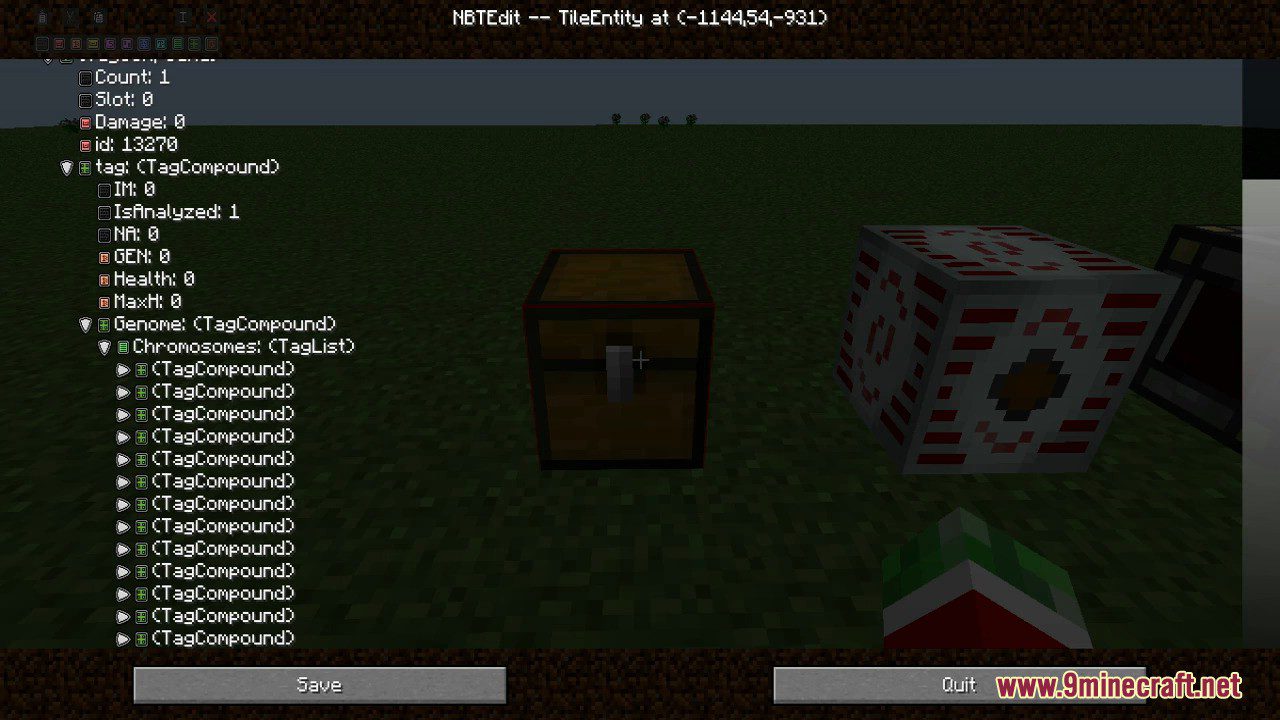
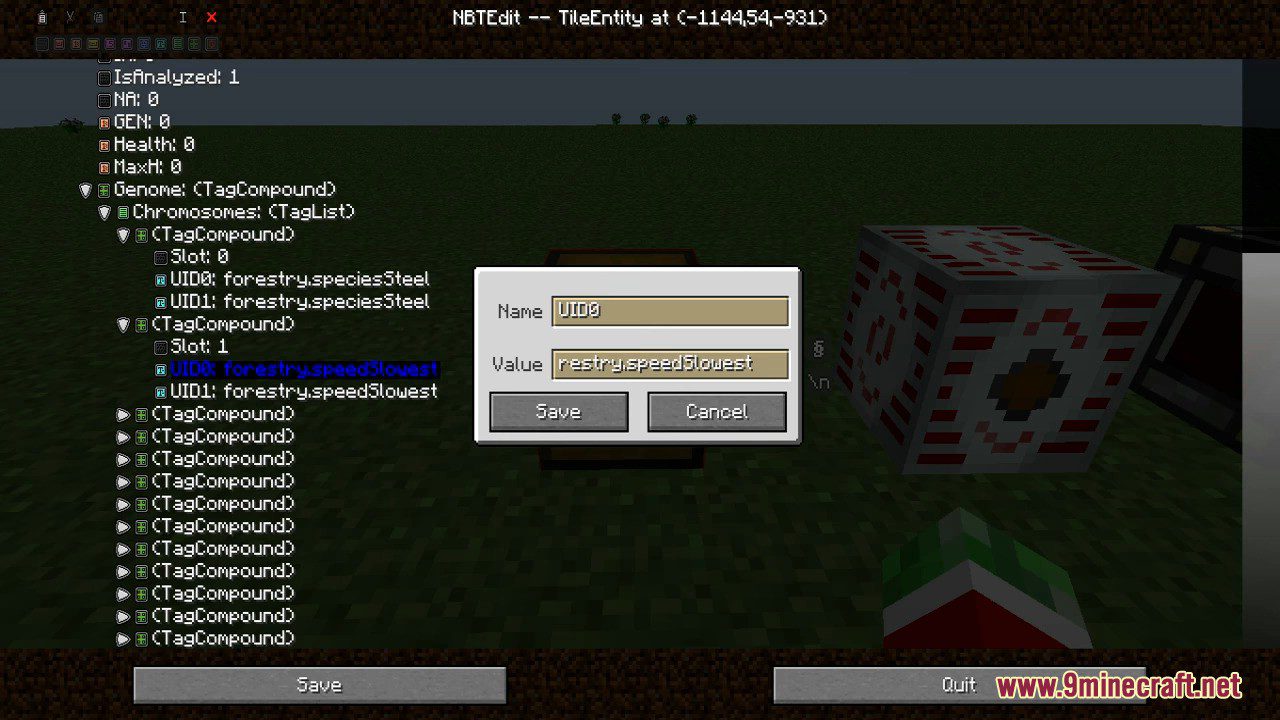
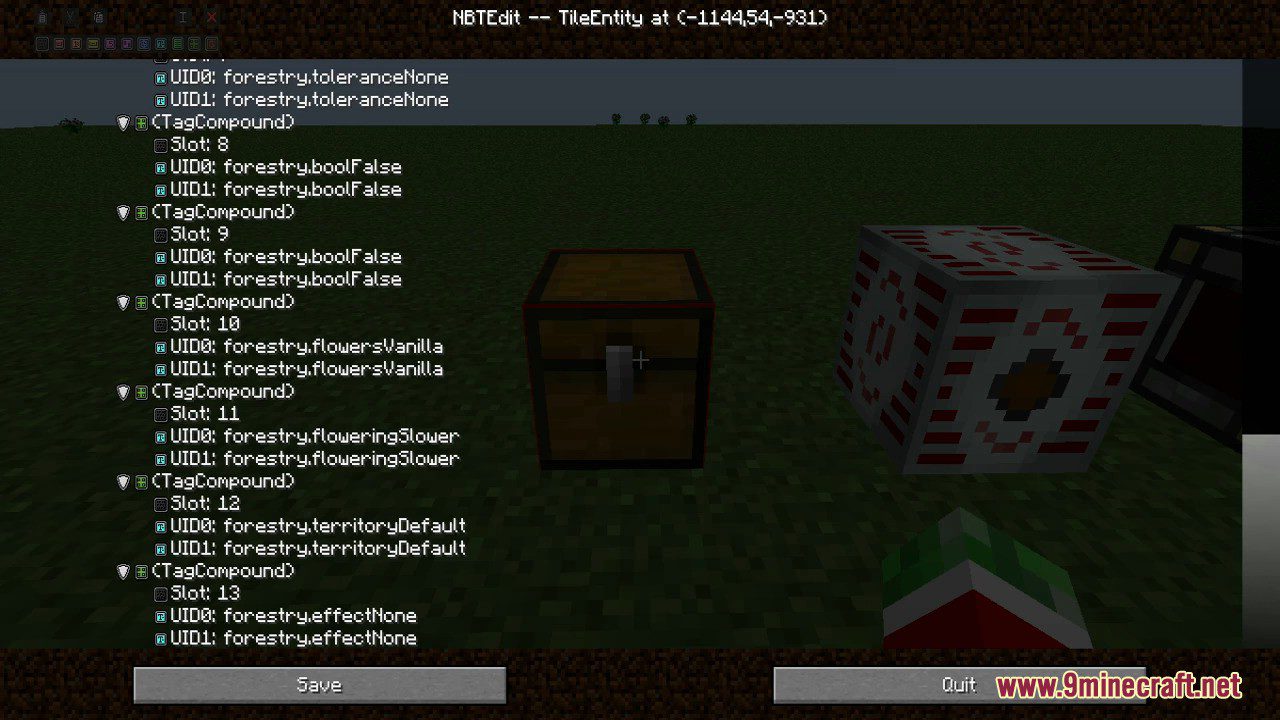
⬇ DownloadNBTEdit Mod is a mod that allows you to modify the NBT-data of entities and TileEntities while you are playing. A very cool mod that allows you to change block and item data. Other examples of things you can edit with this mod, that can be very useful : Entities themself (like zombie armor), player specific head, or even costum Entity spawners.
Features:
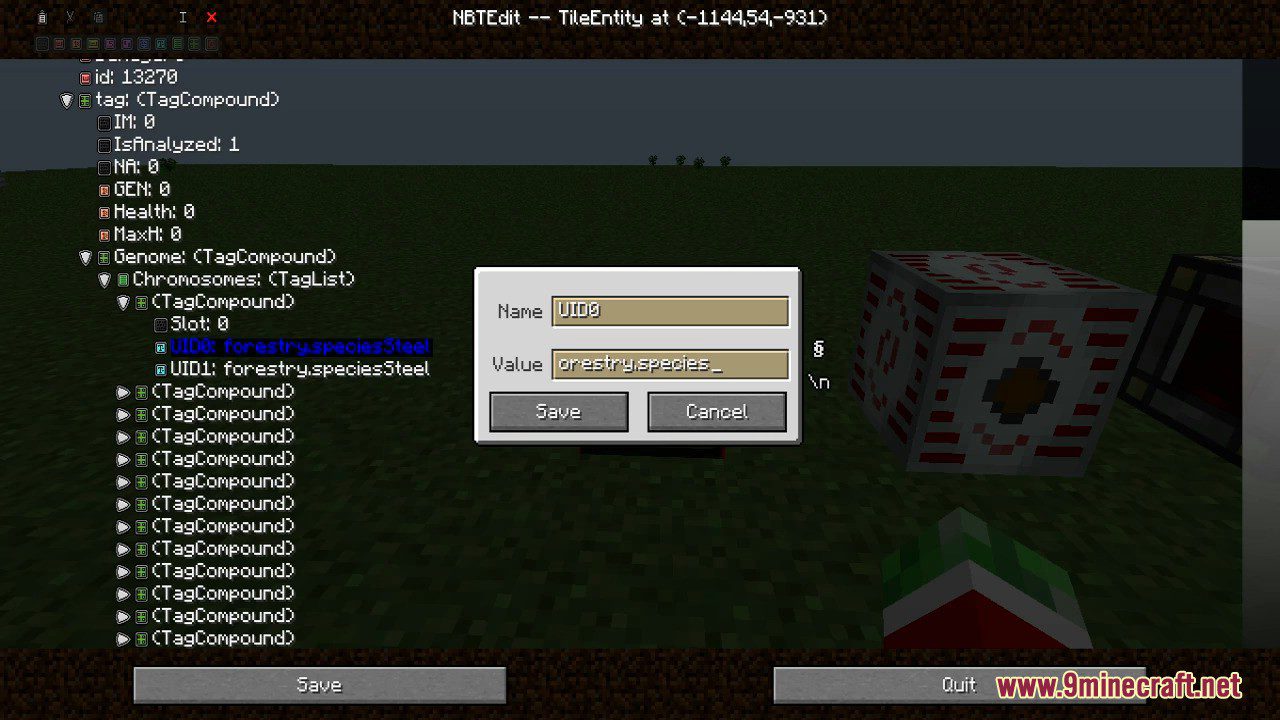
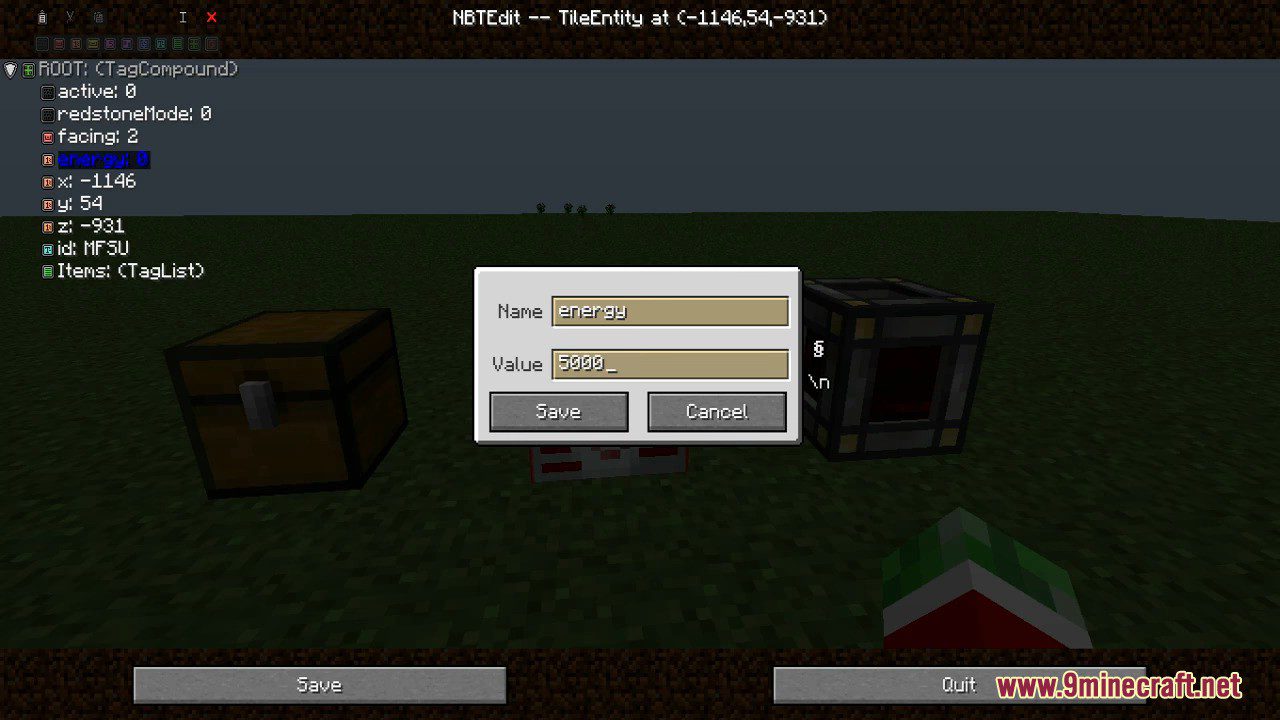
- View&edit NBT-data of Entities and TileEntities without leaving the world.
- NBT-data is shown in external windows.
- It is possible to view multiple NBT-tags at once.
- Auto-Pulling: NBT data in a window can be set to update every n ticks.
- NBT-Clipboard.
- Store tags for future use.
- Unlimited amount of named clipboards.
- Export clipboard contents to sharable files.
- Integration with Immersive Engineering: view the NBT-data of the master block of a multiblock.
- Has an API that makes it possible to register special actions for specific (Tile-)entities.
Screenshots:
How to use:
- Type “/nbtedit” to edit the NBT-data of the object you are looking at.
- Type “/nbtedit [d]” to edit the NBT-data of the TileEntity at the position x,y,z in dimension d or your current dimension.
NBTEdit Mod Download Links
For Minecraft 1.16.5
Forge version: Download from Server 1 – Download from Server 2
For Minecraft 1.15.2
Forge version: Download from Server 1
For Minecraft 1.14.4
Forge version: Download from Server 1
For Minecraft 1.12.2
Forge version: Download from Server 1 – Download from Server 2
For Minecraft 1.11.2
Forge version: Download from Server 1
For Minecraft 1.10.2
Forge version: Download from Server 1
For Minecraft 1.8.9
Forge version: Download from Server 1
For Minecraft 1.7.10
Forge version: Download from Server 1 – Download from Server 2
- Edition: Minecraft Java
- File type: .jar
- Minecraft version listed: 1.16.5
- How to install: Install the matching mod loader (Forge, Fabric or NeoForge) for your Minecraft version. → Download the .jar. → Put it in the .minecraft/mods folder and launch that loader profile.
- Where to get it: In MC Java Mods, or directly above on this page.
Install steps are the general flow for this file type — How to install Minecraft Java mods & modpacks walks through it step by step.
- Downloads as 206055.mcaddon
- Download size: 69 KB
- Download link checked 30 Jul 2026 — working
- Mirrored on our own servers — the download does not depend on the original host
These come from our own check of the pack file, not from the source page.