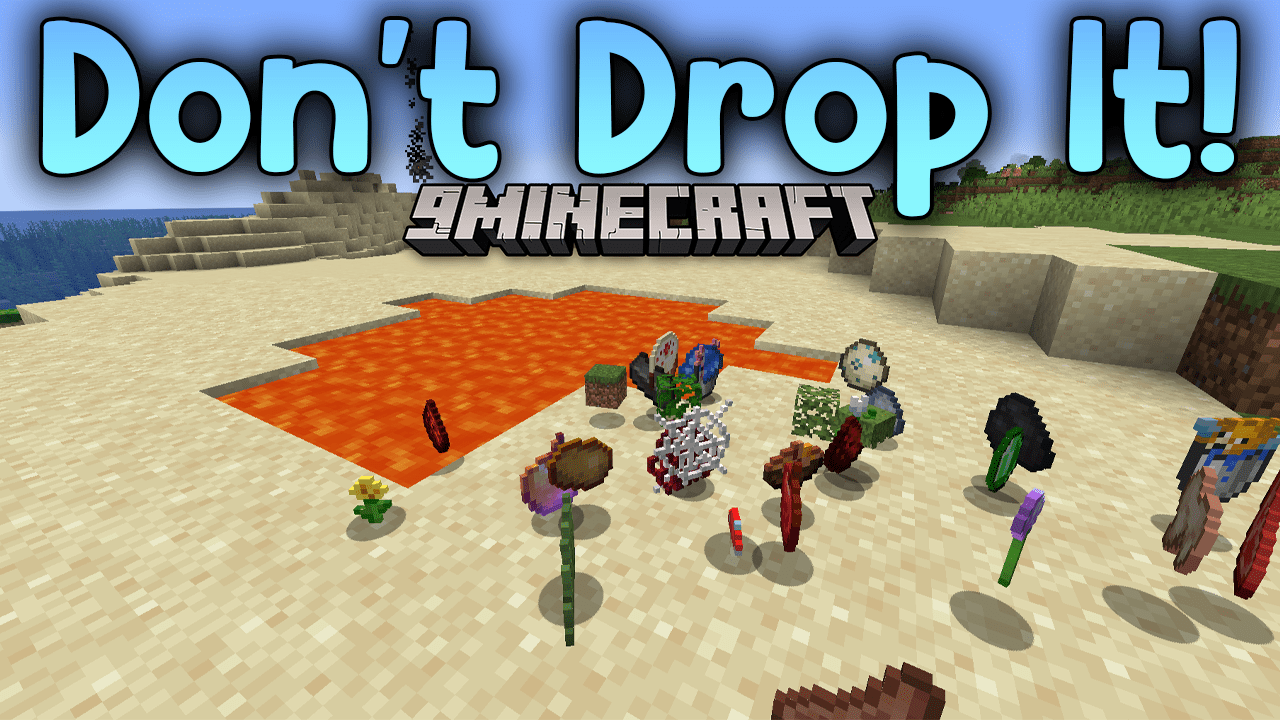
Don't Drop It! Mod (1.19.2, 1.18.2) – Prevent Accidental Dropping Of Items
Don't Drop It! Mod adds two systems to prevent the accidental dropping of items from the inventory. Item drop is something that most players encounter…
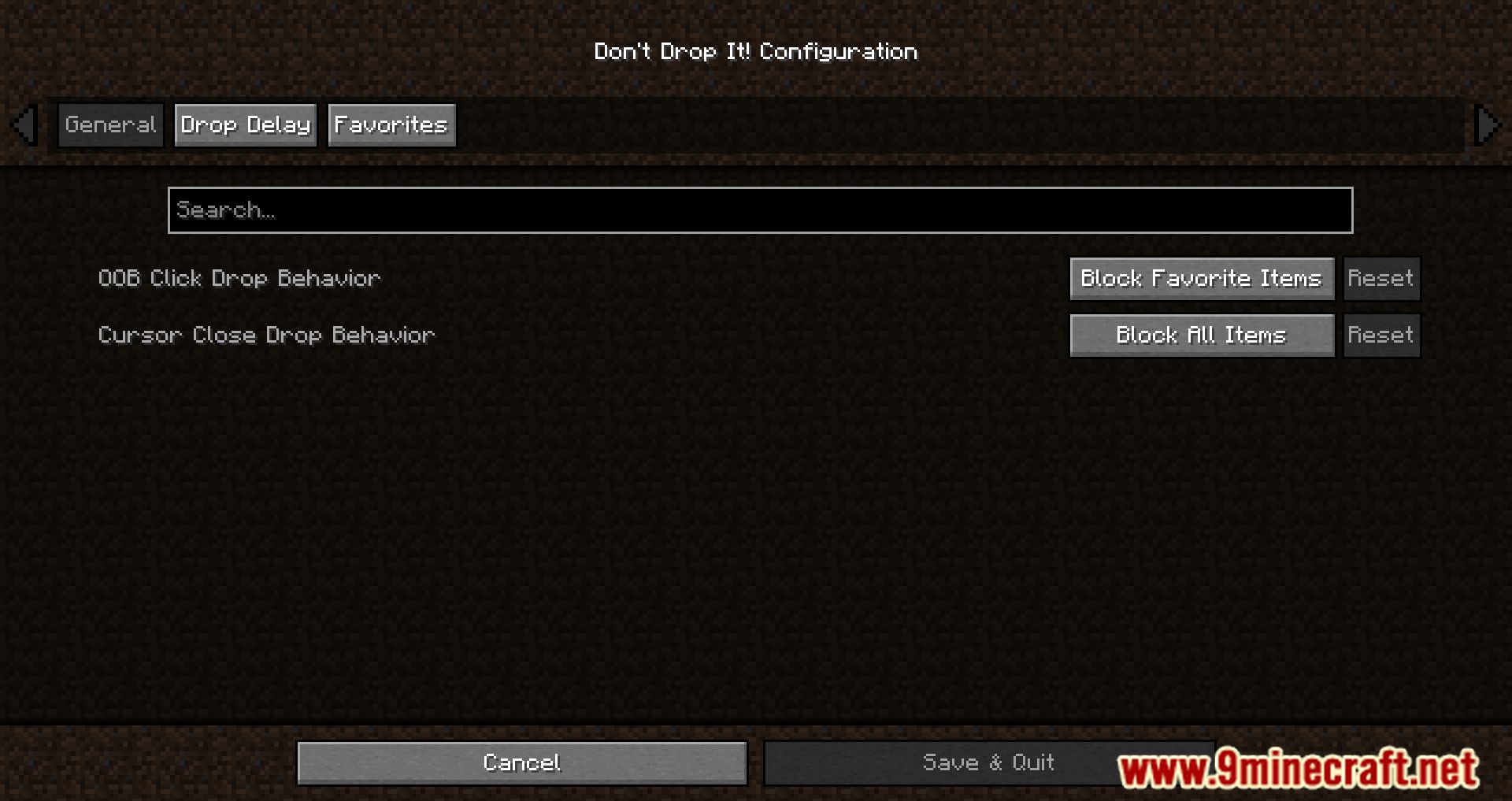
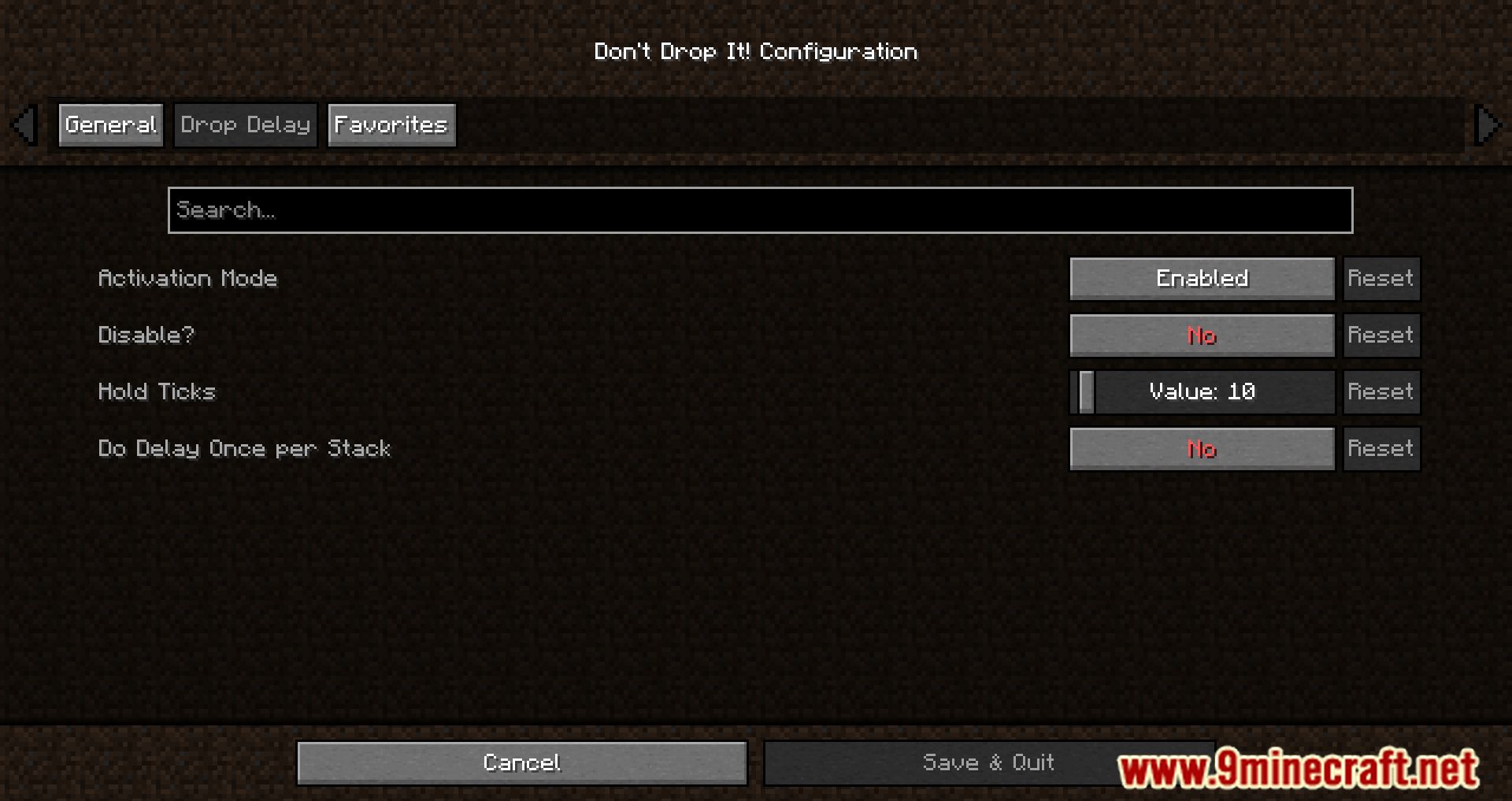
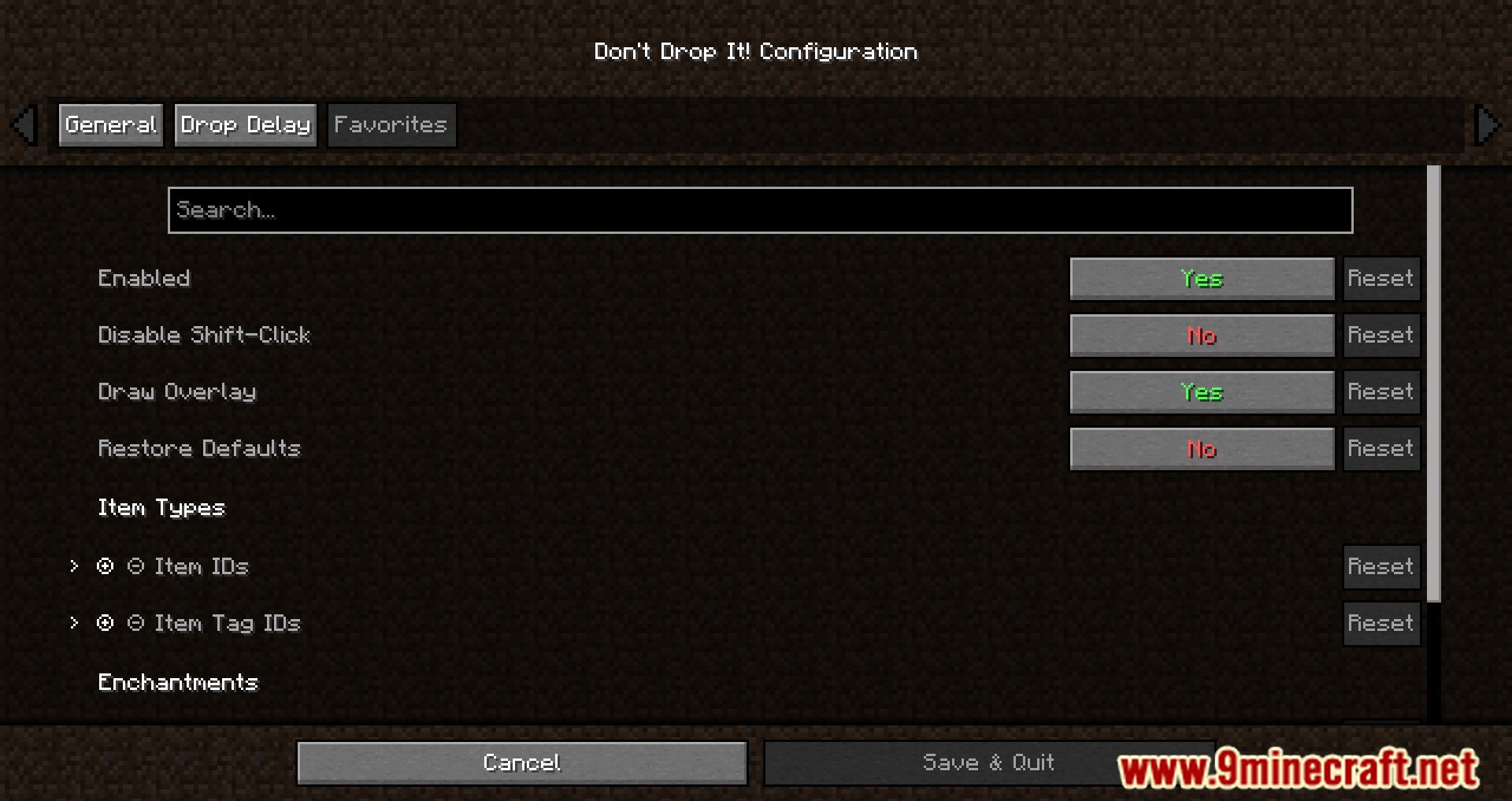
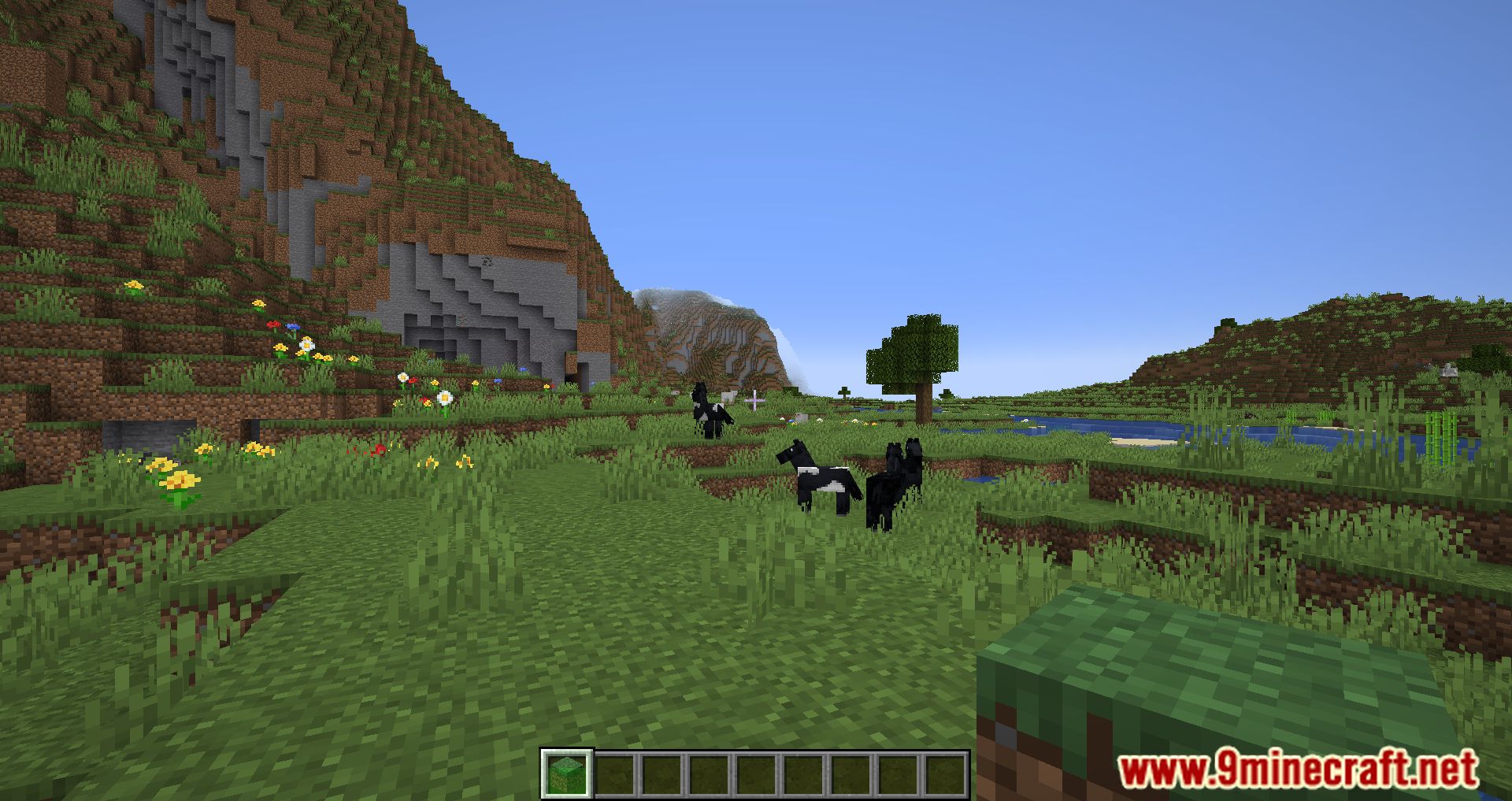
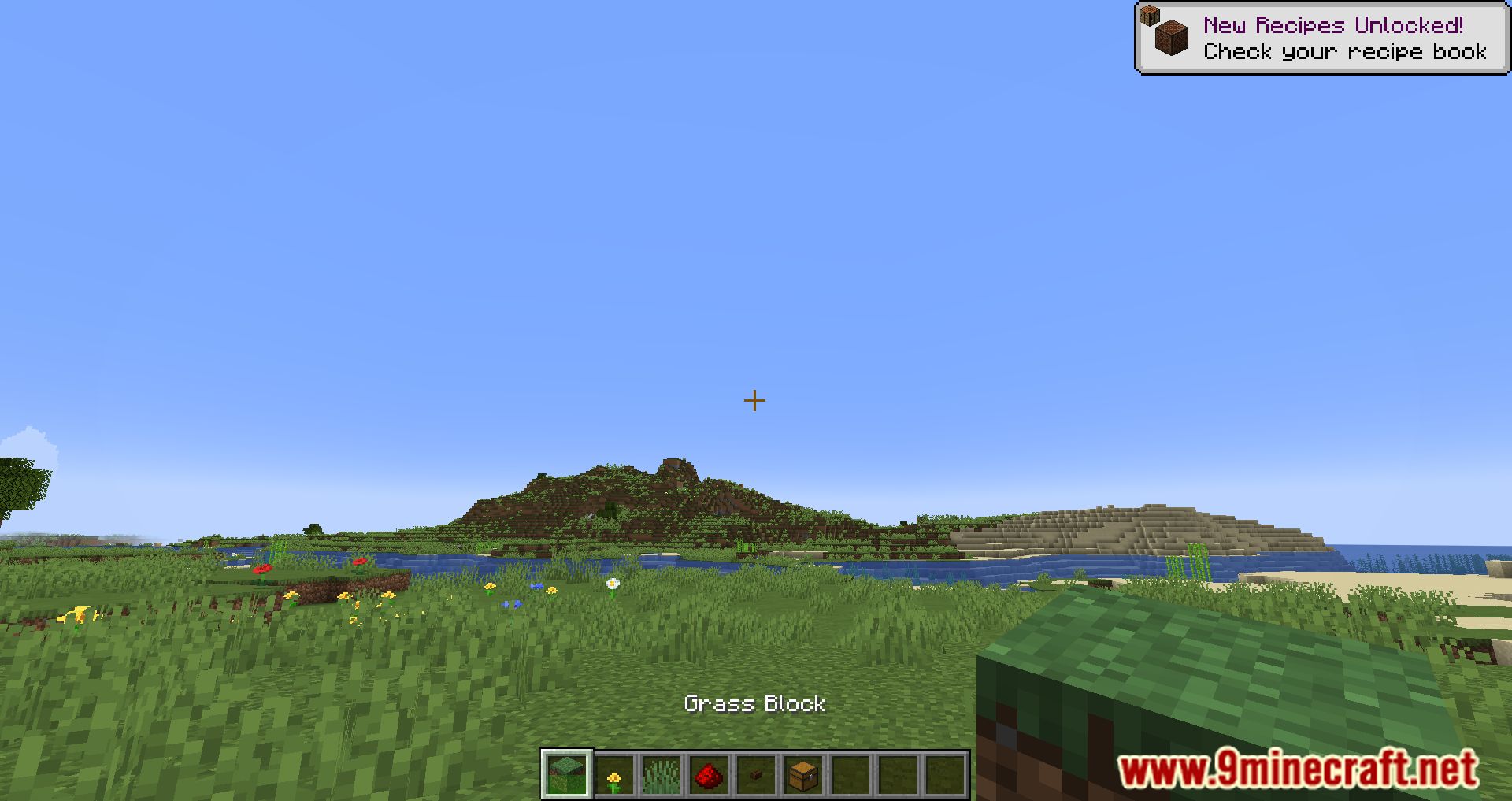
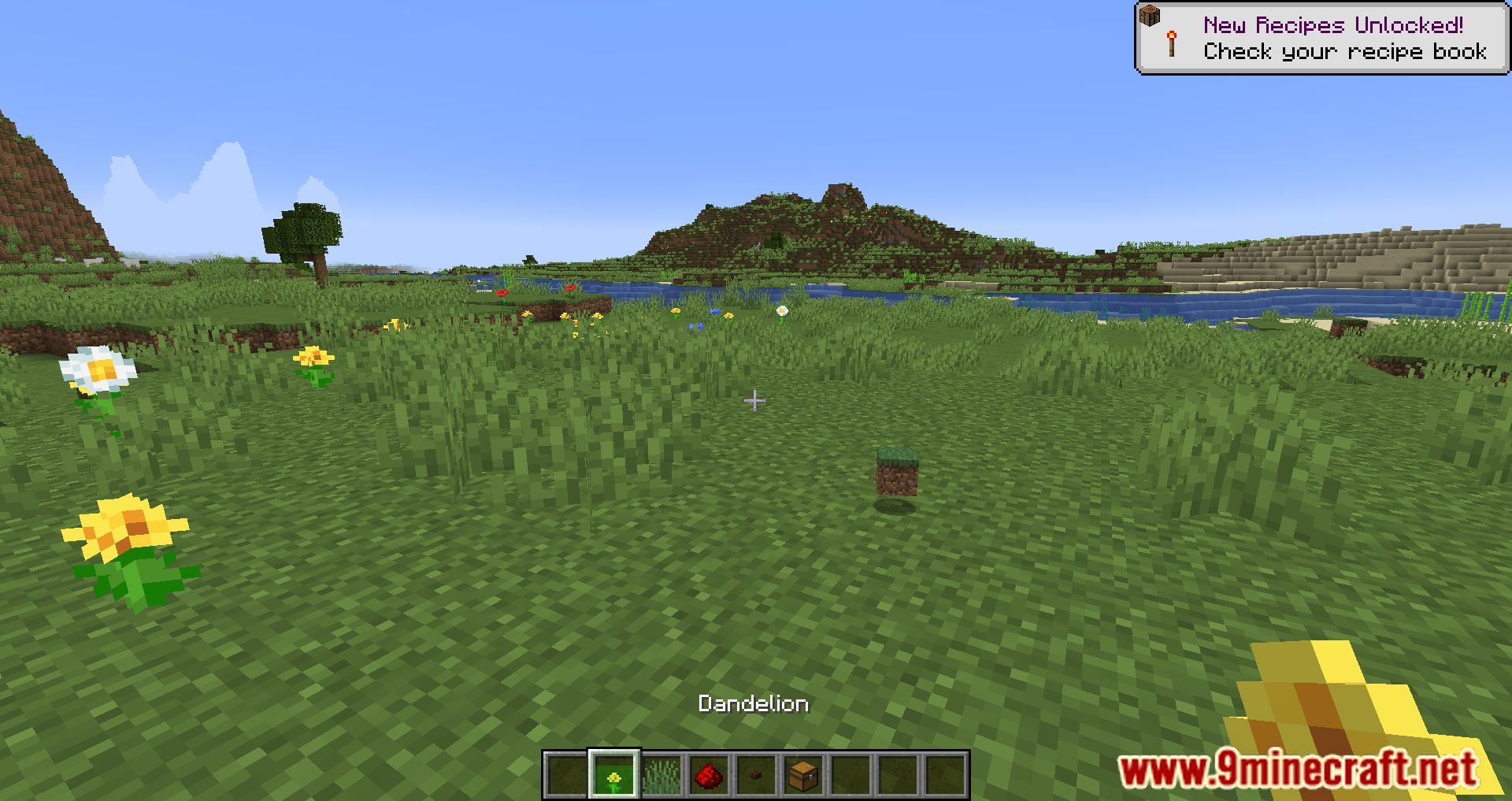
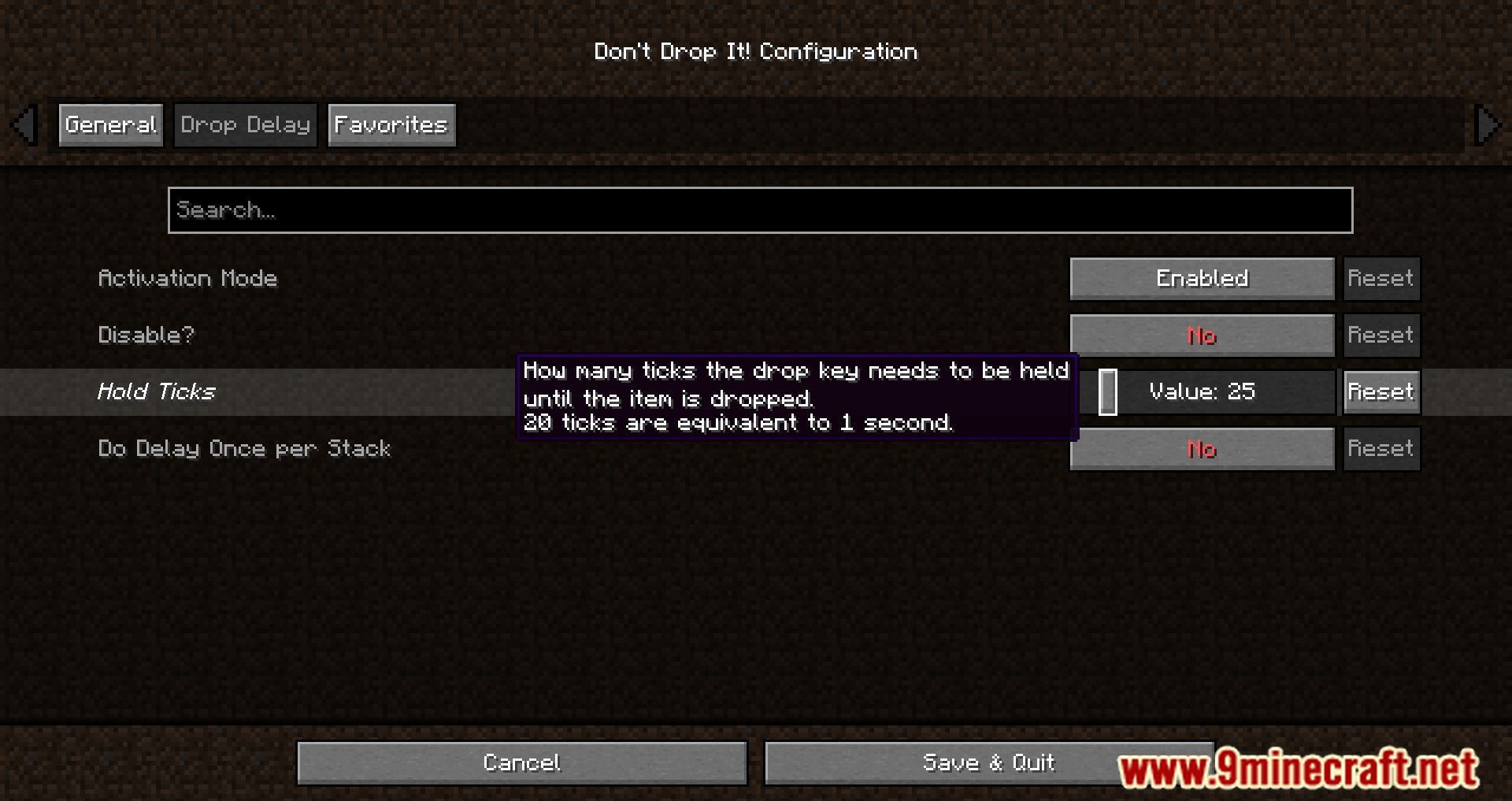
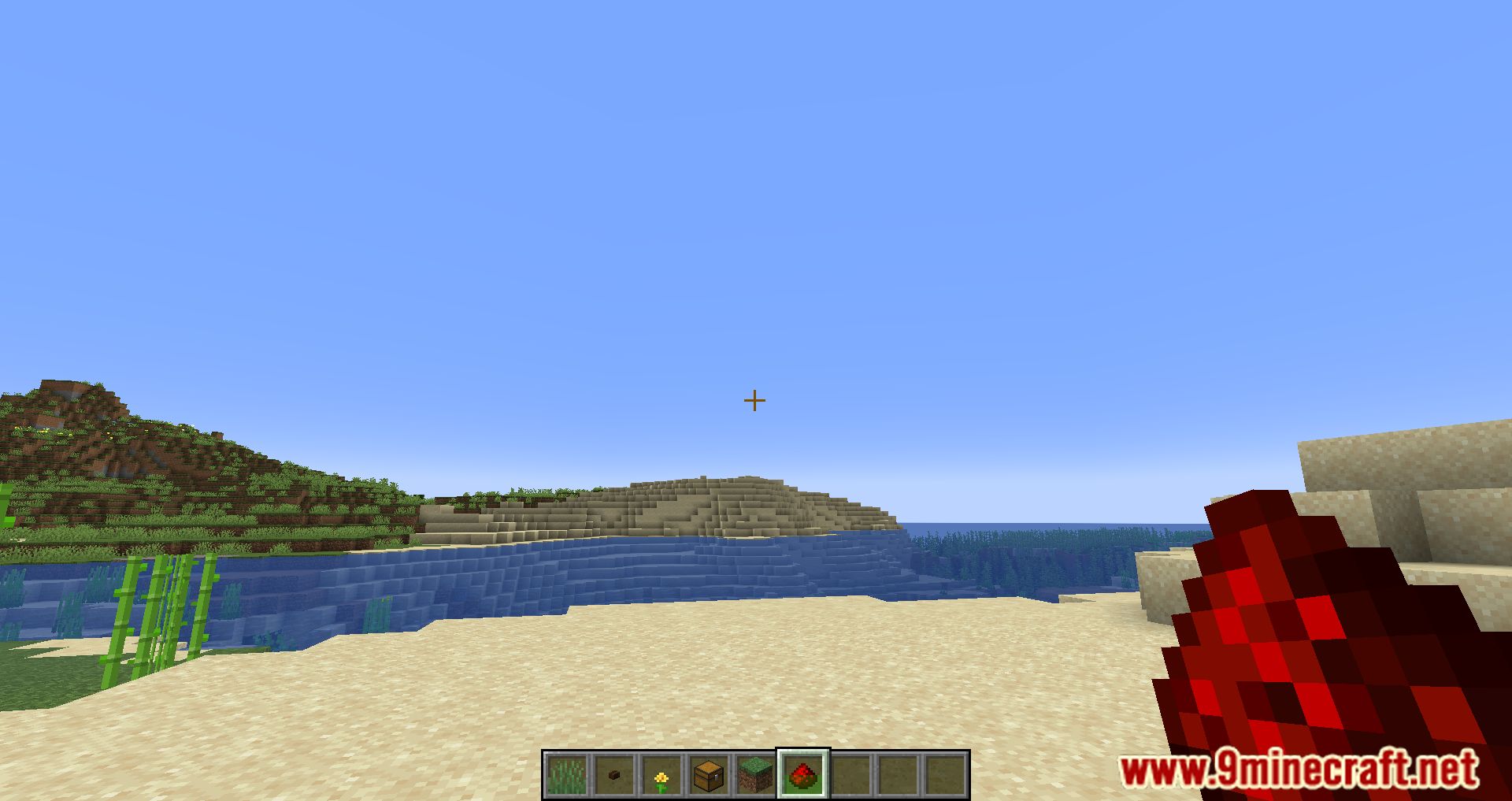
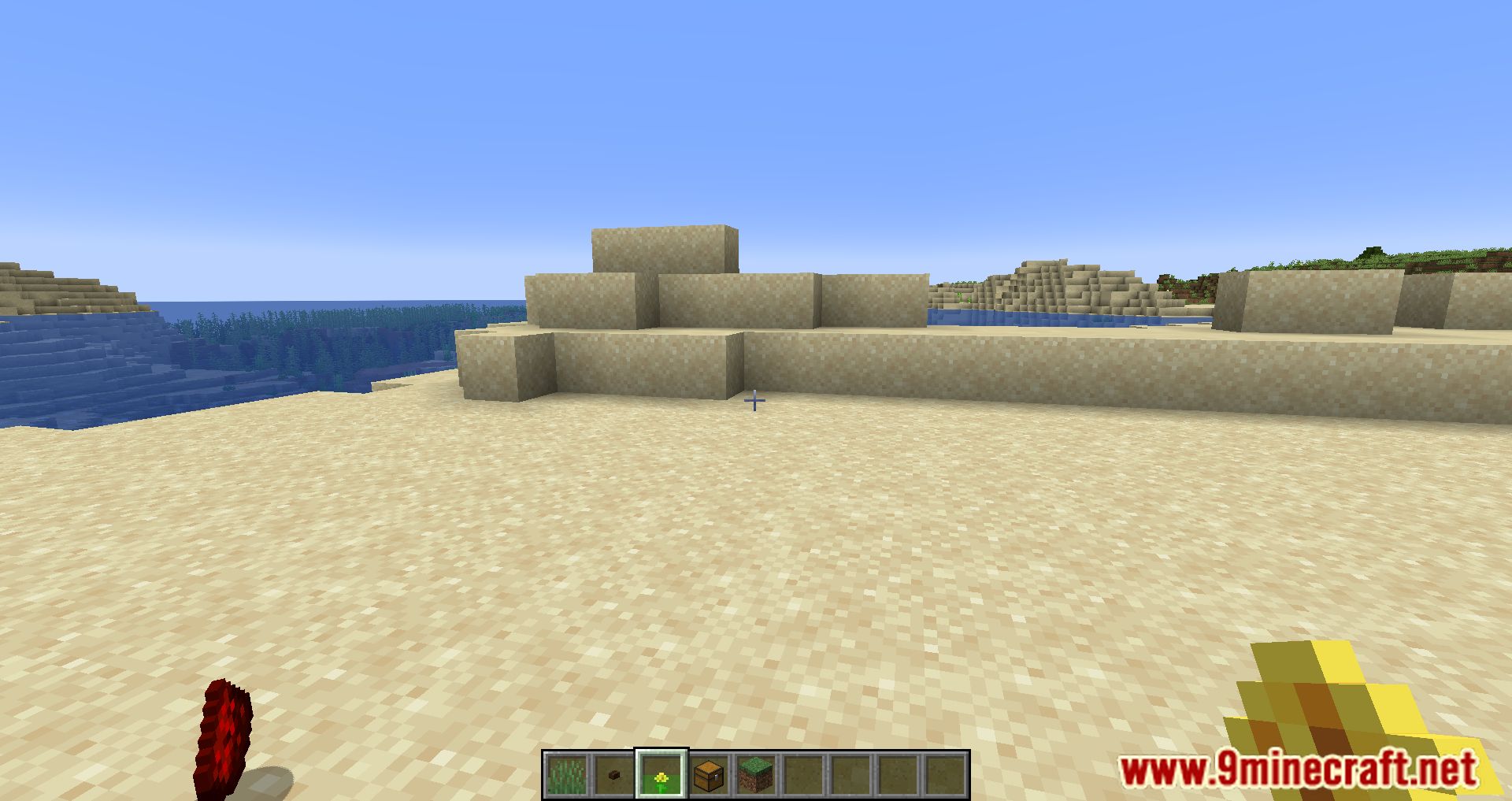
⬇ DownloadDon’t Drop It! Mod adds two systems to prevent the accidental dropping of items from the inventory. Item drop is something that most players encounter, and it’s not that you want it to happen intentionally; it’s just by mistake or by accident you drop a precious item on the lava. But a situation like that will make you feel unfair or blame yourself, making the gameplay experience worse. But don’t worry because now, Don’t Drop It! Mod will make you safer from such situations. Your item will be protected by the A drop delay system, which means now that you want to throw an item out of your body, you will have to hold the “drop” button for a few ticks. Or the system A favorites system, which specifies certain items you cannot drop without having another modifier key. You can customize them in the settings area and tell how long to keep or which items will be favorites. However, these features will bring you a better experience, and there will be fewer cases of unnecessary item drops.
Features:
This mod currently adds two systems to prevent the accidental dropping of items:
- A drop delay system changes how item dropping works – the “drop” key now needs to be held down for a configurable amount of ticks.
- A favorites system allows specifying certain items that cannot be dropped without holding another modifier key. Items can currently be specified by their type, what enchantments they have and what tags they’re in.
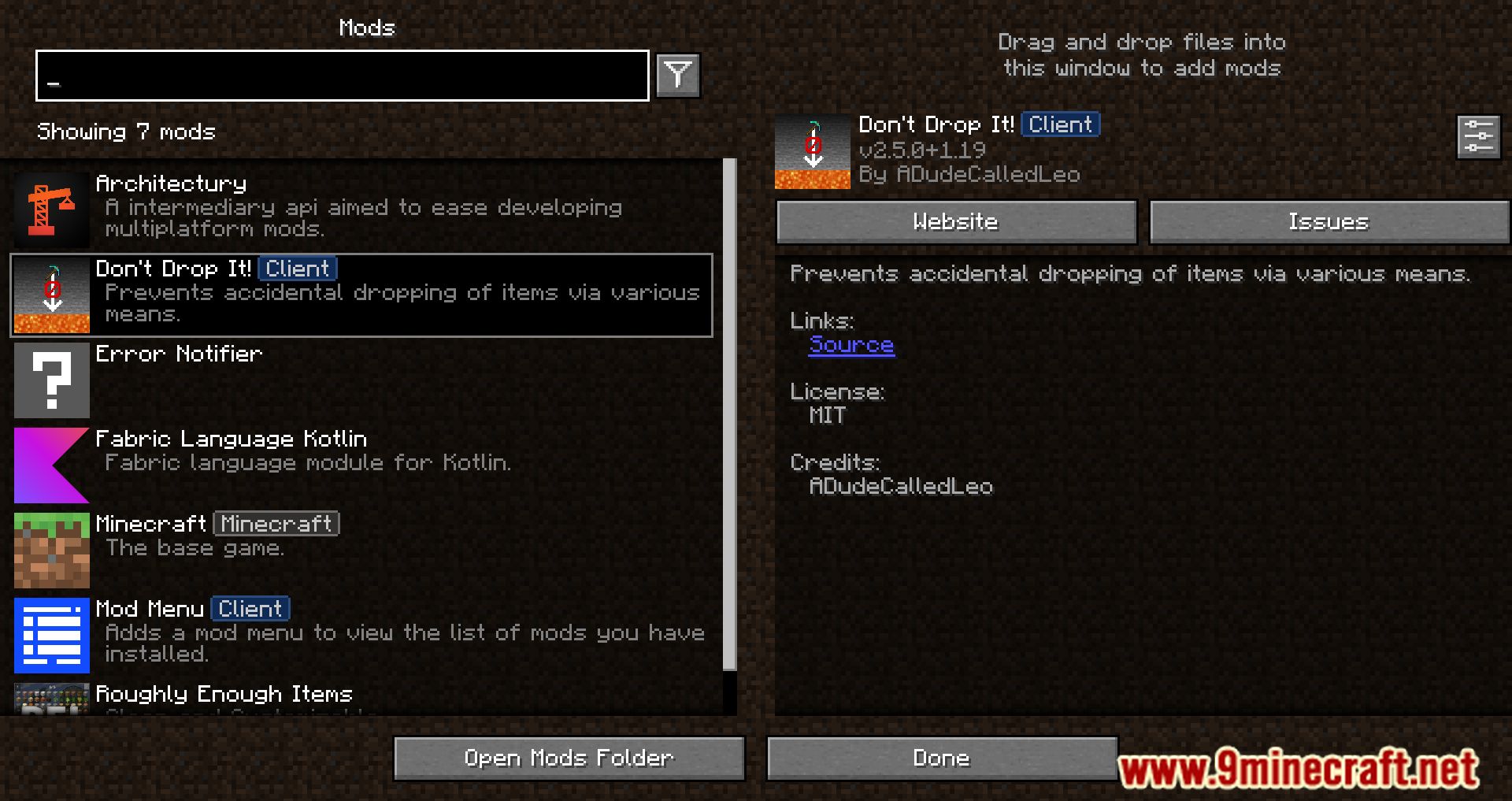
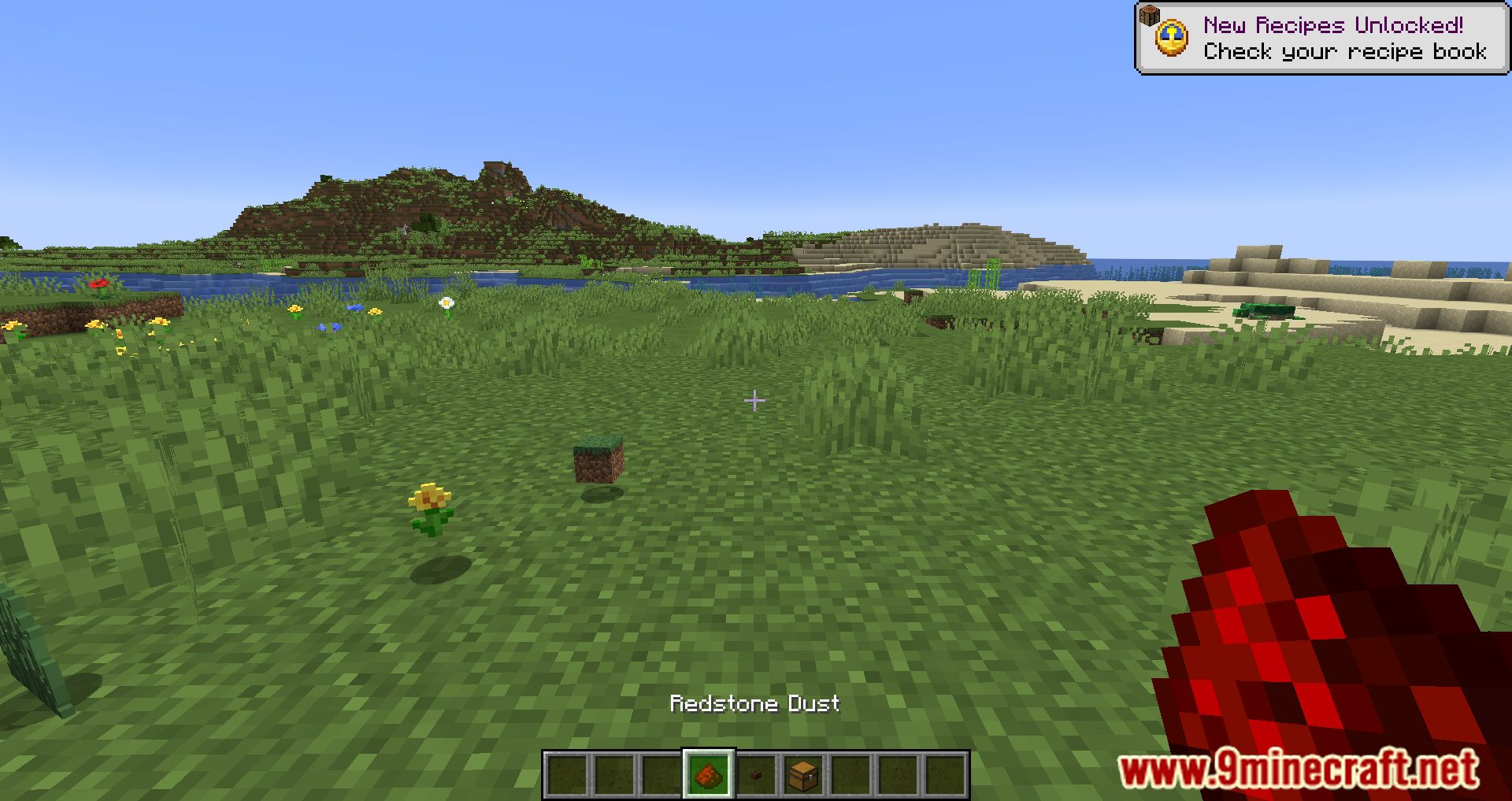
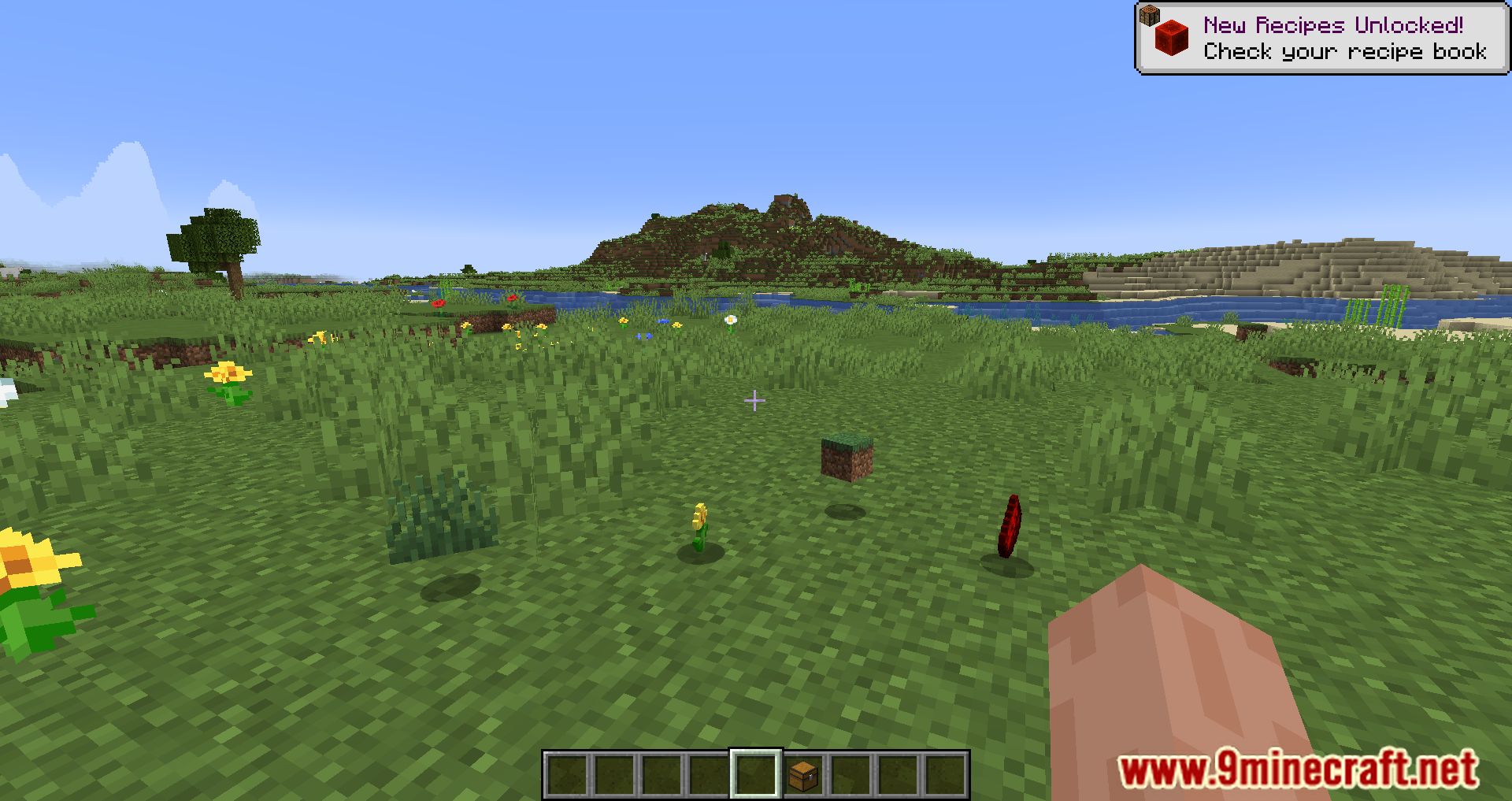
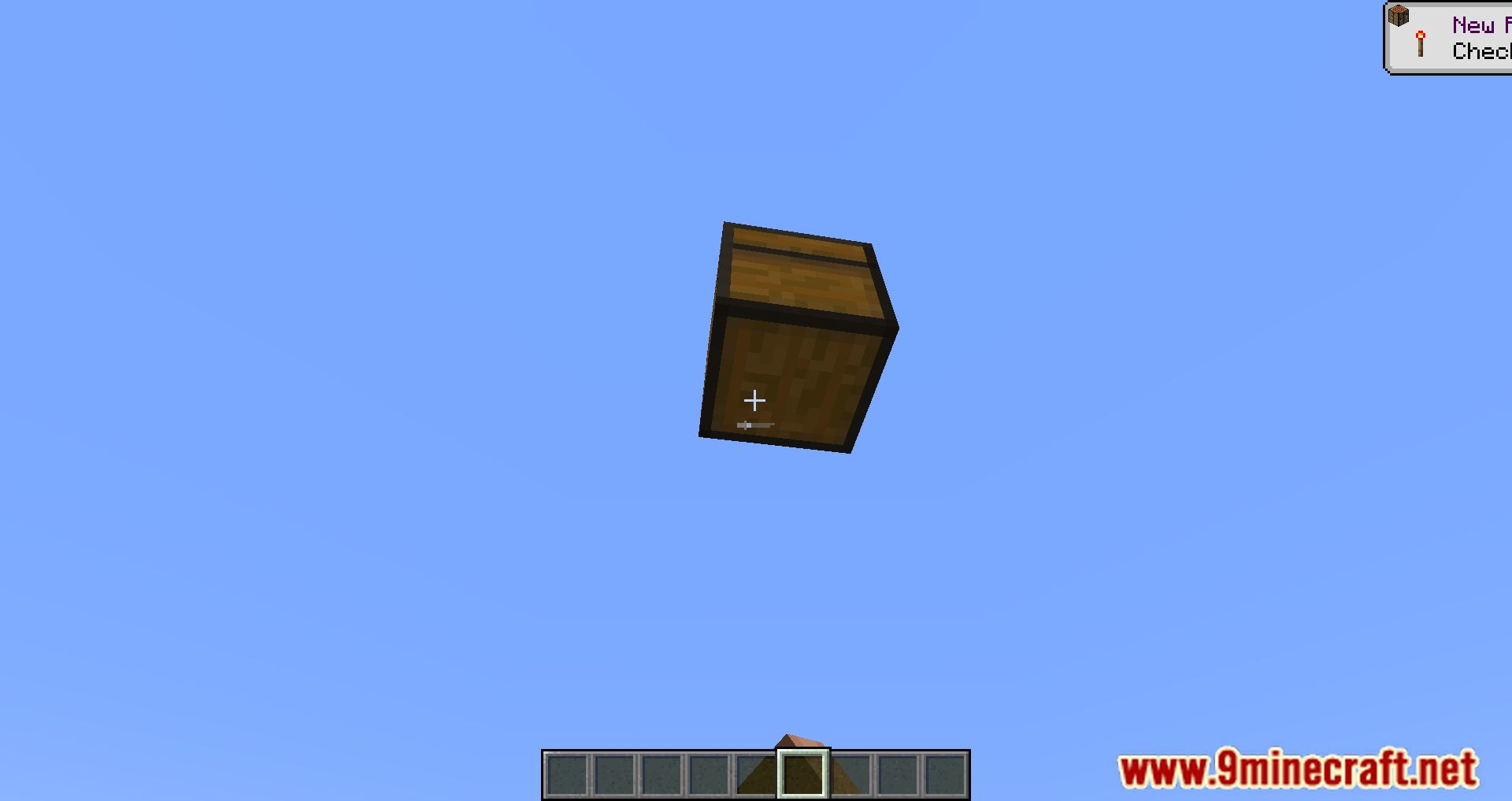
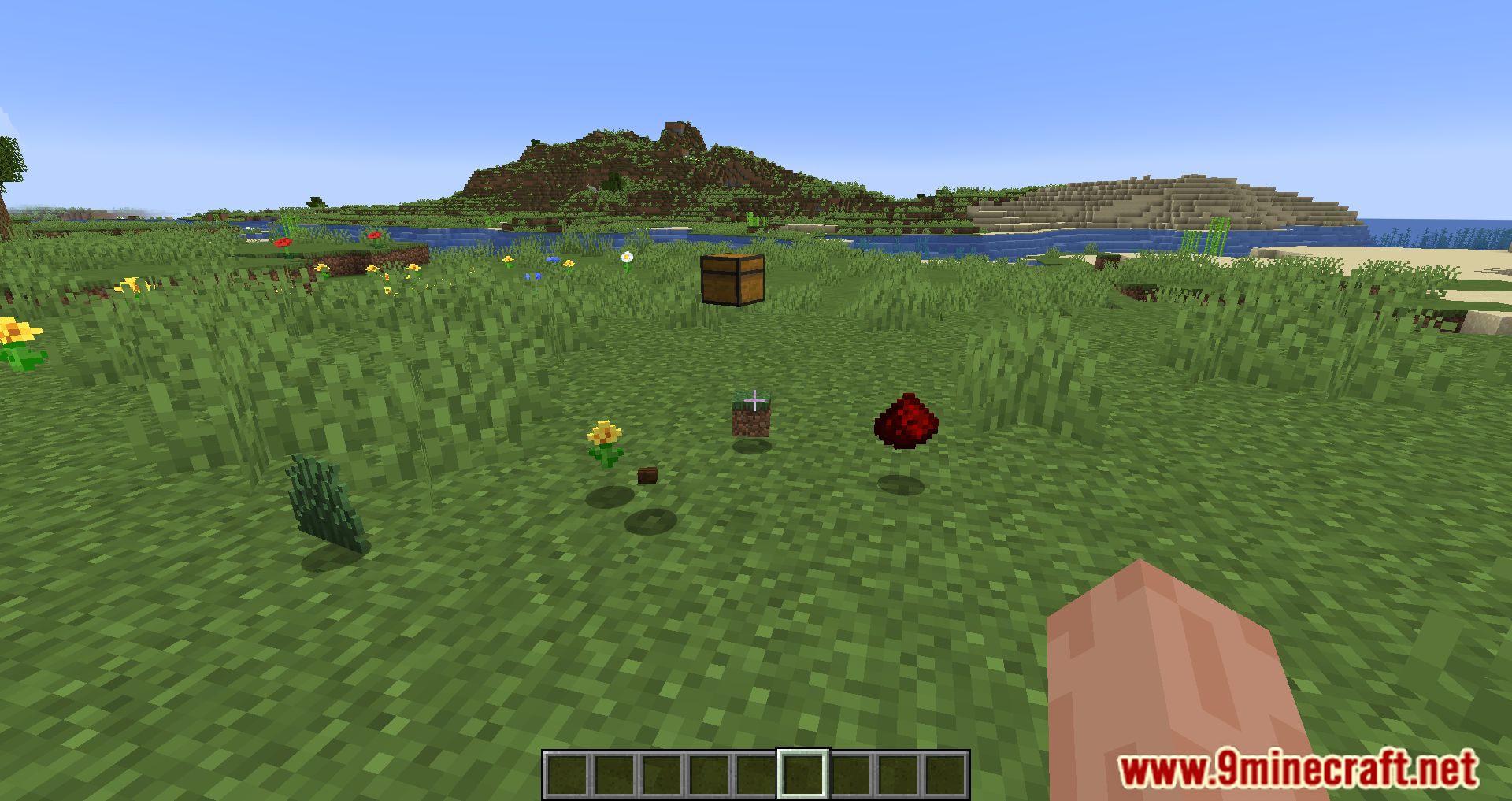
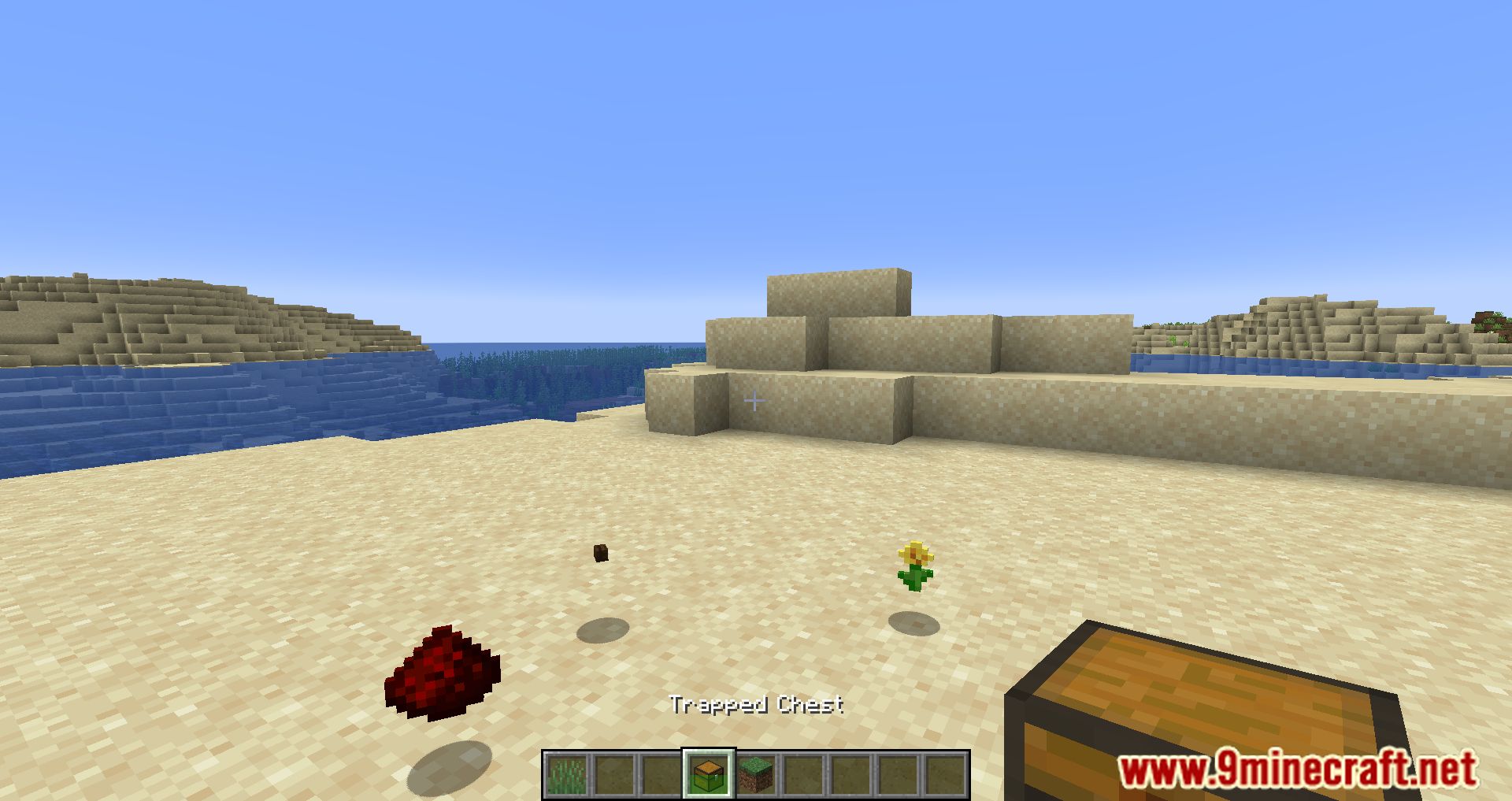
Screenshots:
Don’t Drop It! Mod Download Links
For Minecraft 1.19.2, 1.19.1, 1.19
Fabric version: Download from Server 1 – Download from Server 2
For Minecraft 1.18.2
Fabric version: Download from Server 1 – Download from Server 2
For Minecraft 1.18.1
Fabric version: Download from Server 1 – Download from Server 2
For Minecraft 1.17.1
Fabric version: Download from Server 1 – Download from Server 2
For Minecraft 1.16.5
Fabric version: Download from Server 1 – Download from Server 2
For Minecraft 1.15.2
Fabric version: Download from Server 1 – Download from Server 2
- Edition: Minecraft Java
- File type: .jar
- Minecraft versions listed: 1.19.2, 1.18.2
- How to install: Install the matching mod loader (Forge, Fabric or NeoForge) for your Minecraft version. → Download the .jar. → Put it in the .minecraft/mods folder and launch that loader profile.
- Where to get it: In MC Java Mods, or directly above on this page.
Install steps are the general flow for this file type — How to install Minecraft Java mods & modpacks walks through it step by step.
- Downloads as 206056.mcaddon
- Download size: 1.1 MB
- Download link checked 24 Jul 2026 — working
- Mirrored on our own servers — the download does not depend on the original host
These come from our own check of the pack file, not from the source page.