
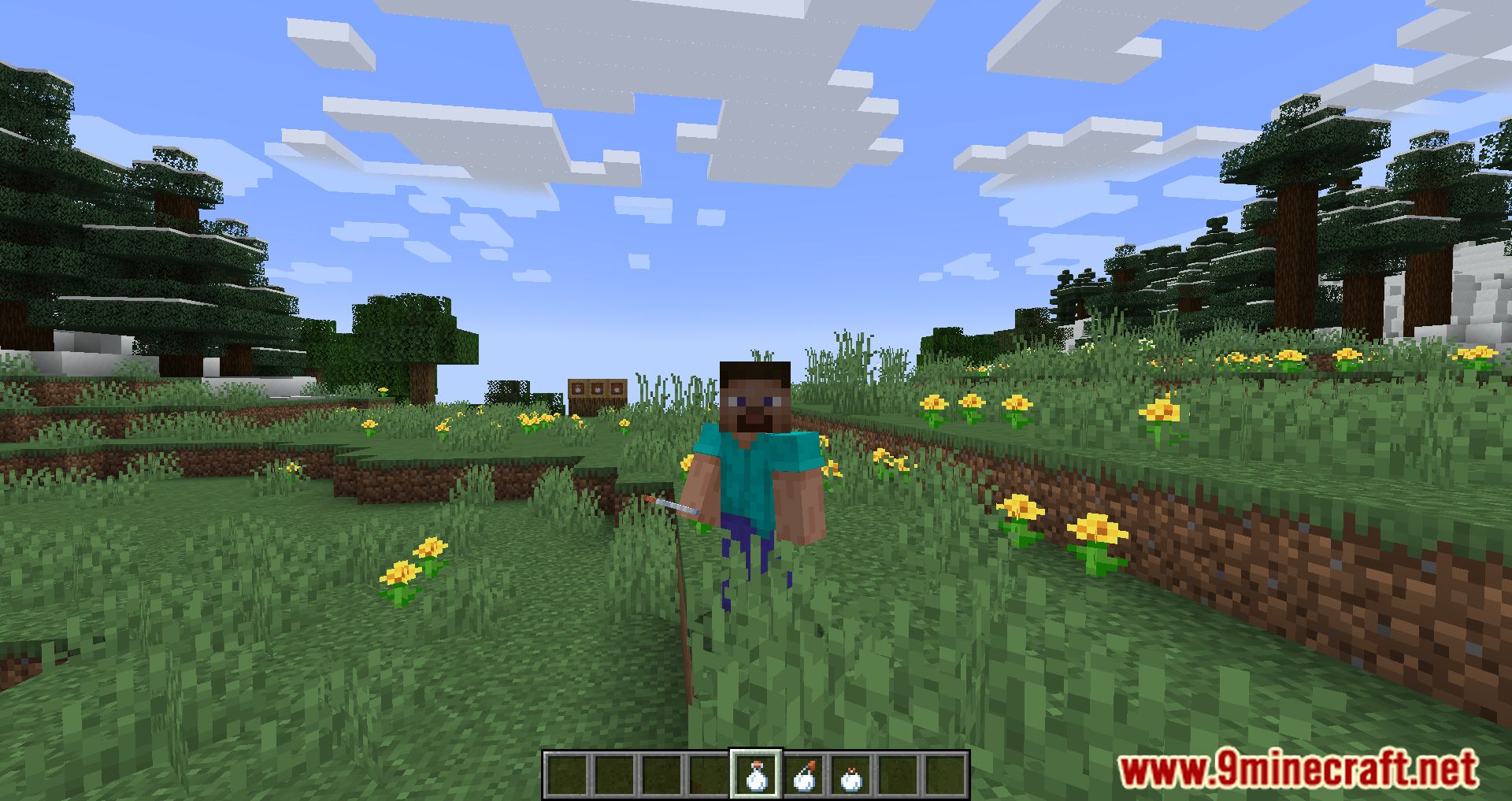
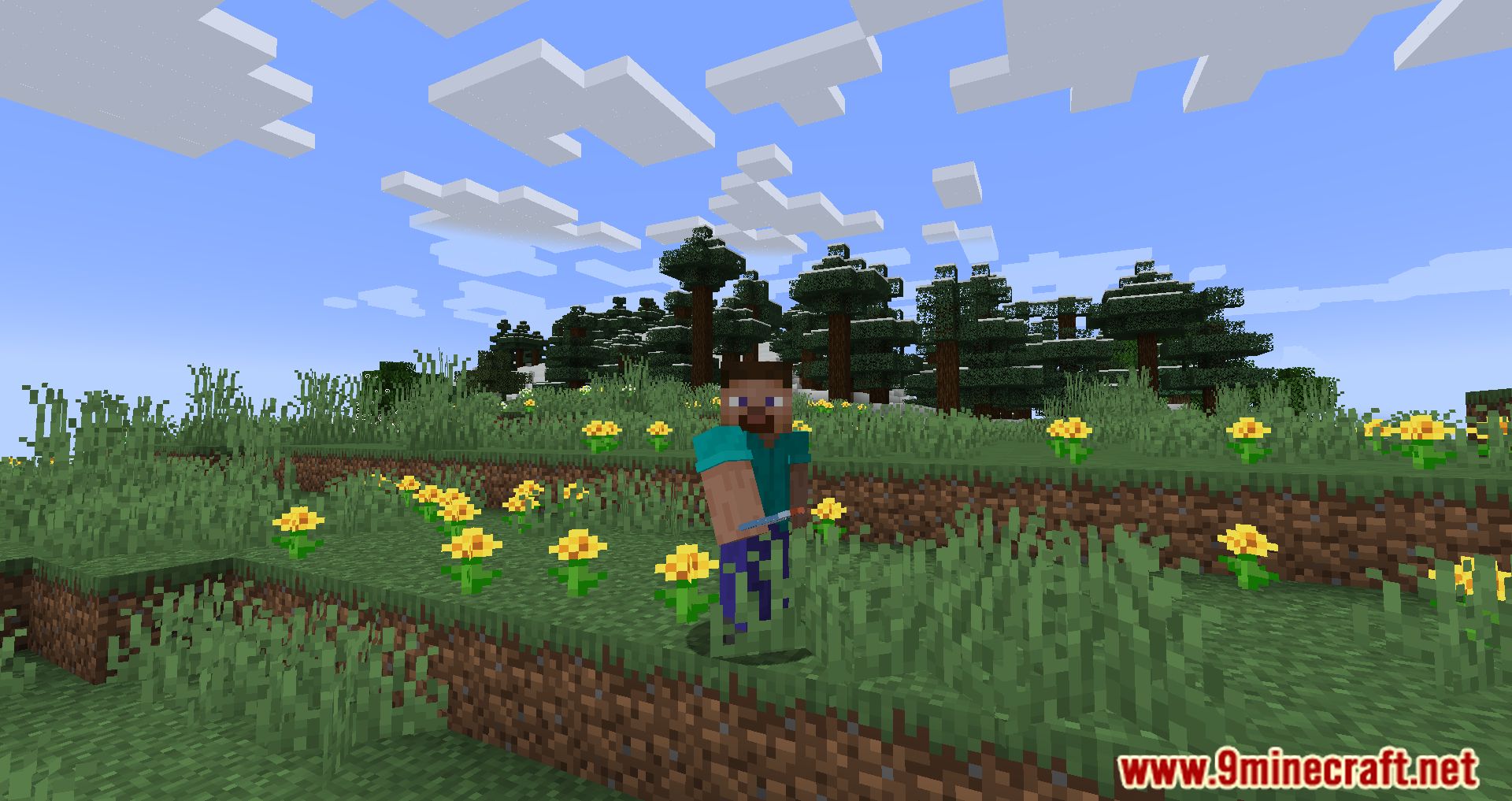
Milk Plus Mod allows you to do more with milk. Milk is a drink that can cancel all effects the player encounters, including good or bad effects; you can also use milk to make cakes. But with such great potential, why not make milk a little more memorable in the game? If you have the same idea as Tropheusj, who developed this Mod, you can install and use Milk Plus Mod. After installing the Mod, milk can do more things, milk can now be poured out or put into cauldrons, or you can put it in a glass bottle and take them on an adventure. Milk Bottles will remove any effect when drinking; you can also make Lingering or splash milk bottles the same way you do with other potions. However, there are many other features and interactions that you can do with milk, and to keep that secret, I won’t list them here, so try and find them.
Features:
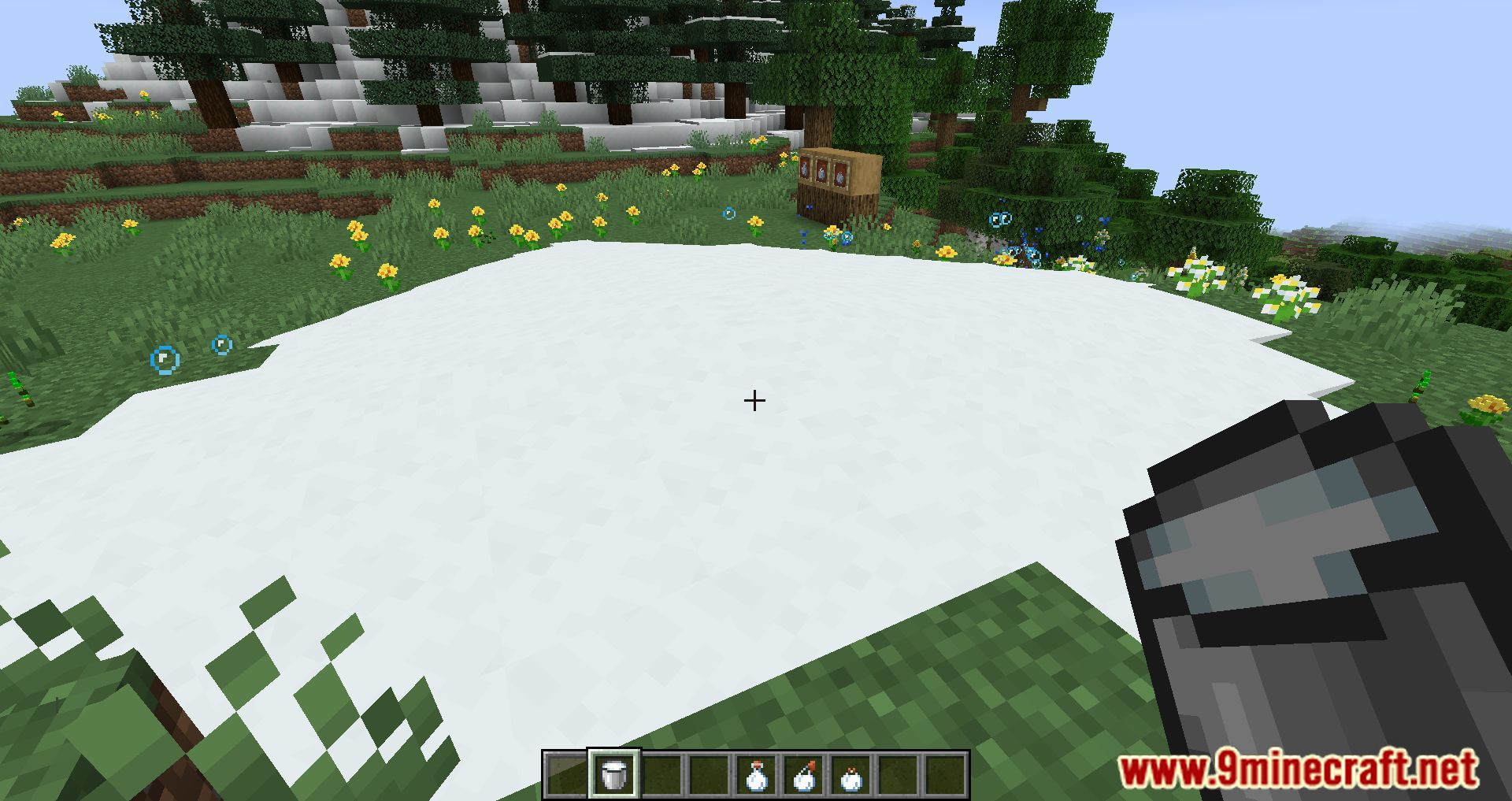
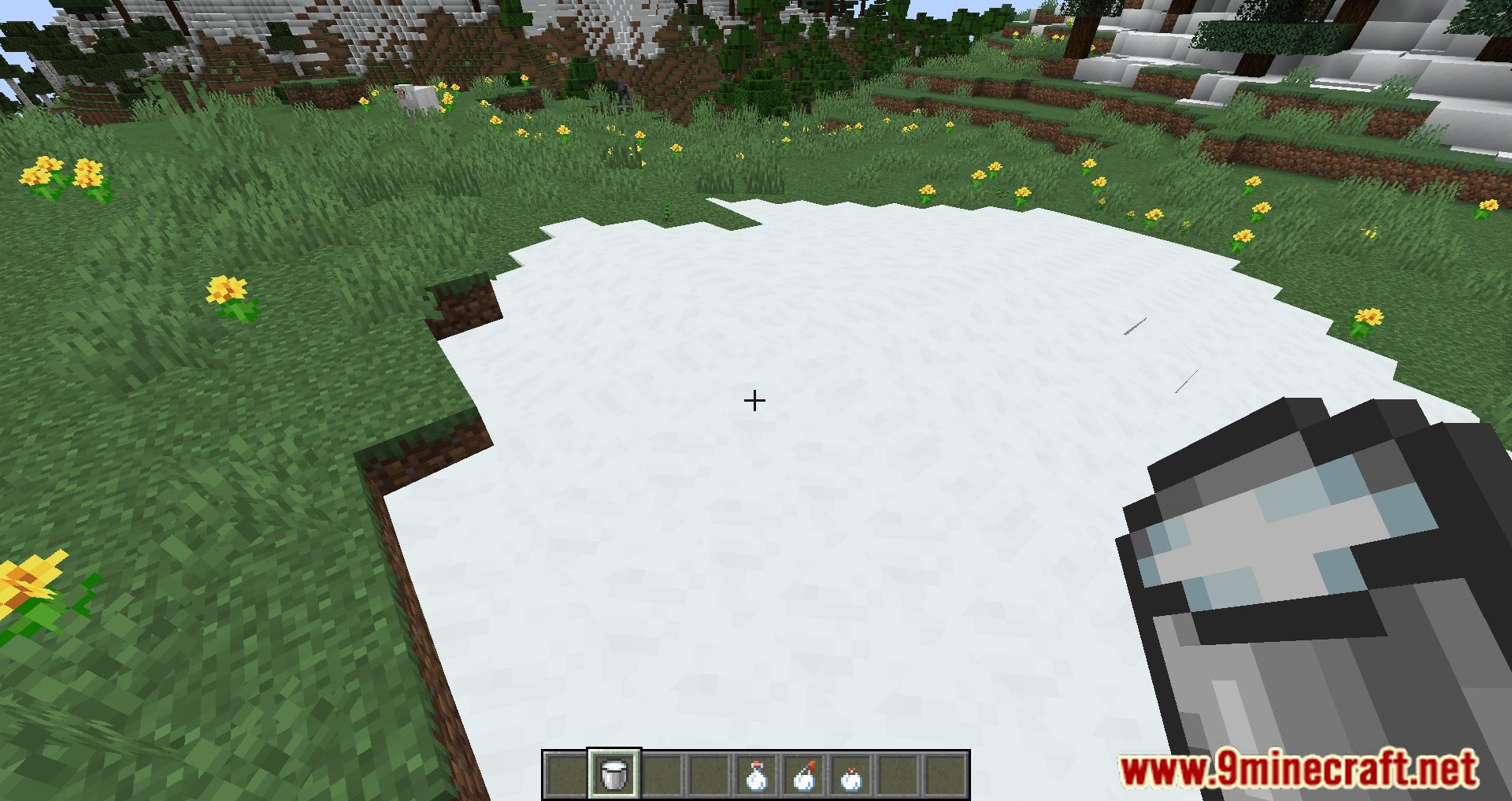
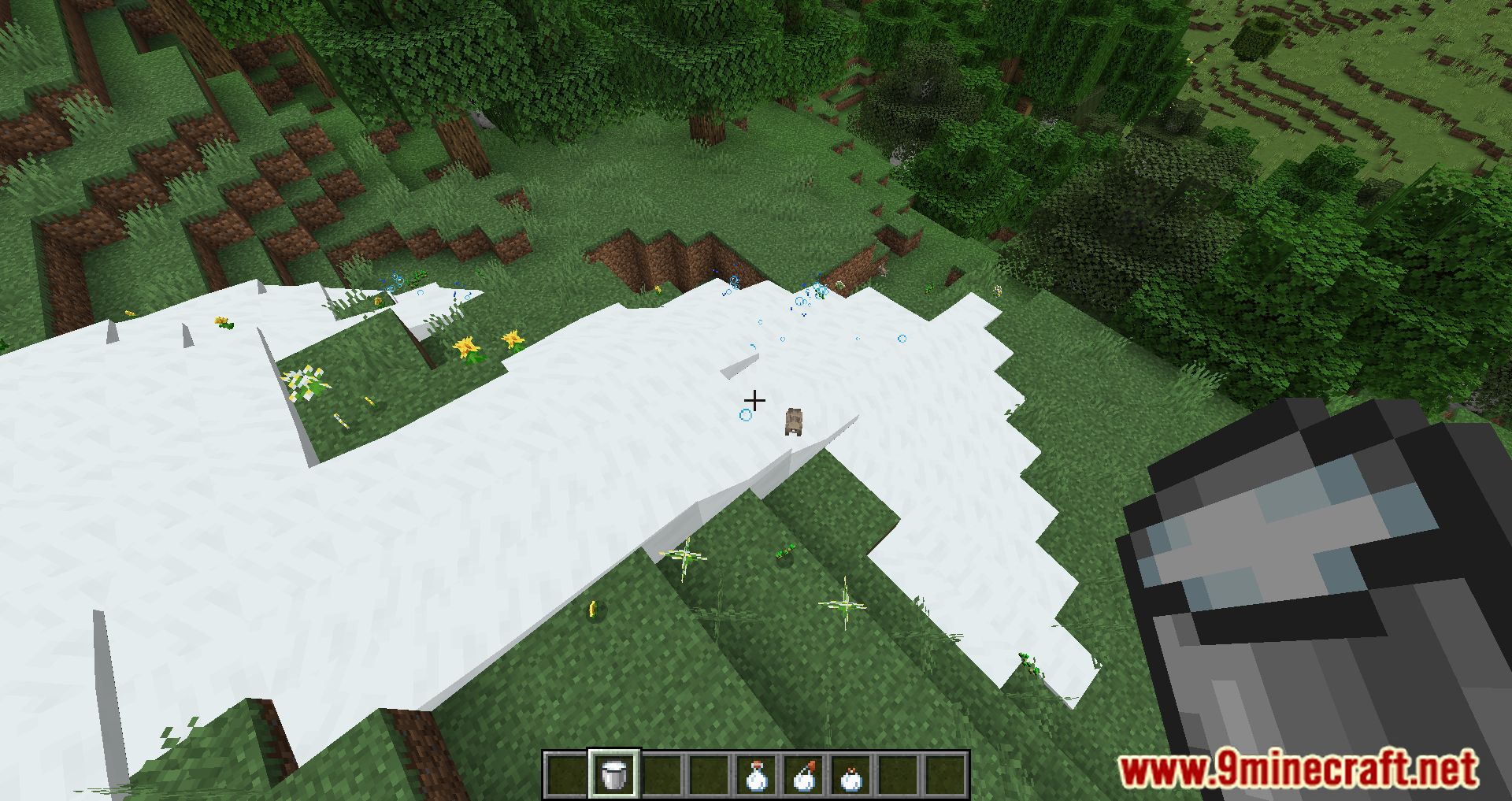
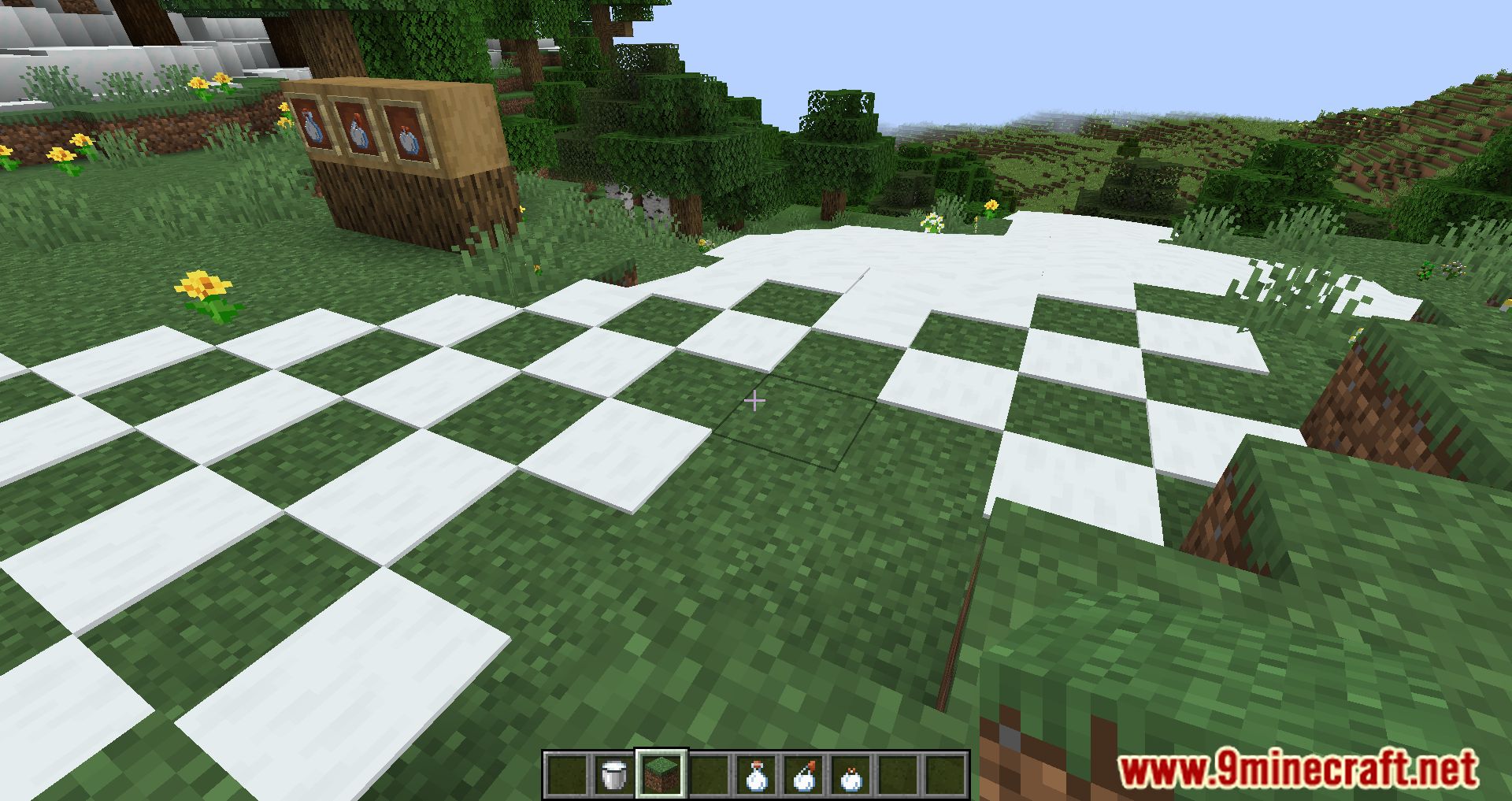
- Milk buckets can be placed. They will be placed when looking at a block and not crouching; otherwise, they will drink.
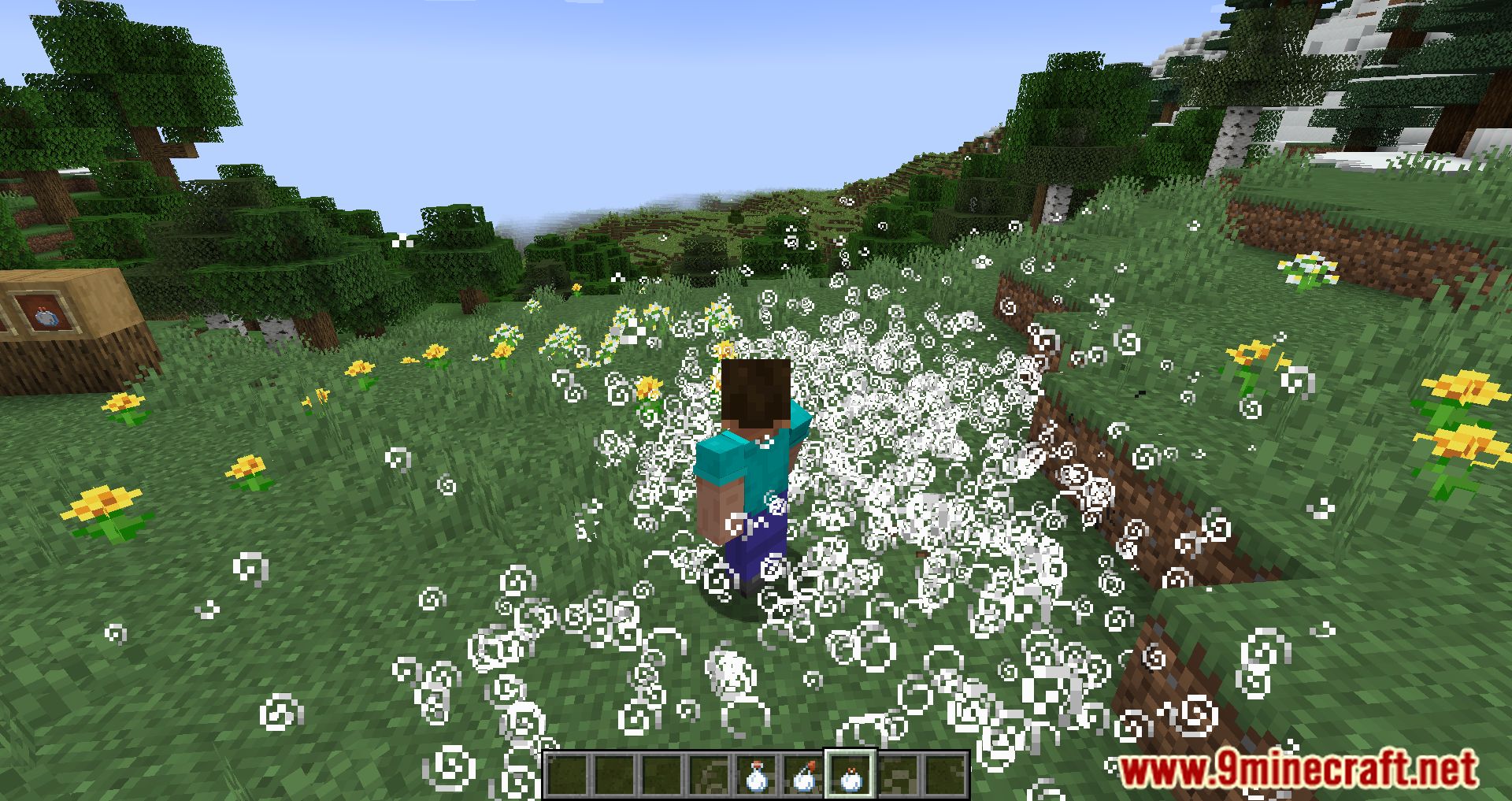
- Standing in fluid milk removes all status effects as if you drank it.
- Fluid milk will grow dripstone, and dripstone with milk above it will fill cauldrons.
- Milk can be put into cauldrons.
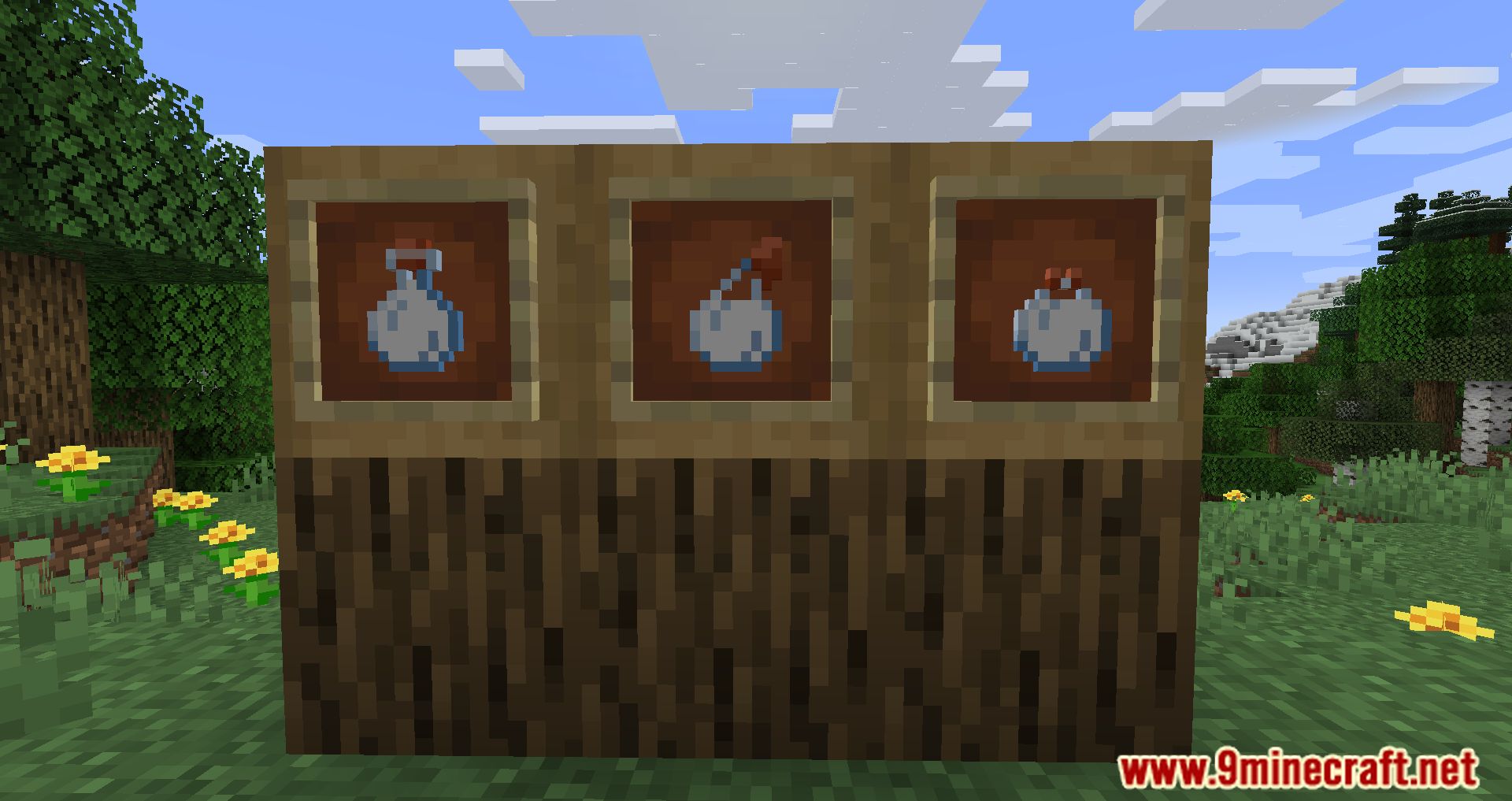
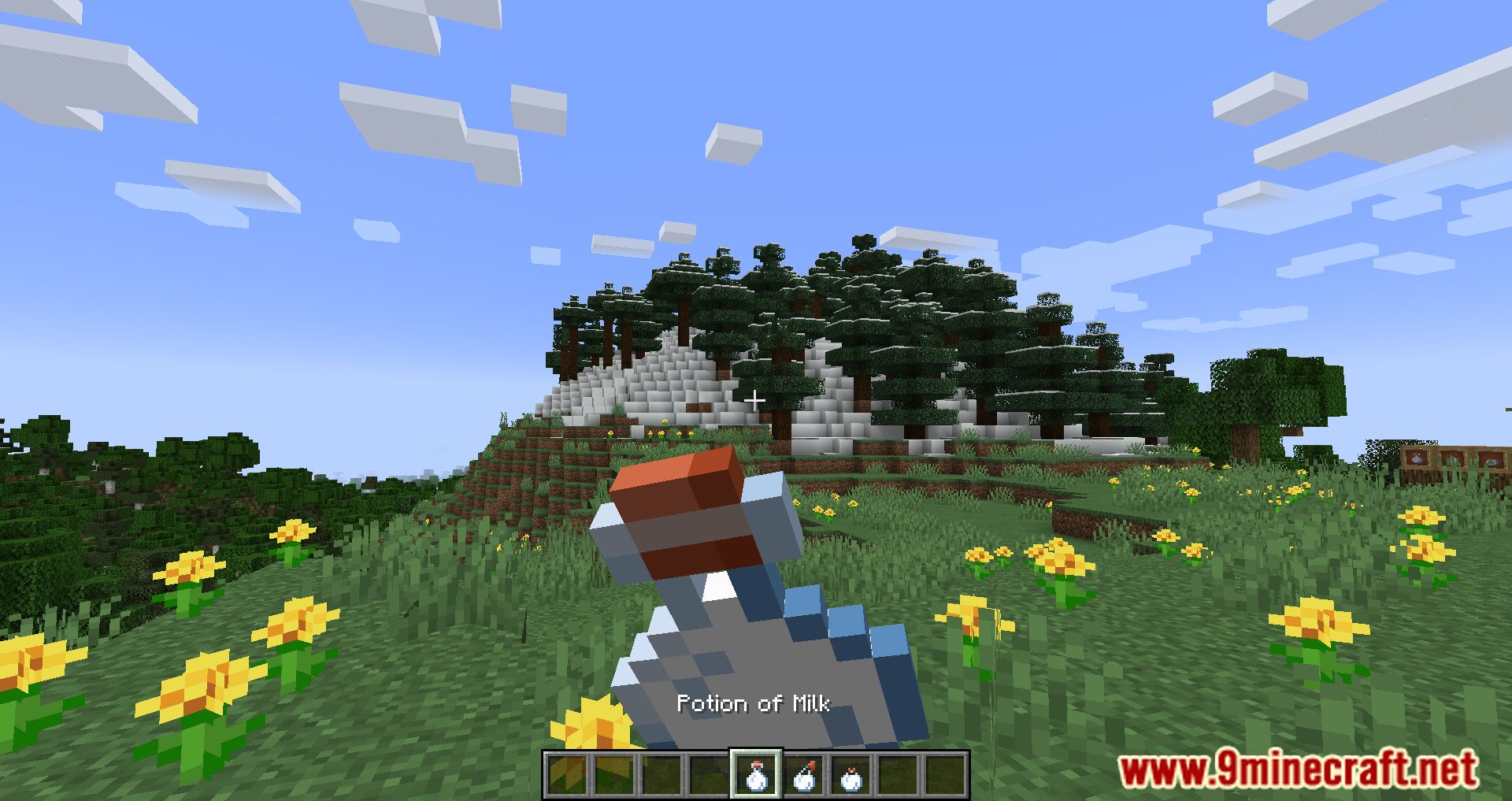
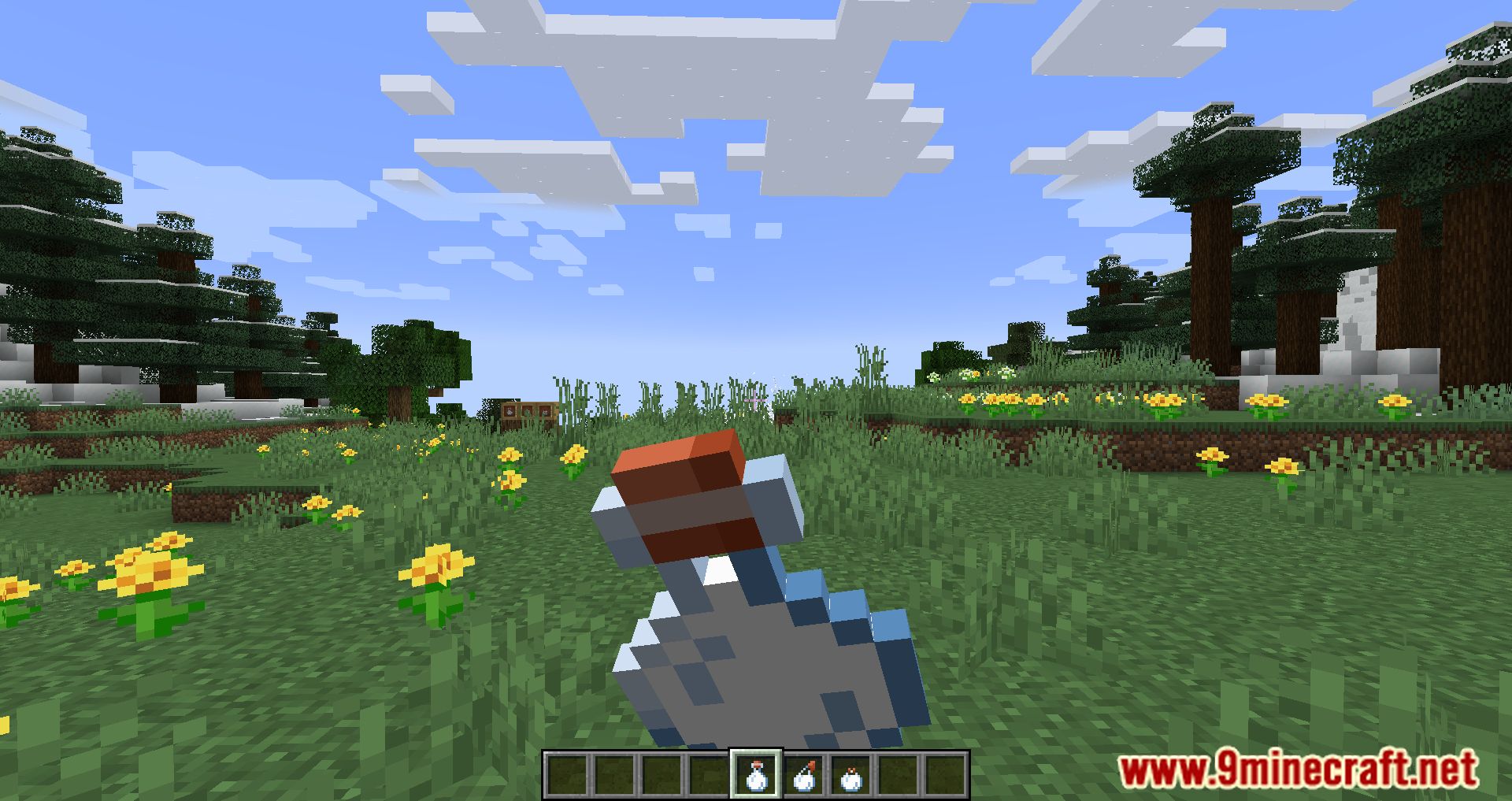
- Milk bottles can be made by removing milk from a cauldron using glass bottles. Milk bottles remove one random status effect when drunk.
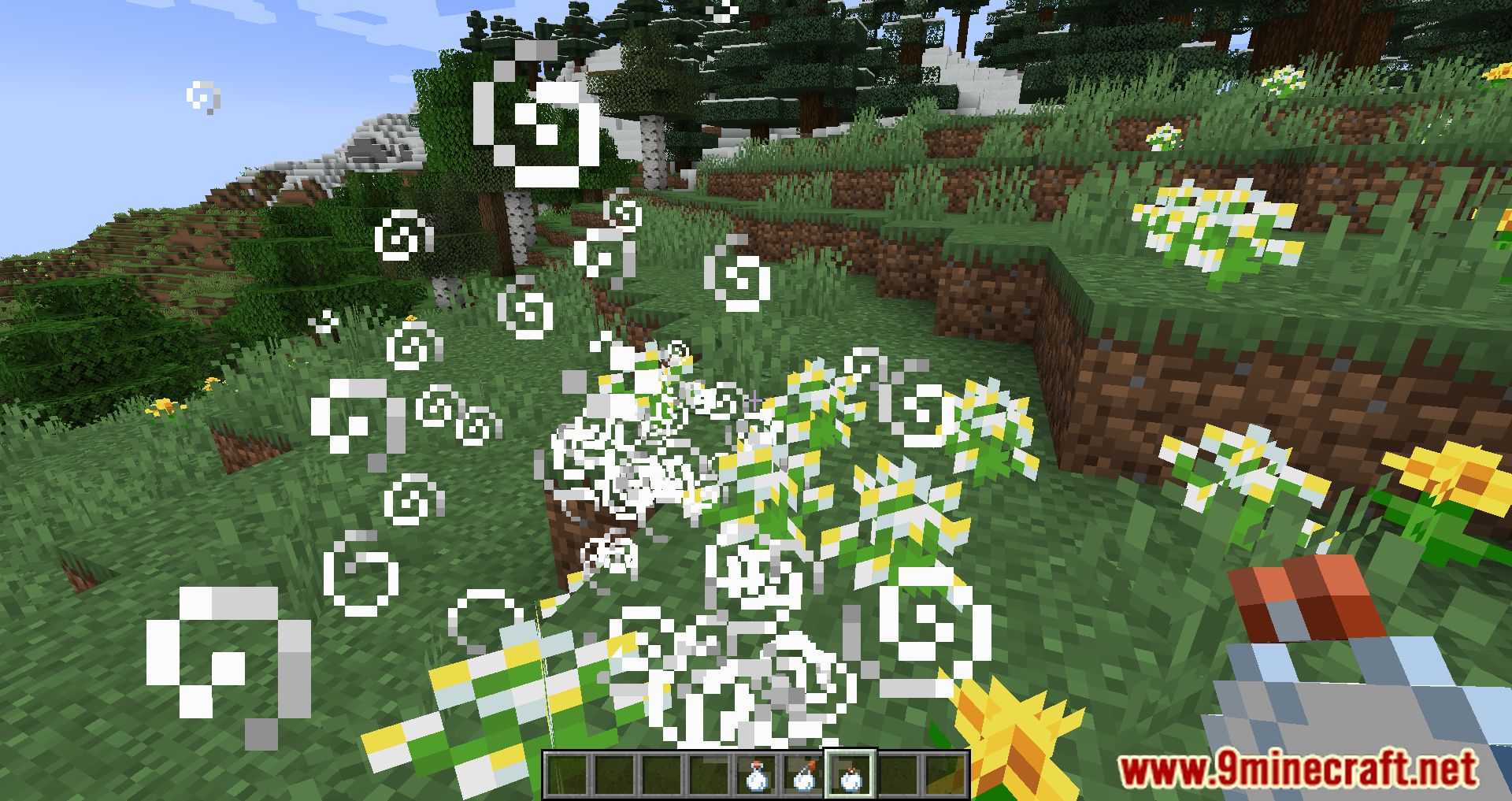
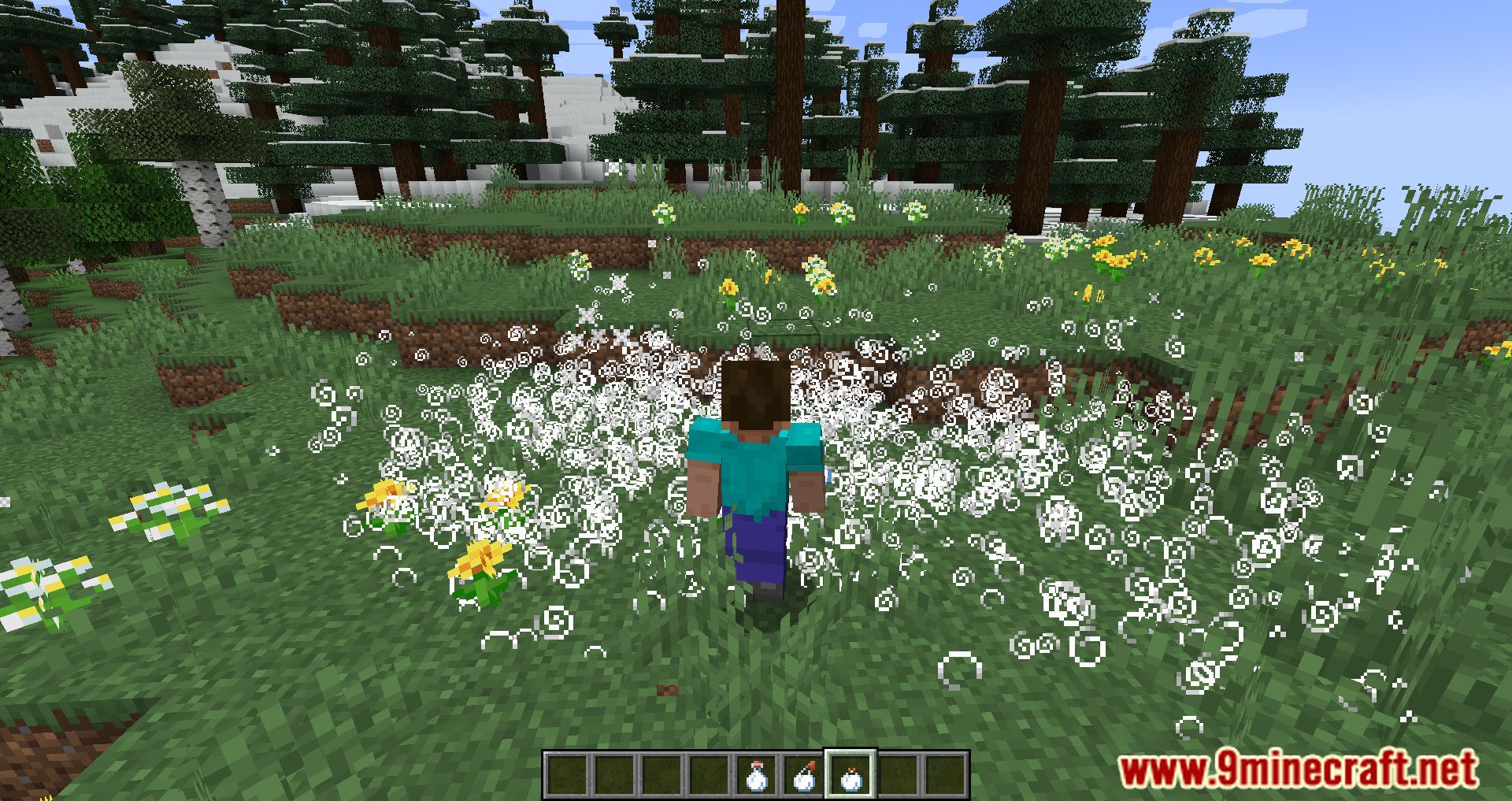
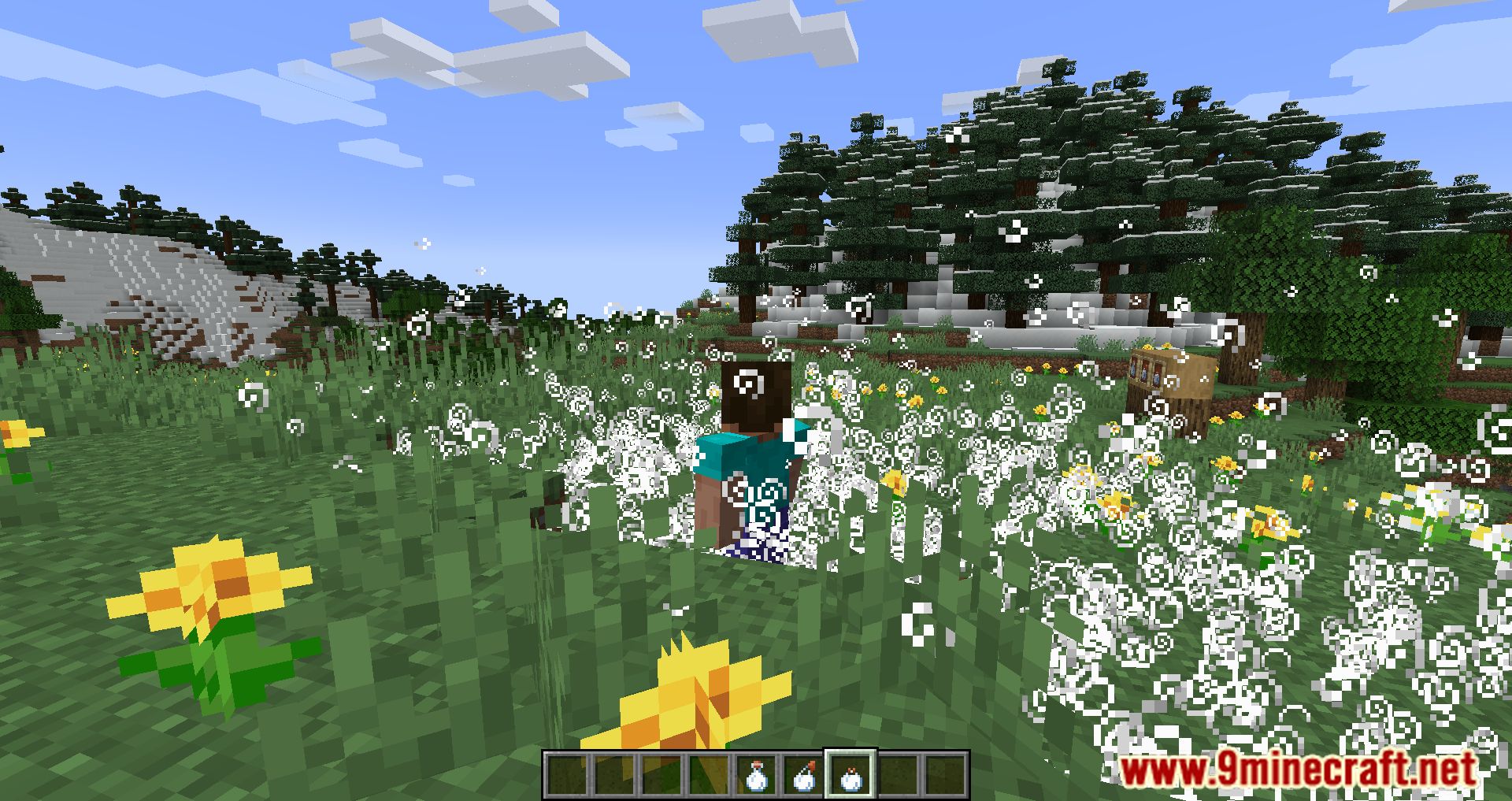
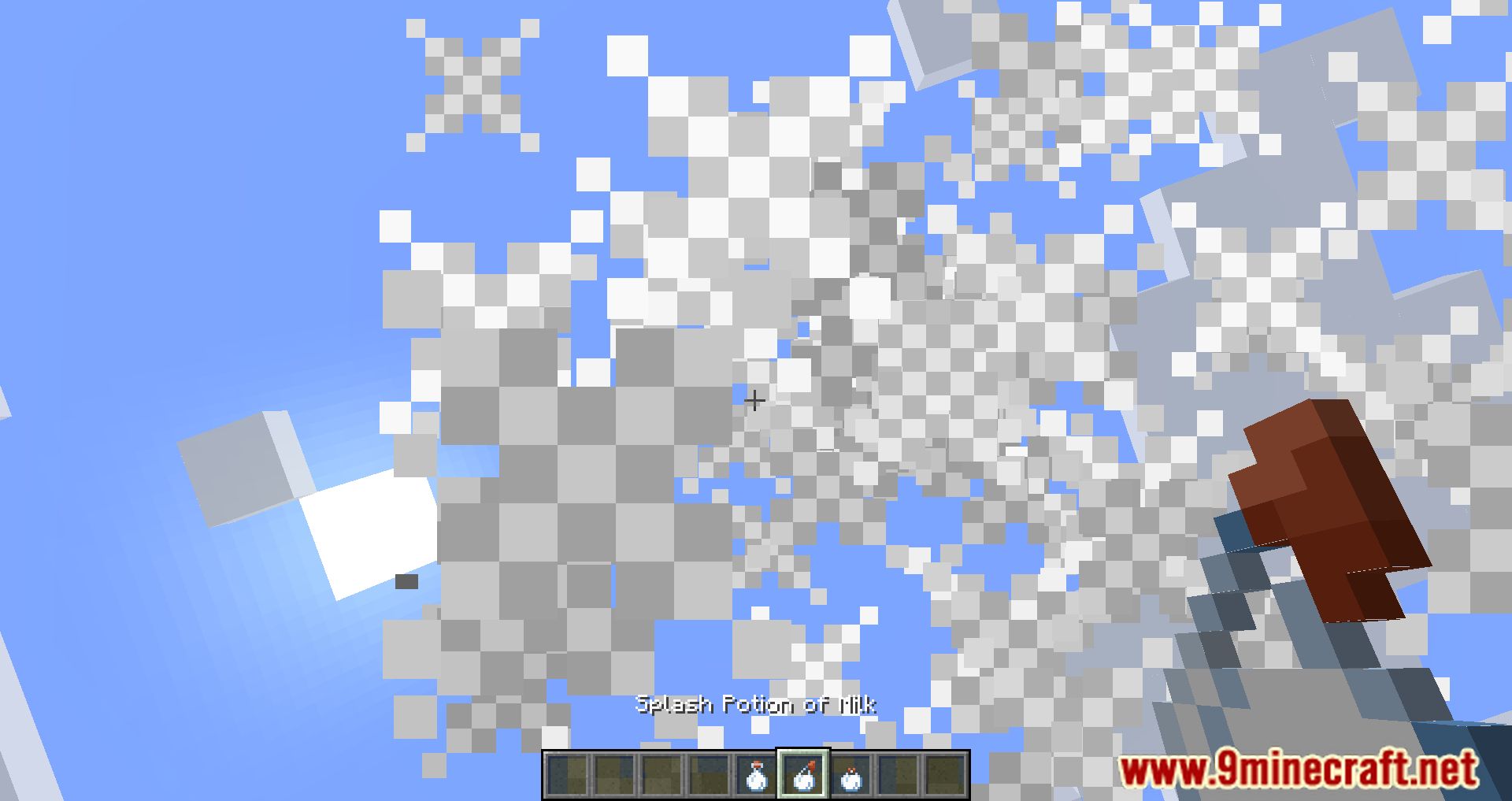
- Like any other potion, milk bottles can be brewed into lingering and splash milk bottles. They clear all status effects.
- Dyable items will be dyed white when used on a milk cauldron.
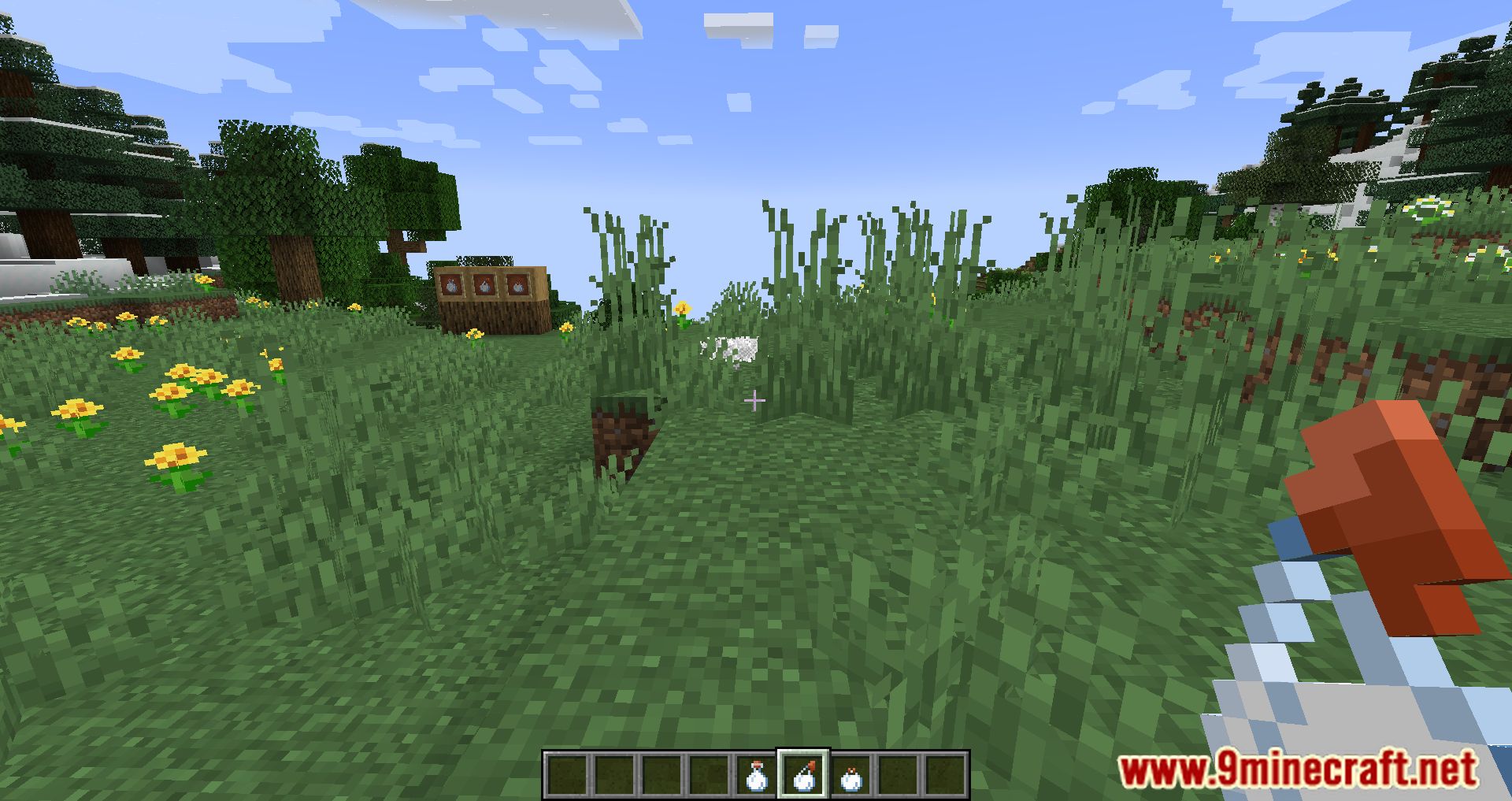
Screenshots:
Milk Plus Mod Download Links
For Minecraft 1.19
Fabric version: Download from Server 1 – Download from Server 2
For Minecraft 1.18.2
Fabric version: Download from Server 1 – Download from Server 2
For Minecraft 1.18.1
Fabric version: Download from Server 1 – Download from Server 2
For Minecraft 1.17.1
Fabric version: Download from Server 1 – Download from Server 2
For Minecraft 1.16.5
Fabric version: Download from Server 1 – Download from Server 2
- Edition: Minecraft Java
- File type: .jar
- Minecraft versions listed: 1.19, 1.18.2
- How to install: Install the matching mod loader (Forge, Fabric or NeoForge) for your Minecraft version. → Download the .jar. → Put it in the .minecraft/mods folder and launch that loader profile.
- Where to get it: In MC Java Mods, or directly above on this page.
Install steps are the general flow for this file type — How to install Minecraft Java mods & modpacks walks through it step by step.
- Downloads as 206073.mcaddon
- Download size: 197 KB
- Download link checked 22 Jul 2026 — working
- Mirrored on our own servers — the download does not depend on the original host
These come from our own check of the pack file, not from the source page.