ModsJava
CubicWorldGen Mod (1.12.2) – Customizable CubicChunks
Minecraft Java mod. Downloads from the MC Java Mods app on Android.
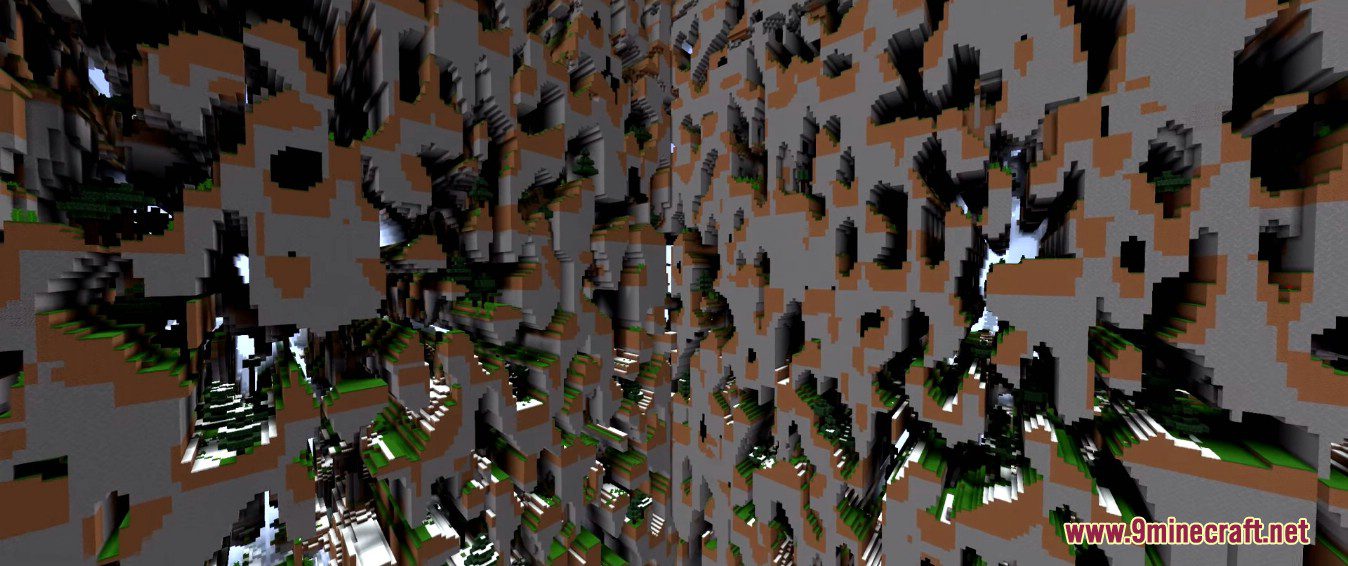
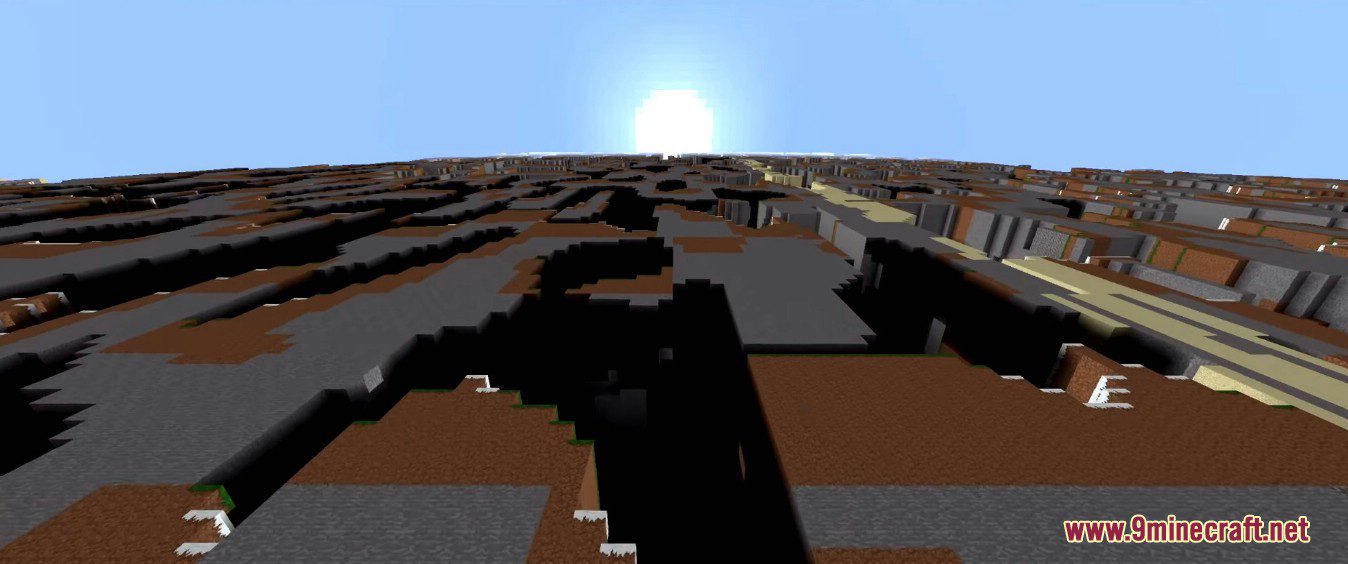
⬇ DownloadCubicWorldGen Mod is customizable CubicChunks World Generation. This mod contains 2 customizable world generators for CubicChunks Mod.
Features:
- CustomCubic:
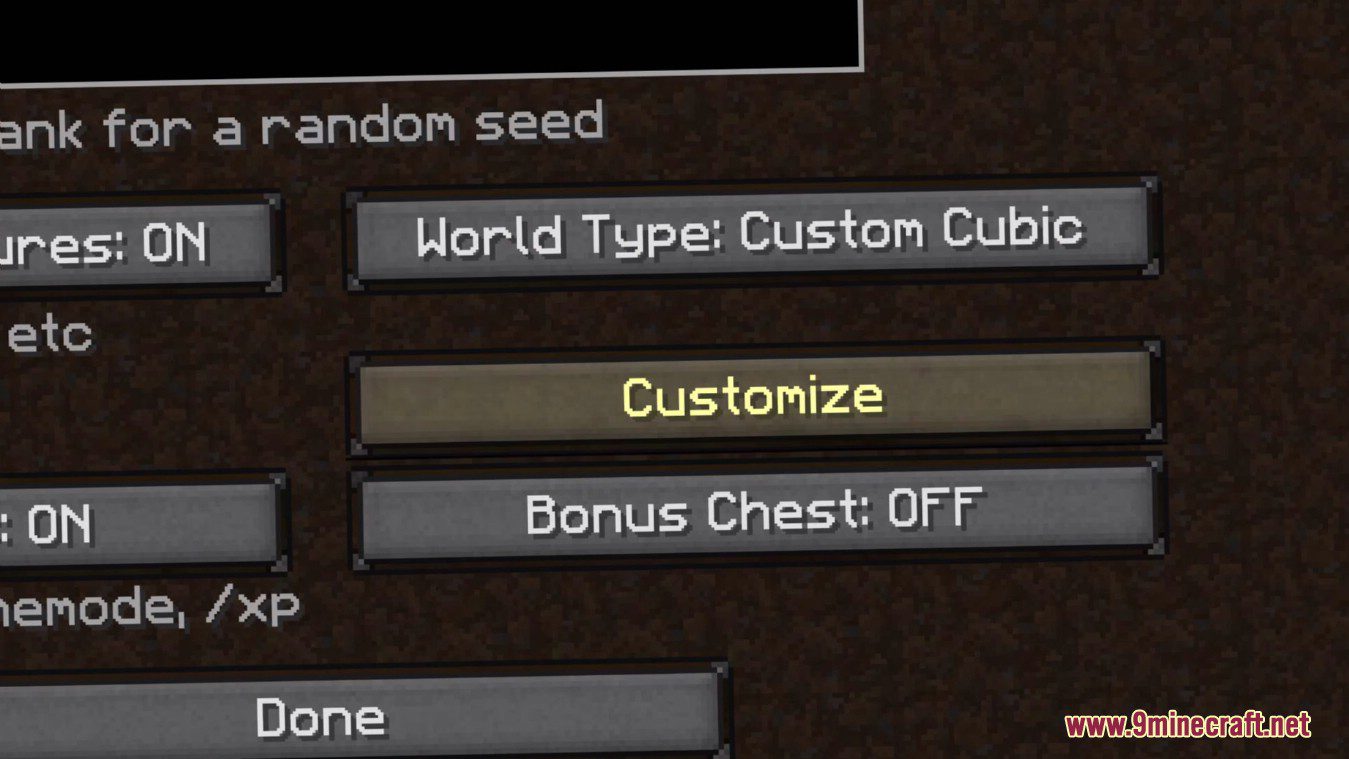
- Similar in overall functionality to vanilla customized world type, but organized differently, with better GUI, and without any height limits. World generator options include
water level - enable/disable caves
- enable/disable strongholds
- alternative stronghold position generator, spreads them over spheres around world origin instead of circles of different radius (not in gui!)
- enable/disable villages, mineshafts, temples, ocean monuments, woodland mansions (generation of these structures not implemented!)
- enable.disable ravine generation
- enable/disable dungeon generation, customize amount
- enable/disable water lakes, customize rarity
- enable/disable lava lakes, customize rarity (there are some issues with that currently)
- enable/disable lava oceans
- select biome for single biome mode, biome size and river size
- Similar in overall functionality to vanilla customized world type, but organized differently, with better GUI, and without any height limits. World generator options include
- Ore Customization:
- option to add/remove ores, and generate any block as an ore (with exception of some tile entities)
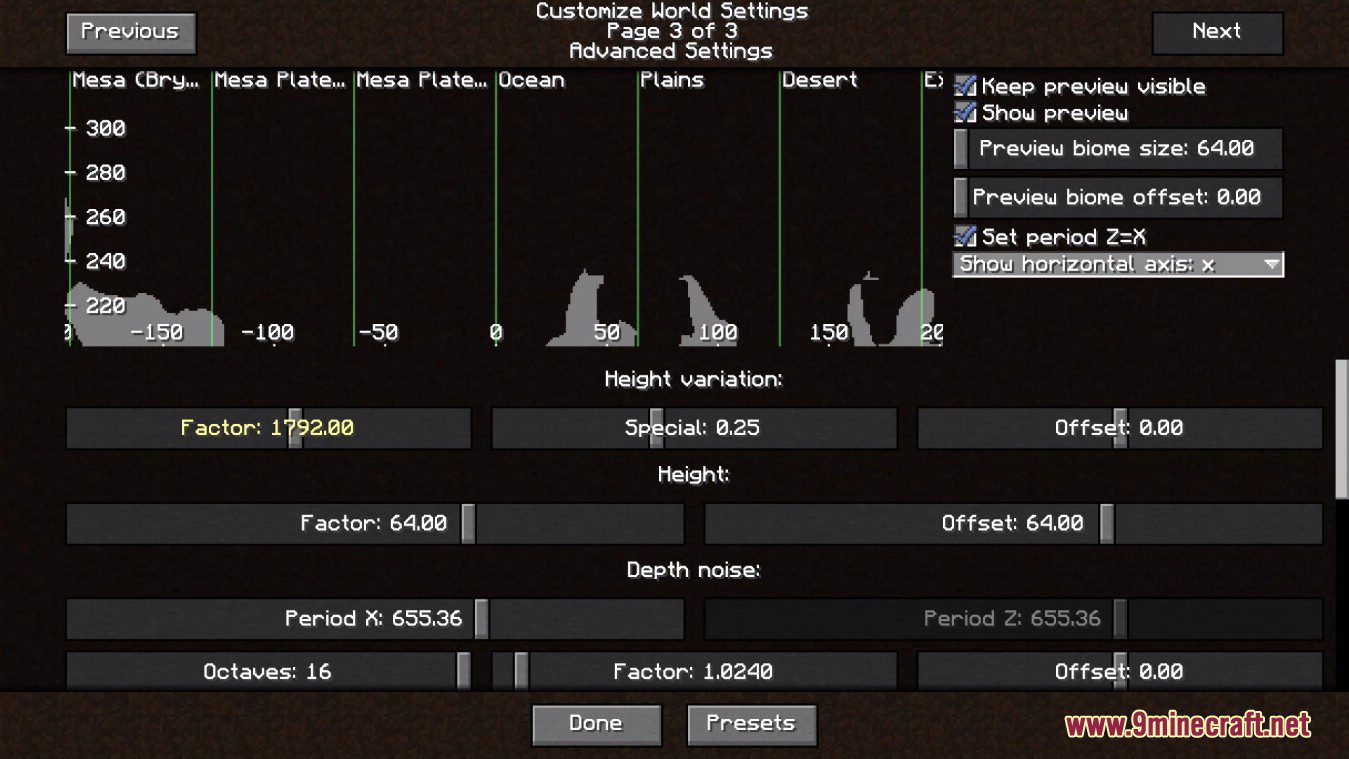
- customization of noise generators, with real time preview of example 2d slice of terrain across different biomes
- “generator layers” – allows to use different presets for different predefined areas (not in gui!)
- Customization of “block replacers” – Customize “stone block”, dirt depth, ocean block and more (not in gui!)
- Advanced conditional generation of ores (not in gui!)
- Lake generation customization
- FlatCubic: similar in functionality to vanilla superflat, but without height limits.
- Add/remove layers, set block to generate in layer
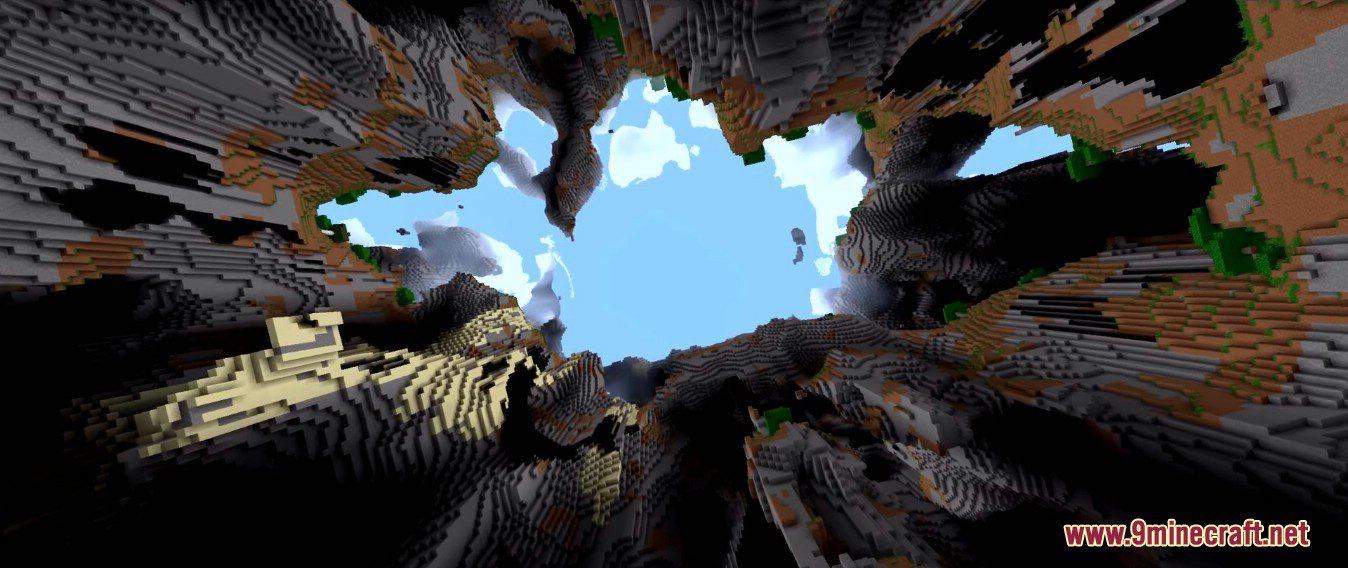
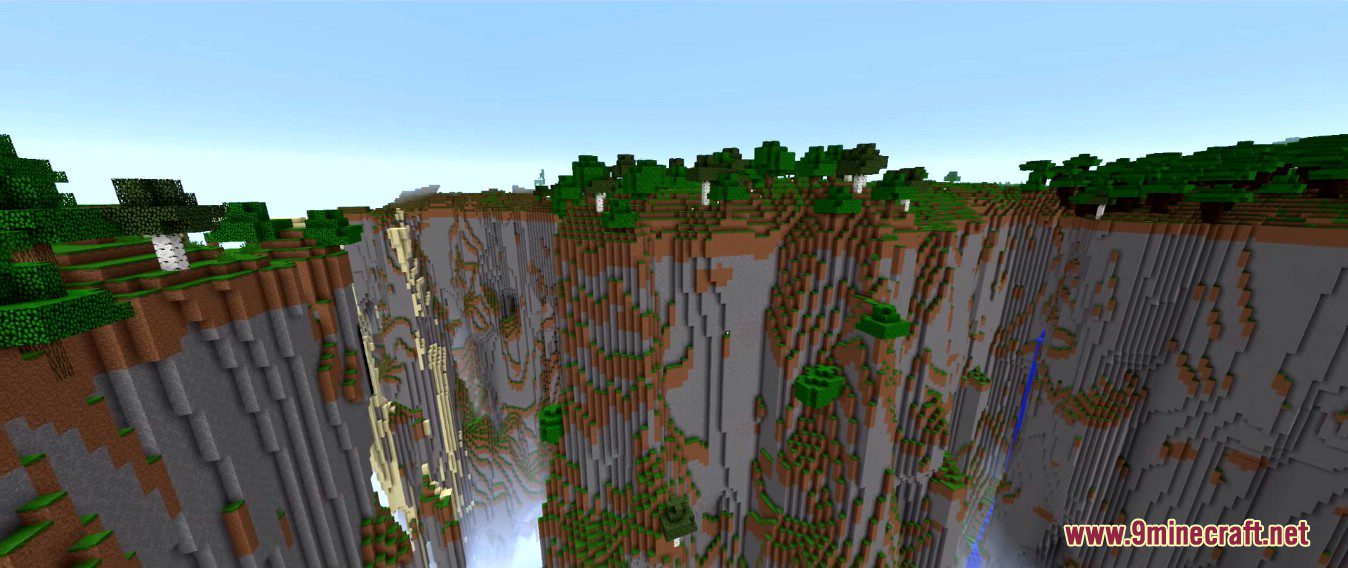
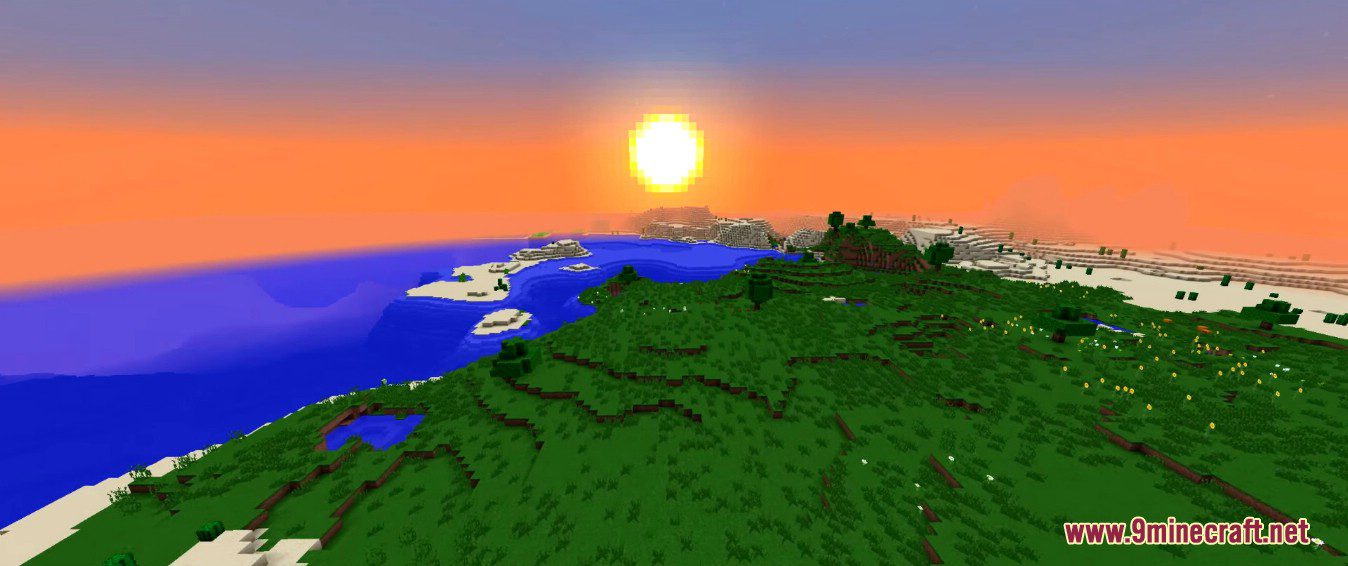
Screenshots:
CubicWorldGen Mod Download Links
For Minecraft 1.12.2
Forge version: Download from Server 1 – Download from Server 2
For Minecraft 1.11.2
Forge version: Download from Server 1
For Minecraft 1.10.2
Forge version: Download from Server 1
Quick facts
- Edition: Minecraft Java
- File type: .jar
- How to install: Install the matching mod loader (Forge, Fabric or NeoForge) for your Minecraft version. → Download the .jar. → Put it in the .minecraft/mods folder and launch that loader profile.
- Where to get it: In MC Java Mods, or directly above on this page.
Install steps are the general flow for this file type — How to install Minecraft Java mods & modpacks walks through it step by step.
File checked by MCModsHub
- Downloads as 206093.mcaddon
- Download size: 692 KB
- Download link checked 17 Jul 2026 — working
- Mirrored on our own servers — the download does not depend on the original host
These come from our own check of the pack file, not from the source page.