Infinite Music Mod (1.19.3, 1.18.2) – No More Awkward Silences Between Musics
Infinite Music Mod allows the game's soundtrack to loop continuously. Minecraft players are usually of two types, one is the one who loves silence, and…
⬇ DownloadOpen in MCModsHubGet it on Google Play →Infinite Music Mod allows the game’s soundtrack to loop continuously. Minecraft players are usually of two types, one is the one who loves silence, and the other is the one who loves the game’s music. And if you’re the other type, you’ll probably hate the times when the game is silent; when the music turns off, you will only hear the sounds of monsters or animals around, which annoys you. So if you like to listen to the tune of Minecraft or try to install Infinite Music Mod and you can listen to the music in an eternal loop without ever stopping. Just kidding, every time a game’s music ends, there will pause for a few seconds, and then a new track will appear and fill the next empty period. However, This will be the utility you want if you want to listen to Minecraft music more and want the gentle melodies to dance in your head. Try installing Infinite Music Mod.
Features:
- Add a feature to the game.
- Minecraft background music will always play.
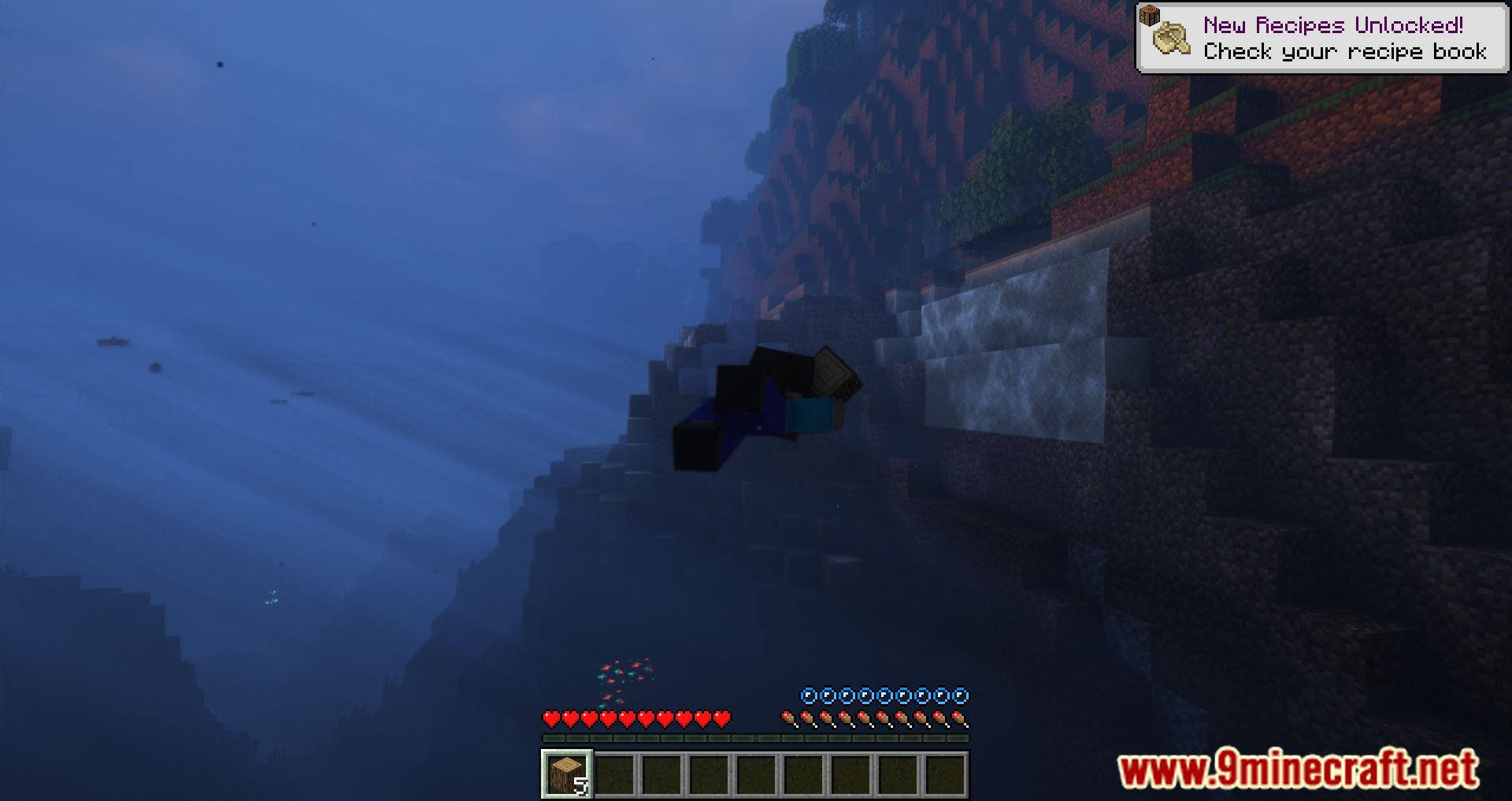
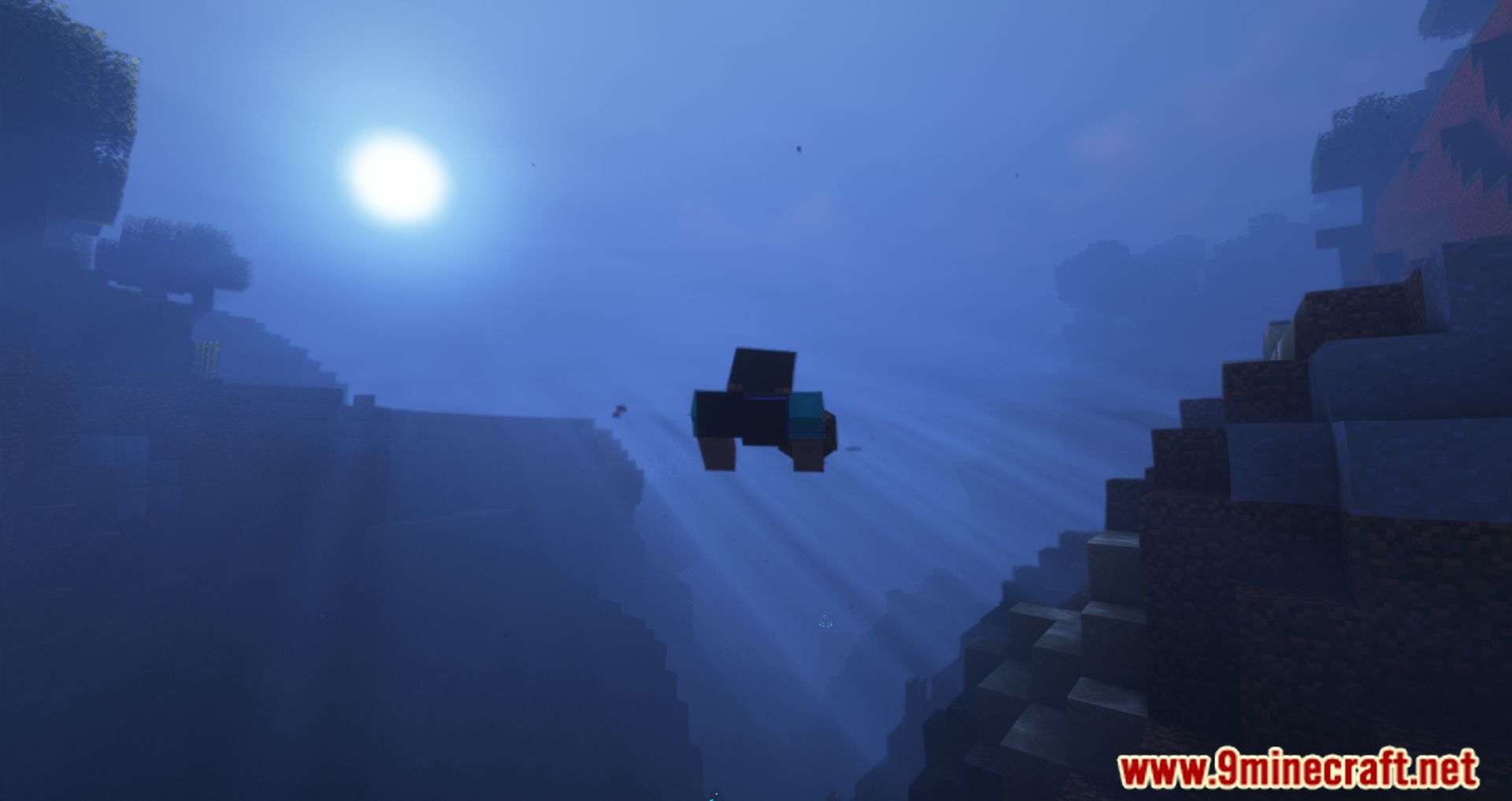
Screenshots:
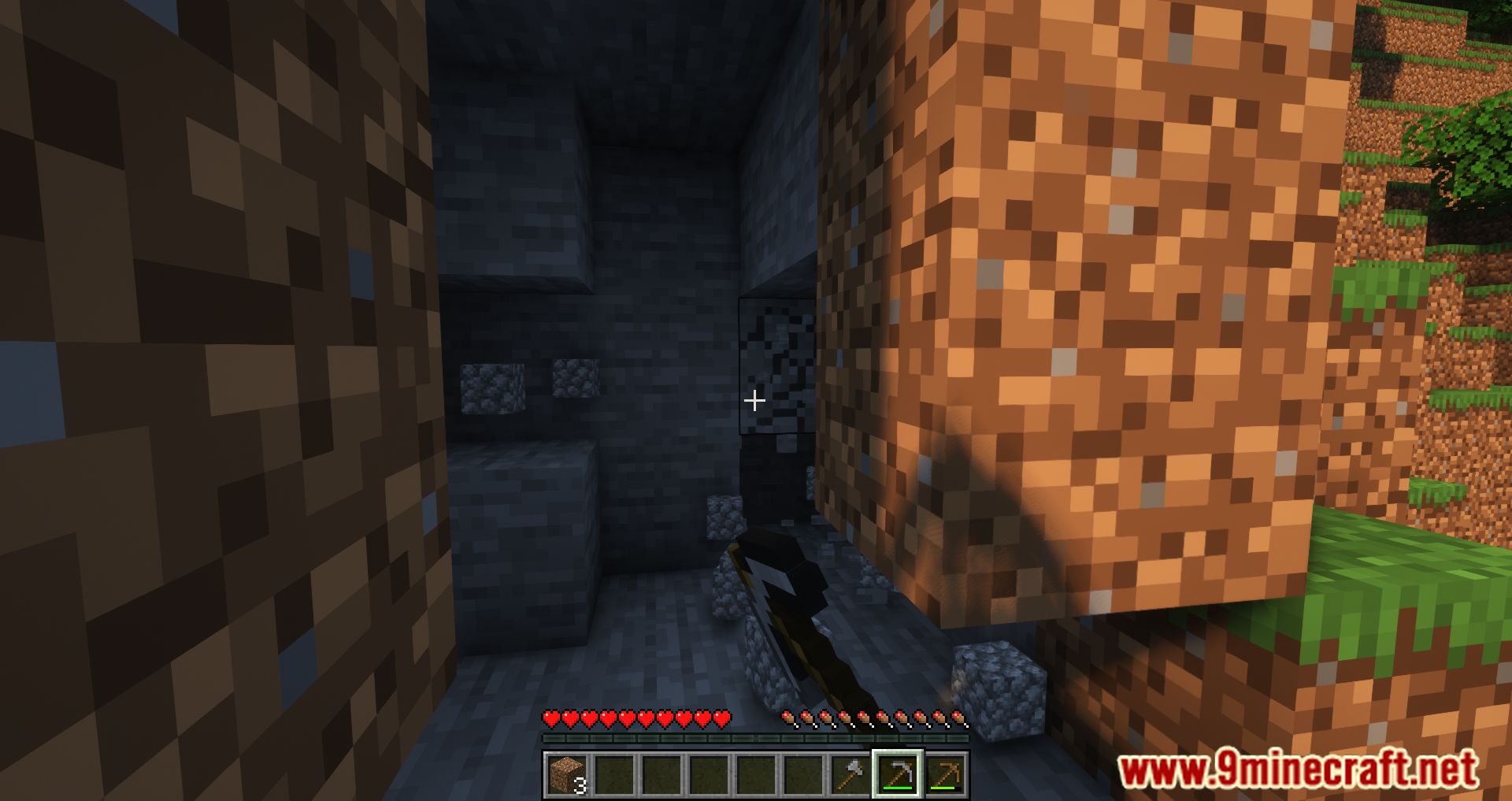
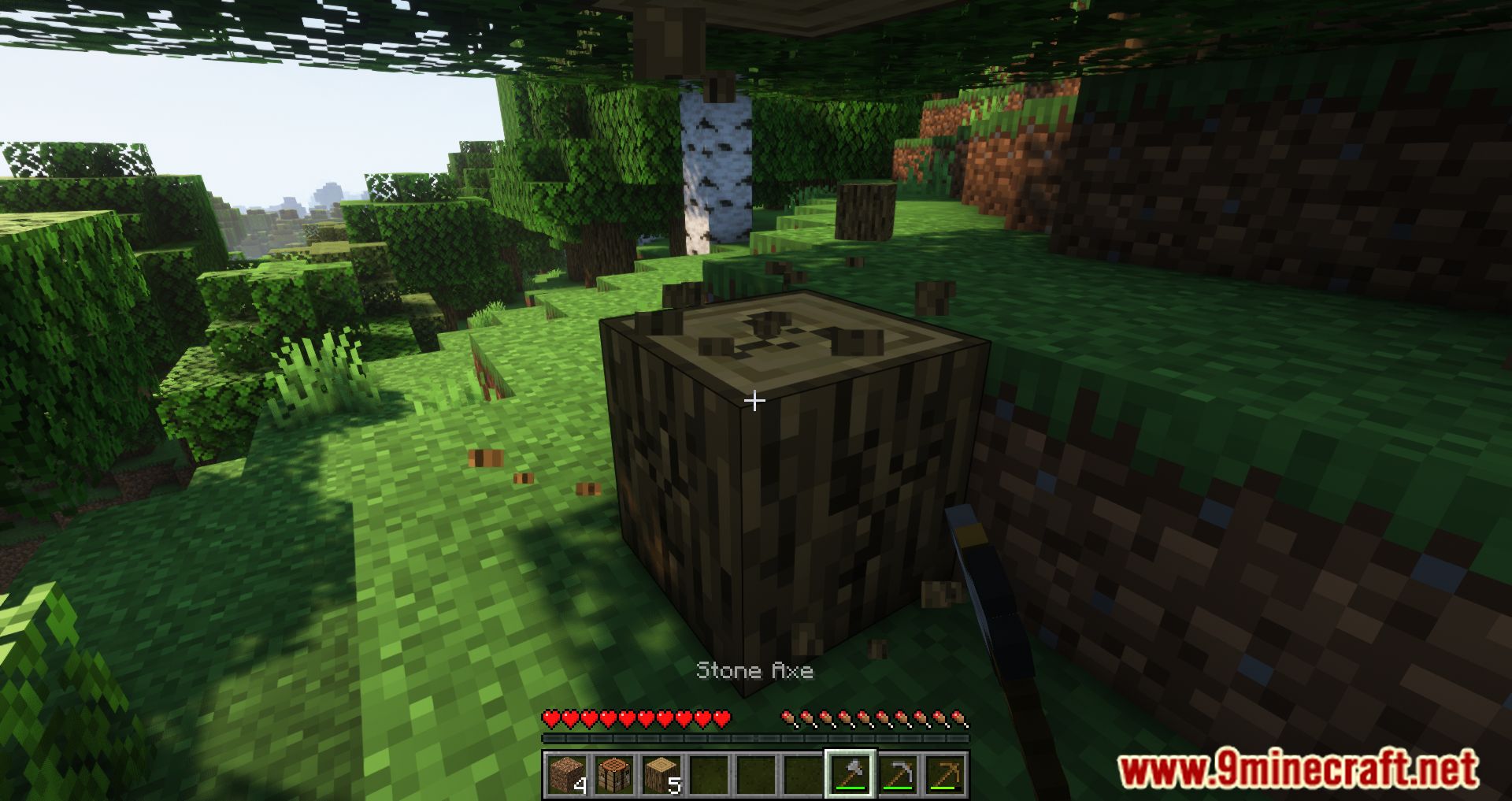
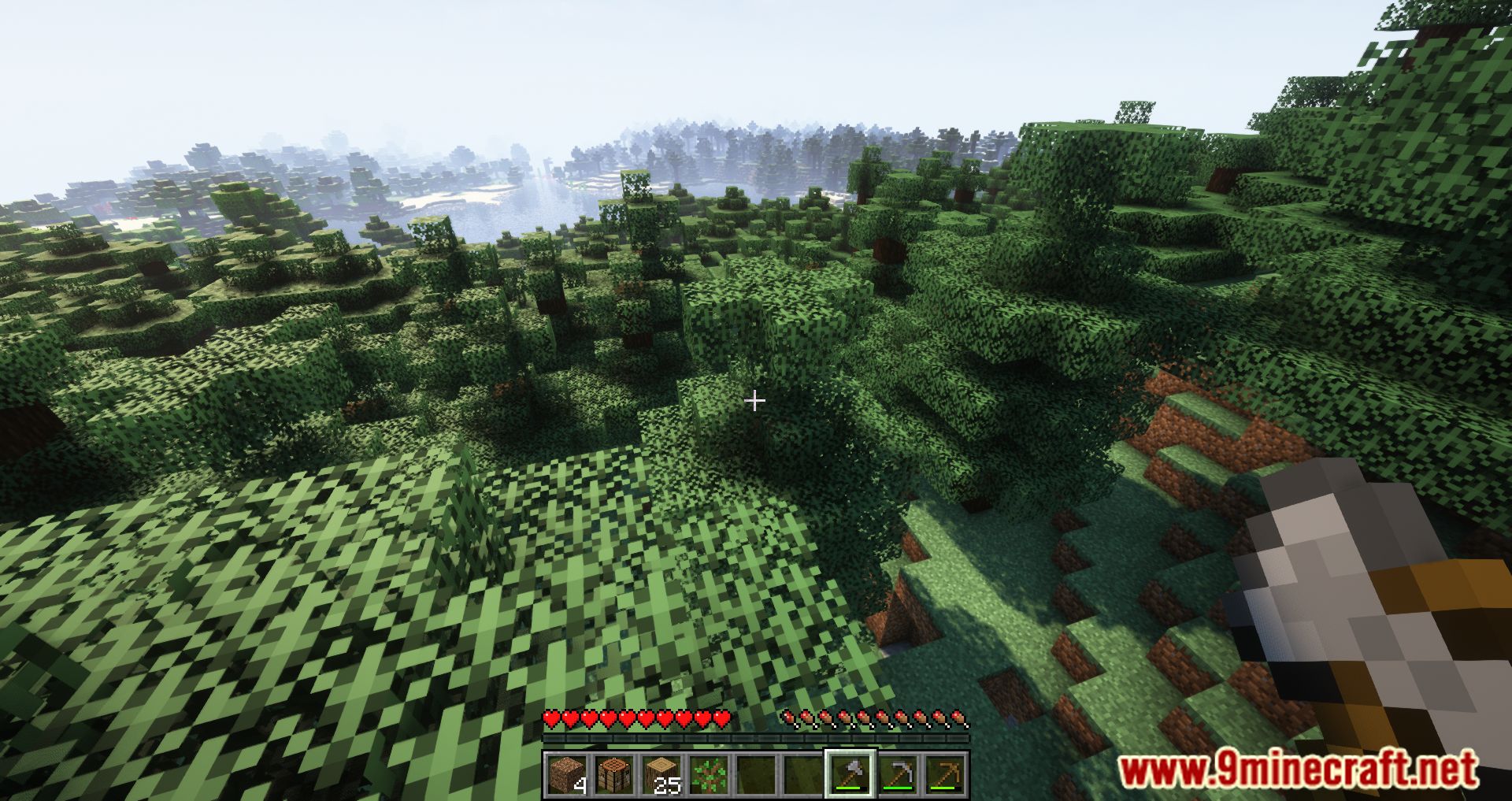
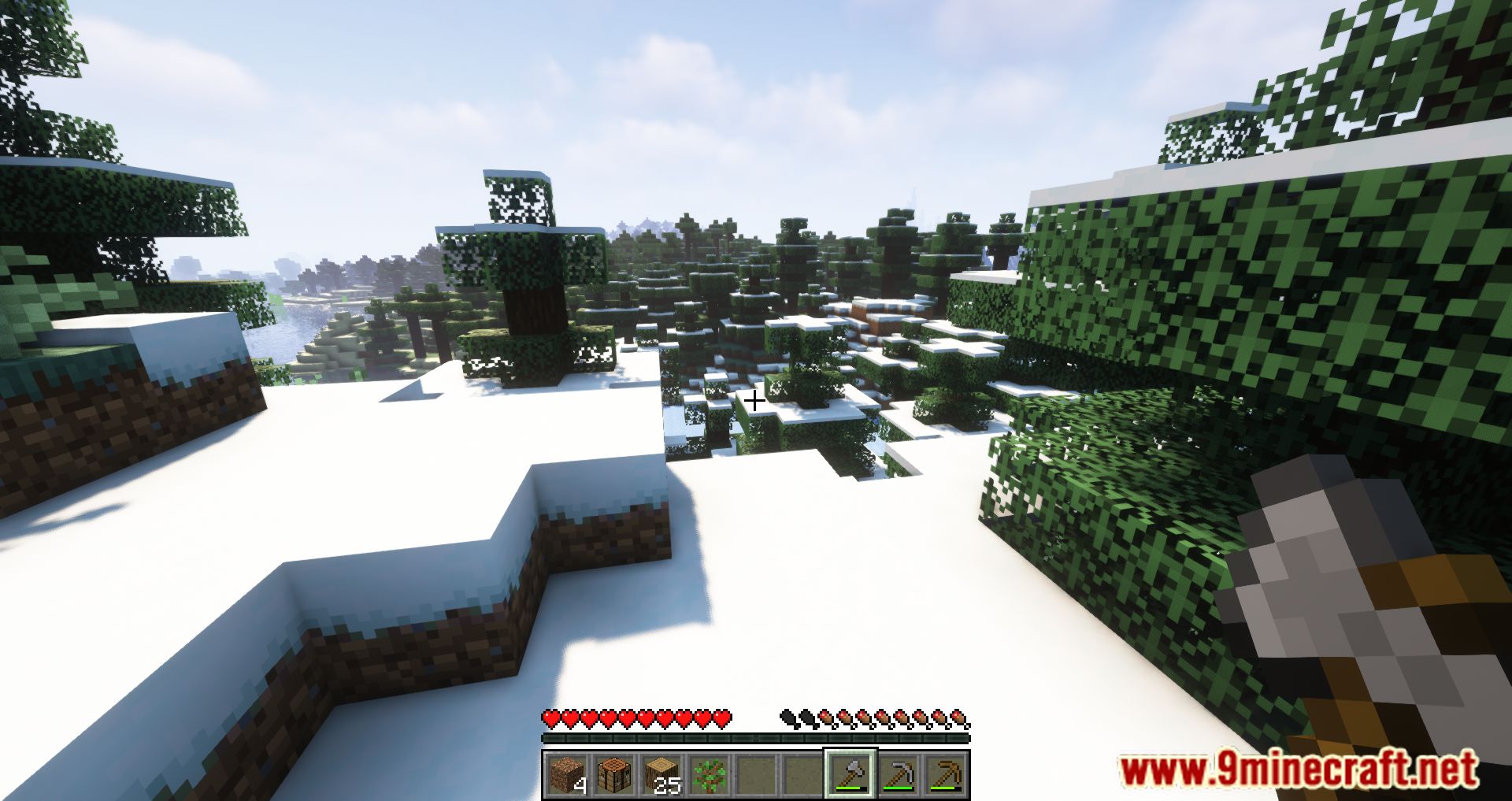
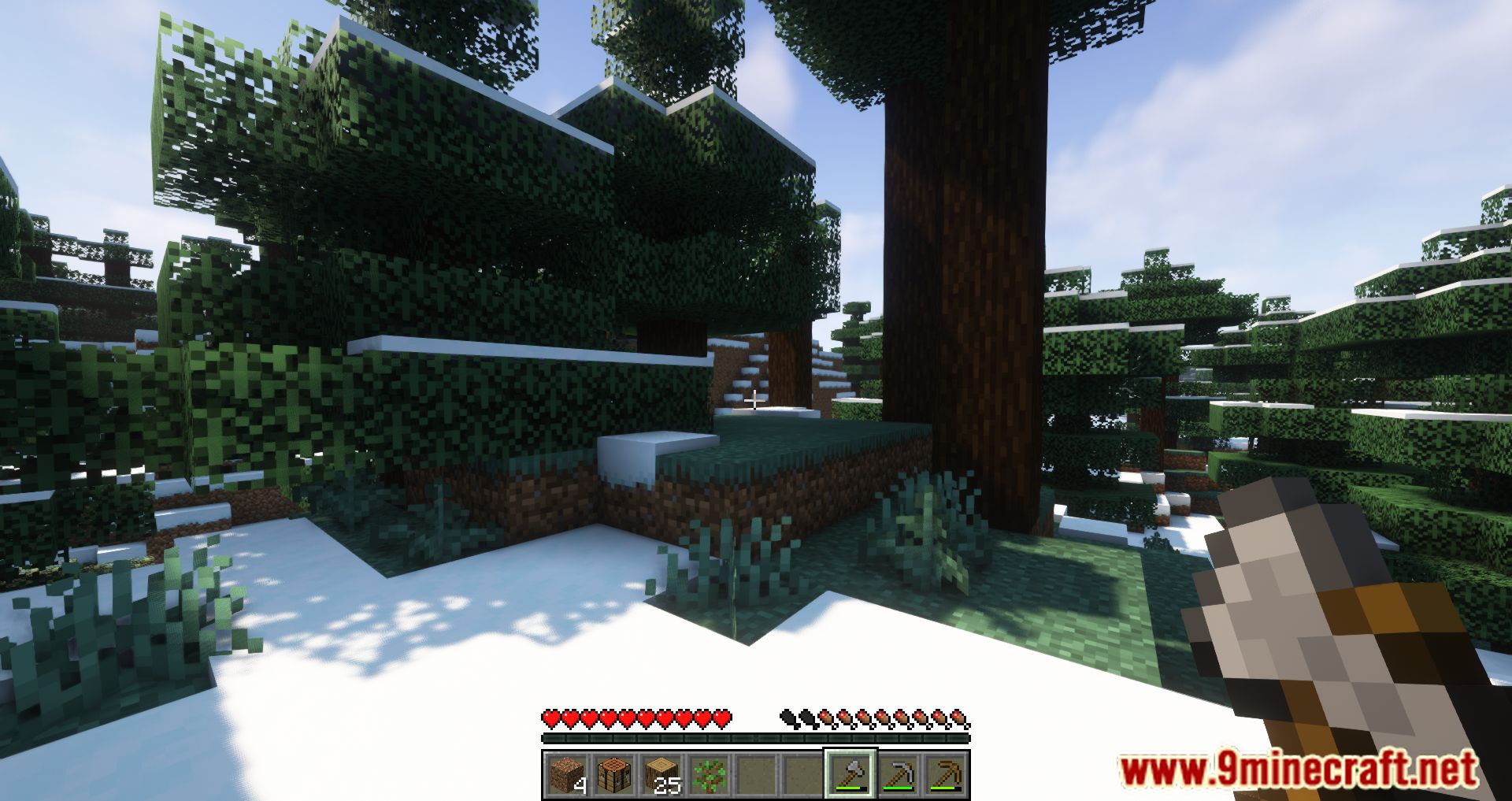
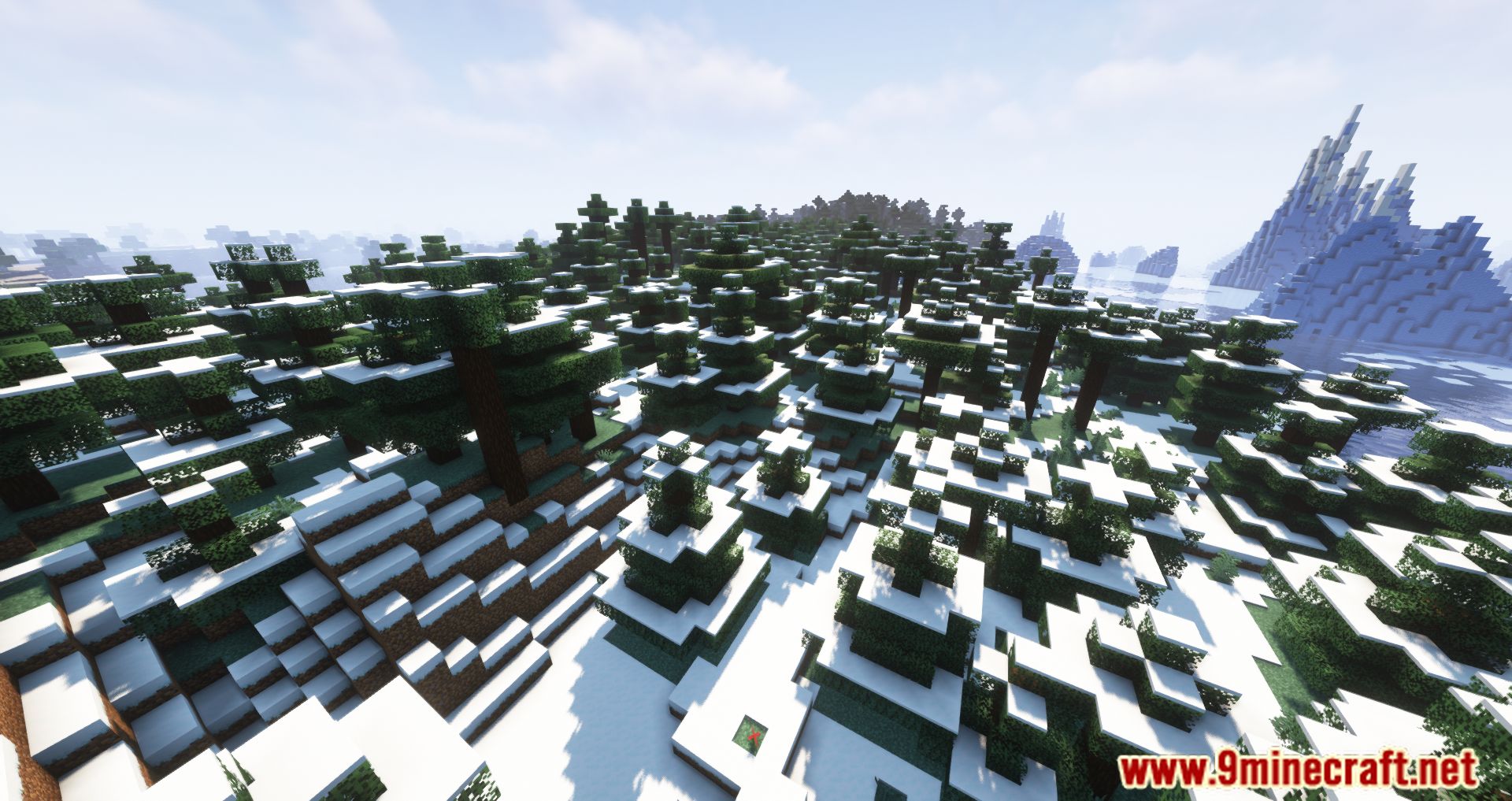
Infinite Music Mod Download Links
For Minecraft 1.19.3, 1.19.2
Forge Version: Download from Server 1 – Download from Server 2
Fabric Version: Download from Server 1 – Download from Server 2
For Minecraft 1.19
Forge Version: Download from Server 1 – Download from Server 2
Fabric Version: Download from Server 1 – Download from Server 2
For Minecraft 1.18.2, 1.18.1
Forge Version: Download from Server 1 – Download from Server 2
Fabric Version: Download from Server 1 – Download from Server 2
For Minecraft 1.17.1
Forge Version: Download from Server 1 – Download from Server 2
Fabric Version: Download from Server 1 – Download from Server 2
For Minecraft 1.16.5
Forge Version: Download from Server 1 – Download from Server 2
For Minecraft 1.15.2
Forge Version: Download from Server 1 – Download from Server 2
For Minecraft 1.14.4
Forge Version: Download from Server 1 – Download from Server 2
For Minecraft 1.12.2
Forge Version: Download from Server 1 – Download from Server 2
- Download size: 69 KB
- Download link checked 24 Jul 2026 — working
- Mirrored on our own servers — the download does not depend on the original host
These come from our own check of the pack file, not from the source page.