Underlay
Java mod listed for Minecraft 1.20–1.21. Downloads from the MC Java Mods app on Android.
I don't know my version or loader
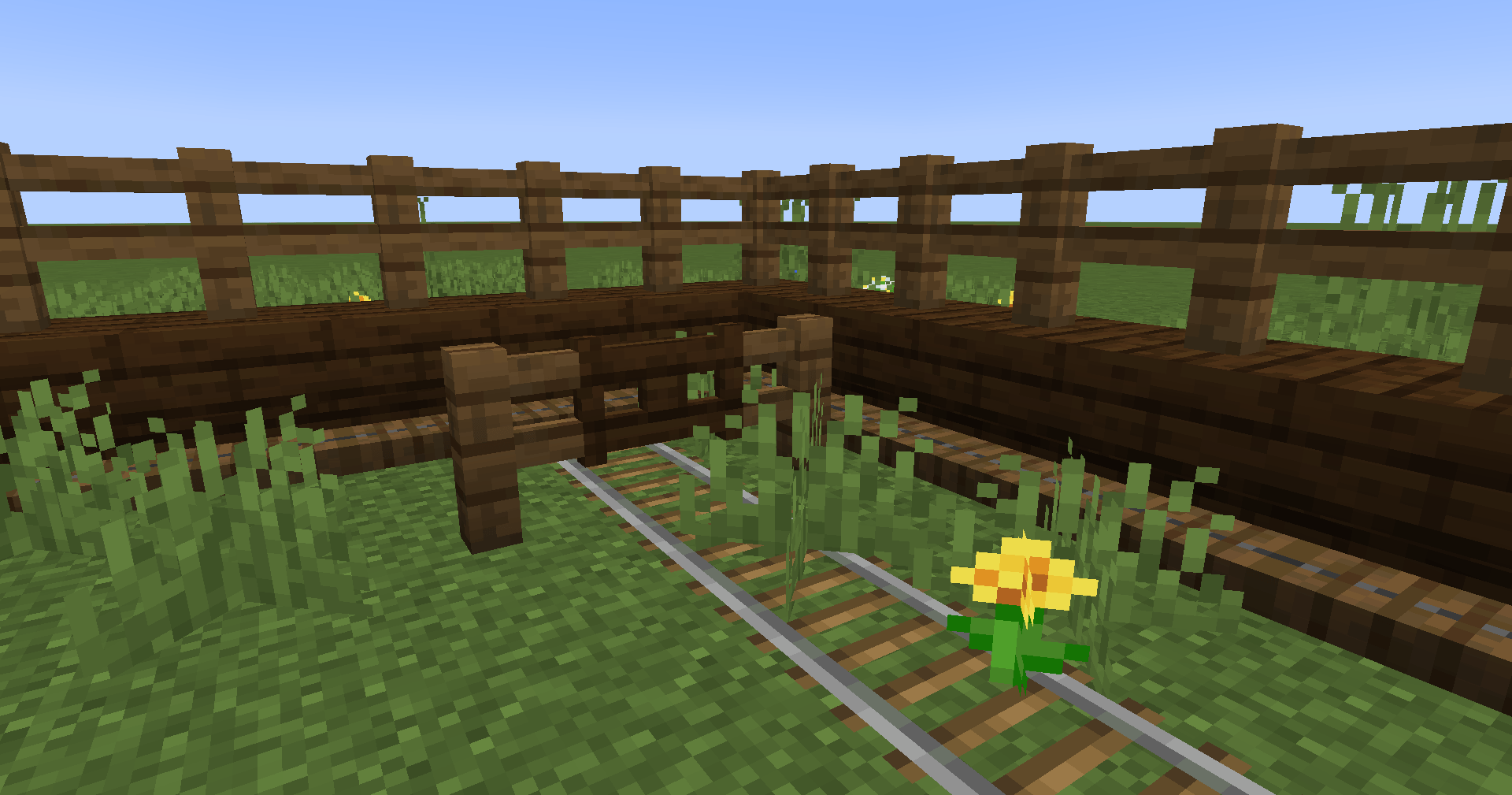
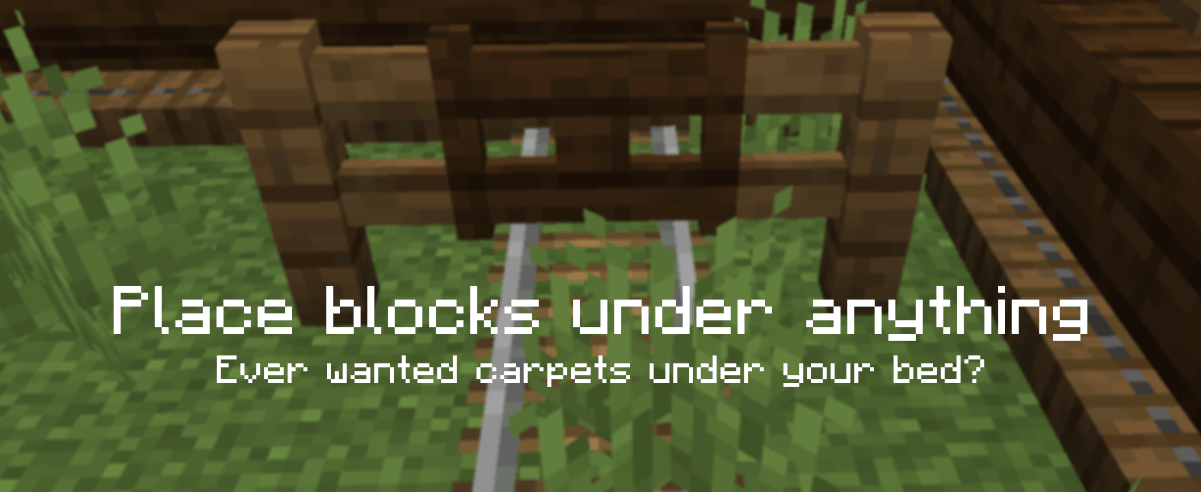
Underlay is a Minecraft mod that lets you place carpets (and anything else) under any block with space beneath it (e.g. chests, beds, signs, torches, etc.)!
Just right click a block face with a block to place it, (for example, under an upside-down stair), and you're done! Right click again with another item to replace it quickly, or left click it to remove it. Works in Survival too!
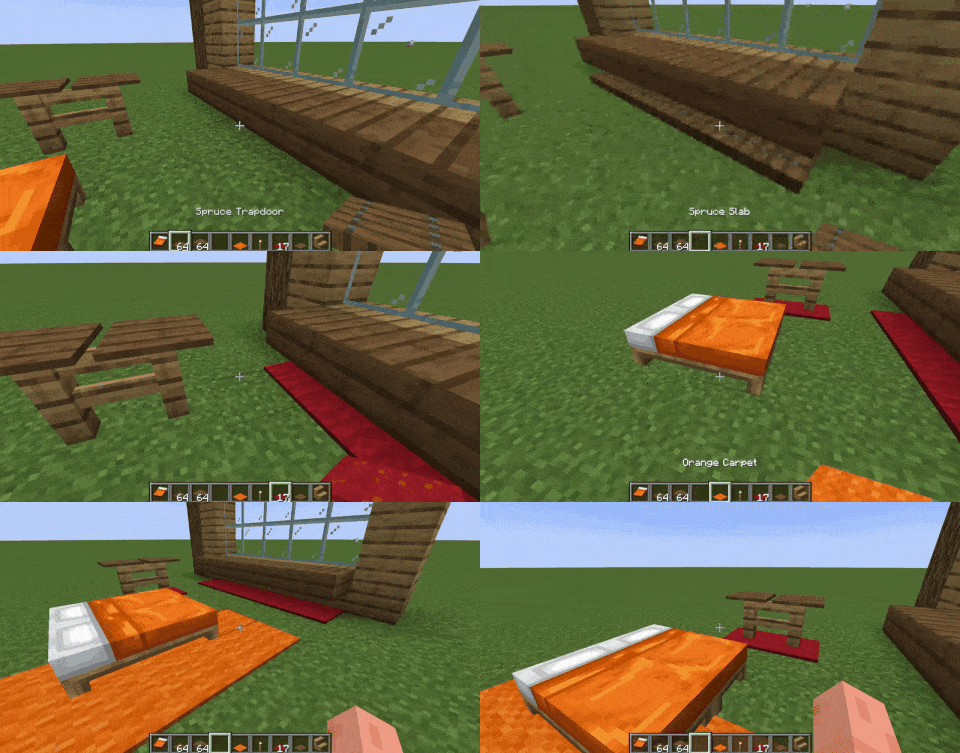
By default, you can place the following blocks as overlays: carpets, trapdoors, buttons, rails, slabs and pressure plates. To expand this to other blocks, such as grass, see "How to add support for more blocks (or exclude some)".
Join the Discord server for sneak peeks on upcoming updates!

How does this work?
They are not block entities! Underlay adds these things called "overlays" but they're really more like underlays xd, essentially they are fake versions of the item you place - which lets you place two things in the same block space!
How to add support for more blocks (or exclude some)
In your Minecraft folder you can find config/Underlay/underlay.json. Use overlay_blocks to add blocks, exclude_blocks to exclude them, and to not allow overlays to be placed on certain blocks use target_exclude_blocks, like this:
{
  "overlay_blocks": [
    "minecraft:short_grass",
    "mymod:shiny_block"
  ],
  "exclude_blocks": [
    "minecraft:oak_button",
    "minecraft:rail"
  ],
  "target_exclude_blocks": [
    "minecraft:oak_door",
    "minecraft:spruce_door"
  ]
}
Mod Integration
Some versions of Underlay include integration with Create, Jade and Flashback.
- Edition: Minecraft Java
- File type: .jar
- Minecraft versions listed: 1.21.1, 1.21.11, 1.21
- How to install: Install the matching mod loader (Forge, Fabric or NeoForge) for your Minecraft version. → Download the .jar. → Put it in the .minecraft/mods folder and launch that loader profile.
- Where to get it: Opens on CurseForge — not every file is mirrored on our own servers.
Install steps are the general flow for this file type — How to install Minecraft Java mods & modpacks walks through it step by step.
- Ships as underlay-1.20.1-v0.9.3-f.jar — drop this file into the mods folder
- Download size: 240 KB
- Download link checked 7 Oct 2026 — working
These come from our own check of the pack file, not from the source page.