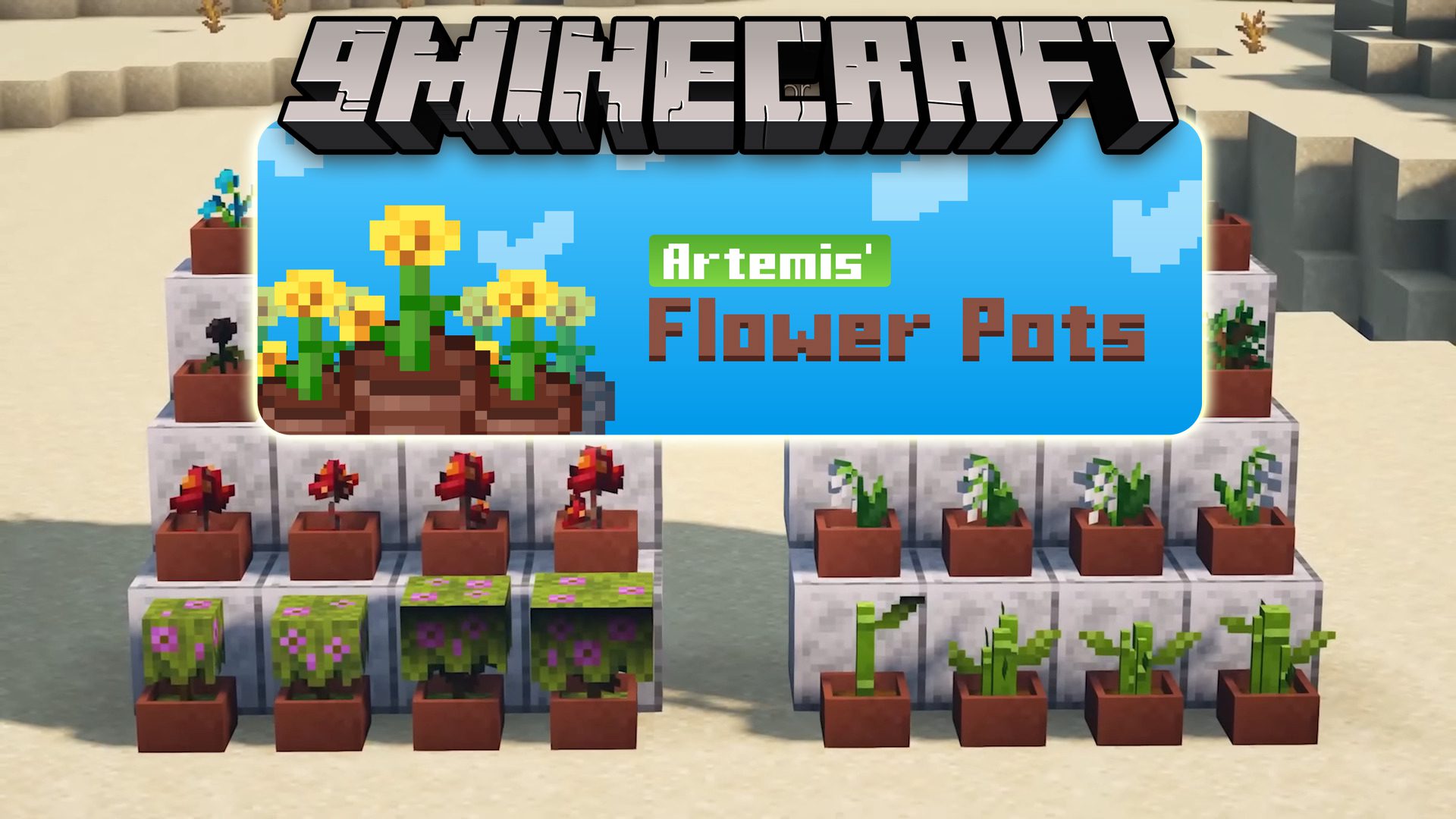
Artemis' Flower Pots Mod (1.19.2) – A Little Beauty for Your Minecraft World
Java mod listed for Minecraft 1.19. Downloads from the MC Java Mods app on Android.
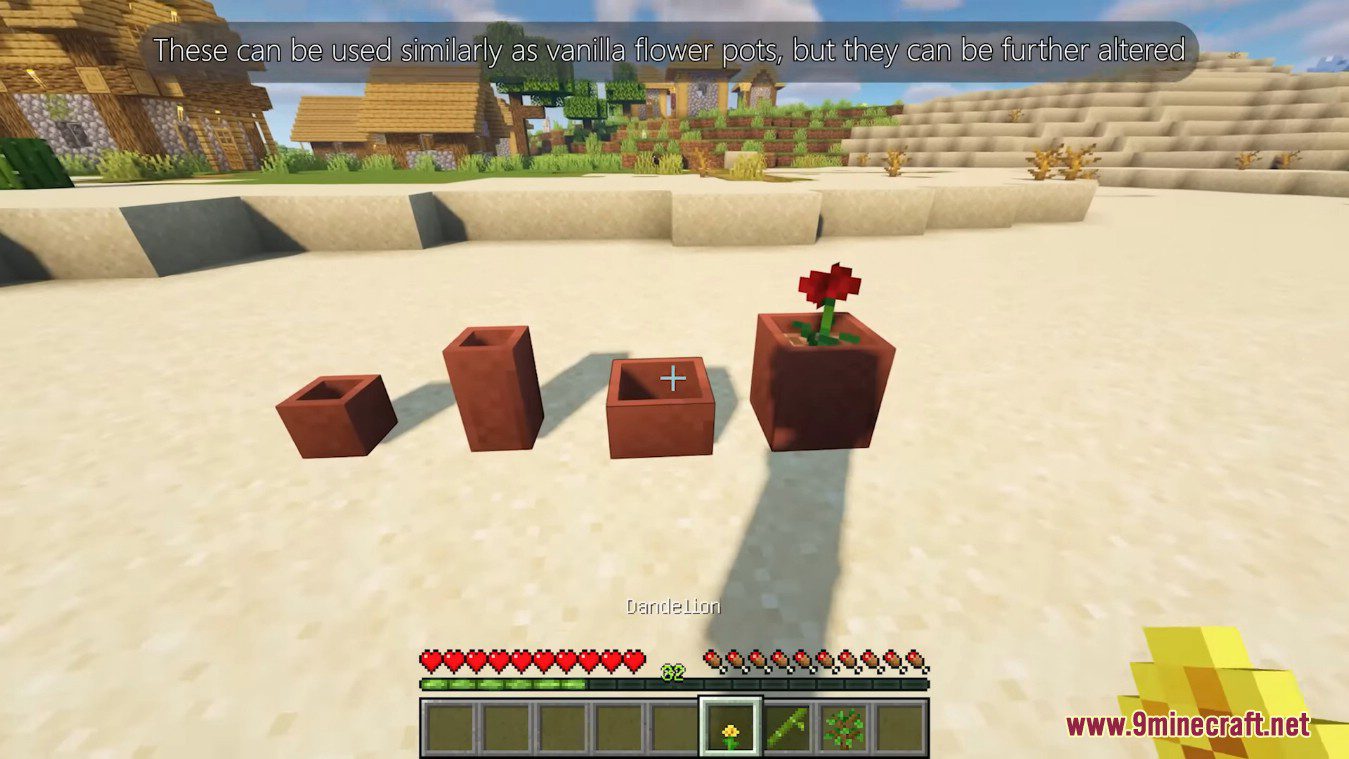
Artemis' Flower Pots Mod adds small and large flower pots, each with their own taller version. These can be used similarly as vanilla flower pots, but…
⬇ DownloadArtemis’ Flower Pots Mod adds small and large flower pots, each with their own taller version. These can be used similarly as vanilla flower pots, but they can be further altered.
Features:
Different Kinds of Flower Pots:
- Right now, this mod adds small and large flower pots. Each with their own taller version.
- These can be used similarly as vanilla flower pots, but they can be further altered.
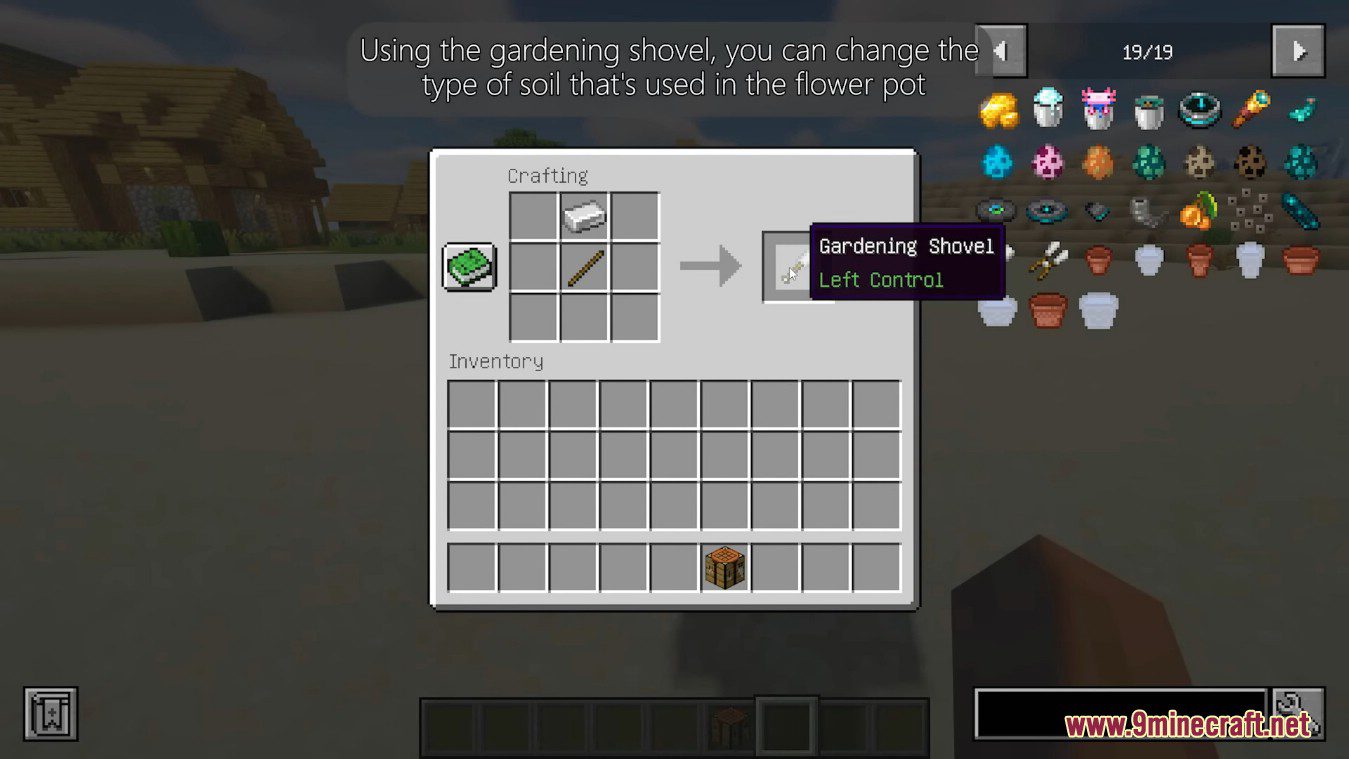
Gardening Shovel:
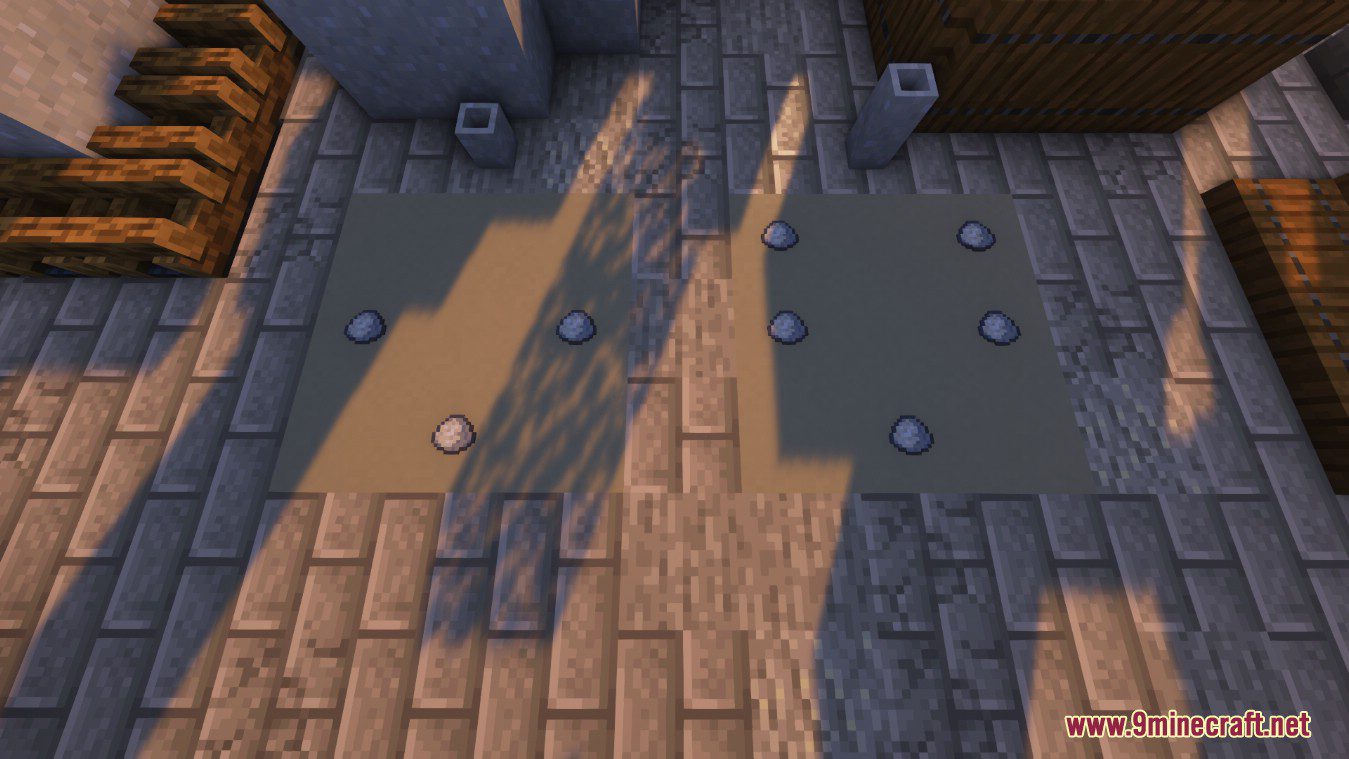
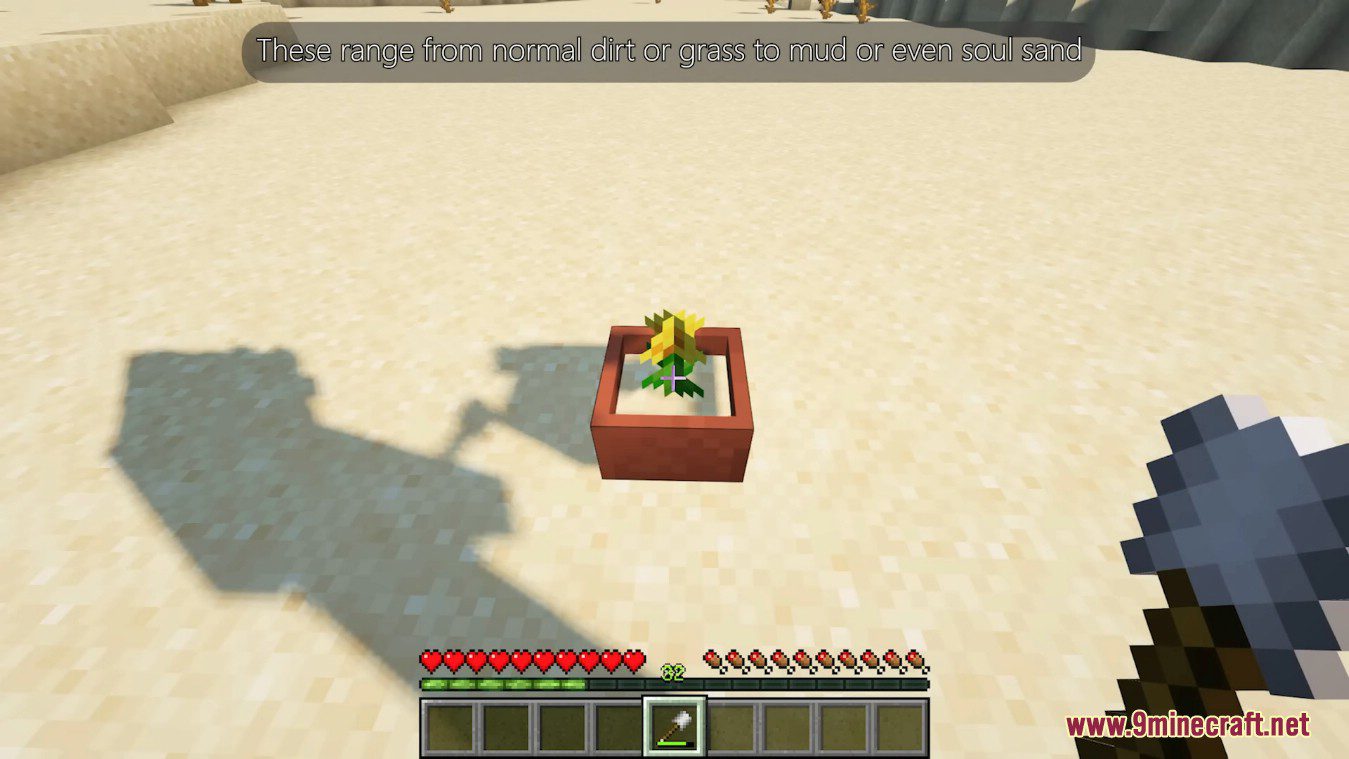
- Using the gardening shovel, you can change the type of soil that’s used in the flower pot.
- Use rightclick to cycle between all available variants. These range from normal dirt or grass to mud or even soul sand.
- You can truly make every flower pot look unique and blend them in more.
- Certain plants already come with a changed appearance. For example, when placing a wither rose inside a flower pot, soul sand will be used as soil instead of dirt. That also applies to cactus, bamboo, mushrooms and many more.
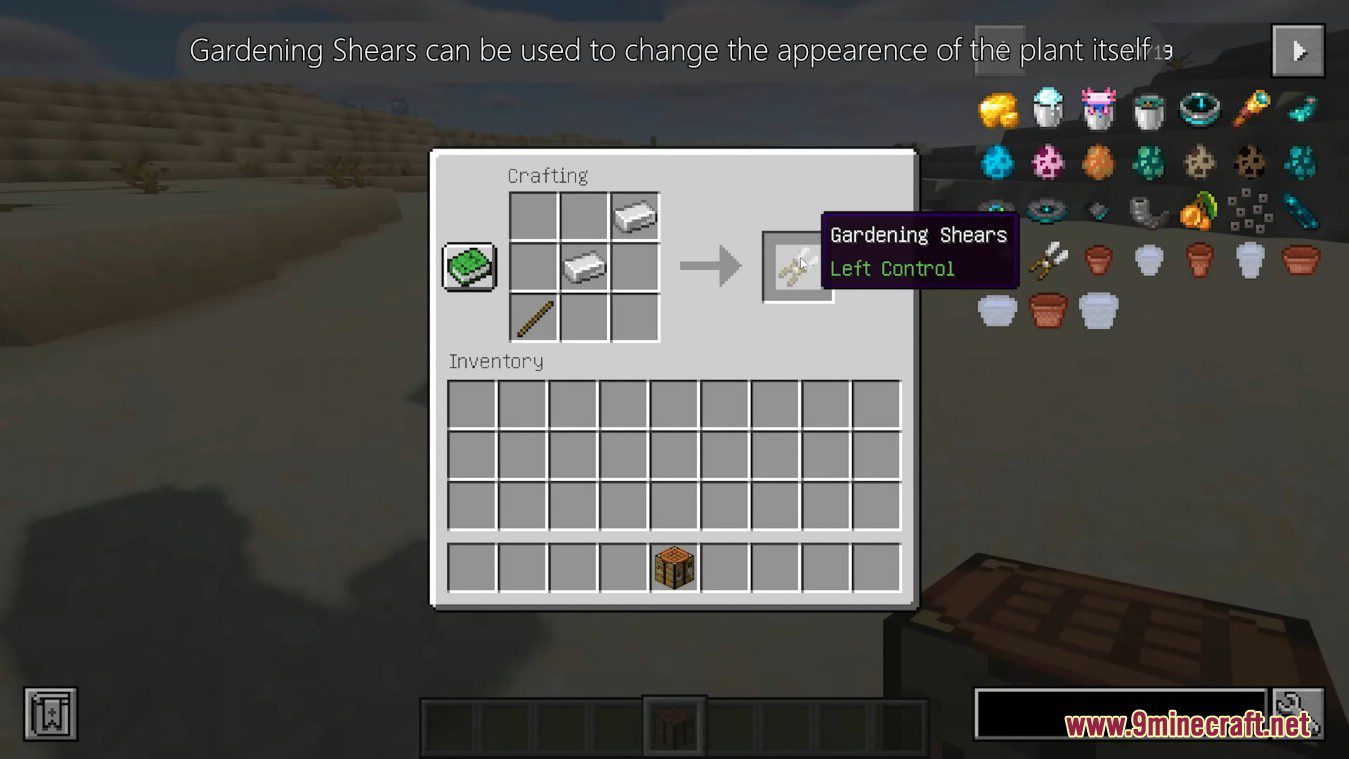
Gardening Shears:
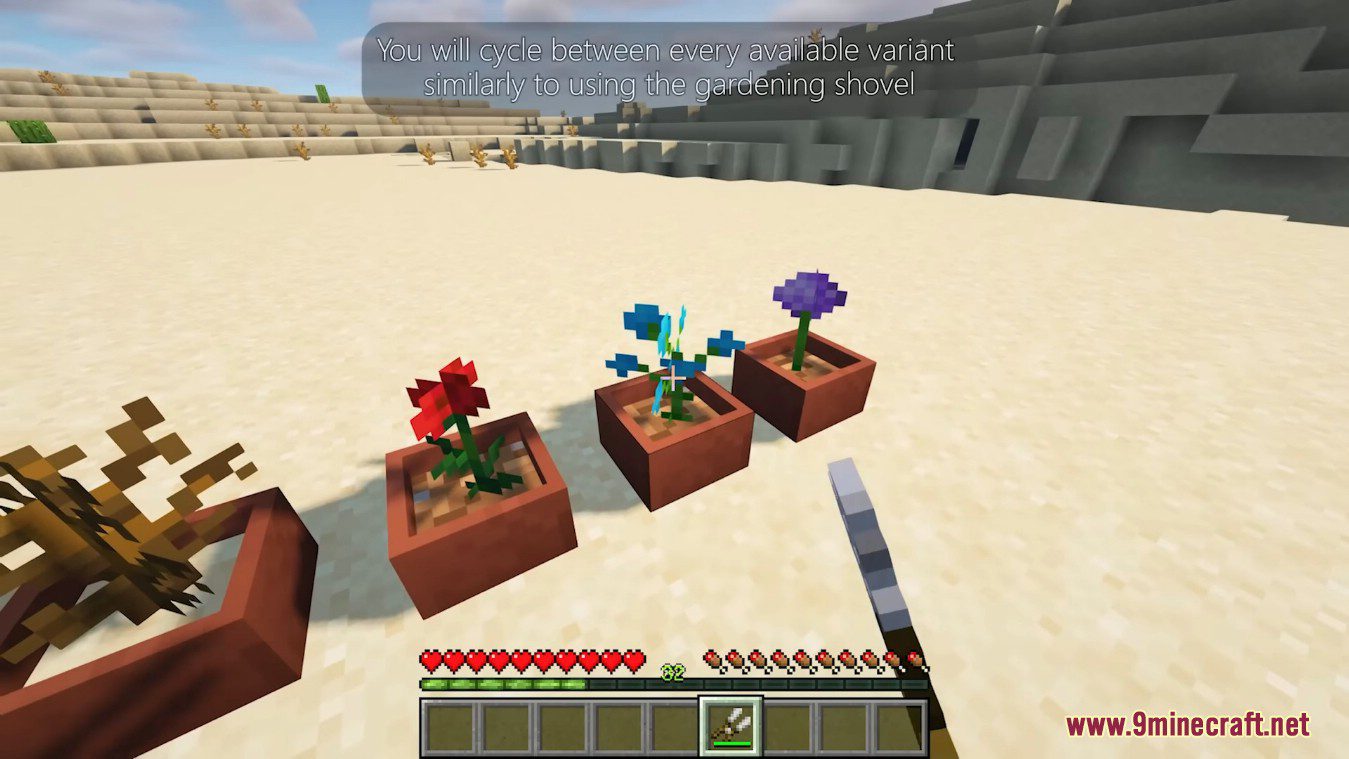
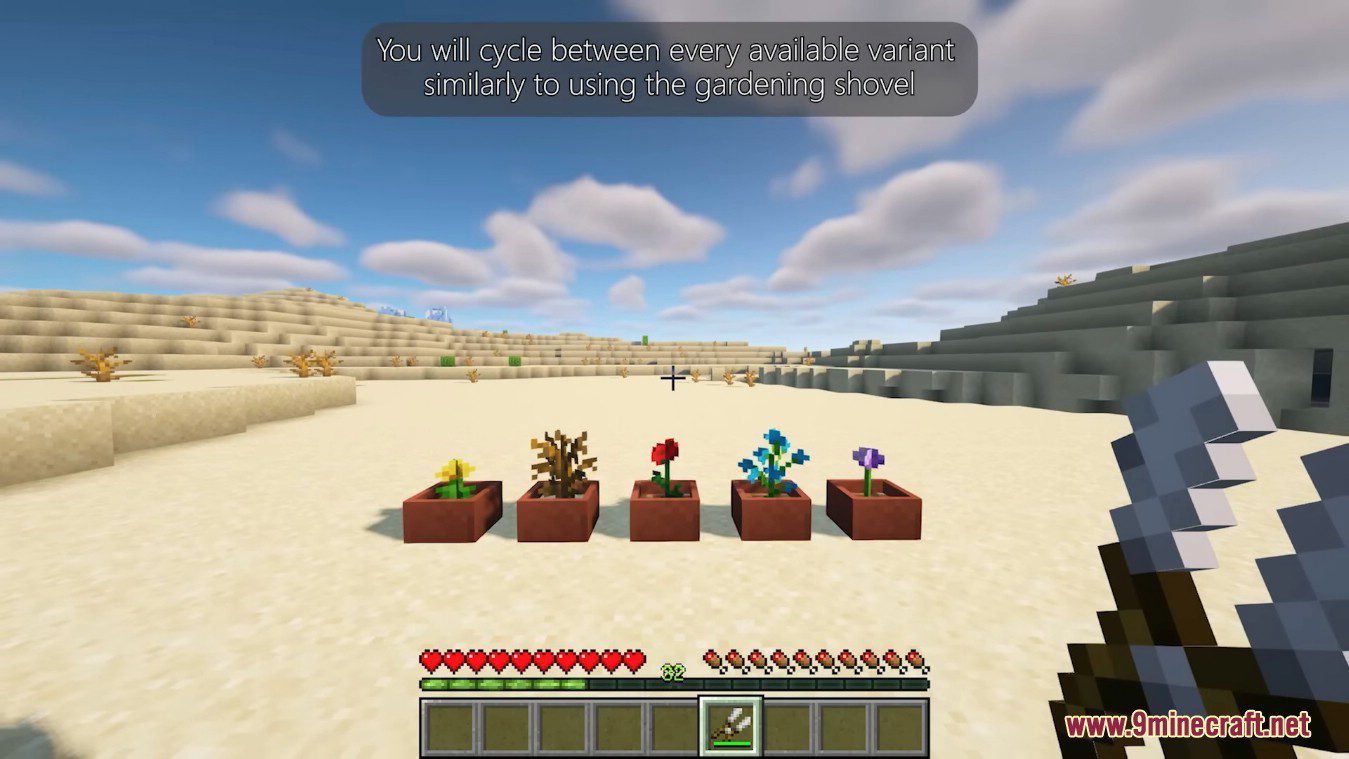
- To change the appearence of the plant itself, you simply rightclick with the gardening shears.
- You will cycle between every available variant similarly to using the gardening shovel.
Screenshots:
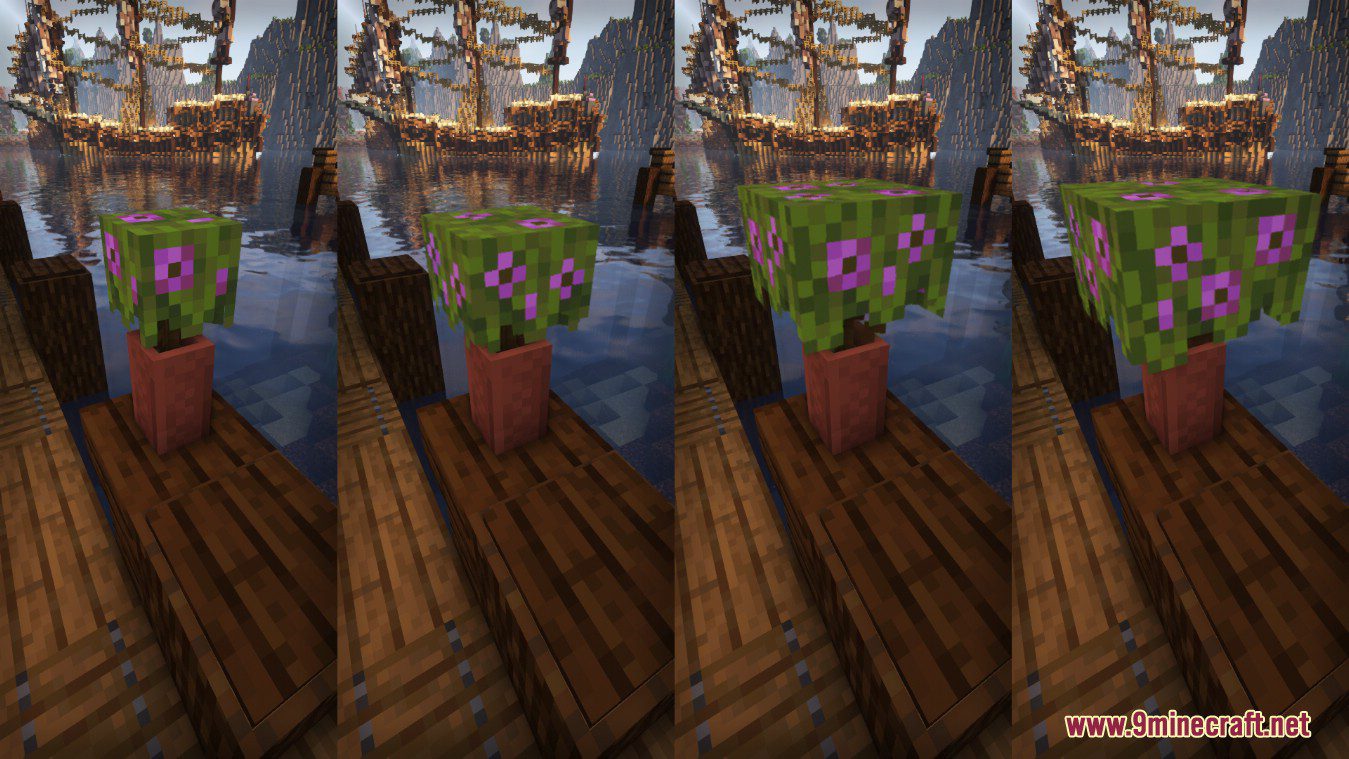
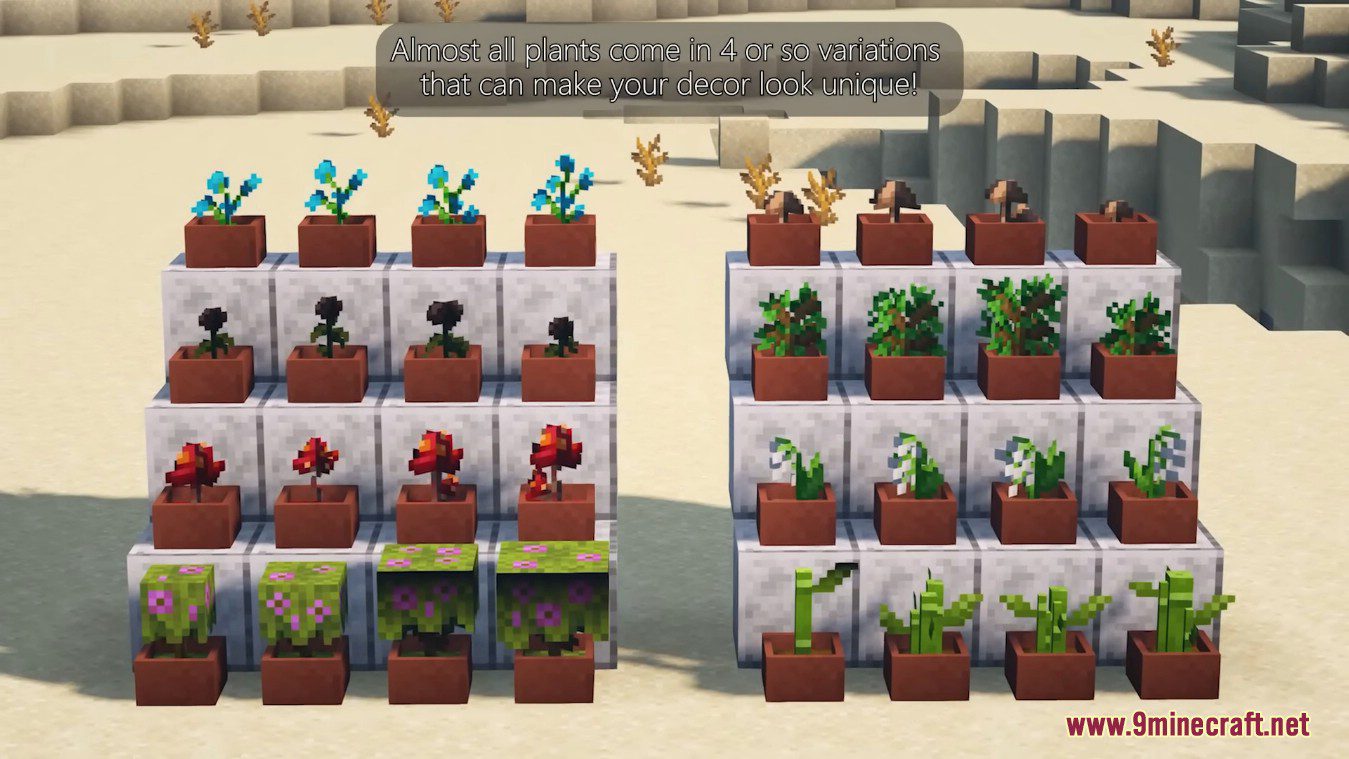
Different variants of Azalea in a tall flower pot
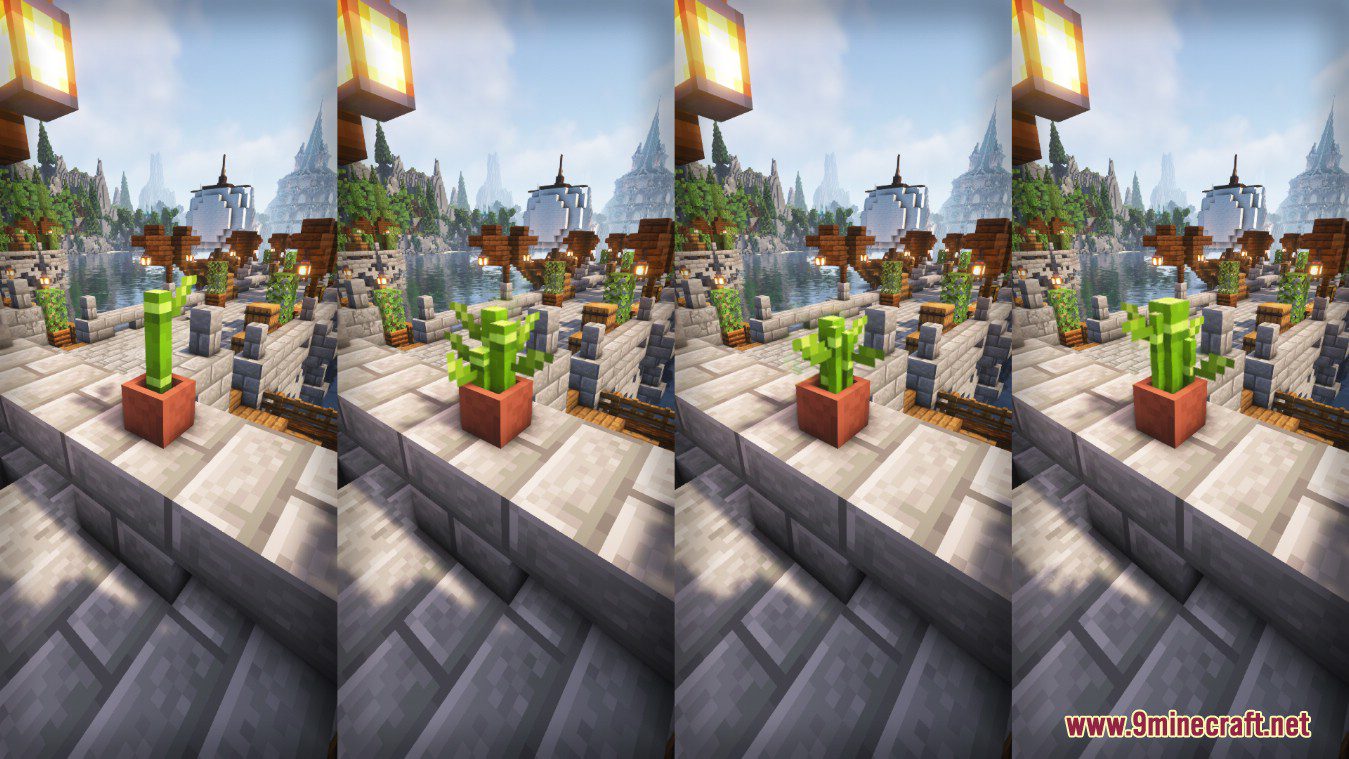
Different variants of Bamboo in a small flower pot
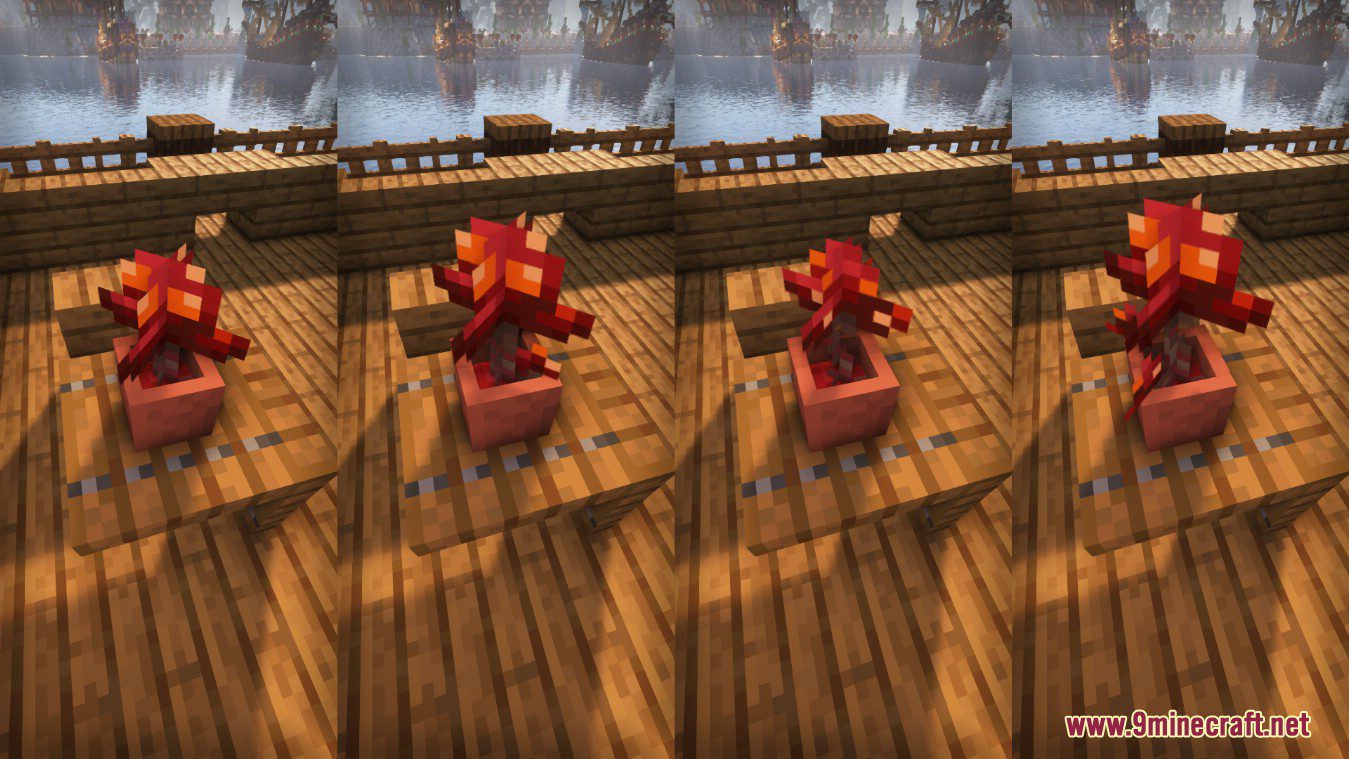
Different variants of Crimson Fungus in a small flower pot. You can also see Crimson Nylium as dirt inside the flower pot
All current types of flower pots. Unfired variants are only used for crafting, but you can place them anyways
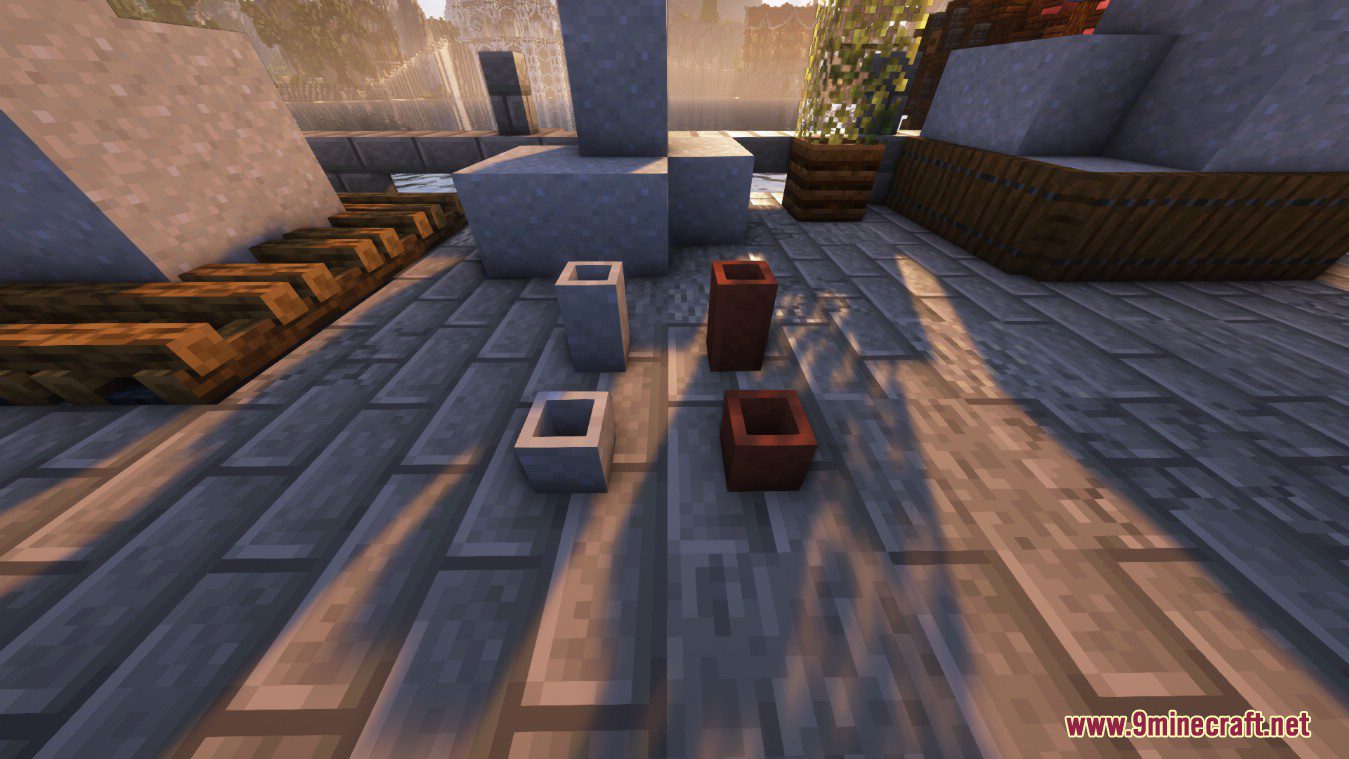
Use clay to craft unfired flower pots. You can fire them in a normal furnace to get the usable flower pot
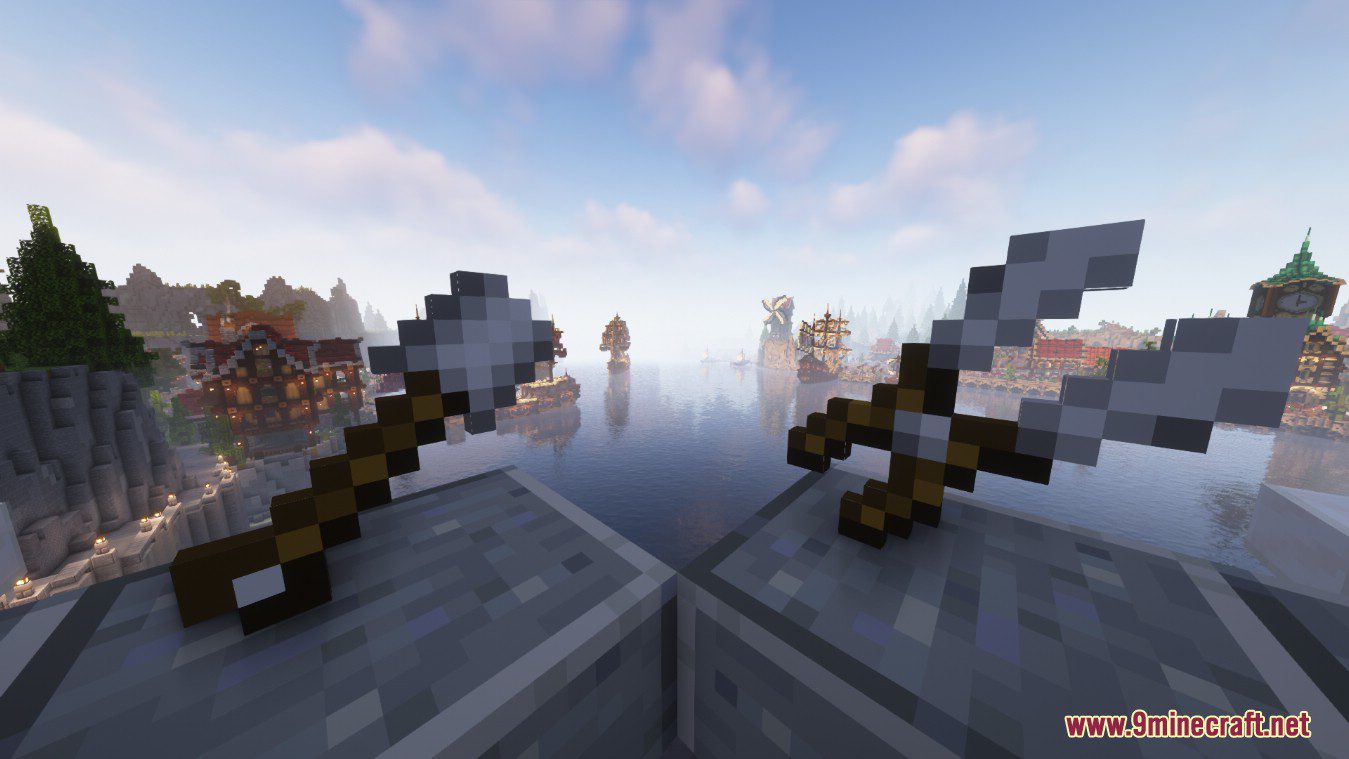
Gardening shears in the right, Gardening Shovel on the left.
Artemis’ Flower Pots Mod Download Links
For Minecraft 1.19.2
Forge version: Download from Server 1 – Download from Server 2
- Edition: Minecraft Java
- File type: .jar
- Minecraft version listed: 1.19.2
- How to install: Install the matching mod loader (Forge, Fabric or NeoForge) for your Minecraft version. → Download the .jar. → Put it in the .minecraft/mods folder and launch that loader profile.
- Where to get it: In MC Java Mods, or directly above on this page.
Install steps are the general flow for this file type — How to install Minecraft Java mods & modpacks walks through it step by step.
- Downloads as 206188.mcaddon
- Download size: 4.3 MB
- Download link checked 24 Jul 2026 — working
- Mirrored on our own servers — the download does not depend on the original host
These come from our own check of the pack file, not from the source page.