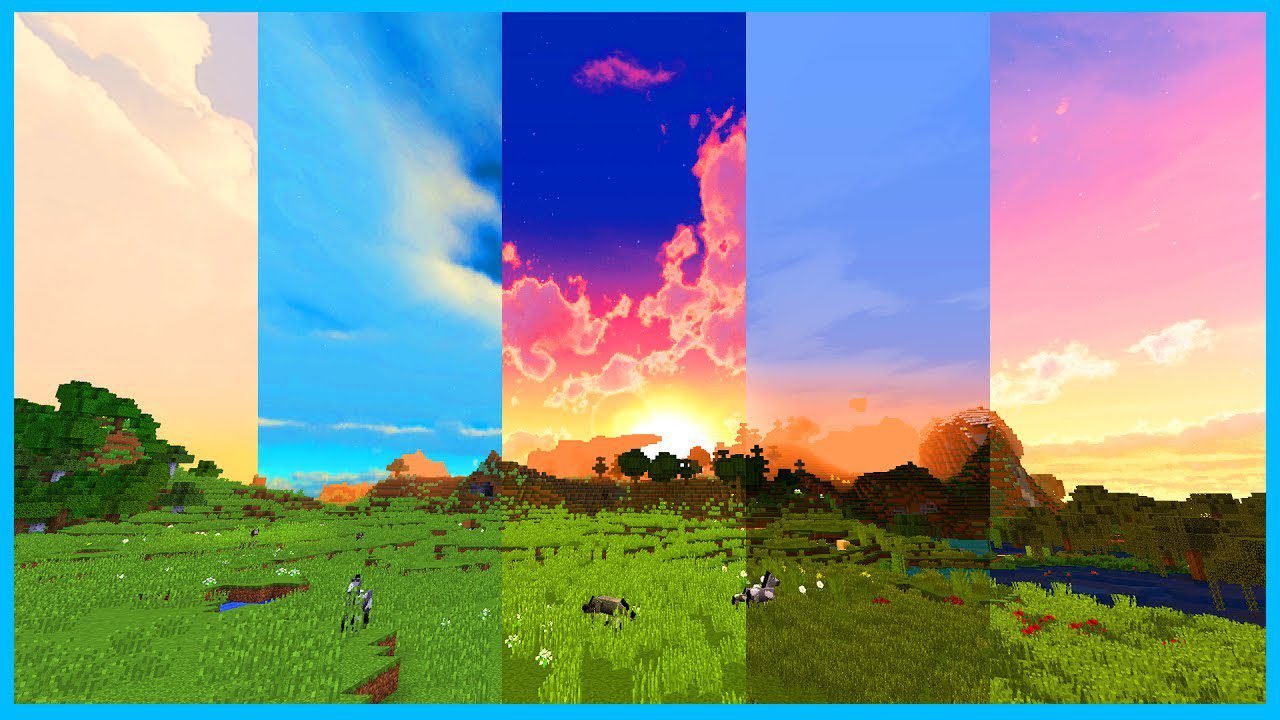
Custom Sky Mod allows you to quickly and easily change between custom skies using a simple GUI as well as viewing the sky from any render distance (even 2 if you don’t have fog blocking it out).
Screenshots:
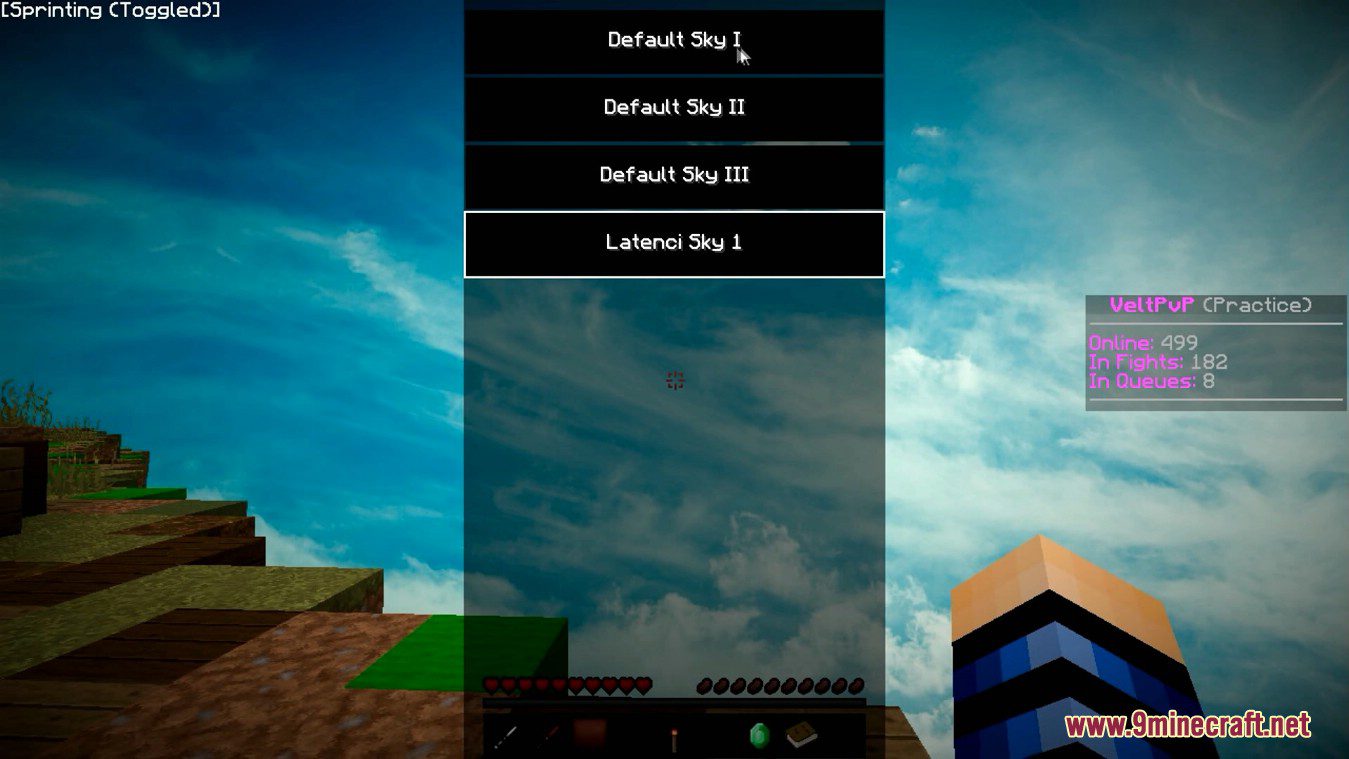
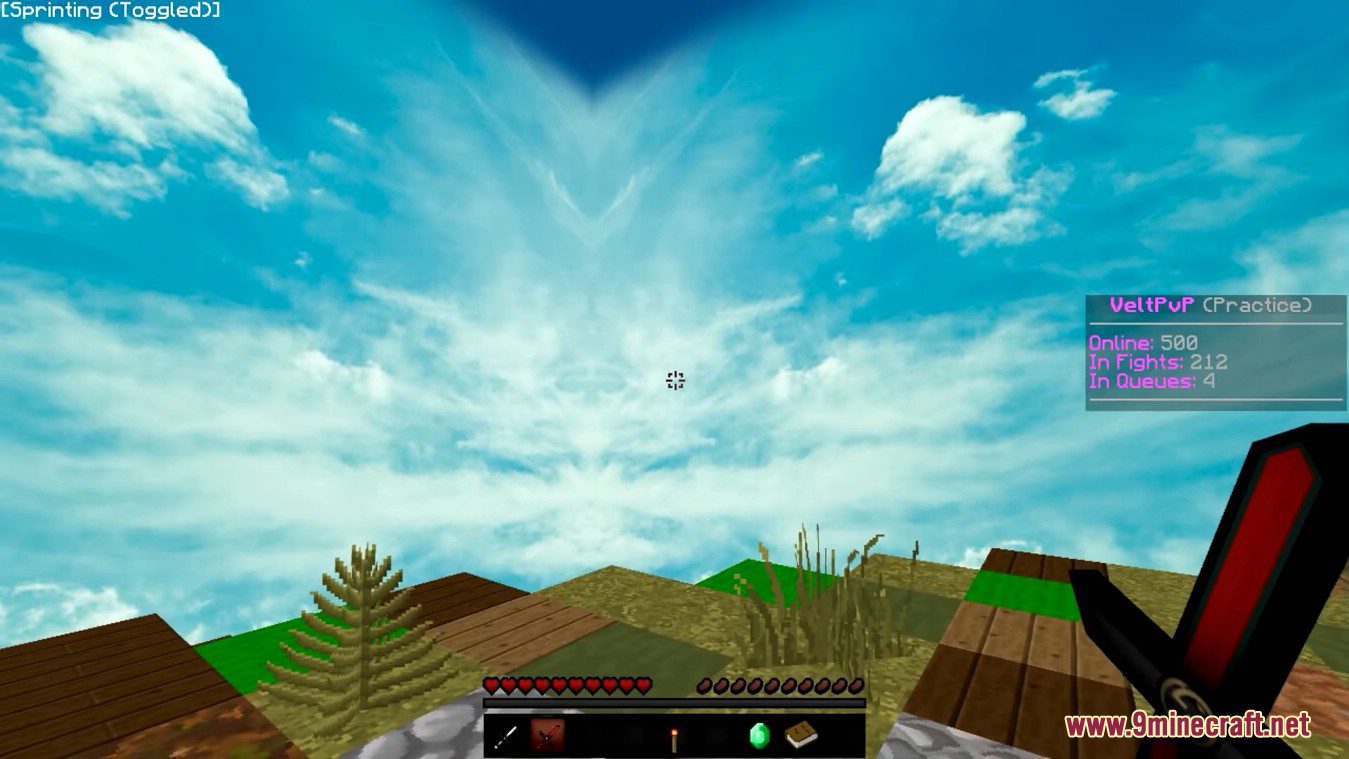
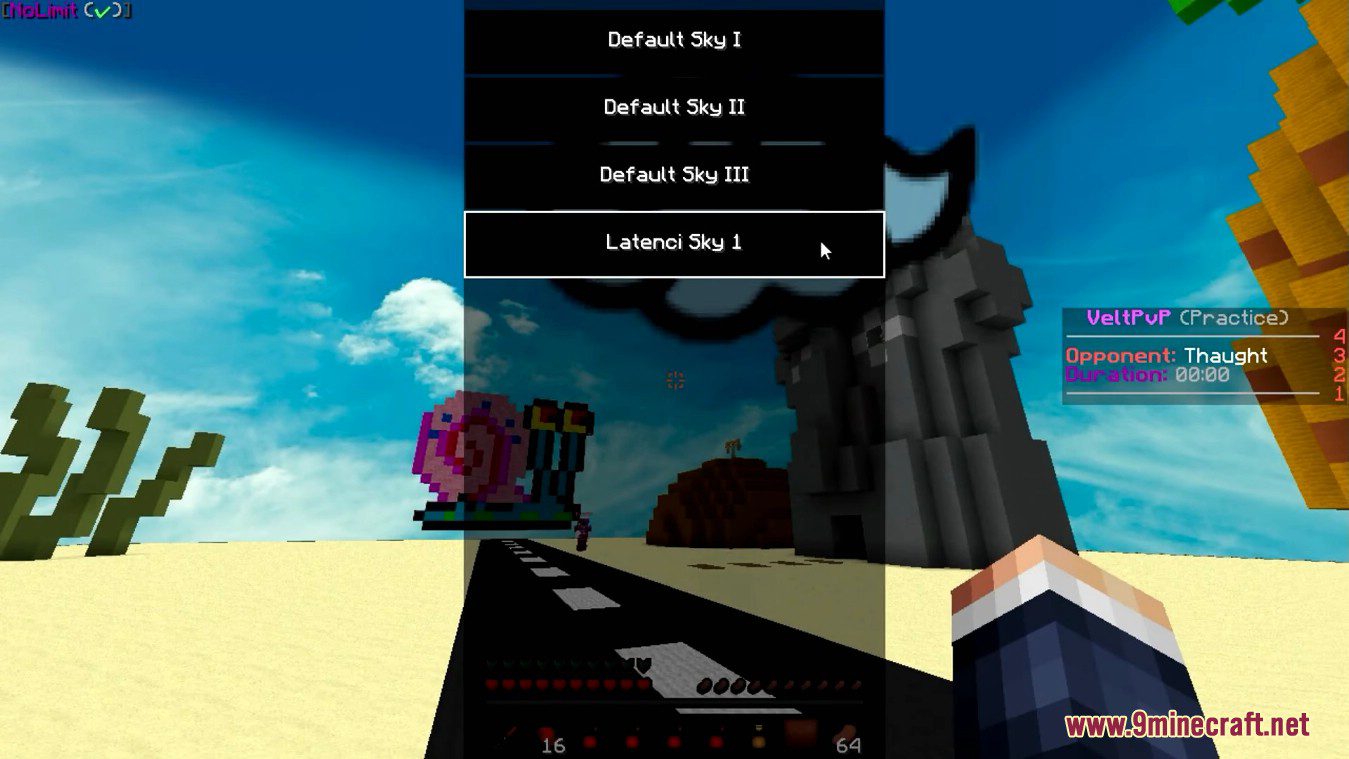
How to use:
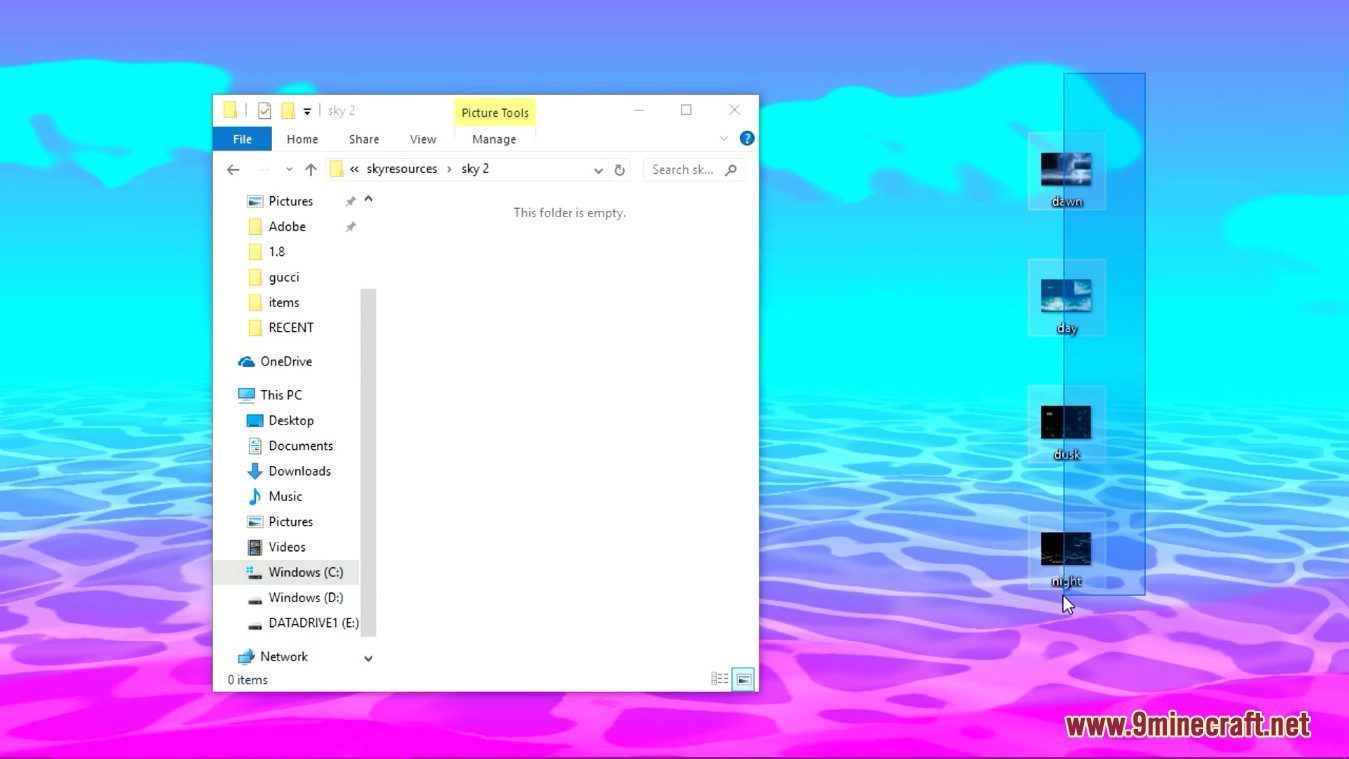
If you want to add your own sky, you just need to create a directory in your .minecraft/skyresources folder and place 4 sky files into it: dawn.png, day.png, dusk.png, night.png (Make sure you have all 4 or the mod won’t recognize the custom sky)
Example:

Custom Sky Mod Download Links
For Minecraft 1.8.9
Forge version: Download from Server 1 – Download from Server 2
For Minecraft 1.7.10
Forge version: Download from Server 1 – Download from Server 2
- Edition: Minecraft Java
- File type: .jar
- How to install: Install the matching mod loader (Forge, Fabric or NeoForge) for your Minecraft version. → Download the .jar. → Put it in the .minecraft/mods folder and launch that loader profile.
- Where to get it: In MC Java Mods, or directly above on this page.
Install steps are the general flow for this file type — How to install Minecraft Java mods & modpacks walks through it step by step.
- Downloads as 206287.mcaddon
- Download size: 40.4 MB
- Download link checked 30 Jul 2026 — working
- Mirrored on our own servers — the download does not depend on the original host
These come from our own check of the pack file, not from the source page.